Our readers keep the lights on and my smoothie glass nicely filled. As an Amazon Associate, I earn from qualifying purchases.
Jumping from a 60Hz office panel to a high-refresh gaming monitor is one of the biggest upgrades you can make for competitive play. But the market is flooded with panels that look good on paper yet feel sluggish in fast-paced shooters or introduce motion blur that ruins immersion. Finding the right balance of refresh rate, resolution, and response time without burning your budget demands careful spec-by-spec comparison.
I’m Mohammad Maruf — the founder and writer behind WellFizz. I’ve spent hundreds of hours analyzing gaming monitor specifications, from panel technologies and adaptive sync implementations to real-world input lag and color gamut measurements, to identify the models that genuinely deliver on their promises without hidden compromises.
This guide breaks down the top performers in the best affordable gaming monitor category, focusing on what actually matters for gameplay: refresh rate headroom, response time consistency, adaptive sync compatibility, and color accuracy at accessible price points.
How To Choose The Best Affordable Gaming Monitor
Selecting a gaming monitor at this price tier requires weighing refresh rate, resolution, panel type, and adaptive sync support against each other. The goal is to find a panel that eliminates motion blur and screen tearing without forcing you into a resolution or color quality compromise that hurts your overall experience.
Refresh Rate & Response Time: The Motion Clarity Pair
Refresh rate determines how many frames your monitor displays per second. A 144Hz display refreshes 144 times per second, making motion appear significantly smoother than a standard 60Hz panel. Response time — measured in milliseconds (ms) — dictates how quickly a pixel changes color. A low response time (1ms or 0.5ms) prevents ghosting and motion blur during fast camera pans. These two specs work together; a high refresh rate with a slow response time still produces visible blur, so look for monitors that pair at least 144Hz with 1ms or faster response.
Panel Technology: IPS vs. VA vs. Fast IPS
IPS panels offer superior color accuracy, wider viewing angles, and consistent brightness across the screen, making them ideal for both gaming and productivity. VA panels deliver deeper blacks and higher native contrast ratios (3000:1 and above), which improves immersion in dark scenes but can introduce black-smear ghosting at lower response time settings. Fast IPS technology, used in several mid-range models, boosts pixel transition speed to near-VA levels while maintaining IPS color fidelity. For esports and competitive gaming, IPS or Fast IPS is generally preferred; for single-player immersion, VA can offer better contrast.
Resolution Scaling: 1080p vs. QHD (1440p)
At 27 inches and above, 1920×1080 (Full HD) appears less sharp because the pixel density drops. 2560×1440 (QHD) provides a noticeable clarity improvement at 27 inches and is the sweet spot for mid-range GPUs — it looks crisp without demanding the raw power required for 4K gaming. However, if you play competitively at 24 inches, 1080p remains a valid choice that allows higher frame rates on budget hardware. The choice between FHD and QHD should be driven by your screen size and graphics card capability.
Adaptive Sync: FreeSync, FreeSync Premium, and G-Sync Compatible
Adaptive sync technologies eliminate screen tearing by synchronizing the monitor’s refresh rate with the GPU’s frame output. FreeSync is the open standard that works with AMD GPUs, while G-Sync Compatible certification ensures the display passes NVIDIA’s validation for tear-free performance. FreeSync Premium adds low framerate compensation (LFC), which keeps gameplay smooth even when frame rates drop below the monitor’s minimum refresh range. If you own an NVIDIA GPU, look for G-Sync Compatible certification; if you use AMD, FreeSync Premium provides the most consistent experience across varying frame rates.
Quick Comparison
On smaller screens, swipe sideways to see the full table.
| Model | Category | Best For | Key Spec | Amazon |
|---|---|---|---|---|
| ASUS TUF Gaming VG249QM5A | Fast IPS | Esports / Competitive FPS | 240Hz / 0.3ms response | Amazon |
| AOC Q27G41ZE | QHD IPS | QHD 240Hz value | QHD / 240Hz (OC 260Hz) | Amazon |
| Acer KG271U N3bmiipx | QHD IPS | Color-accurate QHD gaming | QHD / 180Hz / DCI-P3 95% | Amazon |
| Samsung Odyssey G4 25″ | IPS | 240Hz 1080p with G-Sync | 240Hz / 1ms / G-Sync Compatible | Amazon |
| Dell 27 Plus S2725DSM | QHD IPS | Work + gaming hybrid | QHD / 144Hz / Built-in speakers | Amazon |
| LG 32GS60QC-B | Curved VA | Immersive QHD gaming | 32″ QHD / 180Hz / 1000R curve | Amazon |
| Alienware AW2725DM | QHD IPS | Premium QHD / HDR gaming | QHD / 180Hz / DisplayHDR 400 | Amazon |
| Acer Nitro KG271 P6bip | FHD IPS | Entry-level 144Hz 1080p | FHD / 144Hz / 1ms | Amazon |
| KOORUI 34E6UC | Ultrawide VA | Ultrawide immersion / productivity | 3440×1440 / 180Hz / 1000R curve | Amazon |
In‑Depth Reviews
1. ASUS TUF Gaming VG249QM5A
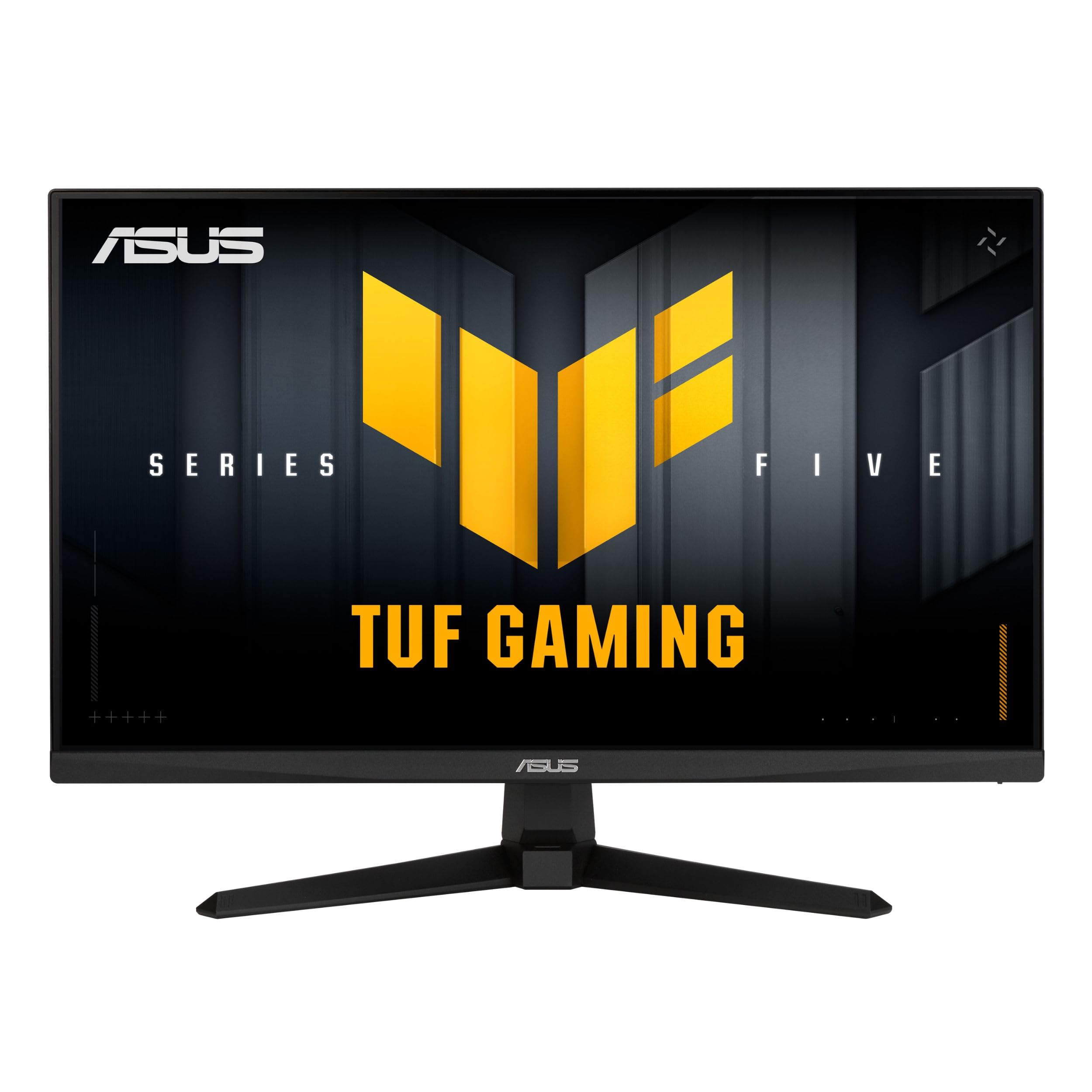
The ASUS TUF Gaming VG249QM5A is built for players who prioritize refresh rate over resolution. Its 24-inch Fast IPS panel delivers 240Hz with a 0.3ms minimum response time, making it one of the fastest affordable gaming monitors available for competitive shooters like Valorant and Overwatch. The inclusion of ELMB Sync lets you use motion blur reduction in tandem with variable refresh rate, which is rare at this price tier.
FreeSync Premium and G-Sync Compatible certification ensure smooth, tear-free gameplay on both AMD and NVIDIA GPUs. The 99% sRGB coverage means colors appear accurate out of the box, though some users note that brightness needs minor adjustment for ideal viewing. The tilt-adjustable stand is functional but lacks height and swivel adjustment, so budget for a monitor arm if you need ergonomic flexibility.
The DisplayWidget Center software allows OSD adjustments via mouse, which streamlines switching between game presets. Combined with a 3-year warranty and an included DisplayPort cable, this monitor delivers true competitive performance without demanding a premium investment.
Why it’s great
- 240Hz refresh rate enables ultra-smooth motion in esports titles
- 0.3ms response time minimizes visible ghosting
- ELMB Sync eliminates motion blur without disabling VRR
- FreeSync Premium and G-Sync Compatible for universal tear-free gaming
Good to know
- Stand offers tilt only — height and swivel require third-party arm
- 1080p resolution at 24 inches limits pixel density compared to QHD options
- Onboard speakers are weak; plan to use a headset or external speakers
2. AOC Q27G41ZE

The AOC Q27G41ZE is a 27-inch QHD IPS monitor that hits 240Hz natively with an overclock option to 260Hz via DisplayPort, alongside a 0.3ms MPRT response time. This combination of resolution and refresh rate places it in a unique value segment — most QHD monitors at this price cap out at 180Hz. The IPS panel delivers wide viewing angles and consistent color reproduction, making it viable for both fast-paced gaming and content creation.
Adaptive-Sync with both FreeSync and G-Sync Compatible support eliminates screen tearing across AMD and NVIDIA systems. The three-sided frameless design reduces bezel distraction for multi-monitor setups, and the 300-nit brightness is sufficient for most indoor environments, though users note it can feel slightly dim in brightly lit rooms. The stand provides tilt adjustment only, so consider VESA mounting for ergonomic positioning.
Shadow Control and Game Mode presets are accessible through a graphical OSD that is intuitive to navigate. The 3-year Zero-Bright-Dot warranty adds peace of mind for long-term ownership. If you want high-refresh QHD without stepping up to 4K pricing, this is the strongest contender.
Why it’s great
- QHD 1440p resolution provides sharp detail at 27 inches
- 240Hz (overclockable to 260Hz) with 0.3ms response for competitive fluidity
- Wide color gamut support with sRGB coverage ensures accurate visuals
- Zero-Bright-Dot warranty covers pixel defects for 3 years
Good to know
- No height, swivel, or pivot adjustment on the included stand
- Maximum brightness of 300 nits may be insufficient for bright rooms
- HDR support is minimal — not suitable for HDR gaming
3. Acer Nitro KG271U N3bmiipx

The Acer Nitro KG271U N3bmiipx delivers a 27-inch QHD IPS panel with a 180Hz refresh rate and a 0.5ms GTG response time. This monitor targets buyers who want high refresh rates and also need color-critical accuracy — its DCI-P3 95% coverage makes it one of the few affordable gaming monitors that can double as a secondary screen for photo editing or design work. The zero-frame design maximizes the 27-inch display area without adding bulk.
AMD FreeSync prevents screen tearing, and the 180Hz refresh rate provides smooth motion in fast-paced titles. The IPS panel maintains color consistency across 178-degree viewing angles, and the HDR10 support adds modest dynamic range enhancement, though peak brightness is typical for this category and not enough for true HDR impact. The stand offers tilt adjustment, but height, swivel, and pivot are absent.
Connectivity includes one DisplayPort 1.2 and two HDMI 2.0 ports, which is sufficient for connecting both a PC and a console. If you prioritize color accuracy alongside high-refresh gaming and want QHD clarity, this model stands out for its price segment.
Why it’s great
- DCI-P3 95% color gamut provides rich, accurate colors
- QHD resolution with 180Hz refresh rate balances sharpness and fluidity
- 0.5ms GTG response minimizes ghosting in fast motion
- Zero-frame design works well in multi-monitor setups
Good to know
- Stand lacks height and swivel adjustment
- HDR10 support offers limited real-world dynamic range improvement
- DisplayPort version 1.2 caps bandwidth for future high-refresh upgrades
4. Samsung Odyssey G4 25″ (LS25BG402ENXGO)

The Samsung Odyssey G4 is a 25-inch Full HD IPS monitor with a 240Hz refresh rate and 1ms GTG response time. Its smaller 25-inch size creates a denser 1080p pixel pitch than a 27-inch 1080p panel, resulting in slightly sharper text and finer detail for esports titles. NVIDIA G-Sync Compatible certification means it pairs reliably with NVIDIA GPUs for tear-free performance at high frame rates.
The IPS panel delivers vibrant colors and 178-degree viewing angles, and the 400-nit peak brightness gives it above-average luminance for this class. Ultrawide Game View adjusts the display to 21:9 aspect ratio, which can reveal hidden areas in supported titles. The ergonomic stand supports height, swivel, and tilt adjustments — a rarity in this segment compared to competitors that offer only tilt.
Auto Source Switch+ automatically detects connected devices and switches inputs, which simplifies setups with both a PC and a console. The lack of built-in speakers means you need a headset or external audio solution. For competitive players who want G-Sync reliability and a fully adjustable stand at 240Hz, this is a solid option.
Why it’s great
- 240Hz refresh rate with G-Sync Compatible certification
- 400-nit brightness is higher than many competitors
- Fully adjustable stand includes height, swivel, and tilt
- Ultrawide Game View adds flexibility for supported games
Good to know
- 25-inch size may feel small for users accustomed to 27-inch panels
- No built-in speakers
- 1080p resolution limits detail compared to QHD options
5. Dell 27 Plus S2725DSM

The Dell 27 Plus S2725DSM is a 27-inch QHD IPS monitor that targets productivity users who also game. Its 144Hz refresh rate and 1ms MPRT response time are sufficient for casual and mid-level competitive gaming, while the 1500:1 contrast ratio — higher than typical IPS panels — improves black depth and text readability. The stand supports height, tilt, pivot, and swivel, making it fully ergonomic for all-day work sessions.
Integrated dual 3W speakers deliver usable audio quality for video calls and casual media playback, reducing desktop clutter. The 4-star TÜV-certified low blue light technology reduces eye strain during extended use without introducing the yellow tint common on older anti-blue-light implementations. AMD FreeSync keeps motion smooth during gaming, and the 2560×1440 resolution provides ample screen real estate for multitasking.
Dell’s Display and Peripheral Manager software allows per-application color profiles and window management. The ash white chassis is a distinctive design choice that fits modern minimalist setups. For users who need a single monitor that handles work spreadsheets during the day and gaming sessions at night, this is the most versatile option.
Why it’s great
- 1500:1 contrast ratio delivers deeper blacks than standard IPS panels
- Fully ergonomic stand with height, tilt, pivot, and swivel
- Integrated dual 3W speakers are usable for calls and casual listening
- 4-star TÜV low blue light certification without color distortion
Good to know
- 144Hz refresh rate is lower than 240Hz alternatives for esports play
- No G-Sync Compatible certification listed
- Ash white chassis may not match black-focused gaming setups
6. LG 32GS60QC-B UltraGear

The LG 32GS60QC-B features a 32-inch QHD VA panel with a steep 1000R curvature, designed to wrap the display edges into your peripheral vision for a more immersive experience in single-player and racing titles. The 180Hz refresh rate and 1ms GTG response time ensure smooth motion, while the 3000:1 native contrast ratio delivers deep blacks that make dark scenes feel richer than IPS alternatives can achieve.
AMD FreeSync supports tear-free gameplay across varying frame rates. The HDR10 compatibility adds some dynamic range enhancement, though the 300-nit peak brightness limits its HDR punch compared to displays with VESA DisplayHDR certification. Black Stabilizer reveals details in shadowed areas, and Dynamic Action Sync reduces input lag for competitive games. The stand offers tilt adjustment but no height or swivel control, which is a compromise at this size.
The borderless three-side design keeps the focus on the 32-inch screen, and the 99% sRGB coverage provides decent color accuracy. This monitor is best suited for players who want a large, curved QHD display for cinematic gaming and can work around the limited stand adjustability.
Why it’s great
- 1000R curve creates strong immersion in racing and open-world games
- 3000:1 contrast ratio produces deep, inky blacks
- 180Hz refresh rate with 1ms response for smooth gameplay
- Black Stabilizer reveals details in dark game environments
Good to know
- Stand provides tilt only — height and swivel adjustments are missing
- VA panel may show black smearing at lower response time settings
- HDR10 support is limited by 300-nit peak brightness
7. Alienware AW2725DM

The Alienware AW2725DM brings a 27-inch QHD IPS panel with 180Hz refresh rate, 1ms GTG response, and VESA DisplayHDR 400 certification. The HDR 400 rating means it can hit 400 nits peak brightness with local dimming support, delivering noticeably better highlight detail and contrast range than standard HDR10 monitors. DCI-P3 95% color coverage ensures vivid, accurate colors out of the box for both gaming and creative applications.
NVIDIA G-Sync and AMD FreeSync compatibility provide adaptive sync coverage for both GPU ecosystems. The stand is fully ergonomic with height, tilt, swivel, and pivot adjustments, and the dark gray chassis with Alienware’s iconic hexagonal venting gives it a premium aesthetic. The hardware-based low blue light solution reduces eye strain without washing out colors, which is a common complaint with software-based blue light filters.
Connectivity includes DisplayPort 1.4 and HDMI, though to achieve the full 180Hz refresh rate you must use the DisplayPort connection. There are no built-in speakers or headphone jack. For buyers seeking a well-built QHD monitor with credible HDR performance and an adjustable stand, this Alienware model punches above its price tier.
Why it’s great
- VESA DisplayHDR 400 for improved dynamic range and brightness
- Fully adjustable stand with height, tilt, swivel, and pivot
- DCI-P3 95% color gamut provides rich, accurate colors
- G-Sync and FreeSync dual compatibility
Good to know
- No built-in speakers or headphone jack
- Full 180Hz refresh rate requires DisplayPort connection
- Premium build increases weight compared to simpler stands
8. Acer Nitro KG271 P6bip
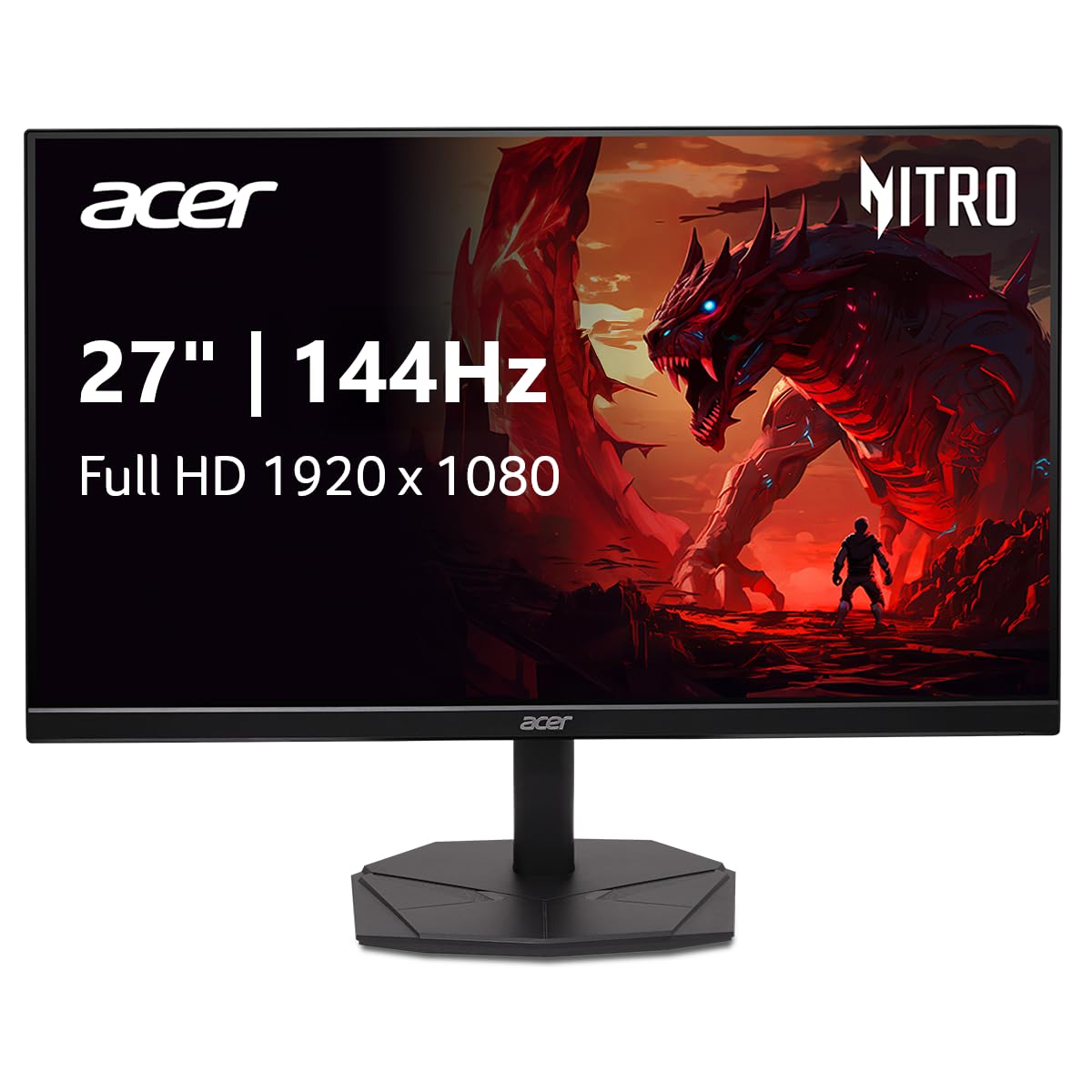
The Acer Nitro KG271 P6bip is a 27-inch Full HD IPS monitor with a 144Hz refresh rate and 1ms VRB response time. This model serves as the entry-level gateway into high-refresh gaming for budget builds. The IPS panel provides 99% sRGB coverage for accurate colors, and the zero-frame design reduces bezel width for a cleaner look. AMD FreeSync eliminates screen tearing when paired with compatible GPUs.
At 27 inches, the 1920×1080 resolution results in a lower pixel density than a 24-inch 1080p panel, so text and fine details appear less sharp. However, for gamers who prioritize frame rate over resolution or who play on a tighter graphics card budget, this combination works well. The stand supports tilt adjustment, and the monitor includes DisplayPort and HDMI inputs for flexible connectivity.
Some users report the built-in audio port listed in the manual may not be present, and the image warp issue mentioned in a small number of reviews suggests quality control can vary. For the price, the core specs — 144Hz, IPS, 1ms, and FreeSync — deliver the essential gaming experience for users who want to maximize frame rates on a limited budget.
Why it’s great
- 144Hz refresh rate with 1ms response handles fast-paced gaming
- IPS panel provides accurate colors with 99% sRGB coverage
- AMD FreeSync prevents screen tearing
- Zero-frame design works well for multi-monitor setups
Good to know
- 27-inch 1080p resolution results in noticeably lower pixel density
- Stand offers tilt only
- Some units may lack the audio port described in documentation
9. KOORUI 34E6UC
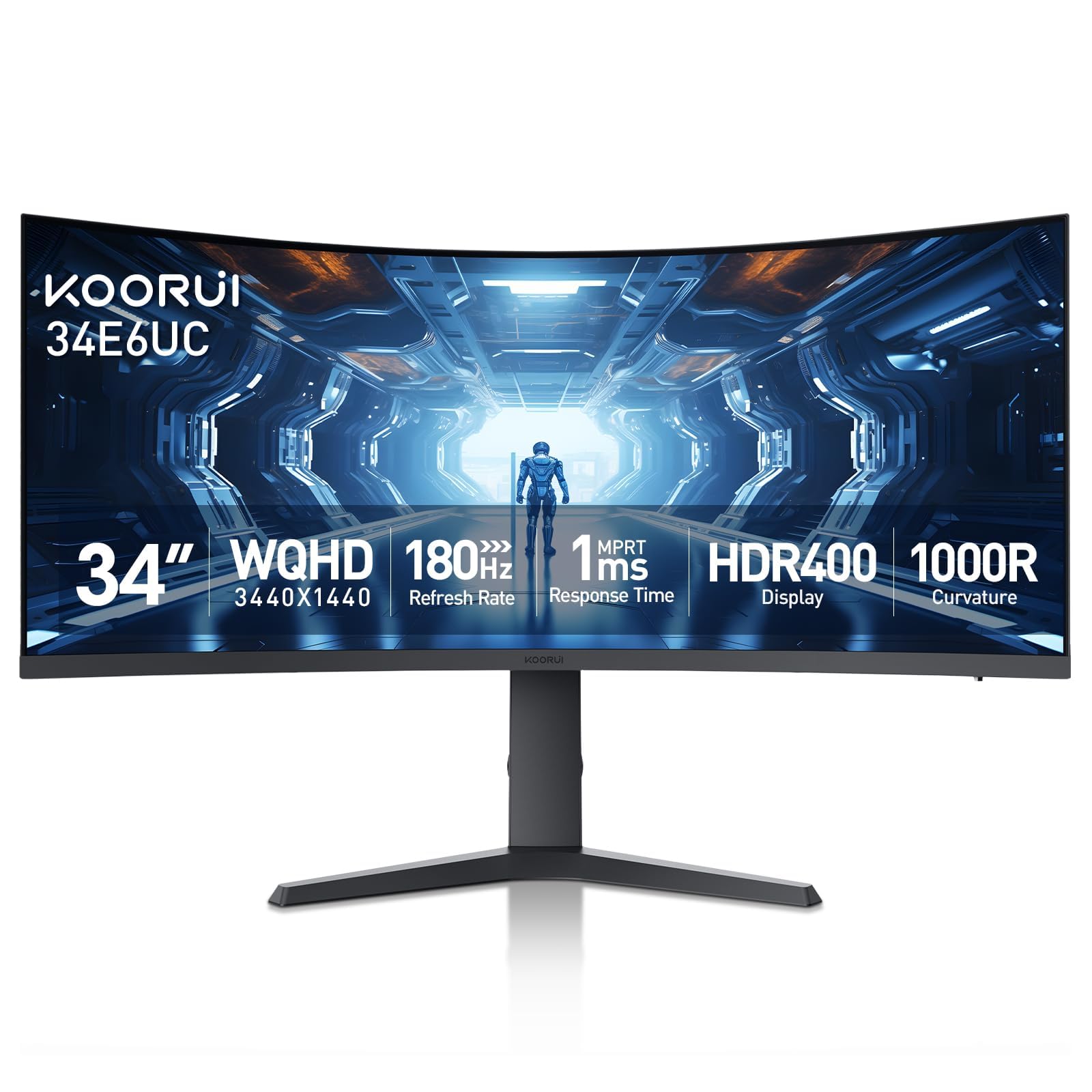
The KOORUI 34E6UC is a 34-inch ultrawide WQHD VA monitor with a 3440×1440 resolution, 180Hz refresh rate, and a 1000R curvature. It delivers an immersive panoramic field of view that standard 16:9 monitors cannot match, particularly appealing for driving sims, flight simulators, and open-world RPGs. The 4000:1 native contrast ratio provides deep blacks, and HDR400 certification ensures brighter highlights than typical budget ultrawides.
DCI-P3 95% and 125% sRGB color gamut coverage produce vibrant, saturated colors, and FreeSync Premium with G-Sync compatibility covers adaptive sync across both GPU brands. The ergonomic stand offers height, tilt, and swivel adjustments — a rare feature set for an ultrawide in this price range. Picture-in-Picture (PIP) and Picture-by-Picture (PBP) modes allow simultaneous input from two sources, which is useful for productivity workflows.
Some users have reported flickering issues that are resolved by switching from DisplayPort to HDMI or disabling FreeSync. The VA panel can exhibit ghosting in very dark scene transitions depending on response time settings. Despite these caveats, the KOORUI 34E6UC offers ultrawide immersion and solid specifications at a price that undercuts major brands.
Why it’s great
- 3440×1440 ultrawide resolution provides massive field of view
- 4000:1 contrast ratio produces deep, cinematic blacks
- Fully adjustable stand with height, tilt, and swivel
- PIP/PBP modes support dual-input productivity setups
Good to know
- Some units experience flickering that may require troubleshooting
- VA panel can show black smearing in dark transitions
- On-screen menu navigation via joystick can be finicky
FAQ
Is 144Hz enough for competitive gaming or do I need 240Hz?
Should I choose a 27-inch 1080p monitor or a 24-inch 1080p monitor?
Can I use a FreeSync monitor with an NVIDIA graphics card?
What is the real-world difference between IPS and VA for gaming?
Final Thoughts: The Verdict
For most users, the best affordable gaming monitor winner is the AOC Q27G41ZE because it delivers QHD resolution, 240Hz refresh rate, an IPS panel, and adaptive sync support at a price that undercuts similarly spec’d competitors. If you need a fully ergonomic stand and built-in speakers for a work-from-home setup, the Dell 27 Plus S2725DSM is the better choice. And for immersive ultrawide gaming, nothing beats the KOORUI 34E6UC in the value segment.

Mo Maruf
I created WellFizz to bridge the gap between vague wellness advice and actionable solutions. My mission is simple: to decode the research and give you practical tools you can actually use.
Beyond the data, I am a passionate traveler. I believe that stepping away from the screen to explore new environments is essential for mental clarity and physical vitality.