Our readers keep the lights on and my smoothie glass nicely filled. As an Amazon Associate, I earn from qualifying purchases.
Stepping up from a 4K or 5K display to a 6K monitor isn’t a minor resolution bump—it’s a fundamental shift in workspace density. You gain over 21 million pixels on a 32-inch panel, which translates to 224 pixels per inch or more, making individual pixels invisible at normal viewing distances. This density is the dividing line between a good editing monitor and a professional-grade canvas where 4K video timelines show full resolution with room to spare for palettes and scopes.
I’m Mohammad Maruf — the founder and writer behind WellFizz. I’ve spent hundreds of hours analyzing panel technologies, contrast ratios, and connectivity standards in the pro monitor space to separate genuine engineering advances from marketing claims.
Whether you’re color-grading in DaVinci Resolve, retouching medium-format photography, or running complex CAD overlays, choosing the right model comes down to panel coating, connectivity, and color gamut coverage. This guide breaks down the best options so you can match the best 6k monitor to your actual workflow without overpaying for features you won’t use.
How To Choose The Best 6K Monitor
A 6K monitor is a long-term investment in your visual workflow. Unlike general-purpose displays, the 6K category demands attention to specific panel characteristics and connectivity standards that directly affect color-critical work and multi-device setups.
Panel Coating and Gloss Preference
The coating on a 6K panel determines perceived sharpness and contrast in your actual room lighting. Glossy panels deliver superior perceived black depth and color vibrancy because light isn’t scattered by a matte layer, but they reflect ambient sources. Nano-matte and standard matte coatings eliminate reflections but reduce micro-contrast slightly. If you work in a controlled light studio, glossy 6K monitors offer the truest image; if your desk sits near windows, prioritize a quality matte or nano-matte finish with anti-glare certification.
Color Gamut Coverage and Delta E
Professional 6K monitors should exceed 98% DCI-P3 coverage for video work or 99% Adobe RGB for print photography. Factory calibration to Delta E < 2 ensures out-of-box accuracy without immediate hardware profiling. Look for Calman Verification or a bundled calibration report—this signals the monitor left the factory with measured uniformity, not just an averaged spec.
Thunderbolt Connectivity and Power Delivery
Thunderbolt 4 or Thunderbolt 5 is the backbone of a modern 6K workflow. Thunderbolt 4 handles dual 6K daisy-chaining and 96W laptop charging. Thunderbolt 5 doubles the bandwidth, enabling single-cable 6K at higher refresh rates and faster data transfers. Ensure the monitor you choose provides enough upstream power delivery to keep your MacBook Pro or high-end workstation charged without a separate power brick.
Quick Comparison
On smaller screens, swipe sideways to see the full table.
| Model | Category | Best For | Key Spec | Amazon |
|---|---|---|---|---|
| ASUS ProArt PA32QCV | Mid-Range | Value & MacStudio Pairing | 600 nits, 6016×3384 | Amazon |
| LG 32U990A-S Ultrafine 6K | Premium | Thunderbolt 5 Workflows | 224 PPI, 6144×3456 | Amazon |
| Kuycon G32P 6K | Premium | Glossy Panel Preference | Glossy IPS, 6144×3456 | Amazon |
| Dell UltraSharp U3224KB | Premium | All-in-One Hub & Webcam | 6144×3456, IPS Black | Amazon |
In‑Depth Reviews
1. ASUS ProArt Display PA32QCV

The ASUS ProArt PA32QCV enters the 6K category at a compelling price point without cutting corners on color fidelity. Its 31.5-inch LuxPixel AGLR panel delivers 6016 x 3384 resolution, factory calibrated to Delta E < 2, and covers 98% DCI-P3. The matte anti-glare finish handles ambient light well, and the 600-nit peak brightness meets DisplayHDR 600 requirements.
Connectivity is a strong suit here: dual Thunderbolt 4 ports support daisy-chaining with up to 96W power delivery, plus HDMI 2.1 and DisplayPort 1.4. The built-in Auto KVM lets you switch between two computers with a single keyboard and mouse, which is practical for hybrid PC and Mac setups. The M Model-P3 preset matches MacBook display color performance closely.
User reports highlight excellent compatibility with Mac Studio and MacBook Air M5, with no flicker issues and rich, accurate colors out of the box. Some units have experienced panel lottery issues like backlight bleed or dead pixels, and the built-in speakers are weak. Registering for the extended five-year warranty mitigates long-term risk.
Why it’s great
- Factory calibrated Delta E < 2 with Calman Verification
- Dual Thunderbolt 4 with 96W power delivery and daisy-chain
- Auto KVM for seamless multi-computer switching
Good to know
- Panel quality can vary between units
- Built-in speakers are poor quality
- KVM does not function over Thunderbolt, only HDMI/DP
2. LG 32U990A-S Ultrafine 6K

The LG 32U990A-S is the first 6K monitor to ship with Thunderbolt 5 connectivity, offering double the bandwidth of Thunderbolt 4 for future-proofed data transfers and daisy-chaining up to four displays. The 32-inch Nano IPS Black panel delivers a native 2000:1 contrast ratio, which is exceptional for IPS technology, producing deeper blacks and richer shadow detail than typical 1000:1 IPS monitors.
Color coverage reaches 99.5% Adobe RGB and 98% DCI-P3 with real 10-bit depth, making it suitable for print photography and video grading. The 224 PPI density at 6144 x 3456 matches the same sharpness class as Apple’s Pro Display XDR. DisplayHDR 600 certification ensures 600-nit peak brightness for highlight detail in HDR content.
Reviews on the LG are polarized. Some users call it the best monitor available for 4K HDR editing and productivity, praising the Thunderbolt 5 power delivery and massive pixel workspace. Others report a blue tint across half the screen, aggressive matte coating that looks grainy, and mediocre peak brightness compared to dedicated HDR displays. The included stand is basic, and the external power brick is large.
Why it’s great
- True 10-bit color with 99.5% Adobe RGB and 98% DCI-P3
- Thunderbolt 5 with 96W charging and daisy-chain capability
- Nano IPS Black panel achieves 2000:1 native contrast ratio
Good to know
- Some units exhibit a blue tint or graininess
- Peak brightness at 450 nits is underwhelming for the premium tier
- Requires LG software for brightness control on Mac
3. Kuycon G32P 6K Monitor
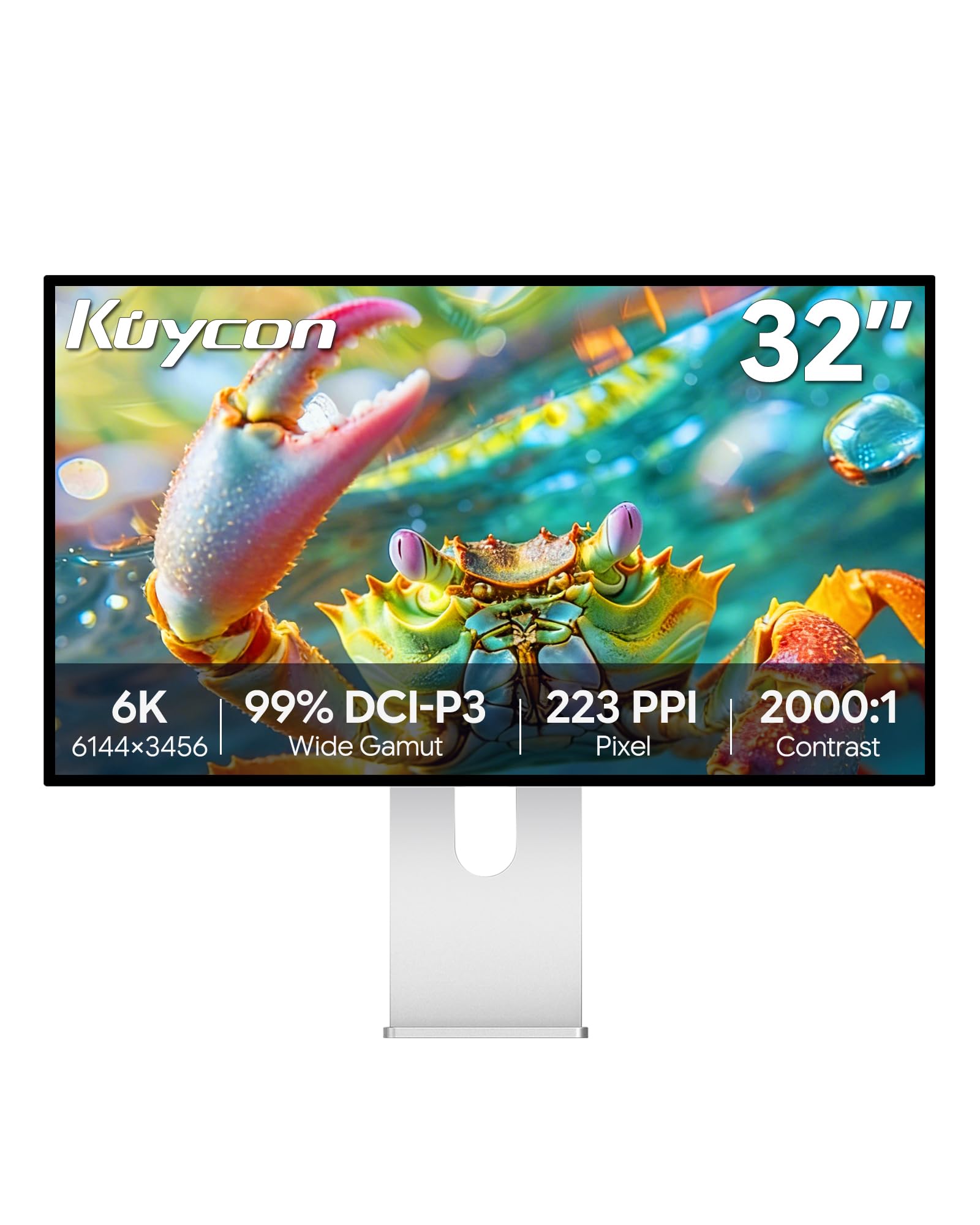
The Kuycon G32P is a niche but compelling option for users who want a glossy 6K panel outside of Apple’s ecosystem. It uses a 32-inch IPS panel at 6144 x 3456 with a glossy finish, delivering 99% DCI-P3 coverage and a factory calibrated Delta E < 2. The 500-nit brightness is adequate for most indoor environments.
Build quality stands out: the chassis is CNC-machined aluminum with a honeycomb cooling pattern, and the included ergonomic stand supports height, swivel, tilt, and pivot adjustments. Connectivity includes HDMI and USB-C with 100W power delivery, plus a standard 100x100mm VESA mount for third-party arms. The 223 PPI matches the same density class as the Apple Studio Display, making text rendering exceptionally sharp.
Users consistently praise the visual quality, noting it matches the Apple Studio Display in sharpness and color while offering larger 6K real estate. The glossy coating enhances perceived contrast but requires careful lighting placement to avoid reflections. The monitor does not integrate a Thunderbolt dock, and the remote control comes without a battery. No dead pixels or uniformity issues have been widely reported.
Why it’s great
- Glossy panel provides superior perceived contrast and color pop
- Premium CNC-machined aluminum build with fully ergonomic stand
- 100W USB-C power delivery and 100x100mm VESA support
Good to know
- No integrated Thunderbolt hub or daisy-chain support
- Glossy finish reflects ambient light in bright rooms
- No included documentation or battery for remote
4. Dell UltraSharp U4025QW

The Dell UltraSharp U4025QW takes a different approach to high-density workspace: a 40-inch 5K2K (5120 x 2160) ultrawide with a 21:9 aspect ratio. While not a true 6K in pixel count, its 120Hz refresh rate and IPS Black technology with 2000:1 contrast ratio make it a powerful alternative for users who prioritize timeline width over vertical resolution.
Color accuracy is strong with 99% DCI-P3 coverage out of the box, and the built-in KVM switch works reliably across Mac and Linux machines. The integrated hub includes Ethernet, multiple USB ports, and Thunderbolt connectivity, reducing desktop cable clutter. The 600-nit brightness supports HDR highlight detail, though this is a productivity monitor rather than a reference grading display.
Users report excellent color reproduction, wide viewing angles, and smooth 120Hz scrolling for coding and editing. The stand is robust, and the Dell Display Manager software enables easy window tiling. The major downside is the lack of a smaller 32-inch version—the 40-inch size requires a monitor arm rated for over 44 pounds, and some users find downward-facing ports inconvenient for tight desks.
Why it’s great
- 120Hz refresh rate for smooth scrolling in code and timelines
- IPS Black panel achieves 2000:1 native contrast ratio
- Built-in KVM with Ethernet and extensive hub functionality
Good to know
- Very large and heavy—requires a high-capacity monitor arm
- Downward-facing ports can be difficult to access
- Only 3 color modes available in the OSD
5. Dell UltraSharp U3224KB

The Dell UltraSharp U3224KB is a 31.5-inch 6K monitor (6144 x 3456) built on IPS Black technology, delivering a 2000:1 contrast ratio that competes directly with Apple’s Pro Display XDR in static contrast. The panel covers 99% DCI-P3 and supports both FreeSync and G-Sync adaptive sync, making it one of the few 6K monitors with gaming-friendly variable refresh.
Connectivity is comprehensive: Thunderbolt 4 with 140W power delivery, HDMI, mini-DisplayPort, Ethernet, and a built-in USB hub. The stand is fully adjustable with height, swivel, tilt, and pivot. A 4K webcam is integrated into the top bezel, which is rare at this resolution class. The matte coating reduces reflections effectively for shared or bright workspaces.
User feedback is mixed. Many praise it as a solid and more affordable alternative to the Apple Pro Display XDR, noting excellent connectivity and sharpness for fine art photography. However, some Mac users report a recurring issue where half the screen turns green randomly, requiring a power cycle. The integrated webcam has a pinkish hue on Macs, and the monitor is physically fragile—some users report screens breaking from minor handling or transport.
Why it’s great
- IPS Black panel with 2000:1 contrast ratio for deep blacks
- Thunderbolt 4 with 140W power delivery and built-in Ethernet
- Includes a 4K webcam and fully adjustable stand
Good to know
- Some units experience a green screen issue with Mac computers
- Integrated webcam quality is poor on macOS
- Monitor frame is fragile and can break from minor impacts
6. LG 40U990A-W Ultrafine evo 5K2K
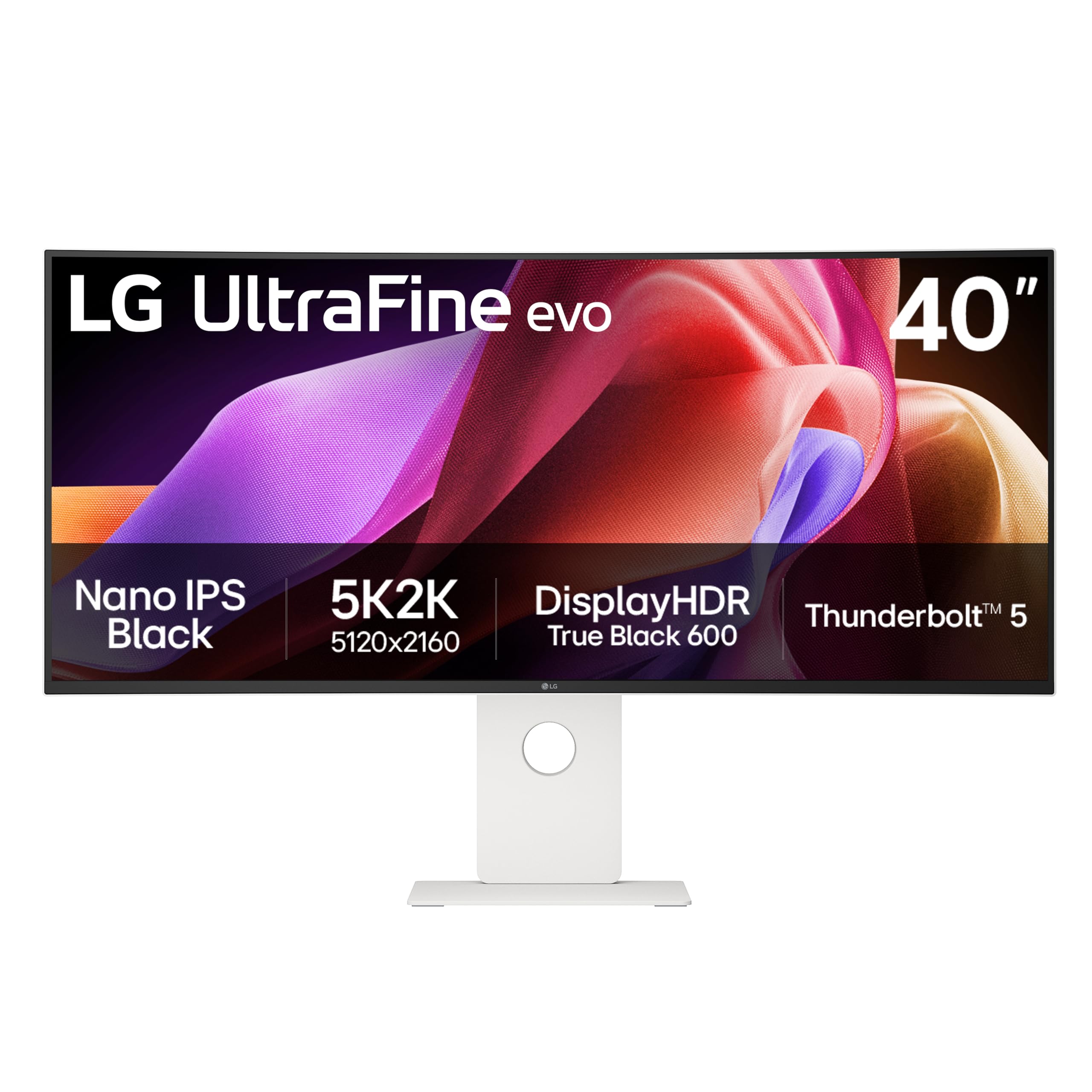
The LG 40U990A-W is a 40-inch curved ultrawide (5120 x 2160) with a 2500R curvature and 120Hz refresh rate, making it the first monitor to combine Thunderbolt 5 with a 5K2K form factor. The Nano IPS Black panel provides a 2000:1 contrast ratio with 99% DCI-P3 coverage, and the 450-nit brightness supports DisplayHDR 600 for HDR video review.
Thunderbolt 5 connectivity enables single-cable 96W charging and daisy-chaining multiple displays. Port selection includes HDMI 2.1, DisplayPort 2.1, and USB-C, covering current and next-generation hardware. The 2500R curvature is subtle enough to avoid geometric distortion in design work while providing immersion for timeline-based editing sessions.
User reviews are split. Architects and video producers praise the massive workspace, gentle curve, and 120Hz fluidity. However, some users report color uniformity issues—a brighter, pinker spot on the left side and a darker, greener area on the right. Other complaints include screen flickering, unreliable sleep mode, and short included cables. The built-in speakers are universally described as poor.
Why it’s great
- First 5K2K monitor with Thunderbolt 5 for future-proof connectivity
- 120Hz refresh rate on a large curved canvas
- Nano IPS Black with 2000:1 contrast and 99% DCI-P3
Good to know
- Color uniformity issues reported on some units
- Short included cables and poor built-in speakers
- 2500R curve may feel too subtle for some users
7. BenQ SW272U Photographer Monitor

The BenQ SW272U is a 27-inch 4K monitor targeting professional photographers with specific print-matching needs. While it is not a 6K monitor in resolution, it belongs in this conversation for its specialized color workflow tools. The Nano Matte Panel with TUV anti-reflection certification simulates paper texture on-screen, and Paper Color Sync gives accurate soft-proofing across different printers and paper types.
Color coverage spans 99% Adobe RGB and Display P3, with hardware calibration support via Palette Master Ultimate software. The 16-bit 3D LUT ensures smooth tonal transitions, and the 400-nit brightness is adequate for print matching workflows. The stand adjusts for height, swivel, and pivot.
Professional photographers and visual artists report that color accuracy out of the box is excellent and that the Paper Color Sync feature genuinely reduces reprints. However, some users experience frustrating firmware issues: input switching is unreliable unless the monitor is fully active, and the calibration software stopped recognizing the monitor after a few weeks on Windows 11. The OSD navigation is clunky and non-intuitive.
Why it’s great
- Paper Color Sync for accurate print soft-proofing
- 99% Adobe RGB with hardware calibration support
- Nano Matte panel with TUV anti-reflection certification
Good to know
- Firmware issues with input switching and calibration recognition
- Only 4K resolution on a 27-inch panel
- OSD interface is basic and button-driven
8. Nikon RED Z Cinema ZR

The Nikon RED Z Cinema ZR is not a computer monitor—it is a dedicated cinema camera body that captures 6K REDCODE RAW footage. It appears in this list because its built-in 4-inch DCI-P3 touchscreen monitor serves as the primary display for framing and reviewing 6K footage in the field. The combination of RED color science and Nikon engineering delivers 15+ stops of dynamic range and 32-bit float audio.
The camera captures 6K full-frame at up to 60fps with Dual Base ISO and supports R3D NE RAW format. The 4-inch screen swivels for flexible positioning on rigs, and the body weighs just 1.18 pounds, making it easy to integrate with cages and gimbals. It accepts CFexpress Type B media for high-bitrate recording.
Cinematographers praise the compact form factor, fast boot times, and superior image quality compared to previous RED models. Some note that R3D NE RAW files are not editable in Premiere Pro at launch and require very fast, large-capacity storage. The camera does not include a charger, and it lacks a front recording indicator light.
Why it’s great
- 6K full-frame sensor with 15+ stops of dynamic range
- Weighs only 1.18 pounds for compact rig setups
- 32-bit float audio and RED color science
Good to know
- Not a standard desktop monitor—it is a cinema camera
- R3D NE RAW files require specific software for editing
- No charger included in the box
9. Apple Studio Display

The Apple Studio Display is a 27-inch 5K Retina monitor that, while not 6K in native resolution, remains a reference point in the high-DPI monitor conversation due to its seamless integration with macOS. It delivers 14.7 million pixels at 218 PPI, 600 nits brightness, P3 wide color, and support for 1 billion colors. The standard glass version has an anti-reflective coating; nano-texture glass is available separately.
Audio and video are strengths: a 12MP Center Stage camera with Desk View, a studio-quality three-mic array, and a six-speaker system with Spatial Audio. Thunderbolt 5 ports allow daisy-chaining up to four displays and 96W laptop charging. The tilt-adjustable stand is standard; height-adjustable and VESA options cost extra.
Mac users consistently praise the sharpness, color accuracy, and seamless integration with MacBooks. The built-in speakers and camera are significantly better than any other monitor in this comparison. The major limitation is the 60Hz refresh rate, which feels sluggish after using 120Hz displays, and the premium price for only 5K resolution. The tilt-only stand also limits ergonomic adjustment without spending more.
Why it’s great
- Seamless Mac integration with Thunderbolt 5 and 96W charging
- Best-in-class built-in speakers with Spatial Audio
- 12MP Center Stage camera with Desk View feature
Good to know
- Limited to 60Hz refresh rate in a premium-priced monitor
- Only 5K resolution, not true 6K
- Tilt-only stand included; height-adjustable stand costs extra
FAQ
Can a standard graphics card drive a 6K monitor at 60Hz?
What is the difference between 6K and 5K monitors for Mac users?
Why do some 6K monitors have glossy screens and others have matte screens?
Do 6K monitors support HDR properly?
Final Thoughts: The Verdict
For most users, the best 6k monitor winner is the ASUS ProArt PA32QCV because it delivers factory-calibrated Delta E < 2 accuracy, dual Thunderbolt 4 with 96W charging, and a 600-nit matte panel at a value that undercuts the competition significantly. If you want Thunderbolt 5 connectivity and the deepest IPS black levels, grab the LG 32U990A-S Ultrafine 6K. And for a glossy panel that matches the Apple aesthetic outdoors of Apple’s ecosystem, nothing beats the Kuycon G32P.

Mo Maruf
I created WellFizz to bridge the gap between vague wellness advice and actionable solutions. My mission is simple: to decode the research and give you practical tools you can actually use.
Beyond the data, I am a passionate traveler. I believe that stepping away from the screen to explore new environments is essential for mental clarity and physical vitality.