Our readers keep the lights on and my smoothie glass nicely filled. As an Amazon Associate, I earn from qualifying purchases.
The 50-inch TV is a sweet spot for the budget-minded buyer: big enough for an immersive living room or bedroom setup, yet small enough to fit most spaces without dominating them. But when you’re shopping for a 50 Inch Budget TV, the challenge is separating genuinely good value from the models that cut corners on picture processing, sound quality, or smart platform responsiveness. A low price tag shouldn’t mean a washed-out picture or an interface that lags every time you press a button.
I’m Mohammad Maruf — the founder and writer behind WellFizz. This guide is built on hours of cross-referencing real customer feedback against the specs that actually matter for this category: panel technology, HDR support, smart OS usability, and audio capability.
After analyzing dozens of models, I’ve narrowed the field to the nine contenders that deliver the most screen for your dollar without making you regret the purchase six months down the road. The 50 inch budget tv market is crowded, but only a few sets balance picture quality, sound, and longevity at a price that feels like a real bargain.
How To Choose The Best 50 Inch Budget TV
Finding a 50-inch TV that delivers solid performance without a painful price tag requires understanding exactly where manufacturers cut corners. The cheapest models often skimp on the processor that handles motion smoothing and upscaling, or they use a basic LED panel that struggles with contrast in a dim room. Here are the four factors that separate a smart buy from a regret.
Panel Technology: QLED vs. Standard LED
Standard LED-backlit LCD panels are the baseline in this price tier, and they can look perfectly fine in a bright room. QLED panels, which use a quantum dot layer, push color volume significantly higher — reds stay red instead of turning orange, and blues don’t wash out. At the budget level, a QLED set is rare but worth the small premium if you watch a lot of HDR content or animated films. The Roku Select Series QLED and the Amazon Fire TV Omni QLED are the two standout examples in this guide that justify the extra money with visibly richer color.
HDR Format Support
4K resolution is table stakes. What actually makes a budget TV look premium is how it handles high dynamic range. Dolby Vision is the most widely used metadata-driven HDR format and delivers scene-by-scene optimization. HDR10+ is the dynamic alternative used by Amazon Prime. A TV that supports both gives you the best experience across services. Many entry-level sets only support basic HDR10, which is static and less impressive. The Toshiba C350 and Westinghouse models in this list support Dolby Vision, which is a clear advantage over sets that don’t.
Smart TV Operating System
The operating system determines how fast the TV feels day to day. Roku TV is the gold standard for simplicity — fast menus, consistent updates, and no bloatware. Fire TV offers deeper Alexa integration and a huge app library but can feel sluggish on lower-end hardware. Google TV provides personalized recommendations and strong voice search. Tizen, found on Samsung sets, is polished but can have a steeper learning curve for new users. Pick the OS that matches your ecosystem: if you use Alexa devices heavily, Fire TV makes sense; if you want the least friction, go Roku.
Audio Performance and Connectivity
Budget TVs almost always have underwhelming built-in speakers, but some are worse than others. Look for models that mention DTS Virtual X or Dolby Atmos support, which at least attempt to simulate a wider soundstage. Also check how many HDMI ports you get — three is the minimum for a cable box, game console, and streaming device. HDMI eARC is a nice bonus because it lets you send uncompressed audio to a soundbar without sacrificing a port. The Vizio V-Series and the Roku Select Series both offer HDMI eARC, which makes pairing a soundbar much cleaner.
Quick Comparison
On smaller screens, swipe sideways to see the full table.
| Model | Category | Best For | Key Spec | Amazon |
|---|---|---|---|---|
| Toshiba C350 | LED | Best Overall | REGZA Engine ZR AI Upscaler | Amazon |
| Roku Select Series QLED | QLED | Best Picture Quality | QLED panel with HDR10 | Amazon |
| Amazon Fire TV Omni QLED | QLED | Best Smart Features | 48-zone local dimming | Amazon |
| Samsung U8000H | LED | Best Brand Reputation | Crystal Processor 4K | Amazon |
| Westinghouse Roku TV | LED | Best Value Roku | Roku OS with 4 HDMI | Amazon |
| Westinghouse Xumo TV | LED | Best All-In-One Apps | Dolby Vision + Atmos | Amazon |
| VIZIO V-Series (Renewed) | LED | Budget Gaming | DTS Virtual X Sound | Amazon |
| VIZIO V-Series 2021 | LED | Reliable Mid-Range | IQ Active 4K Processor | Amazon |
| RCA 50-Inch Google TV | LED | Best Entry-Level | 5000:1 Contrast Ratio | Amazon |
In‑Depth Reviews
1. Toshiba 50″ C350 Series

The Toshiba C350 is the rare budget TV that doesn’t feel like a compromise. Its REGZA Engine ZR handles AI upscaling intelligently, meaning 1080p content from cable or streaming looks far sharper than you’d expect from a set at this level. The Super Contrast Booster helps maintain depth in darker scenes, which is usually the first thing that falls apart on cheap LED panels. Support for Dolby Vision and Dolby Atmos means HDR movies have real punch, and the audio has enough presence that you can hold off on a soundbar for casual watching.
Gamers get Auto Low Latency Mode, Variable Refresh Rate, and eARC support — features typically reserved for mid-range sets. The Fire TV interface puts apps front and center with minimal scrolling, and the voice remote with Alexa makes content discovery faster than typing. A few users noted an out-of-box yellow tint on the warm color preset, but that was corrected easily in the picture settings menu.
The price lands in the most competitive segment of the market, yet Toshiba managed to include processing tech that usually lives in more expensive siblings. If you want the most capable all-around 50-inch set without crossing into premium territory, this is the one to buy.
Why it’s great
- REGZA AI upscaling makes HD content look near-4K
- Dolby Vision + Dolby Atmos for immersive HDR
- Game Mode with ALLM, VRR, and eARC included
Good to know
- Warm color preset has a yellow tint out of box
- Speakers benefit from a soundbar for louder scenes
- Minor remote delay reported in some streaming apps
2. Roku Select Series 50″ QLED
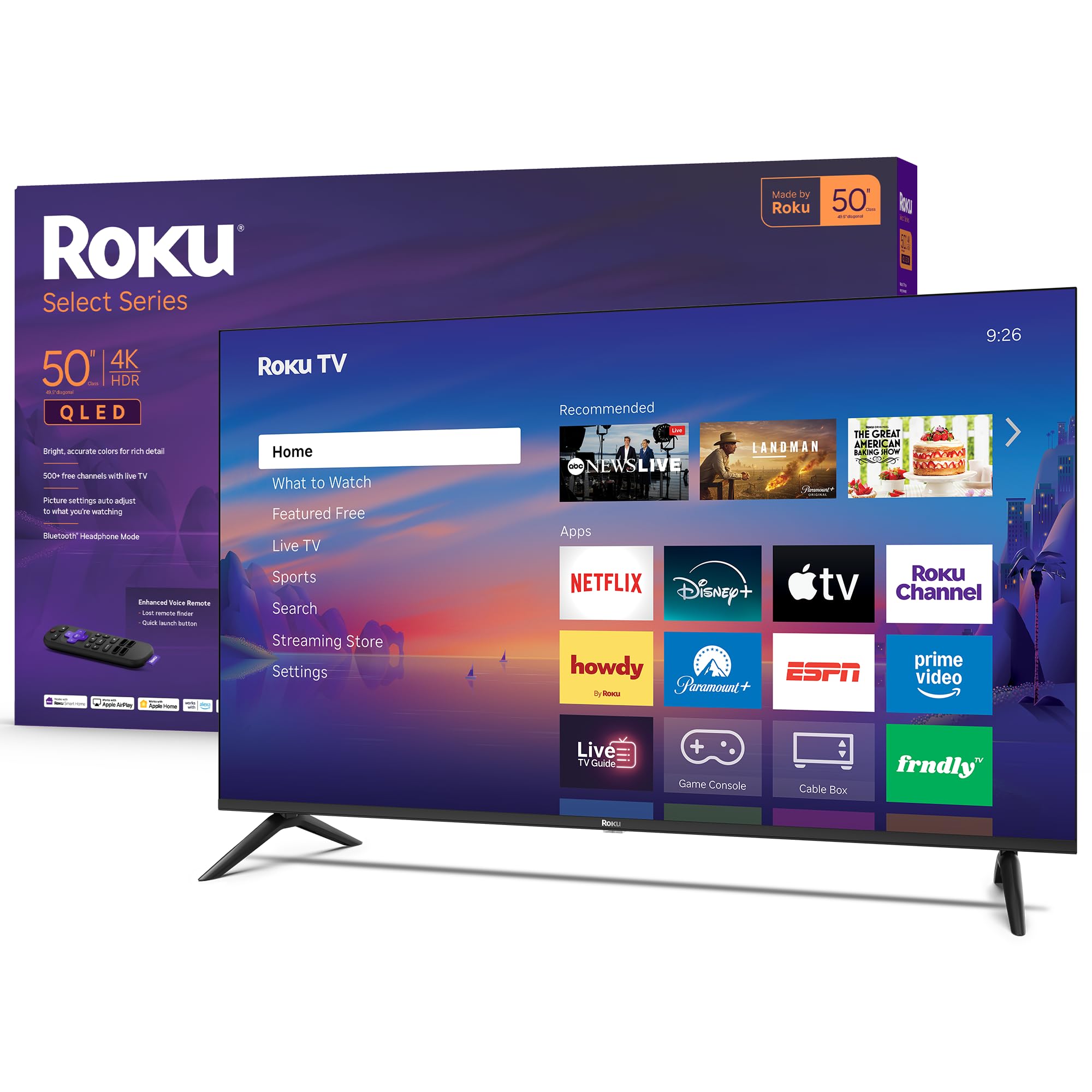
The Roku Select Series brings QLED panel technology into the budget conversation, and the difference is immediate. Colors are noticeably more saturated and accurate compared to standard LED sets in the same price band. HDR10 content looks bright and punchy, and the Roku Smart Picture feature automatically optimizes incoming signals without forcing you into complex menus. The frameless bezel design makes the screen feel larger than 50 inches, which matters if you’re mounting it in a smaller room.
Roku’s operating system remains the fastest and least cluttered smart TV platform available. Apps launch quickly, the home screen is customizable, and the voice remote includes a lost remote finder — a surprisingly useful feature. Bluetooth Headphone Mode allows private listening without disturbing anyone, which is rare at this price. The set also supports Variable Refresh Rate and Game Mode, though the 60Hz panel means competitive gamers will want to stay at 60 fps.
Reviews consistently praise the picture quality as punching well above the price, and the built-in speakers are described as clear enough for most content. The only real trade-off is the lack of Dolby Vision support — it uses HDR10 — which means dynamic metadata isn’t available for Dolby-encoded content.
Why it’s great
- QLED panel delivers significantly richer colors
- Fast, clean Roku OS with Bluetooth Headphone Mode
- Frameless design maximizes screen real estate
Good to know
- No Dolby Vision support — HDR10 only
- 60Hz panel limits high-fps gaming
- Volume controls are on the remote’s side edge
3. Amazon Fire TV 50″ Omni QLED

The Amazon Fire TV Omni QLED is the most feature-packed 50-inch budget TV you can buy, largely because of its 48-zone full array local dimming. This is a feature you almost never see at this price point — it allows the TV to dim specific areas of the screen independently, which produces genuinely deep blacks and high contrast in dark room viewing. Combined with the QLED panel and Dolby Vision IQ, HDR content looks spectacular for the money.
The Ambient Experience mode is a nice extra, letting the TV display artwork or personal photos when idle. Hands-free Alexa with built-in microphones means you can control the TV, search for content, and manage smart home devices without touching the remote. The OMNI QLED also supports HDR10+ Adaptive alongside Dolby Vision IQ, covering both major dynamic HDR formats — a completeness that few budget TVs offer.
Where this set loses points is interface responsiveness. Several users report occasional lag when navigating menus or installing apps, and the initial setup can be lengthy if there are software updates pending. The built-in speakers are also described as dull, which makes adding an Echo device via Alexa Home Theater a worthwhile upgrade. If you’re already invested in the Amazon ecosystem, the trade-offs are small.
Why it’s great
- 48-zone local dimming for excellent contrast
- Covers Dolby Vision IQ and HDR10+ Adaptive
- Hands-free Alexa with built-in microphones
Good to know
- Interface can feel sluggish during navigation
- Built-in speakers are weak without a soundbar
- No Dolby Atmos support
4. Samsung 50″ U8000H Crystal UHD

Samsung’s 50-inch U8000H proves that a strong brand doesn’t have to cost a fortune. The Crystal Processor 4K handles upscaling well, cleaning up lower-resolution sources and adding sharpness without introducing artifacts. Motion Xcelerator is particularly effective for sports and action movies, smoothing out fast-moving frames without the soap-opera effect that plagues cheaper processors.
The Tizen operating system on this 2026 model is noticeably faster than previous Samsung iterations, and the remote is more streamlined. Samsung TV Plus offers over 2,700 free channels, which is a solid perk for cord-cutters who want live news and sports without signing up for anything. Bluetooth 5.3 support ensures stable wireless connections for headphones or soundbars.
The biggest frustration is setup if you plan to wall-mount it — the M8 screws aren’t included, which is an annoying oversight. And the minimalist remote can be confusing for older users because of its small buttons and lack of a dedicated number pad. But for picture quality at a mid-range price, the U8000H is a reliable choice that holds its value.
Why it’s great
- Crystal Processor delivers excellent 4K upscaling
- Motion Xcelerator smooths sports and gaming
- Massive free content library via Samsung TV Plus
Good to know
- Wall mount screws not included in box
- Remote is too small and lacks number pad
- Setup requires internet and multiple account logins
5. Westinghouse 50″ Roku TV
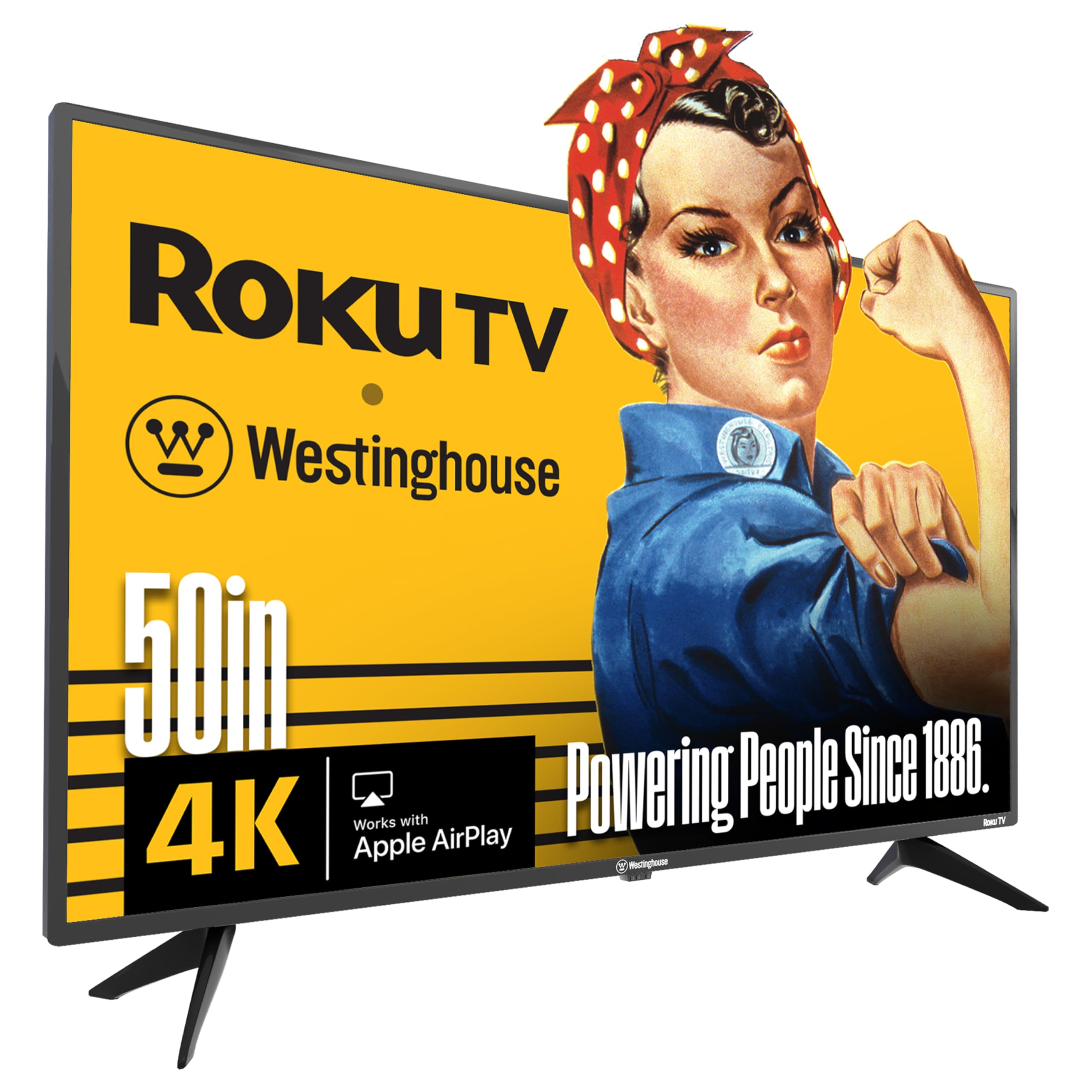
The Westinghouse Roku TV is the simplest path to a good viewing experience at a low price. The 4K UHD panel delivers sharp detail, and the HDR support improves contrast enough that you won’t feel like you’re missing out on visual depth. Roku OS is the star here — it remains the most user-friendly and responsive smart platform, with thousands of apps including all the major streaming services. The included voice remote makes search quick, and the mobile app allows casting from your phone.
Connectivity is strong with four HDMI ports, which is above average for this price bracket. That means you can hook up a cable box, a game console, a streaming device, and a soundbar without needing to swap cables. Apple AirPlay compatibility is a welcome addition for iPhone users who want to mirror their screen or stream music directly. The TV is also lightweight and easy to mount.
The main downside is that some units ship with a basic Roku remote that lacks a voice button, despite advertising voice control. The volume rocker on the side of the remote is also less ergonomic than front-facing buttons. Picture quality is good but not exceptional — it lacks the color saturation of a QLED panel. For a straightforward, no-fuss 50-inch TV, this is a solid choice.
Why it’s great
- Roku OS is fast, simple, and regularly updated
- Four HDMI ports for maximum device connectivity
- Apple AirPlay for easy iPhone mirroring
Good to know
- Some remotes lack voice button despite claims
- Volume rocker on side is awkward to use
- Standard LED panel — not as vibrant as QLED
6. Westinghouse 50″ Xumo TV
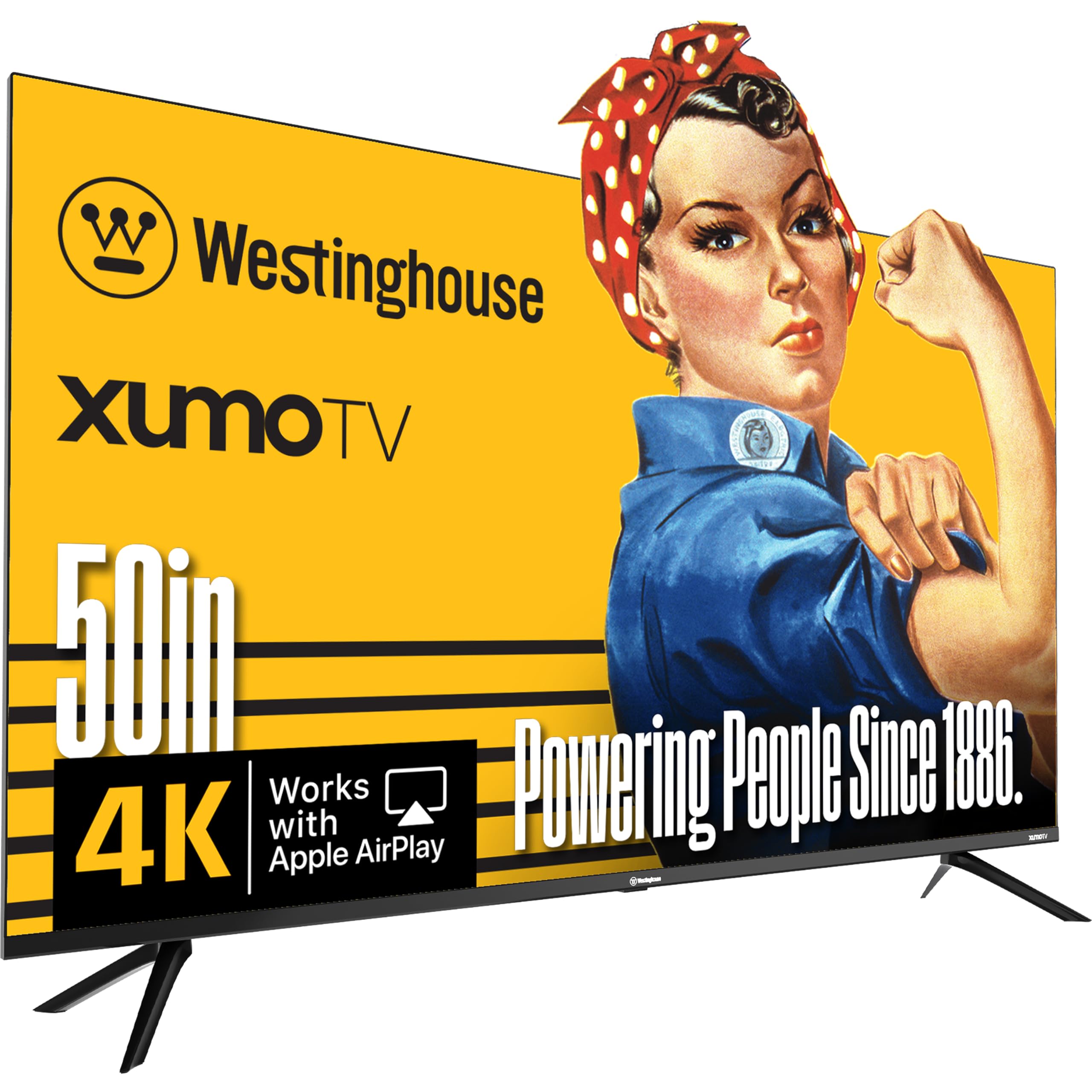
The Westinghouse Xumo TV packs Dolby Vision and Dolby Atmos at a price that usually only offers one or the other. That combination makes a real difference: movies and shows with Dolby encoding have noticeably better contrast and wider sound than a typical budget set. The 4K UHD display is sharp, and the HDR10+ support ensures compatibility with Amazon Prime Video’s dynamic format. The edgeless design reduces bezel distraction and gives the TV a more modern look on the wall.
Xumo is a less common smart platform, but it comes preloaded with over 350 free live channels through the Xumo Play app, which is convenient for cord-cutters who want instant access without setup. The voice remote with universal search works across apps, saving you the trouble of hopping between menus. Bluetooth 5.1 and Apple AirPlay round out the connectivity suite, making it easy to pair wireless headphones or cast from an iPhone.
The catch is that Xumo’s app selection isn’t as deep as Roku or Fire TV, and adding new apps can feel less intuitive. Some users also report that casting from Windows or Android is not supported — only iOS. The built-in speakers are surprisingly good for the class, but you’ll still want a soundbar for a true home theater feel. If the app ecosystem works for you, this is a strong value pick.
Why it’s great
- Dolby Vision + Dolby Atmos at a very low price
- 350+ free live channels preloaded on Xumo
- Bluetooth 5.1 and Apple AirPlay included
Good to know
- No casting from Windows or Android
- Xumo app store is smaller than competitors
- Adding new apps is not as intuitive as Roku
7. VIZIO 50″ V-Series (Renewed)
The VIZIO V-Series renewed model is an interesting proposition: you get a brand-name 4K TV with Dolby Vision and HDR10+ support for significantly less than retail. The DTS Virtual X audio processing helps create a wider soundstage from the built-in speakers, which is a notable step up from the tinny audio typical of this tier. The V-Series is also Bluetooth-capable, so you can connect wireless headphones or a speaker without needing extra hardware.
AirPlay and Chromecast are built in, giving you casting flexibility regardless of your phone’s operating system. The V-Gaming Engine automatically enables Game Mode and reduces input lag, making this a decent option for casual console play on a tight budget. Voice control through Alexa, Siri, and Google Assistant works without extra hubs.
The major risk is the renewed condition — some units arrive with issues like random shutdowns or software glitches, as noted in customer reviews. The warranty coverage is limited, and the overall build quality is less consistent than a new set. If you’re willing to take a chance for the lowest possible cost, this can work well, but the gamble is real.
Why it’s great
- DTS Virtual X creates immersive sound without a soundbar
- Dolby Vision + HDR10+ for wide HDR support
- AirPlay and Chromecast built in
Good to know
- Renewed condition — unit quality can vary
- Random shutdowns reported by some buyers
- Limited warranty compared to new models
8. VIZIO 50″ V-Series (2021 Model)

The older VIZIO V-Series remains a respected mid-range choice because of its IQ Active processor, which handles 4K upscaling with minimal noise. Active Pixel Tuning adjusts brightness at a pixel level, which improves perceived contrast in mixed-lighting environments. The V-Series also includes VIZIO’s SmartCast platform, which gives you access to major streaming apps and a curated selection of free channels, making it a decent option for cord-cutters.
This model is lightweight and easy to wall-mount, with a slim profile that sits flush against the wall. The remote is basic but functional, and the inclusion of Apple AirPlay and Chromecast means you can cast from any device without friction. HDMI and optical audio inputs give you flexibility with external sound systems.
The biggest concern with an older model is longevity. Several users reported a “black screen of death” after the 12-month warranty expired, suggesting a motherboard failure trend. The contrast ratio of 200,000:1 is on paper impressive, but real-world performance depends heavily on the room’s ambient light. If you can find one at a deep discount, it’s a capable TV, but the reliability risk is higher than newer models.
Why it’s great
- IQ Active processor for clean 4K upscaling
- Active Pixel Tuning improves contrast
- Lightweight and easy to mount
Good to know
- Reports of black screen failure after 12 months
- SmartCast platform can feel dated
- Contrast performance varies with room lighting
9. RCA 50-Inch Google TV
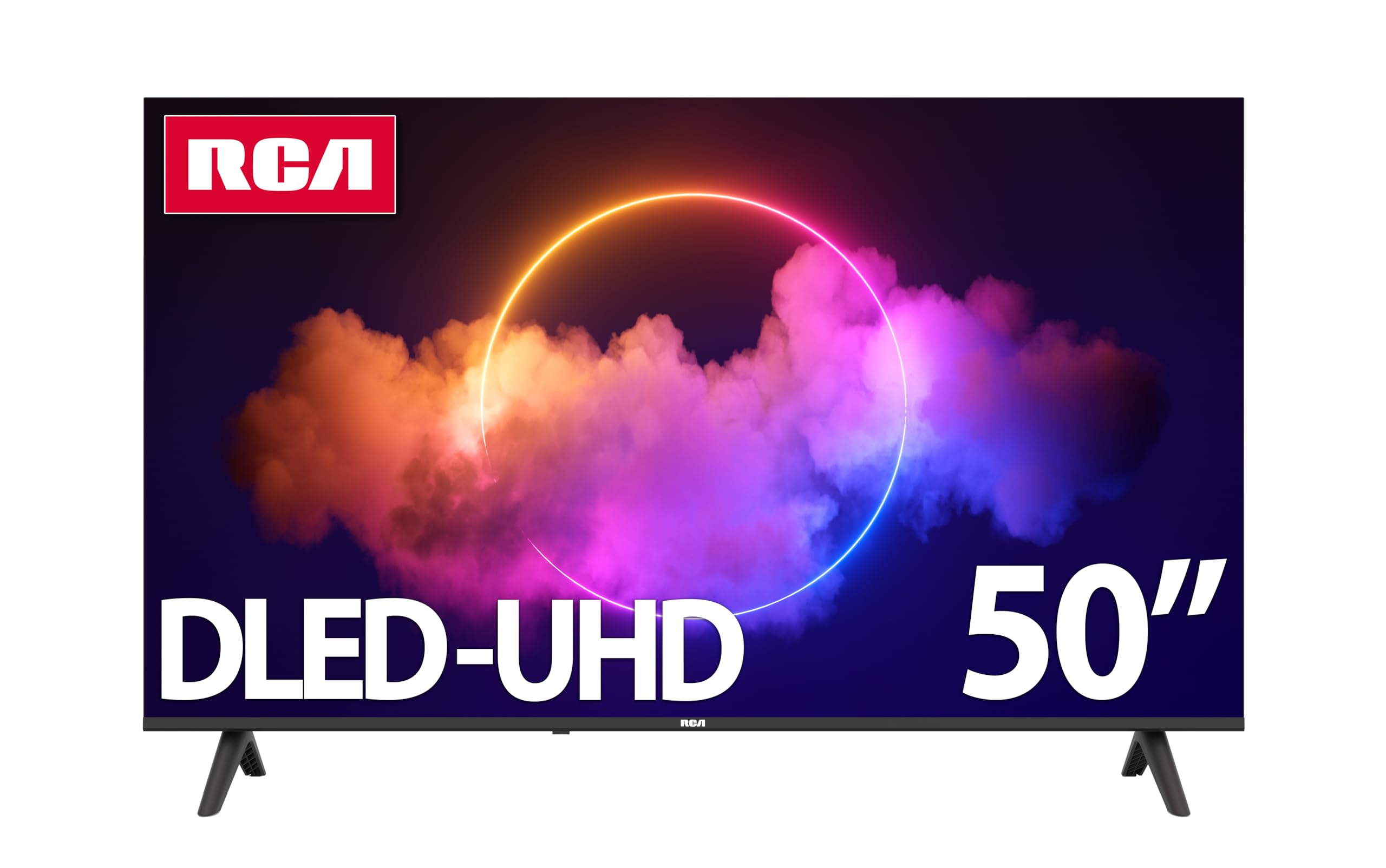
The RCA 50-inch Google TV is the most affordable entry point into 4K smart TV ownership, and it delivers the basics competently. The 3840 x 2160 resolution panel is sharp enough for streaming and cable content, and HDR10 support adds a modest boost in color depth. The 5000:1 dynamic contrast ratio helps blacks look darker than you’d expect from a set in this range, though it’s no match for local dimming. The 178-degree viewing angle is genuinely useful for wider rooms where not everyone sits directly in front of the screen.
Google TV is a smooth operating system with personalized recommendations and built-in Chromecast. The Google Assistant voice control works well for searching content and controlling smart home devices. Connectivity is solid with three HDMI ports, two USB ports, and optical audio output, so you won’t feel limited when connecting peripherals. RCA backs this with a 2-year warranty, which is generous for the price.
The trade-offs are clear: the built-in speakers are weak, and most users will want a soundbar for any movie or music content. The direct LED backlighting means you’ll see some clouding in dark scenes, and the overall build doesn’t feel as premium as branded alternatives. But if you need a functional 50-inch TV for a guest room, office, or kids’ play area, this is hard to beat for the money.
Why it’s great
- Google TV with built-in Chromecast and Assistant
- Wide 178-degree viewing angle for group watching
- 2-year warranty is longer than most competitors
Good to know
- Weak built-in speakers — soundbar recommended
- Direct LED backlight shows clouding in dark scenes
- Build quality feels less premium than brand names
FAQ
Do I need a soundbar for a 50 inch budget TV?
Is 60Hz refresh rate enough for sports and gaming?
What is the difference between Dolby Vision and HDR10?
Can I use a 50 inch budget TV as a computer monitor?
How long do budget TVs typically last?
Final Thoughts: The Verdict
For most users, the 50 inch budget tv winner is the Toshiba C350 because its REGZA Engine ZR upscaling, Dolby Vision support, and gaming features deliver the best all-around package at a price that doesn’t hurt. If you want the absolute best picture in this class, grab the Roku Select Series QLED — that quantum dot panel makes colors pop in a way standard LED can’t. And for the deepest integration with your Alexa smart home and the most advanced HDR handling, nothing beats the Amazon Fire TV Omni QLED with its 48-zone local dimming. Pick the one that matches your priorities: value, color, or connectivity.

Mo Maruf
I created WellFizz to bridge the gap between vague wellness advice and actionable solutions. My mission is simple: to decode the research and give you practical tools you can actually use.
Beyond the data, I am a passionate traveler. I believe that stepping away from the screen to explore new environments is essential for mental clarity and physical vitality.