Our readers keep the lights on and my smoothie glass nicely filled. As an Amazon Associate, I earn from qualifying purchases.
The 43-inch TV is the sweet spot for bedrooms, dorms, apartments, and secondary living rooms — large enough for an immersive experience yet compact enough to fit most entertainment centers. In this size class, the battle isn’t about raw size; it’s about panel technology (QLED vs. standard LED), HDR support, smart platform performance, and how well the TV handles motion for sports and gaming at a 60Hz refresh rate. You want vibrant colors, deep blacks, and a responsive interface without paying for features you don’t need.
I’m Mohammad Maruf — the founder and writer behind WellFizz. I’ve spent years analyzing consumer display hardware, comparing panel types, HDR formats, and real-world smart TV responsiveness to separate marketing claims from actual performance.
With hundreds of hours spent researching and cross-referencing specifications and user feedback, I’ve curated this definitive list of the best 43 inch tv options to match every budget and use case.
How To Choose The Best 43 Inch TV
The 43-inch TV category is crowded, and the biggest mistake buyers make is buying solely on price without understanding panel type or smart platform. To select the right one, you need to focus on the display technology, HDR compatibility, and the operating system that will power your daily streaming.
Panel Technology: QLED vs. Standard LED
A QLED (Quantum Dot LED) panel uses a layer of quantum dots to produce significantly more vibrant and accurate colors than a standard LED panel of the same size. In a 43-inch TV, this difference is noticeable during nature documentaries, animated films, and HDR content where crimson reds and oceanic blues need to pop. Standard LED panels are more affordable but will appear more washed out, especially when viewed from an angle. If you prioritize color saturation and brightness, a QLED 43-inch TV is worth the premium.
HDR Format Support: More Than a Checkbox
HDR (High Dynamic Range) improves contrast and color depth, but not all HDR is equal. Dolby Vision is the most advanced format because it uses dynamic metadata to optimize brightness scene-by-scene. HDR10+ is its open-format competitor. Standard HDR10 is static. A 43-inch TV that supports Dolby Vision will look noticeably better when playing content from Netflix or Disney+ that uses that format. Ignoring HDR compatibility means leaving picture quality on the table.
Smart Platform Performance and Ecosystem
The operating system dictates how fast apps load, how easily you find content, and how often you get software updates. Roku is the gold standard for simplicity and speed. Fire TV offers deep Alexa integration and ambient mode. Tizen (Samsung) is polished but can be sluggish on entry-level hardware. Google TV provides excellent content discovery and PS5 features. A slow interface will frustrate you daily, so an affordable TV with a laggy OS is often not a bargain at all.
Motion Handling at 60Hz
Nearly every 43-inch TV in this price range runs at a native 60Hz refresh rate. What varies is the motion processing engine. Brands like Sony (Motionflow XR) and Samsung (Motion Xcelerator) use frame interpolation to reduce blur during fast-moving sports and action scenes. Hisense’s Motion Rate 120 is a marketing figure that simulates a smoother image via backlight scanning. For serious sports or console gaming, look for a model with proven motion handling rather than just a high “motion rate” number.
Quick Comparison
On smaller screens, swipe sideways to see the full table.
| Model | Category | Best For | Key Spec | Amazon |
|---|---|---|---|---|
| Amazon Fire TV 43″ Omni QLED | QLED | Hands-free Alexa & Ambient Art | Dolby Vision IQ | Amazon |
| Hisense 43″ E6 Cinema QLED | Hi-QLED | Vibrant QLED colors & Fire TV | Motion Rate 120 | Amazon |
| Westinghouse 43″ Roku QLED | QLED | Roku simplicity with QLED color | Contrast Ratio 5000:1 | Amazon |
| Sony BRAVIA 2 II 43″ | LED | PS5 gaming & superior processing | 4K Processor X1 | Amazon |
| Samsung 43″ Crystal UHD U8000H | Crystal UHD | Samsung ecosystem & free TV Plus | Motion Xcelerator 60Hz | Amazon |
| Samsung 43″ Crystal UHD U8000F | Crystal UHD | Sleek design & Knox Security | Crystal Processor 4K | Amazon |
| Roku 43″ Select Series | LED | Simplest Roku interface & Bluetooth audio | Direct LED Backlight | Amazon |
| Westinghouse 43″ Xumo 4K | LED | Budget-friendly Dolby Vision & Atmos | Contrast Ratio 1200:1 | Amazon |
| FPD 43″ Tizen OS | FHD LED | Entry-level with Gaming Hub access | 1080p Resolution | Amazon |
In‑Depth Reviews
1. Amazon Fire TV 43″ Omni QLED Series

The Amazon Fire TV Omni QLED is the most feature-dense 43-inch TV in this list, combining a quantum dot panel with Dolby Vision IQ, which uses a built-in light sensor to dynamically adjust brightness and color tone based on your room’s ambient lighting. This means better daytime viewing without cranking up the backlight manually, and a more cinematic look at night. The 4K QLED display delivers noticeably richer color saturation and higher peak brightness than any standard LED model at this size.
Hands-free Alexa with far-field microphones lets you power on the TV, switch apps, and search content without touching the remote. The Fire TV Ambient Experience turns the screen into an art canvas or photo frame when idle — a useful feature for a bedroom or living room. With four HDMI inputs (including eARC for a soundbar), you can connect a gaming console, cable box, and streaming stick without cycling cables.
The major trade-off is interface performance: Fire TV OS can feel sluggish after a few weeks of app installations, and some users report occasional glitches that require a restart. Out-of-box picture settings exhibit the so-called “soap opera effect” and need calibration. For buyers comfortable tweaking settings and living inside the Amazon ecosystem, this is the most capable 43-inch TV money can buy. For those wanting pure plug-and-play simplicity, the Roku-based models below may be a better fit.
Why it’s great
- Excellent QLED color volume and Dolby Vision IQ
- Hands-free Alexa with built-in microphones
- Ambient art mode and adaptive brightness sensor
- Four HDMI ports with eARC support
Good to know
- Fire TV interface can lag over time
- Requires picture calibration out of the box
- No Dolby Atmos support built-in
2. Hisense 43″ E6 Cinema Series Hi-QLED

Hisense’s Hi-QLED technology in the E6 series delivers quantum-dot color performance that rivals premium brands at a more accessible price point. The 43E6QF supports the complete HDR package — Dolby Vision, HDR10+, HDR10, and HLG — ensuring that any HDR-encoded content is displayed with optimal brightness and contrast. The Motion Rate 120 specification helps reduce judder in fast-moving sports scenes, though it is a simulated rate based on backlight scanning rather than a true 120Hz panel.
The inclusion of both Dolby Vision AND Dolby Atmos is a rare combination at this price tier, giving you cinema-grade picture and spatial audio from the TV’s built-in speakers or when connected to a compatible soundbar. The Fire TV platform is responsive out of the box, with the Alexa voice remote making content discovery and smart home control seamless. Apple AirPlay and HomeKit support allow easy casting from Apple devices.
Some users have noted occasional UI lag when switching between heavily used apps, and the Fire TV layout pushes Amazon content front and center, which may not appeal to everyone. The physical build is standard black plastic, but the thin bezels keep the focus on the screen. For buyers who prioritize color vibrancy and HDR format compatibility over premium build materials, this Hisense model is a compelling mid-range pick.
Why it’s great
- Hi-QLED panel with vibrant, accurate colors
- Full HDR support: Dolby Vision, HDR10+, HLG
- Dolby Atmos for immersive sound
- Apple AirPlay and HomeKit compatible
Good to know
- Motion Rate 120 is simulated, not 120Hz native
- Fire TV interface can have occasional UI lag
3. Westinghouse 43″ Roku TV QLED
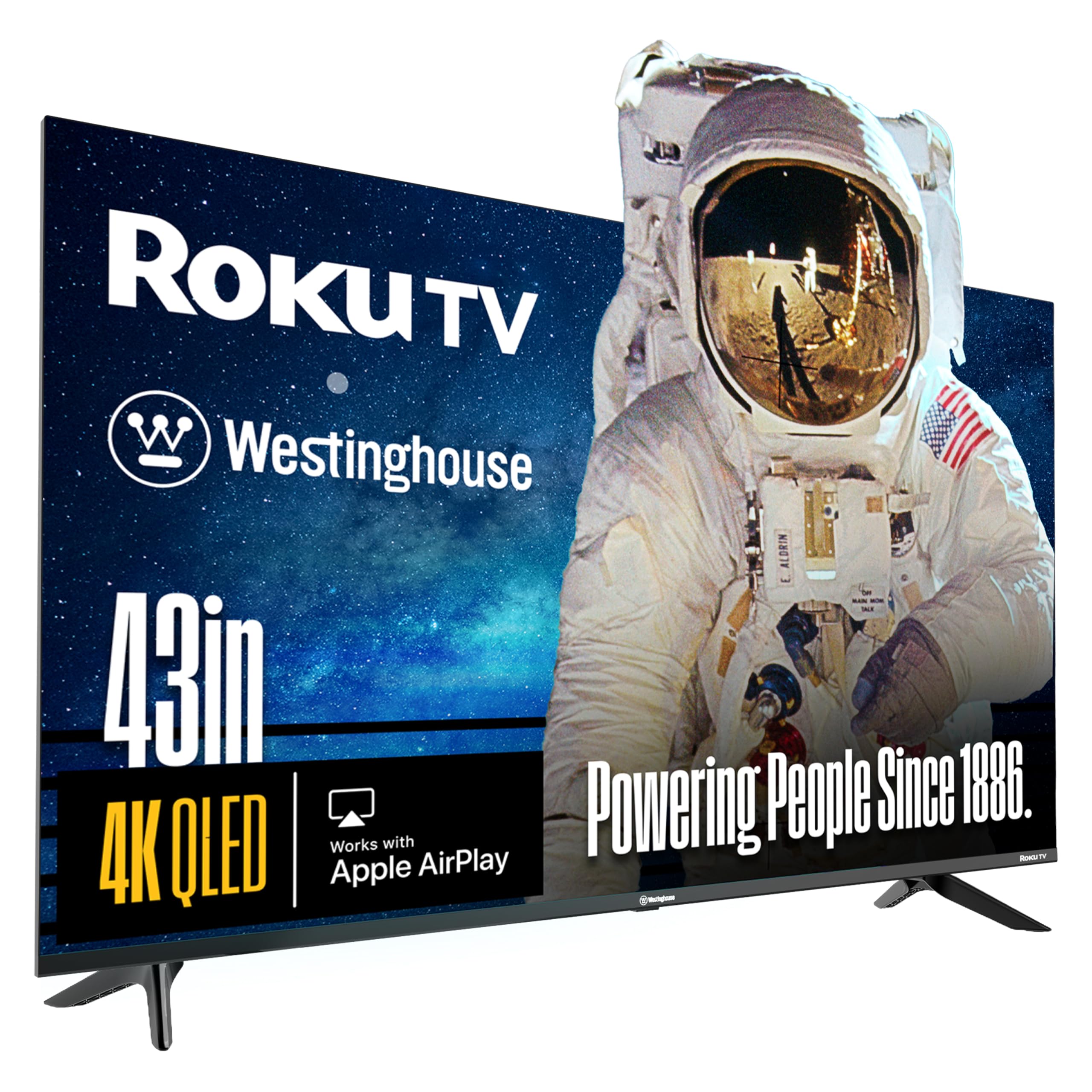
The Westinghouse 43-inch Roku QLED pairs a quantum dot panel with America’s most user-friendly streaming platform, Roku. The QLED panel delivers higher brightness and a wider color gamut than standard LED models, and the reported contrast ratio of over 5000:1 means blacks appear deeper and shadows have more detail. Dolby Vision and HDR10+ support cover both major dynamic HDR formats, making it excellent for streaming premium content from Netflix, Disney+, and Prime Video.
The Roku interface is the star here — it is fast, intuitive, and receives regular software updates. The included voice remote supports push-to-talk search across thousands of channels, and the Roku mobile app allows private listening through headphones without disturbing others. The bezel-less edgeless design gives the screen a modern, expansive look that blends into any room. With four HDMI inputs, there’s plenty of room for a soundbar, game console, and streaming device.
The primary concern is long-term reliability: a small number of owner reports mention video stream failures after a few months of use. Westinghouse warranty support is not as seamless as larger brands. The built-in speakers are adequate for a bedroom but will likely benefit from an external soundbar for fuller audio. If you prioritize a lag-free, simple TV experience with excellent color, this is a top contender in the mid-range QLED space.
Why it’s great
- QLED panel for vibrant, saturated colors
- Fast and simple Roku interface
- Dolby Vision & HDR10+ support
- Edgeless design with thin bezels
Good to know
- Potential reliability concerns reported by some users
- Built-in speakers are adequate but not powerful
4. Sony BRAVIA 2 II 43″ 4K LED Smart TV

Sony’s BRAVIA 2 II is a premium LED TV that leverages the 4K Processor X1 to deliver excellent upscaling from 1080p to near-4K quality, and XR-Reality PRO ensures fine textures and details are preserved even from lower-resolution sources. The Motionflow XR technology provides exceptionally clear motion handling during sports and action scenes, outperforming most 60Hz TVs in its class. The 43-inch screen is the perfect companion for a PlayStation 5, automatically engaging Auto HDR Tone Mapping and Auto Genre Picture Mode for optimized gaming visuals.
Google TV serves as the smart platform, offering rich content recommendations across streaming services, Chromecast built-in, and support for Apple AirPlay 2. The Game Menu puts all gaming picture settings in one convenient interface. The annual energy consumption is just 95 watts, making it one of the most power-efficient 4K TVs on the market. The build quality is excellent, with a solid metal stand and a premium feel from every angle.
The main drawback is price: the Sony BRAVIA 2 II sits at the top end of the 43-inch market, and it uses a standard LED panel rather than QLED, so peak color volume does not match the quantum-dot competition. Input lag is very low, but it is still a 60Hz panel. For PS5 owners and those who value signal processing, motion clarity, and build quality above all else, Sony delivers. For pure color pop, the QLED options at a lower price may feel more impressive in a brightly lit room.
Why it’s great
- Superior 4K upscaling with 4K Processor X1
- Excellent motion handling via Motionflow XR
- PS5 exclusive features: Auto HDR Tone Mapping
- Very low power consumption
Good to know
- Standard LED panel, not QLED
- Premium price point
- Some units may experience freezing issues
5. Samsung 43″ Crystal UHD U8000H (2026)

Samsung’s 2026 U8000H series brings Vision AI to the mid-range, with a Crystal Processor 4K that enhances color and sharpens details. The Motion Xcelerator technology estimates and adjusts frame transitions at up to 60Hz, resulting in notably smooth motion for sports and gaming without the judder typical of entry-level sets. The Color Booster feature pushes vibrancy beyond standard Crystal UHD panels, making this one of the best-looking non-QLED TVs at this size.
The Samsung TV Plus platform offers 2,700+ free streaming options and 750+ ad-supported channels without any subscription, which is ideal for cord-cutters who want live news, sports, and movies instantly. The SmartThings app consolidates smart home device control directly from the TV interface. The 2026 remote is simplified, but some users find it too minimal for older family members. Built-in Alexa and Bixby offer dual voice assistant support.
The Tizen interface, while smoother than older Samsung models, is still not as snappy as a dedicated Roku TV. The stand is sturdy but wide, requiring a 30-inch+ surface. The annual energy consumption of 166 kWh is higher than average for this class. For Samsung loyalists or those wanting free TV Plus content alongside smooth motion, the U8000H is a solid mid-range choice with modern AI features.
Why it’s great
- Color Booster adds vibrancy to Crystal UHD panel
- Motion Xcelerator smooths fast action
- Massive library of free TV Plus channels
- SmartThings smart home integration
Good to know
- Tizen interface not as responsive as Roku
- High annual energy consumption
- Wide stand requires ample surface space
6. Samsung 43″ Crystal UHD U8000F (2025)

The 2025 U8000F model from Samsung distinguishes itself with the MetalStream design — a single metal sheet body with an aircraft-inspired finish and ultra-thin bezel that looks more expensive than its mid-range price suggests. The Crystal Processor 4K delivers reliable 4K upscaling, bringing lost texture and detail to lower-resolution content. The 60Hz panel handles everyday streaming and casual gaming without issue, and the inclusion of Alexa built-in allows for hands-free control from the start.
Samsung Knox Security provides triple-layer protection against phishing sites and harmful apps, which is a unique value proposition for users concerned about data privacy on a smart TV. The Samsung TV Plus platform again offers abundant free content. The setup process requires a phone app and a Samsung account, which some users found frustrating and overly complicated for an otherwise straightforward device.
The remote is extremely minimalist and can feel unresponsive compared to a standard Roku remote. Sound quality is average at loud volumes, benefiting from an external soundbar. The U8000F is best suited for users who prioritize aesthetic design and Samsung’s security ecosystem over raw picture performance or interface speed.
Why it’s great
- Premium MetelStream design with ultra-thin bezel
- Knox Security for data protection
- Reliable 4K upscaling
- Alexa built-in
Good to know
- Setup requires phone app and account
- Average sound quality
- Minimalist remote lacks tactile feedback
7. Roku 43″ Select Series 4K HDR TV
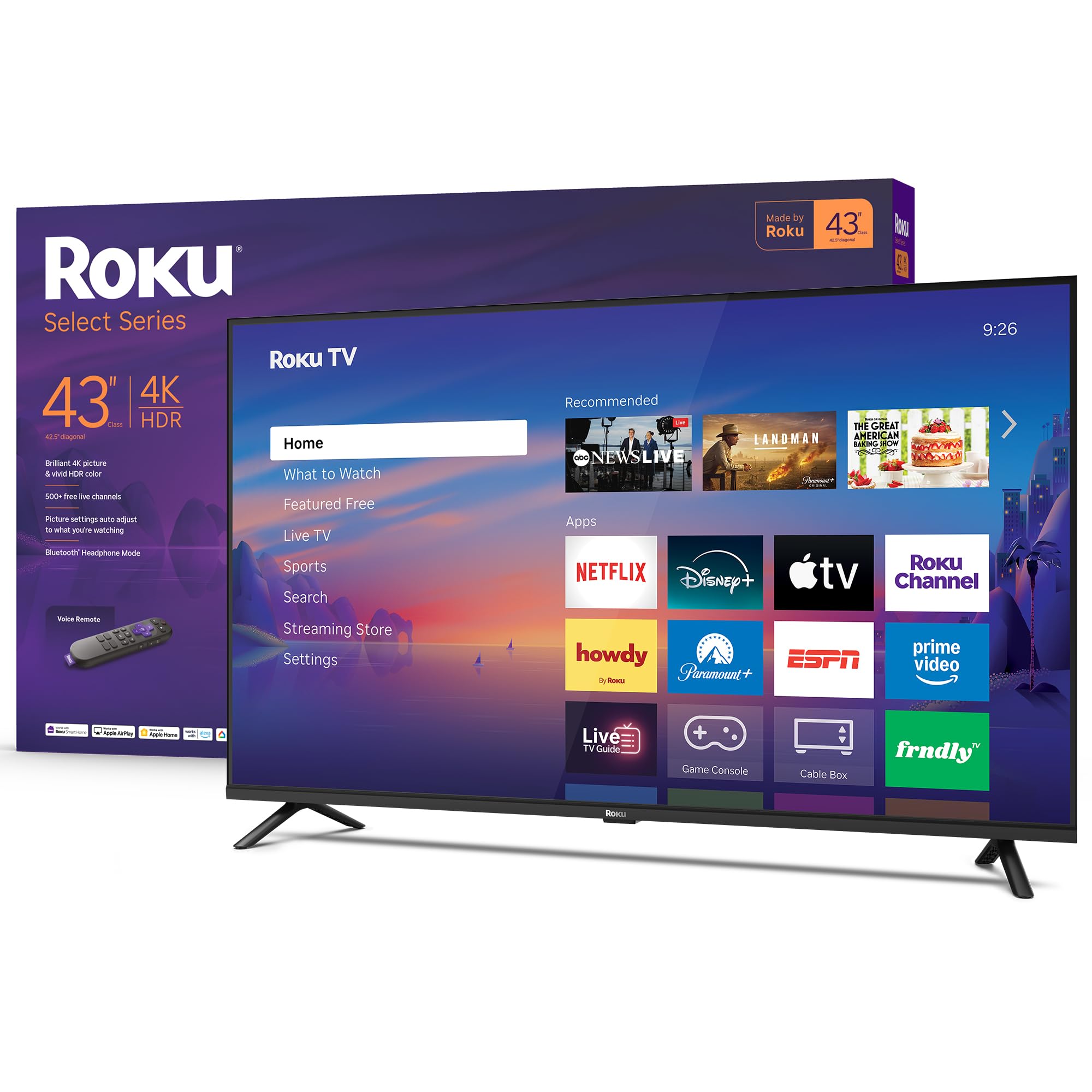
The Roku Select Series 43-inch TV is built by Roku themselves, ensuring the tightest possible integration between hardware and the Roku operating system. Apps launch in a snap, the home screen is clutter-free, and automatic software updates keep the experience fresh. The 4K HDR10 display, combined with Roku Smart Picture processing, cleans up incoming signals and automatically selects the correct picture mode for the content you are watching.
The standout feature is Bluetooth Headphone Mode, which lets you pair wireless headphones directly to the TV for private listening — invaluable for late-night watching without disturbing others. The Direct LED backlight provides uniform brightness across the screen, and the frameless design gives a modern aesthetic. Roku’s 500+ free live TV channels offer substantial free content from the moment you connect.
The 60Hz refresh rate is standard, and some users note visible block edges in fast-moving sports shots, but this is typical for the panel class. Sound quality is better than most budget TVs, with fuller mids and clearer dialogue. The lack of a 3.5mm audio jack is a minor inconvenience, but Bluetooth covers most use cases. For anyone wanting the stress-free, fast, and simple TV experience, this is the benchmark.
Why it’s great
- Fastest and simplest smart TV interface
- Bluetooth Headphone Mode for private listening
- Excellent dialogue clarity from built-in speakers
- Frameless design with Direct LED backlight
Good to know
- Standard 60Hz panel, not for competitive gaming
- No 3.5mm audio jack
8. Westinghouse 43″ Xumo 4K UHD Smart TV
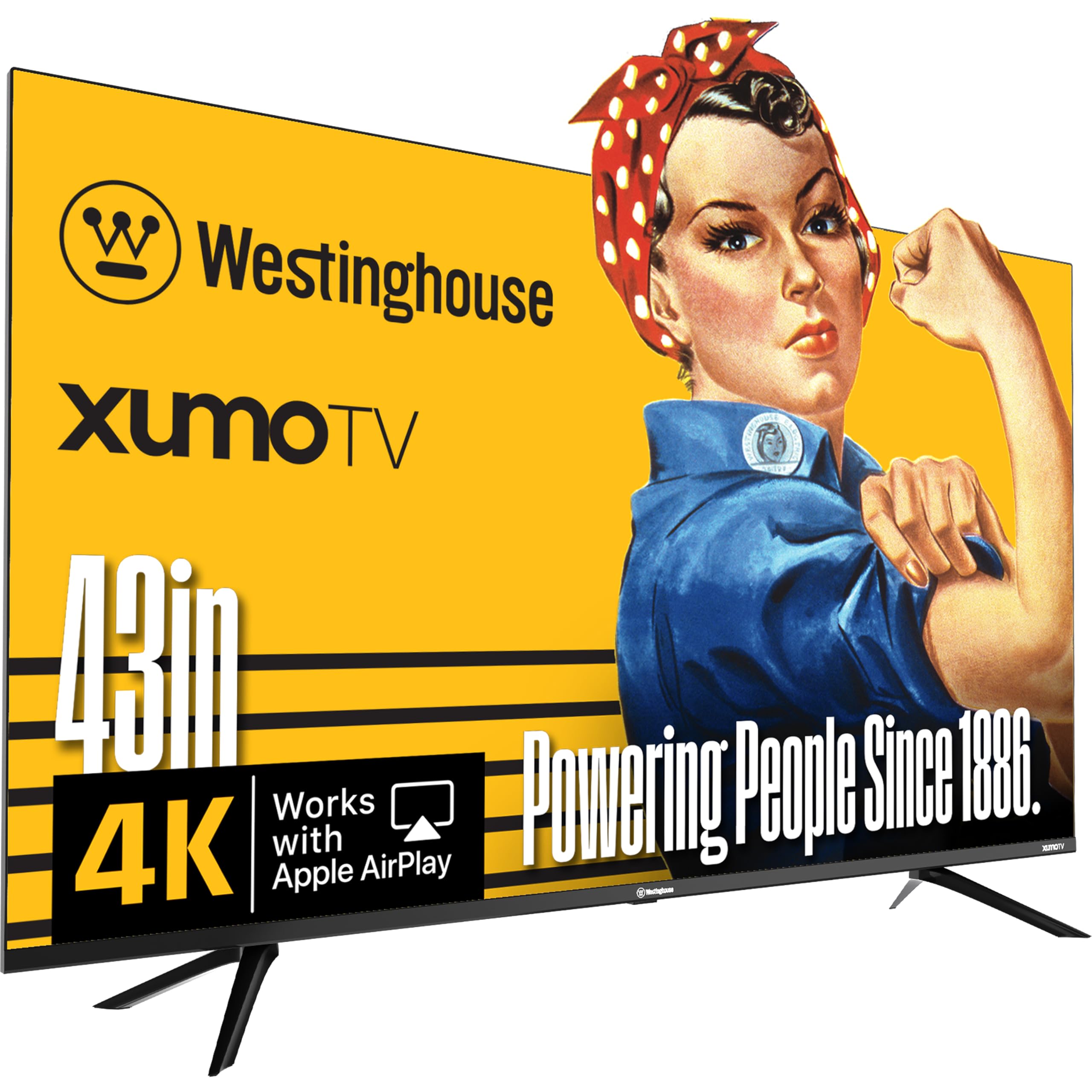
The Westinghouse 43-inch Xumo TV is one of the most affordable ways to get Dolby Vision and Dolby Atmos in a 4K package. The image quality is surprisingly sharp for the entry-level price point, with HDR10+ and Dolby Vision providing noticeable improvements in contrast when streaming compatible content. The built-in speakers deliver a surprising level of stereo separation, making dialogue clear and music sound full without needing a soundbar for casual viewing.
The Xumo smart platform provides instant access to Netflix, Prime Video, Disney+, and a free channel guide with 350+ live channels and 70,000+ on-demand movies. The voice remote with universal search helps you find content across apps without manual browsing. Connectivity is generous for the price, with three HDMI inputs, USB, optical digital audio, and composite video inputs covering most setups.
The Xumo platform is not as polished as Roku — app switching can be slower, and there is no native casting support from Windows or Android devices, only Apple AirPlay for iOS users. Some users received units that showed signs of prior handling. The contrast ratio is a modest 1200:1, so blacks appear more gray in a dark room compared to higher-contrast models. For budget-constrained buyers who want Dolby Vision support and a decent built-in speaker, it delivers solid value.
Why it’s great
- Dolby Vision and Dolby Atmos at a low price
- Surprisingly good built-in stereo speakers
- Three HDMI inputs for connectivity
- Free 350+ live Xumo channels
Good to know
- Xumo platform slower than Roku
- No Windows/Android casting support
- Modest 1200:1 contrast ratio
9. FPD 43″ Smart TV with Tizen OS
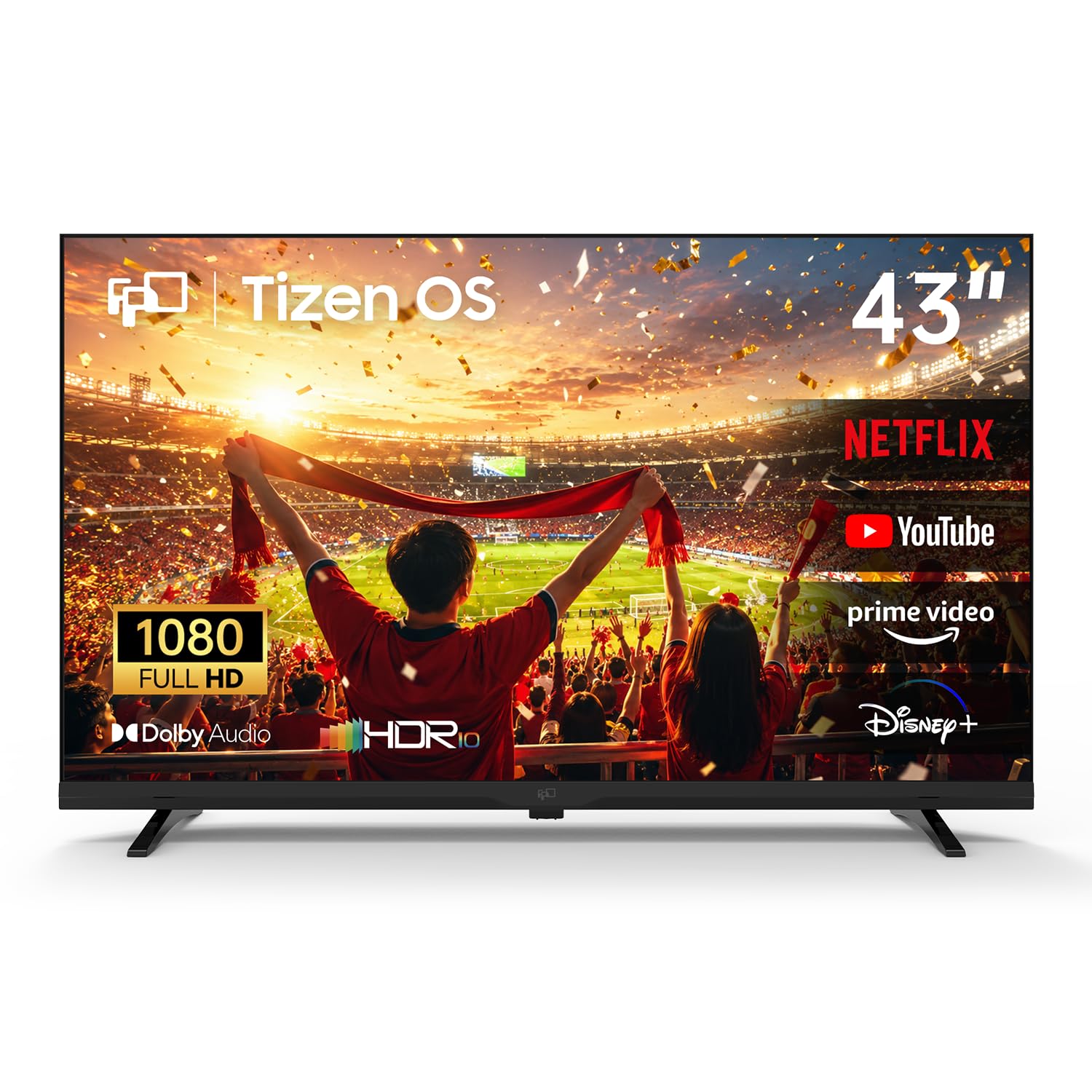
The FPD 43-inch Smart TV is the most entry-level model in this guide, using a 1080p Full HD panel rather than 4K. This makes it an ideal choice for spaces where 4K resolution would be wasted—such as a guest room, kitchen, or children’s play area—or for use as a computer monitor where text clarity is less critical than price. The panel supports HDR10, which helps improve color contrast within the 1080p resolution, and Dolby Audio provides a solid audio experience for its class.
Powered by Samsung’s Tizen OS, it offers fast access to Netflix, YouTube, Prime Video, and importantly, Samsung TV Plus for 350+ free live channels. The Samsung Gaming Hub is an unexpected bonus at this price level, giving access to over 1,000 cloud games from Xbox Cloud Gaming and NVIDIA GeForce NOW without needing a console. SmartThings enables control of compatible smart home devices directly from the TV, and Miracast allows wireless screen mirroring from phones and laptops.
The 1080p resolution will look blurry if viewed close-up, so maintain a viewing distance of at least 5-6 feet. Several user reports indicate significant color issues (green tint) developing after a few months, raising concerns about long-term reliability and panel quality control. The Tizen OS on this budget hardware can feel sluggish. If you need a cheap secondary TV with smart features and gaming hub access, the FPD works — but consider it a disposable appliance rather than a long-term investment.
Why it’s great
- Affordable 1080p Tizen smart TV
- Built-in Samsung Gaming Hub for cloud gaming
- SmartThings and Miracast support
- Dolby Audio and HDR10 support
Good to know
- 1080p resolution, not 4K
- Reliability and color shift issues reported
- Tizen interface can be sluggish
FAQ
Is a 43-inch TV too small for a living room?
Do I need QLED for a 43-inch TV?
Can I use a 43-inch TV as a computer monitor?
Final Thoughts: The Verdict
For most users, the best 43 inch tv winner is the Amazon Fire TV 43″ Omni QLED because it combines a quantum dot panel, Dolby Vision IQ with ambient light sensing, and hands-free Alexa in a single package that outperforms everything else at this size. If you want the most intuitive and lag-free smart platform with QLED color, grab the Westinghouse 43″ Roku QLED. And for PS5 gaming with superior motion processing and upscaling, nothing beats the Sony BRAVIA 2 II 43″.

Mo Maruf
I created WellFizz to bridge the gap between vague wellness advice and actionable solutions. My mission is simple: to decode the research and give you practical tools you can actually use.
Beyond the data, I am a passionate traveler. I believe that stepping away from the screen to explore new environments is essential for mental clarity and physical vitality.