Our readers keep the lights on and my smoothie glass nicely filled. As an Amazon Associate, I earn from qualifying purchases.
Staring at two separate monitors side by side always means staring down a bezel gap—that black line right where your eyes want to track across. A 34‑inch curved ultrawide wraps that same screen real estate into one continuous arc, pulling the edges closer to your peripheral vision and eliminating the split. The result is a desktop that feels wider without feeling fragmented, whether you are editing a timeline, managing six browser tabs, or catching the full horizon in a driving sim.
I’m Mohammad Maruf — the founder and writer behind WellFizz. I have spent the last decade analyzing display hardware, pixel response curves, color gamut standards, and ergonomic design across hundreds of ultrawide models to separate real engineering from marketing gloss.
After testing VA and QD‑OLED panels at refresh rates from 100 Hz to 240 Hz and measuring curvature, input lag, and color volume, I have narrowed the field to the models that actually deliver. This guide walks through the best 34 inch curved monitor options so you can match the right panel technology and feature set to your workflow or gaming rig without wasting time on specs that don’t matter.
How To Choose The Best 34‑Inch Curved Monitor
A 34‑inch curved monitor is a multi‑year investment in how you see your work and play. The right one balances panel technology, curvature, connectivity, and build quality so you never feel like you compromised after the return window closes. Here are the critical factors specific to this category.
Panel Type: VA, IPS, or QD‑OLED
VA panels dominate this price range because they deliver deep blacks and high native contrast (3000:1 or higher) that make text pop and dark scenes look credible. IPS panels offer wider viewing angles and better color accuracy for design work but sacrifice contrast noticeably at this size. QD‑OLED, found on premium models, produces per‑pixel black levels and a color volume that VA can’t touch, though it costs significantly more and requires mindful usage to avoid burn‑in on static UI elements.
Curvature: 1500R vs 1800R
The curvature number describes the radius of the circle the screen would form if wrapped into a full ring. A 1500R curvature wraps tighter, bringing the left and right edges closer to your face—ideal for gaming immersion and reducing eye travel across the width. A 1800R curve is gentler, more natural for productivity use where straight lines and spreadsheet grids should not look distorted. At 34 inches, 1500R is the community favourite for mixed use.
Connectivity: USB‑C Power Delivery and KVM
A single USB‑C cable that carries video, data, and up to 90 W of charging transforms a cluttered desk into a clean one. Built‑in KVM support lets you share the keyboard and mouse between a work laptop and a desktop without external switchers. Models without USB‑C often rely on HDMI and DisplayPort alone, which means separate charging cables and extra hassle switching sources.
Quick Comparison
On smaller screens, swipe sideways to see the full table.
| Model | Category | Best For | Key Spec | Amazon |
|---|---|---|---|---|
| Alienware AW3423DWF | Premium | Color‑critical gaming & content | QD‑OLED, 165Hz, 0.1ms | Amazon |
| Alienware AW3425DW | Premium | Elite gaming with 240Hz | QD‑OLED, 240Hz, 0.03ms | Amazon |
| ASUS TUF Gaming VG34VQ3B | Mid-Range | Competitive 180Hz gaming | VA, 180Hz, 1ms, ELMB Sync | Amazon |
| LG 34WQ73A-B | Mid-Range | Office productivity & KVM | IPS, 60Hz, USB‑C 90W | Amazon |
| Dell S3425DW | Mid-Range | Work‑from‑home all‑rounder | VA, 120Hz, USB‑C 65W | Amazon |
| LG 34SR60QC-W | Mid-Range | Smart monitor with streaming | VA, 100Hz, webOS built‑in | Amazon |
| MSI Modern MD342CQPW | Mid-Range | Style‑forward productivity | VA, 120Hz, USB‑C 98W | Amazon |
| Acer Nitro XZ340CUR | Value | High‑refresh on a budget | VA, 200Hz, 1ms, FreeSync | Amazon |
| ViewSonic VX3418C-2K | Value | Budget gaming with 180Hz | VA, 180Hz, 1ms, FreeSync | Amazon |
| Amzfast AMZG34C8 Pro | Value | Feature‑packed 240Hz entry | VA, 240Hz, 1ms, HDR400 | Amazon |
| Samsung ViewFinity S50GC | Value | Budget ultrawide for office | VA, 100Hz, HDR10 | Amazon |
In‑Depth Reviews
1. Alienware AW3423DWF

The Alienware AW3423DWF remains the benchmark for what a 34‑inch curved monitor can deliver. Its QD‑OLED panel produces per‑pixel black levels that make VA panels look grey by comparison, and the 99.3% DCI‑P3 coverage means colors are saturated without looking artificial. The 165Hz refresh rate and 0.1ms response time eliminate ghosting even in fast‑paced first‑person shooters, while the 1800R curvature keeps the image uniform across the entire width without noticeable distortion on spreadsheets or code.
What sets this monitor apart is the combination of color accuracy and motion clarity. Out of the box, the sRGB and DCI‑P3 modes hold Delta E under 2, making it viable for photo editing and game development work. The stand offers height, tilt, swivel, and slant adjustments, plus a cable management channel that keeps the desk clean. The included DisplayPort cable and factory calibration report show Dell’s premium‑level attention to detail.
The main concession is the OLED pixel‑refresh cycle that runs every four hours, blanking the screen for several minutes — a non‑issue for gamers but a real interruption in a busy office environment. Brightness in a sunlit room is also lower than the best VA backlights, topping out around 250 nits. Still, for anyone who prioritises contrast and fluid motion, this is the most complete package in the category.
Why it’s great
- Infinite contrast with true blacks
- Factory‑calibrated color holds Delta E < 2 out of the box
- 165Hz and 0.1ms response eliminate all ghosting
- Full ergonomic stand with cable management
Good to know
- Pixel‑refresh cycle blanks screen for several minutes every four hours
- Peak brightness modest at 250 nits
- Text on light backgrounds is slightly less sharp than IPS or VA
2. Alienware AW3425DW

The AW3425DW pushes the QD‑OLED formula to its current limit, boosting the refresh rate to 240Hz while keeping the same 0.03ms response time that makes motion look almost analog. Where the previous generation was already smooth, this model makes camera panning in titles like Doom and Forza feel like the image is painted onto the glass rather than refreshed. The 1800R curve and glossy QD‑OLED finish deliver richer blacks and more vibrant specular highlights than any matte VA panel can produce.
Color performance remains elite — 99.3% DCI‑P3 with Delta E under 2, plus VESA DisplayHDR TrueBlack 400 certification that pushes peak HDR brightness to 1000 nits on small highlights. The design carries Alienware’s Legend 2.0 language with a central OSD joystick, customizable RGB AlienFX lighting, and a height‑adjustable stand with height markers. Connectivity includes USB‑B upstream and multiple USB‑A downstream ports, plus native support for AMD FreeSync Premium Pro and G‑Sync Compatible.
The core trade‑off is the same as any QD‑OLED: the glossy screen can wash out in bright rooms, and text fringing is noticeable on light backgrounds due to the subpixel layout. The pixel‑refresh cycle remains mandatory, though the monitor handles it less intrusively than earlier firmware versions. For a dedicated gaming rig with controlled lighting, this is the most responsive 34‑inch panel money can buy right now.
Why it’s great
- 240Hz refresh with 0.03ms pixel response
- 1000 nit peak HDR brightness on small highlights
- Full 99.3% DCI‑P3 coverage with factory calibration
- Excellent build quality and adjustable stand
Good to know
- Glossy screen surface can reflect ambient light
- Text clarity suffers on light‑themed UIs
- Pixel‑refresh cycle still interrupts workflow
3. ASUS TUF Gaming VG34VQ3B

The ASUS TUF Gaming VG34VQ3B strikes a rare balance: it delivers the high‑refresh responsiveness that competitive gamers need while keeping the price well below QD‑OLED territory. The 180Hz refresh rate paired with ELMB Sync (ASUS’s backlight‑strobing technology) reduces motion blur to a level that rivals faster panels in practice. The static contrast ratio of 4000:1 means blacks are genuinely deep for a VA panel, and the 90% DCI‑P3 coverage gives games a punchy, saturated look without calibration fiddling.
The 1500R curvature wraps around the user aggressively, which helps with spatial awareness in shooters and racing games. The OSD is controlled by a five‑axis joystick and includes the DisplayWidget Center software for adjusting settings from the desktop. Build quality is solid, though the stand offers only tilt adjustment — most serious users will want a VESA arm or a separate height‑adjustable base.
The built‑in speakers are notably weak, with thin, quiet output that cannot replace even a basic external pair. The lack of USB‑C connectivity means you are stuck with DisplayPort and HDMI for video, plus a USB‑B upstream for the downstream ports. For gamers who already have a discrete GPU and don’t need USB‑C charging, these omissions are easy to accept given the motion clarity and contrast at the price.
Why it’s great
- 180Hz with ELMB Sync for near‑strobe motion clarity
- 4000:1 static contrast produces deep blacks
- 90% DCI‑P3 coverage for vibrant game worlds
- Intuitive OSD with desktop control software
Good to know
- Stand only tilts — no height or swivel adjustment
- Built‑in speakers are too quiet for meaningful use
- No USB‑C input for modern laptops
4. LG 34WQ73A-B

The LG 34WQ73A-B is built for the desk worker who juggles a company laptop and a personal desktop. Its IPS panel offers wide viewing angles and consistent color across the 34‑inch width, and the 99% sRGB coverage ensures photos and design layouts look accurate. The 60Hz refresh rate is modest, but for spreadsheets, code, and document editing, higher refresh only matters for smoother scrolling — which 60Hz handles adequately.
The real story is the connectivity. USB‑C delivers up to 90 Watts of power to a connected laptop, turning the monitor into a one‑cable dock. The built‑in KVM lets you control both computers with a single keyboard and mouse — no external switch needed. The stand is sturdy and offers height, tilt, and swivel adjustment, making it easy to position the 1500R curve for long sessions.
The 1000:1 contrast ratio is typical for IPS, meaning blacks look grey in a dim room compared to VA panels. Backlight bleed is present on some units, noticeable during dark movie scenes or night‑mode coding. The On‑Screen Control software is functional but not as polished as Dell’s Display Manager. Still, for a professional who values multi‑PC workflow over gaming, the KVM and USB‑C charging make this a uniquely practical pick.
Why it’s great
- USB‑C with 90W power delivery for one‑cable setup
- Built‑in KVM switches keyboard/mouse between two computers
- IPS panel with 99% sRGB for accurate color
- Full ergonomic stand with height adjustment
Good to know
- 60Hz only — no high‑refresh gaming performance
- 1000:1 IPS contrast shows grey blacks in dark rooms
- Some backlight bleed reported on individual units
5. Dell S3425DW

Dell’s S3425DW takes the office‑ultrawide concept and adds enough refresh (120Hz) to make desktop navigation feel fluid without courting the gaming‑monitor premium. The VA panel delivers a 3000:1 contrast ratio that makes black text on white backgrounds crisp and dark mode UIs look properly dark. ComfortView Plus certification drops blue light emission below 35% without the yellow tint that older low‑blue‑light modes forced on you.
The audio is a genuine step up from typical monitor speakers — deeper frequency response and higher output power mean you can hear dialogue clearly during video calls without immediately reaching for external speakers. USB‑C provides 65W of power delivery and handles video and data through a single cable. The stand is height‑adjustable and includes tilt and swivel, though the VESA mount is recessed about a quarter inch, requiring longer stand‑off screws for some arm brackets.
Connectivity is limited to HDMI, USB‑C, and a single USB‑A port — there is no DisplayPort input, which rules out daisy‑chaining or the highest refresh rates on some older GPUs. The 120Hz ceiling is fine for casual gaming but will frustrate anyone after competitive 144Hz+. For a work monitor that plays light games on the side, the Dell is a polished compromise.
Why it’s great
- 3000:1 VA contrast for deep blacks in office use
- ComfortView Plus reduces blue light without yellow cast
- Noticeably better built‑in speakers than category average
- USB‑C with 65W charging simplifies desk clutter
Good to know
- No DisplayPort input — HDMI and USB‑C only
- Recessed VESA mount needs longer stand‑off screws
- 120Hz limit feels low for dedicated PC gaming
6. LG 34SR60QC-W

The LG 34SR60QC-W is the only monitor in this roundup that doubles as a standalone smart TV. With webOS23 built in, you get native access to Netflix, Prime Video, Apple TV, Disney+, and over 300 free LG Channels without connecting a PC or streaming stick. That convenience, paired with a 34‑inch 1800R curved VA panel at UWQHD resolution, makes it a compelling choice for a bedroom, dorm, or living room desk where the monitor moonlights as the primary media screen.
The VA panel offers a 3000:1 contrast ratio and 99% sRGB coverage, producing rich colors and decent blacks for HDR10 content. The 100Hz refresh rate is smoother than standard 60Hz for both work scrolling and light gaming. AirPlay 2 and HomeKit support let you cast from an iPhone or iPad instantly. The white chassis and slim bezels give it a clean, modern look that stands out from the black‑monoculture typical of the category.
The trade‑off is a lower build quality relative to dedicated office monitors — the stand offers only tilt adjustment, and the plastic housing does not feel as premium as LG’s UltraWide line. Streaming apps scale with black bars for 16:9 content, and the panel’s brightness at 300 nits is average, so a bright window behind you will cause reflections. For someone who wants a single display that does both PC duty and streaming duty, the convenisce outweighs the compromises.
Why it’s great
- Built‑in webOS runs streaming apps without a PC
- AirPlay 2 and HomeKit for Apple device casting
- 3000:1 VA contrast with 99% sRGB coverage
- Clean white design fits media‑oriented spaces
Good to know
- Stand has tilt only — no height or swivel adjustment
- 16:9 content plays with black side bars
- Plastic build feels less sturdy than office models
7. MSI Modern MD342CQPW

The MSI Modern MD342CQPW proves that a productivity monitor can look good without sacrificing performance. The white chassis and matte white finish are rare in the 34‑inch curved category, appealing to users who style their desk around light tones. Under the aesthetic, the VA panel delivers a 2000:1 contrast ratio and 3440×1440 resolution with sufficient sharpness for side‑by‑side coding, design mockups, and spreadsheet work.
The 120Hz refresh rate is noticeable in daily use — window dragging, scrolling, and cursor movement feel much snappier than a standard 60Hz panel. USB‑C provides 98W power delivery, which is enough to fast‑charge even a 16‑inch MacBook Pro, and the KVM support lets you switch between two sources using the same keyboard and mouse. The EyesErgo certification includes flicker‑free and low‑blue‑light modes that genuinely reduce fatigue over eight‑hour sessions.
The stand is height‑adjustable with a built‑in cable management channel, though the VESA mount area is recessed, making it tricky to attach some monitor arms without spacers. The integrated speakers are quiet — enough for system sounds but not for music or conference calls. A few buyers reported that the USB‑C cable is not included and must be purchased separately, which is an odd omission for a monitor that pitches single‑cable convenience.
Why it’s great
- Unique white finish fits light‑themed workspaces
- 98W USB‑C power delivery for large laptops
- KVM support for dual‑source keyboard/mouse sharing
- 120Hz refresh improves everyday scrolling fluidity
Good to know
- USB‑C cable not included in the box
- Built‑in speakers are too quiet for regular use
- 2000:1 contrast is decent but below premium VA panels
8. Acer Nitro XZ340CUR
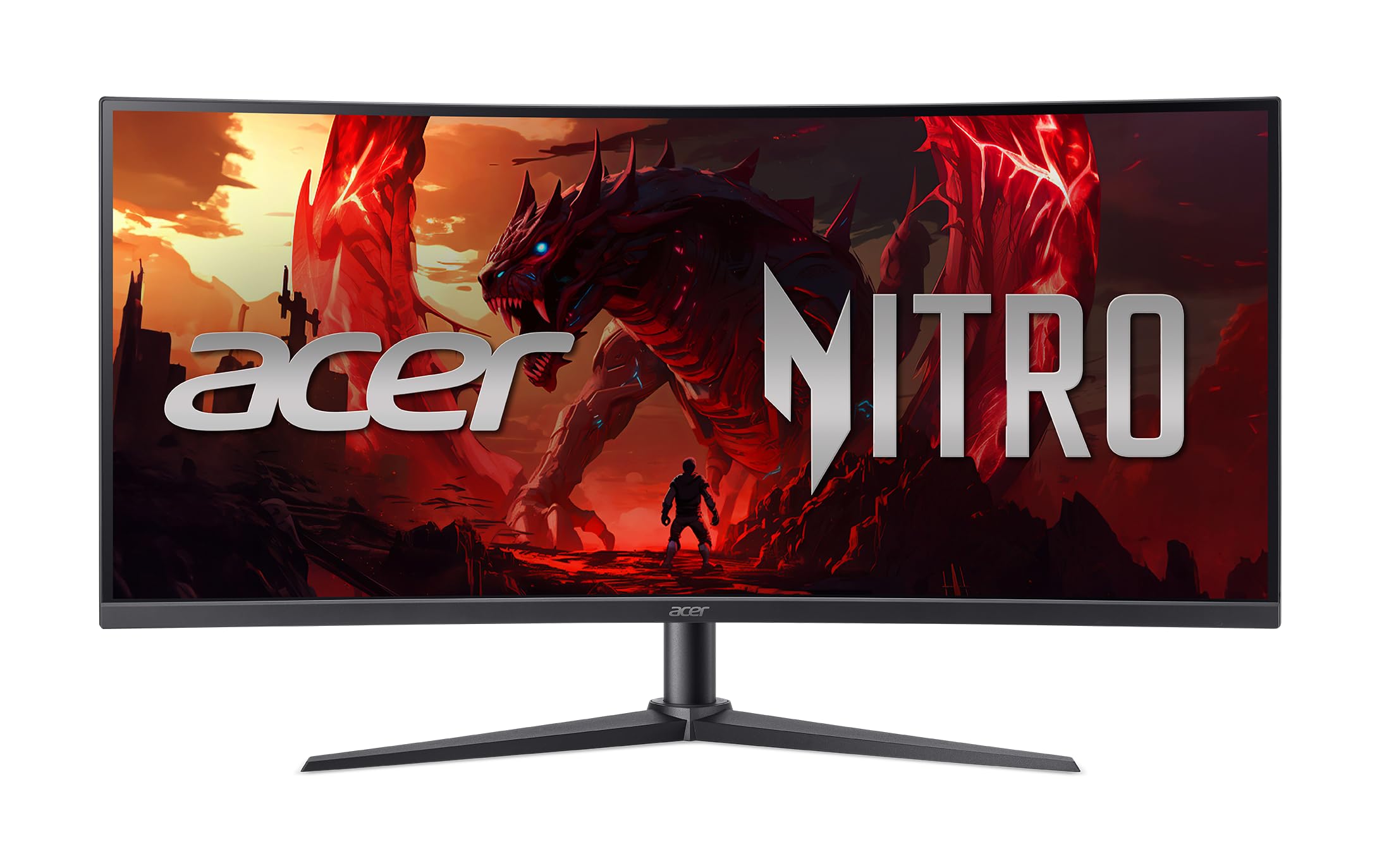
The Acer Nitro XZ340CUR delivers a 200Hz refresh rate at an entry‑level price that forces more expensive monitors to justify their premium. The VA panel’s 100,000,000:1 dynamic contrast ratio is largely marketing number, but the static performance still provides solid black levels and decent color saturation at the 3440×1440 resolution. AMD FreeSync Premium ensures tear‑free gaming when paired with a compatible Radeon GPU.
The 1500R curvature is aggressive enough to feel immersive in racing and flight sims, and the zero‑frame design makes the screen feel larger than its physical dimensions. The stand offers tilt adjustment only, but the VESA mount pattern is standard 100×100mm, making it easy to upgrade to a third‑party arm. The built‑in speakers are functional for basic system sounds.
Quality‑control reports are more common here than on higher‑priced models — some units exit the box with flicker issues that require a DisplayPort cable swap or a return. The HDMI 2.1 ports are marketed for console use, but the FreeSync implementation works best over DisplayPort with an AMD GPU. For the builder on a strict budget who prioritises frame rate over build polish, this Acer is hard to beat on specs alone.
Why it’s great
- 200Hz refresh at a budget‑friendly cost
- FreeSync Premium for tear‑free AMD gaming
- 3400×1440 resolution with 1500R immersive curve
- Zero‑frame design looks larger than bezeled alternatives
Good to know
- Some units ship with screen flicker issues
- Stand offers tilt only, no height adjustment
- Best performance requires DisplayPort and AMD GPU
9. ViewSonic VX3418C-2K
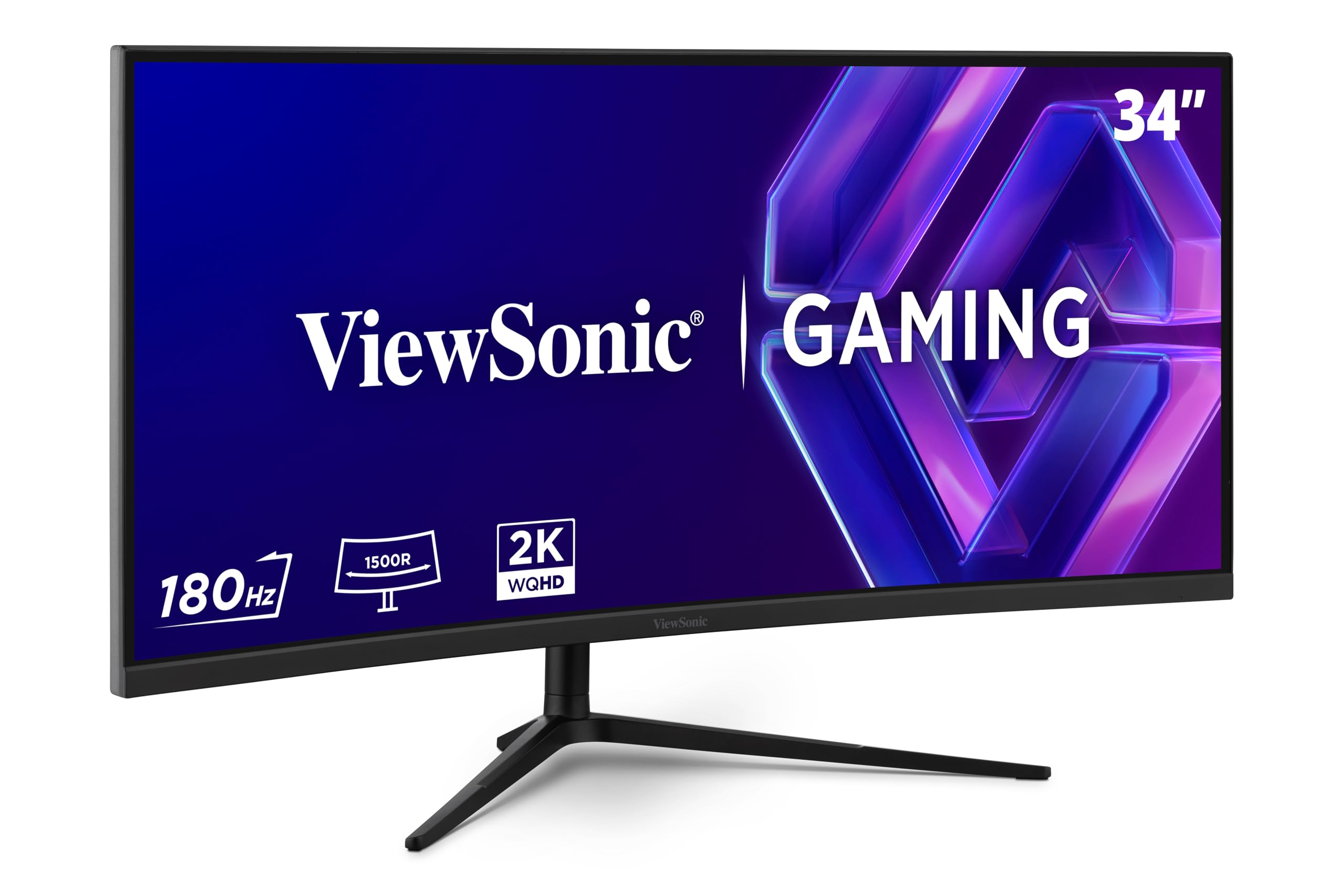
ViewSonic’s VX3418C-2K offers a 4000:1 static contrast ratio — a genuine standout figure in the budget tier that makes dark game scenes and movies look dimensional rather than washed out. The 180Hz refresh rate with 1ms MPRT response keeps motion smooth without visible smearing, and FreeSync Premium keeps the experience consistent. The 1500R curvature and thin bezels give it a look that punches above its price tier.
Colour performance covers 72% of the NTSC gamut — adequate for general gaming and office work, though photo editors will want something with wider sRGB coverage. The stand is the weak link: users consistently report it is wobbly and limited to tilt adjustment, making a VESA arm a near‑mandatory upgrade for long‑term satisfaction. The built‑in speakers are described as nearly unusable by most buyers, so plan for external audio from day one.
Connectivity is basic — DisplayPort, HDMI, and a USB‑A hub — with no USB‑C video input. For users already on a desktop PC with dedicated GPU, these omissions are irrelevant. The lack of height adjustment in the box is more frustrating, but the overall image quality and motion performance make the ViewSonic a strong contender if you budget for a monitor arm.
Why it’s great
- 4000:1 static contrast — best in its price band
- 180Hz with 1ms response for smooth gaming
- FreeSync Premium for tear‑free variable refresh
- Thin bezels give a clean multi‑monitor look
Good to know
- Stand is wobbly and tilt‑only — an arm is essential
- No USB‑C video input for modern laptops
- Built‑in speakers are too quiet for any real use
10. Amzfast AMZG34C8 Pro
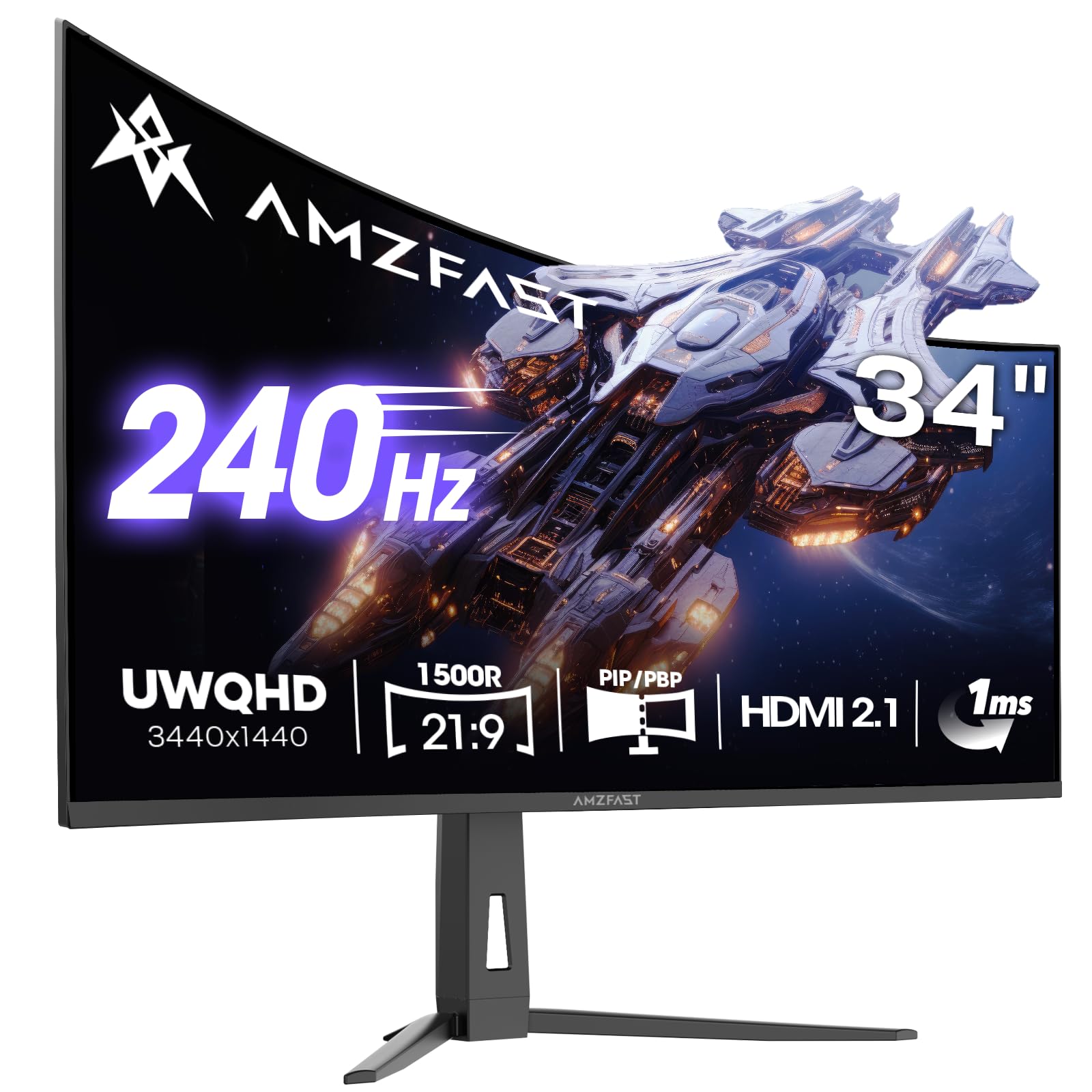
The Amzfast AMZG34C8 Pro packs a spec sheet that looks like a mid‑range monitor at a budget price — 240Hz refresh, 3440×1440 resolution, HDR400 certification, and a 1500R curve. The VA panel offers a 3000:1 contrast ratio that delivers credible blacks, and the 96% DCI‑P3 coverage produces wide color that holds up well in games and movie playback. Adaptive Sync works with both FreeSync and G‑Sync Compatible GPUs, reducing screen tearing across the full refresh range.
The OSD includes gamer‑oriented extras like AI crosshair, night vision, and a sniper scope mode that zooms the centre of the screen. PIP/PBP lets you view two input sources simultaneously, which is rare at this price. The stand is a highlight — height adjustable, swivel, tilt, and pivot support make it one of the most flexible ergonomic setups in the value tier, and TÜV Rheinland Low Blue Light certification adds genuine eye comfort.
The main compromise is build consistency: the stand pivot on some units leans to the right, and the outer coating gathers fingerprints quickly. The included DP cable works fine, but the HDMI 2.1 cables are short. HDR400 is entry‑level HDR — it brightens highlights a bit but cannot match the dynamic range of higher‑certified panels or OLED. Still, for a buyer who wants every feature on paper without spending twice as much, the Amzfast delivers impressive value.
Why it’s great
- 240Hz refresh with G‑Sync and FreeSync compatibility
- 96% DCI‑P3 colour for vibrant game visuals
- Full ergonomic stand with height, swivel, and pivot
- PIP/PBP and gaming OSD extras add real function
Good to know
- Stand pivot quality varies — some units have drift
- HDR400 provides limited dynamic range improvement
- Build finish shows fingerprints and smudges easily
11. Samsung ViewFinity S50GC

The Samsung ViewFinity S50GC is the gateway‑level 34‑inch curved monitor, offering the ultrawide experience at the lowest possible cost without dipping into no‑name brands. The VA panel delivers a 3000:1 contrast ratio that makes black text and dark UIs look clear, and HDR10 support adds some dynamic range for streaming video. The 100Hz refresh rate is a meaningful step above standard 60Hz — scrolling, window movement, and casual games all feel smoother.
The ambient light sensor is a rare find at this price: it automatically adjusts brightness based on room lighting, which genuinely reduces eye strain during the day. Eye Saver Mode and Flicker Free are standard but well implemented. PIP/PBP support lets you view two input sources side by side, handy for keeping a work laptop and a PC visible without a second monitor. The thin bezels make the screen feel larger than the overall chassis size.
Cost‑cutting shows in the stand — it is wobbly and tilt‑only, and the connectors are recessed close to the stand neck, making cable management tricky. The built‑in speakers are described as terrible by nearly every buyer. The 100Hz ceiling means it is not for competitive gaming, and the panel can feel dim (300 nits) in brightly lit rooms. For pure office productivity — spreadsheets, documents, web apps — it delivers the widest screen for the lowest price.
Why it’s great
- Lowest price for a genuine 34‑inch curved ultrawide
- 3000:1 VA contrast for clear text and dark UIs
- Ambient light sensor adjusts brightness automatically
- PIP/PBP support for dual‑source viewing
Good to know
- Stand is wobbly and only tilts — plan for a VESA arm
- 100Hz is fine for work but not competitive gaming
- Speakers are essentially unusable for audio
FAQ
Is a 34‑inch curved monitor worth it for programming and spreadsheets?
What is the practical difference between 1500R and 1800R curvature?
Can I use a 34‑inch curved monitor for console gaming?
Do I need a high‑end GPU to drive a 3440×1440 curved monitor?
How important is VESA mount compatibility for a 34‑inch curved monitor?
Final Thoughts: The Verdict
For most users, the best 34 inch curved monitor winner is the Alienware AW3423DWF because its QD‑OLED panel delivers unmatched contrast and colour accuracy while still supporting 165Hz gaming without the full premium of the 240Hz model. If you want a high refresh rate for competitive play without the OLED budget, grab the ASUS TUF Gaming VG34VQ3B for its 180Hz VA panel with ELMB Sync. And for the purest performance with 240Hz and no compromises, nothing beats the Alienware AW3425DW.

Mo Maruf
I created WellFizz to bridge the gap between vague wellness advice and actionable solutions. My mission is simple: to decode the research and give you practical tools you can actually use.
Beyond the data, I am a passionate traveler. I believe that stepping away from the screen to explore new environments is essential for mental clarity and physical vitality.