Our readers keep the lights on and my smoothie glass nicely filled. As an Amazon Associate, I earn from qualifying purchases.
Finding the right 24-inch monitor for office work isn’t just about screen size—it’s about finding a tool that reduces eye strain, keeps you organized, and makes spreadsheets, documents, and video calls feel effortless. The wrong choice can lead to neck pain, blurry text, and constant cable fumbling.
I’m Mohammad Maruf — the founder and writer behind WellFizz. I’ve spent hundreds of hours analyzing display specifications, ergonomic features, and real-world user feedback to separate marketing fluff from truly productive hardware.
After weeks of cross-referencing technical specs and customer experiences across dozens of models, I’ve identified the monitors that genuinely deliver. My goal is to help you find the best 24 inch monitor for office work that fits your workflow without the guesswork.
How To Choose The Best 24 Inch Monitor For Office Work
A great office monitor balances visual clarity, ergonomic flexibility, and the right ports for your setup. Here are the key factors to consider before you buy.
Panel Type: IPS Is the Gold Standard
IPS (In-Plane Switching) panels deliver wide 178-degree viewing angles and consistent color reproduction, so you see the same image whether you’re sitting center or leaning to the side. VA panels offer deeper blacks but narrower angles, while TN panels sacrifice color for speed. For spreadsheets, documents, and video calls, IPS is the clear winner.
Ergonomics and Adjustability
A monitor with tilt, swivel, pivot, and height adjustment lets you position the screen at natural eye level, reducing neck and shoulder strain. Fixed stands save money but can force poor posture. If you share a desk or work long hours, invest in a fully adjustable stand.
Connectivity and Cable Management
USB-C with power delivery simplifies your desk to a single cable for video, data, and laptop charging. HDMI and DisplayPort remain reliable fallbacks, while built-in USB hubs keep peripherals organized. Ethernet passthrough is a bonus for stable wired internet in home offices.
Eye Care Features
Flicker-free backlighting, low blue light modes, and anti-glare coatings reduce fatigue during extended sessions. ComfortView Plus and similar technologies maintain color accuracy while filtering harmful wavelengths—essential for anyone staring at a screen eight hours a day.
Quick Comparison
On smaller screens, swipe sideways to see the full table.
| Model | Type | Best For | Key Feature | Amazon |
|---|---|---|---|---|
| ViewSonic VP2468a | IPS | Color-critical work | 100% sRGB, Delta E<2, USB-C 65W | Amazon |
| Dell P2419HC | IPS | USB-C simplicity | USB-C with 65W PD, built-in hub | Amazon |
| ASUS ZenScreen MB249C | IPS | Portable flexibility | Multi-stand design, USB-C 60W | Amazon |
| InnoView Dual Portable | LED | Dual-screen multitasking | Foldable dual 23.8″ panels, 100Hz | Amazon |
| UPERFECT 4K QLED | QLED | 4K clarity on the go | 3840×2160 UHD, 100% DCI-P3, 400 nits | Amazon |
| Eizo FlexScan EV2480-BK | IPS | Premium eye comfort | Auto EcoView, 5-year warranty, Japan build | Amazon |
| Planar Helium PCT2435 | LED | Touchscreen productivity | 10-point multi-touch, VGA+HDMI | Amazon |
| HP E24t G5 Touch | IPS | Interactive touch work | Advanced in-cell touch, anti-glare | Amazon |
| ViewSonic VG2456 | IPS | All-in-one docking | USB-C 60W, RJ45 Ethernet, 40° tilt | Amazon |
| HP 24″ FHD IPS | IPS | Budget dual setup | 2-pack value, 300 nits, built-in speakers | Amazon |
| Dell P2425H | IPS | Everyday office value | 100Hz refresh, USB hub, adjustable stand | Amazon |
In-Depth Reviews
1. ViewSonic VP2468a

The ViewSonic VP2468a delivers exceptional color accuracy straight out of the box, covering 100% sRGB and Rec. 709 with a Delta E of less than 2. For office professionals who work with presentations, graphics, or any color-sensitive content, this monitor removes the guesswork from what you see versus what prints or displays elsewhere.
Its USB-C port provides up to 65 watts of power delivery, so a single cable handles video, data transfer, and laptop charging. The built-in RJ45 Ethernet port adds stable wired connectivity, and the fully ergonomic stand supports tilt, swivel, pivot, and height adjustments. Flicker-free technology and a blue light filter help maintain comfort during long workdays.
The 60 Hz refresh rate is standard for office use, and the matte anti-glare coating minimizes reflections in bright rooms. While the on-screen display buttons sit on the back and take some getting used to, the image quality and connectivity make this a top-tier choice for professionals who demand accuracy and a clean desk.
Why it’s great
- Factory-calibrated color with Delta E<2 accuracy
- USB-C with 65W power delivery and RJ45 Ethernet
- Full ergonomic stand with pivot and height adjustment
Good to know
- Back-panel OSD buttons are awkward to reach
- 60 Hz refresh rate only — fine for office, not for gaming
2. Dell P2419HC

The Dell P2419HC simplifies your workspace with a single USB-C connection that carries video, audio, data, and up to 65 watts of laptop charging. This 23.8-inch IPS monitor delivers sharp Full HD resolution with wide 178-degree viewing angles, making it easy to share your screen during impromptu desk-side meetings.
The stand is one of the best in its class — fully height-adjustable with tilt, swivel, and pivot capabilities. The built-in USB hub offers convenient side access for thumb drives or peripherals, and the thin bezels make multi-monitor setups feel seamless. Text appears crisp, and colors look natural without any manual tweaking.
Some users note that the USB-C cable can feel loose on certain laptops, and the monitor requires its own power source — it does not draw power over USB-C. However, once connected, the plug-and-play experience is flawless. For professionals who want a clean one-cable solution, this Dell is a proven workhorse.
Why it’s great
- Single USB-C cable handles video, data, and 65W charging
- Premium height-adjustable stand with full ergonomics
- Thin bezels ideal for side-by-side monitor setups
Good to know
- USB-C connection can feel loose on some laptops
- Requires its own power cable — not bus-powered
3. ASUS ZenScreen MB249C

The ASUS ZenScreen MB249C redefines what a portable monitor can be. At 23.8 inches with a frameless IPS display, it offers the screen real estate of a desktop monitor but packs into a slim profile with a built-in carrying handle. The included kickstand, C-clamp arm, and partition hook give you multiple ways to set it up in any workspace.
Connectivity is straightforward with a full-function USB-C port that delivers 60 watts of power delivery, plus an HDMI input and an earphone jack. The anti-glare coating keeps reflections manageable, and the 75 Hz refresh rate feels slightly smoother than standard 60 Hz office panels. The built-in speakers are surprisingly capable for casual video calls.
At just under 2.8 kg, it’s portable enough to move between home and office, though some users find it heavy for true travel. The versatile mounting options make it a strong choice for cubicle workers, hot-desk environments, or anyone who wants a secondary display that adapts to their space rather than the other way around.
Why it’s great
- Multiple stand options including C-clamp and partition hook
- Single USB-C with 60W power delivery
- Frameless design with built-in carrying handle
Good to know
- Heavier than typical portable monitors at nearly 3 kg
- Glossy screen finish can show reflections in bright rooms
4. InnoView Dual Portable Monitor

The InnoView Dual Portable Monitor gives you two 23.8-inch Full HD panels in a foldable, stackable design that saves desk space while doubling your screen real estate. With a 100 Hz refresh rate and 100% sRGB color coverage, both panels deliver smooth scrolling and vibrant colors for spreadsheets, documents, and creative tasks.
The 315-degree screen adjustment and 180-degree stand let you position the dual screens in landscape, stacked, or angled configurations. It connects via USB-C or HDMI and works plug-and-play with macOS and Windows without drivers. The matte finish reduces glare, and the 2000:1 contrast ratio provides deeper blacks than typical IPS monitors.
This monitor is designed for stationary use in a home office or shared workspace — it’s not meant for frequent travel despite being foldable. The dual-panel setup requires an external power adapter, and managing cables between the two screens takes some planning. For professionals who need multiple windows visible simultaneously, this is a space-saving powerhouse.
Why it’s great
- Two full 23.8″ panels in a foldable, space-saving design
- 100 Hz refresh rate and 100% sRGB color coverage
- Flexible 315-degree screen and 180-degree stand adjustments
Good to know
- Requires external power — not bus-powered
- Desk-bound design; not ideal for frequent travel
5. UPERFECT 4K QLED Portable Monitor
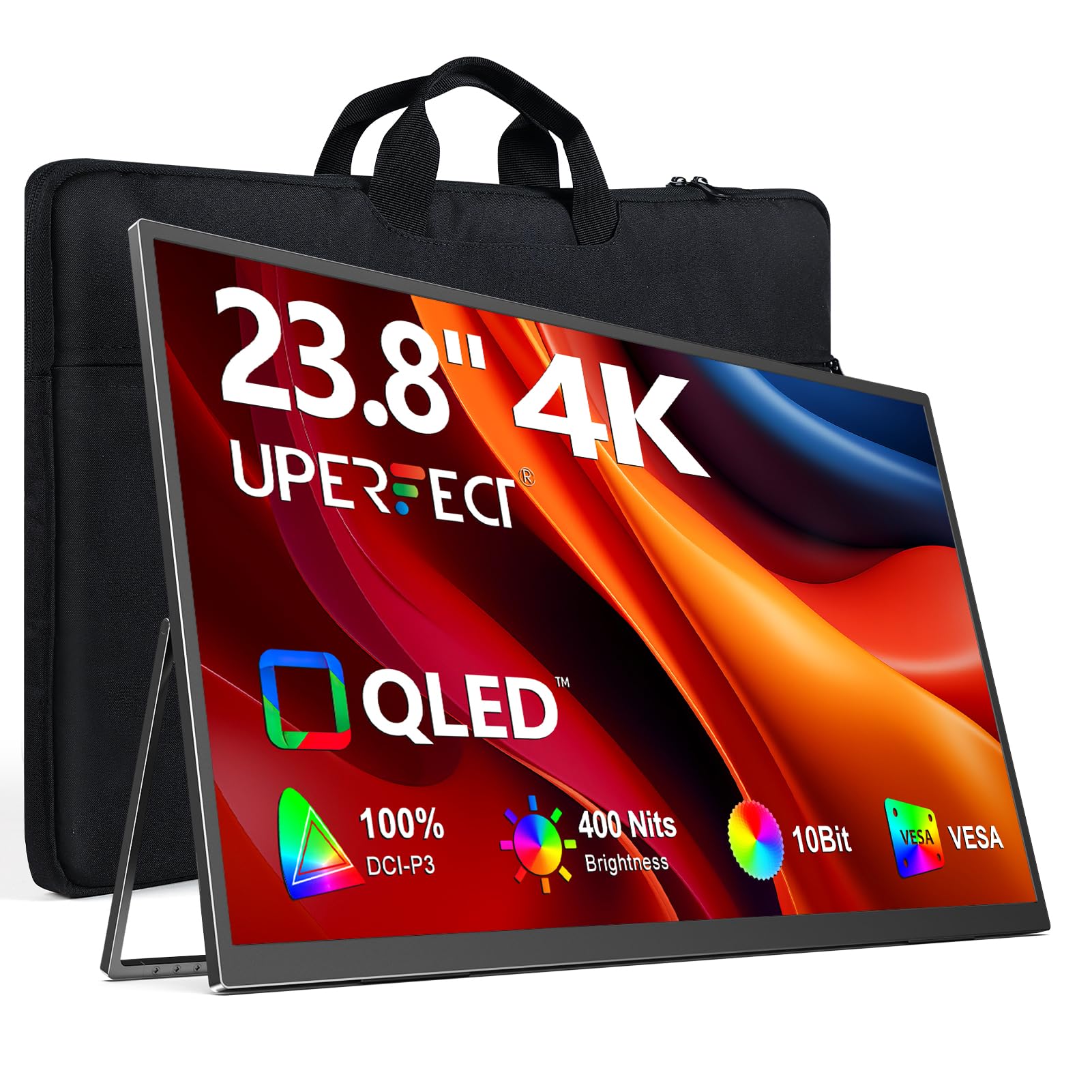
The UPERFECT 4K QLED Portable Monitor brings true ultra-high-definition to a 23.8-inch form factor. With 3840 x 2160 resolution and 100% DCI-P3 color gamut, this monitor delivers incredibly sharp text and vivid, accurate colors that make reading dense spreadsheets and editing high-resolution images a pleasure rather than a strain.
QLED technology provides richer reds, deeper greens, and brighter blues than standard IPS panels, while the 400-nit peak brightness (with external power) ensures visibility even in well-lit offices. The matte screen surface minimizes reflections, and the 180-degree adjustable stand lets you find a comfortable viewing angle. VESA 75×75 mounting adds flexibility for custom setups.
At 23.8 inches, this portable monitor sits at the larger end of the spectrum and weighs enough that it’s best suited for semi-permanent desk placement rather than daily commuting. The USB-C and HDMI connectivity covers modern laptops and game consoles, but continuous brightness drops to 300 nits when powered solely via USB-C. For professionals who need 4K clarity in a compact footprint, this is an impressive option.
Why it’s great
- True 4K UHD resolution with 100% DCI-P3 color gamut
- QLED panel with 400-nit peak brightness
- Matte finish and VESA mount compatible
Good to know
- Full 400 nits requires external power supply
- Heavier than typical portable monitors for daily travel
6. Eizo FlexScan EV2480-BK

The Eizo FlexScan EV2480-BK is built for professionals who spend eight-plus hours a day in front of a screen and refuse to compromise on eye comfort. Its hybrid brightness control eliminates flicker at all brightness levels, while the Auto EcoView ambient sensor automatically adjusts screen brightness to match your room lighting — reducing eye strain without you lifting a finger.
The USB-C port supports DisplayPort Alt Mode and delivers up to 70 watts of power delivery, making it a true one-cable docking solution. The 23.8-inch IPS panel produces natural, uniform colors, and the 1 mm bezel gives it an ultra-elegant look. The stand offers full height, tilt, swivel, and pivot adjustments, and the build quality — Made in Japan — inspires confidence for years of daily use.
The 144 Hz refresh rate is unusually high for an office monitor and makes scrolling through documents feel buttery smooth. The main drawback is the price — itThe main drawback is the price — it sits at the premium end of the 24-inch market, but the 5-year warranty and Japanese build quality justify the investment for those who prioritize long-term comfort and reliability.
Why it’s great
- Hybrid brightness control eliminates flicker completely
- USB-C with 70W power delivery and built-in hub
- Auto EcoView ambient sensor reduces eye strain automatically
Good to know
- Premium price point compared to similar spec monitors
- Round base takes more desk space than some prefer
7. Planar Helium PCT2435

The Planar Helium PCT2435 brings interactive touch capability to a 24-inch LED monitor, making it ideal for professionals who need to annotate documents, sign forms, or navigate applications with direct input. The 10-point multi-touch screen responds accurately to gestures and taps, and the Full HD resolution keeps text sharp for everyday office tasks.
Setup is genuinely plug-and-play — connect the HDMI and USB cables, and Windows 10 detects the touch functionality automatically. The VGA input provides backward compatibility with older systems, and the glossy screen finish offers vibrant colors, though it can reflect overhead lights. The built-in speakers are adequate for video calls but lack bass for media consumption.
The stand is basic with tilt adjustment only, so you may want to use the VESA mount for ergonomic positioning. Some users report that the touchscreen works best with a dedicated USB connection for the hub. For reception desks, point-of-sale systems, or collaborative workspaces where touch interaction is a daily need, this monitor delivers reliable performance.
Why it’s great
- True plug-and-play 10-point multi-touch experience
- Includes VGA port for legacy system compatibility
- VESA mountable for custom ergonomic setups
Good to know
- Basic tilt-only stand — height not adjustable
- Glossy screen can cause reflections in bright offices
8. HP E24t G5 Touch

The HP E24t G5 brings advanced in-cell touch (AIT) technology to a 23.8-inch IPS panel, offering responsive 10-point multi-touch without the bulk of traditional touch overlays. The anti-glare surface makes it usable in brightly lit environments, and the Full HD resolution delivers crisp text for documents and spreadsheets.
The 75 Hz refresh rate provides smoother motion than standard 60 Hz office monitors, and the IPS panel ensures wide 178-degree viewing angles. The stand offers height adjustment, tilt, swivel, and pivot — a rare find on touchscreen monitors at this price point. The matte finish reduces fingerprints and smudges, keeping the screen clean during frequent interactions.
One notable omission is the lack of built-in speakers, so you’ll need external audio for video calls. Some units have arrived with minor cosmetic issues, and the touch functionality requires standard HID drivers that Windows detects automatically. For office environments where touch interaction improves workflow — like design reviews or data entry — this HP model delivers strong value.
Why it’s great
- Full ergonomic stand with height, tilt, swivel, and pivot
- Anti-glare touchscreen reduces fingerprints and reflections
- 75 Hz refresh rate for smoother scrolling
Good to know
- No built-in speakers — external audio required
- Some reports of DOA units or packaging issues
9. ViewSonic VG2456
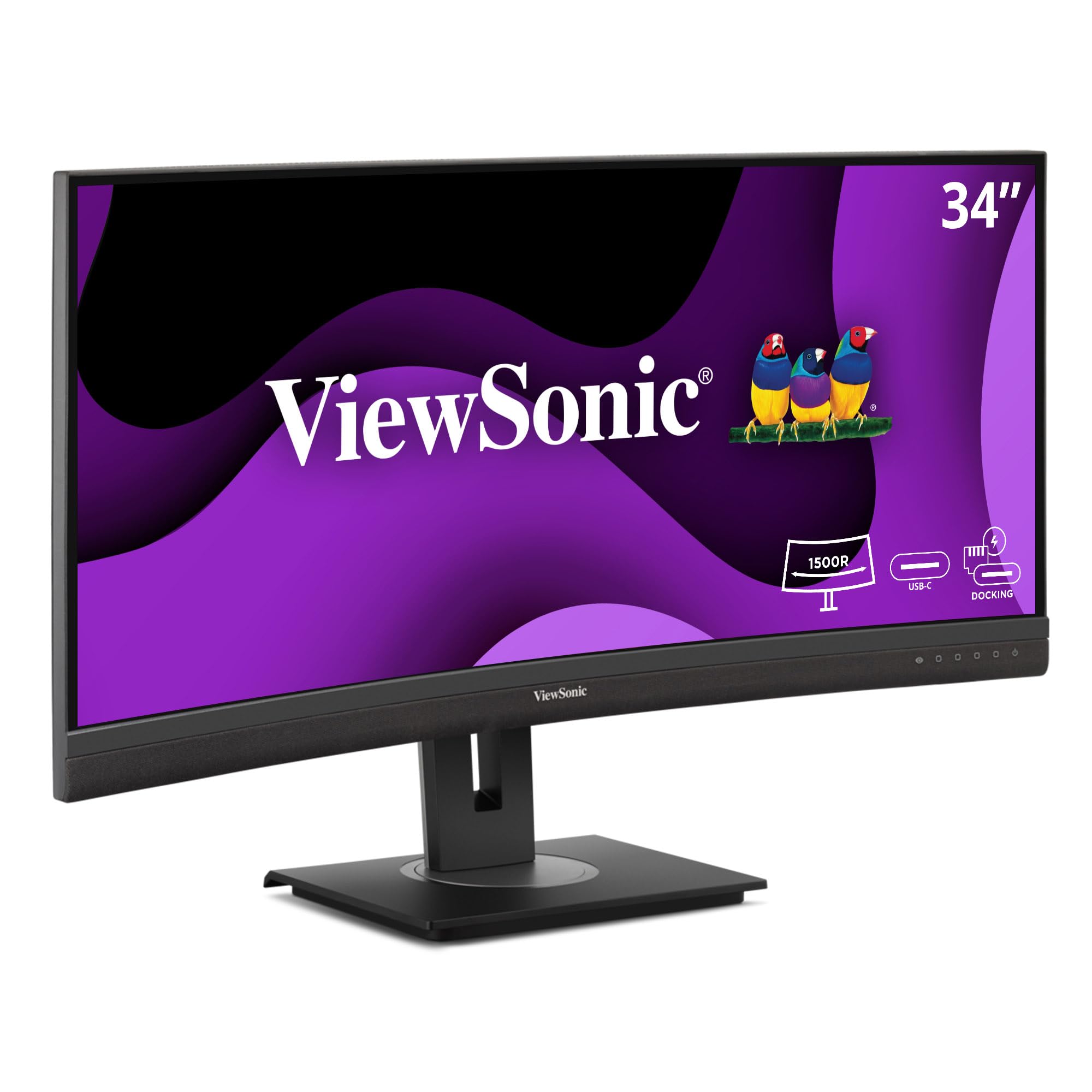
The ViewSonic VG2456 functions as a complete docking station built into a 24-inch monitor. Its USB-C port delivers 60 watts of power delivery, handles video and data, and connects to an integrated Gigabit Ethernet port — perfect for professionals who need stable wired internet without an extra dongle cluttering their desk.
The 60 Hz IPS panel delivers accurate colors and wide viewing angles, while the advanced ergonomic stand offers 40 degrees of tilt, plus swivel, rotate, and height adjustments. The quick-release stand includes a carrying handle, making it easy to move between desks. Flicker-free technology and a blue light filter reduce fatigue during long sessions.
The built-in speakers are functional but quiet, and the audio output requires navigating a six-button OSD menu to adjust volume. Some users note that the docking hub powers down when the display goes to sleep, which can disconnect Ethernet. For home office users who want a clean one-cable solution with wired networking, this ViewSonic is a smart choice.
Why it’s great
- USB-C with 60W PD and integrated Gigabit Ethernet
- 40-degree tilt range with full ergonomic adjustments
- Quick-release stand with carrying handle
Good to know
- Speakers are quiet and OSD volume control is clunky
- Docking hub powers off when monitor sleeps
10. HP 24″ FHD IPS (2-Pack)
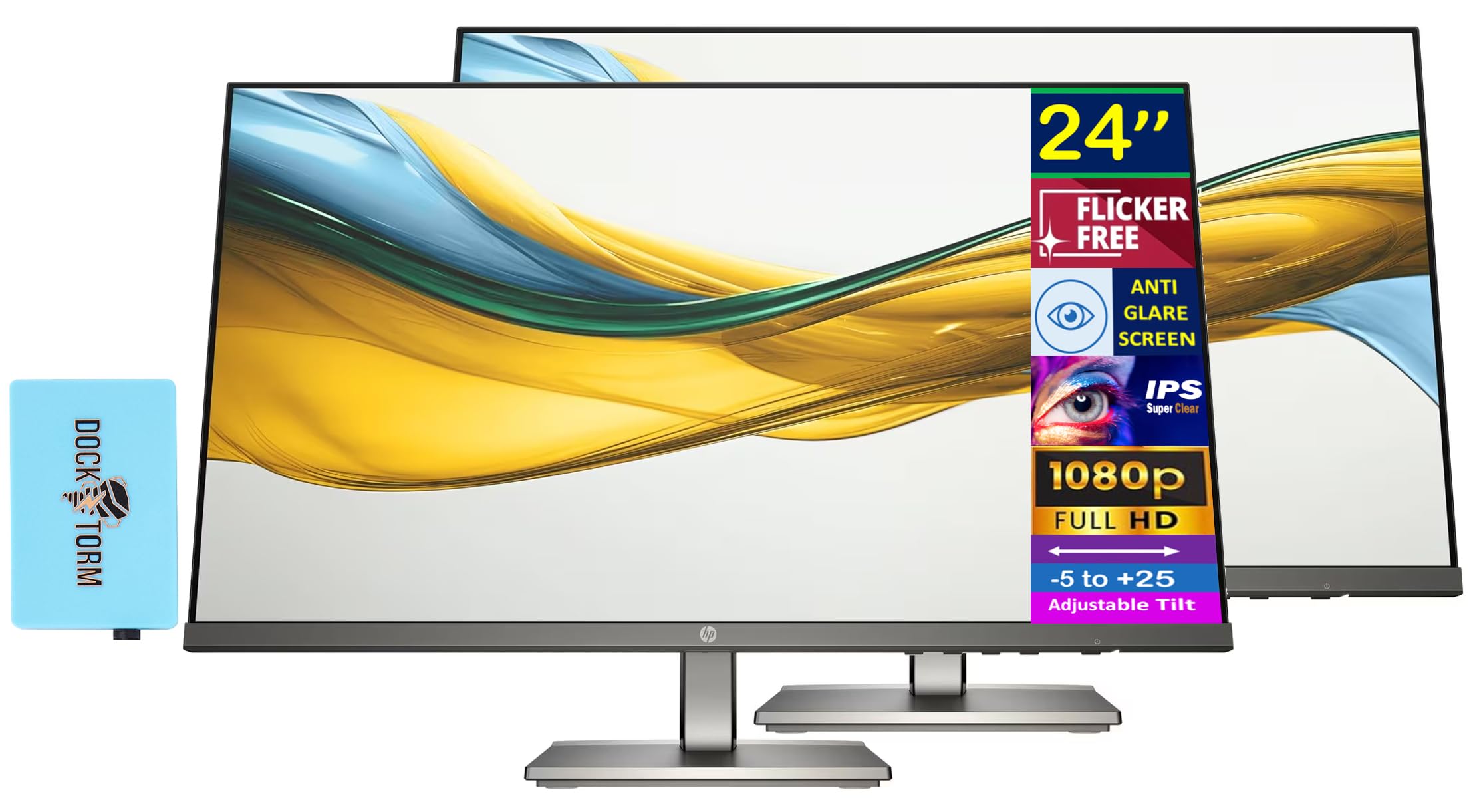
The HP 24″ FHD IPS 2-Pack offers exceptional value for professionals setting up a dual-monitor workspace on a budget. Each monitor features a 24-inch IPS panel with Full HD resolution, 300 nits of brightness, and a 100 Hz refresh rate that makes scrolling through documents feel noticeably smoother than standard 60 Hz displays.
The 1500:1 contrast ratio provides deeper blacks than typical IPS monitors, and the matte anti-glare coating keeps reflections under control. Built-in dual 2W speakers keep your desk clutter-free, and the 3.9-inch height and tilt adjustable stand lets you customize your viewing angle. The slim three-sided bezel design makes the two monitors sit nearly seamless side by side.
The package includes a Docztorm USB port expander, adding extra connectivity. VGA and HDMI inputs cover most modern and legacy devices. The metal gray finish looks professional, and the cable management system keeps wires organized. For cost-conscious buyers who want a matched pair of reliable office monitors, this HP bundle is hard to beat.
Why it’s great
- Two matched monitors for a seamless dual setup
- 100 Hz refresh rate and 300 nits brightness
- Built-in speakers and included USB port expander
Good to know
- Stand only offers tilt and height adjustment (no swivel/pivot)
- VGA only, no DisplayPort input
11. Dell P2425H
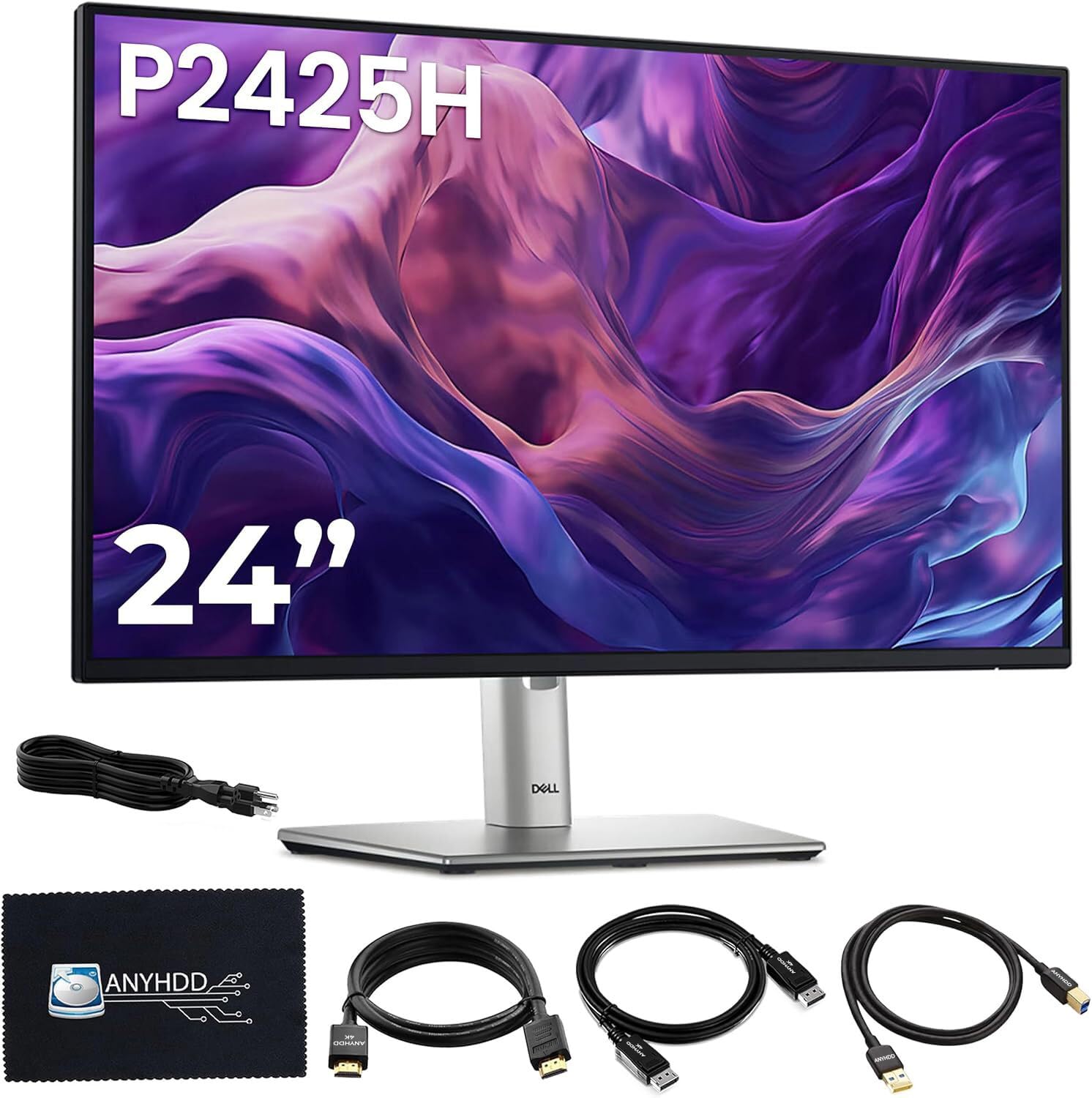
The Dell P2425H is a no-nonsense 24-inch IPS monitor that delivers everything most office workers need without breaking the bank. The 100 Hz refresh rate provides noticeably smoother scrolling compared to traditional 60 Hz office panels, and the ComfortView Plus technology reduces blue light without washing out colors.
The fully adjustable stand supports tilt, swivel, pivot, and height changes, allowing you to find the perfect ergonomic position. The built-in 4-port USB Type-A hub keeps peripherals within easy reach, and the inclusion of HDMI, DisplayPort, and VGA inputs ensures compatibility with almost any computer. The 250 cd/m² brightness is adequate for most indoor offices.
The anti-glare coating effectively minimizes reflections, and the 5 ms response time keeps motion clear during light multitasking. Setup is straightforward with all necessary cables included, including a microfiber cloth for cleaning. For budget-conscious professionals who refuse to compromise on ergonomics or daily comfort, the Dell P2425H is a solid foundation.
Why it’s great
- 100 Hz refresh rate for smoother daily scrolling
- Full ergonomic stand with height, pivot, and swivel
- Built-in 4-port USB hub and multiple video inputs
Good to know
- Brightness limited to 250 nits — not ideal for very bright rooms
- OSD controlled by buttons rather than a joystick
Understanding the Specs
Refresh Rate (Hz)
Refresh rate measures how many times the screen updates per second. Standard office monitors run at 60 Hz, but 75 Hz or 100 Hz panels reduce perceived flicker and make scrolling through long documents feel smoother. Higher refresh rates also help reduce eye fatigue during extended use, though the benefit is more subtle than in gaming.
Color Gamut (sRGB / DCI-P3)
Color gamut describes the range of colors a monitor can display. 100% sRGB coverage ensures accurate colors for web and office applications. DCI-P3 is a wider standard used in video editing and design. For general office work, sRGB coverage above 95% is sufficient, but creative professionals should look for monitors with factory-calibrated Delta E<2 accuracy.
USB-C Power Delivery
USB-C with Power Delivery (PD) lets you charge your laptop and transmit video through a single cable. Look for at least 60W to support most ultrabooks. This feature dramatically reduces desk clutter and makes hot-desking or switching between devices effortless. Some monitors also include an Ethernet port for wired internet.
Ergonomic Adjustability
A fully adjustable stand includes height adjustment (typically 4-6 inches), tilt (-5° to +25°), swivel (±45°), and pivot (rotate to portrait mode). These adjustments let you position the screen at natural eye level to prevent neck strain. Fixed stands save money but force you to adapt to the monitor rather than the monitor adapting to you.
FAQ
Is 24 inches the ideal size for office work?
Should I get a 1080p or 4K monitor for office work?
What is the benefit of a higher refresh rate for office use?
Do I need a monitor with built-in speakers?
Final Thoughts: The Verdict
For most people, the best 24 inch monitor for office work winner is the ViewSonic VP2468a because it combines exceptional color accuracy, USB-C with 65W power delivery, and a fully ergonomic stand in a package that serves both creative and administrative professionals equally well. If you want the cleanest one-cable setup, grab the Dell P2419HC. And for a budget-friendly dual-monitor setup without sacrificing quality, nothing beats the HP 24″ FHD IPS 2-Pack.

Mo Maruf
I created WellFizz to bridge the gap between vague wellness advice and actionable solutions. My mission is simple: to decode the research and give you practical tools you can actually use.
Beyond the data, I am a passionate traveler. I believe that stepping away from the screen to explore new environments is essential for mental clarity and physical vitality.