Our readers keep the lights on and my smoothie glass nicely filled. As an Amazon Associate, I earn from qualifying purchases.
A 22-inch monitor sits in a unique sweet spot: compact enough to fit deeper desks or cramped dorm rooms, yet large enough to serve as a primary display for focused productivity or a high-quality secondary screen for a dual-monitor workflow. The real challenge for buyers today isn’t finding a cheap panel—it’s sorting through hyperbole about refresh rates, color gamuts, and “eye-care” features that brands throw around loosely. You need to know which specs actually reduce eye fatigue after eight hours, and which are just marketing checkboxes.
I’m Mohammad Maruf — the founder and writer behind WellFizz. I’ve spent years analyzing display hardware specifications, detailed contrast ratios, panel type performance differences, and real-world user reliability data from thousands of verified purchases.
This guide focuses on three critical purchase dimensions: panel technology (IPS versus VA), real measurable refresh rates that impact motion clarity, and certified blue-light reduction features that matter for prolonged screen use. After comparing dozens of models, I’ve narrowed the field to the nine most reliable options currently available and identified the true best 22 inch monitor for your specific desk setup and visual needs.
How To Choose The Best 22 Inch Monitor
Selecting the right 22-inch panel requires balancing three interdependent factors: panel chemistry, refresh rate alignment, and physical ergonomics. Optimizing for just one often leads to buyer’s remorse within weeks.
Panel Type: IPS vs. VA vs. TN
In the 22-inch category, In-Plane Switching (IPS) panels offer the widest 178-degree viewing angles and the best color consistency from any seat position—critical for collaborative work or side-by-side dual setups. Vertical Alignment (VA) panels deliver superior static contrast (3000:1 to 4000:1) which makes blacks look deeper in dark rooms, at the expense of off-axis color shift. TN panels, once common in budget monitors, are now rare at this size due to poor color reproduction; modern buyers should prioritize IPS for nearly all general and office use.
Refresh Rate and Adaptive Sync
Standard 60Hz monitors show noticeable motion blur during cursor movement and scrolling. A 75Hz panel already reduces that judder noticeably. True 100Hz or 120Hz panels (like the SANSUI ES-22X3AH) eliminate ghosting during spreadsheet scrolling and casual gaming. Adaptive Sync (FreeSync or G-Sync compatible) matches the monitor’s refresh rate to the graphics source, which prevents screen tearing without adding input lag. For office multitaskers, 100Hz with FreeSync is a tangible upgrade over baseline 60Hz.
Certified Eye Care vs. Software Filters
Many monitors advertise “blue light reduction,” but the actual mechanism varies widely. True hardware-based low-blue-light panels, certified by TÜV Rheinland or similar bodies, physically shift the LED wavelength rather than applying an orange overlay that distorts color. Flicker-Free technology, which uses DC dimming instead of PWM (Pulse Width Modulation), prevents the invisible rapid flickering that causes headaches over long sessions. Models like the ASUS VP229Q and BenQ GW2283 combine both hardware certifications for genuine eye strain relief.
Connectivity and Ergonomics
Two HDMI ports are now the baseline—one for a desktop, one for a laptop or console. DisplayPort 1.2 or 1.4 matters for high-bandwidth 1080p at 100Hz+. VGA is legacy but still useful for older work equipment. For physical adjustment, tilt is standard across the category, but height-adjustable stands and pivot rotation (portrait mode) are rare features found on premium models like the Samsung S40GD. VESA 75x75mm or 100x100mm mount compatibility ensures you can attach the monitor to an arm if the stock stand lacks reach or stability.
Quick Comparison
On smaller screens, swipe sideways to see the full table.
| Model | Category | Best For | Key Spec | Amazon |
|---|---|---|---|---|
| Samsung S40GD | Premium | Ergonomic multi-angle work | 100Hz / IPS / Height/Pivot | Amazon |
| ASUS VP229QF | Premium | Color-critical office work | 100Hz / 99% sRGB / Frameless | Amazon |
| ASUS VP229Q | Mid-Range | G-Sync compatible setup | 75Hz / IPS / DisplayPort | Amazon |
| Xiaomi A24i | Mid-Range | Ultra-slim multi-monitor | 100Hz / IPS / ΔE<2 calib. | Amazon |
| Kado Dual (2-Pack) | Mid-Range | Budget dual-screen setup | 75Hz / 100% sRGB / 2x | Amazon |
| SANSUI ES-22X3AH | Mid-Range | Smooth scrolling + deep blacks | 120Hz / VA / 4000:1 contrast | Amazon |
| ViewSonic VX2276-SMHD | Mid-Range | Classic office all-rounder | 100Hz / IPS / 3-input | Amazon |
| BenQ GW2283 | Budget | Brightness Intelligence tech | 75Hz / IPS / B.I. Tech | Amazon |
| LG 24U411A-B | Budget | Best entry-level 120Hz | 120Hz / IPS / 1ms MBR | Amazon |
In‑Depth Reviews
1. Samsung S40GD (LS22D402GANXGO)
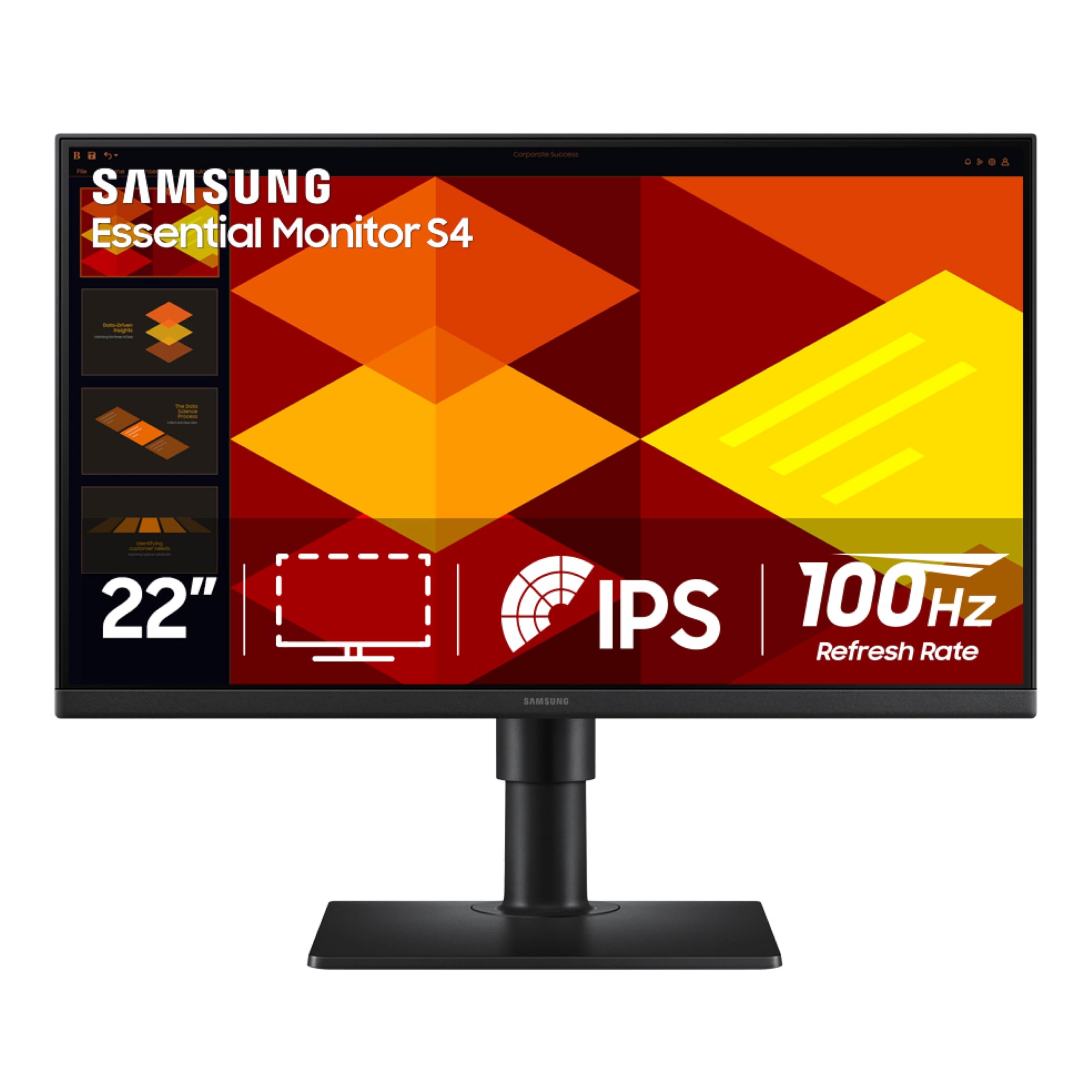
The Samsung S40GD earns the top spot because it delivers a rare combination in the 22-inch class: a fully adjustable stand with height adjustment, tilt, swivel, and pivot rotation. The IPS panel produces consistent color across the full 178-degree viewing plane, and the 100Hz refresh rate makes cursor movement and window animations noticeably smoother than the 60Hz baseline found on most office monitors. The built-in USB hub adds practical connectivity for peripherals without reaching behind the desktop.
Eye Saver Mode and Flicker-Free certification provide genuine long-session comfort. The borderless bezel design works especially well in dual-monitor arrays where thin bezels minimize visual gap between screens. Multiple verified buyers praise the easy color calibration and the absence of dead pixels out of the box, which speaks to Samsung’s quality control on this production line.
The on-screen menu uses a joystick controller that takes a short adjustment period, and the USB ports are positioned on the rear bottom edge, making them awkward to reach without right-angle connectors. For users who need ergonomic flexibility and smooth 100Hz motion in a compact frame, the S40GD is the most complete package available now.
Why it’s great
- Full ergonomic stand with height, pivot, and swivel—rare at this size
- 100Hz IPS panel with FreeSync for tear-free motion clarity
- Integrated USB hub simplifies peripheral cable management
Good to know
- Rear USB port placement is difficult to access without right-angle adapters
- On-screen menu system relies on a single joystick, which takes practice
2. ASUS VP229QF
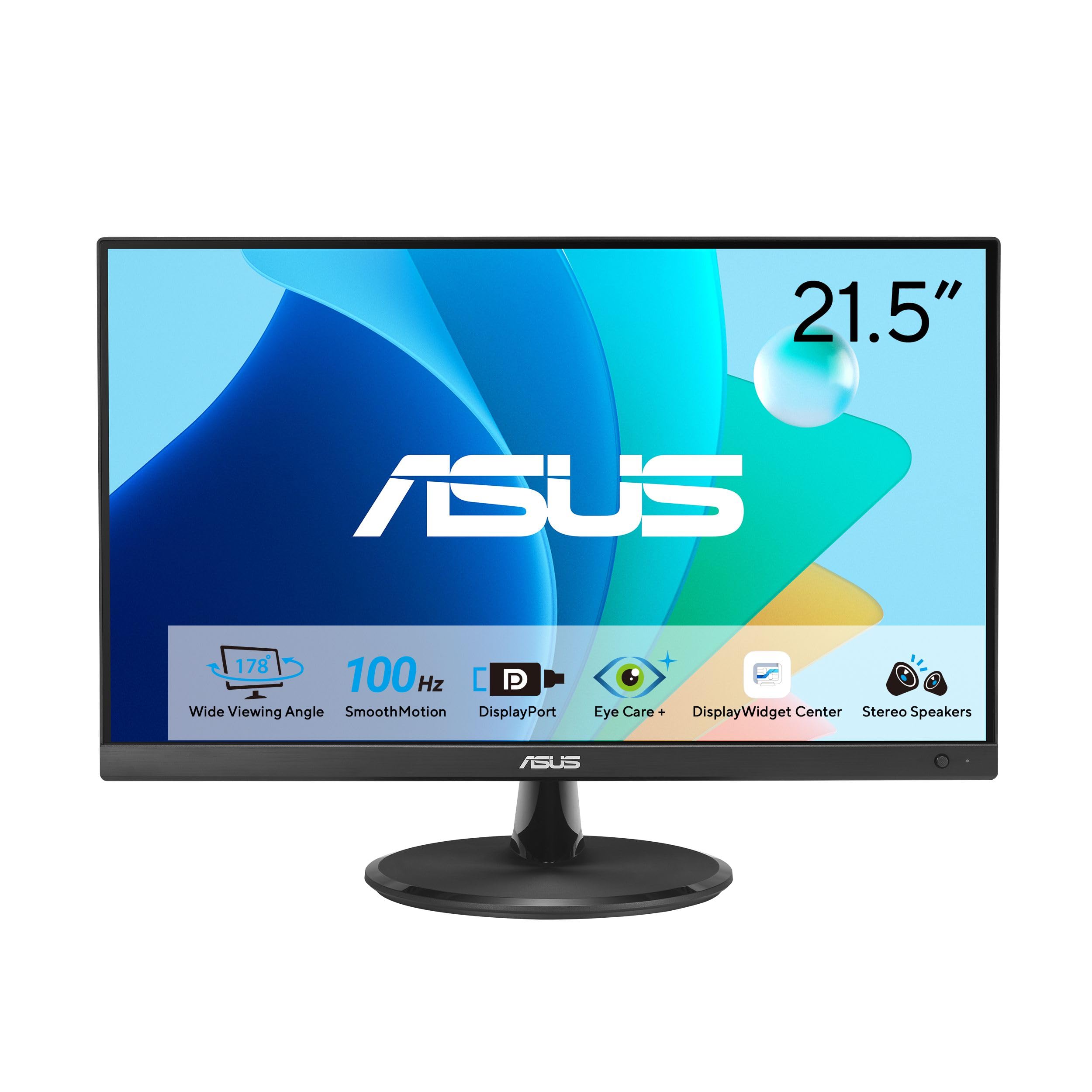
The ASUS VP229QF builds on the proven VP22 series formula by bumping the refresh rate from 75Hz to 100Hz and maintaining a factory-calibrated 99% sRGB color gamut coverage. The DisplayWidget Center software allows you to adjust brightness, contrast, and color modes using a mouse rather than fumbling with buttons on the monitor bezel—a genuine convenience for color-sensitive work that requires switching between sRGB and standard modes.
The frameless three-side design makes this monitor exceptionally suited for multi-monitor rigs where bezel thickness usually creates visual distractions. The TÜV Rheinland-certified Flicker-Free and Low Blue Light technologies are hardware-level, not software overlays, meaning you get eye comfort without the orange color cast that plagues cheaper displays. Included accessories like an L-shaped screwdriver for VESA mounting is a thoughtful touch that other manufacturers skip.
Some users have noted that the brightness control in sRGB mode is locked, which can be limiting if you prefer a dimmer panel in dark rooms. The 21.5-inch diagonal measures slightly smaller than full 22-inch competitors, so check your desk dimensions carefully. For users who prioritize color accuracy and smooth 100Hz scrolling over ergonomic features, the VP229QF is the top choice.
Why it’s great
- 99% sRGB factory calibration ensures color-accurate out-of-box performance
- DisplayWidget Center app enables mouse-based monitor adjustments
- Hardware TÜV-certified low blue light without orange color shift
Good to know
- Brightness is locked in sRGB mode, limiting adjustment range
- 21.5-inch real estate is slightly smaller than true 22-inch competitors
3. ASUS VP229Q
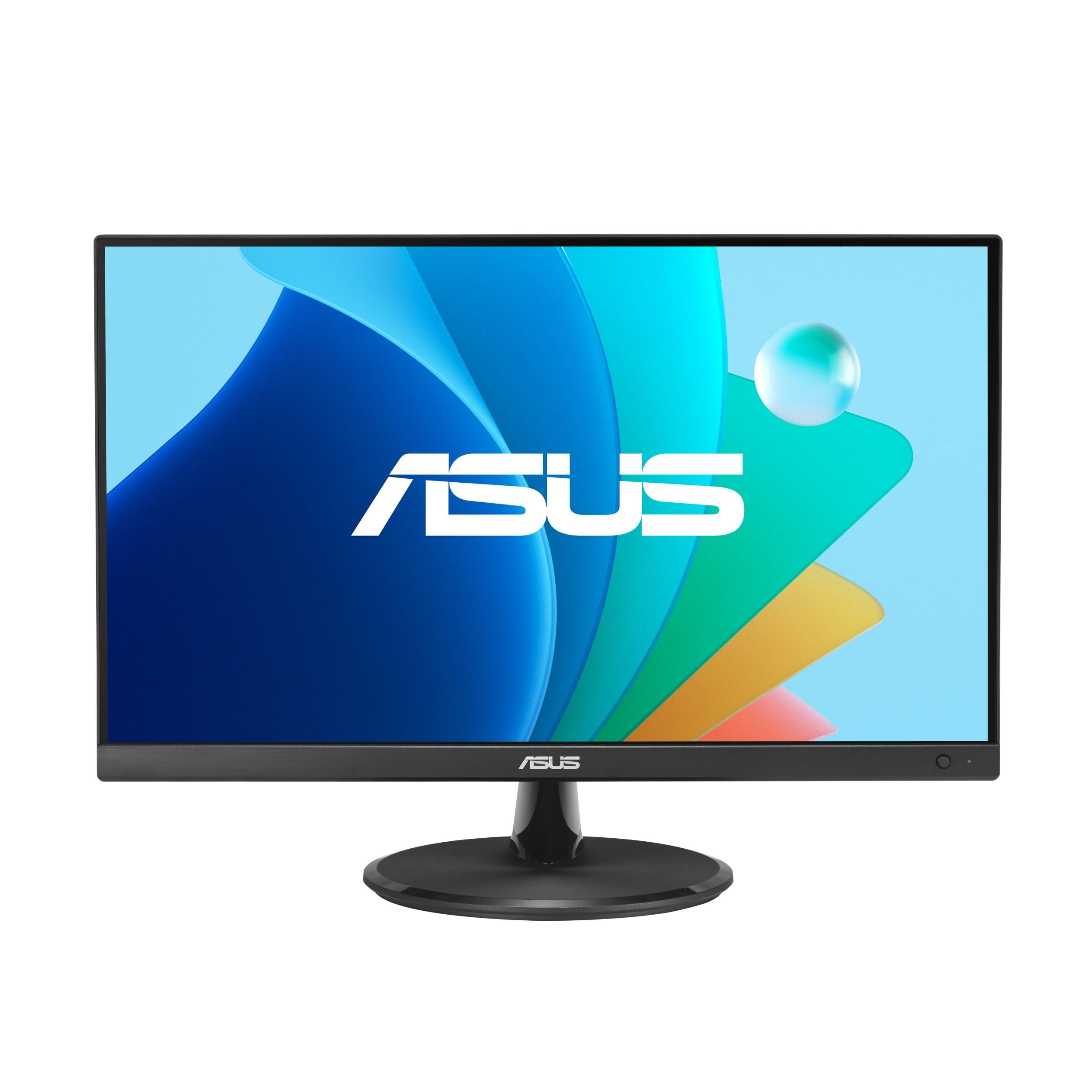
The ASUS VP229Q is a mature, battle-tested 21.5-inch model that focuses on connectivity breadth and Adaptive-Sync compatibility. It includes HDMI, DisplayPort 1.2, and VGA inputs, making it one of the most versatile 22-inch monitors for connecting both modern laptops and legacy office desktops. The 75Hz refresh rate with FreeSync support pairs well with NVIDIA GeForce GTX 10-series and newer cards, enabling tear-free gameplay and smoother video playback without requiring a high-end GPU.
ASUS Eye Care technology on this unit includes TÜV-certified Flicker-Free and Low Blue Light, plus a Color Augmentation mode that helps users with color differentiation difficulties—a genuinely useful accessibility feature absent from most competitors. The 1.5-watt built-in speakers are adequate for system sounds and voice calls but lack the bass response for music or cinematic content. The frameless design keeps the footprint compact for tight desks.
The stand offers tilt adjustment but no height or swivel capability, so you will need a VESA arm if you require ergonomic positioning. Some units exhibit mild IPS glow in the lower corners, which is characteristic of IPS technology but can be distracting in dark-room use. For users who need broad connectivity and G-Sync compatibility in a proven design, the VP229Q delivers dependable performance backed by ASUS’s three-year warranty.
Why it’s great
- Triple-input connectivity (HDMI, DisplayPort, VGA) covers modern and legacy devices
- G-Sync compatible with NVIDIA GTX 10-series and newer GPUs
- Color Augmentation mode aids users with color differentiation needs
Good to know
- Stand limited to tilt adjustment only; no height or swivel
- 1.5W built-in speakers lack volume and bass for media consumption
4. Xiaomi A24i
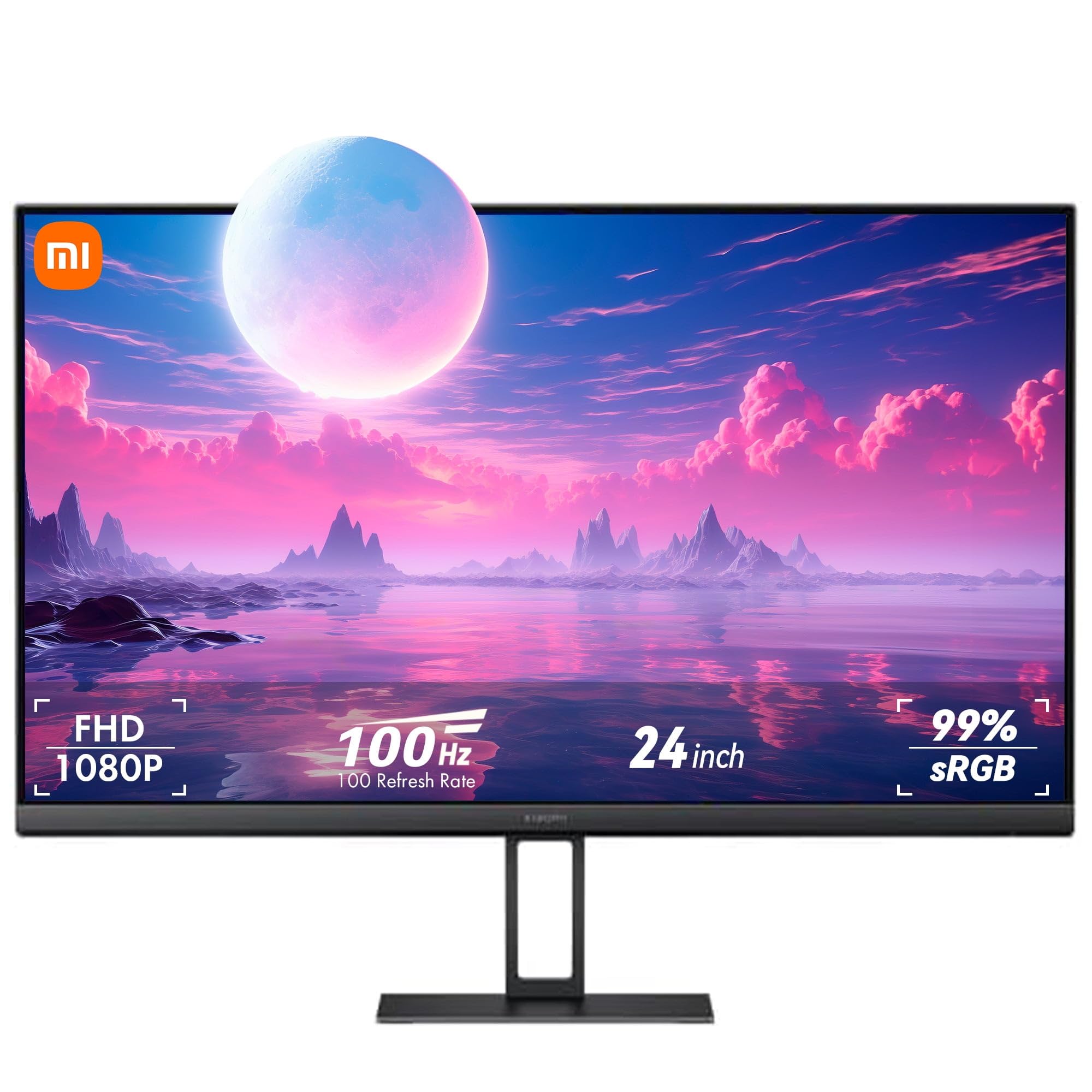
Xiaomi’s A24i enters the 22-inch class with an unusually thin 7.5mm chassis and factory ΔE<2 color calibration—a spec that typically belongs to monitors costing twice as much. The IPS panel delivers 99% sRGB coverage and 16.7 million colors with 8-bit depth, producing natural gradients without noticeable banding. The 100Hz refresh rate with FreeSync reduces input delay during workflow tasks and casual gaming, and the TÜV Low Blue Light certification uses DC dimming rather than PWM flicker for eye comfort.
The three-side narrow bezel design makes this a natural companion for multi-monitor setups where seamless visual flow between panels matters. The stand, however, is the weakest component: multiple verified reports describe it as wobbly and lacking any height adjustment, which can be frustrating on uneven desk surfaces. VESA mount compatibility solves this problem if you have a monitor arm available.
The customer service experience has drawn criticism in some reviews, with slow response times for defective units. The 100Hz refresh rate also requires a DisplayPort 1.4 connection to function at full bandwidth over HDMI on some systems. For users who prioritize color accuracy and ultra-slim aesthetics and plan to use a VESA arm from day one, the A24i offers exceptional panel quality for its tier.
Why it’s great
- Factory ΔE<2 calibration guarantees professional-grade color accuracy
- 7.5mm ultra-slim profile is the thinnest in this size class
- DC dimming provides flicker-free eye comfort without PWM
Good to know
- Stock stand is wobbly and lacks height adjustment
- Customer support response times have been inconsistent
5. Kado Dual Monitor Setup (2-Pack E22)
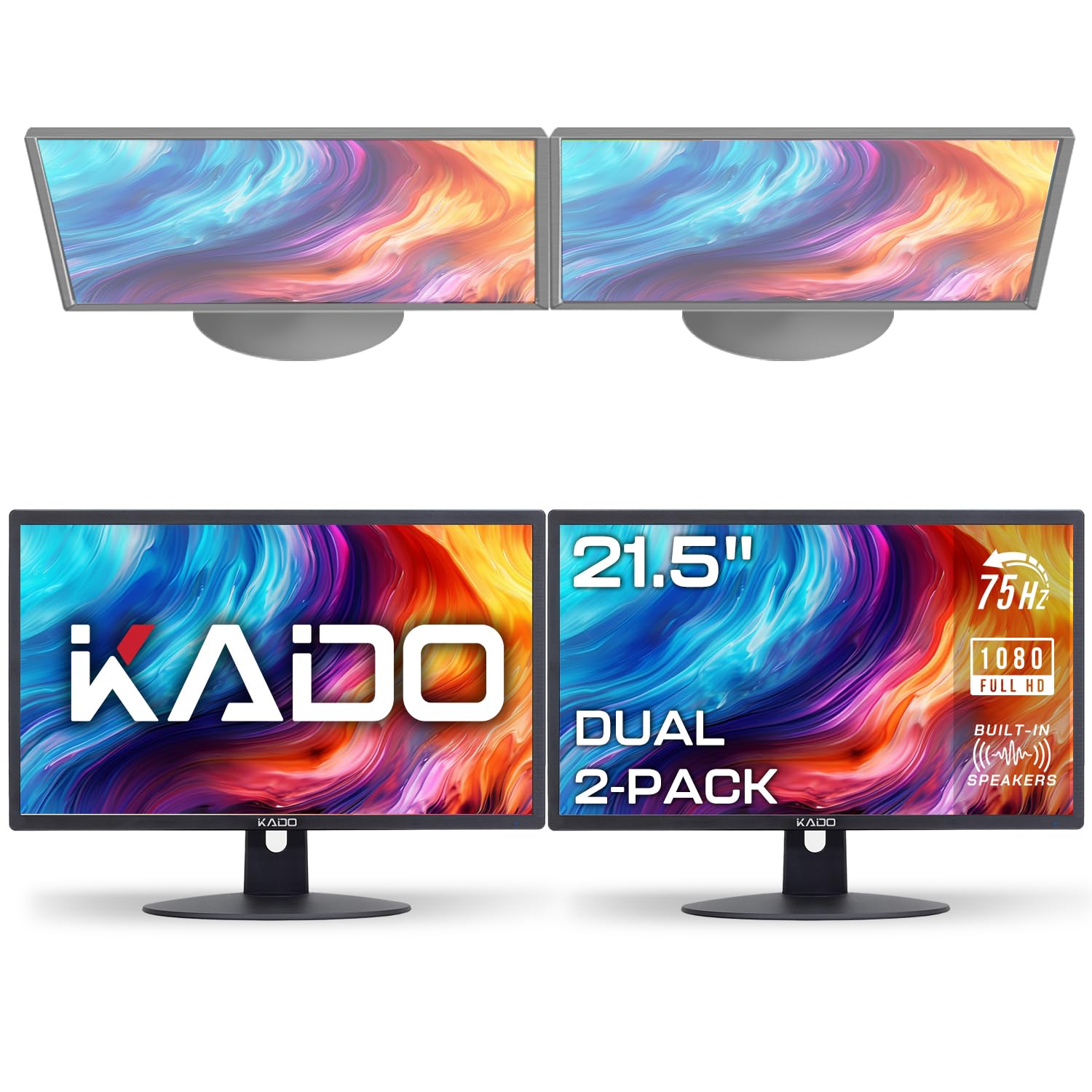
The Kado E22 Dual Series ships as a two-pack, making it the most cost-effective way to populate a dual-monitor desk without hunting for matching individual panels. Each unit features a 22-inch IPS panel with 100% sRGB color gamut coverage and a 75Hz refresh rate, ensuring that both screens display consistent colors and smooth motion without one being noticeably slower. Built-in speakers on each monitor save desk space, though audio quality is thin and better suited for notifications than music.
The package includes HDMI cables for both monitors, which removes a common hidden cost. The custom gaming modes (FPS and RTS presets) provide quick access to optimized picture settings for different content types. For office productivity, the 75Hz refresh rate eliminates the stutter that makes 60Hz monitors feel sluggish when dragging windows between screens.
Several users have noted that the two monitors are not perfectly identical—VESA mount hole positions can differ slightly between units, causing a height mismatch when mounted on dual arms. Color uniformity between the two panels also varies, with some reports of washed-out blacks and inconsistent gray tones. This is acceptable at this price point but disqualifies the setup for color-critical creative work. For budget-conscious users building a dual-screen home office, the Kado two-pack offers the lowest barrier to entry.
Why it’s great
- Two matched monitors in one box at value-tier pricing
- 100% sRGB gamut ensures acceptable color consistency between screens
- HDMI cables included, reducing setup friction
Good to know
- VESA mount positions can differ slightly between units
- Black levels appear as dark gray rather than true black
6. SANSUI ES-22X3AH
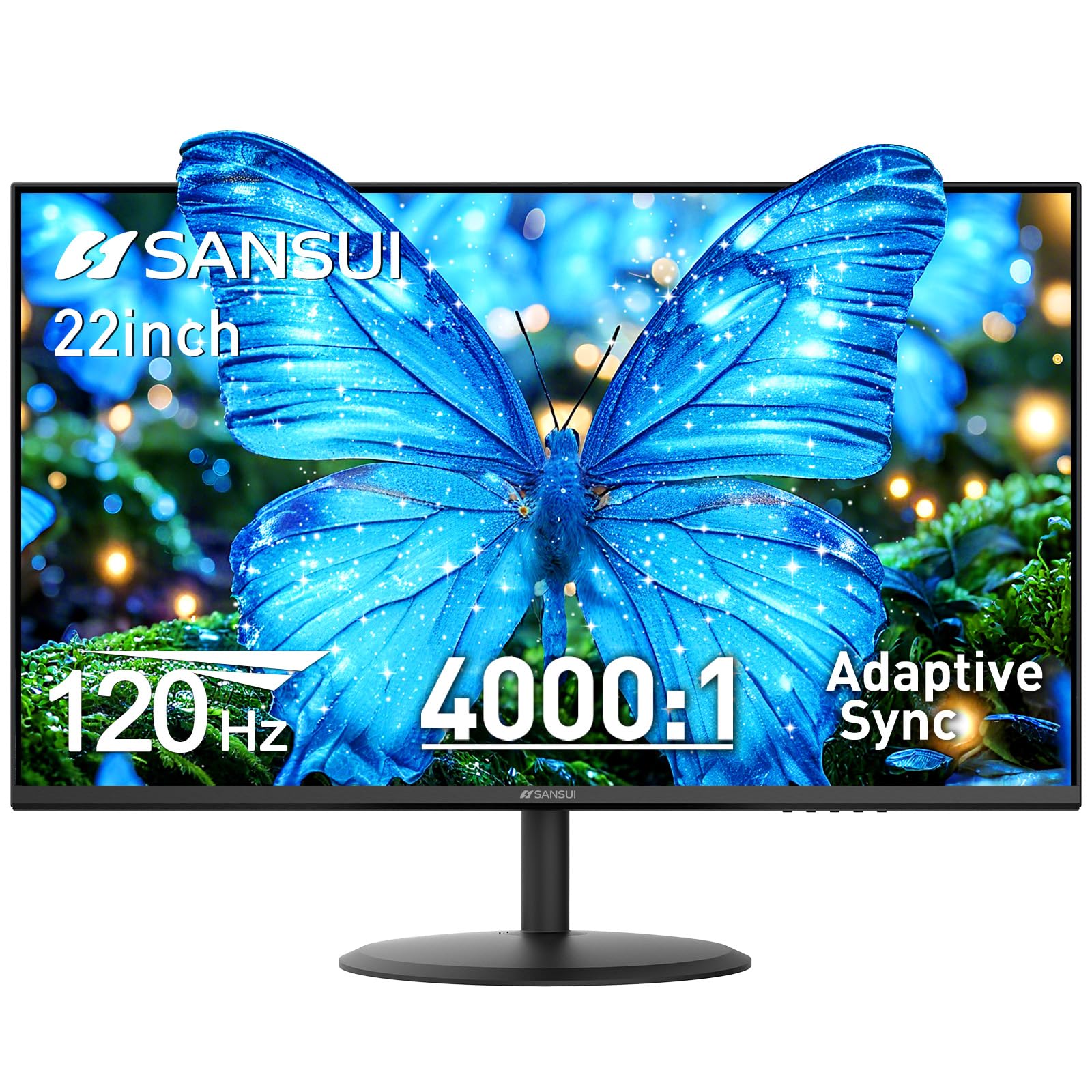
The SANSUI ES-22X3AH stands out in the 22-inch market by pairing a 120Hz refresh rate with a VA panel that delivers a 4000:1 native contrast ratio. This combination produces deep, inky blacks that IPS panels simply cannot match, making it the best option for users who watch movies or play games in dimly lit rooms. The 100% sRGB color gamut with HDR mode support ensures vibrant, punchy colors despite the VA panel’s narrower viewing angles compared to IPS.
Adaptive Sync technology minimizes screen tearing across a wide refresh rate range, and the dual HDMI 1.4 ports support full 120Hz operation on both inputs, allowing seamless switching between a PC and a game console. The anti-glare coating and low blue light emission help reduce eye strain during extended work sessions. VESA 75x75mm mount compatibility enables easy arm attachment for ergonomic setups.
The build quality of the included power adapter has drawn some criticism—the wall-wart design is large and can loosen in certain outlets, causing intermittent power loss. The VA panel also exhibits some color shift when viewed from extreme angles, typical of this panel technology. For users who prioritize deep contrast and high refresh rates over wide viewing angles, the SANSUI delivers exceptional motion clarity and visual depth for the size class.
Why it’s great
- 4000:1 contrast ratio produces deep blacks unmatched by IPS panels
- 120Hz refresh rate with FreeSync delivers smooth motion across content
- Dual HDMI 1.4 inputs support full 120Hz on both connections
Good to know
- Power adapter is a large wall-wart that can become loose in outlets
- VA panel shows color shift at extreme viewing angles
7. ViewSonic VX2276-SMHD

The ViewSonic VX2276-SMHD is a long-standing model in the 22-inch space, valued for its three-input connectivity (HDMI, DisplayPort, and VGA) and thin bezel design that remains visually competitive with newer releases. The IPS panel delivers accurate colors and wide 178-degree viewing angles, and the 100Hz refresh rate makes everyday scrolling and window animations noticeably smoother than standard 60Hz office monitors. Flicker-Free technology and a Blue Light Filter are included for eye comfort, though these are software-level rather than hardware-certified.
The tool-less stand assembly requires no screws, making setup quick even for inexperienced users. The on-screen display includes dedicated presets for Game, Movie, Web, Text, and Mono modes, allowing fast adjustment based on current activity. The 75x75mm VESA compatibility ensures compatibility with most single-arm mounts if the stock stand lacks the reach you need.
The VX2276-SMHD is rated at 60Hz on some spec sheets, but user testing confirms that the DisplayPort input supports 100Hz operation (the HDMI port is limited to 60Hz). The built-in dual speakers produce thin, low-volume audio that is best used only for system sounds. Multiple verified reviews praise the color uniformity and lack of dead pixels, suggesting reliable quality control. For users who want a proven, well-connected IPS monitor with smooth 100Hz motion, this ViewSonic remains a strong mid-range contender.
Why it’s great
- Triple input (HDMI, DisplayPort, VGA) ensures broad device compatibility
- IPS panel with 100Hz via DisplayPort provides smooth motion
- Tool-less stand assembly for fast, frustration-free setup
Good to know
- 100Hz operation requires DisplayPort; HDMI limited to 60Hz
- Built-in speakers are low-volume and thin-sounding
8. BenQ GW2283

BenQ’s GW2283 distinguishes itself with Brightness Intelligence (B.I.) Technology, which uses a built-in ambient light sensor to automatically adjust the display’s brightness and color temperature based on the room’s lighting conditions. This dynamic adjustment reduces eye strain more effectively than static low-blue-light modes because it adapts in real-time as sunlight shifts through office windows. The 22-inch IPS panel delivers solid 1080p clarity with 75Hz refresh rate, sufficient for office productivity and casual video consumption.
The cable management system routes all wires through the stand, keeping the desk surface clean and professional-looking. The edge-to-edge display gives the monitor a modern aesthetic that belies its entry-level position. Built-in speakers free up desk space, though audio volume is notably low, and many users report needing external speakers for any real audio use. The stand is sturdy and offers tilt adjustment, though it lacks height or swivel capability.
The included Sub-D (VGA) cable instead of an HDMI cable in the box has caused confusion among buyers who expect modern connectivity straight out of the packaging. The power LED cannot be dimmed or disabled, which can be distracting in dark rooms. For users who spend long hours in front of a screen and prioritize adaptive brightness intelligence over raw gaming performance, the BenQ GW2283 is the most thoughtful eye-comfort option in this class.
Why it’s great
- Brightness Intelligence sensor auto-adjusts to ambient lighting conditions
- Integrated cable management keeps the desk clean and organized
- Edge-to-edge display looks modern and contemporary
Good to know
- Built-in speakers have very low maximum volume output
- Includes VGA cable instead of HDMI; power LED is always on
9. LG 24U411A-B

The LG 24U411A-B is a 24-inch monitor that undercuts many 22-inch competitors on price while offering a 120Hz IPS panel with 1ms Motion Blur Reduction (MBR). The Full HD resolution is sharp enough for office productivity, and the 99% sRGB color gamut with HDR10 support produces vibrant, accurate colors that surpass what most entry-level panels can deliver. Dynamic Action Sync minimizes input lag for responsive cursor and gameplay feedback, while the Black Stabilizer feature brightens dark scenes for better visibility in shadow-heavy content.
The three-side virtually borderless design makes this monitor ideal for dual or triple monitor arrays where thin bezels reduce visual interruption. The Switch app allows screen splitting into up to six customizable sections for efficient multitasking. Reader Mode lowers blue light levels for comfortable extended reading sessions, and the tilt-adjustable stand provides -5° to 20° range for finding a comfortable viewing angle.
Some units have arrived with a green-tinted or oversaturated color profile out of the box, requiring manual calibration using the three color and six hue/saturation adjustment controls. The HDR performance is basic, and the built-in speakers are below average—adequate for diagnostic beeps but not for media. The stand requires screws for assembly, and one user report mentioned a missing screw in the packaging. For users who want 120Hz IPS smoothness at entry-level pricing, the LG 24U411A-B offers exceptional value if you are willing to calibrate the colors on arrival.
Why it’s great
- 120Hz IPS panel with 1ms MBR for crisp motion at a value price
- 99% sRGB gamut and HDR10 support deliver vibrant, wide color range
- Switch app enables split-screen multitasking up to six sections
Good to know
- Color may appear green-tinted or oversaturated out of the box
- Stand requires screws; missing hardware reported in some units
FAQ
Is 75Hz worth it over 60Hz for office work?
Does a VA panel really look that different from IPS for daily use?
What does VESA mount compatibility actually mean for a 22-inch monitor?
Final Thoughts: The Verdict
For most users, the best 22 inch monitor winner is the Samsung S40GD because it offers the only fully adjustable ergonomic stand in this size class alongside a smooth 100Hz IPS panel. If you want factory-calibrated 99% sRGB color accuracy for creative work, grab the ASUS VP229QF. And for the deepest contrast and highest 120Hz refresh rate in a compact frame, nothing beats the SANSUI ES-22X3AH.

Mo Maruf
I created WellFizz to bridge the gap between vague wellness advice and actionable solutions. My mission is simple: to decode the research and give you practical tools you can actually use.
Beyond the data, I am a passionate traveler. I believe that stepping away from the screen to explore new environments is essential for mental clarity and physical vitality.