Our readers keep the lights on and my smoothie glass nicely filled. As an Amazon Associate, I earn from qualifying purchases.
Choosing a 1080p 240Hz monitor is about more than just a high number; it’s about finding the precise balance of panel technology, motion clarity, and ergonomics that turns raw speed into a tangible competitive advantage. Getting it wrong means dealing with ghosting, poor color, or uncomfortable viewing angles that can undermine the very benefit you’re paying for.
I’m Mohammad Maruf — the founder and writer behind WellFizz. My process involves deep market analysis, cross-referencing technical specifications against real-world performance data, and identifying which features actually matter for competitive and immersive gameplay.
This guide is the result of evaluating specs, warranties, and thousands of data points to cut through the marketing and present the monitors that truly deliver on the promise of high-refresh-rate gaming. Our analysis reveals that the best 1080p 240hz monitor for you depends heavily on your preferred panel type and desired screen immersion.
How To Choose The Best 1080P 240Hz Monitor
Navigating the world of high-refresh-rate monitors can be daunting. The core specs like 240Hz and 1ms are prominently advertised, but the underlying technology—like the panel type and quality of adaptive sync—determines your actual experience. Let’s break down what to look for beyond the headline numbers.
Panel Technology: IPS vs. VA
This is the most critical choice. IPS panels, like in the Samsung Odyssey G4, offer superior color accuracy and consistent viewing angles, making colors look great from any seating position. They typically have faster pixel response, which minimizes ghosting in fast motion. VA panels, common in curved options like the Acer Nitro, provide much higher native contrast ratios for deeper blacks, but can sometimes exhibit slower pixel transitions leading to “black smearing” in dark scenes. A newer “Fast IPS” or “HVA” panel attempts to bridge the gap, offering good color with improved speed.
Motion Handling & Adaptive Sync
A 240Hz refresh rate is useless if the motion is blurry. Look for monitors that support both AMD FreeSync Premium and NVIDIA G-Sync Compatibility. This ensures variable refresh rate (VRR) works with both major GPU brands to eliminate screen tearing and stutter without added input lag. The quoted response time (1ms, 0.3ms) is often a best-case “MPRT” or “VRB” figure using aggressive backlight strobing; the true “GtG” (gray-to-gray) time is more important for clean motion.
Form Factor & Ergonomics
Consider size and curvature. A 24-25 inch screen is the classic esports choice, keeping all action within your peripheral vision. A 27-inch display offers more immersion but at 1080p, the pixel density is lower. A 1500R curved screen, like on the Z-Edge UG27P, wraps the image around you, which is great for single-player immersion but less common in competitive settings. An adjustable stand with height, tilt, and swivel is a premium feature that pays dividends in long-term comfort.
Quick Comparison
On smaller screens, swipe sideways to see the full table.
| Model | Type | Best For | Key Feature | Amazon |
|---|---|---|---|---|
| SAMSUNG Odyssey G4 | IPS | Competitive Esports | G-Sync Compatible & Ultrawide Game View | Amazon |
| AOC C27G4ZH | VA Curved | Immersion & Value | 0.3ms MPRT & Height Adjustable Stand | Amazon |
| acer Nitro XZ270 | VA Curved | Premium Curved Gaming | 280Hz, FreeSync Premium, ErgoStand | Amazon |
| KTC H27F7 | Fast IPS | Balanced Performance | Fast IPS, ΔE<2 Color, Pivot Adjustable | Amazon |
| KTC H32S17F | HVA Curved | Large Screen Immersion | 32″ 1500R Curve, 125% sRGB, USB Port | Amazon |
| SANSUI ES-G27C1 PRO | VA Curved | Vivid Color Gaming | 130% sRGB, Metal Stand, 95% DCI-P3 | Amazon |
| KOORUI GN02 (27″) | VA | Mainstream Gaming | 90% DCI-P3, Eagle-Wing Design, Console Ready | Amazon |
| Z-Edge UG27P | VA Curved | High Refresh on a Budget | 280Hz (DP), 4000:1 Contrast, Dual DP/HDMI | Amazon |
| Sceptre C255B-FWT240 | VA Curved | Budget Curved Gaming | AMD FreeSync Premium, Built-in Speakers | Amazon |
| KOORUI MG24H3F | VA | Entry-Level 240Hz | Compact 24″, HDR400, 3-Year Warranty | Amazon |
| Z-Edge UG25I | VA | Space-Conscious Setup | 24.5″ Frameless, FPS/RTS Modes, VESA Mount | Amazon |
In‑Depth Reviews
1. SAMSUNG Odyssey G4 (LS25BG402ENXGO)

The Samsung Odyssey G4 stands out as our top pick because it combines the most desirable traits for a competitive gaming monitor into one reliable package. Its 25-inch IPS panel delivers the vibrant colors and wide viewing angles that VA panels often struggle with, ensuring consistent image quality. With full certification for both NVIDIA G-Sync Compatibility and AMD FreeSync Premium, it guarantees a tear-free experience regardless of your graphics card, a feature not all monitors in this category can claim.
Beyond the core specs, Samsung includes intelligent features like Ultrawide Game View, which temporarily adjusts the aspect ratio to 21:9 to reveal more of the game scene—a tangible advantage in titles like racing sims or soccer games. The fully ergonomic stand offers extensive height, tilt, and swivel adjustment, promoting a comfortable posture during marathon sessions. The Auto Source Switch+ feature also adds a layer of convenience for multi-device setups.
User feedback consistently highlights the monitor’s exceptional motion clarity and color pop, noting it feels like a significant upgrade for competitive play. The 240Hz refresh rate is implemented flawlessly, with minimal motion blur. While it’s a premium option, the investment secures a top-tier IPS experience with trusted brand reliability and features that directly enhance gameplay.
Why it’s great
- Superior IPS panel with excellent color and viewing angles.
- Officially G-Sync Compatible and AMD FreeSync Premium supported.
- Useful gaming features like Ultrawide Game View and a fully adjustable stand.
- Strong brand reputation and build quality.
Good to know
- The stand has a relatively large footprint on the desk.
- Does not include built-in speakers.
2. AOC C27G4ZH

The AOC C27G4ZH strikes an impressive balance between high-end performance, immersive design, and user-centric ergonomics at a mid-range point. It pushes the refresh rate boundary to 280Hz over DisplayPort, offering an extra margin of smoothness, and boasts an incredibly fast 0.3ms MPRT response time for exceptionally clear motion. The 1500R curved VA panel provides a wrapped-in feeling that enhances both gaming and multimedia consumption.
Where this monitor truly excels is in its adjustability. It comes with a stand that offers height, tilt, and swivel adjustment—a feature often reserved for more expensive models. This allows you to dial in the perfect viewing position to reduce neck and eye strain during long sessions. The inclusion of AOC’s G-menu software for on-screen display control from your desktop adds a layer of polish and convenience to the experience.
Reviews praise the monitor’s out-of-the-box color performance and the sheer smoothness of the 280Hz refresh rate. The combination of the curve, high contrast ratio, and ergonomic stand makes it a fantastic all-arounder for gamers who want immersion without sacrificing comfort or competitive performance. It represents a high value proposition for those seeking premium features.
Why it’s great
- Exceptional 280Hz refresh rate and 0.3ms MPRT spec.
- Fully adjustable ergonomic stand for optimal comfort.
- Immersive 1500R curved VA panel with good contrast.
- Includes easy-to-use desktop software for settings control.
Good to know
- As a VA panel, it may exhibit some ghosting in very dark scenes.
- A small number of users have reported rare firmware/OSD issues.
3. acer Nitro XZ270

The Acer Nitro XZ270 is a feature-packed curved gaming monitor that brings a premium experience to the mid-range segment. It leverages a 27-inch 1500R curved VA panel with a blistering 280Hz refresh rate and AMD FreeSync Premium technology, ensuring not just high frame rates but also smooth, tear-free delivery of those frames. The inclusion of HDR10 support adds dynamic range to compatible content, making highlights pop.
Acer’s “ErgoStand” is a standout feature, providing -5° to 20° tilt, +/- 15° swivel, and a generous 3.93-inch height adjustment. This degree of flexibility is uncommon and allows for a perfectly tailored setup. The zero-frame design maximizes screen real estate and looks sleek, especially in a multi-monitor arrangement. It also includes built-in speakers, a convenience for casual use without needing external audio.
Users report that the monitor offers a “cinematic” and immersive experience, with the curve and high refresh rate combining to make gameplay feel fluid and engaging. The build quality and straightforward setup are frequently commended. For gamers wanting a large, curved display with top-tier motion performance and excellent ergonomics from a well-known brand, the Nitro XZ270 is a compelling choice.
Why it’s great
- High 280Hz refresh rate with AMD FreeSync Premium for guaranteed smoothness.
- Excellent ErgoStand with height, swivel, and tilt adjustment.
- Zero-frame design and built-in speakers add to convenience.
- Strong brand support with a 3-year warranty.
Good to know
- As a 1080p monitor at 27 inches, pixel density is lower than smaller screens.
- Built-in speaker quality is basic, as expected.
4. KTC H27F7
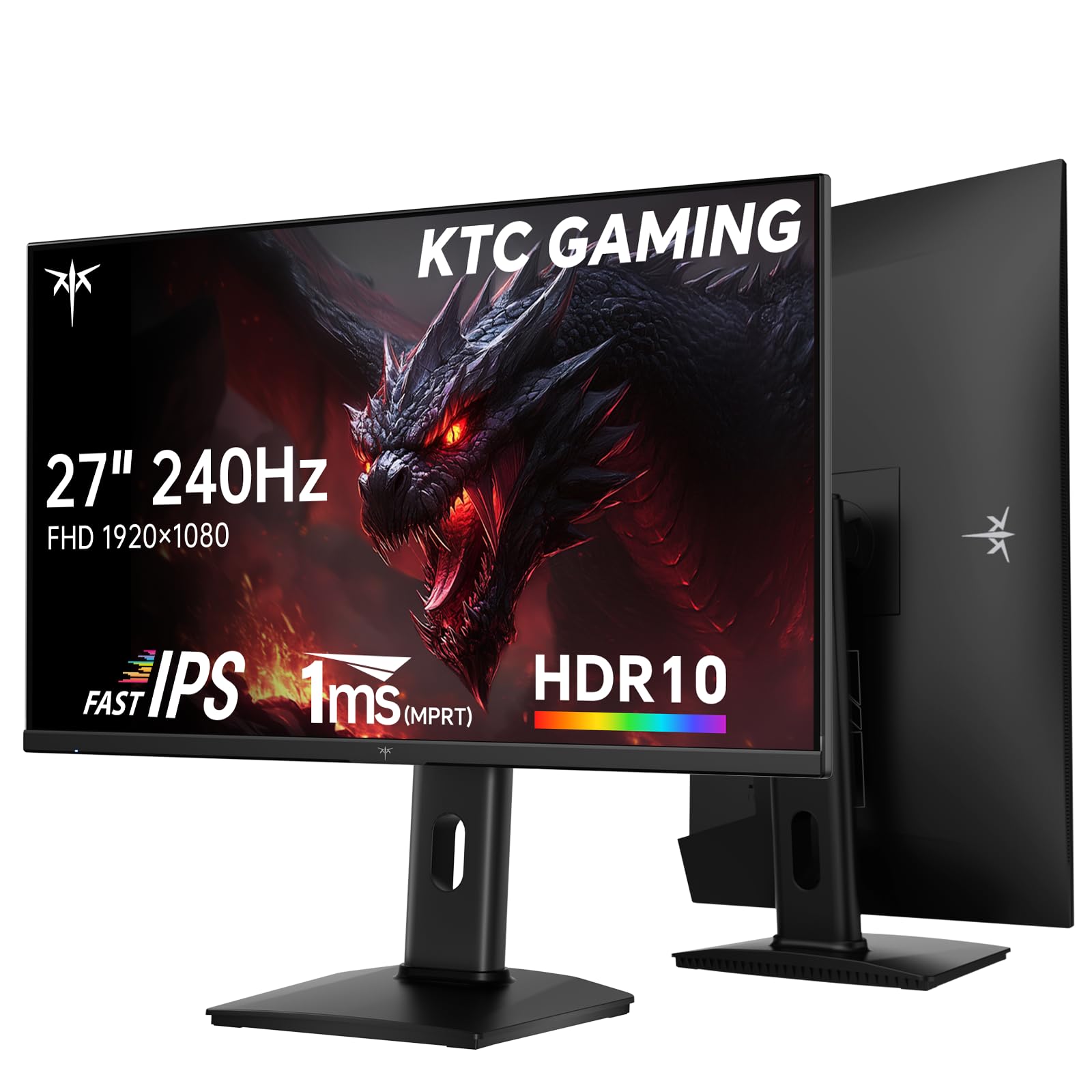
The KTC H27F7 is a brilliant option for gamers and creators who want the color fidelity and viewing angles of an IPS panel without sacrificing high refresh rate performance. It utilizes a “Fast IPS” panel designed to minimize response times, effectively bridging the gap between traditional IPS and TN panels. With a high 131% sRGB color gamut volume and a ΔE < 2 color accuracy rating, it’s capable of vibrant, true-to-life colors right out of the box.
This monitor doesn’t skimp on ergonomics or connectivity. The stand offers height, pivot (rotation to portrait mode), and tilt adjustment—a rare combo at this price point that makes it excellent for productivity alongside gaming. It features a USB 2.0 port for peripheral connectivity, alongside the standard HDMI and DisplayPort inputs. Adaptive-Sync compatibility covers both FreeSync and G-Sync, providing broad GPU support.
Customer reviews highlight the monitor’s excellent picture quality and the tangible benefit of the pivot function for coding or reading documents. The motion clarity is praised as being exceptionally good for an IPS display, making it a versatile champion that excels equally in fast-paced gaming and color-sensitive tasks.
Why it’s great
- Fast IPS panel offers great color and speed.
- Professional-grade color accuracy (ΔE < 2) and wide gamut.
- Fully adjustable stand with pivot for portrait mode.
- Includes a USB hub for connectivity.
Good to know
- Some users note it only includes a DisplayPort cable, not HDMI.
- The on-screen display controls can take some getting used to.
5. KTC H32S17F
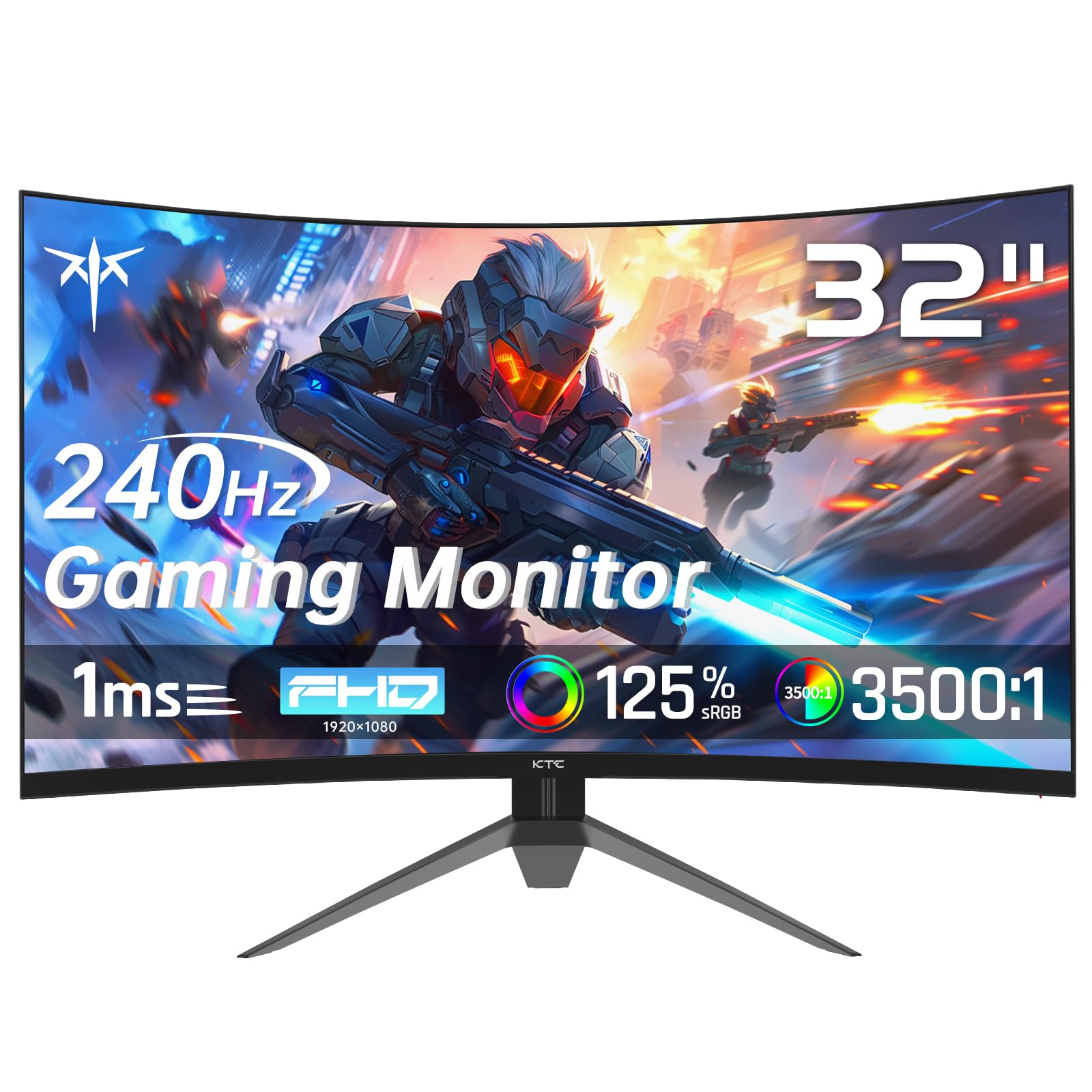
For gamers who prioritize sheer screen presence and immersion, the KTC H32S17F is a compelling proposition. Its 31.5-inch display with a 1500R curve fills a significant portion of your field of vision, pulling you into game worlds and making multimedia consumption a more cinematic experience. Despite its size, it maintains a sharp 240Hz refresh rate and supports both FreeSync and G-Sync compatibility for smooth performance.
The monitor uses an HVA panel, a modern VA variant that aims to improve response times while retaining high contrast. With a 125% sRGB color gamut volume and a 3500:1 contrast ratio, it delivers vibrant colors and deep blacks. The inclusion of a USB 2.0 port adds functionality for connecting accessories. The stand provides tilt adjustment and the monitor is VESA mount compatible for greater flexibility.
Users are consistently impressed by the monitor’s size and value, noting that it delivers a “huge” upgrade in immersion. The combination of high refresh rate and large curved screen is particularly effective for racing games, flight sims, and open-world adventures. It’s a monitor that makes a bold statement on your desk without demanding a premium-tier investment.
Why it’s great
- Massive 32-inch 1500R curved screen for maximum immersion.
- Strong color performance with 125% sRGB gamut.
- Good connectivity including a USB port.
- Excellent value for a large-format high-refresh display.
Good to know
- At 1080p on a 32″ screen, individual pixels are more noticeable (lower PPI).
- The stand only offers tilt, not height adjustment.
6. SANSUI ES-G27C1 PRO
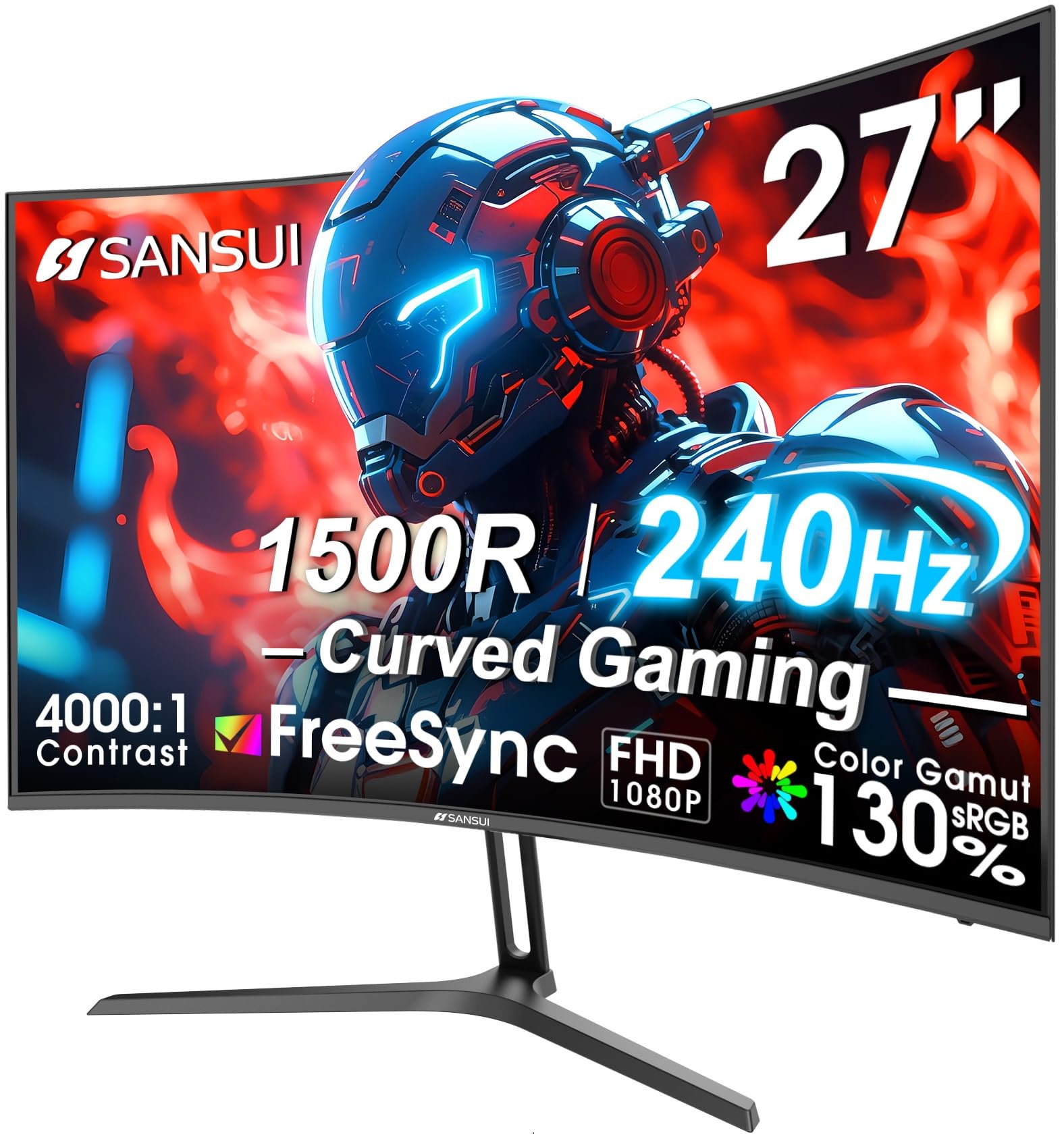
The SANSUI ES-G27C1 PRO distinguishes itself with exceptional color specifications for a gaming-focused monitor. It boasts a 130% sRGB and 95% DCI-P3 color gamut coverage, which is unusually high for this category, resulting in rich, saturated, and accurate colors that bring games and videos to life. Paired with a 4000:1 contrast ratio, it delivers both vibrancy and depth in its image quality.
Build quality is another highlight, featuring a sturdy, all-metal stand that provides a stable base and a premium feel often missing from plastic counterparts. The monitor includes gamer-centric features like a shadow booster for better visibility in dark scenes and an on-screen crosshair. Its straightforward plug-and-play design and comprehensive warranty support make it a low-hassle choice.
Owners frequently mention being blown away by the color performance relative to the cost, describing the visuals as “vivid and sharp.” The solid metal construction adds to the perception of quality. For gamers who prioritize a visually stunning, immersive experience and appreciate robust build materials, the SANSUI PRO model presents a very attractive package.
Why it’s great
- Outstanding color gamut coverage (130% sRGB / 95% DCI-P3).
- Durable and premium-feeling all-metal stand.
- Useful gaming features like black level adjustment and crosshair.
- Strong value for color performance.
Good to know
- No built-in speakers.
- Brand recognition is lower than mainstream competitors.
7. KOORUI GN02 (27 Inch)
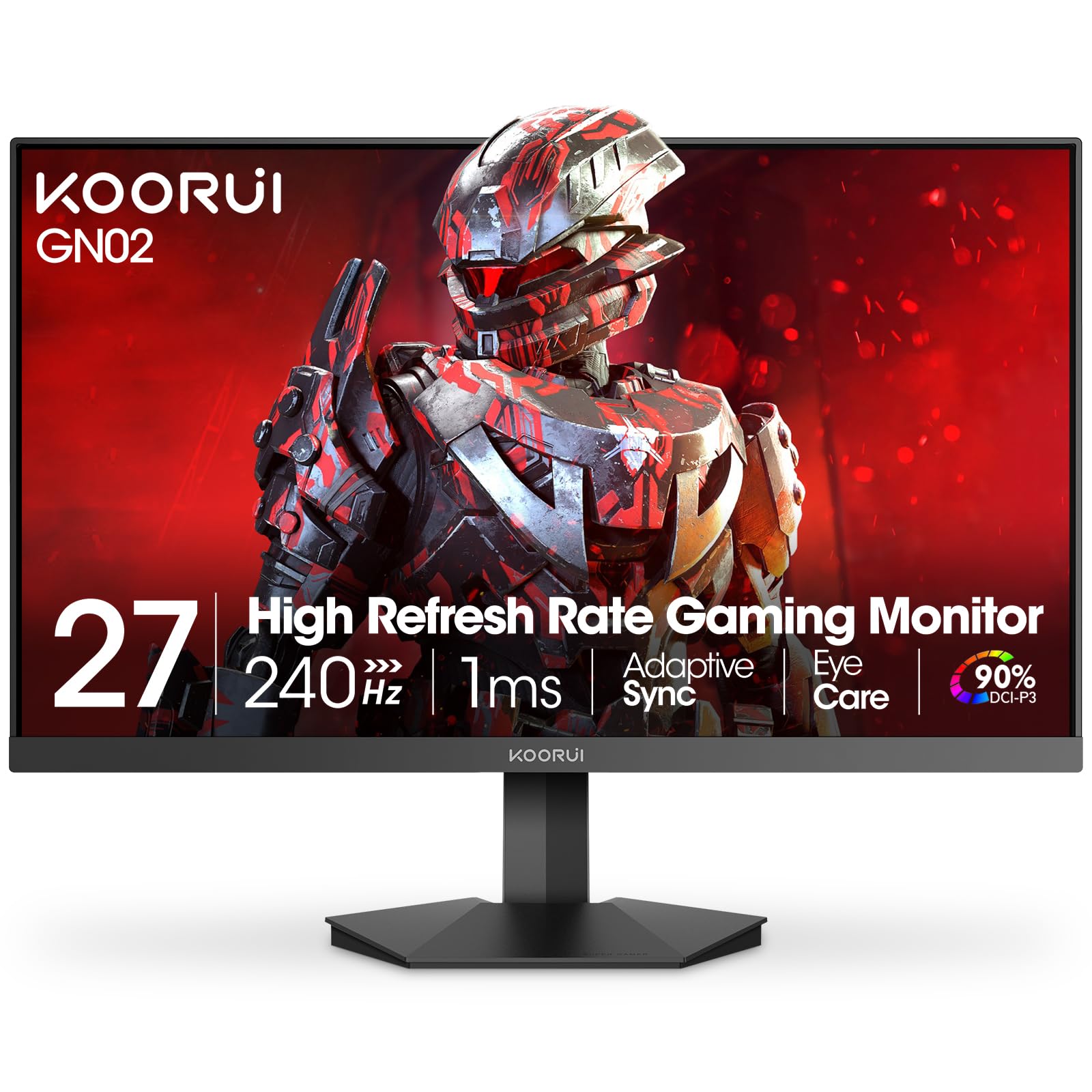
The KOORUI GN02 is a well-rounded 27-inch flat monitor that hits the sweet spot for mainstream gamers. It features a VA panel with a wide 90% DCI-P3 color gamut, providing richer and more lifelike colors than standard sRGB monitors, which is great for both gaming and media consumption. Its “Eagle-Wing” inspired design gives it a distinctive, modern look that stands out from more utilitarian designs.
This monitor is explicitly marketed as ready for Xbox and PS5, with HDMI 2.0 ports that support 240Hz at 1080p, making it a simple plug-and-play solution for console gamers looking to leverage high frame-rate modes. It also includes a 3.5mm headphone jack for easy audio passthrough. The stand offers basic tilt adjustment and VESA compatibility for mounting.
Feedback from users centers on its reliability and performance as a great “first” high-refresh monitor or a dependable secondary screen. The color quality receives positive notes, and its compatibility with the latest consoles is a significant plus for hybrid PC/console gamers. It represents a solid, no-surprises option in the popular 27-inch size.
Why it’s great
- Wide DCI-P3 color gamut for vibrant visuals.
- Stylish design and good build quality.
- Excellent console compatibility (Xbox, PS5, Switch).
- Includes a headphone jack for audio output.
Good to know
- Stand only offers tilt adjustment.
- VA panel may have slower pixel response than IPS in dark transitions.
8. Z-Edge UG27P
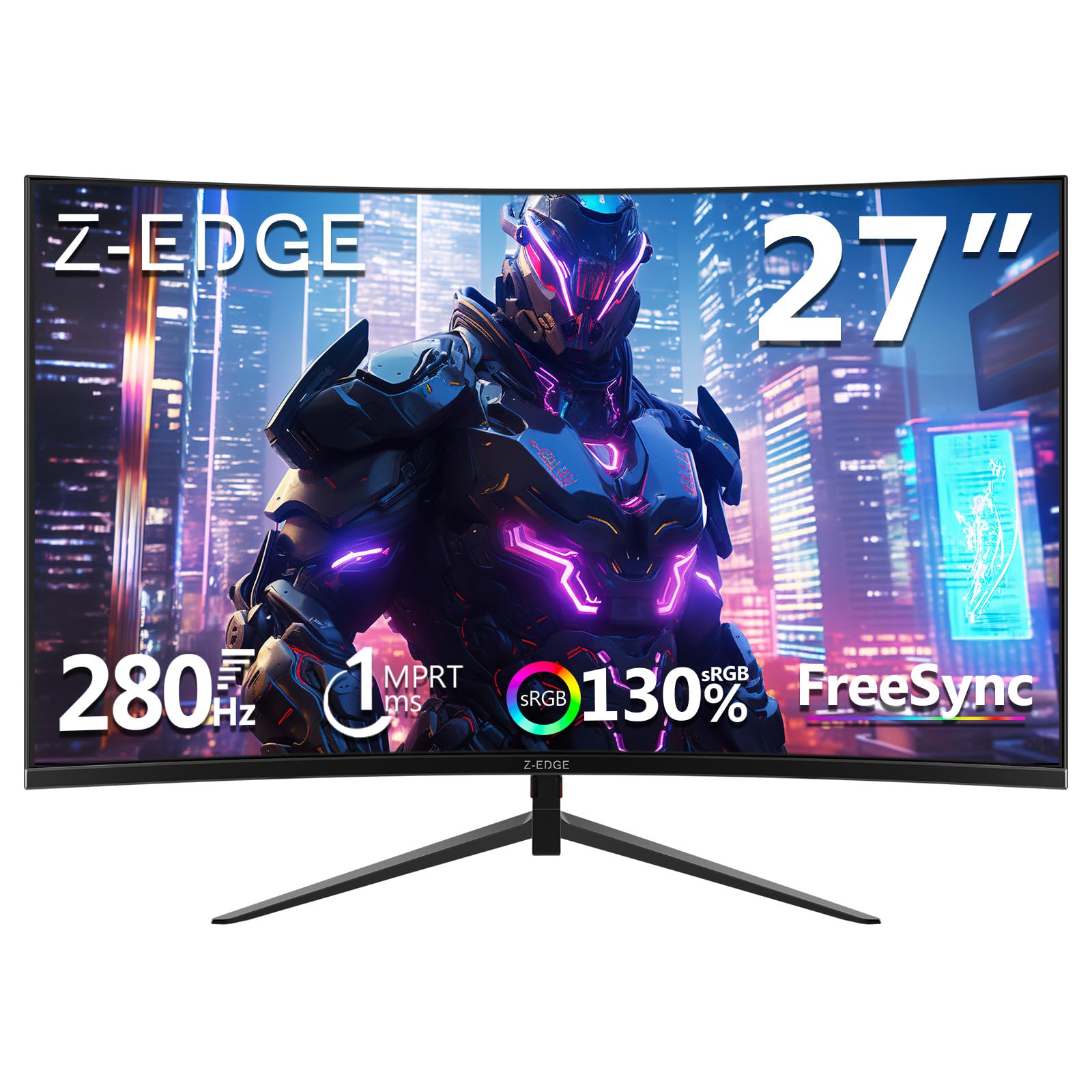
The Z-Edge UG27P is a curved monitor that pushes the refresh rate envelope for those on a budget, offering up to 280Hz when connected via its DisplayPort. This makes it one of the most affordable paths to experiencing ultra-high frame rates. The 1500R curvature and a high 4000:1 static contrast ratio work together to create a deeply immersive and engaging visual experience with pronounced depth.
Connectivity is a strong suit, with two HDMI and two DisplayPort inputs, allowing you to connect multiple devices simultaneously without constantly swapping cables. The frameless three-sided design gives it a sleek, modern appearance and minimizes bezels in a multi-monitor setup. It supports VESA mounting for maximum desk space efficiency.
Users who prioritize raw smoothness above all else find great value in this monitor. The jump to 280Hz is noticeable, especially in competitive titles. While some calibration may be needed for optimal colors out of the box, the overall package delivers exceptional motion performance and immersion for its class, making it a smart pick for frame-rate enthusiasts.
Why it’s great
- Extremely high 280Hz refresh rate via DisplayPort.
- Excellent 4000:1 contrast ratio for deep blacks.
- Abundant connectivity with dual HDMI and DisplayPort.
- Frameless design ideal for multi-monitor setups.
Good to know
- Color calibration out of the box may require adjustment.
- The stand does not offer height adjustment.
9. Sceptre C255B-FWT240

The Sceptre C255B-FWT240 brings the immersive curved gaming experience into a very accessible range. Its 24.5-inch 1500R curved VA panel offers a great entry point into curved displays without compromising on the core 240Hz performance. A significant advantage is its AMD FreeSync Premium certification, which guarantees a minimum 120Hz refresh at 1080p with low latency, ensuring a high standard of smooth, tear-free gameplay.
This monitor includes a couple of convenient features often omitted at this price: built-in speakers and a blue light shift mode. While the speakers are basic, they provide audio for casual use without requiring external equipment. The design is clean, and the stand offers tilt adjustment for basic ergonomics.
Reviews often highlight this monitor as a “bang for your buck” champion, especially for multi-monitor households or as a first high-refresh-rate display. It’s praised for its reliability and the tangible benefit of the curve at a small size. For budget-conscious gamers who want a curated feature set including FreeSync Premium and speakersand the tangible benefit of the curve at a small size. For budget-conscious gamers who want a curated feature set including FreeSync Premium and speakers, it represents strong value.
Why it’s great
- Official AMD FreeSync Premium certification for guaranteed performance.
- Includes the convenience of built-in speakers.
- 1500R curve in a compact 24.5″ size.
- Exceptional value for a feature-complete curved gaming monitor.
Good to know
- Some users note color calibration can require tweaking.
- VA panel may show ghosting at lower frame rates.
10. KOORUI MG24H3F

The KOORUI MG24H3F is an entry-level gateway to 240Hz gaming that doesn’t cut corners on essential features. Its 23.8-inch size is the classic esports standard, keeping the entire screen easily within your sightlines for maximum awareness. It supports HDR400, which, while not true HDR, enhances brightness and contrast for supported content. A standout feature is its robust 3-year warranty, signaling strong confidence in product longevity.
This monitor is designed for ease of use, featuring a 5-way joystick for intuitive menu navigation—a premium touch at this level. It also includes gamer aids like an on-screen timer and crosshair. The ergonomic stand offers tilt adjustment and the panel incorporates blue light filter and flicker-free technology to reduce eye strain during long sessions, making it suitable for work and play.
Customer reviews frequently mention its reliability and the dramatic improvement felt when upgrading from a standard 60Hz or 75Hz display. It’s often described as a “great quality for the price” monitor that performs exactly as expected. For those dipping their toes into high-refresh-rate gaming or needing a dependable secondary monitor, the MG24H3F is a trustworthy and well-supported choice.
Why it’s great
- Classic 24-inch esports size with a 240Hz refresh rate.
- Includes HDR400 support and a convenient 5-way joystick.
- Strong 3-year warranty for peace of mind.
- Excellent eye-care features for mixed use.
Good to know
- Basic stand with tilt-only adjustment.
- Entry-level VA panel performance.
11. Z-Edge UG25I
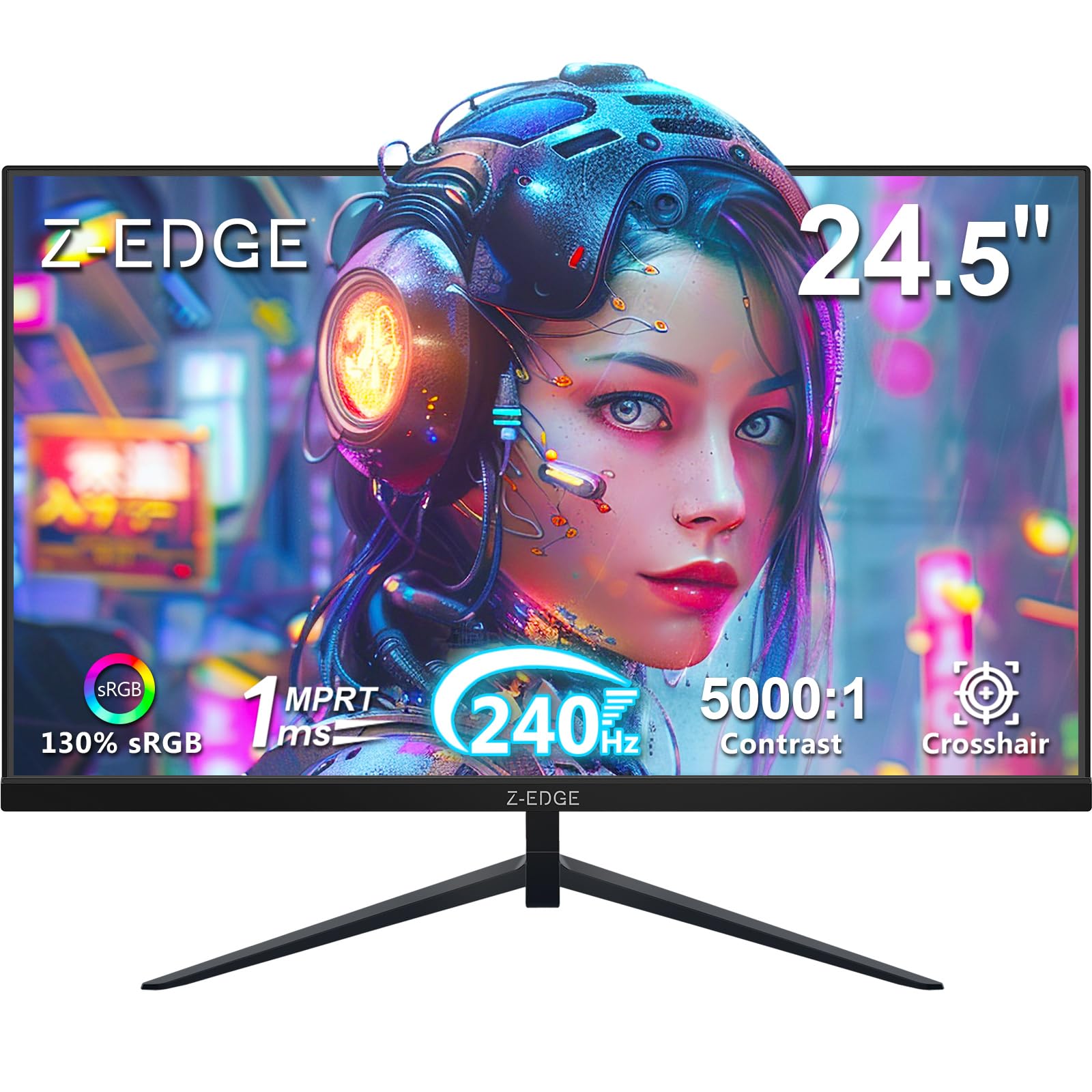
The Z-Edge UG25I is designed for gamers who need a high-performance display that conserves desk space and looks clean in a setup. Its 24.5-inch frameless design on three sides minimizes visual clutter and is ideal for creating a seamless multi-monitor array. The inclusion of specialized FPS and RTS game mode presets allows for quick optimization of image settings to gain an edge in different genres.
Connectivity is straightforward and capable, with two HDMI 2.0 ports and a DisplayPort 1.4, all supporting the full 240Hz refresh rate. The monitor is VESA mount compatible, allowing you to free up the desk entirely with a monitor arm. Eye-care technologies like flicker-free operation and low blue light are included to support comfort during extended use.
Users appreciate the monitor’s no-fuss performance and sleek aesthetics. It’s often noted as a reliable workhorse that delivers smooth gameplay without any flashy extras. For builders creating a clean, multi-monitor battle station or anyone with limited desk real estate, the UG25I provides the core 240Hz experience in a smart, space-efficient package.
Why it’s great
- Ultra-thin bezels perfect for multi-monitor setups.
- Game genre-specific display presets (FPS/RTS).
- Full 240Hz support across all video inputs.
- VESA mount compatible for maximum desk space.
Good to know
- Very basic stand with limited adjustability.
- Like many VA panels, motion handling may vary.
Understanding the Specs
Refresh Rate (Hz) vs. Response Time (ms)
The refresh rate (e.g., 240Hz) is how many times per second the monitor can draw a new image. Higher is smoother. Response time (e.g., 1ms) is how quickly a pixel can change color. A fast response prevents ghosting (trails behind moving objects). Look for monitors that balance both; a high refresh rate with a slow response will still look blurry.
Panel Types: IPS, VA, and Fast IPS/HVA
IPS offers the best color accuracy and viewing angles but may have lower contrast. VA provides deep blacks and high contrast but can have slower pixel transitions, causing “black smearing.” Fast IPS or HVA are newer hybrid technologies aiming for IPS-like color with VA-like contrast and improved speed, often found in mid-range options.
FAQ
Is a 1080p 240Hz monitor good for console gaming?
Do I need a powerful graphics card for 240Hz?
Final Thoughts: The Verdict
For most people, the best 1080p 240hz monitor winner is the SAMSUNG Odyssey G4 because it delivers the complete package: a flawless IPS panel, certified G-Sync and FreeSync support, and smart gaming features in a reliable brand offering. If you want immersive curvature and elite ergonomics, grab the AOC C27G4ZH. And for entry-level value without cutting essential features, nothing beats the KOORUI MG24H3F.

Mo Maruf
I created WellFizz to bridge the gap between vague wellness advice and actionable solutions. My mission is simple: to decode the research and give you practical tools you can actually use.
Beyond the data, I am a passionate traveler. I believe that stepping away from the screen to explore new environments is essential for mental clarity and physical vitality.