Our readers keep the lights on and my smoothie glass nicely filled. As an Amazon Associate, I earn from qualifying purchases.
Specs are compiled from manufacturer listings and verified buyer reviews and can change over time — please confirm the key details on the product page before buying.
Handwritten notes haven’t gone away — but a spiral notebook and a pile of loose pages can’t keep up with how you actually live and work. You still want the feel of pen on paper, but you also need your notes searchable, shareable, and backed up the second you finish writing. An electronic notepad bridges that gap, letting you write naturally and then wirelessly send everything to the cloud. The challenge is picking the right one, because not all digital notebooks are the same — some are simple sketch slates, others are full Android tablets with paper-like screens, and a few are reusable notebooks you wipe clean with a damp cloth. This guide cuts through the noise to find the best electronic notepad for your actual workflow.
I’m Mohammad Maruf — the founder and writer behind WellFizz. This guide is built by comparing the manufacturers’ published specifications and the patterns across verified customer reviews, so you get each pick’s real strengths and trade-offs instead of marketing spin.
This guide covers cloud-connected smart paper, distraction-free writing slates, and Android tablets with paper-like screens. This is our research-backed guide to finding the best electronic notepad for your needs.
Our Picks at a Glance

How To Choose The Best Electronic Notepad
Before you buy, understand the three main types. Reusable notebooks (like Rocketbook) use real paper that you wipe clean, leaning entirely on your phone for digitization. LCD slates are ultra-simple, pressure-sensitive drawing boards with no digital storage — they are disposable sketch pads with an erase button. Then there are dedicated digital notepads (like reMarkable, Kindle Scribe, or XPPen) that run apps, store thousands of pages, and often double as e-readers or drawing tablets. Your choice depends on if you need cloud connectivity, long battery life, color, or the simplest possible dump-everything surface.
Cloud Sync and App Ecosystem
If you want your notes to live in Google Drive, Dropbox, OneNote, or Evernote automatically, do not buy a basic LCD writing tablet — it has no connectivity at all. You need a smart notebook with a companion app and either Wi-Fi or Bluetooth. Rocketbook uses your phone’s camera via its app; devices like the Kindle Scribe and Huion Note sync wirelessly or via Bluetooth 5.0. The richer the app (search, OCR, audio recording, handwriting-to-text), the more useful your archive becomes.
Writing Feel and Pressure Sensitivity
A poor writing feel kills the whole point. Reusable notebooks feel like real paper because they are real paper — you use a Pilot Frixion pen. LCD and E Ink tablets use a stylus; look for models with high pressure sensitivity (the XPPen offers 16,384 levels, the reMarkable has a tactile drag like pencil on paper). If you sketch or draw, pressure sensitivity is non-negotiable. If you only take quick lists, even a basic LCD slate with no sensitivity works fine.
Battery Life and Display Technology
E Ink devices (Kindle Scribe, reMarkable) last weeks on a single charge because the screen only uses power when the display changes. LCD tablets (XPPen, TCL) need charging every day or two. If you want a device you can grab without thinking about battery life, stick to E Ink or reusable paper notebooks, which need no power at all. An LCD writing tablet typically lasts months on a button cell battery or a single USB charge, but its screen is usually monochrome and needs good ambient light.
Quick Comparison
| Model | Best For | Display / Paper Size | Cloud / Connectivity | Pages / Storage | Amazon |
|---|---|---|---|---|---|
| Rocketbook Core (Letter)★ Best Overall | Eco-friendly cloud note-taking | 8.5 x 11 in (real paper) | App scan to Google Drive, Dropbox, OneNote | 32 reusable pages | Amazon |
| Ksequ LCD TabletBudget Champion | Budget scribble slate | 10.5″ double-sided LCD | None | Unlimited (50k–100k writes) | Amazon |
| Rocketbook Core (Executive)Compact Pick | Portable pocket note-taking | 6 x 8.8 in (real paper) | App scan to Google Drive, Dropbox, OneNote | 36 reusable pages | Amazon |
| HUION Note | Real paper + digital capture | A5 real paper + 7.35×5.5″ graphic tablet | Bluetooth 5.0 / App | 50-page A5 pad (refillable) | Amazon |
| XPPen Magic Note Pad | Full-featured Android notepad | 10.95″ LCD (1920×1200) | Wi-Fi, Android 14 | 128GB | Amazon |
| TCL NXTPAPER 14 | Large-screen study & sheet music | 14.3″ 2.4K LCD (paper-like) | Wi-Fi, Android 14 | 256GB | Amazon |
| Amazon Kindle Scribe Colorsoft | E-reader & notebook hybrid | 11″ color E Ink | Wi-Fi, Google Drive, OneDrive | 64GB | Amazon |
| reMarkable Paper Pro | Distraction-free thinking & writing | 11.8″ color E Ink | Cloud subscription required | Unlimited (cloud-based) | Amazon |
In‑Depth Reviews
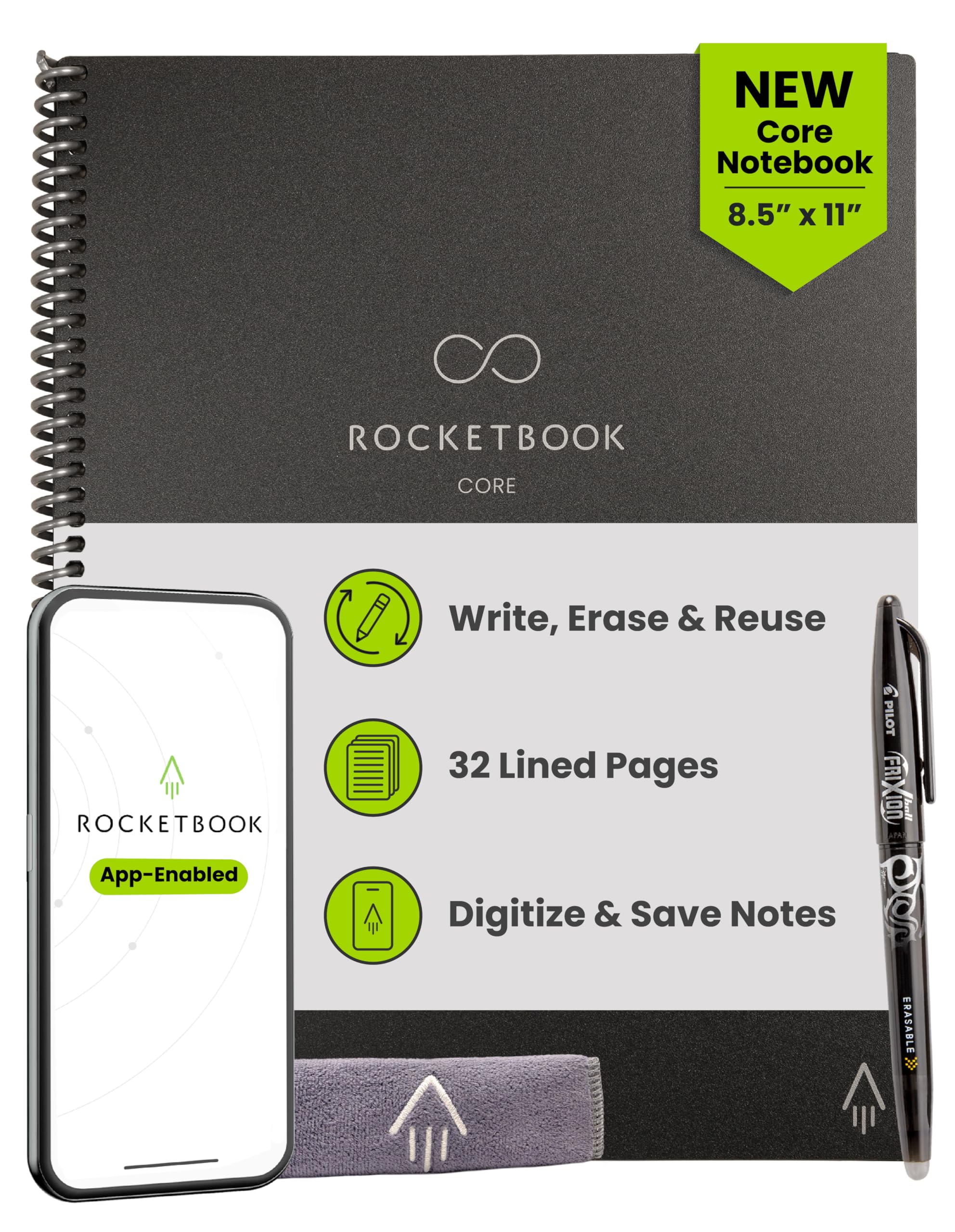
1. Rocketbook Core Reusable Smart Notebook, Letter Size 8.5×11, Black
Our pick — 4.5★ from 400+ verified ratings; the strongest balance of quality and price.
The reusable notebook that finally makes paper feel smart.
You get the full tactile satisfaction of writing on real college-ruled paper — the new and improved version has a scratch-resistant cover, spiral binding, and premium reusable sheets that feel close to standard notebook paper. The Pilot Frixion Pen feels like a regular pen on the page, and when you’re done, a damp cloth erases every mark completely. The writing performance is the most praised feature; owners single it out as the top reason to buy this notebook over the competition.
The killer feature is the app. Snap a photo with the Rocketbook app and your notes are instantly digitized and sent to Google Drive, Dropbox, OneNote, or wherever you want — all wirelessly. Smart Titles and Smart Tags let you name and organize each file without typing. The Letter size (8.5 x 11 inches) is a typical school notebook size, and it weighs 8.8 ounces, making it barely heavier than a standard spiral-bound notebook. It has 32 pages, and because they are reusable, that is all you will ever need. The executive size below has 36 pages (12% more), but the Letter size gives you the full page area for serious note-taking.
Buyers report the notebook stays durable after a year of regular use. The pages develop a slightly rougher texture and can show imprints over time, but they remain perfectly usable. The ink quality gets mixed feedback — one owner noted that the ink needs a moment to dry to avoid smearing, and highlighters can erase the ink. If you write fast and flip pages quickly, give the ink a second to set. Overall, this is the simplest, most affordable path to a paper-plus-digital workflow that actually works.
Reusable cloud-sync notebook
- Writing performance is the most praised trait — owners love the real-paper feel of the Frixion pen.
- smooth cloud upload with the app; no Wi-Fi or Bluetooth needed, just your phone camera.
- Genuinely reusable — wipe clean and start again, saving endless paper.
Requires special pen
- Ink requires a moment to dry on the page; smears if you close the notebook too fast.
- Pages develop light imprints over time; still usable but no longer pristine.
Versatile letter size: Choose this if you want real pen-on-paper note-taking that automatically backs up to the cloud with zero charging or cables.
Frequent app use: Not a good fit if you need an always-lit screen for dark rooms or if you want to edit notes directly on a device without a phone intermediary.
2. Ksequ LCD Writing Tablet 10.5″
The simplest, cheapest way to scribble and start over.
This double-sided LCD slate is the digital equivalent of a whiteboard — you write with the included stylus, the pressure-sensitive liquid crystal shows your strokes, and one button wipes the whole thing clean. It weighs just 6.8 ounces and is only 0.2 inches thick, so it slips into any bag without adding bulk. The dual-sided “full screen” design gives you two writing surfaces, and the 11.5 x 11.5-inch dimensions translate to a generous writing area. Compared to the Rocketbook Executive (8.8 x 6 inches), this slate is notably larger — 31% bigger in footprint — which makes it better for brainstorming and diagramming.
The hardware is dead simple. There are no apps, no Bluetooth, no cloud — you draw and erase. It works best as a bedside note pad, a study scratch sheet, or a messaging board around the house. The company says it handles 50,000 to 100,000 writes, so it will last for years of casual use. The dual-screen aspect is the most-discussed positive feature; owners appreciate having two sides for the price and the one-click erase button. The lock function (a small switch) prevents accidental erasure of an important note.
The consistent complaint is screen brightness. The display relies on ambient light to show your strokes — as buyers put it: “the screen was dim and difficult to see in normal room lighting.” The company itself warns that the brightness is poor in weak light. If you work in a well-lit room or outdoors, it is fine; in a dim coffee shop or bedroom at night, it is hard to read. The quality and durability are rated mixed — about a quarter of the most-mentioned aspects relate to build quality concerns, with an occasional unit arriving with defects. At this price point, you trade flawless construction for pure utility.
Kids’ doodle pad: Anyone who needs a cheap, zero-fuss slate for quick math, shopping lists, or a reusable desk scratchpad and works under good light.
Professional notes: You need to digitally store notes, work in dim spaces, or want a screen that glows on its own.
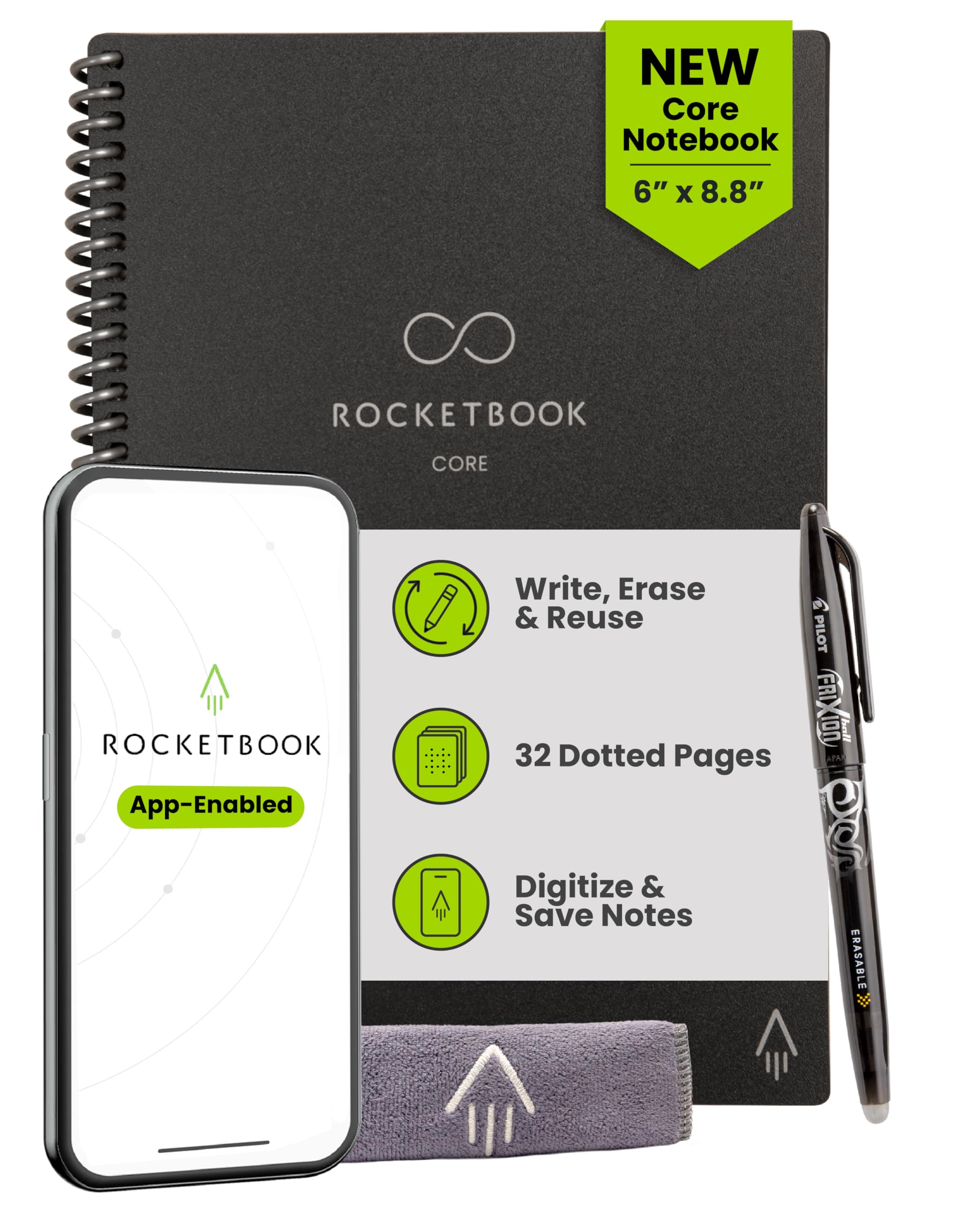
3. Rocketbook Core Reusable Smart Notebook, Executive Size 6×8.8, Black
The same smart reusable paper, shrunk for pockets and purses.
This Executive-size Rocketbook shares every feature of its Letter-format sibling — the same reusable Pilot Frixion system, the same app-based cloud scanning to Google Drive, Dropbox, and OneNote, and the same wipe-clean durability — but it squeezes everything into a much smaller package. At 6 x 8.8 inches and weighing just 5.92 ounces, it is significantly lighter than the letter size, which weighs 8.8 ounces (a 49% difference). That makes it a natural companion for the inside of a handbag, a jacket pocket, or a small backpack organiser.
The paper quality is the standout, praised most by owners for its smooth, erasable surface. The dot grid ruling makes it especially useful for quick sketches, mind maps, and layout work as well as lined note-taking. The experience is the same: write, snap a photo with the app, and send it to the cloud. The OCR (optical character recognition) that converts your handwriting to text gets mixed feedback; it struggles with messy script, but the image and PDF uploads work reliably.
If you have ever wished the letter version were lighter and slimmer for everyday carry, this is the fix. The trade-off is writing area: at roughly 42% smaller than letter-size paper, you have less room for long-form notes and diagrams. Buyers on the review pages note that the size can be surprising if you expect a full notebook — one owner called it “small, not full size” and wished they had checked the dimensions. It is perfect for quick lists and meetings; reach for the letter version if you are a student or researcher who fills sheets page after page.
Travel companion: Commuters, meeting-goers, and anyone who wants cloud-connected handwriting in a genuinely pocketable package.
Heavy note-takers: You need a full-page writing surface for notes or you work with large diagrams.
4. HUION Note 2-in-1 Digital Notebook

Write on real paper while a digital copy is created at the same time.
This is the cleverest middle ground. The Huion Note is an A5 paper notepad with a special digital pen that uses a ballpoint refill to write on the actual paper in front of you, while simultaneously transmitting every stroke to the free Huion Note app over Bluetooth 5.0. You get the genuine tactile experience of real paper — the A5 paper quality is praised by owners — and a perfect vector copy appears on your phone or tablet in real time. There is no scanning, no photographing, no smudging from a damp cloth.
The battery lasts 18 hours of continuous use on a full charge, with a standby time of about 30 days. An audio recording feature lets you sync your handwritten notes with a live recording — tap a word and hear what was said at that moment. The pen uses a magnetic sleeve to attach to the notebook, and the kit includes three ballpoint refills and three plastic pen nibs. When you replace the inner A5 pad, the Huion Note can switch to a graphics tablet mode: connect it to a PC via USB-C and it becomes a standard drawing tablet for digital art software. This dual functionality — real paper notepad + drawing tablet — is unique.
The main caveat involves the app. Handwriting recognition works well, but synced notes are stored in Huion’s native format and are not directly readable as text on other platforms. The workaround is to manually export notes as PDFs or images. A few owners find the pen tip lifespan short (roughly 400 meters of writing), and the proprietary pen means you cannot use a standard stylus. Owners who are artists and students seem to love the device’s versatility — giving the regular use case of a physical notebook plus a digital safety net without being glued to a screen.
Artists and sketchers: Artists who sketch on paper but need digital copies, or professionals who like writing on real paper while their notes auto-sync.
Multitaskers: The app ecosystem is limited, and exporting notes is a manual step — not a smooth cloud upload like Rocketbook.
5. XPPen Magic Note Pad 10.95″

An Android tablet that disguises itself as a paper notebook.
The XPPen Magic Note Pad is a full Android 14 tablet (not an E Ink device) with an AG nano-etched LCD screen that mimics the texture and glare-free feel of paper. It packs a 10.95-inch display with a 1920×1200 resolution and a 90Hz refresh rate, so page turns and scrolling feel fluid without ghosting or lag. The star feature is the X3 Pro Pencil 2, which offers 16,384 levels of pressure sensitivity — more than enough for fine drawing and subtle shading — and never needs charging. The soft pen nib creates a drag that feels like a real pencil on paper, and many owners say the writing experience is superior to regular glass-screen tablets.
You get three screen modes: Full Color for video and web, Light Color for a softer look, and a monochrome LCD mode that mimics e-paper for distraction-free reading. The XPPen Notes app is preloaded with a permanent membership and includes handwriting-to-text, audio recording, PDF annotation, and an AI assistant. The device runs on an MT8781 processor and stores 128GB of your files. It weighs 495g (just over a pound) and is only 7mm thick, so it is light enough for one-handed reading on the couch. The 8,000mAh battery can be topped up with the 20W charger.
The honest downsides: this is not an E Ink screen, so its battery life is measured in days, not weeks, and the etched glass creates a narrow optimal viewing angle — you need to look at it straight on for the best clarity. Performance is not flagship-level; it is a focused note-taking and drawing device, not a heavy multitasking workstation. Owners note that third-party case options are limited, and the Android OS here ships with a light version of Microsoft Word that lacks full editing features. Still, for students and creative pros who want a real Android device with a paper-like nib, this is a compelling mid-range option.
Studio use: Students and artists who need a full Android app ecosystem and a pressure-sensitive writing experience on a paper-matte screen.
On-the-go: Not the right pick if you need multi-week battery life, or if you want a completely distraction-free E Ink workflow.
6. TCL NXTPAPER 14 Android Tablet

The biggest screen in the category, built for long reading and sheet music.
If you need a massive canvas for digital sheet music, e-books, PDFs of academic papers, or detailed diagrams, the TCL NXTPAPER 14 gives you a 14.3-inch 2.4K display — significantly larger than any other device on this list. It uses TCL’s NXTPAPER 3.0 technology, which applies an anti-glare coating and DC dimming to reduce blue light and eye strain during long sessions. The dedicated NXTPAPER Key on the side lets you toggle between Regular Mode (full color for video), Color Paper Mode (soft, low-saturation tones for art), and Ink Paper Mode (a black-and-white e-paper simulation for distraction-free reading).
Under the hood, the Helio G99 processor and 8GB of RAM (with an additional 8GB of expandable virtual memory) handle multitasking well, and 256GB of built-in storage gives you room for thousands of documents and books. The included T-PEN stylus supports 4,096 pressure levels, making it usable for note-taking and drawing, though it is not as precise as the XPPen’s 16K stylus. The 10,000mAh battery delivers about 10 hours of use, and the 33W fast charging gets you to full in roughly two hours.
The screen clarity and brightness are the most praised features — owners note it works well even under stage lights and produces no glare outdoors. The pen, however, gets mixed feedback for latency (slight lag when writing). The device is also missing a headphone jack, a microSD slot, and a charger in the box (USB-C cable only). The quad stereo speakers are adequate, but the “Volume Plus” mode is reportedly poor quality. This is a specialist screen-first device: phenomenal for reading and viewing, serviceable for writing, and best for users who want one big slate for a mix of study, sheet music, and media consumption.
Reading and browsing: Musicians reading digital sheet music, students studying dense PDFs, or anyone who wants a large, eye-friendly screen for long reading sessions.
Heavy gaming: The stylus has noticeable lag compared to dedicated note-taking slates, and the device lacks expandable storage and a headphone jack.
7. Amazon Kindle Scribe Colorsoft 64GB

Color E Ink that finally makes note-taking and reading feel natural in one device.
The Kindle Scribe has evolved into a genuinely capable digital notebook. The newest model features an 11-inch Colorsoft display — a custom oxide-based color E Ink screen that delivers high-contrast, paper-like color without the distracting flashes typical of other E Ink color technology. It is also remarkably thin (just 5.4mm) and light (400g), making it easy to hold for long reading sessions. The textured surface and ultra-fast responsiveness create a writing experience that owners say feels like using a real pen on paper.
The built-in notebook now comes with AI-powered tools: you can ask questions about your notes to uncover insights, generate summaries, convert handwritten notes to typed text, and refine your handwriting. The “Active Canvas” feature creates space for your notes when you write in the margins of a book, expanding or collapsing as needed. On the reading side, you get access to millions of Kindle Store titles, and you can import documents from Google Drive and Microsoft OneDrive directly to the device for markup. The Premium Pen requires no charging at all. Battery life is measured in weeks on a single charge — a huge advantage over LCD-based competitors.
If you already own an older Scribe, the color display is a worthwhile upgrade for reading magazines, graphic novels, and color-coded notes. Owners call this “the ultimate Kindle,” praising the sharp color and the large, easy-on-the-eyes pages. However, some buyers who prefer physical paper journals find the Scribe too large and find the digital navigation clunky compared to flipping pages by hand. For anyone deep in the Kindle ecosystem who also takes handwritten notes, this is the most integrated option available.
Avid readers: Avid Kindle readers who also want to take handwritten notes directly in their books and notebooks, all in one device.
Budget shoppers: Expensive, and the E Ink screen’s color refresh is slower than a standard LCD tablet.
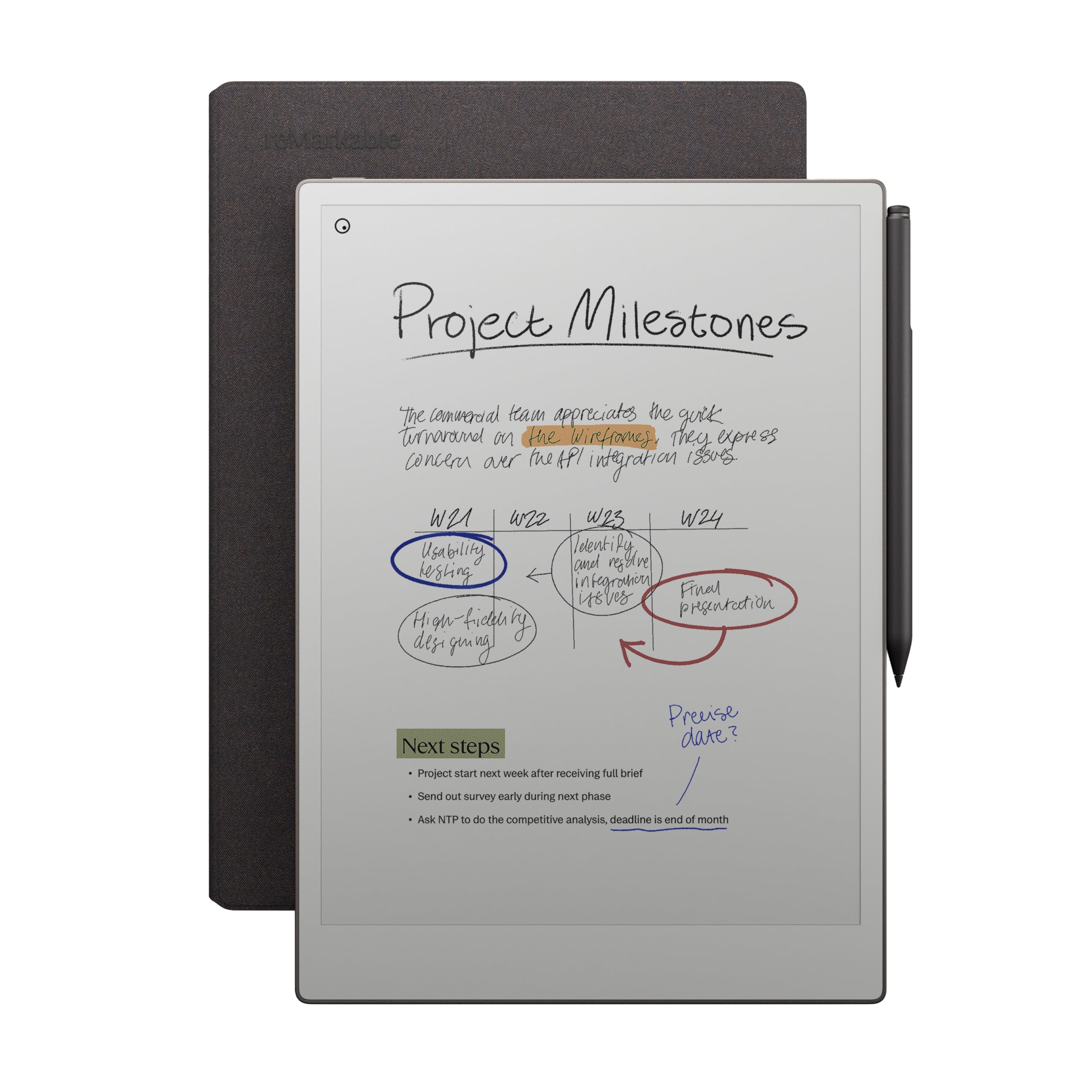
8. reMarkable Paper Pro with Marker Plus
The premium distraction-free tablet for deep thinkers and creative flows.
This is the most focused writing tool on the list. The reMarkable Paper Pro is purpose-built for one thing: making you want to write and sketch without any app notifications, browser tabs, or social media distractions. The 11.8-inch Canvas Color display is a true E Ink panel with an adjustable front reading light, so you can work in a dim room or read outside without glare. The Marker Plus stylus has a built-in eraser on its top end, and the textured screen provides genuine friction — it feels closer to a pencil on premium paper than any glass tablet can manage.
You get color for the first time on a reMarkable device, but the color gamut is deliberately subdued — it looks like pastel paper rather than an iPad. The writing function is the standout feature, praised by owners for its responsiveness and natural feel. Organizing your work is straightforward with folders and tags, and handwriting-to-text conversion is reliable. The device comes with a stylish Book Folio and USB-C cable in the box. It weighs 1.2 pounds, which is noticeable for a single-purpose tablet but expected given the 11.8-inch screen. Battery life lasts for weeks, not days.
The honest limitations are real. The color display is slow to refresh and colors are muted (several owners call the color quality a negative). The software feels restrictive compared to Android or iOS — there is no app store, no web browsing, and no access to Kindle or Google Play Books. The value-for-money rating is the lowest among the aspects cited, as the device is expensive and requires a paid subscription for basic cloud features like syncing and unlimited storage. Owners mention that the exchange process can be cumbersome if you get a defective unit. This is the ultimate choice for writers, academics, and creatives who want nothing between them and their thoughts — but it demands a premium budget and tolerance for a closed ecosystem.
Professionals: Writers, researchers, and creative professionals who want a zero-distraction tool with the best writing feel in the market and are willing to pay for it.
Casual users: You need a multi-purpose tablet, want vibrant color, or dislike subscription fees for basic cloud syncing.
Understanding the Specs
Real Paper vs. E Ink vs. LCD
Each technology changes how the device feels and how long it lasts between charges. Real paper notebooks (like Rocketbook) feel exactly like what you already use, but they require a phone app for digitization and a damp cloth to erase. E Ink displays (like the reMarkable and Kindle Scribe) use power only when the page changes, so battery life stretches to weeks; they also feel like paper because there is no backlight glare. LCD screens (like the XPPen and TCL) are bright, colorful, and fast, but they drain their batteries in a day or two and can cause more eye strain over long sessions.
Cloud Sync and Connectivity
Basic LCD slates have no digital storage whatsoever — you write and erase on-device only. Smart notebooks like the Rocketbook rely on your phone’s camera and an app to scan and send pages to cloud services. Premium tablets like the Kindle Scribe, XPPen, and reMarkable connect directly via Wi-Fi or Bluetooth, automatically syncing your notebooks to Google Drive, OneDrive, or their own cloud. If you want your notes to be searchable and accessible from any device, cloud sync is a non-negotiable feature; if you only need a quick scratch surface, the cheapest slate will do.
Pressure Sensitivity and Stylus Feel
For note-taking and sketching, high pressure sensitivity means the device registers exactly how hard you press, translating into thicker or thinner lines. Basic LCD slates offer no sensitivity — just a fixed-width line. The XPPen offers 16,384 levels (the highest on this list), while the TCL and the Kindle Scribe offer 4,096 levels. If you draw or write for hours, a battery-free stylus (like the XPPen X3 Pro Pencil or the Kindle Premium Pen) is a significant comfort advantage — no charging, no pairing, and a natural weight balance.
Display Size and Portability Trade-Off
A larger screen (14 inches on the TCL, 11.8 inches on the reMarkable) gives you room for sheet music, academic PDFs, and full-page diagrams, but the device becomes heavier and harder to slip into a small bag. Smaller sizes (6 x 8.8 inches for the Rocketbook Executive, 10.95 inches for the XPPen) are far more portable but limit your writing space. The Kindle Scribe at 11 inches offers a middle ground that many owners find ideal for both reading and writing. Consider your most common use scenario: if you write at a desk, go big; if you write on a train or in a coffee shop, go small.
FAQ
Will an electronic notepad work with my Google Drive or OneDrive?
Can I convert my handwritten notes to typed text?
How long does the battery last on a digital notepad?
What is the difference between Rocketbook and a regular LCD writing tablet?
Can I use an electronic notepad for drawing and digital art?
Is the Kindle Scribe good for taking notes in meetings?
How do I keep my notes if I lose the stylus?
Can I use an electronic notepad without a smartphone or Wi-Fi?
Final Thoughts: The Verdict
Related Guides

Mo Maruf
I created WellFizz to bridge the gap between vague wellness advice and actionable solutions. My mission is simple: to decode the research and give you practical tools you can actually use.
Beyond the data, I am a passionate traveler. I believe that stepping away from the screen to explore new environments is essential for mental clarity and physical vitality.