Our readers keep the lights on and my smoothie glass nicely filled. As an Amazon Associate, I earn from qualifying purchases.
Specs are compiled from manufacturer listings and verified buyer reviews and can change over time — please confirm the key details on the product page before buying.
Finding a computer that can handle big video files, multiple software timelines, and fast rendering without freezing up is the real challenge for any editor. You need a machine that can keep up with demanding tasks like color grading in DaVinci Resolve or layering effects in After Effects, without waiting forever for previews to load. This guide breaks down the best prebuilt towers and mini PCs for editing, matching serious hardware to real-world creative workflows.
I’m Mohammad Maruf — the founder and writer behind WellFizz. This guide is built by comparing the manufacturers’ published specifications and the patterns across verified customer reviews, so you get each pick’s real strengths and trade-offs instead of marketing spin.
Whether you cut 4K footage daily or batch-edit high-res photos, picking the right computer is the single most important gear decision you’ll make. Here is our deep-dive into the computer for editing market, covering everything from core counts to cooling solutions so you can spend more time creating and less time staring at a loading bar.
Our Picks at a Glance


How To Choose The Best Computer For Editing
An editing computer is a balance of four main components: the processor (CPU), the graphics card (GPU), the memory (RAM), and the storage drive. Each part handles a different stage of your workflow — from loading a project to applying effects to exporting the final file. Understanding how they work together helps you avoid spending on the wrong part while neglecting the one that actually bottlenecks your speed.
Graphics Card vs. Processor
For most modern editing software, the graphics card does the heavy lifting during timeline playback and applying real-time effects. A dedicated GPU with its own video memory (VRAM) — like an RTX 3050 with 6GB or 8GB — lets you preview color-graded 4K footage without stuttering. The processor, meanwhile, handles the initial encoding and final render. A balance of a mid-range CPU with a decent GPU often beats a top-tier CPU with no dedicated graphics card.
How Much RAM Is Enough
Editing software eats up RAM fast — a single 4K timeline with a few layers can use 16GB before you even add plugins. 32GB is the balance for smooth multitasking if you keep tabs, a browser, and Slack open alongside Premiere or DaVinci. If you work with 8K footage or complex After Effects compositions, 64GB gives you serious headroom and minimizes crashes during long sessions.
Storage Matters More Than You Think
A fast NVMe SSD (the kind that slots directly into the motherboard) dramatically cuts load times for both your operating system and your project files. Opening a 4K project from a standard hard drive can take minutes — an NVMe drive reads that same data in seconds. Many editing PCs use a fast NVMe drive for the OS and active projects, plus a larger secondary drive for archiving old footage.
Quick Comparison
| Model | Best For | CPU | RAM | GPU | Amazon |
|---|---|---|---|---|---|
| GEEKOM A9 Max Mini PC★ Best Overall | Versatile small-form edit | Ryzen AI 9 HX 370 | 32GB DDR5 | Radeon 890M | Amazon |
| Ocean of Stars AI Gaming PCTop Performer | 4K creator & AI work | Ryzen 7 9700X | 32GB DDR5 | RTX 5070 12GB | Amazon |
| suevery Prebuilt Gaming PC (i9)Best for Multitasking | Heavy multitasking | Core i9 13900HX | 32GB DDR5 | RTX 5060 8GB | Amazon |
| Gaming PC Desktop Core I9-14900HX | All-around high-speed edit | Core i9-14900HX | 16GB DDR5 | RTX 5060 Ti 8GB | Amazon |
| GEEKOM IT15 Mini PC | Compact AI workstation | Intel Ultra 9 285H | 32GB DDR5 | Arc 140T | Amazon |
| Dell Pro Tower OptiPlex | Business & pro workflow | Core i7-14700 | 32GB DDR5 | UHD Graphics 770 | Amazon |
| Dell Desktop for Business Professionals | Reliable creative station | Core i7-14700 | 32GB DDR5 | UHD Graphics 770 | Amazon |
| Dell Tower Desktop ECT1250 | Future-proof upgrade path | Core Ultra 7-265 | 32GB DDR5 | UHD Graphics | Amazon |
| High-Performance Gaming Desktop PC (WIWB) | Entry-level editor | Ryzen 7 5700X | 16GB DDR4 | RTX 3050 8GB | Amazon |
| suevery Prebuilt Gaming PC (Ryzen 7) | Versatile daily driver | Ryzen 7 5700X | 16GB DDR4 | RTX 3050 6GB | Amazon |
| STGAubron Gaming PC (Ryzen 7) | Budget editing starter | Ryzen 7 5700X | 16GB DDR4 | RTX 3050 6GB | Amazon |
| STGAubron Gaming PC (Core i7) | Value all-rounder | Core i7 4770 | 32GB DDR4 | RTX 3050 6GB | Amazon |
In‑Depth Reviews
1. GEEKOM A9 Max Mini PC
Our pick — 4.5★ from 396 verified ratings; the strongest balance of quality and price.
A mini PC with dedicated AI processing and 8K display support for a fraction of a tower’s size.
The GEEKOM A9 Max is powered by the AMD Ryzen AI 9 HX 370 with 80 TOPS of AI performance and a dedicated XDNA 2 NPU (50 TOPS). That translates to faster local AI workflows in tools like Stable Diffusion and ComfyUI — tasks that normally rely on a beefy GPU. For general editing, the 12-core Zen 5 processor and Radeon 890M Graphics (with 16 RDNA 3.5 Compute Units) handle 4K video editing in Adobe Premiere Pro and DaVinci Resolve without breaking a sweat.
Where this mini PC shines is display support: up to four 8K monitors via dual USB4 and dual HDMI 2.1 ports. That is a serious multi-monitor setup for any colorist or editor. The IceBlast 2.0 cooling system with copper heat sinks keeps the thermals in check during long renders. The 3-year limited warranty (covering defects) is also better than the standard 1-year most mini PC makers offer. The 1.66-kilogram weight means you can easily pack it to a different workspace.
What impresses
- 80 TOPS AI performance for local AI image generation and task acceleration
- Supports quad 8K displays via dual USB4 and dual HDMI 2.1
- 3-year limited warranty for extra confidence
Watch out for
- Integrated graphics, while strong for a mini PC, can’t match a high-end dedicated GPU
Best for: Editors who want a compact, AI-ready desktop with massive multi-monitor support and a strong warranty.
skip it if: You need a dedicated GPU for heavy rendering or game development workflows.
2. Ocean of Stars AI Gaming PC
The desktop that handles 4K renders and local AI models without breaking a sweat.
If your editing day includes 4K video rendering in Premiere Pro alongside running Stable Diffusion, this machine is built for you. It packs an AMD Ryzen 7 9700X processor (8 cores, hitting up to 5.5 GHz) and a GeForce RTX 5070 with 12GB of dedicated VRAM — a setup that keeps timeline scrubbing smooth and export times short. The 32GB of DDR5 6000MHz RAM gives you the headroom to keep a dozen browser tabs and Slack open while your render runs in the background.
Unlike the WIWB High-Performance Desktop below which relies on air cooling, this one uses a 240mm AIO liquid cooling system. That means the CPU stays at its optimal clock speed even after hours of heavy rendering, and the system stays quieter under load. The 850W 80+ certified power supply also leaves room for future upgrades without needing to swap the PSU. One thing editors will appreciate: the 1TB PCIe SSD loads large project files fast — no waiting around for footage to populate in the timeline.
Buyers report the system ran demanding titles and AI creation tasks at 1440p without any hiccups, and the lack of bloatware meant a clean start right from the start. The only catch here is the price — this is a premium pick for editors who also game or do serious GPU-accelerated work.
What stands out
- RTX 5070 with 12GB VRAM accelerates 4K renders and AI workloads
- 240mm AIO liquid cooling keeps performance stable during long sessions
- 32GB DDR5 6000MHz RAM handles heavy multitasking without slowdown
A real trade-off
- Premium investment aimed at serious creators, not budget buyers
Who it’s for: Editors working in 4K, using GPU-heavy effects, or running local AI tools alongside their timeline.
Who should look elsewhere: Anyone on a tight budget who edits light 1080p projects — a mid-range rig will do the job.
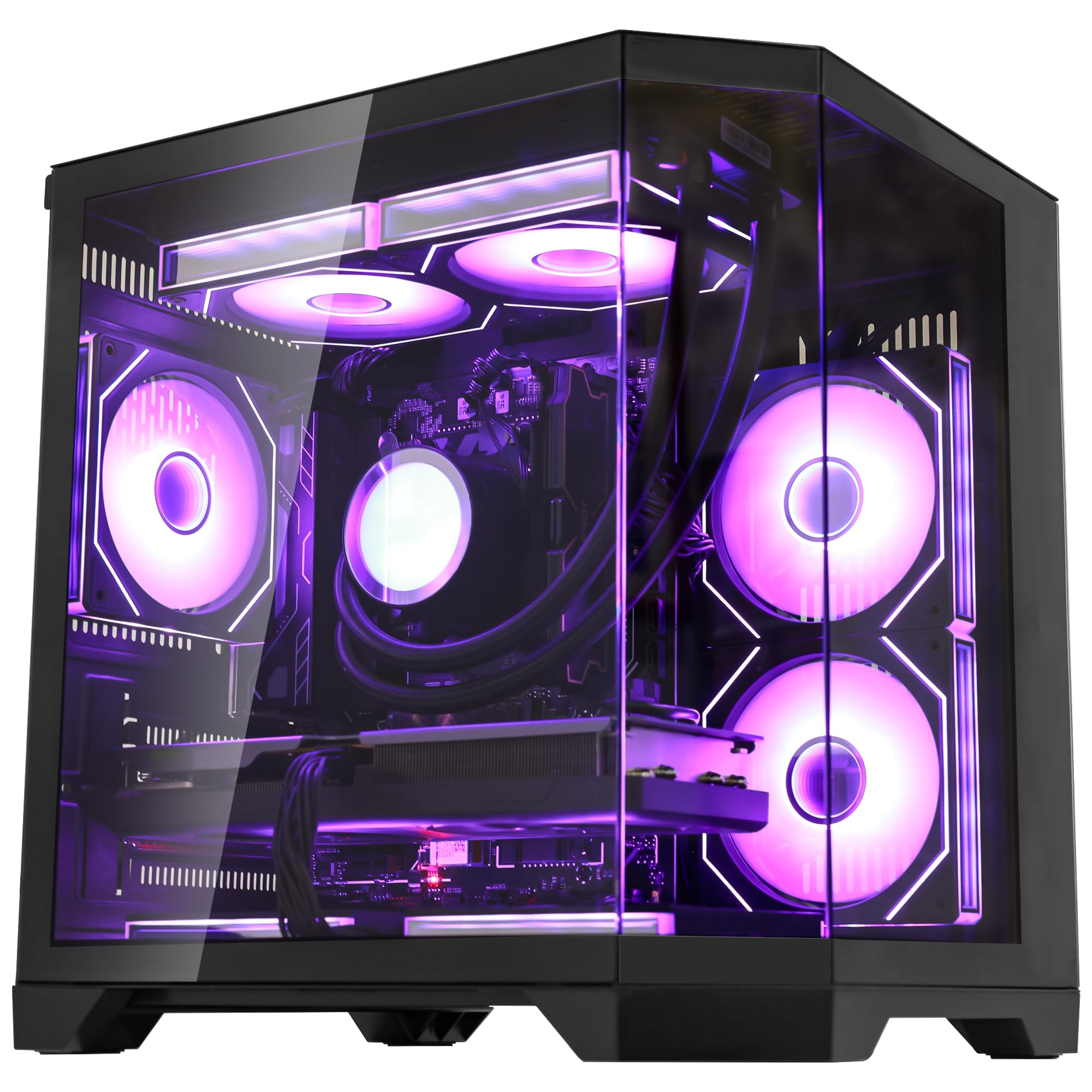
3. suevery Prebuilt Gaming PC White (RTX 5060)
A core-heavy build that chews through complex timelines and heavy code compiles alike.
This white tower runs a Core i9 13900HX processor with 24 cores and 32 threads, boosting up to 5.4 GHz — a chip that beats the Core i7-14700F in raw multi-threaded performance. That core count is a real advantage when you render a timeline in the background while continuing to edit in the foreground. Paired with 32GB of DDR5 RAM, you can keep After Effects, Premiere, and multiple browser profiles open without feeling a stutter.
The RTX 5060 8GB GPU handles modern effects and ray-traced previews, and the 1TB NVMe M.2 SSD (the fast kind that plugs directly into the motherboard) loads your OS and project files nearly instantly. The curved tempered glass side panel with RGB fans is more than just a look — it helps airflow stay decent under load. Owners mention the system feels snappy right from first boot with no extra setup time. Compared to the STGAubron below which uses DDR4 RAM, the DDR5 here gives noticeably faster data transfer for cache-heavy edits.
Strengths
- 24-core CPU crushes multi-threaded rendering tasks
- 32GB DDR5 RAM provides smooth multitasking headroom
- RTX 5060 8GB offers solid performance for GPU-accelerated effects
Considerations
- Graphics card color and style are random — may not match the white theme
Reach for this if: You run heavy multitasking between editing software, browsers, and communication tools all day.
Look elsewhere if: You need a higher-tier GPU like an RTX 5070 for serious 3D or AI work.
4. Gaming PC Desktop Core I9-14900HX (RTX 5060 Ti)

A fast processor and a newer-gen GPU at a mid-range price point for editors.
The Core i9-14900HX is a high-mobility processor that delivers desktop-grade power for demanding tasks like 8K video editing and multi-layer compositing. With an RTX 5060 Ti 8GB GPU, you get smooth timeline previews with color grading and effects applied in real time. The 1TB NVMe 3.0 SSD means your OS boots in seconds and large project files load without the spinning wheel.
Where this build falls slightly short versus the suevery above is RAM — 16GB of DDR5 is enough for single-application editing, but you will want to upgrade to 32GB if you keep multiple programs open at once. The system comes pre-installed with a clean OS and has advanced cooling to maintain peak performance during long sessions. Customers note the machine runs without bloatware and handles intensive workloads with minimal fan noise.
Why it works
- Core i9-14900HX provides excellent single and multi-core performance for editing
- RTX 5060 Ti 8GB handles GPU-accelerated effects and 4K previews
- Fast NVMe SSD for quick project loading
The limitation
- 16GB RAM may need an upgrade for heavy multitasking workflows
Workflow fit: Editors who prioritize CPU and GPU speed and plan to add more RAM later.
Not ideal for: Anyone who needs 32GB of RAM from the start for complex timelines.
5. GEEKOM IT15 Mini PC

A tiny box that packs enough AI firepower to double as a portable editing workstation.
If desk space is tight or you move between workstations, the GEEKOM IT15 delivers serious editing capability in a mini PC body. It runs an Intel Core Ultra 9 285H processor with a combined AI performance of 99 TOPS — meaning it can generate 4K concept art in just 8.3 seconds and handle AI-assisted editing plugins smoothly. The Intel Arc 140T GPU runs popular creative apps and even handles casual gaming, while the 32GB of DDR5 RAM (upgradeable to 128GB) gives you room to expand.
Connectivity is a standout here: dual USB4 Type-C ports (40Gbps with PD 4.0) let you connect fast external drives, and dual HDMI 2.1 ports support up to four displays (two at 8K, two at 4K). That multi-monitor support is a huge plus for editors who spread their timeline, preview, and effects panels across multiple screens. The system also includes Wi-Fi 7 and Bluetooth 5.4 for fast wireless transfers. Unlike the Dell Tower below, this mini PC is also tune for Linux and Ubuntu if that’s your workflow.
Highlights
- 99 TOPS AI performance accelerates AI-assisted editing and rendering
- Supports up to four displays (8K + 4K) for a full editing command center
- Wi-Fi 7 and Bluetooth 5.4 for fast wireless data transfer
Keep in mind
- Integrated Arc GPU is not as powerful as a dedicated RTX card for heavy 3D work
Ideal setup: Editors who need a powerful, compact machine that won’t dominate a desk and supports multi-monitor layouts.
Consider another rig if: Your workflow relies on a high-end dedicated GPU for 3D rendering or AI model training.
6. Dell Pro Tower OptiPlex (Core i7-14700)

A business-class tower that takes video editing seriously with a 20-core CPU and 32GB of RAM.
This Dell Pro Tower is designed for professionals who need a reliable workstation for demanding creative software. The Intel Core i7-14700 processor has 20 cores (a mix of performance and efficiency cores) that boost up to 5.4 GHz, handling 4K video editing, 3D rendering, and graphic design workflows without a hitch. The 32GB of DDR5 RAM ensures you can run multiple memory-intensive applications — like a video editor and a photo editor — at the same time.
One key detail for editors: dual 4K display support via HDMI and DisplayPort, giving you a multi-monitor setup for timelines and reference footage. The 1TB PCIe SSD provides fast boot times and quick access to large project files. Note that this system does not include built-in Wi-Fi, so you will need a wired Ethernet connection or a USB Wi-Fi adapter. Compared to the Dell Business Desktop below, this Pro Tower is built with easier IT management and expansion in mind for growing teams.
Why it’s solid
- 20-core i7-14700 handles intensive multitasking and rendering
- 32GB DDR5 RAM provides ample memory for complex projects
- Dual 4K monitor support for efficient multi-screen workflow
What’s missing
- No built-in Wi-Fi — you’ll need an adapter for wireless internet
Who fits this rig: Creative professionals in a business environment who need a reliable, expandable tower with plenty of RAM.
Consider something else if: You rely on Wi-Fi and don’t want to use a dongle or Ethernet cable.
7. Dell Desktop for Business Professionals (i7-14700)
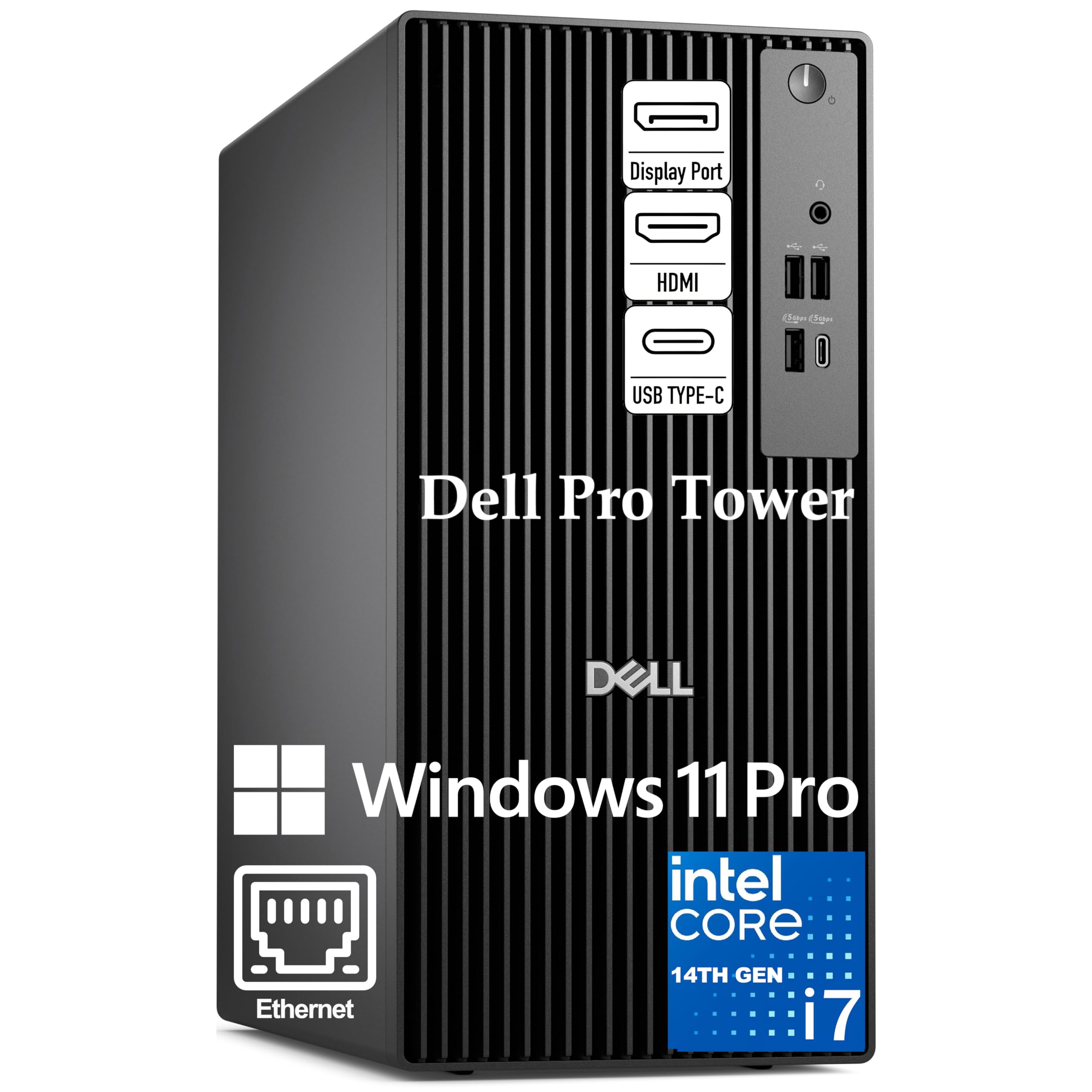
A rock-solid Dell tower that pairs a 20-core CPU with enterprise-grade Windows 11 Pro.
This desktop is built around the same Intel Core i7-14700 (20 cores, 28 threads) as the Dell Pro Tower above, but it ships with Windows 11 Pro instead of Home. That means you get BitLocker encryption and remote desktop features — useful if you handle sensitive client projects or edit remotely. The 32GB of DDR5 RAM and 1TB PCIe SSD keep your editing software responsive, and the system supports dual 4K monitors for a sprawling timeline workspace.
While the integrated Intel UHD Graphics 770 handles basic display output, this machine is best paired with a separate dedicated graphics card if you do heavy GPU-based effects or color grading. It is a different type of rig compared to the Ocean of Stars PC above which comes with a powerful RTX 5070. Reviewers point out the Dell construction feels durable and reliable for daily professional use.
Pros
- 20-core processor with 28 threads for heavy multitasking and rendering
- 32GB DDR5 RAM for smooth editing memory management
- Windows 11 Pro with enterprise security features
Cons
- Integrated graphics need a dedicated GPU for serious editing work
Best suited for: Business professionals who want a reliable base workstation and plan to add their own graphics card later.
Not a fit for: Editors expecting to run GPU-accelerated effects straight from the start.
8. Dell Tower Desktop ECT1250

A modern Dell tower with a built-in SD card reader and tool-less access for easy upgrades.
The Dell Tower ECT1250 features the new Intel Core Ultra 7-265 processor with built-in AI capabilities for accelerating productivity tasks. With 32GB of DDR5 memory and a 1TB M.2 SSD, this system handles video and photo editing software without bottlenecks. One practical feature for photographers and videographers is the built-in 3.0 SD card reader — you can offload footage from your camera directly without needing an external reader.
Another key advantage is the tool-less entry and removable side panel, making RAM or storage upgrades a quick process. The system supports up to four FHD monitors via DisplayPort and daisy chaining, or two 4K displays via HDMI 2.1 and DisplayPort. Dell also includes a 1-year onsite service — a technician comes to your location if something goes wrong. The integrated UHD Graphics mean you’ll want to add a dedicated GPU for heavy editing, but the chassis and power supply make that straightforward.
What you get
- Built-in 3.0 SD card reader for direct camera file transfer
- Tool-less chassis makes upgrades quick and simple
- 1-year onsite service from Dell for added support
What you need
- Integrated GPU is not enough for serious video editing — budget for a graphics card
Ideal scenario: You want a modern, upgrade-friendly Dell tower and plan to install your own GPU.
Not recommended if: You need a complete, ready-to-edit system without any add-in purchases.
9. High-Performance Gaming Desktop PC (WIWB) – Ryzen 7 5700X

An entry-level editing desktop with a solid GPU and a whisper-quiet cooling system.
This WIWB desktop proves you don’t need to spend a fortune for a competent editing machine. The Ryzen 7 5700X (8 cores, up to 4.6 GHz) paired with 16GB of DDR4 RAM handles 4K video editing and coding projects without major slowdown. The GeForce RTX 3050 8GB GPU provides a good foundation for GPU-accelerated effects and timeline previews, and the 512GB NVMe SSD (speeds up to 3200MB/s read) keeps boot times and project loads quick.
A quieter-than-average cooling system keeps noise under 30dB — a real plus for recording voiceovers or working in a shared space. The built-in Wi-Fi 6 and HDMI 2.1 + DisplayPort ports mean you can connect a 4K monitor and VR headsets without extra adapters. Unlike the STGAubron models below which use similar components, this one stands out for its near-silent operation, according to buyer reports.
Why it’s a good start
- RTX 3050 8GB provides decent GPU acceleration for editing software
- Ultra-quiet cooling (under 30dB) for noise-sensitive environments
- Fast 512GB NVMe SSD with 3200MB/s read speeds
Areas to note
- 16GB of DDR4 RAM may need an upgrade for complex 4K timelines
Great for: Entry-level editors and students who need a capable machine without a premium price tag.
Look for more power if: You edit heavy multi-layer 4K projects with lots of effects regularly.
10. suevery Prebuilt Gaming PC (Ryzen 7 5700X)

A white tower that balances editing performance with reliable multi-core processing.
Another Ryzen 7 5700X machine, but this one comes in a white chassis with 16GB of DDR4 RAM and an RTX 3050 6GB GPU. The processor’s 8 cores and 16 threads are great for running content creation tools like video editors and design software simultaneously. The RTX 3050’s Studio drivers are tune specifically for creative applications, providing more stable performance in Premiere Pro and DaVinci Resolve than standard gaming drivers.
Built-in Wi-Fi 6 and Bluetooth ensure stable connections for online collaboration, and the 512GB SSD handles bootups and game loading adequately. This machine also supports display resolutions up to 5120 x 2880 pixels for high-resolution reference monitors.
Good points
- Ryzen 7 5700X handles multi-threaded content creation well
- RTX 3050 with Studio drivers for stable creative app performance
- White chassis design with tempered glass side panel
Trade-offs
- 6GB GPU VRAM is the lower end for heavy 4K work
This pick suits: Editors who want a white-themed build for a studio setup and prefer GPU Studio drivers.
Pass on this if: You demand the full 8GB VRAM for complex 3D renders or high-res texture work.
11. STGAubron Gaming PC Desktop (Ryzen 7 5700X)
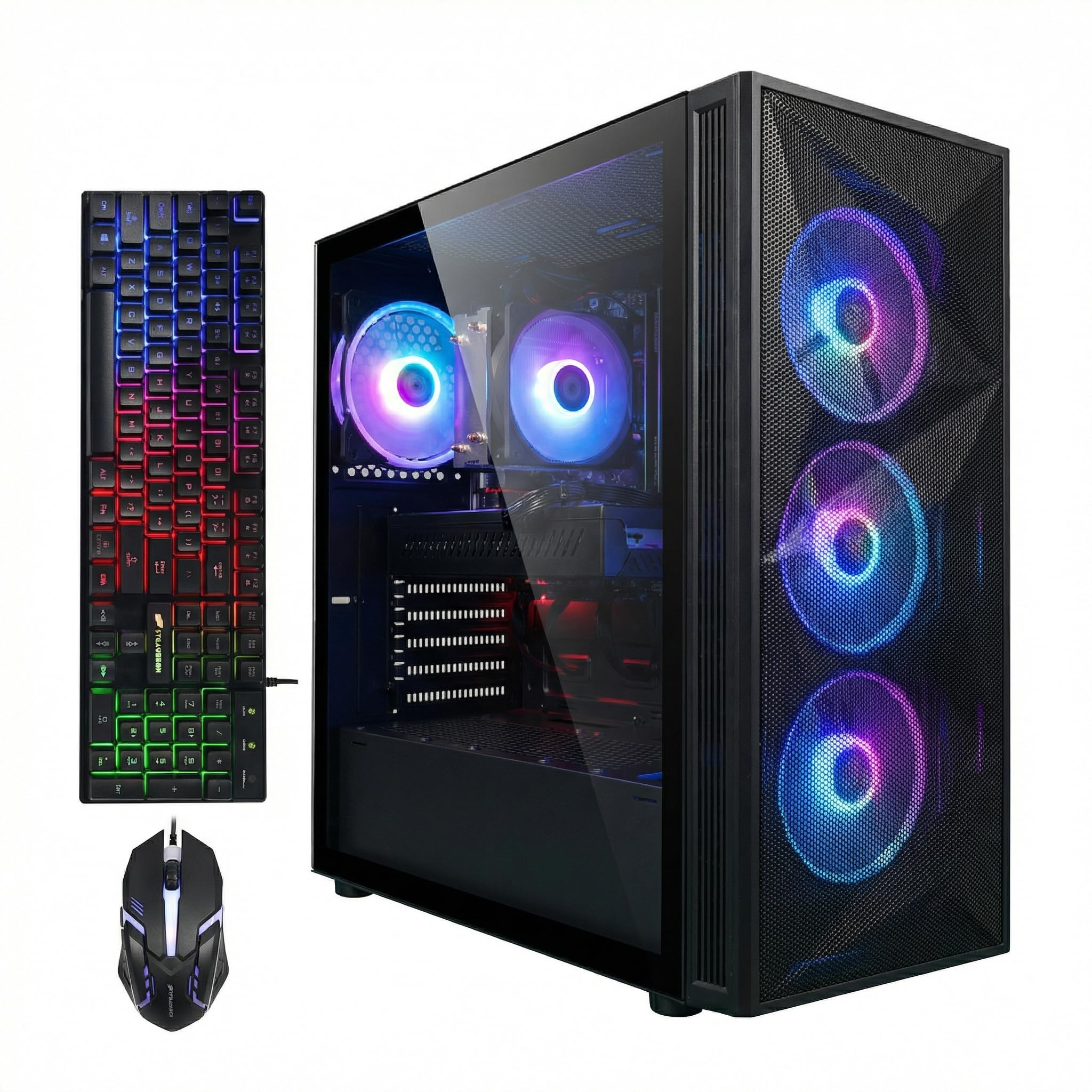
A budget-friendly tower that still offers an 8-core CPU and a dedicated GPU for editing.
This STGAubron desktop is one of the more affordable ways to get an 8-core, 16-thread processor and a dedicated graphics card in the same box. The Ryzen 7 5700X (boosting up to 4.6 GHz) and the RTX 3050 6GB GPU provide enough power for photo and video editing, streaming, and daily productivity. With 16GB of DDR4 RAM and a 1TB SSD, you have decent memory and plenty of storage for active projects.
The included RGB gaming keyboard and mouse are a nice bonus for beginners, and the 1-year parts & labor warranty plus free lifetime tech support add confidence. The connectivity includes Wi-Fi 6 and Bluetooth 5.2, plus standard video outputs like HDMI and DisplayPort. It runs popular editing suites without major slowdowns, though the 16GB RAM means you will want to close background apps when rendering.
What it offers
- 8-core processor handles multitasking and rendering well
- 1TB SSD provides ample storage for projects and software
- Free lifetime tech support included
What it lacks
- 16GB DDR4 RAM and 6GB GPU VRAM limit heavy 4K editing
Who should buy: Budget-conscious editors who need a capable starter machine for 1080p work and light 4K projects.
Skip it for: Professional colorists or heavy After Effects users who need more RAM and VRAM.
12. STGAubron Gaming PC Desktop (Core i7 4770)
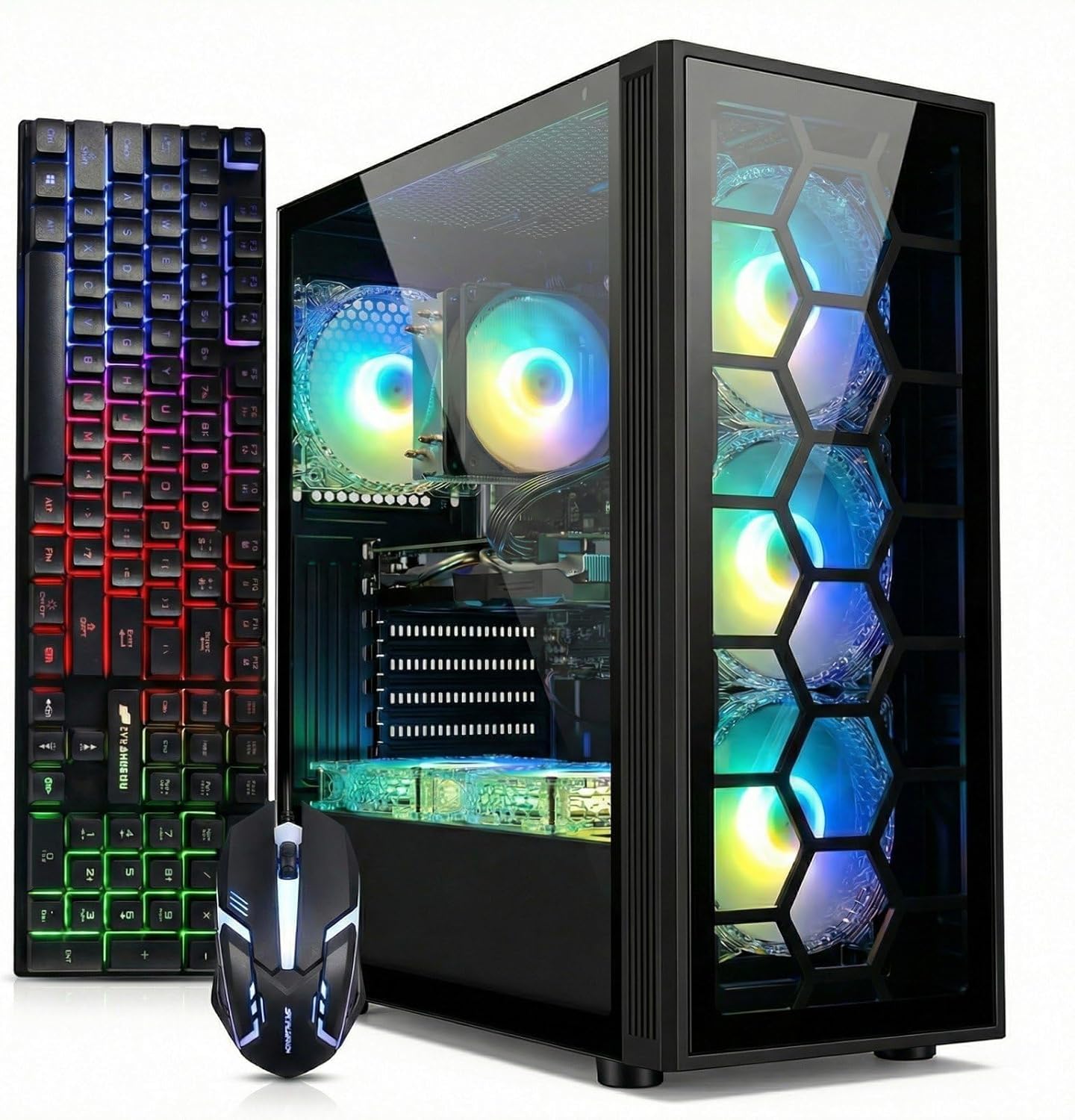
An affordable desktop with 32GB of RAM that punches above its weight for multitasking.
Here is a budget-friendly tower that leans on a generous 32GB of DDR4 memory to help with editing multitasking. The Intel Core i7 (3.4 GHz base, 3.9 GHz boost) is an older platform, but when paired with the 1TB SSD, the system boots quickly and loads applications without long waits. The RTX 3050 6GB GPU gives you access to NVIDIA’s encoding and decoding features, which speed up exports in software like Premiere Pro.
This STGAubron model includes an RGB keyboard and mouse, plus a 1-year parts & labor warranty and complimentary lifetime tech support. The real selling point here is the 32GB of RAM at a very accessible price — a spec usually reserved for much more expensive machines. However, the older CPU architecture will show its age on very complex timelines compared to the Ryzen 7 models above, so keep your project expectations reasonable for 1080p and light 4K editing.
Positive points
- 32GB DDR4 RAM provides solid multitasking for editing
- RTX 3050 6GB handles GPU acceleration for exports and previews
- Includes mouse, keyboard, and lifetime tech support
Drawbacks
- Older Core i7 processor may bottleneck on complex 4K multi-track projects
Reach for this if: Your editing is mostly 1080p and you want lots of RAM on a tight budget.
Look at the Ryzen option above if: You regularly edit 4K footage and need more modern CPU performance.
Understanding the Specs
CPU Core Count vs. Clock Speed
The processor (CPU) is the brain of your editing computer. A higher core count (like 8 cores or more) lets you render video in the background while you keep working on other tasks — the software splits the work across all cores. Clock speed (measured in GHz) affects how fast a single task runs, like applying a filter. For video editing, a balance of both is ideal. A 6-core processor at 4.5 GHz can still handle most editing, but an 8-core processor at the same speed will render faster.
Dedicated GPU VRAM
The graphics card (GPU) handles real-time effects and timeline previews. Dedicated video memory (VRAM) is separate from your system RAM. More VRAM (6GB, 8GB, or 12GB) lets you work with higher-resolution footage and more complex effects without dropping frames. For 4K editing, 6GB is the minimum; for 6K or 8K footage or heavy color grading, 8GB or 12GB is a safer bet. Studio drivers (available on RTX cards) are also tune for creative software stability.
RAM: DDR4 vs. DDR5
Your system memory (RAM) holds the data your computer is actively using. DDR5 is the newer, faster standard — it helps with loading large project files and cache-heavy operations in software like After Effects. 16GB is the entry point for editing, but 32GB is the recommended standard for smooth professional work, especially if you keep a browser, email, and chat apps open.
NVMe SSD vs. SATA SSD
Storage speed is often the unsung hero of editing performance. An NVMe SSD (the type that connects via the PCIe bus) reads data at 2000-7000 MB/s, while a traditional SATA SSD caps out around 500-600 MB/s. For video editors, the difference shows when scrubbing through high-resolution timelines or loadinglarge projects. A fast NVMe drive means your OS boots in seconds and project files load almost instantly.
FAQ
Is a gaming computer the same as a computer for editing?
How much RAM do I really need for 4K video editing?
Can a mini PC handle professional video editing?
Do I need a dedicated graphics card for photo editing?
What is the difference between an i7 and a Ryzen 7 for editing?
How important is the storage drive speed for editing?
Will an RTX 3050 6GB GPU be enough for Adobe Premiere Pro?
What does “TOPS” mean for an AI mini PC?
Is water cooling necessary for an editing computer?
Can I upgrade a prebuilt editing computer later?
Final Thoughts: The Verdict
For most people, the computer for editing winner is the Ocean of Stars AI Gaming PC because it pairs a modern Ryzen 7 processor with a powerful RTX 5070 12GB GPU and 32GB of DDR5 RAM, all kept cool by liquid cooling — a balanced build that handles 4K editing, AI tasks, and GPU-heavy effects without compromise. If you want a compact AI workstation with multi-monitor support, grab the GEEKOM IT15 Mini PC. And for a value-friendly entry point that still offers strong multi-core editing performance, the High-Performance Gaming Desktop PC (WIWB) is a solid choice.
How We Picked
We do not accept paid placement. Every pick is matched to a real buyer and a real use-case; we do not hands-on test units.
Sources & Methodology
Specifications: manufacturer listings and product documentation. Review insights: verified customer reviews, as of July 2026. Pricing: not shown on this page (it changes often); check the current price via the retailer link.
As an Amazon Associate, WellFizz earns from qualifying purchases. This does not affect which products we feature.
Related Guides

Mo Maruf
I created WellFizz to bridge the gap between vague wellness advice and actionable solutions. My mission is simple: to decode the research and give you practical tools you can actually use.
Beyond the data, I am a passionate traveler. I believe that stepping away from the screen to explore new environments is essential for mental clarity and physical vitality.