Our readers keep the lights on and my smoothie glass nicely filled. As an Amazon Associate, I earn from qualifying purchases.
Specs are compiled from manufacturer listings and verified buyer reviews and can change over time — please confirm the key details on the product page before buying.
Every smear, dust speck, and fingerprint on your computer screen slowly robs you of that crisp, sharp image you paid for — and grabbing the wrong cleaner risks damaging the delicate anti-glare coating for good. The right cleaner erases every smudge in seconds without leaving a trace, while the wrong one can leave a permanent haze. This guide breaks down the best options in spray, wipes, and kits so you know exactly which formula is safe for your specific monitor, laptop, or phone.
I’m Mohammad Maruf — the founder and writer behind WellFizz. This guide is built by comparing the manufacturers’ published specifications and the patterns across verified customer reviews, so you get each pick’s real strengths and trade-offs instead of marketing spin.
After comparing the specs, ingredients, and real-world results of five top options, here is everything you need to know to pick the right cleaner for computer screen — one that leaves your display spotless, streak-free, and fully protected.
Quick Picks
- Screen Mom Screen Cleaner Spray — Premium Pick
- EVEO Screen Cleaner Spray Kit — Best Value 2-Pack
- Endust for Electronics Anti-Static Screen & — Anti-Static Foam
- Monster Screen Cleaner Kit — Dust-Repellent
- ARCHXX Screen Wipes for Electronics 120 Count — Budget Champion
How To Choose The Best Cleaner For Computer Screen
Not all screen cleaners are the same. A formula that works fine on a phone may leave a permanent haze on a matte laptop display. Here are the three things to check before you buy.
Alcohol vs. Alcohol-Free
Isopropyl alcohol cuts grease fast, but it can slowly eat away the oleophobic (oil-repelling) coating on newer screens and some anti-reflective layers. For daily cleaning of modern monitors, laptops, and tablets, an alcohol-free formula is the safer long-term play. Keep alcohol-based wipes for occasional deep cleans on older glass-only screens where coating damage is less of a worry.
Spray, Wipes, or Aerosol
A spray-and-cloth kit gives you the most control over how much liquid touches the screen — which matters for large monitors and TVs. Pre-moistened wipes are the ultimate grab-and-go option for phones, laptops, and car displays, but some arrive too dry to be effective. Aerosol foam sprays, like the Endust option below, add an anti-static benefit that can reduce dust buildup between cleanings.
What to Avoid in the Ingredients
Check the label for ammonia, acetone, and any solvent strong enough to strip paint. These can cloud anti-glare coatings and leave permanent streaks. A good screen cleaner will explicitly state it is ammonia-free and alcohol-free, and most premium options now use a water-based, plant-derived formula that is gentle on every coating.
Quick Comparison
| Model | Best For | Type | Volume / Count | Alcohol / Ammonia Free | Amazon |
|---|---|---|---|---|---|
| Screen Mom | Premium all-around spray kit | Spray + Cloth | 16 fl oz | Yes (both) | Amazon |
| EVEO | Best value two-pack | Spray + Cloth | 13.4 fl oz (total) | Yes (alcohol-free) | Amazon |
| Endust | Anti-static foam for electronics | Aerosol | 10 fl oz | Yes (both) | Amazon |
| Monster ScreenClean | Dust-repellent finish | Spray + Cloth | 6.7 fl oz | — | Amazon |
| ARCHXX Wipes | Portable wipes for on-the-go | Wipes | 120 count | Yes (ammonia-free) | Amazon |
In‑Depth Reviews
1. Screen Mom Screen Cleaner Spray and Microfiber Cloth 16oz
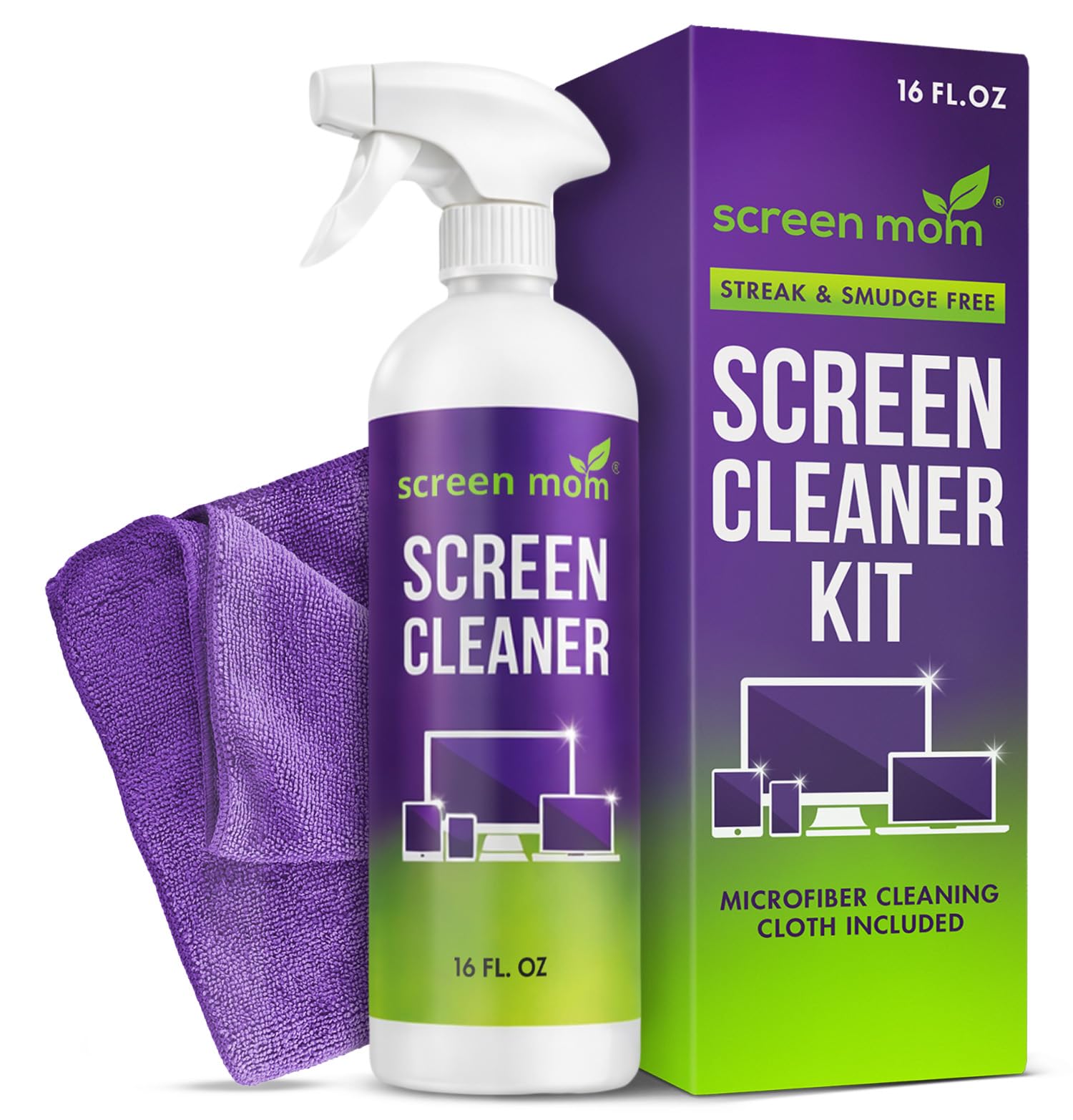
A plant-based, no-smell formula that one buyer called the best screen cleaner used in NYC for over a year.
You get the most bang for your buck here: the Screen Mom’s 16-ounce bottle delivers hundreds of sprays, which means a lower cost-per-clean than any other option in this roundup. The formula is completely unscented and plant-based, so it is safe to use around kids and pets without any chemical odor. It is also free of both alcohol and ammonia, meaning it will not harm the sensitive OLED coatings on high-end TVs like LG OLEDs, nor will it cloud delicate laptop displays.
Reviewers report that the included large microfiber cloth is soft and lint-free, and that one spray followed by a dry buff leaves a streak-free finish. One owner said it removed years of nicotine buildup from a screen quickly without leaving smears. The kit requires more upfront cash than the ARCHXX wipes, but if you need one cleaner that safely works on a phone, an iPad, a monitor, and a TV, this gives you the most consistent, residue-free results. Buyers who clean multiple devices say the value over time is superior to smaller bottles like the EVEO two-pack.
Why it earns the top spot
- 16-ounce bottle delivers hundreds of sprays — the most economical per-use cost in this roundup.
- Alcohol-free and ammonia-free formula is safe for sensitive anti-glare and oleophobic coatings.
- Included large microfiber cloth is soft and lint-free, and the kit requires no second passes for a streak-free finish.
The one limitation
- No anti-static or dust-repellent properties built into the formula.
- Higher entry price vs. wipes or single aerosols, though the value over time is superior.
Perfect for multi-device homes: This is the one to buy if you want one cleaner that safely works on everything from an LG OLED TV to a phone, without any smell or chemical worry.
skip it if: You only need a few disposable wipes for occasional quick cleanings on the go — the ARCHXX wipes below will serve you better.
2. EVEO Screen Cleaner Spray Kit (Streak-Free) 6.7oz 2 Pack
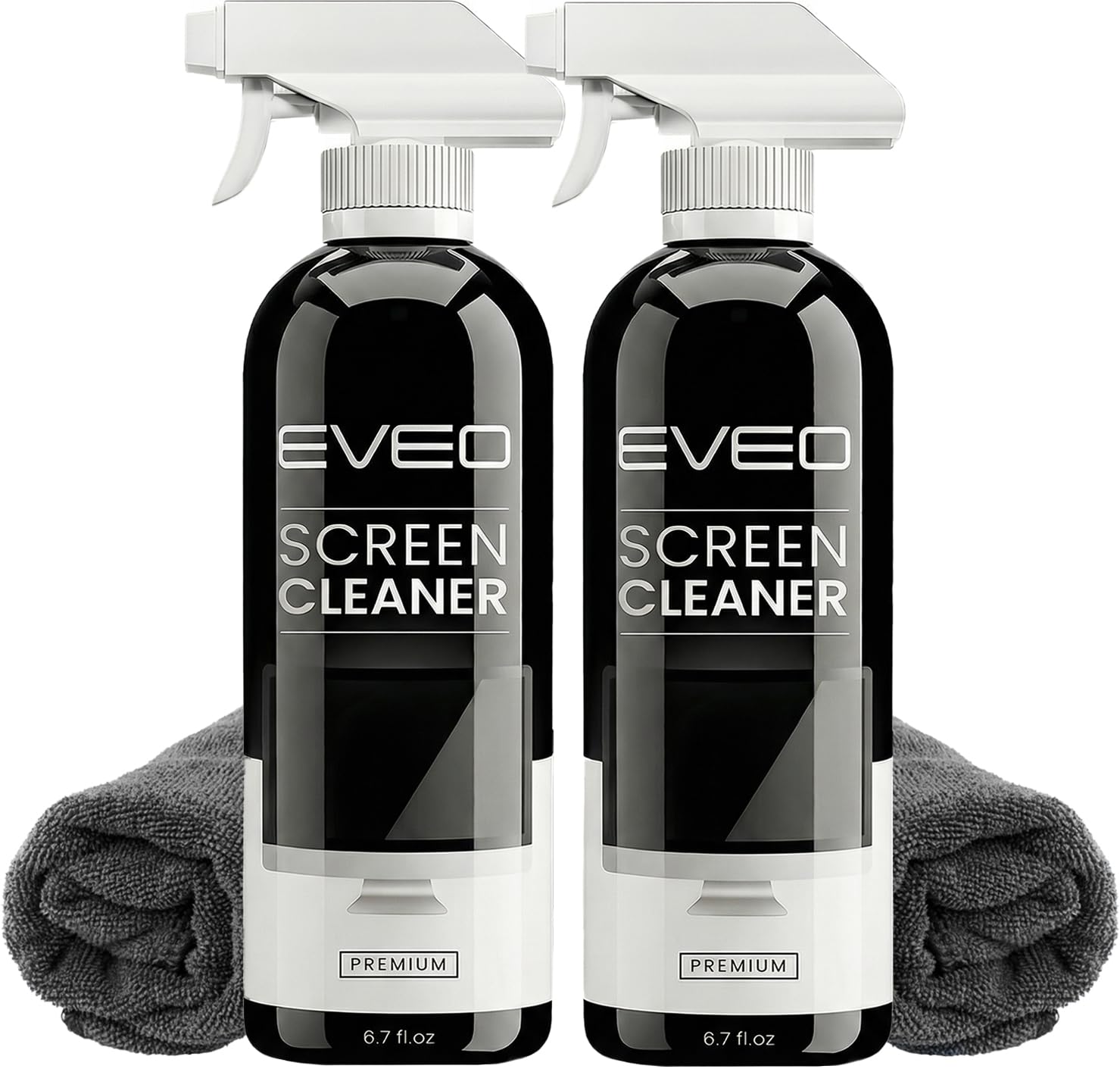
A two-pack that comes with two plush microfiber cloths — one for home and one for the office right from the start.
EVEO solves a common problem: you want a cleaner at your desk and another for the living room without buying two separate kits. This pack includes two full bottles, each holding 6.7 fluid ounces, for a combined total of 13.4 fluid ounces, plus two plush microfiber cloths. The formula is alcohol-free, so it is gentle on LCD, LED, OLED, and CRT screen coatings. Reviewers confirm it cuts through fingerprints and smudges with no streaks — one reviewer noted it works “as advertised” and leaves “no streaks or residue.”
However, a handful of reviewers mention the sprayer can leave a slight film if you over-apply or wipe too fast. The back label warns users to wear gloves, which one buyer found annoying because it caused dry hands. The formula also has a mild smell that required ventilation for some users. Compared to the Screen Mom, the EVEO costs less upfront but has a smaller per-bottle volume and lacks the plant-based, unscented credentials. If you do not mind the mild smell and can apply a light hand, this is a solid value for dual-location cleaning.
Split-and-go convenience: The two-bottle setup means you can keep one at your desk and one by the TV, and the included cloths are high-quality and soft.
The slight film trade-off: Minor streaks are possible if you overspray — one buyer mentioned a “slight film” — so use a light hand and a dry section of the cloth for the final buff.
Best for dual-location households: Grab this if you want a cleaner at your desk and another for the living room without juggling one bottle.
Consider the Screen Mom instead if: You strongly prefer an unscented formula with no glove-warning label and a larger single-bottle volume.
3. Endust for Electronics Anti-Static Screen & Electronics Multi-Surface Cleaning Spray 10 oz

A foaming aerosol that reduces static — so dust settles on your screen less frequently between cleanings.
Unlike the spray-and-cloth kits from Screen Mom and EVEO, Endust comes as a 10-ounce aerosol can that dispenses a foaming spray. The foam clings to vertical screens without dripping, which is useful for large monitors and TVs. The key benefit is the anti-static property: the formula is designed to reduce static buildup, meaning dust is less attracted to the screen afterward. One owner reported it works great for home-theater gear like an AV receiver, as the dust-reducing effect helps keep vents clear and may prolong equipment life.
The formula is ammonia-free and alcohol-free, so it is safe for glass and plastic surfaces. However, some long-time buyers report that the formula was reformulated and is now “less effective” than the original, particularly on yellowed plastics and sticker glue. One customer observed the reformulation is still good but lacks the same cleaning power. If you mainly need an anti-static spray for general electronics cleaning (keyboards, mice, consoles) and you want the foam application for large panels, this is a strong pick. Just know that dedicated screen-only sprays like the Screen Mom give a more streak-free result on monitors.
Why choose aerosol foam
- Anti-static formula helps keep dust off screens and electronics surfaces between cleanings.
- Foaming action clings to vertical screens without dripping, ideal for big TVs and monitors.
- Multipurpose: works on keyboards, mice, game consoles, and camera lenses, not just screens.
The formula change caution
- Reformulated version is considered “less effective” by some long-time customers compared to the original.
- Aerosol can has less liquid (10 fl oz) than the spray bottles in this guide, so you may replace it sooner if used heavily.
Reach for this if: You want an all-in-one electronics cleaner that also cuts static on your computer desk gear — monitors, keyboards, and game consoles alike.
Look elsewhere if: Streak-free clarity on a high-end OLED or matte laptop screen is your only goal — a dedicated spray like the EVEO or Screen Mom is more reliable.
4. Monster Screen Cleaner Kit with Microfiber Cloth 6.7 oz
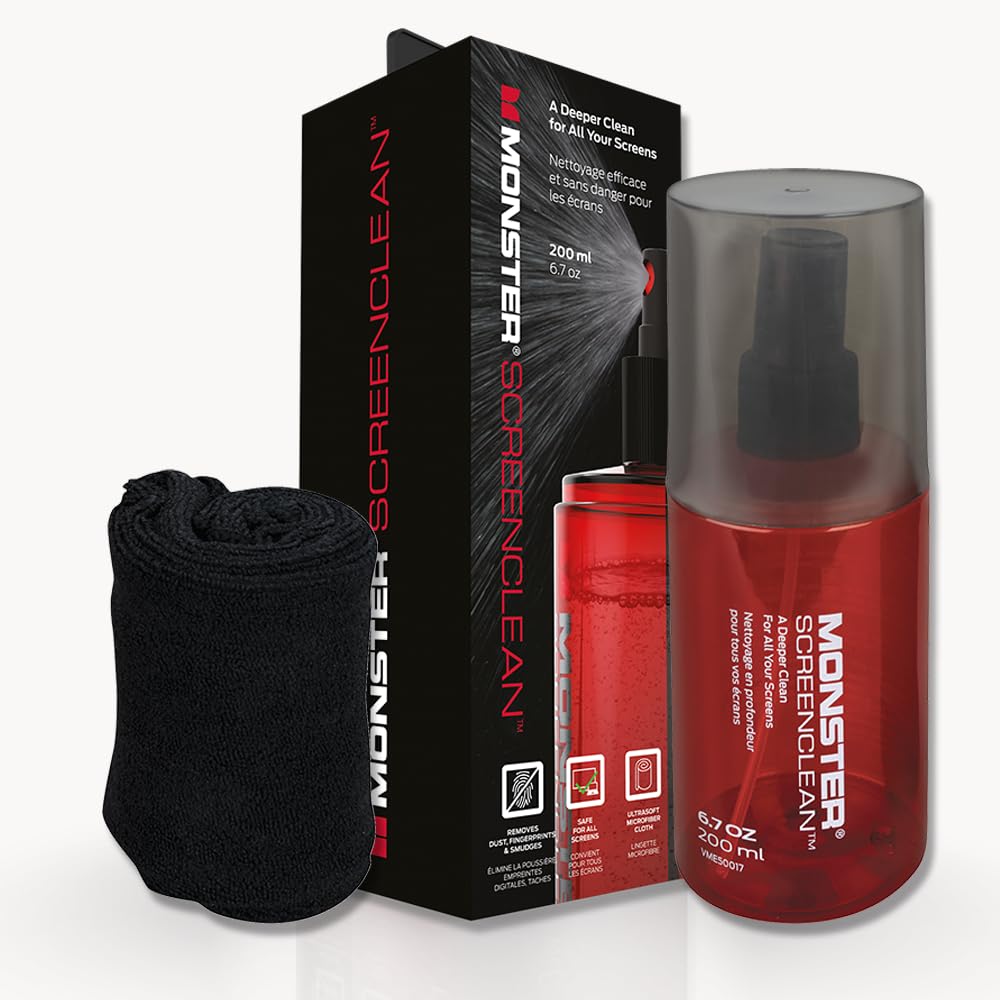
A low-drip spray that leaves a micro-thin layer to push dust away — so screens stay cleaner longer.
The Monster ScreenClean takes a different approach than the Endust: instead of reducing static, it leaves a micro-thin dust-repellent layer on the screen after you wipe. This can mean fewer cleanings over time, a real time-saver on a primary work monitor that collects dust every day. The kit includes a 200-milliliter (6.7 fluid ounce) bottle and a high-quality microfiber cloth. Reviewers consistently report streak-free results with no residue. One user highlighted it removed stubborn film from monitors and laptops “like a showroom-grade cleaner.” Another mentioned it works great on eyeglasses as well, making it a two-in-one cleaner.
The trade-off is the smallest volume in this guide — at 6.7 fluid ounces, you get less liquid than the EVEO two-pack (13.4 fl oz total) or the Screen Mom (16 fl oz). Also, the product data does not explicitly confirm whether the formula is alcohol-free or ammonia-free, so if coating safety is your top concern, the Screen Mom or EVEO give you verifiable ingredient transparency. The Monster is best as a secondary tool for occasional dust-repellent maintenance on a desk monitor, not for heavy, frequent use.
Dust-repellent edge: The micro-thin layer left behind visibly reduces static dust attraction — a real benefit for monitors that sit in dusty home offices.
Small bottle, specific use: At 200 mL, the bottle is compact and travels well, but you will go through it faster if you clean large screens regularly.
Best for the dust-prone desk: Grab this if your monitor is a magnet for dust and you want a cleaner that extends the time between wipes.
pass on it if: You need verifiable alcohol-free or ammonia-free ingredients for sensitive coatings — choose the Screen Mom or EVEO for documented safety.
5. ARCHXX Screen Wipes for Electronics 120 Count 6″x6″
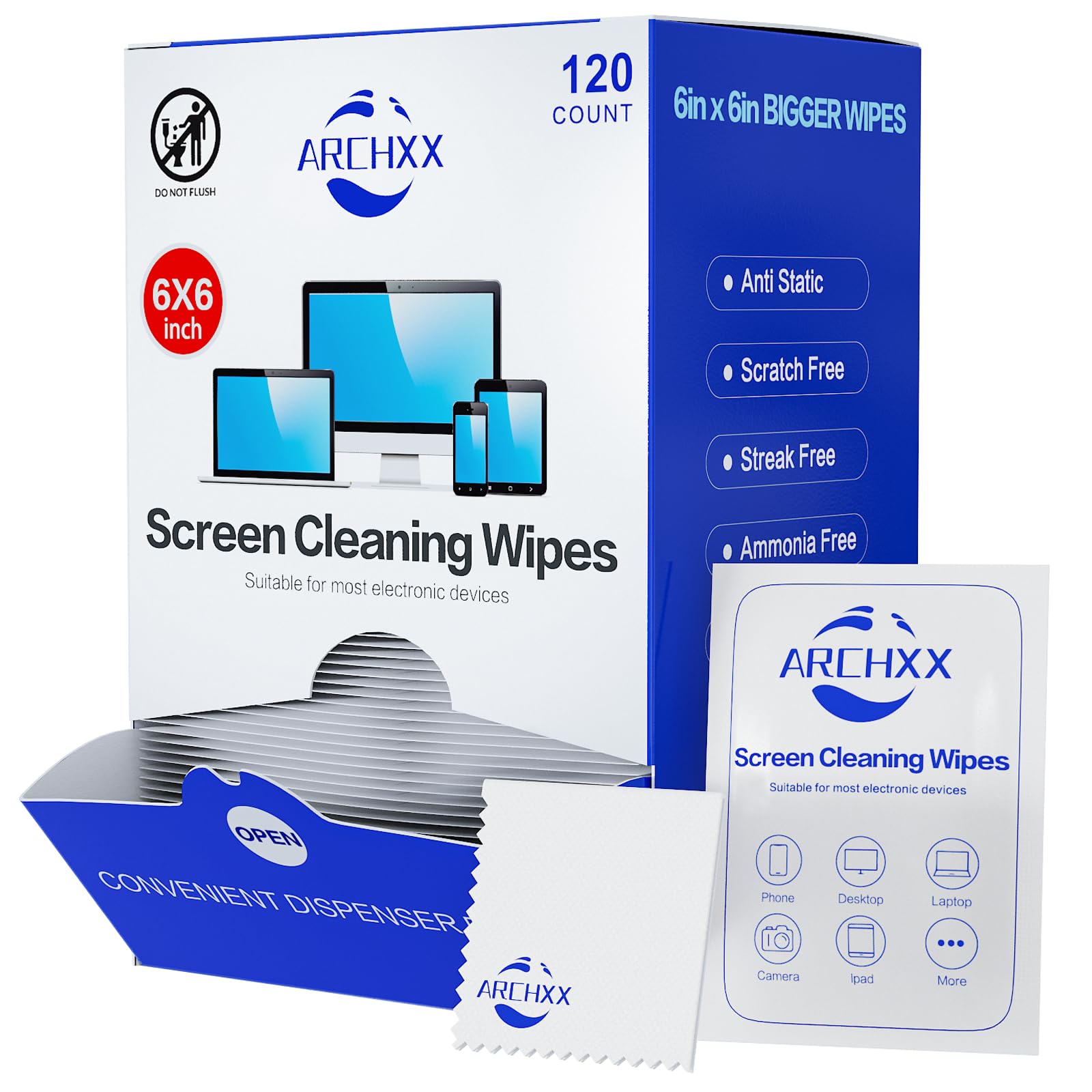
A full box of individually wrapped wipes — pop one in your bag and clean your laptop anywhere.
If grab-and-go convenience matters more than the controlled spray of a kit like the Screen Mom, these 6×6-inch pre-moistened wipes from ARCHXX are your answer. The box holds 120 individually wrapped wipes, each one saturated in an ammonia-free formula that is safe for screens. It also includes a reusable microfiber cloth inside the box for detailed cleaning. Owners mention that they work well for usual computer smudges and dust, drying quickly and leaving no residue — a strong option for quick desk cleanings or wiping down a touch screen before a meeting.
However, there is a real inconsistency in the reviews: some buyers found the pads to be “smaller pads and not really wet when removed from packaging,” meaning you may need two wipes to clean a 27-inch monitor. One user also reported that after using a wipe on a car touch screen, the display became “blurry and still shows fingerprints,” suggesting a film was left behind. Because each wipe is individually sealed, they stay fresh for months — one reviewer ordered a pack “a long time ago” and still had plenty left. For the price, these are the most portable option here, but the inconsistency in moisture levels means they are best as a supplementary tool rather than your primary monitor cleaner.
Convenience in a box
- 120 individually wrapped wipes are easy to stash in a laptop bag, car, or desk drawer without carrying liquid.
- Includes a reusable microfiber cloth inside the box for detailed cleaning after using a wipe.
- Ammonia-free formula is safe for most screen coatings.
Moisture inconsistency
- Some pads are “not really wet when removed from packaging,” requiring multiple wipes for a full clean on larger screens.
- Size is 6″x6″ — smaller than a standard wipe, so cleaning a large monitor or TV takes several unit.
- One shopper added a blurry film on a car touch screen after use.
Best for portability: Throw a few in your bag for on-the-go laptop or phone cleaning — they are the most travel-friendly option here by far.
it’s not for you if: You need a deep, consistent clean for a large home office monitor or TV — a spray-and-cloth kit like the Screen Mom or EVEO will serve you better.
Understanding the Specs
Alcohol-Free vs. Ammonia-Free
A cleaner that is alcohol-free avoids isopropyl alcohol, which over time can strip the oleophobic (oil-repelling) coating on modern phone and tablet screens. Ammonia-free means the formula skips a harsh chemical that can cloud anti-glare layers on laptop and monitor displays. The safest bet: a cleaner that advertises both, like the Screen Mom and Endust in this guide.
Anti-Static vs. Dust-Repellent
An anti-static formula (like the Endust aerosol) reduces static charge on the screen surface so dust particles are less likely to stick to it. A dust-repellent spray (like the Monster ScreenClean) leaves a micro-thin layer that physically pushes dust away. Both reduce how often you need to clean, but they achieve it through different chemical mechanisms — anti-static is better in low-humidity environments, while dust-repellent works well in dry home offices.
Wipes vs. Spray-and-Cloth
Pre-moistened wipes are the most portable option: you grab one, wipe, and toss it. The trade-off is less control over moisture levels, and some wipes can arrive too dry to clean a large screen thoroughly. A spray-and-cloth kit gives you full control over how much liquid touches the screen and allows you to use a lint-free microfiber cloth for the final buff, which is the most reliable way to guarantee a streak-free finish on monitors and TVs.
FAQ
Can I use Windex or glass cleaner on my computer screen?
Is it safe to use alcohol wipes on a laptop screen?
Do I need to turn off my computer before cleaning the screen?
How often should I clean my computer screen?
Can I spray screen cleaner directly onto the screen?
What is the difference between a screen cleaner and a general electronics cleaner?
How do I get rid of streaks after cleaning my monitor?
Can screen cleaner be used on eyeglasses or camera lenses?
Will a screen cleaner fix scratches on my monitor?
What cloth should I use to dry my screen after cleaning?
Final Thoughts: The Verdict
For most people, the cleaner for computer screen winner is the Screen Mom because its large 16-ounce bottle, plant-based unscented formula, and included premium microfiber cloth deliver consistently streak-free results on every device from an OLED TV to a phone — all without alcohol or ammonia. If you want a portable two-pack you can split between home and office, grab the EVEO Spray Kit. And for on-the-go cleaning straight out of a bag, the standout is the ARCHXX individually wrapped wipes.
How We Picked
We do not accept paid placement. Every pick is matched to a real buyer and a real use-case; we do not hands-on test units.
Sources & Methodology
Specifications: manufacturer listings and product documentation. Review insights: verified customer reviews, as of July 2026. Pricing: not shown on this page (it changes often); check the current price via the retailer link.
As an Amazon Associate, WellFizz earns from qualifying purchases. This does not affect which products we feature.
Related Guides

Mo Maruf
I created WellFizz to bridge the gap between vague wellness advice and actionable solutions. My mission is simple: to decode the research and give you practical tools you can actually use.
Beyond the data, I am a passionate traveler. I believe that stepping away from the screen to explore new environments is essential for mental clarity and physical vitality.