Our readers keep the lights on and my smoothie glass nicely filled. As an Amazon Associate, I earn from qualifying purchases.
Specs are compiled from manufacturer listings and verified buyer reviews and can change over time — please confirm the key details on the product page before buying.
Staring at a wall of monitor specs — resolution, refresh rate, panel type, contrast ratio — feels like you need a computer science degree just to pick a screen. The real question is simpler: do you want razor-sharp 4K for work and movies, or buttery-smooth motion for gaming? Under, you no longer have to settle for mediocre in either camp; some of the best value monitors today pack genuine pro-grade features at shockingly low prices.
I’m Mohammad Maruf — the founder and writer behind WellFizz. This guide is built by comparing the manufacturers’ published specifications and the patterns across verified customer reviews, so you get each pick’s real strengths and trade-offs instead of marketing spin.
This roundup of the best computer monitors under 500 shows you which models give you the biggest real-world jump in picture quality and speed for your money.
Quick Picks
- Alienware 27 Gaming Monitor AW2725DM — Best Overall
- Acer Nitro XV272U W2bmiiprx — Blazing Fast
- Dell 27 Plus 4K Monitor S2725QS — Best 4K Hybrid
- LG 27US500-W Ultrafine Monitor — Creative 4K
- CRUA 27″ Gaming Monitor 144Hz 4K — High-End 4K
- AOC Q27G4XN 27″ Gaming Monitor — Budget Gaming
- Gawfolk 27 Inch 4K Monitor IPS 60Hz — Entry 4K
- ViewSonic VS2725-2K 27 Inch 1440p Monitor — Office Value
How To Choose The Best Computer Monitors Under 500
The biggest trap with monitors is chasing the highest number on the box without thinking about what you actually do at your desk. A 4K 60Hz screen is fantastic for spreadsheets and video editing, but it will feel sluggish for fast-paced gaming. A 240Hz 1440p monitor is a dream for shooters, but you lose pixel density for photo work. Here is how to match the specs to your real life.
Resolution: 4K vs 1440p vs 1080p
Resolution controls how sharp text and images appear on your screen. 4K (3840 x 2160 pixels) gives you a huge amount of screen space — great for coding, design work, and watching movies. 1440p (2560 x 1440 pixels) is the best balance for gaming: it is much sharper than 1080p but easier for your graphics card to run at high frame rates than 4K. Skip 1080p at 27 inches; the pixel density is too low, so text will look fuzzy.
Refresh Rate: 60Hz vs 120Hz vs 144Hz vs 240Hz
This is the number of times the image updates per second. 60Hz is perfectly fine for office work, browsing, and watching video. 120Hz and above make motion look dramatically smoother — scrolling web pages feels fluid, and games with fast motion (racing, shooters) become noticeably more responsive. 240Hz is for competitive gamers who want every millisecond of advantage.
Panel Type: IPS vs VA vs LED
IPS (In-Plane Switching) panels offer the best color accuracy and wide viewing angles — colors stay true even when you are not sitting dead center. VA (Vertical Alignment) panels, like the one in the ViewSonic VS2725-2K, deliver higher contrast ratios (4000:1 vs a typical 1000:1 on IPS), meaning deeper blacks and better movie watching, but viewing angles are narrower. Basic LED monitors without IPS or VA are the cheapest option but usually have washed-out colors and poor viewing angles — skip them if you care about image quality.
Quick Comparison
| Model | Best For | Resolution | Refresh Rate | Panel Type | Amazon |
|---|---|---|---|---|---|
| Alienware AW2725DM | Premium Gaming | 2560 x 1440 (QHD) | 180Hz | IPS | Amazon |
| Acer Nitro XV272U W2bmiiprx | Competitive Gaming | 2560 x 1440 (WQHD) | 240Hz | IPS | Amazon |
| Dell S2725QS | 4K Productivity & Media | 3840 x 2160 (4K) | 120Hz | IPS | Amazon |
| LG 27US500-W | Creative & Office | 3840 x 2160 (4K) | 60Hz | IPS | Amazon |
| CRUA 27″ 4K 144Hz | 4K Gaming | 3840 x 2160 (4K) | 144Hz | IPS | Amazon |
| AOC Q27G4XN | Budget Gaming | 2560 x 1440 (QHD) | 180Hz | LCD | Amazon |
| Gawfolk 27″ 4K 60Hz | Entry-Level 4K | 3840 x 2160 (4K) | 60Hz | IPS | Amazon |
| ViewSonic VS2725-2K | Office Value | 2560 x 1440 (1440p) | 100Hz | LCD | Amazon |
In‑Depth Reviews
1. Alienware 27 Gaming Monitor AW2725DM

A premium gaming display that brings marquee features like G-Sync and 180Hz without the usual premium price.
This Alienware monitor delivers exactly what competitive and casual gamers need: a sharp 27-inch QHD (2560 x 1440) resolution paired with a 180Hz refresh rate. You get fluid, tear-free motion thanks to both NVIDIA G-SYNC and AMD FreeSync compatibility — meaning it works smoothly whether you have a GeForce or Radeon graphics card. Buyers report vivid colors and smooth motion, with one saying it is the “best gaming monitor” they have owned. The 1ms gray-to-gray response time keeps fast-moving action crisp without ghosting.
Beyond gaming, the stand is a highlight — it offers height, pivot, swivel, and tilt adjustments, so you can dial in your perfect ergonomic position. The DCI-P3 95% color coverage and VESA DisplayHDR 400 certification mean colors pop, and details in shadows stay visible. It leads on build quality versus the Acer Nitro below, feeling more solid and premium in the hand. Owners mention that to get the full 180Hz you must use the DisplayPort connection, not HDMI — a common but important detail to remember.
Why It Earns the Top Spot
- G-SYNC and FreeSync support for tear-free gaming on any GPU
- Fully ergonomic stand with height, pivot, swivel, and tilt
- DCI-P3 95% color coverage with VESA DisplayHDR 400
One Thing to Know
- HDMI output is capped at 144Hz — you need DisplayPort for 180Hz
Your best bet if: you want a premium gaming monitor with butter-smooth 180Hz motion, a rock-solid stand, and both G-Sync and FreeSync compatibility — all without hitting the mark.
Reconsider if: you need 4K resolution for creative work; this is a QHD display focused on speed and smoothness, not pixel density.
2. Acer Nitro XV272U W2bmiiprx

A 240Hz demon for competitive gamers who demand the absolute smoothest motion at 1440p.
If your main goal is competitive gaming — think fast-paced shooters and battle royales — the Acer Nitro is the monitor to beat. Its 240Hz refresh rate (how many times per second the screen updates, via DisplayPort) is 60Hz higher than the Alienware AW2725DM, which means even smoother motion and a slight edge in reaction time. The 0.5ms response time (gray to gray, the time a pixel takes to change shades) virtually eliminates motion blur. Buyers call it an “amazing upgrade from a 1080 monitor” and praise the “excellent color/picture quality.” The 27-inch WQHD (2560 x 1440) IPS panel delivers a crisp image with sRGB 99% coverage (a color-gamut standard), making it solid for creative work too. skip it if you need built-in speakers — it has none.
The ergonomic stand is a standout here — you get full height adjustment (up to 4.7 inches), plus 360-degree swivel and +/- 90-degree pivot, so you can easily switch to a vertical monitor orientation for coding or reading. It also has built-in 2-watt speakers, which is rare among gaming monitors at this price. One caveat: the HDMI 2.0 ports limit consoles to 144Hz, so PC gamers will need to use the DisplayPort 1.4 to hit 240Hz. Some buyers have mentioned occasional backlight bleed, so inspect your unit quickly after arrival.
Speed King
- Blistering 240Hz refresh rate with up to 0.5ms response time
- Fully ergonomic stand with height, swivel, and pivot adjustment
- Built-in 2-watt speakers for basic audio without cluttering your desk
Watch Out For
- HDMI 2.0 caps console gaming at 144Hz, not 240Hz
- Occasional reports of backlight bleed on some units
Ideal for: the competitive PC gamer who wants the fastest possible 1440p experience with the flexibility to pivot into portrait mode for work.
Not for you if: you mostly watch movies or do office work — 240Hz is overkill for those tasks, and you would get more value from a 4K panel.
3. Dell 27 Plus 4K Monitor S2725QS

A rare 4K monitor that also delivers a smooth 120Hz — bridging the gap between productivity and play.
The Dell S2725QS is the monitor for people who want it all: the razor-sharp detail of 4K (3840 x 2160) for work, and the fluid motion of 120Hz for light gaming and everyday scrolling. It is the only 4K monitor in this lineup that combines both high resolution and a high refresh rate at a price that stays under. The IPS panel delivers vibrant colors with 99% sRGB coverage and a 1500:1 contrast ratio — noticeably deeper blacks than the typical 1000:1 IPS display, making movies and games look richer. Buyers rave that it is an “outstanding 4K monitor” and call it “affordable, bright, crisp.”
Dell has also paid attention to comfort: the ComfortView Plus feature reduces blue light emissions to 35% or less without washing out colors, so you can work long hours without eye strain. It has integrated speakers — a rare bonus — and the stand offers full height, pivot, swivel, and tilt adjustments. One reviewer who uses it alongside a 360Hz OLED notes it “ticks all my boxes” for productivity. The only trade-off: the 120Hz refresh rate, while great for general use, is not enough for hardcore competitive gaming where 240Hz shines brighter.
Why It Stands Out
- 4K resolution with a smooth 120Hz refresh rate — a rare combo under
- 1500:1 contrast ratio delivers deeper blacks than most IPS monitors
- ComfortView Plus reduces blue light without ruining color accuracy
One Limitation
- 120Hz is great for everyday use but trails behind dedicated gaming monitors at 180Hz or 240Hz
Reach for this if: you need 4K sharpness for design or coding but also want smooth 120Hz motion for casual gaming and daily use.
Look elsewhere if: you are a competitive gamer who needs the edge of 240Hz — the Dell is a productivity-first monitor that happens to game well.
4. LG 27US500-W Ultrafine Monitor

A clean, color-accurate 4K IPS monitor that prioritizes image quality over gaming speed.
The LG 27US500-W is built for people who value color fidelity and screen real estate above all else. The 4K UHD (3840 x 2160) IPS panel offers wide 178-degree viewing angles, so colors remain consistent even when you are not sitting perfectly centered. It supports HDR10 with up to 90% DCI-P3 color gamut coverage — that means vibrant, lifelike reds and greens that matter for photo editing and video work. Customers note “fonts finally sharp” on Linux and that colors are “great” for productivity.
LG’s Onscreen Control software lets you split the display into multiple zones with a few clicks, which is a genuine time-saver for multitasking. The monitor has a borderless white design that looks clean on a desk, and the ergonomic stand offers tilt adjustment. VESA mounting (100x100mm) is available if you prefer a monitor arm. The catch is the 60Hz refresh rate, which — compared to the Dell S2725QS above — means scrolling and gaming will feel noticeably less smooth. This is purely a productivity and creation tool, not a gaming display.
Creative’s Choice
- 90% DCI-P3 color gamut for rich, accurate colors in creative work
- Borderless white design looks sleek and professional
- Onscreen Control software for easy multi-window management
The Big Trade-Off
- 60Hz refresh rate feels sluggish compared to 120Hz+ competitors for scrolling and gaming
Best suited for: graphic designers, photographers, and anyone who prioritizes color accuracy and 4K reading sharpness over motion smoothness.
pass on it if: you play any kind of fast-paced game or even just want buttery-smooth desktop scrolling — 60Hz will feel dated next to the Dell or Acer options.
5. CRUA 27″ Gaming Monitor 144Hz 4K
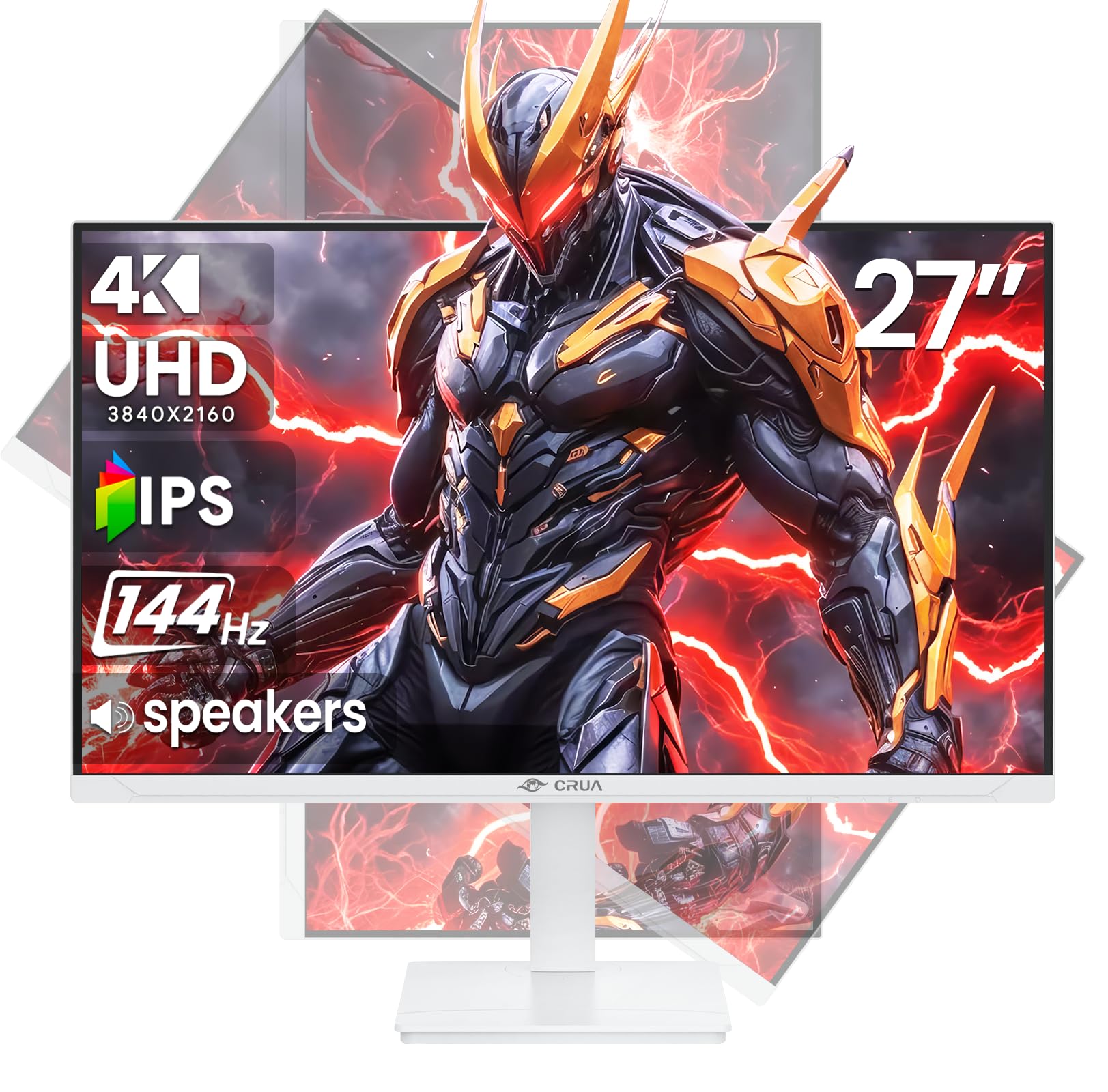
An ambitious 4K 144Hz IPS monitor that tries to deliver premium specs at a mid-range budget.
The CRUA is a fascinating pick because it packs both a 4K UHD (3840 x 2160) resolution and a 144Hz refresh rate — a combination usually reserved for monitors costing twice as much. The IPS panel delivers a brightness of 350 candela, which is about 20% brighter than the Gawfolk 4K monitor below (292 candela), making highlights pop more in HDR content. It also covers 120% sRGB color space, so colors look punchy and accurate from the start. Buyers were “pleasantly surprised” by the quality given the price, though one admitted they were “a little skeptical” before setting it up.
This monitor comes with a built-in pair of speakers, full ergonomic adjustment (height, pivot, tilt, rotation), and HDMI 2.1 plus DP 1.4 inputs — meaning it can handle the latest gaming consoles at higher frame rates. The white finish gives it a modern, clean aesthetic. However, some buyers reported issues with the 165Hz mode (note: this is a 144Hz panel on paper) and found the included power supply and cables to be lower quality. For the price, it is a compelling entry point into 4K gaming, but you may need to swap cables and stay at 144Hz for a stable experience.
Amazing Specs for the Money
- 4K combined with 144Hz — a rare and valuable pairing under
- Full ergonomic stand with height, pivot, tilt, and rotation adjustments
- HDMI 2.1 support for next-gen consoles
Real-World Compromises
- Some reviewers point out instability at high refresh rates and recommend sticking to 144Hz
- Included cables and power supply feel lower quality; upgrades may be needed
Go for it if: you want a budget-friendly 4K gaming monitor with a high refresh rate and are willing to swap cables for stability.
Pass if: you need guaranteed rock-solid performance from the start — the CRUA is more of a value gamble than the Dell or Acer picks.
6. AOC Q27G4XN 27″ Gaming Monitor
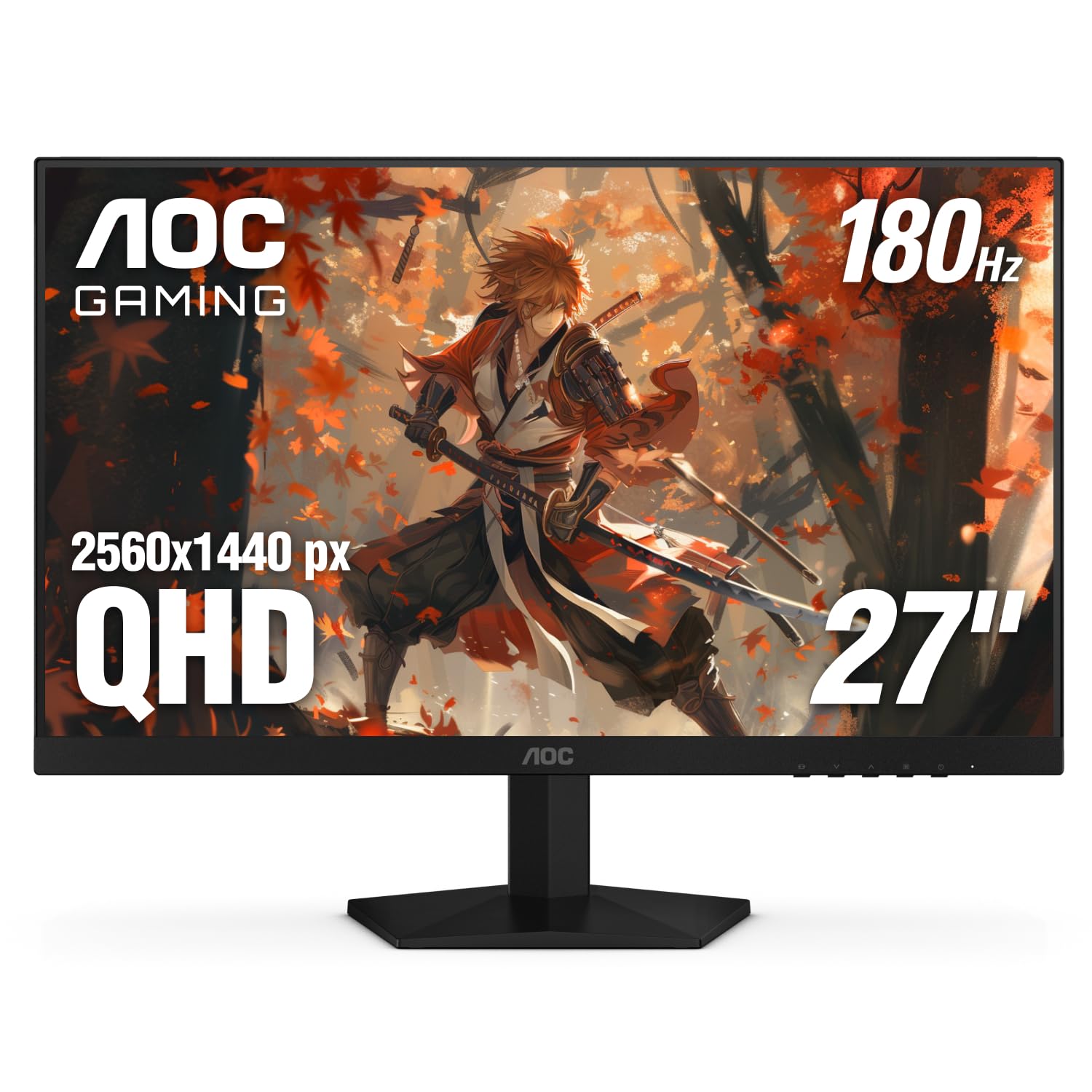
A no-nonsense 1440p 180Hz monitor that delivers high-speed gaming without the premium price tag.
The AOC Q27G4XN is built for gamers who want the speed of QHD (2560 x 1440) at 180Hz without blowing their budget. The 1ms gray-to-gray response time keeps fast-moving scenes sharp with minimal ghosting, and Adaptive-Sync support (a technology that matches the screen’s refresh rate to your graphics card) keeps the image tear-free whether you are using FreeSync or G-Sync Compatible mode. Buyers call it “one of the best ips high hz monitors for a cheap price” and praise the “vibrant colors” and “bright screen.” Its contrast ratio of 1000:1 is the same as the Acer Nitro and Alienware AW2725DM, but it trails them in two ways: no built-in speakers and a more basic stand. This is the pick for budget-focused gamers who already have external speakers.
Feature-wise, it still impresses with a 127.8% sRGB color gamut, making in-game environments look rich and vivid. The three-sided frameless design works well for multi-monitor setups, minimizing the bezel gap between screens. It has two HDMI 2.0 ports and one DisplayPort 1.4 — the same configuration as the Acer Nitro, meaning you will need DisplayPort for the full 180Hz. It falls short of the Acer on ergonomics: the AOC offers tilt adjustment but not height, swivel, or pivot. For pure gaming horsepower at this price, though, it is a fantastic deal.
Speed Without the Cost
- 180Hz refresh rate with 1ms response for smooth, responsive gaming
- Vibrant 127.8% sRGB color gamut for rich visuals
- Frameless design ideal for multi-monitor battle stations
Where It Cuts Corners
- Basic tilt-only stand — no height, swivel, or pivot adjustment
- No built-in speakers; you will need external audio
Perfect for: the budget-conscious gamer who wants 1440p and a high refresh rate and already has a monitor arm or external speakers.
Consider a different pick if: you need ergonomic adjustments or built-in audio — the Acer Nitro is a step up in both areas for a price jump.
7. Gawfolk 27 Inch 4K Monitor IPS 60Hz
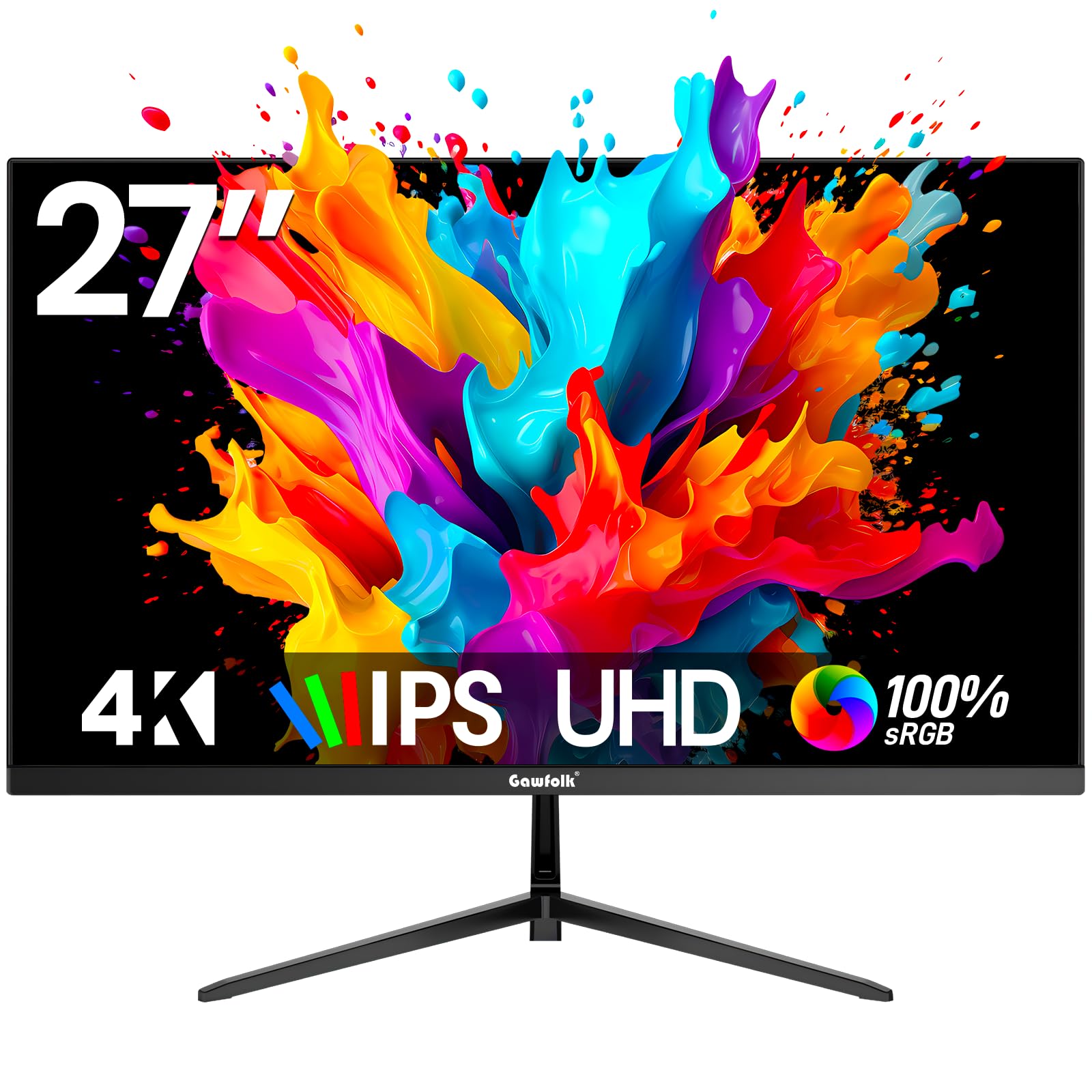
The cheapest way to get a true 4K IPS panel on your desk, but performance is strictly for productivity.
The Gawfolk 27-inch 4K monitor is the entry-level champion for anyone who needs the sharpness of UHD (3840 x 2160) without spending much. The IPS panel delivers wide 178-degree viewing angles and decent colors, with a 3000:1 dynamic contrast ratio that helps dark scenes look better than the 1000:1 static contrast of many rivals. It supports FreeSync for basic tear reduction, and the bezel-less design keeps the focus on the screen. Shoppers say it is a “fantastic monitor with a great price” and love the “excellent clarity/picture quality” for the money.
It offers flexible connectivity with two HDMI 2.0 ports, two DisplayPort 1.4 inputs, and a 3.5mm audio out. The stand allows tilt adjustment, and VESA mounting (75x75mm) is supported. The biggest limitation is the 60Hz refresh rate — compared to the AOC Q27G4XN’s 180Hz or the Acer Nitro’s 240Hz, the Gawfolk will feel sluggish for any gaming beyond slow-paced strategy titles. Buyers report it does not have built-in speakers and the stand lacks height adjustment, so budget for a monitor arm if you need ergonomic flexibility. It is a pure productivity monitor and perfectly fine for that role.
4K on a Shoestring
- Genuine 4K UHD resolution on an IPS panel at an entry-level price
- Multiple inputs: two HDMI 2.0 and two DisplayPort 1.4
- Wide 178-degree viewing angles for sharing your screen
Hard Limits
- 60Hz refresh rate rules out smooth gaming or scrolling
- No height adjustment, no built-in speakers, and requires an adapter for dual mount arms
Get this if: your budget is tight and you need 4K for documents, spreadsheets, watching video, or basic creative work — not for gaming.
Avoid if: you want to game or need a fully adjustable stand — spend a bit more on the Dell or LG for a much better daily experience.
8. ViewSonic VS2725-2K 27 Inch 1440p Monitor

A 1440p workhorse with a standout contrast ratio that makes it a cut above typical office monitors.
The ViewSonic VS2725-2K is the dark horse of the list: it uses a VA panel that delivers a 4000:1 contrast ratio — that is 4 times higher than the 1000:1 of the AOC Q27G4XN above. What that means in plain terms is that blacks look truly black, not gray, which makes text pop and videos look richer. The 1440p (2560 x 1440) resolution gives you plenty of screen real estate for office tasks, and the 100Hz refresh rate is a meaningful upgrade over 60Hz for smoother scrolling and everyday use. Owners mention it offers “good value for office work” and call the picture “beautiful, bright, crisp.”
It includes Flicker-Free technology and a Blue Light Filter for reducing eye strain during long work sessions, plus Variable Refresh Rate (FreeSync) to prevent screen tearing in light gaming. The frameless design is great for multi-monitor setups. The catch, noted by several reviewers, is that the control joystick is fiddly — it is placed on the back and can be hard to reach, especially with two monitors side by side. The stand is also reported to be slightly wobbly and non-rotatable. For pure office value at this resolution and contrast, though, it is a genuine bargain when paired with a third-party monitor arm.
Why It Wins for Work
- 4000:1 contrast ratio delivers deep blacks — 4x higher than typical IPS monitors
- 1440p resolution with 100Hz refresh rate for crisp, smooth everyday use
- Flicker-Free and Blue Light Filter for comfortable all-day viewing
Quirks to Know
- Control joystick on the back is fiddly and hard to reach in dual-monitor setups
- Stand is slightly wobbly and does not rotate or adjust in height
Best for: office workers, data entry, and anyone who values deep contrast for reading and document work over gaming speed.
it’s not for you if: you need a fully ergonomic stand or a 4K pixel count — this is a value-focused 1440p panel that needs a monitor arm to shine.
Understanding the Specs
Refresh Rate (Hz)
This is how many times your screen updates the image each second. A 60Hz monitor refreshes 60 times per second, which is fine for office work. Jump to 120Hz or 144Hz, and motion becomes noticeably smoother — scrolling through a webpage feels fluid, and games look dramatically more responsive. Competitive gamers go for 240Hz to get every possible millisecond of advantage in fast shooters. If you mostly read, type, and watch video, 60Hz is enough. If you game or even just want a nicer desktop feel, aim for 120Hz or more.
Contrast Ratio
This is the difference between the brightest white and the darkest black your monitor can show. A standard IPS monitor offers about 1000:1 — bright enough but blacks look dark gray. A VA panel like the ViewSonic VS2725-2K delivers 4000:1, meaning blacks look much deeper and images have more pop, which is great for movies and reading. If you work with dark interfaces or watch a lot of video, a higher contrast ratio makes a real difference. If you are a competitive gamer, speed matters more than black levels.
Panel Type
IPS (In-Plane Switching) panels are the most popular choice because they offer wide 178-degree viewing angles and accurate colors — the image looks good even if you are sitting off to the side. VA (Vertical Alignment) panels deliver higher contrast ratios (deeper blacks) but have narrower viewing angles and slower response times. Basic LCD/LED panels are the cheapest but generally have washed-out colors and poor viewing angles. For most people, an IPS monitor is the safe, high-quality pick. Choose VA if contrast is your priority and you sit centered.
Adaptive Sync (FreeSync / G-Sync)
This technology matches your monitor’s refresh rate to your graphics card’s frame rate in real time. The result is no screen tearing (that ugly horizontal split when the image changes mid-frame) and no stuttering. FreeSync works with AMD and some newer NVIDIA cards, while G-Sync is NVIDIA’s proprietary version. Both do the same job. If you game at all, a monitor with Adaptive Sync is a must — it makes movement look smooth and clean.
FAQ
Is 4K worth it on a 27-inch monitor?
Can I use a 144Hz monitor for office work?
What is the difference between HDMI 2.0 and HDMI 2.1?
Do I need a monitor with built-in speakers?
What does 1ms response time actually mean?
Is FreeSync compatible with NVIDIA graphics cards?
What is the best resolution for a 27-inch gaming monitor?
Can I mount any of these monitors on an arm?
Does a higher contrast ratio matter for gaming?
What is the difference between sRGB and DCI-P3 color coverage?
Final Thoughts: The Verdict
For the majority of shoppers, the best computer monitors under 500 winner is the Alienware AW2725DM because it delivers a premium blend of 180Hz smoothness, G-Sync and FreeSync compatibility, and a fully ergonomic stand — all at a price that undercuts most rivals with similar features. If you want the absolute fastest gaming motion, grab the Acer Nitro XV272U for its 240Hz refresh rate and superb ergonomic stand. And for 4K productivity and light gaming combined, the Dell S2725QS is the standout hybrid pick with its sharp 4K panel and smooth 120Hz refresh rate.
How We Picked
We do not accept paid placement. Every pick is matched to a real buyer and a real use-case; we do not hands-on test units.
Sources & Methodology
Specifications: manufacturer listings and product documentation. Review insights: verified customer reviews, as of July 2026. Pricing: not shown on this page (it changes often); check the current price via the retailer link.
As an Amazon Associate, WellFizz earns from qualifying purchases. This does not affect which products we feature.
Related Guides

Mo Maruf
I created WellFizz to bridge the gap between vague wellness advice and actionable solutions. My mission is simple: to decode the research and give you practical tools you can actually use.
Beyond the data, I am a passionate traveler. I believe that stepping away from the screen to explore new environments is essential for mental clarity and physical vitality.