Our readers keep the lights on and my smoothie glass nicely filled. As an Amazon Associate, I earn from qualifying purchases.
Specs are compiled from manufacturer listings and verified buyer reviews and can change over time — please confirm the key details on the product page before buying.
If you want a drawing tablet that does not need a computer, the real question is which one gives you a responsive pen and a decent screen without the price tag of a flagship iPad. The cheap tablet for drawing market now offers 4096 pressure levels, full HD screens, and all-day battery life at a fraction of the cost from a few years ago. This guide breaks down six standalone tablets that actually deliver on the drawing experience.
I’m Mohammad Maruf — the founder and writer behind WellFizz. This guide is built by comparing the manufacturers’ published specifications and the patterns across verified customer reviews, so you get each pick’s real strengths and trade-offs instead of marketing spin.
For beginners or parents, the right cheap drawing tablet balances a smooth stylus feel with enough power to run apps like SketchBook and Krita without lag.
Quick Picks
- HUION KAMVAS Slate 11 — Top Performer
- 12-Inch Callsky-Kids Drawing Tablet — Best Value
- Callsky-Tab 12 Inch — Best Overall
- PicassoTab A10 — Best for Beginners
- RubensTab T11 Pro — Budget Champion
- Frunsi RubensTab T8 — Ultra Portable
How To Choose The Best Cheap Tablet For Drawing
Focus on specs that directly affect your lines, pressure, and overall feel.
Pressure Sensitivity Levels
This tells you how many different line widths the pen can make based on how hard you press. A 4096-level stylus — meaning it detects 4096 separate pressure points — gives you smooth transitions between thin and thick strokes, which matters a lot for shading and calligraphy. Lower sensitivity, like 1024 levels, can feel jumpy, so you might see sudden jumps in line width.
Screen Size and Resolution
An 8-inch screen is highly portable but forces you to zoom frequently. A 10- or 12-inch display gives you more room for your canvas. Resolution affects how sharp your work looks. Full HD (1920×1200 pixels) is standard, while 1200×800 is acceptable on smaller screens but noticeably less sharp.
Standalone vs Computer-Dependent
All the tablets in this guide work without a computer — they run Android, so you can install drawing apps directly. Some come with drawing software pre-installed, saving you the step of hunting for apps. The battery life and processor speed determine how long you can draw without recharging or facing lag on heavy brushes.
Quick Comparison
| Model | Best For | Screen | Pressure Sensitivity | Battery | Amazon |
|---|---|---|---|---|---|
| HUION KAMVAS Slate 11 | Serious beginners & intermediate artists | 10.95″ FHD+ (1920×1200) | 4096 levels | 8000mAh | Amazon |
| 12-Inch Callsky-Kids Tablet | Large canvas lovers on a budget | 12″ IPS (2000×1200) | 4096 levels | 8000mAh | Amazon |
| Callsky-Tab 12 Inch | Students who multitask | 12″ IPS (2000×1200) | 4096 levels | 8000mAh | Amazon |
| PicassoTab A10 | Total beginners with lifetime apps | 10″ IPS HD (2000×1200) | 4096 levels | — | Amazon |
| RubensTab T11 Pro | Budget-friendly 10-inch drawing | 10.1″ FHD (1920×1200) | 1024 levels | 5800mAh | Amazon |
| Frunsi RubensTab T8 | Ultra-portable & kid-friendly | 8″ (1200×800) | 2048 levels | 4000mAh | Amazon |
In‑Depth Reviews
1. HUION KAMVAS Slate 11

The standalone tablet that finally treats lag as a deal-breaker, not a given.
What makes the HUION KAMVAS Slate 11 different? Its 10.95-inch display runs at a 90Hz refresh rate (how often the screen updates the image per second), so every stroke and scroll is visibly smoother than the standard 60Hz you get on most tablets. The full-laminated anti-glare glass cuts reflections and brings your pen tip right where the line appears — no gap between glass and image. Huion calls it a nano-etched matte surface, and buyers report it feels paper-like from the first day. That means shading a portrait feels natural, not like drawing on a phone screen.
Under the hood, an 8-core CPU paired with 8GB RAM and 128GB storage (expandable to 1TB via a microSD card) handles apps like Clip Studio Paint and ibisPaint X without hiccups — both come pre-installed with free memberships for up to 3 months. The 4096-level H-Pencil offers 60° tilt recognition, which lets you shade naturally like a real pencil. The 8000mAh battery gives you all-day drawing capacity. One reviewer noted the tablet gets warm on the left side during long sessions but never hot enough to shut down. At 0.51 kg, it is lighter than the 12-inch options like the Callsky-Kids and still packs the best drawing-focused screen in this price range. The screen is sharper and smoother than the Frunsi RubensTab T11 Pro’s FHD display, especially for fast sketching.
Standout screen smoothness: The 90Hz refresh rate and laminated anti-glare glass make this the most comfortable tablet for extended drawing sessions.
Grab this if: You want a smooth, paper-like drawing feel and do not mind a slightly smaller screen for top-tier portability.
Look elsewhere if: You need a bigger canvas — the 10.95-inch screen feels compact compared to the 12-inch models.
2. 12-Inch Callsky-Kids Drawing Tablet
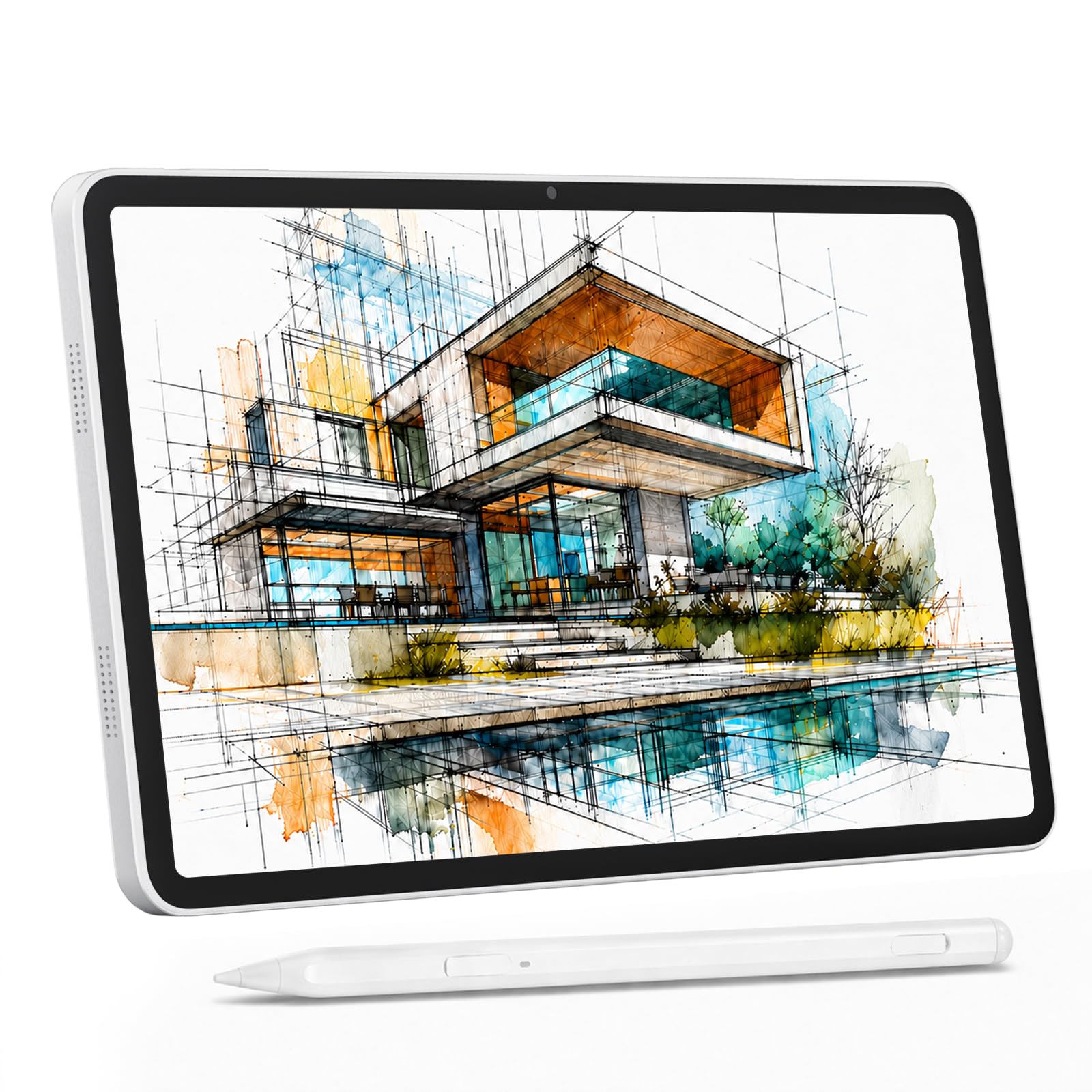
A giant 12-inch canvas with 16GB of RAM at a price that should not make sense.
This tablet packs a 12-inch IPS (In-Plane Switching, a screen type that gives wide viewing angles) display with 2000×1200 resolution and 100% sRGB color gamut (a standard for color accuracy), so colors look vibrant and accurate. The 4096-level stylus supports 60° tilt and uses USI 2.0 (Universal Stylus Initiative, a standard that ensures compatibility with many devices) for broad compatibility. Owners mention the anti-glare screen protector is a welcome addition, keeping reflections low under studio lights or sunlight. The 8000mAh battery delivers up to 6 hours of video playback.
Performance is handled by a T616 octa-core CPU with 16GB RAM (8GB physical plus 8GB virtual) and 256GB storage expandable to 2TB. Android 15 runs smoothly, and 4G LTE dual-SIM support means you can create without Wi-Fi. One buyer mentioned the included stylus flickers input intermittently, making it less reliable for precise line art — a limitation worth knowing if you need consistent pen tracking. At this price, the sheer screen real estate and RAM are tough to top. It offers a bigger drawing surface than the HUION KAMVAS Slate 11, but the pen itself is less consistent.
Massive screen, massive memory: The 12-inch display and 16GB RAM make this the best pick for multi-tasking and large canvases.
Reach for this if: You want the largest drawing surface and most RAM for the lowest price.
Keep in mind: The pen quality has mixed reviews — you may want a replacement stylus for consistent line control.
3. Callsky-Tab 12 Inch
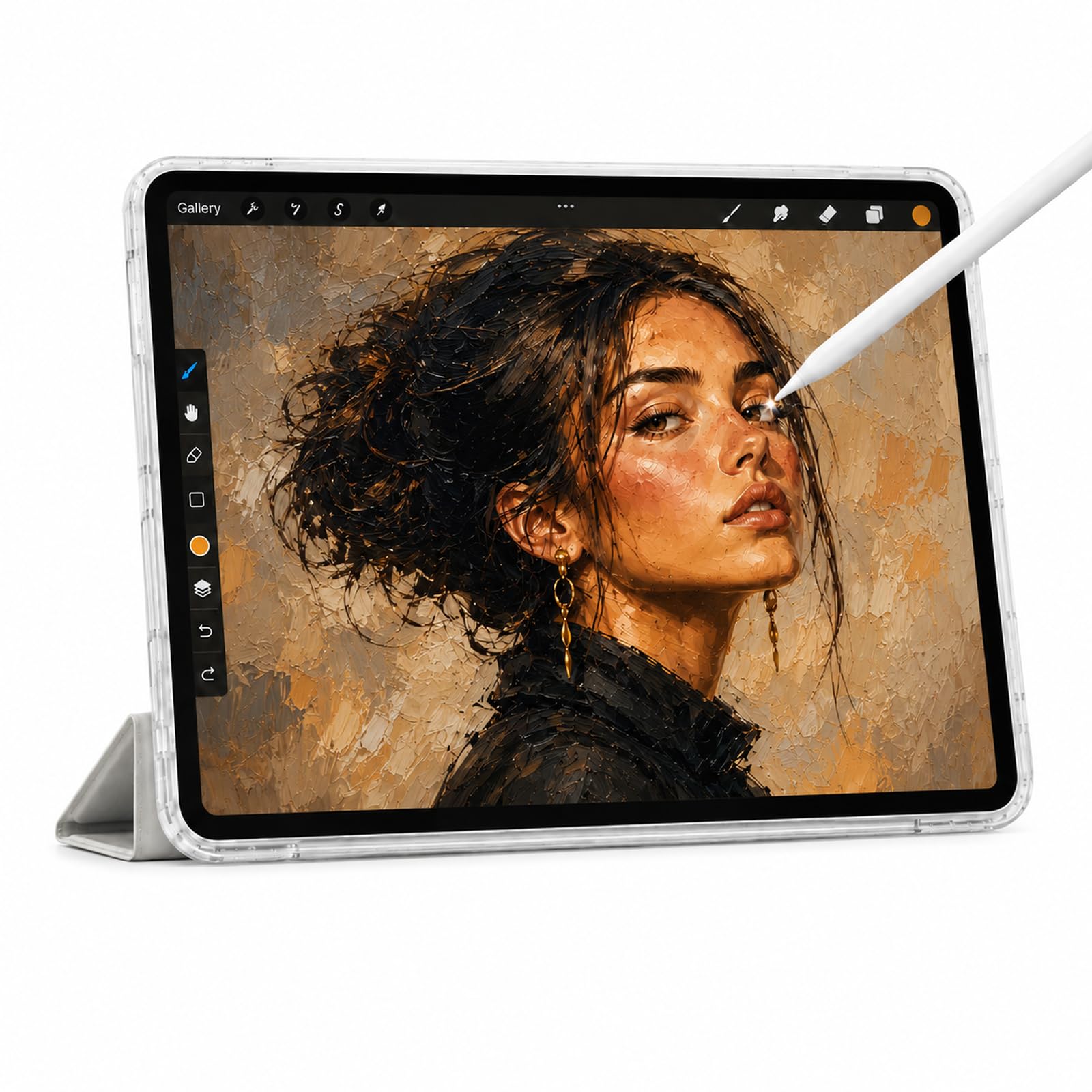
A student-focused tablet that balances 2K clarity with a long-lasting battery.
The Callsky-Tab 12 Inch shares the same 12-inch 2000×1200 IPS display and T616 octa-core processor as the Callsky-Kids model but organizes its features around student productivity. The rechargeable stylus offers 4096 pressure levels and tilt support, and it attaches magnetically to the tablet so you will not lose it in your bag. The included protective case folds into three different angles, making it comfortable for drawing, typing, or watching tutorials.
Battery life is rated at up to 6 hours of video playback from the 8000mAh cell, and the reinforced USB-C port supports charging from any orientation. One drawback buyers mention: the tablet does not come with drawing software pre-installed. You will need to download your own apps from the Play Store. Storage hits 256GB base with expansion up to 2TB, and the 16GB RAM (8+8 virtual) keeps multiple apps running smoothly. This is the best pick over the Callsky-Kids if you value a magnetic stylus and a protective case, but like its sibling, you must install drawing apps yourself.
Strong points
- 2K screen gives sharp, vibrant visuals
- Magnetic stylus stays secure during travel
Trade-offs
- No drawing software included from the start
- Battery life is average at 6 hours of video
Pick this for: Students who need a large screen for both art and schoolwork, with reliable battery life.
skip it if: You want pre-loaded drawing apps — you will need to install your own.
4. PicassoTab A10
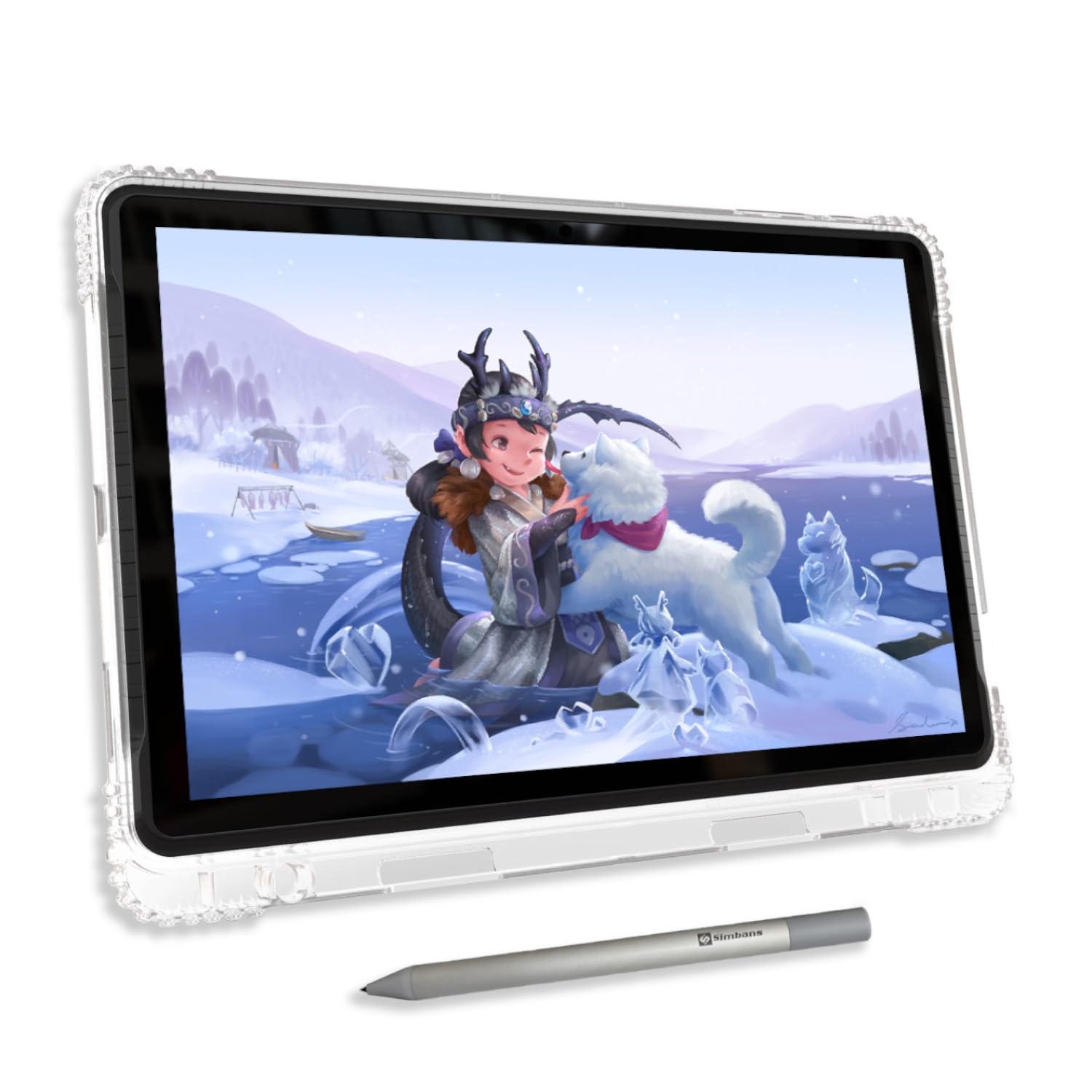
The only tablet here that hands you lifetime professional drawing apps for zero subscription fees.
The A10 comes loaded with Concepts (Lifetime PRO Upgrade), Infinite Painter, and FlipaClip pre-installed, plus Artixo Lifetime VIP Tutorials and the Xplore app for guided lessons. That means a beginner can unbox the tablet and start learning digital art immediately without paying for software. The fully laminated 10-inch IPS HD display (2000×1200 pixels) has an anti-glare finish and reduces parallax (the gap between your pen tip and the cursor on screen) so your pen tip meets the cursor exactly where you expect.
The Picasso Pen 3 delivers 4096 pressure levels and palm rejection. An octa-core CPU with 6GB RAM and 128GB storage (expandable to 1TB) keeps apps responsive. One owner reported the default pen nib feels a bit hard and may scratch the screen — they recommend using the included screen protector. The tablet also has an HDMI port, which is rare at this price and lets you mirror your screen to a monitor. This is a safer choice than the HUION KAMVAS Slate 11 for someone who wants drawing software ready to go and does not mind having less RAM.
Ready from the start: Lifetime drawing apps and tutorials make this the safest choice for complete beginners.
Best for: Absolute beginners or parents who want a turnkey creative device with no extra costs.
Not ideal if: You need more than 6GB RAM — heavy multitasking may feel limited.
5. RubensTab T11 Pro
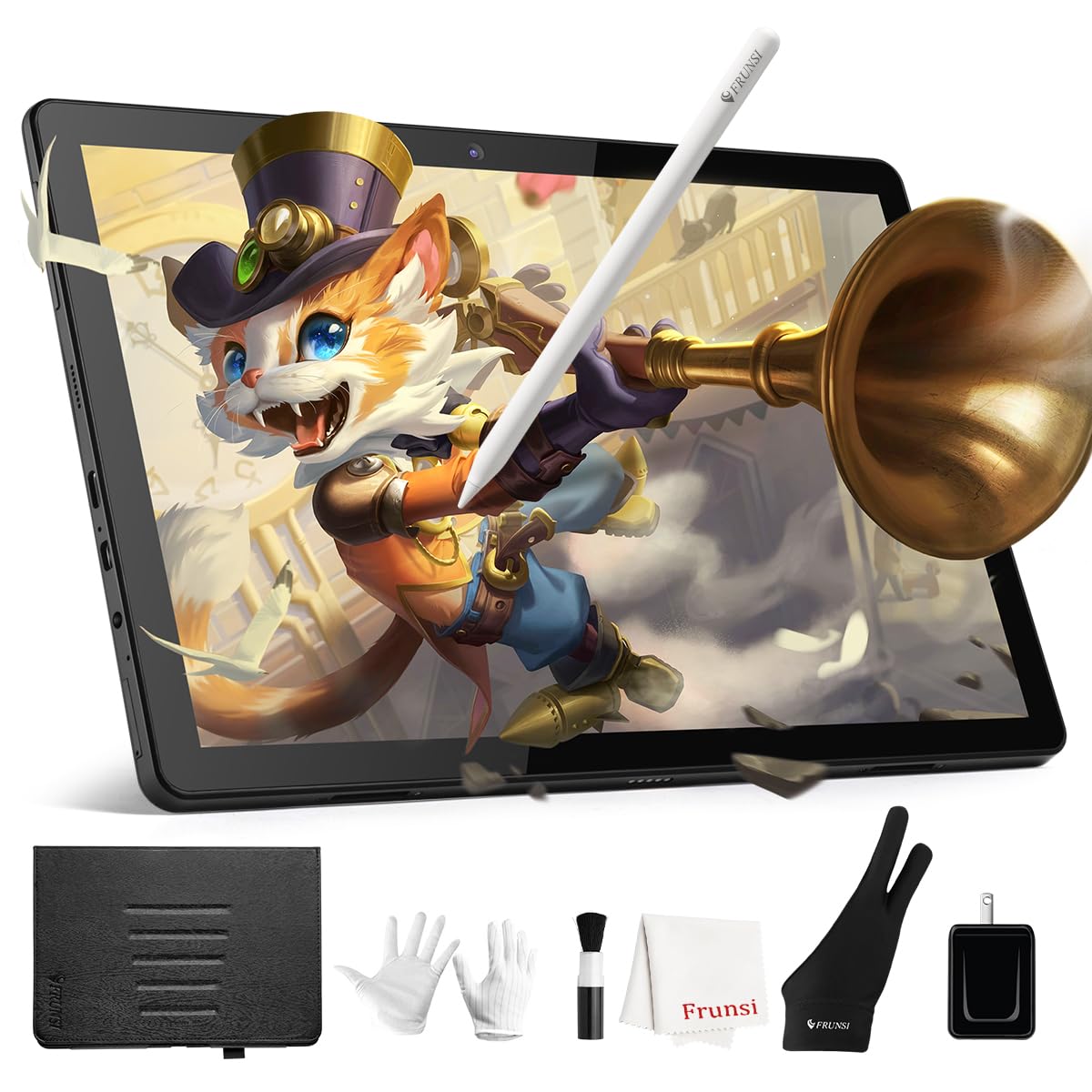
A dependable 10-inch option with a battery that lasts long enough to forget the charger at home.
The Frunsi RubensTab T11 Pro features a 10.1-inch Full HD IPS screen at 1920×1200 resolution. Its 5800mAh battery provides up to 5 hours of continuous drawing use — one customer observed they charged it once and it sat at half power for days without lagging. The stylus uses a battery-free design with 1024 levels of pressure sensitivity, so you never worry about charging the pen. The included adjustable stand case and drawing glove complete the starter kit.
Compared to the T8 model below, the T11 Pro holds 45% more battery capacity (5800mAh vs 4000mAh). Customers note a slight lag between drawing and the line appearing on screen, which is common at this price tier. The tablet handles apps like SketchBook, Krita, and Ibis Paint X well. Customer service gets consistent praise — multiple buyers mention fast, helpful responses. Its screen is sharper than the Frunsi RubensTab T8’s 1200×800 display, but the 1024 pressure levels feel less nuanced than the 4096 levels on the HUION KAMVAS Slate 11.
Why it wins
- FHD screen is sharp at 10.1 inches
- Battery holds up well across days of light use
The catch
- 1024 pressure levels feel less nuanced than 4096
- Minor input lag reported on some units
Go for this if: You want a reliable, entry-level FHD tablet with strong battery life and great customer support.
Pass on it if: You need high-precision pen response for professional work — the lag may frustrate.
6. Frunsi RubensTab T8

The smallest and cheapest pick that still handles Clip Studio Paint without crying.
With an 8-inch 1200×800 display and a 4000mAh battery, the RubensTab T8 is built for portability first. It fits easily into a child’s backpack and runs Android 13 with a quad-core CPU, 4GB RAM, and 64GB storage (expandable to 256GB). The 2048-level stylus is responsive enough for apps like SketchBook, ArtFlow, and ibis Paint X, which come pre-loaded alongside drawing tutorials.
Battery life is rated up to 20 hours on paper, but reviewers point out getting less than 3.5 hours of continuous drawing in SketchBook on a full charge — a 4.0x gap compared to the T11 Pro’s real-world endurance. The small screen means you will zoom and pan frequently when working on detailed pieces. On the upside, the build quality and included accessories (detachable keyboard, stylus, screen protector, cleaning cloth) make it excellent value for a child or casual sketcher. It costs less than any other tablet here but demands more patience with battery and screen size.
Best for small hands: The 8-inch size and bundled keyboard make this a complete starter kit for kids and total beginners.
Buy this for: A young child or as your first-ever drawing tablet to see if digital art sticks.
pass on it if: You plan long drawing sessions — real battery life is much shorter than the advertised 20 hours.
Understanding the Specs
Pressure Sensitivity (1024 vs 2048 vs 4096)
This number tells you how many line thicknesses the pen can create based on pressure. Higher numbers mean smoother shading and transitions. 4096 is the current standard for serious drawing, making thin-to-thick strokes feel natural. 1024 or 2048 works fine for casual sketching, but you may notice sudden jumps in line width when shading.
Standalone vs Computer-Dependent
A standalone drawing tablet runs its own operating system (usually Android) so you can draw anywhere without plugging into a laptop. These tablets come with Wi-Fi, a built-in battery, and app stores. The trade-off is that the processor and RAM need to handle both the operating system and the drawing app at the same time, which affects how smooth your pen strokes feel.
FAQ
Do I need a computer to use these drawing tablets?
What drawing apps work on these tablets?
Can I use these tablets for things other than drawing?
What does 4096 levels of pressure sensitivity actually mean?
How long does the battery last while drawing?
Is a bigger screen always better for drawing?
Do these tablets support palm rejection?
Can I expand the storage on these tablets?
Do I need to buy a separate stylus or are they included?
Are these tablets good for children and teenagers?
Final Thoughts: The Verdict
If you want one dependable pick, the cheap tablet for drawing winner is the HUION KAMVAS Slate 11 because it delivers a premium drawing experience — 90Hz anti-glare screen, 4096-level stylus, and a balanced 10.95-inch size — at a price that undercuts dedicated drawing tablets. If you want the biggest canvas and most RAM for your dollar, grab the 12-Inch Callsky-Kids Tablet. And for a complete beginner who wants to draw immediately without buying software, the standout is the PicassoTab A10 with its lifetime app licenses.
How We Picked
We do not accept paid placement. Every pick is matched to a real buyer and a real use-case; we do not hands-on test units.
Sources & Methodology
Specifications: manufacturer listings and product documentation. Review insights: verified customer reviews, as of July 2026. Pricing: not shown on this page (it changes often); check the current price via the retailer link.
As an Amazon Associate, WellFizz earns from qualifying purchases. This does not affect which products we feature.
Related Guides

Mo Maruf
I created WellFizz to bridge the gap between vague wellness advice and actionable solutions. My mission is simple: to decode the research and give you practical tools you can actually use.
Beyond the data, I am a passionate traveler. I believe that stepping away from the screen to explore new environments is essential for mental clarity and physical vitality.