Our readers keep the lights on and my smoothie glass nicely filled. As an Amazon Associate, I earn from qualifying purchases.
Specs are compiled from manufacturer listings and verified buyer reviews and can change over time — please confirm the key details on the product page before buying.
If every mouse you try makes you stretch your fingers or grip too wide, the mouse was built for bigger hands. You need a compact design that lets your whole palm rest without reaching. The models below are built around a smaller grip, so every click feels natural from the first use.
I’m Mohammad Maruf — the founder and writer behind WellFizz. This guide is built by comparing the manufacturers’ published specifications and the patterns across verified customer reviews, so you get each pick’s real strengths and trade-offs instead of marketing spin.
Whether you work long hours or just want a pointer that stops hand fatigue, these are the best options in the computer mouse for small hands category that actually deliver a reliable fit without unnecessary bulk.
Quick Picks
- DAREU Ergonomic Vertical Wireless Mouse — Top Performer
- Lekvey Ergonomic Mouse — Best Battery Life
- PHILIPS SPK7628 Ergonomic Mouse — Compact Pick
- SABLUTE MAM3 Ergonomic Mouse — Best Connectivity
- Luhaso Ergonomic Vertical Wireless Mouse — Budget Champion
- TECKNET Ergonomic Mouse — High DPI Pick
- SANWA Wired Ergonomic Mouse — Budget Friendly
How To Choose The Best Computer Mouse For Small Hands
The first thing to measure is your hand size — specifically from the base of your palm to the tip of your middle finger. Anything under about 7 inches (17.8 cm) is considered a small hand, and many standard mice are simply too long or too wide, forcing your fingers to overreach. Look for a mouse with a length under 4.2 inches and a grip width that lets your thumb and ring finger rest naturally.
Vertical Angle and Wrist Position
A vertical mouse places your hand in a handshake posture, which many small-hand users find instantly more comfortable. The angle matters: a 57° tilt is common, but the DAREU model goes to 64° for an even steeper position. Try to decide if you want a gentle slope or a more aggressive vertical lift, because the deeper angle can feel odd at first but may reduce forearm strain more over a full workday.
Wired vs Wireless and the Battery Trade-Off
Budget-friendly wired options like the SANWA are simple and never need charging, but the cable adds desk clutter. Wireless models free up your space but require batteries or a rechargeable cell. If you forget to charge, a model with a long standby time — like the SABLUTE’s claim of 300 days — means you are less likely to be caught with a dead pointer mid-project.
DPI Settings and Button Feel
DPI controls how fast the cursor moves on screen. For small-hand mice, you want at least three levels (800 / 1200 / 1600 is common) so you can slow down for precision tasks or speed up for large monitors. Also check the sound: silent clicks (over 90% quieter) make a difference in shared spaces, though the forward and back buttons are often not silent.
Quick Comparison
| Model | Best For | Buttons | DPI Range | Connectivity | Amazon |
|---|---|---|---|---|---|
| DAREU Ergonomic Vertical | Multi-device switching | 6 | 1000 / 1600 / 2400 | 2.4GHz / BT 5.0 | Amazon |
| Lekvey Ergonomic | Long battery life | 6 | 800 / 1200 / 1600 | 2.4GHz USB | Amazon |
| PHILIPS SPK7628 | Travel-friendly | 6 | 800 / 1200 / 1600 | 2.4GHz USB | Amazon |
| SABLUTE MAM3 | Three-device connection | 7 | 800 / 1200 / 1600 / 2400 | Bluetooth + USB | Amazon |
| Luhaso Ergonomic Vertical | Rechargeable simplicity | 6 | 800 / 1200 / 1600 | 2.4GHz USB | Amazon |
| TECKNET Ergonomic | High DPI range | 6 | 800 / 1600 / 2400 / 3200 / 4800 | 2.4GHz USB | Amazon |
| SANWA Wired Ergonomic | No batteries ever | 6 | 1000 / 1600 | Wired USB | Amazon |
In‑Depth Reviews
1. DAREU Ergonomic Vertical Wireless Mouse
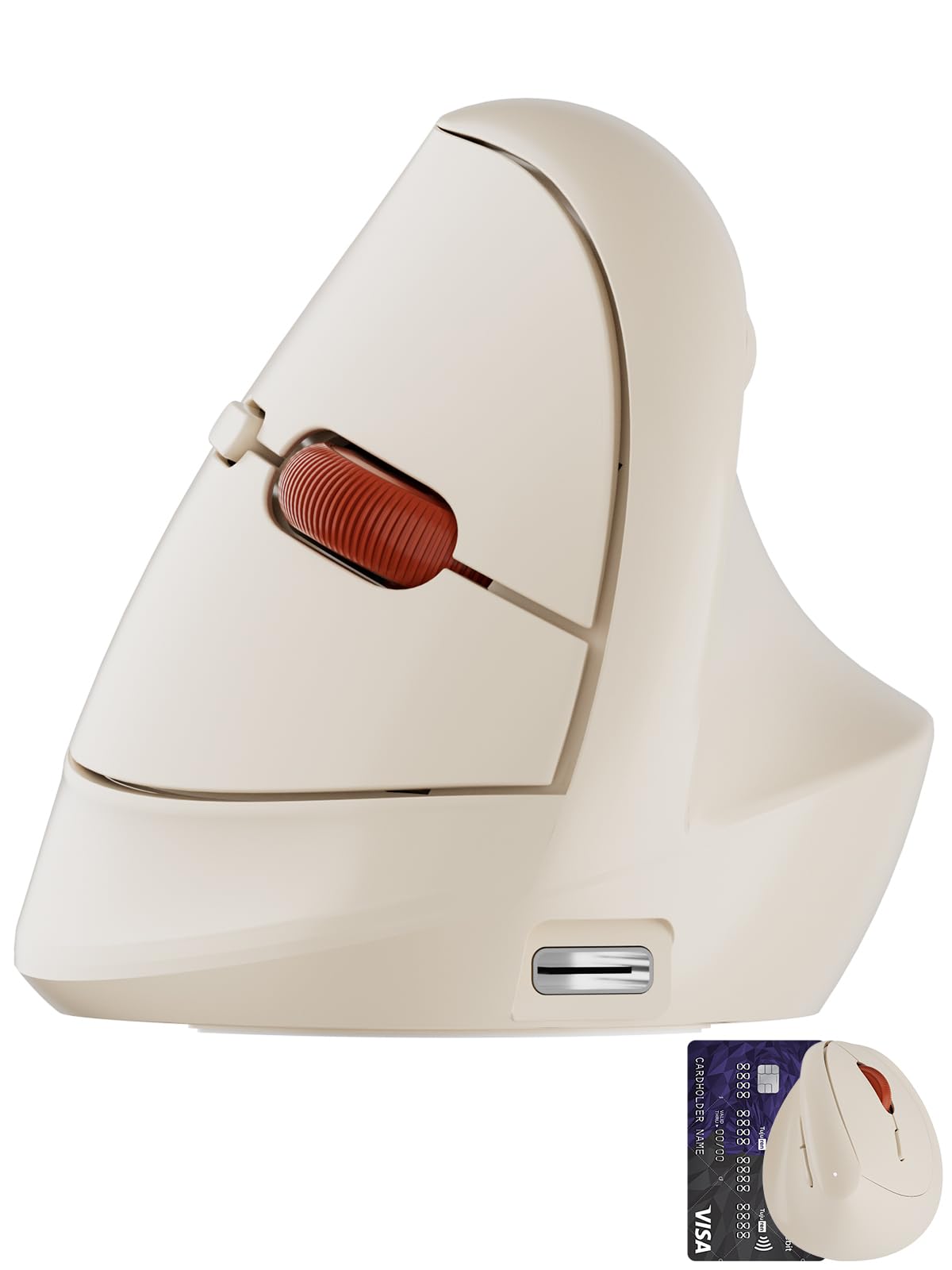
A featherweight vertical that connects to three devices without breaking stride.
If you switch between a desktop, laptop, and tablet during the day, this mouse does it with a single button press — it links up to three devices via BT 5.0 or its 2.4GHz USB dongle. The 64° tilt is the steepest of any pick here, and while it feels unusual at first, Buyers report that the 64° tilt noticeably relieves carpal tunnel numbness over time.. At just 69 grams it is also the lightest model in this list, so moving it across a desk requires barely any effort.
Unlike the SABLUTE MAM3 which has 7 buttons, this one sticks to 6 with 1000 / 1600 / 2400 DPI levels that cover most tasks fine — though competitive FPS gamers may want higher sensitivity. A 1.5-hour charge keeps it running for 1-2 months of intensive use, and owners mention it works well across multiple screens without needing a charge for two months.
What stands out
- Steepest 64° vertical angle for a more natural handshake posture
- Switches between 3 devices smoothly via BT or 2.4GHz
- Ultra-light 69g body reduces hand fatigue during long sessions
The real trade-off
- Small build means medium or large hands will feel cramped
- No DPI above 2400 for high-resolution monitors
Reach for this if: you regularly work across a laptop and desktop and want one lightweight mouse that follows you without extra dongles.
Look elsewhere if: your hand measures over 6.5 inches from wrist to fingertip — it is built specifically for smaller palms.
2. Lekvey Ergonomic Mouse
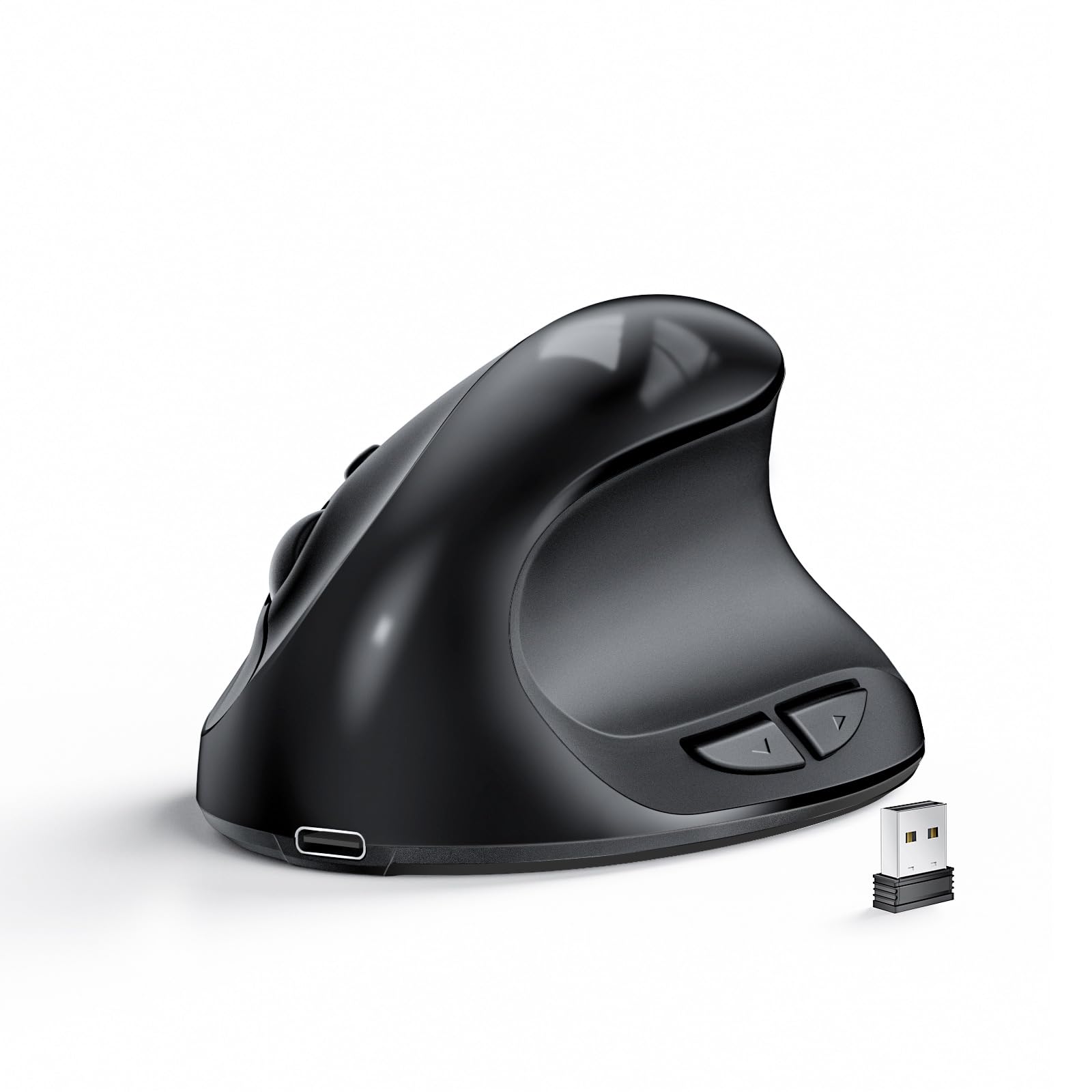
A rechargeable that runs 150 hours and cradles palms under 7.5 inches.
The Lekvey is built specifically for anyone whose palm measures under 7.5 inches (19 cm), and it shows in the compact 4.1 x 2.75 x 2.38 inch shape. A 500mAh battery takes about 3 hours to charge and delivers up to 150 hours of use, so you are not hunting for a charging cable every few days. It goes to sleep after 20 minutes of inactivity — just press any button to wake it.
Customers note that the first unit sometimes arrives with a defect, but the manufacturer replaces it quickly. One buyer with carpal tunnel says the Lekvey eliminated wrist pain during 8+ hour workdays.. Some wish it had more heft — it is very light, which helps small hands but feels insubstantial if you prefer a heavier pointer.
The 150-hour upside: Fewer charge cycles than any other wireless pick here, and a 3-hour fill gets you through two work weeks easily.
The one caution: If you have borderline medium hands, the grip may feel slightly cramped during lifting. Ensure you are under 7.5 inches before buying.
Who it fits: anyone with small hands who wants a rechargeable mouse they do not have to think about for weeks.
Who should skip: medium-hands users — the Lekvey is strict about its 7.5-inch limit.
3. PHILIPS SPK7628 Ergonomic Mouse
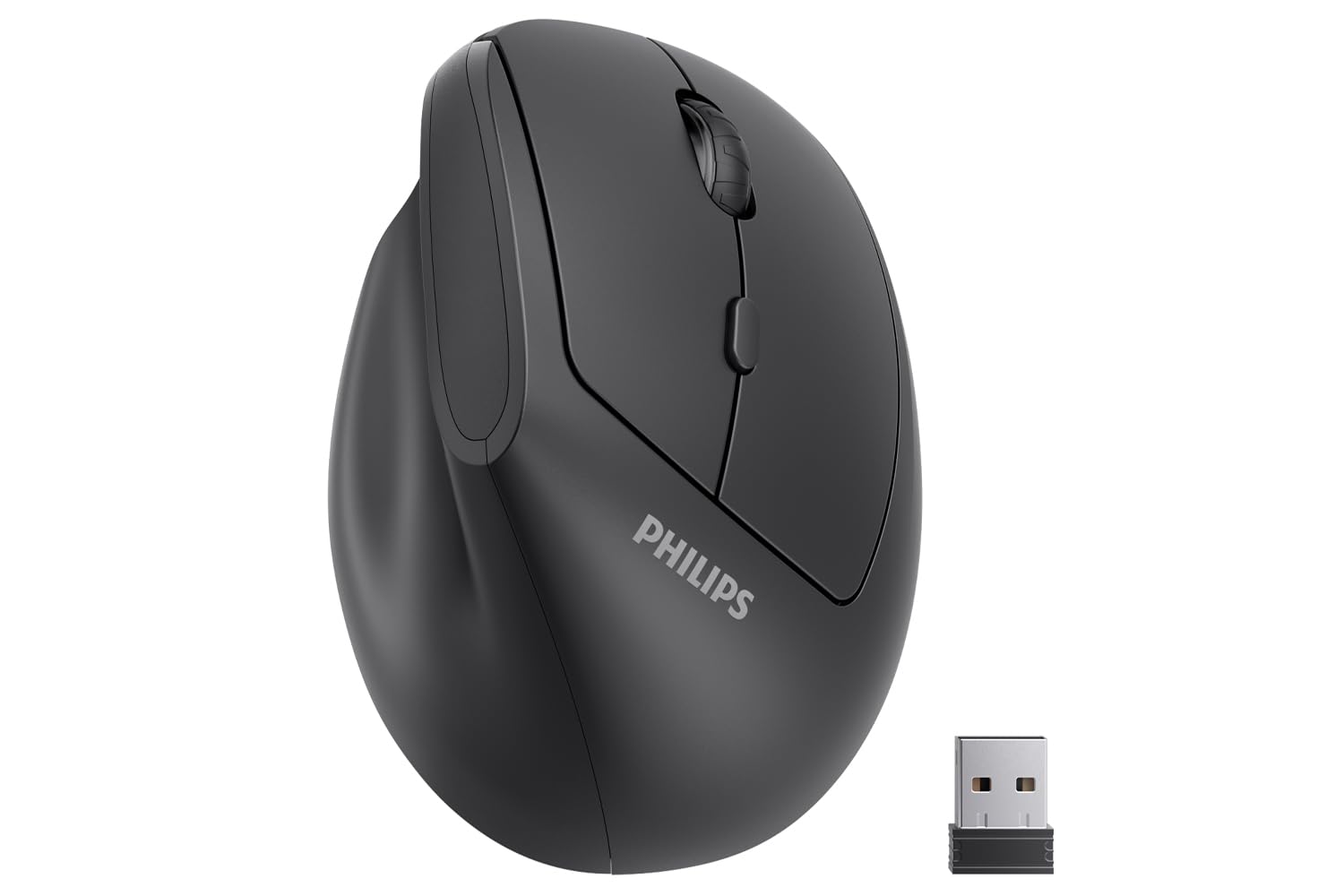
A travel-friendly vertical that fits hands up to seven inches and runs on batteries.
This PHILIPS model is one of the lightest battery-powered verticals around, making it easy to throw into a laptop bag without adding noticeable weight. It uses two AA batteries (included, though reviewers report the supplied ones are often dead on arrival). The 57° angle matches many mid-range verticals, but the key difference is the size cap: it is shaped for hand lengths up to 7 inches, which aligns perfectly with most small-hand definitions.
Unlike the Lekvey which is rechargeable, this one requires battery swaps — an advantage if you prefer never waiting for a charge, but a recurring cost and waste. A few reviewers point out pointer skipping after a few weeks on both the first unit and the replacement, so double-check your return window. Most reviewers, though, find it comfortable and quiet in shared offices.
Why it works for travel
- Lightweight 0.15 kg body fits into any backpack pocket
- Three DPI levels (800/1200/1600) adapt to different screens
- Battery-powered so no charging cable needed on trips
The main risk
- Multiple reports of pointer skips on early units
- Included batteries are often dead — keep spares handy
Best for: hybrid workers who need a cheap, battery-friendly backup mouse they can toss in a bag.
Watch out for: potential quality-control issues on the sensor — test within the first week.
4. SABLUTE MAM3 Ergonomic Mouse
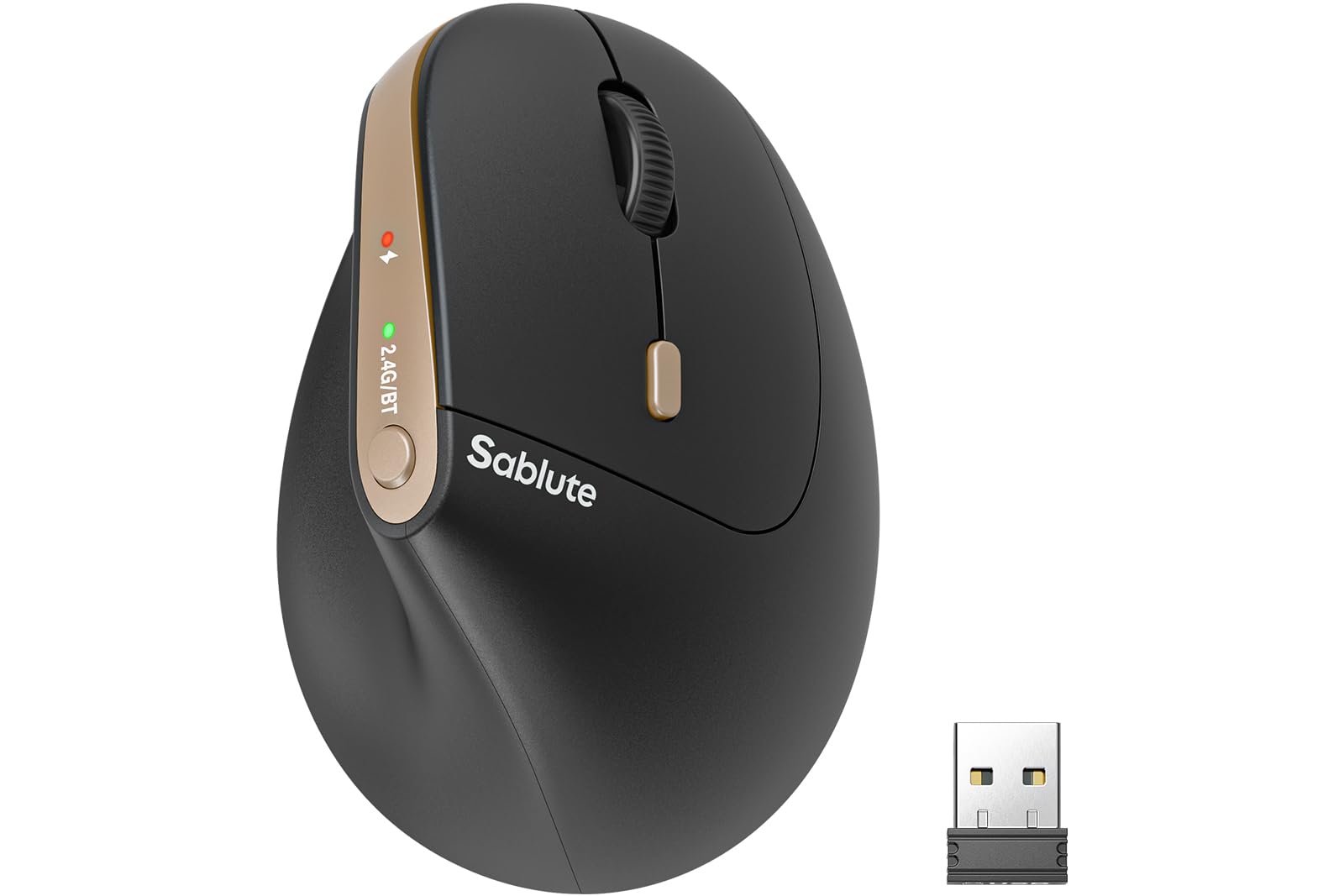
Seven buttons and three-device switching in a 57° vertical shell for small hands.
With 7 mechanical buttons, the SABLUTE MAM3 has one more programmable option than most picks here — the extra is a dedicated DPI/Bluetooth switch that sits within easy thumb reach. It connects to three devices simultaneously via Bluetooth or USB receiver, and you switch between them with one click. The manufacturer claims a 300-day standby life on its built-in rechargeable battery, so you are rarely hunting for a charger.
Shoppers say the Bluetooth works reliably across multiple laptops but often fails to auto-connect each morning, requiring manual re-pairing — a minor hassle if you shut down daily. The 7-button count beats the DAREU’s 6, and the four DPI levels (800/1200/1600/2400) give more granular control than the PHILIPS, though some users find the 57° angle less aggressive than the DAREU’s 64°.
Where it leads: The highest button count in the lineup and the longest claimed standby time — great if you manage multiple computers.
The morning annoyance: If you rely on auto-connect first thing, the Bluetooth handshake sometimes fails and needs a manual re-pair.
Ideal for: multi-PC users who want a rechargeable vertical with plenty of buttons.
skip it if: you need rock-solid auto-connect every single morning without a second thought.
5. Luhaso Ergonomic Vertical Wireless Mouse
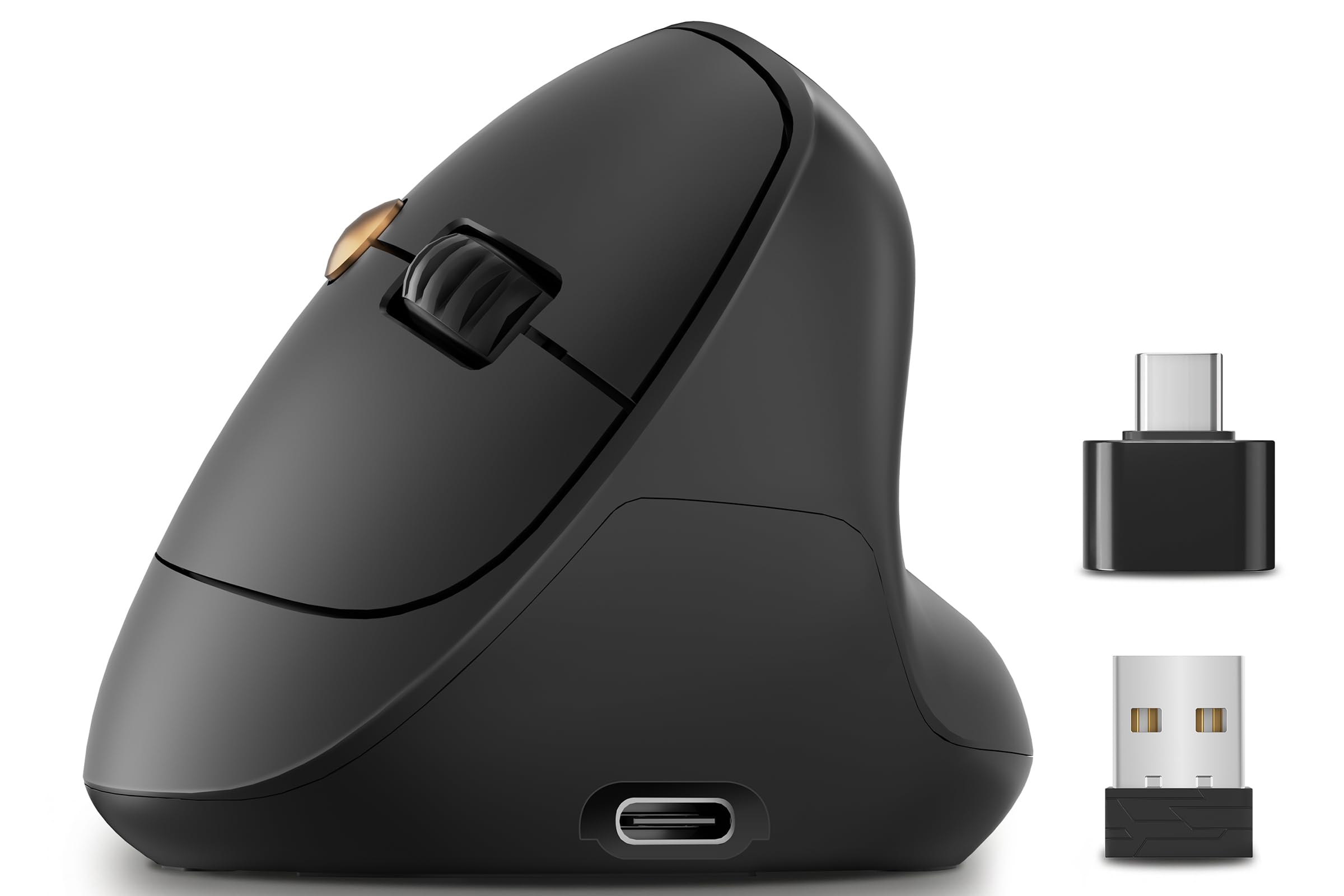
A no-frills 57° vertical that is tailored for small hands and quiet clicks.
The Luhaso keeps things simple: a 57° handshake design, 86g weight, and Type-C rechargeable battery that eliminates AA swaps. It offers 800 / 1200 / 1600 DPI — the standard three-level setup — and its silent micro switches reduce click noise by over 90%, ideal for late-night or library use. Unlike the TECKNET which goes up to 4800 DPI, this one focuses on everyday comfort rather than extreme sensitivity.
Buyers report the Luhaso helps with carpal tunnel pain and wrist fatigue., though one noted the default cursor speed felt laggy until they adjusted the settings. It is slightly heavier than the DAREU (86g vs 69g) but still light enough for all-day use. The 2.4G USB connection is plug-and-play with no driver needed.
Simple and effective
- Rechargeable via Type-C, no battery replacements
- Quiet clicks that do not disturb coworkers
- Compact shape fits small hands securely
Minor quirks
- Default speed may feel laggy — adjust DPI right away
- Only three DPI levels, no high-sensitivity option
Grab it for: a straightforward, quiet, rechargeable vertical that does not complicate things.
Not for you if: you need high-DPI tracking above 1600 for precise graphic work.
6. TECKNET Ergonomic Mouse
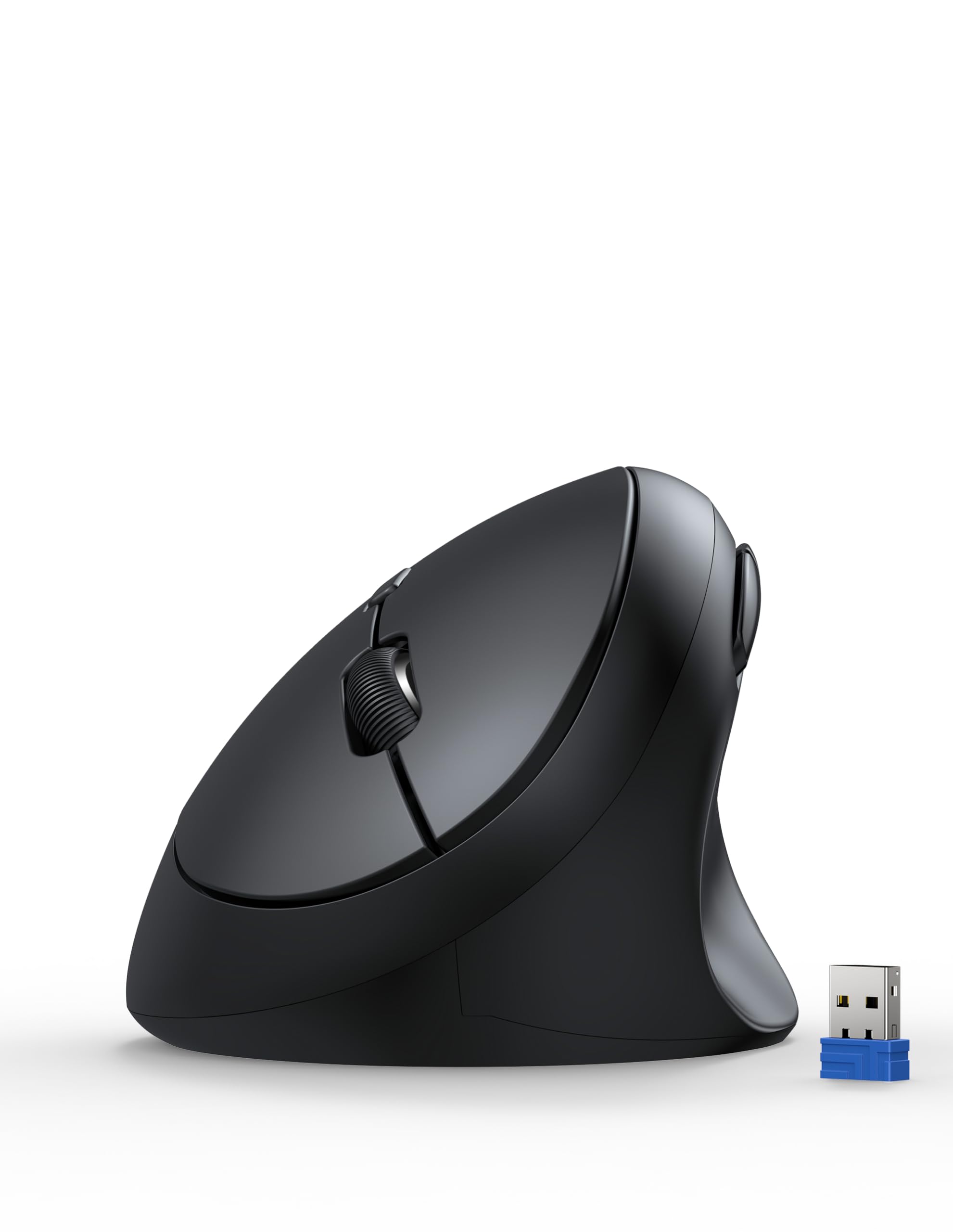
Five DPI levels up to 4800 in a 52° vertical that suits small and medium palms.
The TECKNET stands out for its DPI range: 800 / 1600 / 2400 / 3200 / 4800, which is the widest of any mouse here. That makes it useful for anyone who switches between detailed spreadsheet work (low DPI) and high-resolution monitors (high DPI). The 52° angle is shallower than the DAREU’s 64° or the SABLUTE’s 57°, so it is a gentler transition if you have never used a vertical mouse before.
Owners mention the shape is rounded with no sharp corners and works well for small to medium hands — the product dimensions are 4.13 inches by 2.55 inches. One reviewer wrote that it broke easily when dropped, so it is less rugged than the Lekvey. It takes two AA batteries (not included), which some users prefer for instant swap, but others dislike the recurring cost.
The DPI advantage: With five levels topping at 4800, this beats every other pick for cursor speed flexibility.
The fragility note: A drop can damage the internal components, so treat it more carefully than a sturdier wired mouse.
Best suited for: users who need a wide DPI range and want a shallow-angle vertical to ease into ergonomics.
Skip if: you tend to drop your mouse or need a drop-resistant build.
7. SANWA Wired Ergonomic Mouse

A no-battery vertical wired mouse that just works for small hands on a budget.
The SANWA is the only wired pick here, which means zero lag, zero battery anxiety, and zero pairing hassle. It draws power directly from your computer’s USB port, so you never replace a battery or remember to charge. The vertical orientation places your hand in a natural handshake position, and the rounded shape fits right into a small palm — one reviewer called it the best mouse they have ever purchased for comfort.
The trade-off is the limited DPI range (1000 / 1600) and the 6-button count — the same as most picks here, but with no Bluetooth option. Customers note the scroll wheel stopped working consistently after about six months for some, though others say it lasted 1.5 years under heavy use. The back and forward buttons do not work on Mac, which the SABLUTE and DAREU handle better with wider OS compatibility.
Why wired wins here
- No batteries to change or charge — ever
- Lag-free connection for precise cursor movement
- Very comfortable rounded shape for small palms
Its limits
- Only two DPI levels — less flexibility than any wireless pick
- Scroll wheel durability can be inconsistent over months
Ideal for: minimalists who hate managing batteries and want a reliable wired vertical for a low entry cost.
The catch: The scroll wheel may need a DIY glue fix after 6-12 months for heavy users.
Understanding the Specs
Vertical Angle
This is the tilt of the mouse from the desk surface, measured in degrees. A 57° angle is the most common, placing your hand in a handshake posture that keeps your wrist straight. The DAREU goes steeper at 64°, which some find more relieving for forearm strain, while the TECKNET is gentler at 52°. A steeper angle reduces wrist twist more but takes a day or two to get used to — you basically grip the mouse instead of laying your palm flat on it.
DPI (Dots Per Inch)
DPI tells you how quickly the cursor moves across the screen for every inch you move the mouse. Lower settings (800-1200) give you precise, slow control — good for photo editing or clicking small buttons. Higher settings (2400-4800) let you zip across large monitors with a tiny wrist flick. For small hands, a mouse with at least three DPI levels (like 800/1200/1600) gives you enough range without needing to hunt through software menus.
FAQ
How do I know if my hands are small enough for these mice?
Will a vertical mouse really help with wrist pain?
What is the difference between 57° and 64° vertical angles?
Should I buy a wired or wireless mouse for small hands?
How many DPI levels do I actually need?
Can I use a small-hand mouse if I have medium hands?
How do I clean a vertical mouse?
Do these mice work with Mac computers?
How long do rechargeable vertical mice last on a full charge?
What is the warranty on these mice?
Final Thoughts: The Verdict
For most buyers, the computer mouse for small hands winner is the DAREU Ergonomic Vertical Wireless Mouse because it combines a lightweight 69g build, a steep 64° ergonomic angle, and smooth three-device switching in a package that finally fits smaller palms. If you want a rechargeable that lasts two weeks without thinking about it, grab the Lekvey Ergonomic Mouse. And if you just want no-hassle wired dependability, the SANWA Wired Ergonomic Mouse keeps things simple without breaking your budget.
How We Picked
We do not accept paid placement. Every pick is matched to a real buyer and a real use-case; we do not hands-on test units.
Sources & Methodology
Specifications: manufacturer listings and product documentation. Review insights: verified customer reviews, as of July 2026. Pricing: not shown on this page (it changes often); check the current price via the retailer link.
As an Amazon Associate, WellFizz earns from qualifying purchases. This does not affect which products we feature.

Mo Maruf
I created WellFizz to bridge the gap between vague wellness advice and actionable solutions. My mission is simple: to decode the research and give you practical tools you can actually use.
Beyond the data, I am a passionate traveler. I believe that stepping away from the screen to explore new environments is essential for mental clarity and physical vitality.