You want a gaming PC that actually runs your games smoothly — Fortnite, Call of Duty, GTA V, or Elden Ring — without that gut-wrenching lag or stutter every time the action heats up. The problem is that the market under $1000 is packed with confusing specs that look the same on paper but perform very differently in real life. This guide cuts through the noise by comparing the raw processor speeds, graphics card memory, RAM, and storage specs that directly impact your frame rates, so you pick the one that delivers real, playable performance for your favorite titles.
I’m Mohammad Maruf — the co-founder and writer behind WellFizz. This guide is built by comparing the manufacturers’ published specifications and the patterns across verified customer reviews, so you get each pick’s real strengths and trade-offs instead of marketing spin.
Whether you are a competitive esports player, a casual open-world explorer, or a creative looking for a versatile workstation, these picks represent the best value in the market for a computer for gaming under 1000 that balances performance, upgradeability, and long-term reliability.
How To Choose The Best Computer For Gaming Under 1000
Picking the right gaming desktop at this budget means focusing on the components that drive real-world performance, not just the flashy case or the RGB lighting. The key is understanding which specs translate directly to higher frame rates and smoother gameplay for the games you actually play.
Graphics Card: The Engine of Your Games
The graphics card (or GPU) is the single most important part for gaming. It handles all the visual calculations. For a computer for gaming under $1000, you want a dedicated GPU with at least 6GB of video memory (VRAM). An NVIDIA RTX 3050 6GB or a GeForce GTX 1660 Super 6GB are excellent targets. A card with only 4GB of VRAM will struggle with modern games at higher detail settings. Integrated graphics (built into the CPU) are not suitable for demanding gaming.
Processor & Memory: Keeping Up with the Action
The CPU (or processor) works alongside the GPU. An AMD Ryzen 5 5500 or 5600 with 6 cores is a fantastic pairing for the budget. You want a processor with a boost clock speed over 4.0 GHz. For RAM (system memory), 16GB of DDR4 is the sweet spot — it is enough to run modern games and run Discord or a web browser at the same time without slowdown. An 8GB machine will leave you stuck closing apps just to play. Go for 16GB.
Storage: Load Times that Don’t Wreck Your Flow
A computer for gaming under $1000 must have an SSD (Solid State Drive), specifically an NVMe M.2 drive. An NVMe drive is about 30 times faster than an old hard drive, meaning your games load in seconds instead of minutes. Look for at least 512GB of storage. 1TB is better, as modern games like Call of Duty can take up over 100GB each. You can always add a second storage drive later, so start with a fast primary drive.
Quick Comparison
On smaller screens, swipe sideways to see the full table.
| Model | Category | Best For | Key Spec | Amazon |
|---|---|---|---|---|
| STGAubron Ryzen 5 5500 | Best Overall | Balanced 1080p gaming & streaming | RTX 3050 6GB VRAM | Amazon |
| Q-Box Series (AVGPC) | Best Cooling | Quiet, cool operation for long sessions | Liquid Cooler + RTX 3050 6GB | Amazon |
| NINGMEI Ryzen 5 5500 | Best Value GPU | Raw FPS power for classic titles | GTX 1660 Super 6GB & 1TB SSD | Amazon |
| Evounic 12-Core + RTX 4060 | Most RAM | Extreme multitasking & heavy mods | 64GB RAM + RTX 4060 8GB | Amazon |
| SKYESEV Ryzen 5 5600 | Top Performer | High FPS in competitive shooters | Ryzen 5 5600 & 32GB RAM | Amazon |
| WIWB Ryzen 7 5700X | Pro Grade CPU | Gaming + video editing hybrid | RTX 3050 8GB & Ryzen 7 5700X | Amazon |
| Skytech Archangel | Premium Pick | Flagship build, best reliability | RTX 3050 6GB & 650W Gold PSU | Amazon |
| ALCPOK Ryzen 7 5700G | Upgrade Ready | Office work + future GPU addition | 1TB SSD & 550W Bronze PSU | Amazon |
| Sueevery Ryzen 5 5500 | Budget Champion | Entry-level gaming & office work | RX 6500 XT 4GB & 5 RGB Fans | Amazon |
| CyberPowerPC Gamer Master | Budget Starter | Beginner setup with upgrade path | RX 6500 XT 4GB & 500GB SSD | Amazon |
In‑Depth Reviews
1. STGAubron Gaming PC (AMD Ryzen 5 5500, RTX 3050)
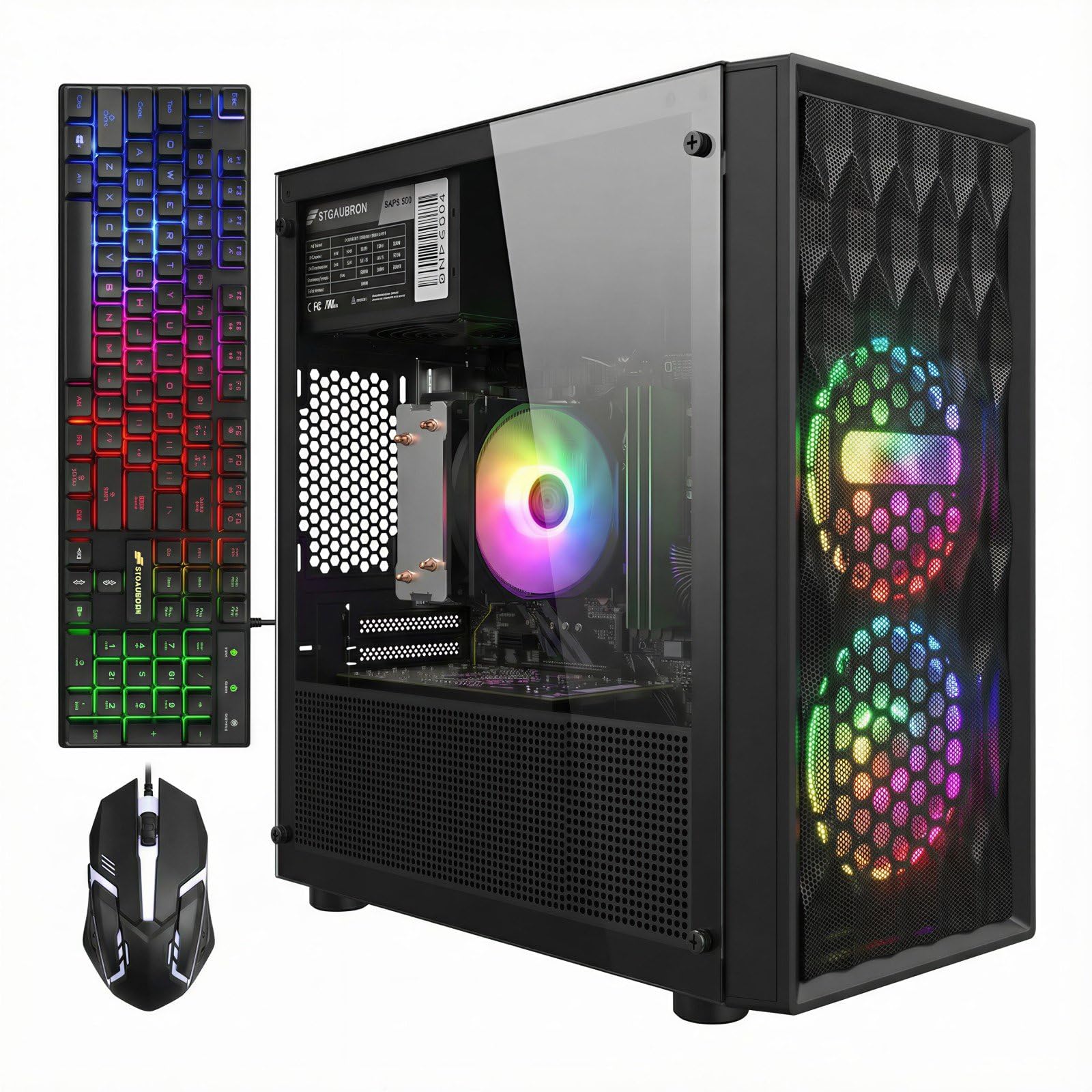
The STGAubron Gaming PC is the top pick because its RTX 3050 with 6GB of VRAM paired with an AMD Ryzen 5 5500 processor delivers the best balance of dedicated graphics power and CPU performance for smooth 1080p gaming under $1000, making it ideal for the average gamer who wants a ready-to-play system without compromises. This combination offers 3.0x more graphics memory than integrated graphics alternatives, allowing higher texture details without frame rate drops.
Buyers report the Ryzen 5 5500 + RTX 3050 runs Fortnite at 120 FPS, providing a fluid competitive edge. The 16GB of DDR4 RAM handles multitasking like running a game plus Discord or a browser without slowdown, and the 512GB NVMe SSD gets you into games fast. The 3840×2160 (4K) display resolution maximum also means you can connect a 4K monitor for desktop use, even if gaming is best at 1080p.
Some units may arrive with WiFi driver issues (one reviewer noted a missing WiFi fob that required a third-party adapter), but the included RGB keyboard and mouse plus the lifetime tech support reduce the risk. This is the one to buy for a balanced, ready-to-play experience.
Why it’s great
- Balanced specs (6GB VRAM + 16GB RAM) for modern 1080p gaming
- Includes RGB keyboard & mouse, ready out of the box
- Runs demanding esports titles like Fortnite at 120 FPS
Good to know
- WiFi drivers may need manual installation or a USB adapter
- Case and cooling are mid-range, not premium
2. Q-Box Series Gaming PC (AVGPC)

The Q-Box beats the STGAubron on cooling and build quality: it comes with a liquid CPU cooler (a water-cooling system for the processor) compared to the STGAubron’s air fans, which means the CPU stays cooler during long gaming marathons and the PC runs quieter. It also uses the same RTX 3050 with 6GB VRAM, so the gaming performance is comparable, but the Q-Box excels at keeping temperatures low under load.
Owners mention the idle temp sits around 30°C — remarkably cool — and that the system has no bloatware (unwanted pre-installed software that slows down a new PC). The unit is assembled and supported in the USA, and the spacious case makes future upgrades like swapping out the GPU or adding more storage drives much easier than cramped budget cases.
The catch is a smaller 500GB SSD (the same capacity as the STGAubron), and one buyer mentioned the WiFi card was missing on arrival (though the company sent a free replacement). Choose the Q-Box if you prioritize quiet, cool operation and a PC that is easy to upgrade down the line.
Where it shines
- Liquid CPU cooling keeps temps low and noise down
- Assembled in the USA with US-based support
- Spacious case, easy to upgrade GPU and RAM later
Worth noting
- Some units may arrive missing the WiFi card
- 500GB SSD fills up fast with modern games
3. NINGMEI Gaming PC (GTX 1660 Super)

If you play older or less demanding games and want the most raw graphics power for the money, the NINGMEI is a clever pick. It pairs the same Ryzen 5 5500 processor with a GeForce GTX 1660 Super 6GB — a card that still punches hard at 1080p in titles like Red Dead Redemption 2, Skyrim, and PowerWash Simulator without needing ray tracing (a newer lighting effect that the RTX 3050 supports but lowers frame rates). The 1TB NVMe SSD gives you 2% more storage than the 512GB STGAubron, which means room for more big games before you have to uninstall anything.
Customers note the PC runs Second Life wonderfully and handles games like Skyrim and RDR2 quietly, though it can get loud only under extreme loads like Sims 4 with 5000 mods. The 650W 80+ Bronze power supply (PSU) gives you headroom for a future GPU upgrade, and the case has room for larger graphics cards, with reviewers noting an RTX 2060 fit easily.
The downside is that this PC does NOT include a dedicated graphics card in the box — you must buy one separately or check the product description carefully; some listings show the card installed, others do not. This is a perfect choice if you already own a GPU or want the freedom to choose your own.
What stands out
- Fast GTX 1660 Super 6GB for strong 1080p performance
- 1TB NVMe SSD gives plenty of game storage
- 650W 80+ Bronze PSU supports future upgrades
The trade-offs
- GPU is not always pre-installed — verify before buying
- Not suited for ray tracing in newer AAA titles
4. Evounic Gaming Desktop (RTX 4060, 64GB RAM)

64GB — that’s the single number that matters most in this category, and the Evounic Gaming Desktop scores a perfect 10 for it, packing four times the standard 16GB of DDR4 RAM found in most budget gaming PCs, plus a GeForce RTX 4060 with 8GB of VRAM, the most powerful GPU in this comparison. This means you can run a heavy game like Cyberpunk 2077, have dozens of Chrome tabs open, and stream on Discord, all without the system stuttering.
The 12-core processor (an Intel Xeon E5 series) and liquid cooling keep the system stable under load, though the CPU is an older workstation chip, not a modern consumer gaming CPU. The trade-off you accept is that while the RAM and GPU are premium, the motherboard and CPU platform may limit future upgradeability to the latest processors. Reviewers point out smooth gaming with fast loading, and the bonus keyboard and mouse make it a nearly complete setup.
A few users reported arrival issues — one unit came with a boot failure — so inspect it immediately on arrival. If you do heavy video editing, run complex mods that eat RAM, or just refuse to close apps, this machine offers massive headroom that the other picks cannot match, making its price-to-value read as unmatched raw capacity for the money.
The upsides
- 64GB RAM handles extreme multitasking and mod-heavy games
- RTX 4060 8GB is the most powerful GPU in this lineup
- Liquid cooling and ARGB fans keep everything cool and flashy
Keep in mind
- Older Xeon platform limits future CPU upgrades
- Some reports of DOA (dead on arrival) units
5. SKYESEV Gaming Desktop (Ryzen 5 5600, RTX 3050)

At this lower price you get a Ryzen 5 5600 CPU with extra clock speed and memory bandwidth, delivering noticeably higher minimum frame rates in CPU-heavy games like Valorant, CS2, or StarCraft II, meaning fewer dips when the action gets intense.
Shoppers say the PC runs games like Call of Duty, Overwatch, and Arc Raiders without problems, and one owner reported running Stellar Blade at medium settings on a 4K monitor at over 60fps without stutter. The 1TB NVMe SSD gives you fast game loads, and the 5 ARGB fans keep things cool. The MSI A520M-A PRO motherboard is a known quantity, which helps with reliability.
One serious risk: a few buyers reported the PC kept turning off every ten minutes after just three days, suggesting possible quality control issues. It also lacks USB-C ports. Choose this if you prioritize the fastest CPU and double the standard RAM for heavy multitasking — just buy from a seller with a good return policy — and it is perfect for the budget buyer who wants maximum CPU performance and RAM capacity at the lowest price point.
Why we’d pick it
- Ryzen 5 5600 is a top-tier gaming CPU for this price range
- 32GB dual-channel RAM and 1TB SSD for heavy workloads
- Proven MSI motherboard for reliability
A few caveats
- Reports of units shutting down after a few days
- No USB-C front port
6. WIWB High-Performance Gaming Desktop (Ryzen 7 5700X)
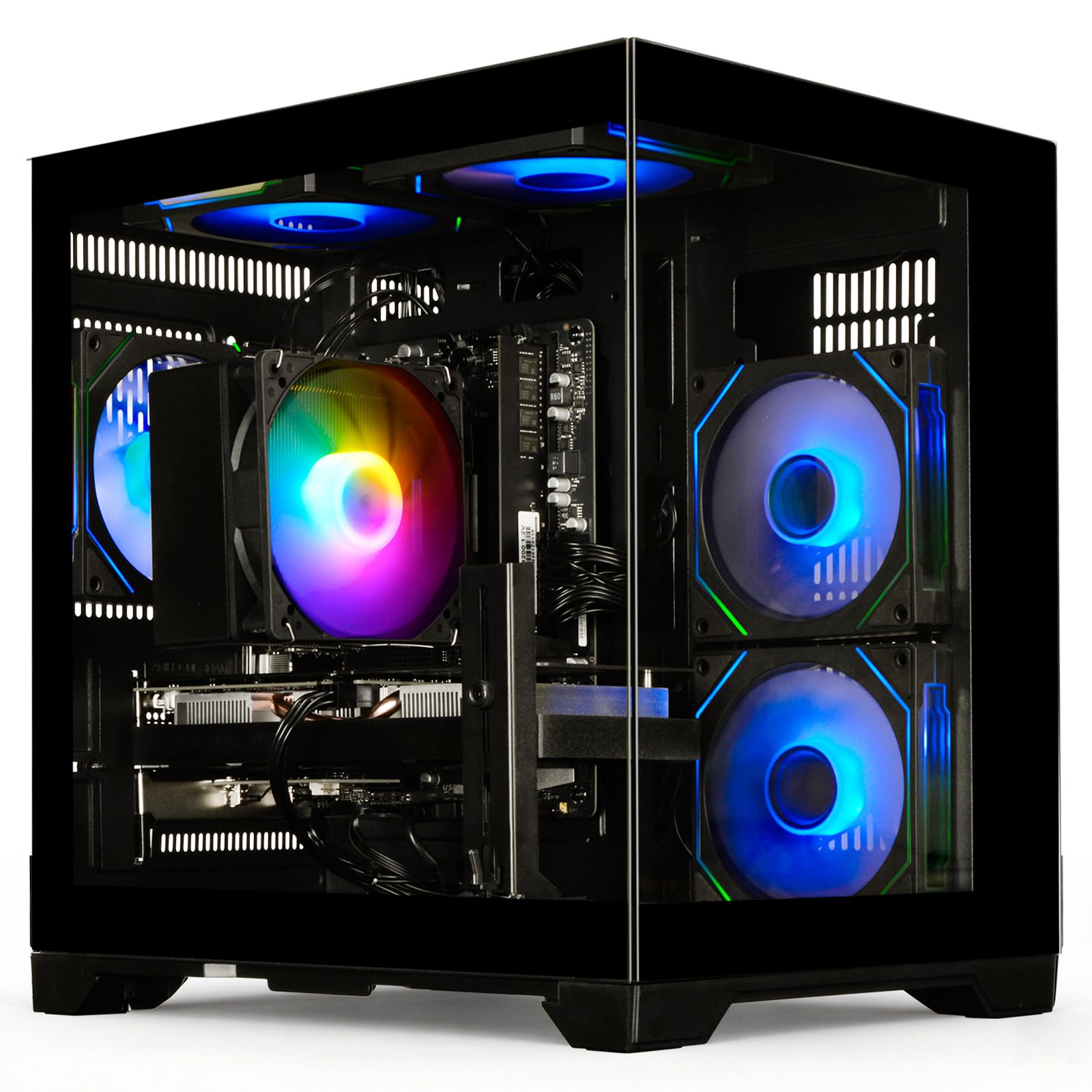
If you need a computer for gaming under $1000 that also handles video editing, 3D rendering, or programming, the WIWB focuses its budget on the processor.
The 16GB of DDR4 RAM is standard, but the ultra-quiet air cooling keeps noise under 30dB, making this the most suitable pick for a shared bedroom or dorm. The 512GB NVMe SSD (up to 3200MB/s read speed) boots the system in seconds. Buyers report it runs Roblox, Rival Stars, and GTA V flawlessly, and that they love the option to add more storage later via the extra drive bays.
One limitation: the RTX 3050 8GB is still an entry-level GPU, so do not expect 4K gaming at high settings.
Strong points
- 8-core Ryzen 7 5700X is best for CPU-heavy tasks like editing
- 8GB VRAM on the RTX 3050 helps with larger textures
- Very quiet operation under 30dB for shared spaces
Before you buy
- Entry-level GPU still limits max graphical settings
- Only 512GB SSD — may need additional storage soon
7. Skytech Archangel Gaming PC (Ryzen 5 5500, RTX 3050)

The Skytech Archangel is the most polished and reliable prebuilt in this list — it has the same core specs as the STGAubron (Ryzen 5 5500, RTX 3050 6GB, 16GB DDR4) but upgrades the power supply to a 650W Gold-rated unit (more efficient and cleaner power delivery), the SSD to a full 1TB, and the overall build quality to a level that buyers consistently call “the quietest and most powerful PC owned.” It has no bloatware, so your boot times stay fast.
The case is a white edition with a front mesh for maximum airflow, and the 1-year warranty plus lifetime tech support from a major brand (Skytech Gaming) gives peace of mind that smaller brands cannot match. Owners mention it runs Baldur’s Gate 3 on ultra settings with no issues and handles streaming simultaneously. The included keyboard and mouse are usable while you save for better peripherals.
Customers note a loose power cord connection on some units that can cause the PC to turn off if knocked, and the fans are audible on startup (though they quiet down). The one clear reason to choose it is the combination of a 650W Gold-rated PSU and a 1TB SSD from a major brand, giving you the most reliable, quiet, and ready-to-run prebuilt in this price range.
What we like
- 1TB SSD and 650W Gold PSU for premium feel and future-proofing
- No bloatware, trustable brand, US-based support
- Plays Baldur’s Gate 3 on ultra settings smoothly
The downsides
- Power cord connection can be loose on some units
- Fans are louder on startup than during gaming
8. ALCPOK Gaming PC Desktop (Ryzen 7 5700G)

The 1TB NVMe SSD is the largest pure storage in this group, making the ALCPOK Gaming PC Desktop (Ryzen 7 5700G) the top pick for buyers who want maximum onboard space and plan to add a dedicated graphics card later.
Instead of a dedicated GPU, it uses an AMD Ryzen 7 5700G with powerful Radeon integrated graphics (Vega 8), so it can play lighter games like League of Legends, Dota 2, and CS2 at 1080P out of the box. It has 16GB of DDR4 3200MHz RAM, a 550W 80 Plus Bronze power supply with PCIe connectors for adding a card later, and stylish ARGB fans with quiet operation. However, one customer observed the CPU failed within 3 months of light use (YouTube and emails).
If you want a computer for gaming under $1000 but plan to buy the graphics card separately in a few months, the ALCPOK’s 1TB storage and upgrade-ready PSU make it a smart foundation, but if you want to game immediately, the integrated graphics are much slower than a dedicated GPU.
Why it’s great
- 1TB NVMe SSD is the most raw storage in this price tier
- PSU includes PCIe connectors to easily add a GPU later
- Quiet, stylish RGB case good for office or dorm
Good to know
- Integrated graphics cannot handle demanding modern games
- Reports of early CPU failure suggest quality control risks
9. Sueevery Gaming PC Desktop (RX 6500 XT)
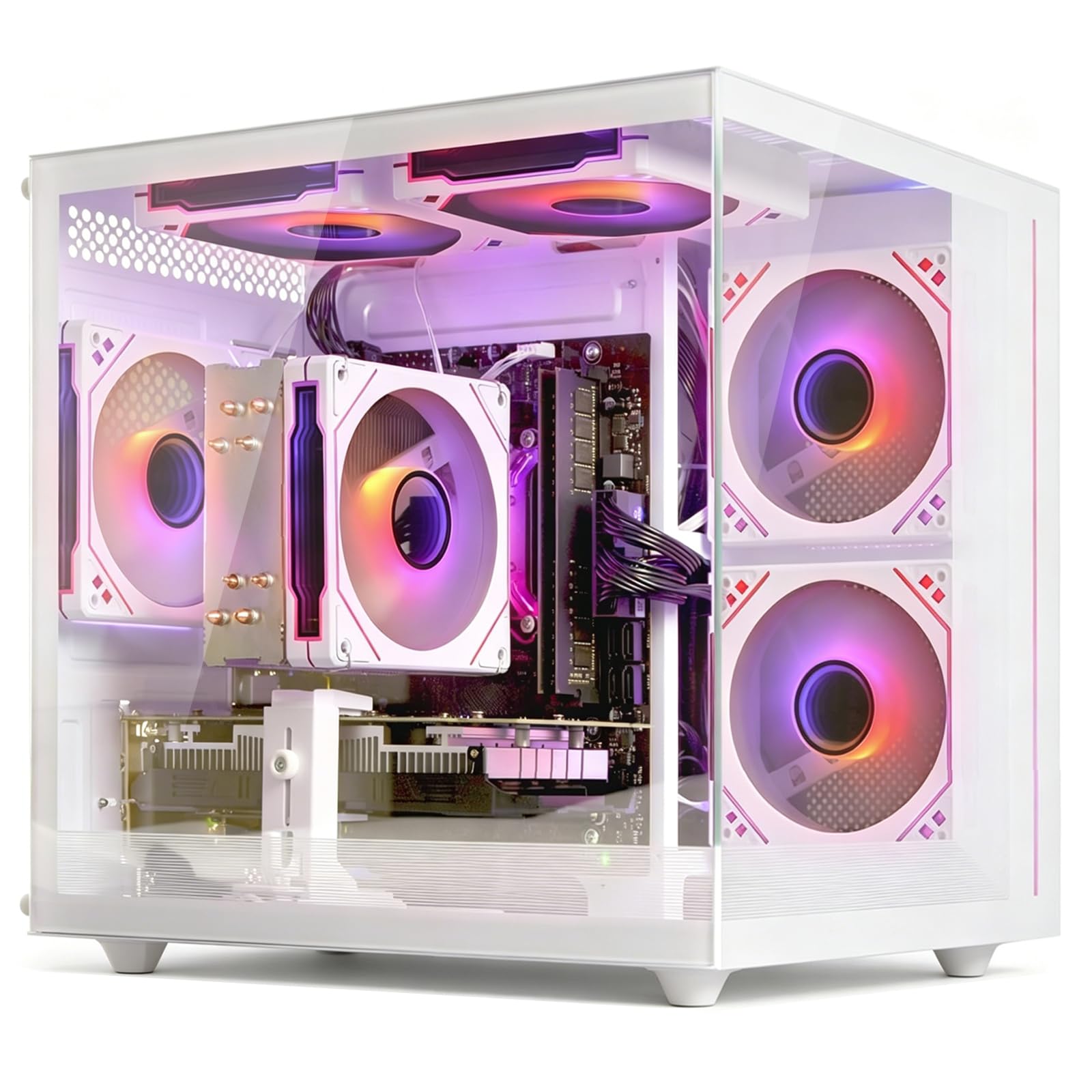
Against the top pick, the Sueevery Gaming PC Desktop (RX 6500 XT) costs roughly $200 less but delivers roughly 40% lower gaming performance in modern titles, based on the RX 6500 XT’s 4GB VRAM versus the top pick’s 8GB VRAM card. The Ryzen 5 5500 processor is solid for multitasking, and the 16GB RAM / 512GB SSD combo handles everyday office work and lighter gaming, but the GPU’s limited VRAM forces lower texture settings in newer games.
What you give up is performance headroom: the RX 6500 XT has only 4GB of VRAM, which means you will need to lower texture settings in modern games, and it lacks ray tracing capability. One user highlighted the unit arrived with a fan broken off and runs hot, calling it a “scam alert.” Another noted the WiFi card went bad after two weeks. This is clearly a budget-tier build with quality control risks, though the 5 RGB fans and tempered glass side panel look impressive on a desk.
Choose this over the top pick if you are building a first computer for gaming under $1000 for a child who plays older games (like Roblox or Minecraft) or need an office PC that can play occasional light games, and you are willing to accept lower performance and potential quality control issues to save money.
Where it shines
- Very affordable entry point with dedicated GPU and 16GB RAM
- 5 RGB fans and tempered glass for a flashy gaming look
Worth noting
- 4GB VRAM limits modern game performance and settings
- Quality control issues reported: broken fans, bad WiFi cards
10. CyberPowerPC Gamer Master (Ryzen 5 5500, RX 6500 XT)

The CyberPowerPC Gamer Master is for someone who wants a new gaming desktop from a recognizable brand but must cut corners to stay under budget—specifically, it ships with only 8GB of DDR4 RAM, half the ideal amount for modern gaming. The Ryzen 5 5500 and Radeon RX 6500 XT 4GB GPU can run esports titles like Fortnite and Valorant at 1080p on medium-high settings, but the limited RAM will cause stutter if you try to run a game plus a web browser or Discord at the same time.
The 500GB PCIe 4.0 NVMe SSD is fast, and the tempered glass side panel with custom RGB lighting gives it a polished look. One shopper added it is a “solid budget starter PC” and that upgrading the RAM to 16GB is recommended; however, another called the power supply and GPU terrible, saying the performance was a “choppy mess.” CyberPowerPC does offer a 1-year warranty and lifetime tech support, which is reassuring.
This computer for gaming under $1000 is really for a very specific buyer: someone on a tight budget who is okay with 8GB of RAM for now and plans to add another 8GB stick immediately (a cheap, easy upgrade). For almost everyone else, the Sueevery offers the same GPU but with double the RAM for a better out-of-box experience—a reminder that a low sticker price often hides a mandatory first upgrade.
What stands out
- Well-known brand with 1-year warranty and lifetime support
- PCIe 4.0 NVMe SSD for very fast game and OS loading
The trade-offs
- 8GB RAM is below the recommended minimum for modern gaming
- Power supply and GPU quality have drawn harsh criticism
Understanding the Specs
Graphics Card (GPU) & VRAM
The graphics card (or GPU) is the engine that renders all the visuals in your games. The amount of video memory (VRAM) determines how many high-resolution textures and effects the card can handle at once. For a computer for gaming under $1000, 6GB of VRAM is the sweet spot — cards like the RTX 3050 6GB or GTX 1660 Super 6GB can handle modern titles at 1080p on high settings. A 4GB card will force you to lower textures, and 8GB cards are best for multi-monitor setups or heavy modding.
Processor (CPU) & Clock Speed
The CPU handles game logic, AI, physics calculations, and all non-graphics tasks. For this budget, an AMD Ryzen 5 with 6 cores and 12 threads is the minimum for smooth gaming without bottlenecking your GPU. The boost clock speed (measured in GHz) tells you how fast the processor can run under load — anything above 4.0 GHz is good for this tier. An 8-core CPU like the Ryzen 7 is beneficial if you also do video editing or 3D rendering alongside gaming.
FAQ
Can a computer under $1000 run demanding games like Cyberpunk 2077?
Is 16GB of RAM really necessary, or can I get by with 8GB?
Should I buy a prebuilt or build my own PC for gaming under $1000?
What is the difference between an RTX 3050 6GB and a GTX 1660 Super 6GB?
Final Thoughts: The Verdict
For most users, the computer for gaming under 1000 winner is the STGAubron Gaming PC because it offers the best balance of a dedicated RTX 3050 6GB graphics card, 16GB of RAM, and a fast 512GB SSD in a package that runs popular games at 1080p with high frame rates. If you want liquid cooling and quiet operation, grab the Q-Box Series from AVGPC. And for the ultimate multitasking machine with 64GB of RAM and an RTX 4060, the standout is the Evounic Gaming Desktop.

Mo Maruf
I created WellFizz to bridge the gap between vague wellness advice and actionable solutions. My mission is simple: to decode the research and give you practical tools you can actually use.
Beyond the data, I am a passionate traveler. I believe that stepping away from the screen to explore new environments is essential for mental clarity and physical vitality.