Getting smooth frame rates and fast loading screens means choosing the right core parts — CPU, GPU, motherboard, storage, and power supply — so one weak link does not slow down your whole system. This guide covers nine carefully selected components across every category, from budget motherboards to top-tier graphics cards, so you know where to spend for the biggest gaming performance gains.
I’m Mohammad Maruf — the co-founder and writer behind WellFizz. This guide is built by comparing the manufacturers’ published specifications and the patterns across verified customer reviews, so you get each pick’s real strengths and trade-offs instead of marketing spin.
The right computer parts for gaming balance raw power with real-world usability, giving you smoother gameplay and fewer headaches during assembly.
How To Choose The Best Computer Parts For Gaming
Choosing gaming components is about balance — a fast CPU paired with a slow SSD still means long loading screens, and a high-end GPU with a weak power supply can crash mid-game. Start with the biggest bottleneck in your current setup or build budget, then match everything around it.
Match Your CPU and GPU Tiers
The processor (CPU) and graphics card (GPU) do the heavy lifting. A mid-range card like the GIGABYTE RX 9060 XT (with its 16GB of GDDR6 video memory) pairs well with a gaming-focused CPU such as the AMD Ryzen 7 7800X3D, which uses extra 3D V-Cache memory (96MB total L3, a large pool of ultra-fast memory stacked on the chip itself) to reduce frame drops. Pairing a budget CPU with a premium RTX 5080 wastes the GPU’s potential — you get fewer frames than the card can actually push.
Choose the Right Motherboard Socket
The motherboard determines which CPUs and how much memory you can use. AM4 boards (like the GIGABYTE B550M K) support older DDR4 memory and Ryzen 5000-series CPUs, making them budget-friendly. AM5 boards (like the ASUS ROG Strix X870-A) support the newest Ryzen 9000-series processors and DDR5 memory, but cost more. Pick the platform that fits your CPU — both work for gaming, but AM5 offers a clearer upgrade path.
Don’t Skimp on Storage Speed and PSU Quality
An NVMe SSD with PCIe 4.0 speeds (around 7,000 MB/s read) cuts game load times from minutes to seconds compared to older SATA drives. The power supply (PSU) must deliver clean, stable power — an 80 Plus Gold rated unit (like the be quiet! Pure Power 13 M 1000W) with ATX 3.1 support (a standard that handles sudden power spikes from modern GPUs) keeps your system stable without crashes.
Quick Comparison
On smaller screens, swipe sideways to see the full table.
| Model | Category | Best For | Key Spec | Amazon |
|---|---|---|---|---|
| AMD Ryzen 7 9800X3D | CPU | Ultimate gaming performance | 8 cores, 5.2GHz boost, 96MB L3 cache | Amazon |
| ASUS TUF RTX 5080 | GPU | 4K gaming & future-proofing | 16GB GDDR7, 2730 MHz boost clock | Amazon |
| AMD Ryzen 7 7800X3D | CPU | High-value gaming CPU | 8 cores, 4.2GHz boost, 96MB L3 cache | Amazon |
| GIGABYTE RX 9060 XT | GPU | 1440p gaming & strong value | 16GB GDDR6, 2700 MHz boost clock | Amazon |
| ASUS ROG Strix X870-A | Motherboard | AM5 platform with Wi-Fi 7 | 16+2+2 power stages, DDR5, PCIe 5.0 | Amazon |
| WD_BLACK SN7100 2TB | SSD | High-capacity fast storage | 2TB, 7250 MB/s read, PCIe 4.0 | Amazon |
| SIX NVME M.2 SSD 1TB | SSD | Budget NVMe upgrade | 1TB, 7350 MB/s read, with heatsink | Amazon |
| be quiet! Pure Power 13 M | PSU | Quiet, reliable power delivery | 1000W, 80+ Gold, ATX 3.1, modular | Amazon |
| GIGABYTE B550M K | Motherboard | Budget AM4 gaming build | AM4, DDR4, PCIe 4.0, Micro-ATX | Amazon |
In‑Depth Reviews
1. AMD Ryzen 7 9800X3D

The 96MB of L3 cache makes the AMD Ryzen 7 9800X3D the fastest gaming processor you can buy right now, slashing frame-time stutters in demanding games — paired with its Zen 5 architecture and a 5.2 GHz boost clock, it delivers the highest frame rates in the market. This CPU is for anyone building a no-compromise gaming rig who wants every last frame, especially at 1080p or 1440p high-refresh-rate gaming.
This chip uses 8 cores and 16 threads on the proven AM5 socket. Its 3D V-Cache technology keeps commonly accessed game data physically closer to the cores, so you see consistent frame times (no sudden hiccups) in CPU-heavy titles like simulation and strategy games. Reviewers consistently report “outstanding gaming performance with excellent efficiency” and note it runs cool with a decent cooler — most owners use it paired with a high-end GPU like the RTX 4090 with no bottlenecks.
The catch: it is a premium investment, and you need a separate cooler (it comes without one in the box). It also blows past the previous-gen 7800X3D by about 16% in raw IPC (instructions per clock, meaning how much work each cycle gets done), making it the definitive pick for the enthusiast who wants the absolute top tier right now.
Why it’s great
- World’s fastest gaming CPU according to benchmarks
- 96MB L3 3D V-Cache for stutter-free frame pacing
- Drop-in compatible with existing AM5 motherboards
Good to know
- Cooler not included in the box
- Requires a premium cooler for sustained loads
- Overkill for budget or mid-range GPUs
2. ASUS TUF Gaming GeForce RTX 5080

The ASUS TUF Gaming GeForce RTX 5080 beats the top-pick GIGABYTE RX 9060 XT on raw 4K performance thanks to NVIDIA’s Blackwell architecture and DLSS 4 (a form of AI-powered upscaling that boosts frame rates without sacrificing visual quality), but it costs notably more and requires a more powerful PSU. If you are gaming at 4K or on a high-refresh-rate 1440p monitor and want ray tracing at its best, this is the card to beat.
Its 16GB of GDDR7 memory (the latest, fastest video memory standard) and a 2730 MHz boost clock let you run Cyberpunk 2077 at 4K Ultra settings with ray tracing enabled — reviewers who upgraded from an RTX 3060 report “massive 4K Ultra performance” with quiet cooling thanks to the massive 3.6-slot triple-fan design. Temperatures stay around 25°C at idle and under 60°C during gaming, according to buyers.
The downside is the size: it is 13.7 inches long and takes up 3.6 expansion slots, so you need a full-tower case. And multiple buyers warn not to buy at inflated market prices — at its recommended price, it is a solid long-term investment for 4K gaming. Choose the ASUS TUF RTX 5080 over the top pick if you prioritize maximum 4K ray-traced performance and can accommodate its large chassis and higher PSU demands.
Where it shines
- Flawless 4K Ultra gaming with ray tracing
- Silent, cool operation under heavy loads
- PCIe 5.0 and DLSS 4 for next-gen games
Worth noting
- Very large — 3.6 slots, 13.7 inches long
- Requires a high-wattage PSU (750W+)
- Market prices often exceed MSRP significantly
3. AMD Ryzen 7 7800X3D

If you want top-tier gaming performance without paying a premium for the latest generation, the AMD Ryzen 7 7800X3D delivers exceptional frame rates thanks to its 96MB of 3D V-Cache — the same cache technology the 9800X3D uses — but at a lower clock speed of 4.2 GHz. This processor is for the gamer who values consistent high FPS over raw multi-core productivity.
Buyers report it runs surprisingly cool and power-efficient, pulling only around 75 watts during gaming and staying at 65-70°C even with an older cooler. One buyer who upgraded from an Intel i7-4770k reported over 100% more FPS in CS2 at 1440p. The 8 cores and 16 threads handle streaming and Discord without any hitches, making it a balanced pick for a pure gaming rig.
A standout point: its 104MB total cache (8MB L2 + 96MB L3) gives it a decisive advantage in simulation and open-world games over non-3D V-Cache CPUs at a similar price. It is the sweet spot for gaming value.
What stands out
- Best price-to-performance gaming CPU available
- Runs cool and efficient even with a budget cooler
- Massive 96MB 3D V-Cache reduces frame drops
The trade-offs
- Lower boost clock than non-3D chips for productivity
- Less future-proof than the 9800X3D for new games
4. GIGABYTE Radeon RX 9060 XT

The single number that matters most for a graphics card at 1440p is VRAM, and the GIGABYTE RX 9060 XT scores a full 16GB of GDDR6 — enough to crank texture quality to Ultra in modern titles without choking. It is designed for the gamer who wants smooth 1440p Ultra performance with occasional 4K capability.
The trade-off you accept is ray tracing performance: while RDNA 4 architecture improves it over previous AMD cards, it still trails NVIDIA’s RTX 5080 in ray-traced titles. However, with support for FSR 4 (AMD’s upscaling technology), you can boost frame rates significantly in supported games. The WINDFORCE triple-fan cooler keeps noise low, and one reviewer calls it “a beast for 1440p” after playing Cyberpunk 2077 and Hogwarts Legacy at max settings.
At its price tier, the 16GB VRAM and PCIe 5.0 support make it a strong value play for anyone who wants high frame rates at 1440p without jumping to the premium tier.
The upsides
- 16GB VRAM for high-resolution textures
- Excellent cooling and quiet operation
- PCIe 5.0 and FSR 4 support for future games
Keep in mind
- Ray tracing not as strong as NVIDIA equivalents
- Large size requires a spacious case
- Zero-RPM mode may cause fan motor stress over time
5. ASUS ROG Strix X870-A Gaming WiFi

At this lower price, you get a 16+2+2 power stage design (16 phases for CPU cores, 2 for SoC, 2 for memory controller) rated at 90 amps per stage — a significant power delivery advantage over the GIGABYTE B550M K’s 3+3 phase setup. This motherboard delivers premium features like DDR5, PCIe 5.0, and WiFi 7 for an AM5 build with Ryzen 9000 series CPUs.
Reviewers highlight its clean white aesthetic and sturdy build quality. One buyer running an AMD 7950X3D reports stable performance after a BIOS flash and driver update. The board features 4 M.2 slots (one Gen5), USB4 support, Q-Release Slim for easy GPU removal, and a user-friendly BIOS. The included WiFi 7 antenna impressed one Linux user who said everything worked out-of-the-box with Ubuntu.
The combination of DDR5 support, PCIe 5.0 for future GPUs, and AI Overclocking (which automatically tunes your CPU) makes this board a long-term investment for anyone building a high-end AM5 gaming PC today — the exact budget buyer it is perfect for.
Why we’d pick it
- Robust 16+2+2 power delivery for overclocking
- WiFi 7, USB4, and PCIe 5.0 ready
- User-friendly UEFI and Q-Release Slim slot
A few caveats
- Filling all M.2 slots disables bottom PCIe slot
- Sharp solder points on the bottom edge reported
- Two RAM slots may not work depending on CPU
6. WD_BLACK SN7100 2TB NVMe SSD
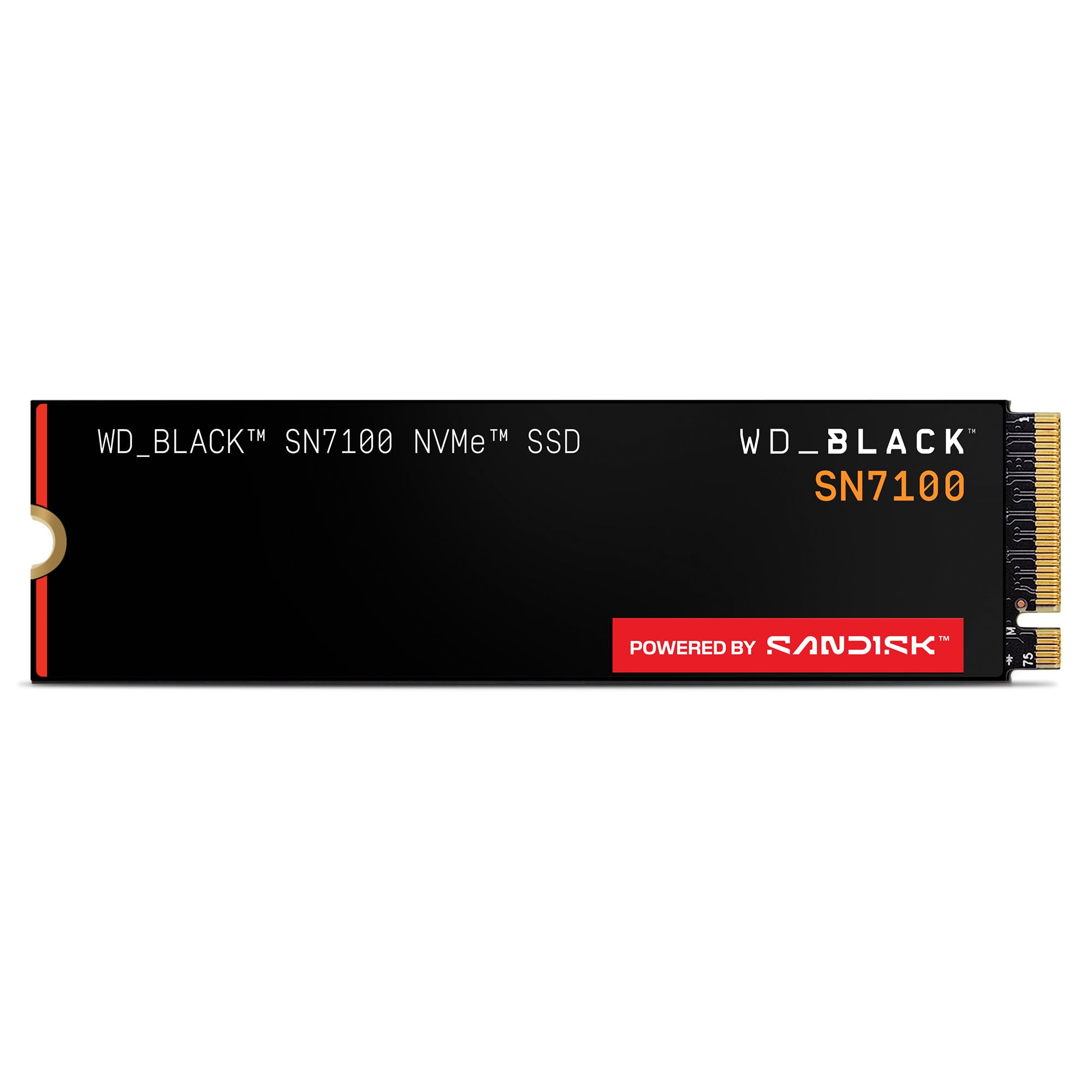
This 2TB NVMe SSD is the storage solution for gamers who need to install multiple large modern titles (which can take 100GB+ each) without constantly deleting old ones. With read speeds up to 7,250 MB/s and write speeds up to 6,900 MB/s (both measured across the PCIe Gen4 interface), it loads games in seconds and handles file transfers without stuttering.
Reviewers who use it for heavy workloads report consistent performance over two years of 24/7 operation with no failures. It is purpose-built for laptops and handheld gaming devices too, with up to 100% better power efficiency (meaning longer battery life on a gaming laptop) than the previous generation, according to the brand. The downloadable WD_BLACK Dashboard (Windows only) lets you monitor drive health and performance.
An honest limit: without a heatsink, the drive can throttle to 4,500 MB/s when it hits 59°C under sustained load — so if your motherboard lacks a built-in M.2 heatsink, consider adding one to maintain peak speeds.
Strong points
- Excellent 2TB capacity for game libraries
- Fast 7250 MB/s read speeds for quick loads
- Efficient enough for laptops and handhelds
Before you buy
- Throttles without a heatsink under heavy load
- Dashboard software is Windows-only
- 4TB version may not be fully recognized by software
7. SIX NVME M.2 SSD PCIe 4.0 1TB
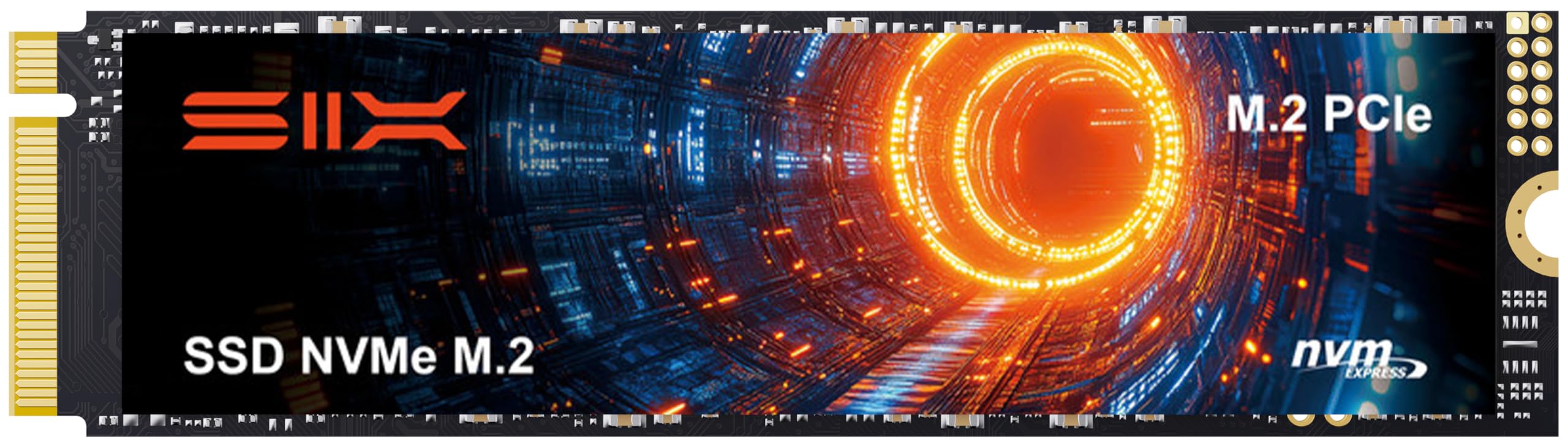
At a lower price point than the WD_BLACK SN7100, the SIX NVME M.2 SSD delivers comparable read speeds of up to 7,350 MB/s (actually 100 MB/s faster than the WD_BLACK) and includes a heatsink, screwdriver, and screws in the box — saving you the hassle and cost of buying those separately. This drive is for budget-conscious gamers upgrading from an older SATA SSD or HDD.
It works as a PS5 storage expansion too — reviewers report easy installation and fast load times matching the console’s internal drive. The 1TB capacity is enough for 10-15 modern games, and the included low-profile heatsink keeps temperatures stable during long gaming sessions. One reviewer noted the secure packaging and extra cleaning cloths included.
The one clear reason to choose it: for a pure gaming build where you just need fast load times and decent capacity, this drive delivers the same real-world experience as premium SSDs at a significantly lower cost.
What we like
- Blazing 7350 MB/s read speeds at a budget price
- Includes heatsink and all installation tools
- Works as PS5 storage expansion out of the box
The downsides
- 1TB fills up fast with large modern games
- Less established brand with shorter track record
8. be quiet! Pure Power 13 M 1000W
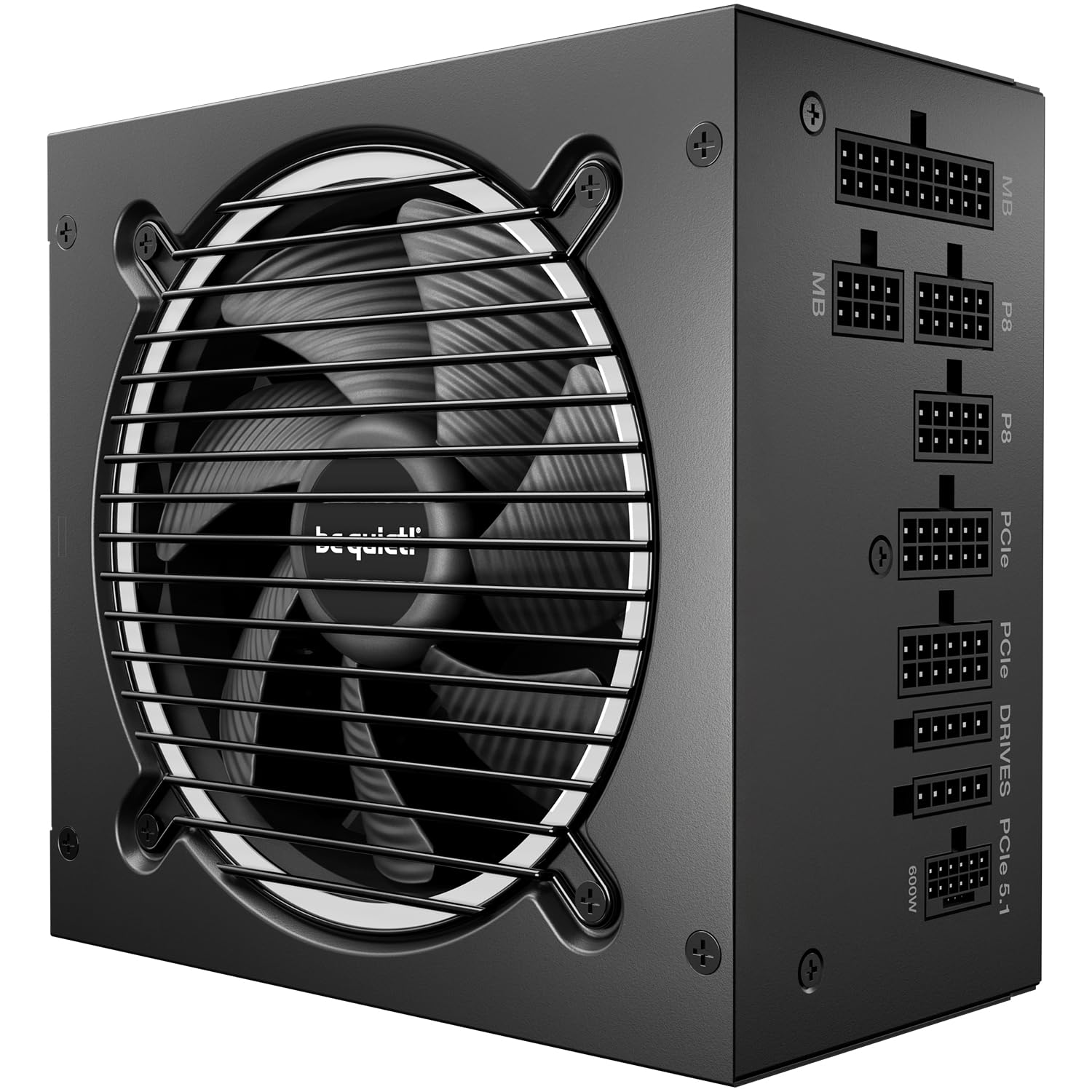
80+ Gold efficiency (up to 94.4% at typical loads) with ATX 3.1 support and a native 12V-2×6 connector for PCIe 5.1 graphics cards like the RTX 5080 makes this the pick for the builder who wants stable, silent power without worrying about cable clutter.
Reviewers consistently call it whisper-quiet thanks to the semi-passive 120mm SilentWings 3 fan — it stays off entirely under low load. The fully modular design means you only connect the cables you need, keeping airflow clean inside the case. It handles power excursions up to double its rated 1000W output, so transient spikes from modern GPUs won’t cause shutdowns. One buyer with five years of experience with the brand called it “one of the best PSUs in its range.”
This PSU is a natural partner for the high-end components in this guide — the combination of 80+ Gold efficiency, ATX 3.1 compliance, and near-silent operation makes it the safest foundation for a premium gaming PC.
Why it’s great
- Near-silent operation with semi-passive fan
- ATX 3.1 and PCIe 5.1 ready for next-gen GPUs
- Fully modular for clean cable management
Good to know
- 1000W is overkill for mid-range builds
- 5-year warranty is shorter than some competitors
9. GIGABYTE B550M K AMD AM4 Motherboard

Compared to the top pick’s AM5 platform with DDR5 support, the GIGABYTE B550M K uses the older AM4 socket and DDR4 memory, which keeps total build costs lower but limits CPU upgrade path to Ryzen 5000/4000/3000 series processors. It supports PCIe 4.0 for fast NVMe SSDs, matching the top pick’s storage speed capability, though the top pick offers PCIe 5.0 on its primary slot.
It features two M.2 slots, four USB 3.2 Gen 1 ports, and four DIMM slots for up to 128GB of DDR4 RAM. One reviewer who upgraded from an A320HM board to the B550M K with a Ryzen 5 reported an “immediate performance boost” and praised the build quality. The Micro-ATX form factor fits easily into smaller cases without sacrificing expandability.
What you give up compared to the top pick: the 3+3 power phase design cannot push extreme overclocks, there is no M.2 heatsink included, and one buyer mentioned the clip for securing the SSD can snap if you are not careful. Choose this over the top pick if you want a reliable, affordable foundation for a Ryzen 5 or Ryzen 7 gaming build and prefer to save money on DDR4 memory rather than invest in the newer AM5 platform.
Where it shines
- Affordable entry point for AM4 gaming builds
- PCIe 4.0 support for fast SSDs and GPUs
- Compact Micro-ATX size fits small cases
Worth noting
- No M.2 heatsink included
- 3+3 power phases limit overclocking potential
- Some users report fragile M.2 SSD clip
Understanding the Specs
3D V-Cache (CPU Cache Memory)
3D V-Cache is extra high-speed memory stacked vertically on top of the processor’s existing cache (the L3 cache). For gaming, this matters because game data that the CPU needs frequently can be stored closer to the cores, dramatically reducing the time it takes to fetch it. The AMD Ryzen 7 7800X3D and 9800X3D both feature 96MB of this cache, which is why they outperform non-3D chips in gaming — you see fewer frame drops and smoother minimum frame rates even in CPU-heavy open-world games.
PCIe Generations (4.0 vs 5.0)
PCIe (Peripheral Component Interconnect Express) is the connection between your CPU, GPU, and storage. Each new generation doubles the bandwidth available. PCIe 4.0 offers around 16 GT/s (gigatransfers per second) per lane, enough for current-gen GPUs and SSDs like the WD_BLACK SN7100. PCIe 5.0 doubles that to 32 GT/s, supporting future graphics cards (like the RTX 5080) and NVMe drives. Your motherboard and CPU both need to support the same generation — a PCIe 5.0 GPU works in a PCIe 4.0 slot but is limited to 4.0 speeds.
ATX 3.0 / 3.1 PSU Standard
ATX 3.0 and its update ATX 3.1 are the latest power supply standards designed to handle the sudden, massive power spikes (up to double the rated wattage for brief moments) that modern graphics cards draw. The be quiet! Pure Power 13 M 1000W supports ATX 3.1 and includes the native 12V-2×6 connector required by the latest NVIDIA GPUs. An older ATX 2.x power supply may still work with adapters, but it is less reliable with peak power demands from high-end cards.
NVMe Read/Write Speeds (MB/s)
NVMe (Non-Volatile Memory Express) SSDs connect directly to the PCIe bus for much faster data transfer than older SATA SSDs. Read speed (how fast the drive pulls data from storage) matters most for game loading times — each thousand MB/s roughly corresponds to seconds shaved off level loads. The SIX NVME M.2 SSD at 7,350 MB/s read loads a 100GB game in about 14 seconds at full speed, while an older SATA SSD (around 550 MB/s) takes over 3 minutes. Write speed matters for installing games and copying files.
FAQ
Should I buy an AM4 or AM5 motherboard for a gaming PC right now?
How much power supply wattage do I really need for a mid-range gaming build?
Is a PCIe 4.0 NVMe SSD worth it over a PCIe 3.0 drive for gaming?
Can I use an AMD CPU with an NVIDIA GPU in the same build?
How much VRAM do I need for 1440p gaming in 2025?
Final Thoughts: The Verdict
For the majority of shoppers, the computer parts for gaming winner is the AMD Ryzen 7 7800X3D because it delivers exceptional gaming frame rates with the 3D V-Cache technology at a price that leaves budget for other components. If you want uncompromised 4K performance, grab the ASUS TUF RTX 5080 for its GDDR7 memory and DLSS 4 features. And for a balanced value-focused build, the standout is the AMD Ryzen 7 7800X3D paired with the GIGABYTE RX 9060 XT — a combo that handles 1440p Ultra settings with ease.

Mo Maruf
I created WellFizz to bridge the gap between vague wellness advice and actionable solutions. My mission is simple: to decode the research and give you practical tools you can actually use.
Beyond the data, I am a passionate traveler. I believe that stepping away from the screen to explore new environments is essential for mental clarity and physical vitality.