You are ready to buy a 32-inch monitor, but the perfect one does not exist. A fast 180Hz refresh rate makes shooters smooth, but a 4K (3840×2160) screen gives you sharper text for work, and an accurate IPS panel delivers true colors for editing. You have to choose the catch that fits your day. This guide compares each model’s published specs and patterns from verified buyer reviews, so you know exactly where each monitor wins and loses before you buy.
I’m Mohammad Maruf — the co-founder and writer behind WellFizz. This guide is built by comparing the manufacturers’ published specifications and the patterns across verified customer reviews, so you get each pick’s real strengths and trade-offs instead of marketing spin.
To help you match the right specs to your actual workload and budget, this roundup of the best 32 inch computer monitor options covers gaming panels, color-accurate screens for creative projects, and reliable office workhorses.
How To Choose The Best 32 Inch Computer Monitor
The biggest decision you face is resolution versus refresh rate. A 4K (3840×2160) monitor gives you razor-sharp text and incredible detail for video editing or spreadsheets, but you need a powerful graphics card to drive games at that resolution. A QHD (2560×1440) monitor hits a sweet spot — it is about 77% sharper than 1080p without demanding as much GPU power, making it ideal for both gaming and general use. After that, look at the panel type (IPS for color accuracy, VA for deep contrast, Fast IPS for speed) and whether the stand lets you adjust height and tilt for comfortable viewing.
Resolution: QHD vs 4K on a 32-inch screen
At 32 inches, a QHD (2560×1440) screen has a pixel density of about 92 pixels per inch (PPI, which measures how sharp the image looks). That is the same sharpness as a 24-inch 1080p monitor, so text and images look fine but you are not getting a major upgrade in clarity. A 4K (3840×2160) screen on the same size jumps to about 138 PPI, making text look as crisp as a printed page and giving you massive desktop space for multitasking. If you do detailed photo editing or just want the sharpest image possible, go 4K. If you game and want high frame rates without a top-tier graphics card, QHD is the smarter choice.
Refresh rate and response time: the gaming gating factor
Refresh rate (measured in Hertz or Hz) tells you how many times per second the screen updates the image. A standard office monitor runs at 60Hz, which is perfectly fine for documents and web browsing. A 120Hz or 144Hz monitor feels noticeably smoother when you move your mouse or scroll, and a 180Hz or 210Hz panel eliminates motion blur in fast-paced shooters and racing games. Response time (measured in milliseconds or ms) is how fast a pixel changes color — 1ms or lower prevents ghosting (a faint trail behind moving objects). For casual use, 60Hz is fine. For competitive gaming, aim for at least 144Hz and 1ms.
Panel type: IPS, VA, or Fast IPS
The panel type determines how the image looks from different angles and how accurate the colors are. IPS (In-Plane Switching) panels offer wide 178-degree viewing angles and strong color accuracy, making them the favorite for photo editing and office work. VA (Vertical Alignment) panels deliver much higher contrast ratios (often 3000:1 or more), meaning deeper blacks and better shadow detail in dark scenes — great for movies and immersive single-player games. Fast IPS is a newer variant that combines the color accuracy of IPS with a 1ms response time, giving you the best of both worlds for competitive gaming. The downside: VA panels can show black smearing (a dark trail behind fast-moving objects), while standard IPS panels have lower contrast.
Quick Comparison
On smaller screens, swipe sideways to see the full table.
| Model | Category | Best For | Key Spec | Amazon |
|---|---|---|---|---|
| Samsung Odyssey G50D | Premium | Competitive gaming with adjustable stand | 180Hz / 1ms / QHD Fast IPS | Amazon |
| ASUS ROG Strix XG32UCG | Enthusiast | 4K gaming with dual-mode (160Hz / 320Hz) | 4K 160Hz / FHD 320Hz / 0.3ms | Amazon |
| LG UltraGear 32GS60QC-B | Best Value | Curved immersive gaming on a budget | 180Hz / 1ms / 1000R curve | Amazon |
| AOC CQ32G4VE | Top Performer | High contrast curved gaming | 180Hz / 0.5ms / 1500R curve | Amazon |
| Sceptre E325B-QW200D | Fastest Refresh | Ultra-smooth competitive play | 210Hz / 1ms / QHD VA | Amazon |
| Gawfolk 32-inch 4K 144Hz | 4K Gaming | Budget-friendly 4K high-refresh gaming | 144Hz / 1ms / 4K VA | Amazon |
| KTC 32 Inch 2K 120Hz | Budget Champion | White-themed office and casual gaming | 120Hz / IPS / QHD | Amazon |
| ZZA 32 Inch 4K 60Hz | Best Display | Ultra-sharp 4K productivity and media | 60Hz / 4K / 4000:1 contrast | Amazon |
| ViewSonic VS3225-2K | Budget Friendly | Home and office productivity | 75Hz / IPS / QHD | Amazon |
In‑Depth Reviews
1. Samsung Odyssey G50D Series (LS32DG502ENXZA)

The Samsung Odyssey G50D earns the top spot because it is the only 32-inch monitor here that combines a 180Hz refresh rate with a 1ms response time (GtG, or Gray-to-Gray, which measures how fast a pixel switches between gray shades) on a QHD (2560×1440) Fast IPS panel, plus a fully adjustable stand — a rare perk at this price. That means you get ultra-smooth motion in Valorant or Call of Duty, wide 178-degree viewing angles so colors stay accurate when you lean to the side, and the ability to raise or tilt the screen to save your neck during long sessions.
VESA DisplayHDR 400 certification (a standard rating for brightness and contrast in high-dynamic-range content) delivers deeper blacks and brighter whites, helping you spot enemies hiding in dark corners. Buyers consistently praise the stand that swivels, tilts, and changes height. G-Sync compatibility and AMD FreeSync eliminate screen tearing and stuttering, so fast-paced action looks seamless. However, factory color calibration is poor out of the box — buyers report that turning off Adaptive Sync washes out colors noticeably, requiring about two hours of manual adjustment. Despite that, it outperforms much pricier screens on raw speed and build quality. This monitor is for the serious gamer who also wants a usable daily driver; skip it if you want accurate colors straight out of the box and prefer not to spend time calibrating.
Why it’s great
- 180Hz refresh rate with 1ms response time delivers butter-smooth gaming
- Fully adjustable stand (height, swivel, tilt) for comfortable ergonomics
- G-Sync and FreeSync compatibility eliminates screen tearing
- VESA DisplayHDR 400 provides deeper blacks and brighter highlights
Good to know
- Factory color calibration needs significant manual adjustment (about 2 hours)
- Adaptive Sync off produces oversaturated whites and grayish blacks
- Some users report DisplayPort signal issues with certain GPU ports
2. ASUS ROG Strix XG32UCG

The ASUS ROG Strix XG32UCG goes further than the Samsung Odyssey G50D by giving you two monitors in one — a 4K (3840×2160) panel running at 160Hz for stunning single-player games, and a 1080p mode that boosts to 320Hz for competitive esports. This dual-mode feature is a genuine advantage if you play both graphically rich RPGs and fast-paced shooters, since you switch resolutions without buying a second screen. Its 0.3ms response time (the fastest on this list) and Fast IPS panel mean motion blur is essentially gone.
The 95% DCI-P3 color gamut (a wider color space standard used in film production) combined with ASUS Extreme Low Motion Blur Sync (ELMB SYNC, which eliminates ghosting while keeping variable refresh rate active) makes this monitor feel premium for both gaming and creative work. Owners mention that the 32-inch 4K screen is “clear, bright, and impressive for gaming, work, and everyday use,” and many note that the semi-gloss coating makes colors pop nearly as well as an OLED panel. The included USB-C port with DisplayPort Alt Mode lets you connect a laptop with a single cable that carries video and power.
It is the most future-proof pick, but you pay for that versatility. The Samsung is a better pure value for QHD gaming, while the ASUS wins if you want 4K sharpness for productivity and the ability to hit 320Hz for competitive titles without a second monitor. This suits the enthusiast who has a powerful GPU and wants one screen for everything; pass on it if your budget is tighter or you only game at QHD.
Where it shines
- Dual-mode: 4K at 160Hz for immersion, FHD at 320Hz for esports speed
- 0.3ms response time eliminates ghosting completely
- 95% DCI-P3 coverage with ELMB SYNC for smooth, tear-free gaming
- USB-C with DP Alt mode for single-cable laptop connection
Worth noting
- Significantly more expensive than QHD-only competitors
- Some minor BIOS and KVM glitches reported by early buyers
- Requires a powerful GPU to drive 4K 160Hz in demanding games
3. LG UltraGear 32GS60QC-B

If you want maximum immersion without emptying your wallet, the LG UltraGear wraps your peripheral vision with the steepest curve on this list — a 1000R radius — so you feel pulled inside the game. Its QHD (2560×1440) VA panel delivers a 3000:1 contrast ratio, making blacks look deep and inky for dark horror scenes or movies. The 180Hz refresh rate and 1ms response time (GtG) keep motion smooth, and AMD FreeSync prevents tearing without adding input lag.
Reviewers report the monitor is “super smooth compared to a Samsung 75Hz monitor” and praise the image quality for sim racing rigs. The 300-nit brightness cap is decent for indoor use, and 99% sRGB coverage makes colors look vibrant. Stand adjustments are limited to tilt only, and the power-off joystick is unreliable — multiple customers note needing several attempts to turn the screen off. The 1000R curve is also very aggressive, so if you share your screen with someone or do design work, the distortion can be distracting.
This is the best pick for single-player gamers who want deep blacks and a wrap-around feel at the lowest cost; it’s not for you if you need height adjustment or do color-critical work — but for pure immersion on a budget, no other 32-inch monitor bends this far for this little.
What stands out
- 1000R curve wraps around your vision for deep immersion
- 3000:1 contrast ratio delivers rich blacks for dark game scenes
- 180Hz with 1ms response time provides smooth, responsive gameplay
- AMD FreeSync keeps motion tear-free without adding delay
The trade-offs
- Tilt-only stand with no height or swivel adjustment
- Power-off joystick is finicky and often requires multiple presses
- Aggressive curve makes sharing the screen or design work difficult
4. AOC CQ32G4VE

The single number that matters most in this category is contrast ratio, and the AOC CQ32G4VE scores an 80,000,000:1 SmartContrast ratio (80,000 times higher than the 1000:1 typical of IPS panels), so blacks look truly black and bright objects pop with intensity. The 120% sRGB color gamut is 21% wider than the 99% offered by the LG UltraGear, making games and movies look more saturated and lifelike. The 1500R curve is gentler than the LG’s 1000R, providing a subtle wrap effect without distorting straight lines.
The 180Hz refresh rate and 0.5ms MPRT (Moving Picture Response Time, a standard that measures perceived motion blur) response keep fast-moving scenes crisp. Buyers consistently report zero dead pixels and no ghosting even at lower frame rates around 60-70 FPS. One long-term reviewer called it “the best value of all 32-inch monitors” after nearly a year of use on PC and PS5. The 3-year zero-bright-dot warranty and 1-year accidental damage coverage add peace of mind. The stand is universally criticized as “garbage” — it only offers tilt and feels wobbly, so factor in the cost of a VESA mount or third-party arm. HDR performance is also broken out of the box.
This is for gamers who mount their screen on an arm and want the deepest, most vibrant colors for the money, delivering the best image quality in its price bracket despite a flimsy stand.
The upsides
- 80,000,000:1 SmartContrast ratio provides exceptional depth and black levels
- 120% sRGB coverage makes colors more vibrant than most competitors
- 180Hz with 0.5ms response time offers smooth, blur-free motion
- 3-year zero-bright-dot warranty and accidental damage coverage
Keep in mind
- Stand is flimsy and tilt-only; budget for a VESA mount or arm
- HDR performance is broken and not usable out of the box
- 120% sRGB gamut may look oversaturated for color-accurate work
5. Sceptre E325B-QW200D
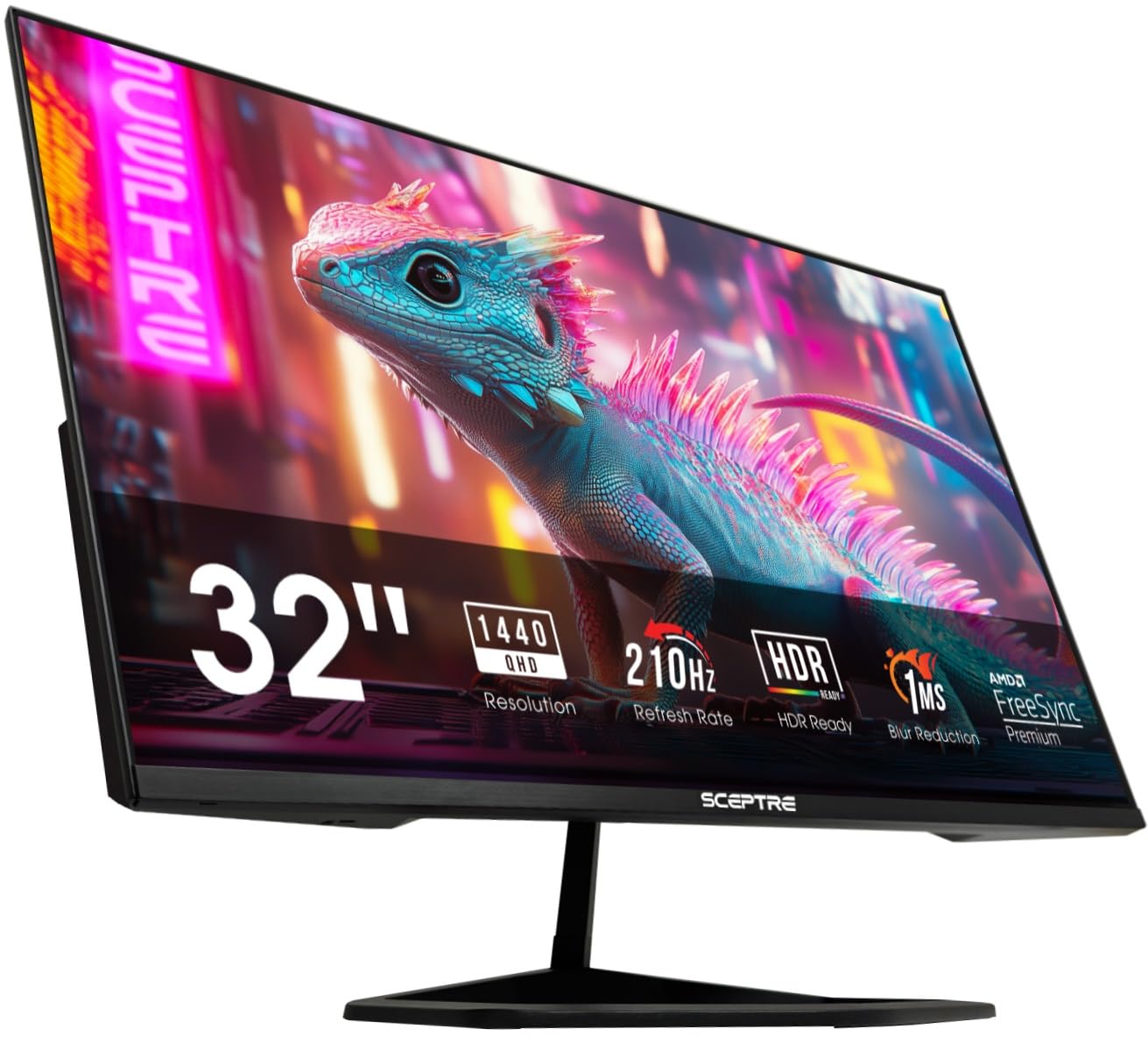
At this lower price you actually get a 32-inch QHD (2560×1440) VA panel with a 210Hz refresh rate, a 1,000,000:1 contrast ratio, AMD FreeSync Premium certification, and a USB-C port with DisplayPort Alt Mode that carries video and power over a single cable.
The 115% sRGB gamut provides punchy colors, though VA panel viewing angles are narrower than IPS — you lose color accuracy if you view the screen from an angle. The built-in speakers max out at about 40-50dB, which buyers describe as “mediocre” and useful only for system sounds. The white LED on the bezel blinks blue during standby and cannot be disabled. Reviewers point out the display is “superior to AOC — much brighter and responsive,” and that the 144Hz mode works flawlessly for Xbox Series X gaming.
If speed is your absolute priority and you can live with quiet speakers, this is the fastest 32-inch QHD monitor you can buy without moving to a much higher price tier — the exact budget buyer it is perfect for.
Why we’d pick it
- 210Hz refresh rate is the fastest on this list for competitive edge
- USB-C with DP Alt mode for single-cable laptop connection
- 1,000,000:1 contrast ratio from VA panel for deep blacks
- AMD FreeSync Premium ensures tear-free gaming at all frame rates
A few caveats
- Built-in speakers max out at 40-50dB — too quiet for room-filling sound
- Blue blinking LED in standby mode cannot be turned off
- VA panel has narrower viewing angles than IPS
6. Gawfolk 32-inch 4K 144Hz
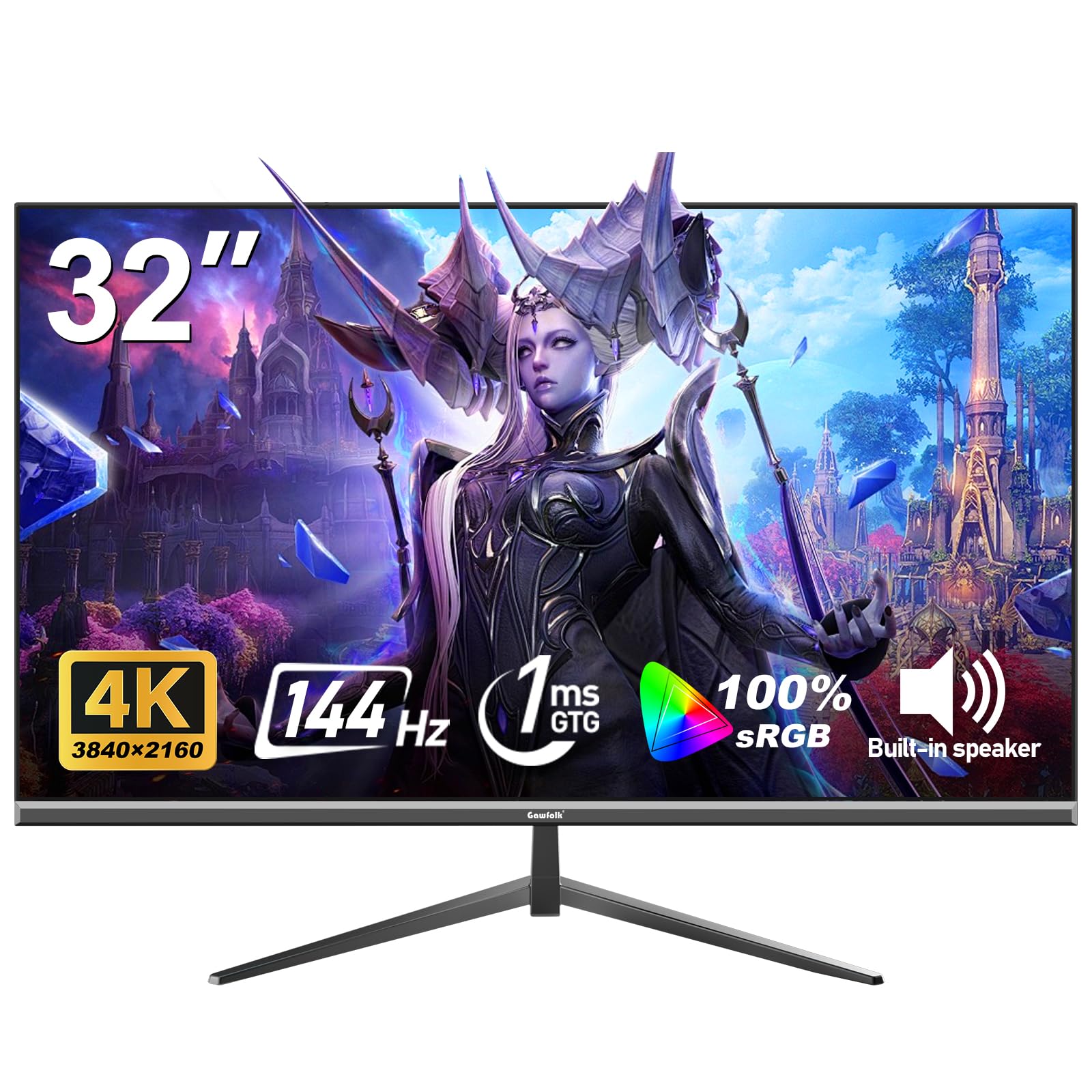
The Gawfolk 32-inch 4K 144Hz monitor is perfect for the budget-conscious buyer who wants the sharpness of 4K (3840×2160) for work and streaming, plus a high refresh rate for smooth gaming, without spending ASUS or Samsung money. At 144Hz with a 1ms response time on a VA panel, it handles fast-action games like Call of Duty without visible ghosting. The 100% sRGB coverage and support for 16.7 million colors means photos and video look accurate and vibrant right out of the box.
Adaptive Sync supports both FreeSync and G-Sync, synchronizing the refresh rate with your graphics card to eliminate screen tearing (the horizontal split in the image during fast motion). Reviewers report the image is “bright, clear, and sharp with vibrant colors” and that setup is straightforward. The low blue light and flicker-free technology reduce eye strain, which buyers with sensitive eyes appreciate. The 320-nit brightness is adequate for a well-lit room but not exceptional for HDR.
The main risk is reliability — one reviewer noted the monitor failed after 90 days, and the brand is newer with less established customer support. This suits the budget-conscious buyer who wants 4K high-refresh without the premium price; look elsewhere if you need proven long-term reliability.
Strong points
- 4K UHD resolution at 144Hz for sharp, smooth gaming
- 1ms response time (MPRT) minimizes motion blur
- 100% sRGB coverage with 16.7 million colors for accurate reproduction
- Adaptive Sync with FreeSync and G-Sync prevents screen tearing
Before you buy
- Potential reliability concerns — some units fail within months
- Requires high-quality DisplayPort 1.4 cable for full 4K 144Hz
- 320-nit brightness is moderate, not great for HDR content
7. KTC 32 Inch 2K 120Hz

The KTC 32-inch monitor sits at a lower price point than many competitors in this guide, offering strong value for users who prioritize color accuracy over raw gaming speed. Its IPS panel with 109% sRGB coverage and a Delta E under 2 (a professional color accuracy measurement where lower is better — under 2 means colors are nearly indistinguishable from the original) makes it a stronger choice than the LG UltraGear’s VA panel for photo editing, design work, or true-to-life colors. The 120Hz refresh rate (overclockable from 100Hz) is smoother than a standard 60Hz office monitor but falls behind the 180Hz gaming-focused options.
Buyers consistently call this “a great monitor at a great price,” noting the clear picture, easy setup, and smooth performance for office and casual gaming. One reviewer uses it daily with a MacBook Pro M2 Pro via USB-C (separate adapter required) and reports no lag. The tilt-adjustable stand ranges from -5 to 20 degrees, and VESA 100x100mm compatibility lets you mount it on an arm. The 350-nit brightness is 20% brighter than the ViewSonic VS3225-2K’s 250 nits, making it more usable in brightly lit rooms. The only cable included is DisplayPort — you need to buy an HDMI cable separately.
This is the best value if you want an IPS panel for color accuracy and a white aesthetic for your desk; steer clear if you need 180Hz for competitive gaming. The one clear reason to choose it is its combination of IPS color fidelity and a white design at a price that undercuts most rivals.
What we like
- IPS panel with Delta E < 2 for professional-grade color accuracy
- 109% sRGB coverage delivers true-to-life colors
- 350-nit brightness is bright enough for well-lit offices
- White color scheme fits modern desk setups
The downsides
- Only includes DisplayPort cable; HDMI cable sold separately
- Settings menu can become unresponsive after rest mode
- 120Hz refresh rate is slower than 180Hz gaming alternatives
8. ZZA 32 Inch 4K 60Hz
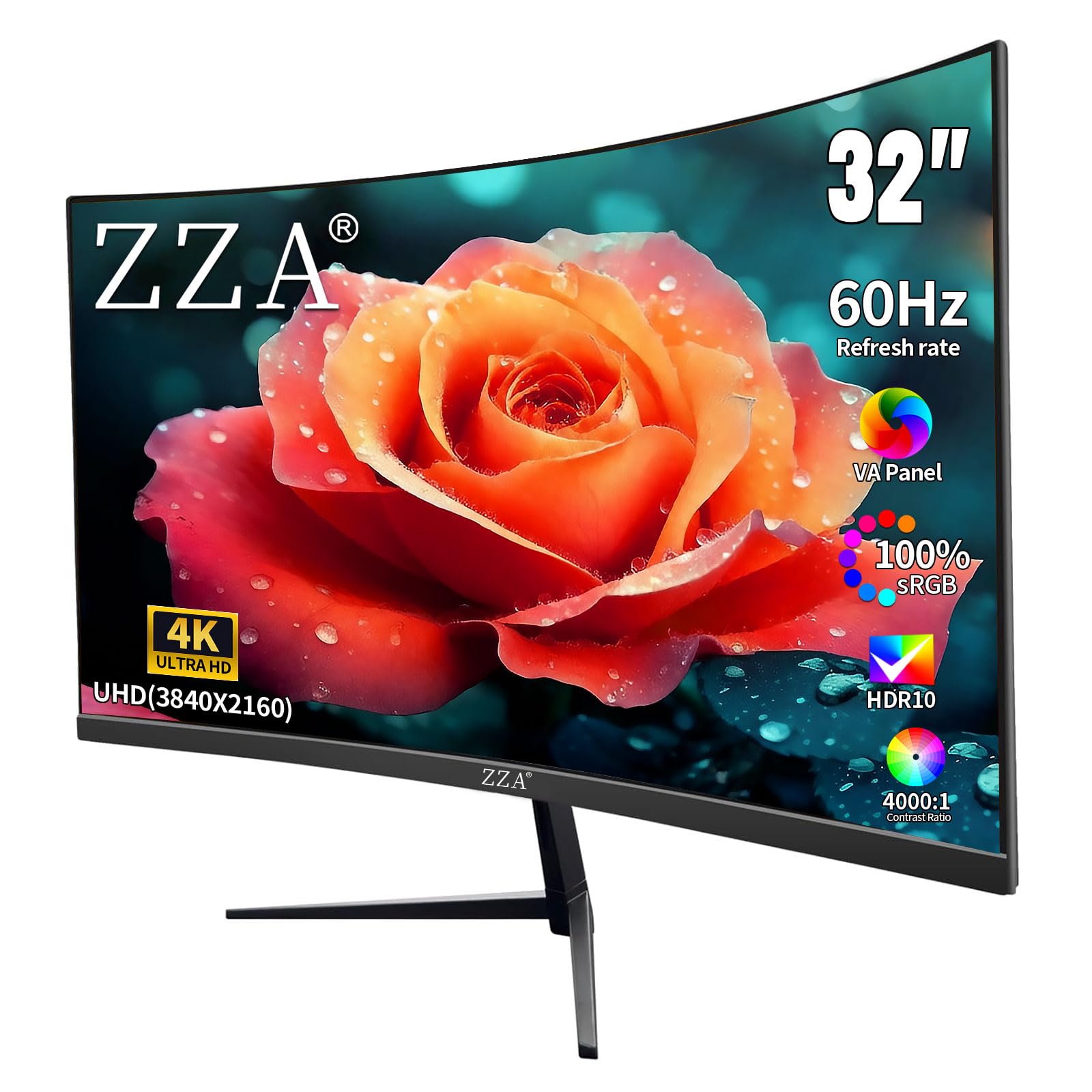
163 pixels per inch (77% more detail than QHD) makes the ZZA 32 Inch 4K 60Hz the top pick for anyone whose work involves spreadsheets, coding, photo editing, or 4K movies and who does not play competitive games. The 4K UHD (3840×2160) resolution on a 32-inch VA panel delivers text as crisp as a printed magazine, razor-sharp fine details in photos, and side-by-side windows without squinting, while the 4000:1 contrast ratio provides deeper blacks than typical IPS monitors for richer movies and dark-mode interfaces.
The 60Hz refresh rate is standard for office and media use, and AMD FreeSync support prevents tearing during casual gaming. Shoppers say the picture is “crystal clear 4K” with “accurate colors and good brightness,” and the built-in speakers have decent volume and quality for a monitor. The 100% DCI-P3 color coverage (wider than sRGB, used in professional video editing) makes this a capable budget option for editors who cannot afford a premium pro display, and the 1500R curve adds gentle immersion without the distortion of an aggressive 1000R curve. Rear-facing buttons are hard to reach, there is no cable management, and long-term reliability is unproven since ZZA is a newer brand.
skip it if you play any competitive games, but for 4K clarity on a budget, this ZZA monitor delivers.
Why it’s great
- 4K UHD resolution at 163 PPI delivers exceptionally sharp text and detail
- 4000:1 contrast ratio for deep blacks and lifelike depth
- 100% DCI-P3 color coverage suitable for photo and video editing
- 1500R curve provides immersion without visual distortion
Good to know
- 60Hz refresh rate is not suitable for competitive gaming
- Rear buttons are difficult to reach in multi-monitor setups
- No cable management built into the stand
9. ViewSonic VS3225-2K
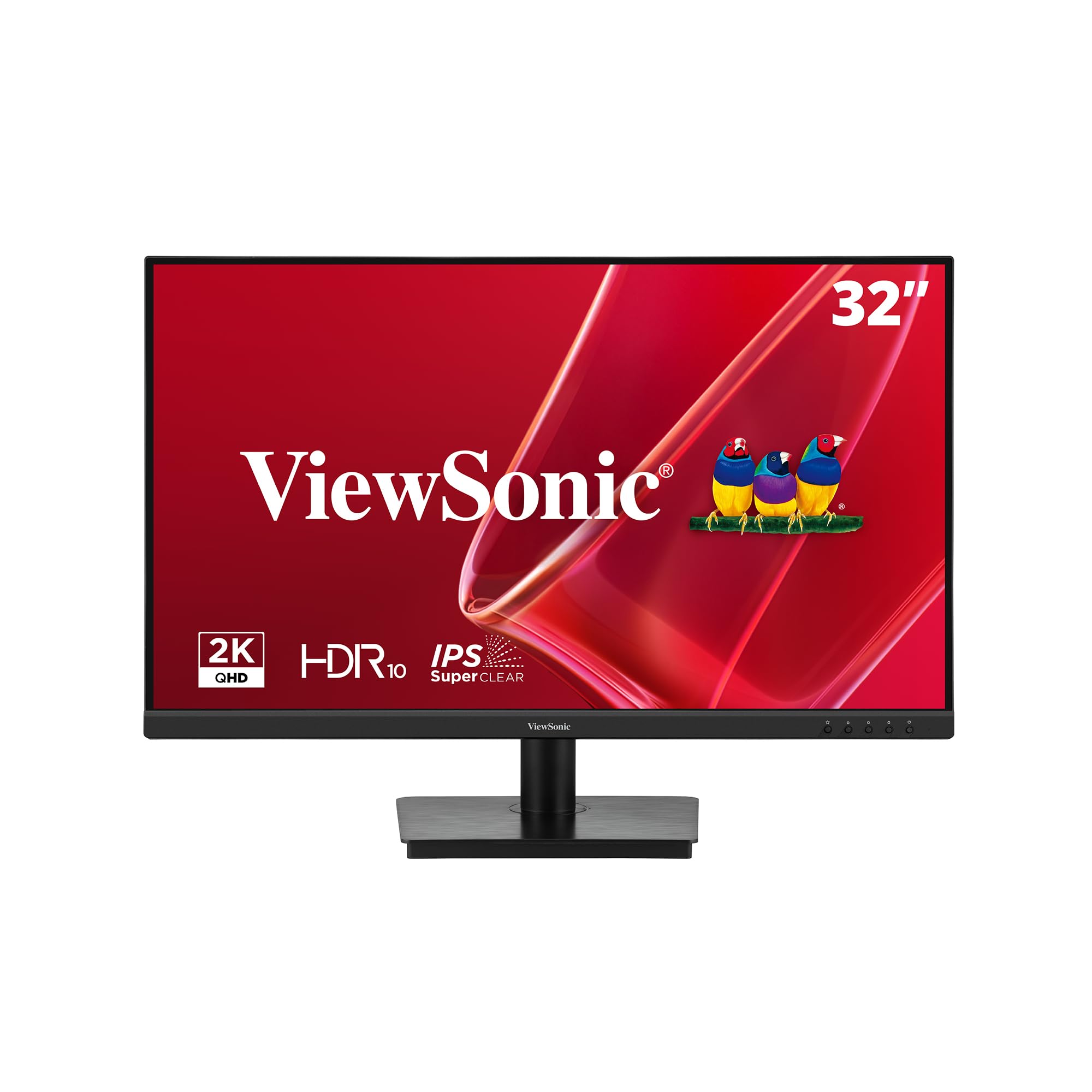
The ViewSonic VS3225-2K costs significantly less than the top pick but delivers a 32-inch QHD (2560×1440) IPS panel versus the top pick’s 4K resolution, and its 75Hz refresh rate is a modest step up from standard 60Hz, while the top pick offers 120Hz or higher for smoother motion. The frameless edge-to-edge design looks clean on a desk and allows easy multi-monitor setups with minimal bezel gap.
Variable Refresh Rate (VRR) technology keeps gameplay smooth for casual titles, and the flicker-free technology with blue light filter reduces eye strain during long workdays. One buyer mentioned that after installing a Windows 11 driver, they achieved full 1440p resolution and called the image “beautiful, bright, and crisp — excellent value.” The IPS panel provides wide 178-degree viewing angles, so colors stay consistent when you share the screen. The joystick control on the back is “fiddly and overly sensitive,” and buyers report the stand is slightly wobbly with no height or rotation adjustment. The maximum brightness of 250 nits is lower than the 300-350 nits of other options, so it may look dim in a very bright room.
This is a solid pick for a budget-friendly office monitor from a trusted brand; for gaming, spend a little more on the KTC 120Hz instead. Choose the ViewSonic VS3225-2K over the top pick if your priority is the lowest price for a large QHD IPS screen from a well-known brand and you can accept lower brightness and a basic stand.
Where it shines
- 32-inch QHD IPS panel at a budget-friendly price point
- Frameless bezel design is ideal for clean multi-monitor setups
- Flicker-free and blue light filter reduce eye strain
- Built-in speakers work for calls and system sounds
Worth noting
- Joystick control is fiddly and overly sensitive
- Stand is wobbly with no height or rotation adjustment
- 250-nit brightness is dim in brightly lit rooms
Understanding the Specs
Resolution: Why pixel count changes everything
Resolution tells you how many pixels the screen packs horizontally by vertically. QHD (2560×1440) is the sweet spot for 32-inch monitors — it is roughly 77% sharper than 1080p without needing a super-powerful graphics card for gaming. 4K UHD (3840×2160) delivers four times the pixels of 1080p, making text look like ink on paper and giving you vast desktop space. On a 32-inch screen, the pixel density (measured in PPI) determines how sharp the image looks: a 32-inch QHD has about 92 PPI (similar to a 24-inch 1080p), while a 32-inch 4K has about 138 PPI (closer to what you see on a smartphone).
Refresh rate and response time: The smoothness duo
Refresh rate (Hz) is how many times per second the screen redraws the entire image. A 60Hz monitor feels fine for office work. A 144Hz or 180Hz monitor makes fast motion look fluid without stutter, which is critical for gaming. Response time (ms) is how quickly a pixel changes from one color to another — 1ms or 0.3ms prevents ghosting (a trailing blur behind moving objects). Together, a high refresh rate with a low response time gives you the smooth, clear motion you need for competitive shooters and racing games.
Panel types: IPS vs VA vs Fast IPS
IPS (In-Plane Switching) panels give you wide 178-degree viewing angles and accurate colors, making them best for photo editing, design, and office work where color consistency matters. VA (Vertical Alignment) panels offer much higher contrast ratios (3000:1 or more) so blacks look truly black — ideal for movies and dark horror games. Fast IPS is an improved IPS design that keeps the wide viewing angles and color accuracy while hitting a 1ms response time, offering the best of both worlds for gamers who also do creative work.
Adaptive Sync: FreeSync vs G-Sync
Adaptive Sync is a technology that matches your monitor’s refresh rate to the frame rate your graphics card outputs, in real time. Without it, a mismatch causes screen tearing (a horizontal split in the image) and stuttering during fast motion. AMD FreeSync works with AMD graphics cards and is also compatible with many modern NVIDIA cards (called “G-Sync Compatible”). G-Sync is NVIDIA’s version that uses a dedicated module in the monitor for tighter certification but usually costs more. Both achieve the same result: smooth, tear-free motion.
FAQ
Is QHD or 4K better for a 32-inch monitor?
What refresh rate do I need for casual vs competitive gaming?
What is the difference between a curved and flat 32-inch monitor?
Does a 32-inch monitor need a strong graphics card?
Final Thoughts: The Verdict
For most buyers, the best 32 inch computer monitor winner is the Samsung Odyssey G50D because it combines a 180Hz Fast IPS panel, QHD sharpness, VESA DisplayHDR 400, and a fully adjustable stand at a reasonable price — no other monitor on this list checks all those boxes for gamers. If you want 4K resolution with the versatility of a dual-mode monitor that can hit 320Hz for competitive titles, grab the ASUS ROG Strix XG32UCG. And for maximum immersion on a budget, the curved LG UltraGear 32GS60QC-B delivers the deepest blacks and the most aggressive curve at the lowest cost.

Mo Maruf
I created WellFizz to bridge the gap between vague wellness advice and actionable solutions. My mission is simple: to decode the research and give you practical tools you can actually use.
Beyond the data, I am a passionate traveler. I believe that stepping away from the screen to explore new environments is essential for mental clarity and physical vitality.