Our readers keep the lights on and my smoothie glass nicely filled. As an Amazon Associate, I earn from qualifying purchases.
Finding a gaming monitor under that actually delivers smooth, tear-free gameplay while staying affordable comes down to one thing: a fast refresh rate (how many new images your screen shows per second) paired with a quick response time (how fast pixels change color). You want fast-moving enemies to stay crisp, not turn into a blurry mess, and you want every mouse click to feel instant. This guide cuts through the marketing noise to show you the real-world performance of six monitors that hit the sweet spot for competitive and casual gaming, all while respecting a strict budget.
I’m Mohammad Maruf — the co-founder and writer behind WellFizz. This guide is built by comparing the manufacturers’ published specifications and the patterns across verified customer reviews, so you get each pick’s real strengths and trade-offs instead of marketing spin.
The right pick depends on how you game: do you prioritize silky-smooth motion for fast shooters, or immersive screen size for story-driven worlds? We break down the exact specs that matter to help you find the best computer monitor for gaming under 200.
How To Choose The Best Computer Monitor For Gaming Under 200
Choosing a monitor under means making smart trade-offs. The goal is to maximize the specs that directly improve your gaming experience without paying for features you don’t need. Here are the three most important things to look for.
Refresh Rate: How Many New Images Per Second?
Refresh rate, measured in Hertz (Hz), tells you how many times per second your monitor draws a new image. A standard office monitor runs at 60Hz, which means 60 new frames per second. In fast games, this can feel sluggish and blurry. For gaming, you want at least 120Hz — the monitors on this list range from 144Hz to a blazing 240Hz. A higher refresh rate makes motion look significantly smoother and gives you a competitive edge in fast-paced shooters, because you see the action unfold sooner.
Response Time: How Fast Pixels Change Color
Response time, measured in milliseconds (ms), is how quickly a pixel can switch from one color to another. A slow response time (over 5ms) can cause “ghosting,” where a trail of previous frames smears behind moving objects. For gaming, you want a monitor with 1ms response time, which keeps fast action crisp and clear. The monitors reviewed here all feature response times of 1ms or 0.5ms, ensuring blur-free visuals during intense gameplay.
Panel Type: IPS vs. VA
The panel type determines the picture quality. IPS (In-Plane Switching) panels offer superior color accuracy and wide viewing angles, meaning colors stay consistent even if you aren’t sitting dead center. They are generally preferred for gaming. VA (Vertical Alignment) panels offer much deeper blacks and higher contrast ratios, which can make dark game scenes look more immersive, but they can have slower response times. Most monitors in this price range use IPS for a good balance of color and speed.
Quick Comparison
On smaller screens, swipe sideways to see the full table.
| Model | Category | Best For | Key Spec | Amazon |
|---|---|---|---|---|
| Dell 27 240Hz (SE2726HG) | Premium | Competitive Esports | 240Hz / 0.5ms | Amazon |
| Sceptre 27″ 180Hz | Premium | Vibrant Color Accuracy | 180Hz / 100% sRGB | Amazon |
| Acer Nitro 27″ (KG271) | Mid-Range | Reliable 144Hz Performer | 144Hz / 1ms | Amazon |
| Amazon Basics 27″ 165Hz | Mid-Range | Best Value Package | 165Hz / 1ms | Amazon |
| ASUS TUF 24″ (VG247Q1A) | Budget | Small Desk, Big Performance | 165Hz / 1ms | Amazon |
| CRUA 32″ Curved | Budget | Immersive Screen Size | 200Hz / 32″ VA | Amazon |
In‑Depth Reviews
1. Dell 27 240Hz Gaming Monitor (SE2726HG)
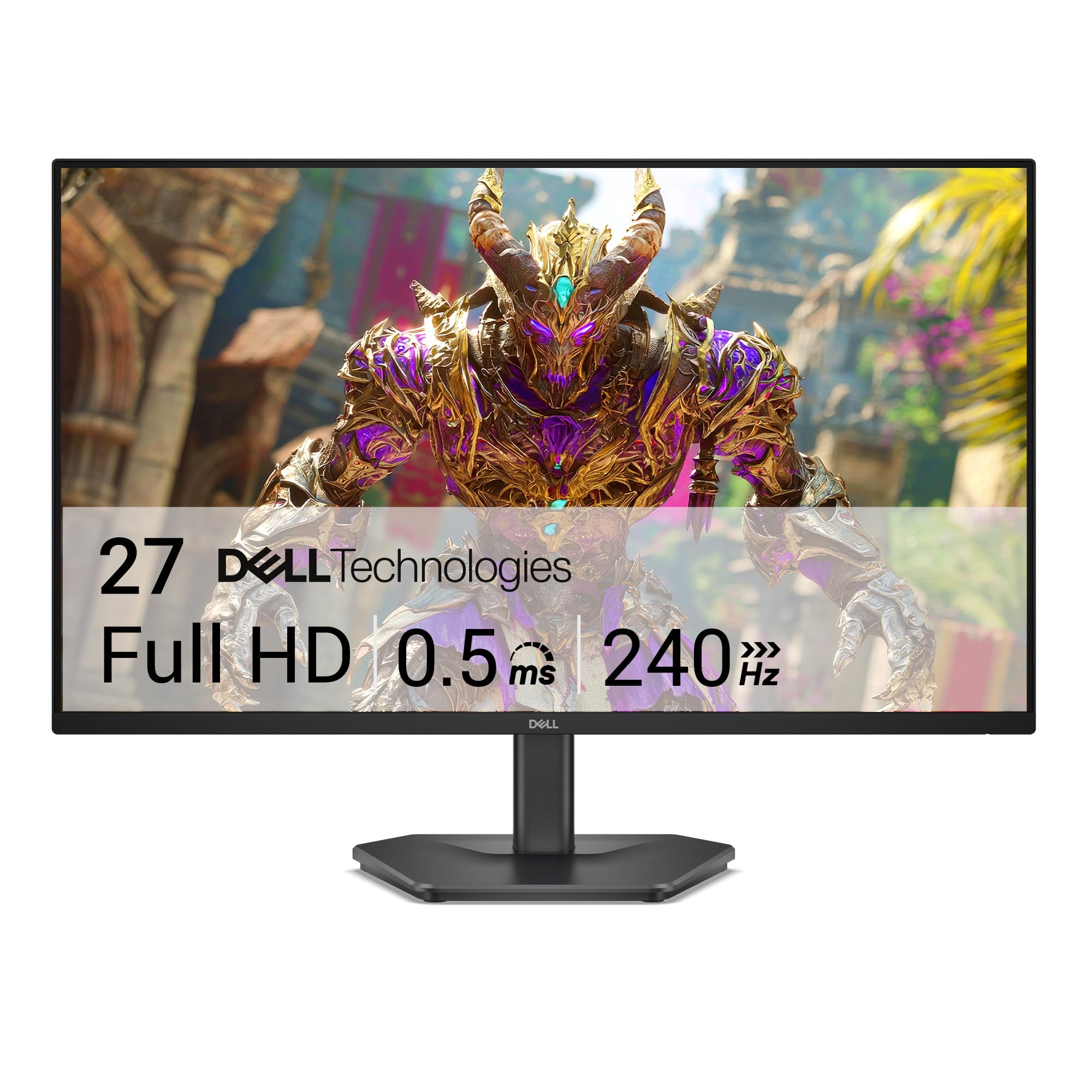
The Dell SE2726HG is our top pick because its 240Hz refresh rate — 67% higher than the 144Hz you get on many competitors, like the Acer Nitro KG271 — makes motion look exceptionally fluid, giving you a genuine edge in competitive games. It is best for the dedicated esports gamer who wants the fastest, smoothest visuals their budget allows.
The real-world payoff is a blur-free experience with a 0.5ms response time that eliminates ghosting even during the most frantic firefights. Its IPS panel delivers 99% sRGB color coverage, so you get accurate, vivid colors, and AMD FreeSync Premium syncs the display with your graphics card to stop screen tearing entirely. Buyers report a “smooth 240Hz refresh rate, good colors,” and note it is “great for FPS games.”
The catch is its flimsy stand — some owners mention it “needs a sturdier foundation” and it lacks built-in speakers. You will likely want to VESA mount it. For anyone whose primary goal is winning competitive matches, this Dell delivers the highest refresh rate in the group at a price that makes it the definitive choice.
Why it’s great
- Class-leading 240Hz refresh rate for silky-smooth motion.
- Blazing-fast 0.5ms response time kills ghosting.
- FreeSync Premium eliminates screen tearing.
Good to know
- Wobbly stand feels cheap; a monitor arm is recommended.
- No built-in speakers.
- Some customers note a slight flicker with FreeSync on certain drivers.
2. Sceptre 27-Inch Gaming Monitor (E275B-FPT165)
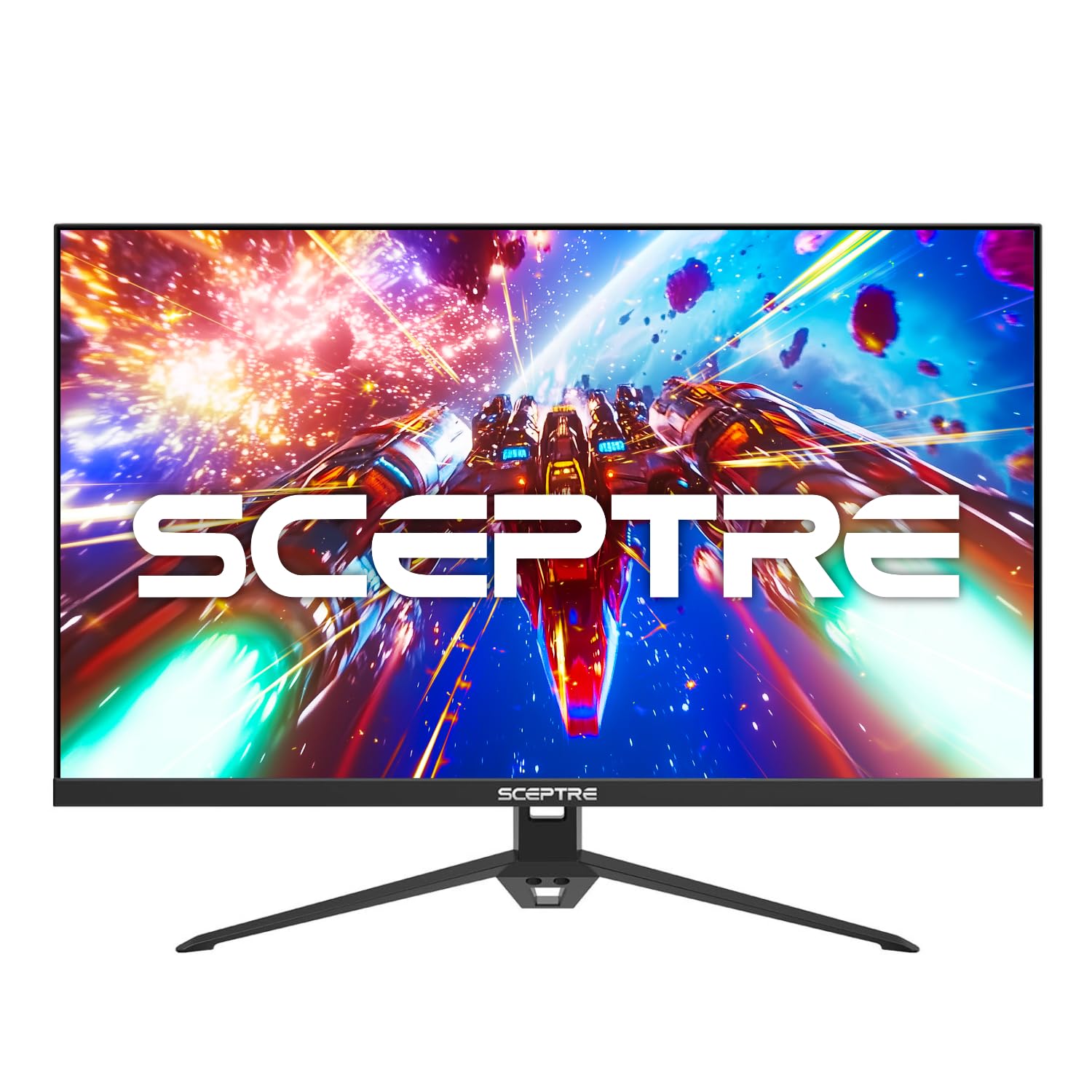
Where the Dell SE2726HG leads on raw speed (240Hz vs 180Hz), the Sceptre wins on visual punch with its 100% sRGB color gamut coverage — a 1% edge over the Dell’s 99% — which makes game worlds look noticeably richer and more vibrant right out of the box. It is best for gamers who want fast motion _and_ eye-catching color.
You get a 180Hz refresh rate and a 1ms response time, which together deliver that same smooth, ghost-free gameplay for shooters and racing games. The IPS panel provides excellent viewing angles, so the picture doesn’t wash out if you are sitting off to the side. Reviewers confirm it offers a “crystal clear, vibrant IPS panel” and that “180Hz/1ms eliminates lag/ghosting for smooth gaming.” Built-in speakers are a nice bonus for keeping your desk clean.
If you want a monitor that feels just as impressive in a colorful RPG as it does in a competitive match, the Sceptre’s vibrant color reproduction makes it a fantastic alternative to the Dell. Choose this one if picture quality and color accuracy are your top priorities.
Where it shines
- 100% sRGB color gamut for vivid, accurate colors.
- Fast 180Hz refresh rate and 1ms response time.
- Built-in speakers are convenient for casual use.
Worth noting
- Lower refresh rate than the Dell’s 240Hz.
- Base is functional but not premium.
- Some buyers mention the included HDMI cable is short.
3. Acer Nitro 27” Gaming Monitor (KG271 P6bip)
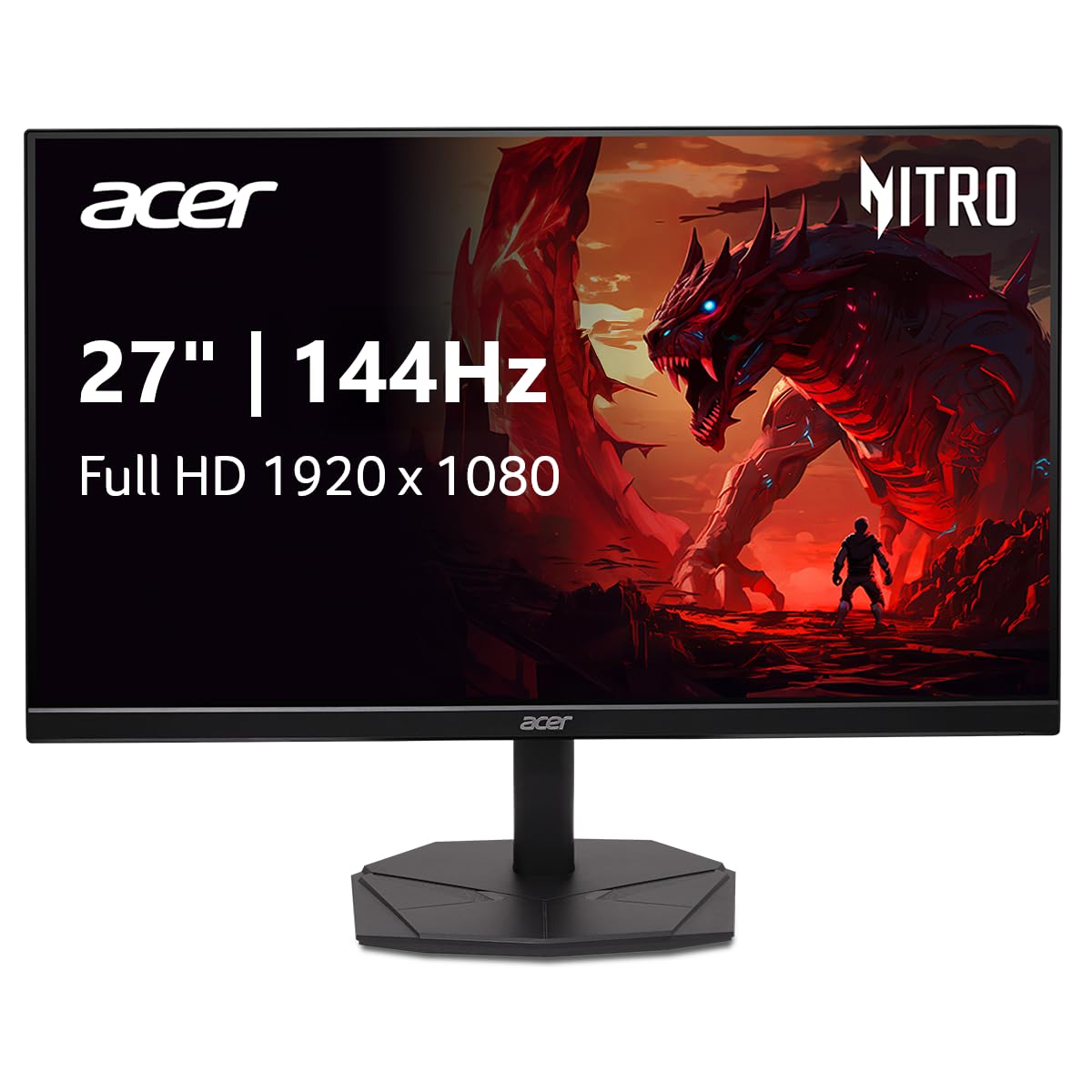
Imagine you are upgrading from a basic 60Hz monitor and just want a reliable, no-drama jump to a high-refresh display. The Acer Nitro KG271 is that straightforward upgrade — it delivers a 144Hz refresh rate and 1ms response time, which is a 2.4x improvement over 60Hz, making everything from desktop scrolling to competitive gaming feel instantly smoother.
It handles this core job well with an IPS panel that offers solid color accuracy (99% sRGB) and wide viewing angles. The zero-frame design gives you a clean, modern look and maximizes your screen area. One buyer who upgraded from 24″ to 27″ said they “loved it so much I bought another one,” noting the “144Hz vs 60Hz: clearer graphics, faster tablet response.”
The one limit here is that it only has a single HDMI port, which can complicate setups with multiple consoles. The 144Hz refresh rate is lower than the budget-leaders like the Dell (240Hz) or Sceptre (180Hz), so it is a solid performer rather than a speed demon. It’s a dependable choice if you value consistent performance over chasing the highest number.
What stands out
- Reliable 144Hz IPS panel provides a smooth, vivid experience.
- Zero-frame design looks clean and saves desk space.
- Excellent picture quality and color accuracy for the price.
The trade-offs
- Only one HDMI port limits multi-device hookups.
- Lower 144Hz refresh rate compared to 180Hz+ options.
- Stand is functional but not height-adjustable.
4. Amazon Basics 27 Inch Gaming Monitor
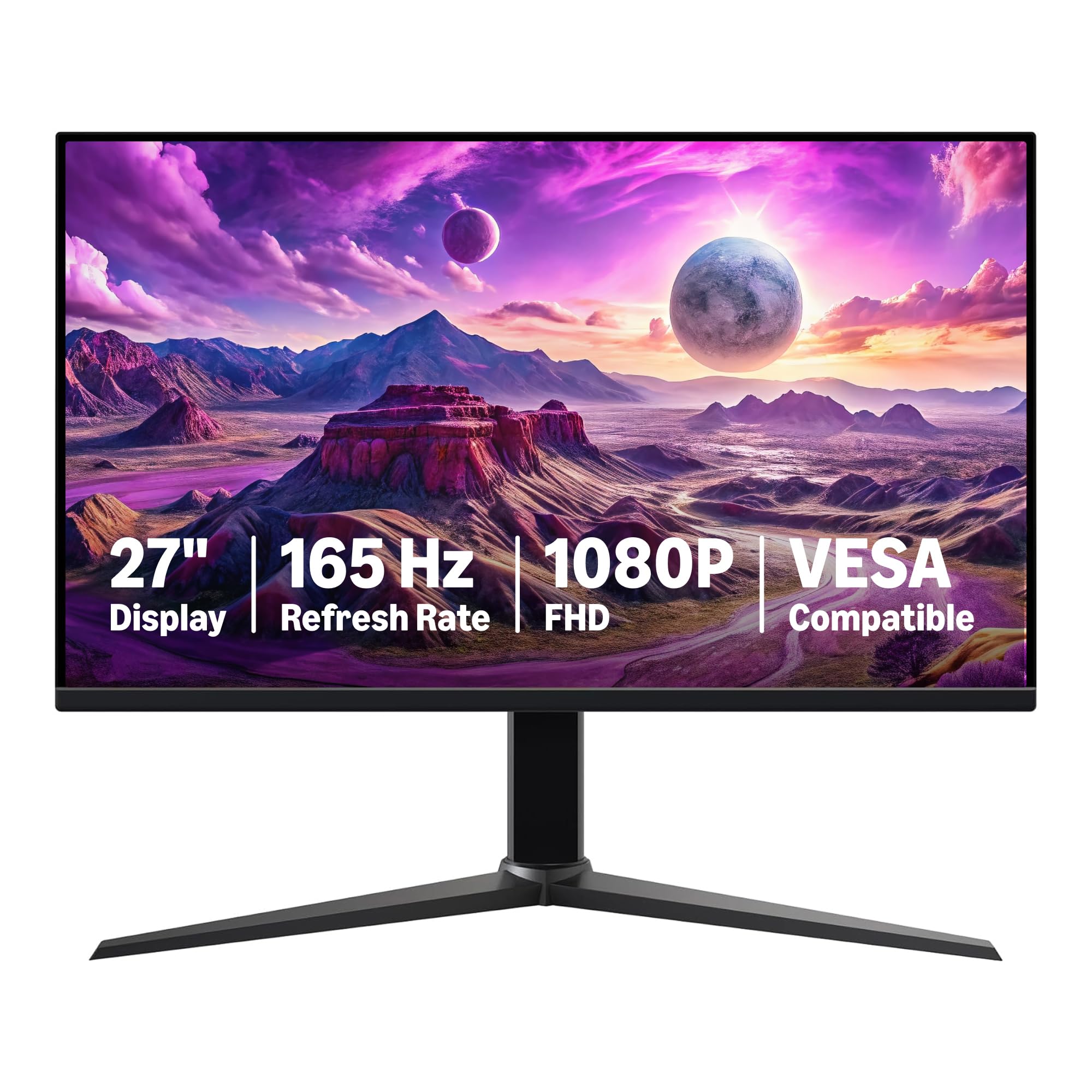
The single number that matters most in this category is the price-to-performance ratio, and the Amazon Basics monitor scores as the strongest value in the group. It delivers 165Hz and 1ms — the same class-leading speed as the ASUS TUF but in the largest, most standard 27-inch size — at a price that often dips lower than its peers. Reviewers point out it offers “smooth motion with high refresh rate, fast response time for gaming; clear, comfortable display for long sessions.”
The downside you accept for this value is a heavier build (at 9.92 pounds, it is 24% heavier than the Sceptre’s 8 pounds) and unremarkable color saturation out of the box. Some buyers describe the display as “foggy in color,” but for competitive gaming where speed matters more than perfect color grading, this is a non-issue. It includes USB-C connectivity, a port often missing at this price.
If your budget is tight and you want the biggest performance punch for your dollar without sacrificing the standard 27-inch screen size, the Amazon Basics monitor is the smartest buy. It earns every penny of its value.
The upsides
- Excellent value with 165Hz/1ms performance at a low cost.
- Includes USB-C connectivity for modern laptops.
- VESA compatible for easy mounting.
Keep in mind
- Heavier than some competitors at 9.92 lbs.
- Colors can appear slightly foggy or muted out of the box.
- Build quality feels basic, as expected from an entry-level monitor.
5. ASUS TUF Gaming 24” 1080P Monitor (VG247Q1A)

At this lower price, you get a reputable brand, a fast 165Hz refresh rate, and a 1ms response time (MPRT), plus ASUS’s Extreme Low Motion Blur (ELMB) technology which further sharpens fast-moving objects.
What you give up is screen size: this is a 24-inch panel, which is 3 inches smaller diagonally than the 27-inch standard, translating to 19% less screen area. It’s excellent for small desks or for competitive gamers who prefer a smaller screen to reduce eye movement. It also features a 350 cd/m² brightness — one of the brightest in this group — which helps visibility in well-lit rooms. One buyer called it a “budget monitor for light gaming/school,” noting its “vibrant colors, decent sound.”
This is the perfect buy for the competitive gamer with limited desk space who values rock-solid performance and brand reliability over sheer screen real estate.
Why we’d pick it
- Reliable 165Hz with ELMB technology for ultra-smooth visuals.
- High 350 cd/m² brightness works well in bright rooms.
- Compact 24-inch size ideal for tight desk setups.
A few caveats
- 24-inch screen is the smallest in this roundup.
- No height adjustment on the stand.
- Settings buttons are a bit finicky and awkward to use.
6. CRUA 32Inch Curved Gaming Monitor

This CRUA 32-inch curved gaming monitor is perfect for the immersion-seeking gamer who prioritizes screen size and cinematic contrast over raw speed, especially for single-player adventures and flight or racing sims.
That money buys the largest screen size in this roundup, combined with a 120% sRGB color gamut and a 4000:1 contrast ratio — which is 4 times deeper than the 1000:1 of typical IPS monitors — making dark scenes in games look incredibly rich. Buyers mention “clear quality” and that it “handles graphics well,” though some note the stand is “hard to put together.”
The reason to get this over the others is simple: you want the biggest, most immersive screen possible for your budget. Speed is still strong at 200Hz, but the VA panel means slightly slower pixel transitions than IPS, so color-critical work or the fastest esports pros might prefer the Dell.
Strong points
- 32-inch curved screen provides immersive gaming experience.
- Very high 4000:1 contrast ratio for deep blacks.
- 200Hz refresh rate is extremely fast for this price.
Before you buy
- VA panel has slower pixel response than IPS for fast scenes.
- No tilt or height adjustment on the stand.
- Settings menu is reportedly confusing to navigate.
Understanding the Specs
Refresh Rate (Hz)
This is the number of times your monitor redraws the entire screen per second. Think of it like a flipbook: a 60Hz monitor flips 60 pages per second, while a 240Hz monitor flips 240 pages per second. For gaming, a higher refresh rate makes motion look smoother and reduces motion blur. It also gives you a competitive advantage in fast games because you see new frames sooner than someone on a 60Hz display.
Response Time (ms)
Response time measures how quickly a pixel can change from one color to another, measured in milliseconds. A 1ms response time means the pixel changes almost instantly, so fast-moving objects stay sharp without leaving a trail or “ghost.” Aim for 1ms or lower for the best gaming experience. Slower response times (over 5ms) can cause visible smearing in fast-paced action.
Panel Type (IPS vs. VA)
The panel technology determines how the screen looks. IPS (In-Plane Switching) monitors are known for excellent color accuracy and wide viewing angles, meaning the picture looks good even when you’re not sitting directly in front of the screen. VA (Vertical Alignment) monitors offer much higher contrast ratios, which makes blacks look deeper and shadows more detailed, but they can have slightly slower response times and narrower viewing angles.
Adaptive Sync (FreeSync)
This technology synchronizes your monitor’s refresh rate with the frame rate from your graphics card. It eliminates a visual artifact called screen tearing, where two different frames are shown on the screen at the same time, creating a jagged horizontal line. AMD FreeSync is the most common standard in this price range and works with compatible AMD and some NVIDIA graphics cards.
FAQ
Is 144Hz enough for gaming, or do I need 240Hz?
Will a 1ms response time guarantee no ghosting?
Is a bigger 32-inch monitor better for gaming than a 27-inch one?
Final Thoughts: The Verdict
For the majority of shoppers, the computer monitor for gaming under 200 winner is the Dell 27 240Hz (SE2726HG) because it offers the highest 240Hz refresh rate in the group, ensuring the smoothest and most responsive gameplay for competitive titles. If you want vibrant, accurate colors for a better visual experience in all games, grab the Sceptre 27″ 180Hz. And for the biggest, most immersive screen that wraps around your vision, the standout is the CRUA 32″ Curved monitor.

Mo Maruf
I created WellFizz to bridge the gap between vague wellness advice and actionable solutions. My mission is simple: to decode the research and give you practical tools you can actually use.
Beyond the data, I am a passionate traveler. I believe that stepping away from the screen to explore new environments is essential for mental clarity and physical vitality.