Our readers keep the lights on and my smoothie glass nicely filled. As an Amazon Associate, I earn from qualifying purchases.
A budget laser engraver undercuts the line between a simple hobby and a viable side hustle, but the sheer noise in the sub- market makes choosing one feel like a gamble on a diode lottery. Many cheap units deliver spotty software, wobbly frames, and safety corners cut so sharp they risk your eyesight or workshop time. The goal is to find the machine that delivers clean vector cuts, reliable limit switches, and a consistent laser spot without burning a hole in your pocket.
I’m Mohammad Maruf — the founder and writer behind WellFizz. I’ve spent hundreds of hours combing through technical datasheets, firmware compatibility lists, and real-user burn tests to separate the few genuinely capable budget diode lasers from the disposable crowd.
After cross-referencing actual laser spot sizes, frame rigidity, and software ecosystems across nine sub- models, this guide delivers the definitive best cheap laser engraver picks for both first-time makers and small-batch producers.
How To Choose The Best Cheap Laser Engraver
Selecting a budget laser engraver requires looking past the inflated wattage claims and checking three pillars: optical precision, build stability, and software ecosystem. A cheap machine is only valuable if it holds calibration and doesn’t require paid software just to run its first job.
Laser Spot Size & Diode Power
Spot size directly dictates the finest line you can burn. A 0.06mm x 0.08mm compressed spot delivers noticeably sharper photo engraving than an open 0.1mm spot, even if both claim the same 10W of optical power. Diode power in the budget tier typically ranges from 5.5W to 10W — enough to cut 5mm basswood in a single pass but insufficient for dense hardwoods or thick acrylic without multiple slow passes.
Frame Rigidity & Motion System
An all-metal frame with linear guide rails prevents ghosting artifacts at higher speeds. Cheaper units with plastic rollers and thin aluminum extrusions introduce wobble above 6000mm/min, which ruins fine text. Look for a machine that mentions industrial-grade metal structure or a reinforced X/Y axis with tick marks for repeatable positioning.
Safety Integration vs. Open Frame Trade-off
Several budget models now include a Class 1-certified enclosure with a flame sensor and automatic lid cutoff — a massive advantage for home workshops. Open-frame Class 4 units are cheaper and more expandable, but demand dedicated safety glasses for 445nm blue light and a fire-resistant surface. For a first machine, the integrated safety features of an enclosed design reduce setup complexity and reduce the risk of accidental eye damage.
Software Compatibility & Offline Control
LaserGRBL is free and good for basic raster jobs, but LightBurn (paid, ~/year) offers vastly better vector handling, image dithering, and material libraries. A cheap engraver that supports both, plus offline TF card or USB operation, gives you flexibility without forcing a paid subscription immediately. Machines with a 3.5-inch color touchscreen or a dedicated mobile app drastically lower the learning curve for true beginners.
Quick Comparison
On smaller screens, swipe sideways to see the full table.
| Model | Category | Best For | Key Spec | Amazon |
|---|---|---|---|---|
| Woxcker L2 MAX 10W | Enclosed | Safety-conscious beginners | 0.01mm precision, 20000mm/min speed | Amazon |
| Atomstack A10 PRO V2 | Open Frame | Precision engraving & expandability | 0.06×0.08mm compressed spot, 10W | Amazon |
| ACMER P1 S Pro 10W | Open Frame | WiFi control & multi-material use | 380x370mm work area, 10W diode | Amazon |
| Creality Falcon 10W | Open Frame | Large projects & fast speed | 400x415mm area, 10000mm/min | Amazon |
| Ortur Laser Master 2 S2 | Open Frame | Reliable cutting performance | 390x410mm area, 0.05×0.1mm spot | Amazon |
| SCULPFUN S6 Pro | Open Frame | Budget entry-level builds | 0.08mm spot, 5500mW diode | Amazon |
| KENTOKTOOL LE400PRO | Open Frame | Sturdy metal frame & easy focus | 400x400mm area, 0.08mm fixed focus | Amazon |
| Longer RAY5 5W | Semi-enclosed | Touch-screen & offline control | 3.5” color touch screen, 5W laser | Amazon |
| WAINLUXPRO 5W | Enclosed | Portable & pre-assembled use | 80x80mm area, 0.01mm precision | Amazon |
In‑Depth Reviews
1. Woxcker L2 MAX 10W

The Woxcker L2 MAX 10W sets the new safety standard for cheap laser engravers with its full enclosure, built-in flame sensor, tilt-stop at 15°, and emergency shutoff — features you usually only see on machines double its price. The 0.01mm ultra-fine compressed spot delivers crisp 300x300mm engravings on wood, glass, and stainless steel, while the 20000mm/min speed cuts cycle times by over 50% compared to typical budget units.
Users consistently report that the modular five-piece assembly saves 30-40 minutes over competing open-frame kits, and the Class 1 certification means you can operate it without dedicated laser goggles in a ventilated room. The semiconductor diode handles coated metals and anodized aluminum reliably after a simple marker coat, and the machine works fluently with LightBurn, LaserGRBL, and the Cutlabx app over WiFi, USB, or offline via TF card.
The one compromise is the 300x300mm bed — slightly smaller than the 400x400mm competitors, but the trade-off for full enclosure and integrated safety is worth it for home workshop beginners. The 10W diode cuts 8mm basswood in one pass and black acrylic up to 5mm, making it viable for small production runs of keychains, coasters, and personalized gifts without needing an add-on air assist for most materials.
Why it’s great
- True Class 1 enclosed safety with flame sensor and lid cutoff
- Ultra-fine 0.01mm spot for high-detail engraving
- Negligible assembly time with modular design
Good to know
- 300x300mm bed is smaller than some open-frame alternatives
- Air assist recommended for cutting thicker acrylic
- Laser head shroud may require removal for heavy-duty cutting
2. Atomstack A10 PRO V2
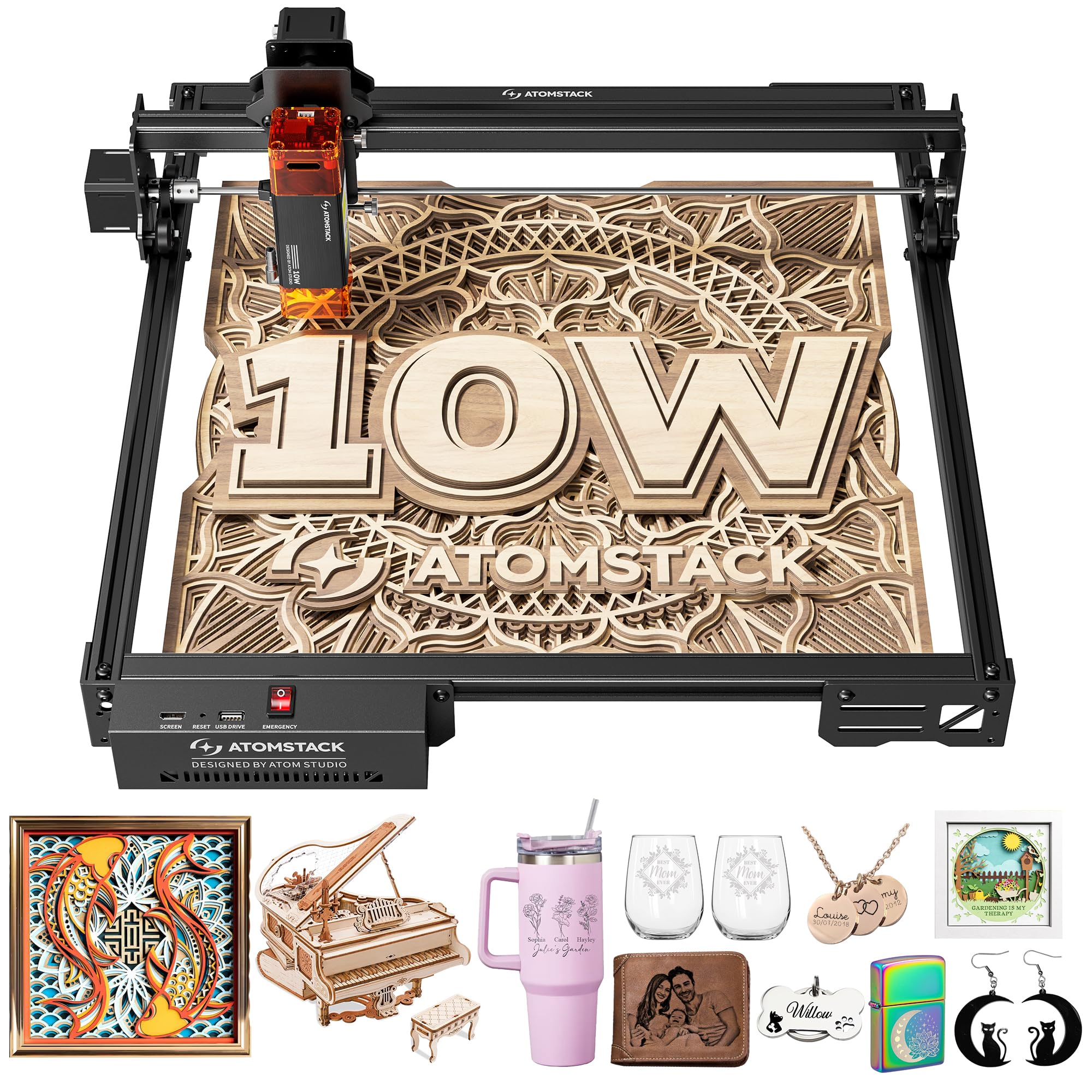
The Atomstack A10 PRO V2 uses double pressure point coupling technology to achieve a 0.06×0.08mm compressed spot, placing it among the highest-resolution cheap laser engravers available. This 10W diode delivers 60000mW of combined peak power, capable of cutting 12mm wood and 5mm dark acrylic in a single pass across a generous 410x380mm work area — big enough for multiple coasters or a full laptop lid in one go.
The open-frame design with a linear guide rail system provides excellent stability at speeds up to 400mm/s, and the removable magnetic laser protective cover filters 97% of UV output. Integration with LightBurn and LaserGRBL is seamless via USB Type-C, and the free Atomstack mobile app gives beginners a gentle on-ramp before committing to paid software. Users note that the screw-rod Z-axis and long focal length produce consistent burn depth across the entire bed, even when engraving slightly warped materials.
The main downside is its open-frame nature — it mandates Class 4 laser safety glasses (445nm protection) and a fireproof surface, just like any open diode laser. Some users reported that the expansion pack for rotary engraving was discontinued, so verify availability before buying if you plan to engrave cylindrical objects. The 12.47-pound all-metal frame dampens vibration well, ensuring sharp results on hardwoods and plywood.
Why it’s great
- Exceptional 0.06×0.08mm spot for fine photo engraving
- Large 410x380mm bed with stable linear rails
- Free mobile app + LightBurn compatibility
Good to know
- Open-frame requires dedicated safety glasses and ventilation
- Rotary expansion availability is inconsistent
- Learning curve for LightBurn setup without clear included manual
3. ACMER P1 S Pro 10W
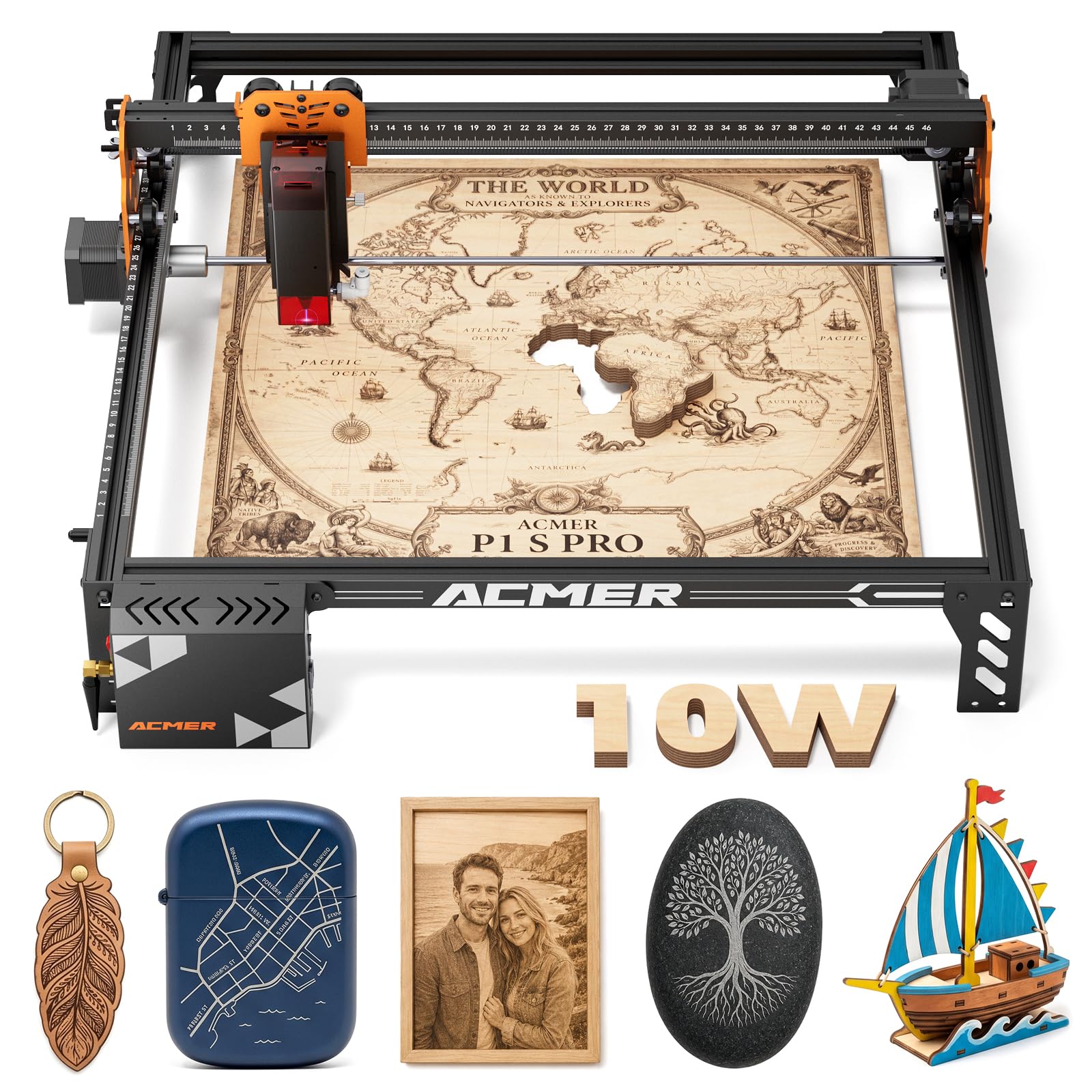
The ACMER P1 S Pro 10W brings modern connectivity to the budget tier with native WiFi, USB, and TF card support, letting you send files directly from a phone app or PC without being tethered to a laptop. The 0.06mm laser spot and 0.01mm engraving precision allow clean reproduction of even script fonts and halftone images on wood, leather, coated metal, and glass.
At 380x370mm, the working area is roomy enough for standard cutting boards and small wooden signs, and the 10W dual-beam laser cuts 12mm basswood and 8mm acrylic in one pass. The modular frame design assembles in under 20 minutes, and the included Class 1 certification (when using the optional enclosure) provides peace of mind for home users. The machine supports over 100 materials with material presets in the LightBurn library, and the rotary attachment option opens cylindrical engraving for tumblers and wine glasses.
Where it slips slightly is the documentation — several users noted the instruction booklet lacks detail for driver installation and assembly part identification, requiring supplementary YouTube tutorials. Customer support responds promptly, with multiple reports of swift replacement units when defects occurred. For makers who value WiFi convenience and a large work envelope, this ACMER model hits a strong performance-to-price ratio.
Why it’s great
- WiFi, USB, and TF card connectivity for untethered operation
- Large 380x370mm work area with 10W cutting power
- Class 1 certified with optional enclosure
Good to know
- Assembly instructions are vague for first-time builders
- Enclosure is an optional extra, not included
- Some users reported initial defective units needing replacement
4. Creality Falcon 10W

The Creality Falcon 10W claims the largest work area in this roundup at 400x415mm, accommodating oversized projects like full plywood panels or multiple production runs in a single setup. Its 0.06×0.06mm compressed spot delivers 72W of effective peak power for cutting 12mm wood boards and 5mm black acrylic in one pass, while the 32-bit chipset keeps processing fluid even with complex vector files.
Assembly is impressively straightforward — reviewers report taking just 15 minutes to move from box to first burn, aided by 99% pre-assembled components. The anti-UV filter acrylic on the laser module reduces 97% of ultraviolet rays, and the included goggles add a second layer of eye protection. It works with LightBurn and LaserGRBL across Windows and Mac, and the SD card slot enables complete offline operation once your file is loaded.
The main caveats involve the bundled green safety glasses, which users found inadequate for the 445nm blue diode wavelength, recommending upgraded orange/red ANSI EN 207-rated glasses. A small number of users reported intermittent stopping issues during long cutting jobs, though customer support response was positive overall. For raw workspace size and pre-assembled convenience, the Falcon is a compelling middle-ground pick.
Why it’s great
- Massive 400x415mm work area for large-format projects
- 15-minute assembly with near-complete pre-assembly
- Dual-system compatibility (Windows + Mac via LightBurn)
Good to know
- Included green glasses insufficient for 445nm blue lasers
- Occasional stopping issues reported in extended cut sessions
- Limited upgrade potential compared to open-rail designs
5. Ortur Laser Master 2 S2 10W

The Ortur Laser Master 2 S2 LU2-10A is a tried-and-tested 10W workhorse with a 390x410mm bed and a 0.05×0.1mm compressed spot that balances speed with detail. It cuts 20mm wood and 30mm acrylic in multiple passes, while the built-in air assist interface on the laser module keeps cut edges clean without an external blower.
The industrial-grade full metal frame reduces vibration at high speeds, and the dual-fan 235g laser module provides active cooling for marathon engraving sessions. Safety features include a G-sensor tilt stop, USB disconnect auto-shutdown, and a laser protective cover that filters 98% of UV light. The machine is compatible with both LaserGRBL and LightBurn on Windows and Mac, and supports SVG, DXF, JPG, PNG, and BMP file formats.
Where it stumbles is assembly documentation — even experienced CNC users found the manual lacking in detail for the air assist setup and driver installation. While overall build quality is praised, a few users reported that the company does not sell replacement parts separately, making the unit effectively disposable if the laser module fails after warranty. For those who value raw cutting depth and a proven brand, the Ortur Master 2 S2 remains a solid choice.
Why it’s great
- Deep cutting capability — 20mm wood and 30mm acrylic
- Built-in air assist interface for cleaner cuts
- Proven dual-fan cooling for extended operation
Good to know
- Assembly manual is vague, especially for air assist
- No replacement parts sold separately — unit is disposable
- G-sensor can trigger false stops if table is bumped
6. KENTOKTOOL LE400PRO 50W

The KENTOKTOOL LE400PRO claims 50W in name, but the actual optical output is 5.5W — a common marketing inflation that doesn’t affect its real performance on wood, leather, and acrylic. The 0.08mm ultra-fine fixed focus with a knob-driven focusing system eliminates the need for tools, making material swaps fast and repeatable.
The all-metal frame includes precise tick marks on both axes for quick material positioning, and the 400x400mm bed accommodates multiple small items in a single run. The magnetic front protective cover filters 97% of UV rays and attaches or detaches in seconds. It cuts up to 8mm wood and 5mm black acrylic, with support for stainless steel engraving after applying a dark marker coating. The machine works with LightBurn and LaserGRBL across Windows and Mac, accepting NC, BMP, JPG, PNG, and DXF files.
The most common user feedback highlights the steep learning curve for software configuration, with the included instructions being sparse — most successful users turned to YouTube tutorials. The 5.5W diode is noticeably slower at cutting thicker materials than the 10W alternatives, requiring multiple passes for anything above 5mm. For beginners focused on engraving rather than heavy cutting, the LE400PRO offers a stable, affordable platform with a large bed.
Why it’s great
- Large 400x400mm bed with clear axis tick marks
- Tool-free knob focus adjustment for quick material changes
- All-metal frame reduces vibration artifacts
Good to know
- 5.5W output requires multiple passes for thick materials
- Software setup requires external video tutorials
- Magnetic cover is practical but less robust than a full enclosure
7. SCULPFUN S6 Pro 5.5W
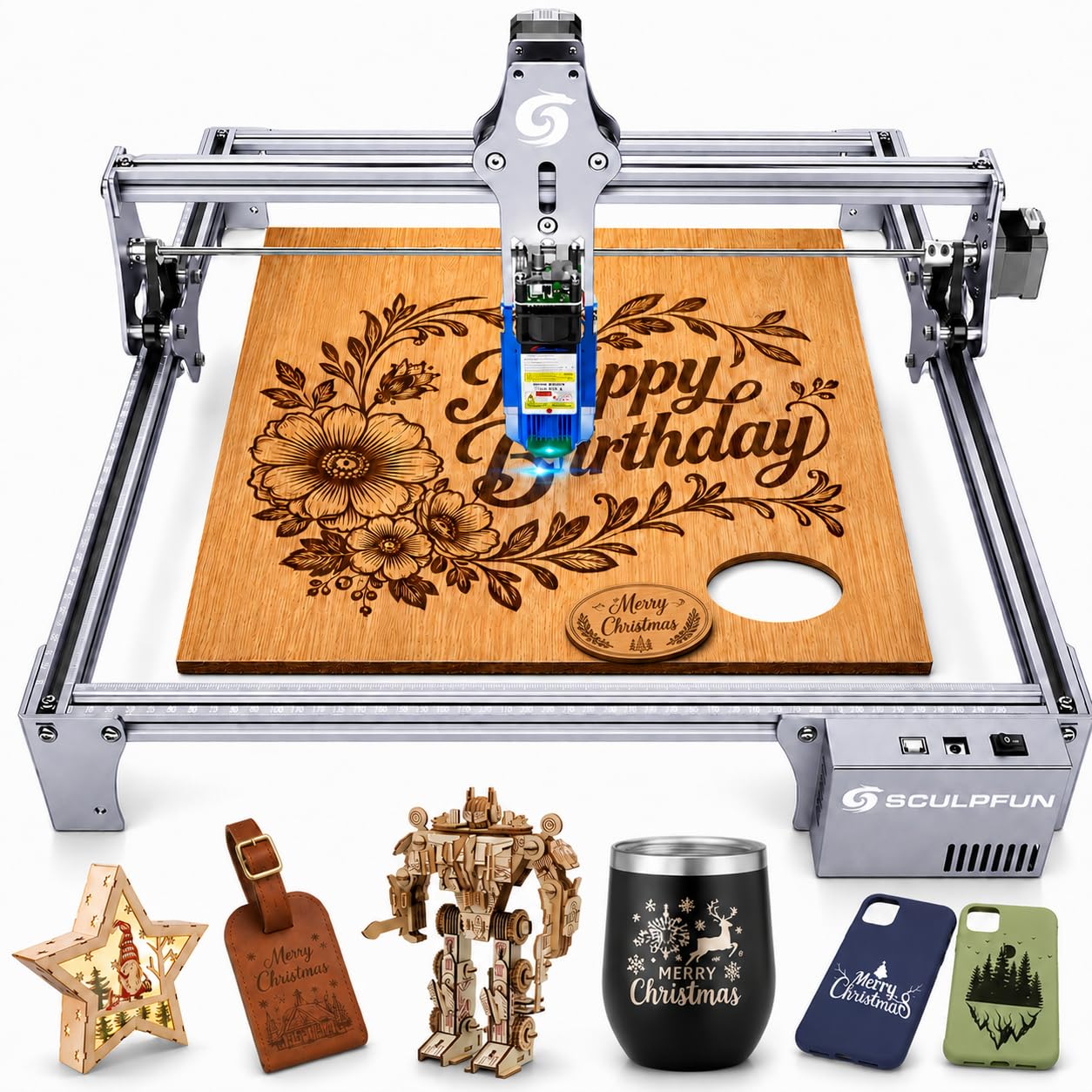
The SCULPFUN S6 Pro targets absolute beginners with its fixed-focus sliding laser head and sub-20-minute assembly time. The 5500mW diode and 0.08mm compressed spot are sufficient for engraving cedar, leather, and coated metals, and it claims to cut 10mm wood, 6mm black acrylic, and 6mm plywood — though real-world performance requires patience on thicker materials.
The laser filter cover on the module blocks 98% of UV light, and the included A4 steel pad protects your work surface from accidental burns. It supports PWM mode engraving for grayscale gradients and works with LaserGRBL, LightBurn, Benbox, and GrblController across Windows and Mac. The sliding fast-focus mechanism eliminates screwdrivers — just slide and tighten by hand.
Where the S6 Pro shows its budget positioning is in build quality; some users reported complete laser failure within two months, though the seller’s responsive replacement policy mitigated the issue. The open-frame Class 4 design demands proper safety glasses and fume extraction, and the included software options are limited without purchasing LightBurn. For the lowest entry cost into diode engraving, the S6 Pro works — just budget for a good pair of safety glasses.
Why it’s great
- Fast, tool-free focus adjustment mechanism
- Lowest assembly time in its class
- Good customer support for defect replacements
Good to know
- Open-frame requires Class 4 laser safety glasses
- Some units fail within the first few months
- Not a powerful cutter — best suited for engraving only
8. Longer RAY5 5W
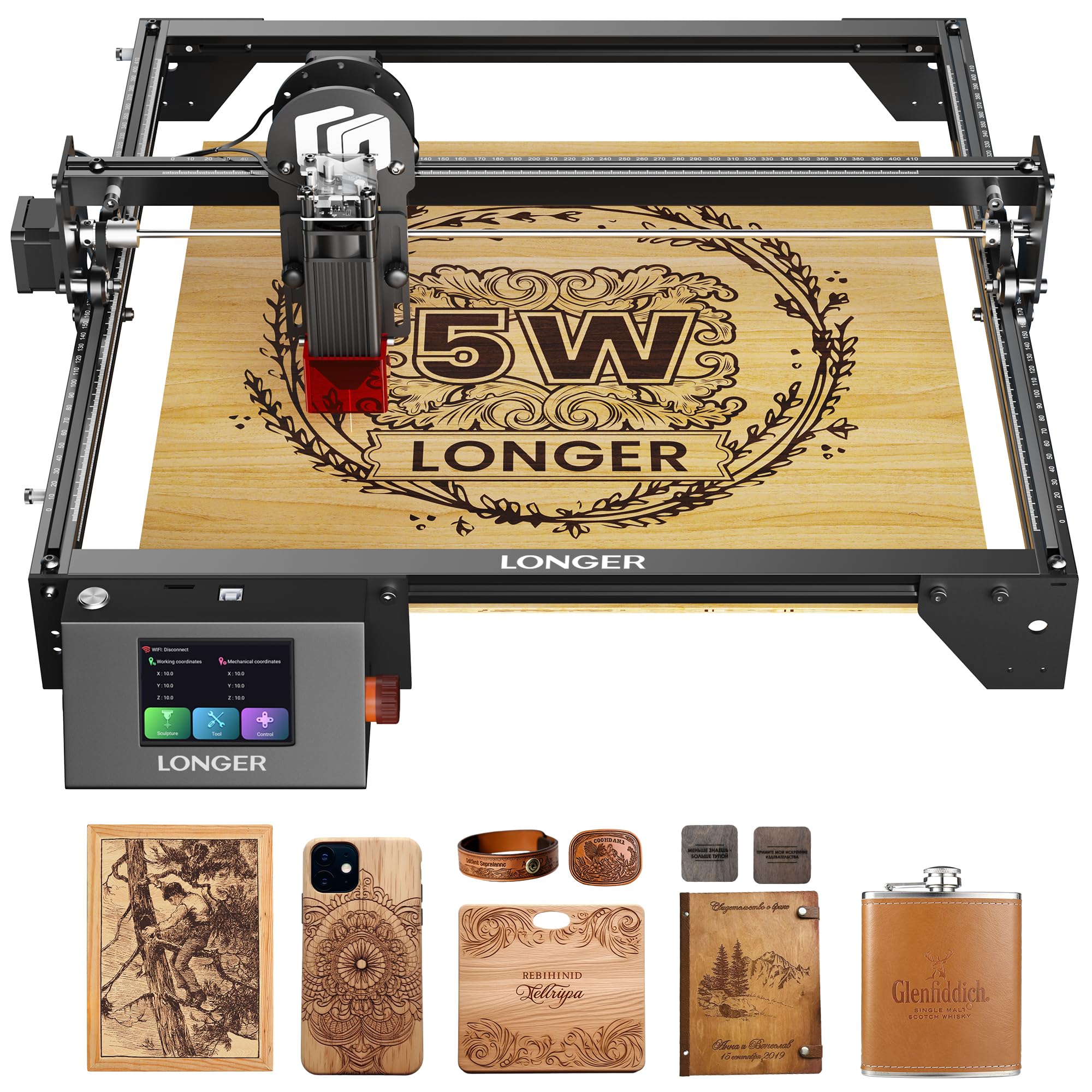
The Longer RAY5 5W stands out with its 3.5-inch intelligent color touchscreen — a rarity at this price point — allowing direct control of engraving progress, speed adjustment, and job selection without a computer. The 5W laser with a 0.08×0.08mm spot delivers 0.01mm engraving accuracy across a 400x400mm bed, and the ESP32 240MHz chipset handles complex files without stuttering.
This semi-enclosed design includes a protective cover and safety glasses, plus a motion protection sensor that shuts down the machine upon abnormal shaking and a thermal sensor that stops operation if it detects flame. It supports four connection modes — USB, TF card, WiFi, and mobile app — making it flexible for offline operation once files are loaded. Users consistently praise the build quality and the expandable cutting bed, which can be enlarged for bigger projects.
The 5W output limits its cutting ability; it manages 5mm plywood well but struggles with denser materials beyond that. LightBurn integration requires a bit of initial setup, and the assembly instructions could be clearer, though video guides help fill the gaps. For hobbyists who want a user-friendly touchscreen interface and offline capability without breaking the bank, the RAY5 remains a beloved entry-level choice.
Why it’s great
- 3.5-inch color touchscreen for on-machine control
- 4 connection modes including WiFi and offline TF card
- Expandable bed for larger project accommodation
Good to know
- 5W output limits cutting to thin plywood only
- Assembly instructions are below average
- Touchscreen interface has a modest learning curve
9. WAINLUXPRO 5W
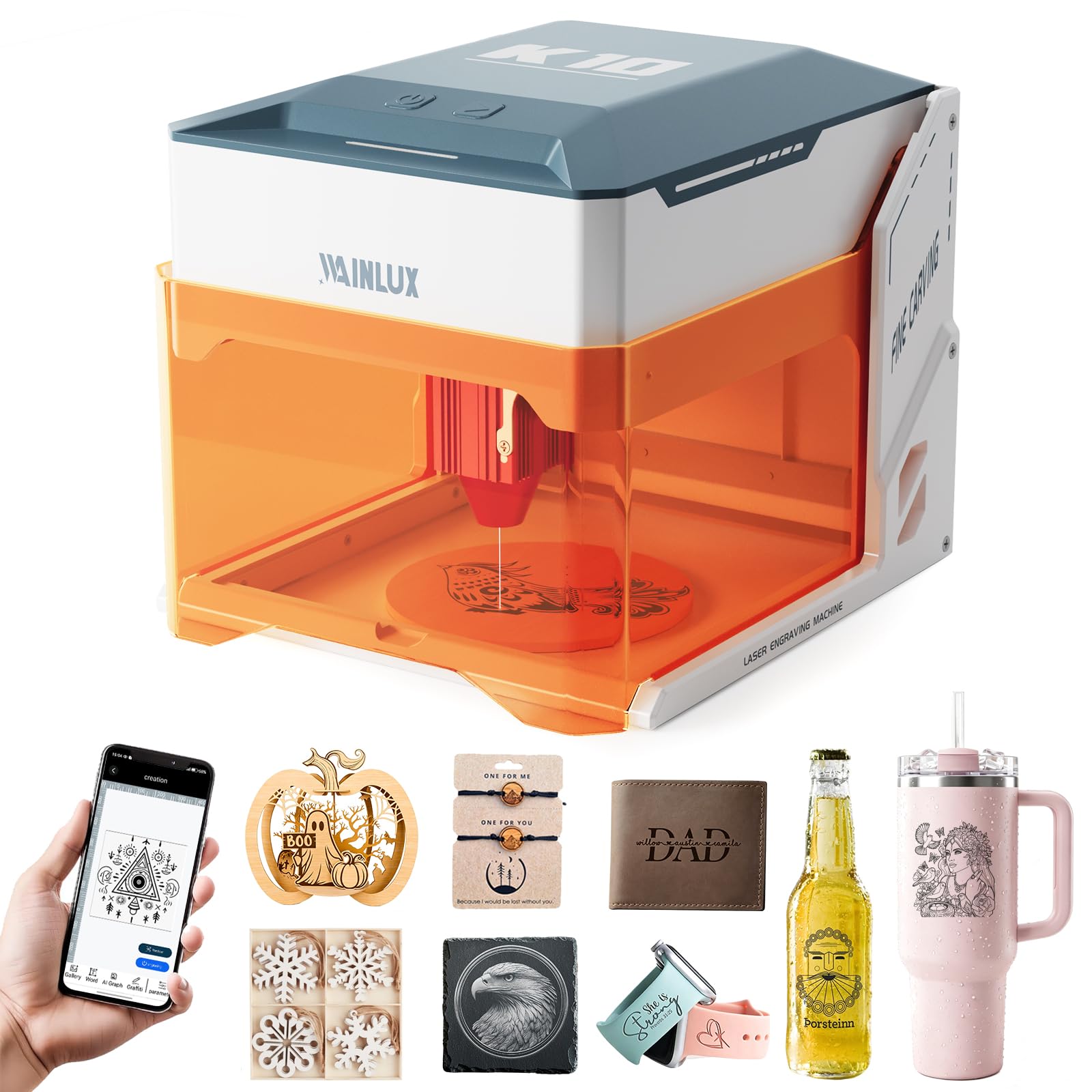
The WAINLUXPRO 5W is the only unit in this guide that arrives fully assembled — zero tools, zero alignment, just plug and engrave. Its 80x80mm bed is compact, but ideal for pet tags, keychains, phone cases, and small wooden signs. The Class 1 safety certification means the orange viewing window lets you watch the laser work safely, and auto-stop sensors trigger if the unit tilts 13° or the cover opens.
The 5W diode with 0.01mm precision and 5000mm/min speed cleanly cuts 3mm basswood in one pass and engraves wood, leather, fabric, coated metal, cork, and silicone. Over 100 material presets in the free CutLabX app make initial setup painless, and the machine supports WiFi, USB, and offline TF card operation. The optional rotary attachment expands its utility for wine glasses and baseballs.
Where it falls short is the tiny engraving area and the mobile app reliability — several users reported crashes and false safety warnings (door open triggers). The 5W output also twists some leather materials during engraving, and there’s no upgrade path to a more powerful laser module. For its intended purpose as a portable, safe, no-assembly engraver for small personalized gifts, it’s a unique and effective option.
Why it’s great
- Fully pre-assembled — zero setup time
- Class 1 safety with orange viewing window
- Portable and lightweight at under 7 pounds
Good to know
- 80x80mm bed is limiting for larger projects
- Mobile app is buggy with false safety alerts
- No laser module upgrade path available
FAQ
Can a cheap laser engraver cut metal?
Do I absolutely need air assist on a budget engraver?
What is the real difference between 5W and 10W for beginners?
Can I leave a cheap laser engraver running unattended overnight?
Final Thoughts: The Verdict
For most users, the best cheap laser engraver winner is the Woxcker L2 MAX 10W because it integrates Class 1 safety, a flame sensor, and a 0.01mm spot into a pre-assembled package that works out of the box without additional safety gear. If you want maximum engraving precision and an expandable open frame, grab the Atomstack A10 PRO V2 with its 0.06×0.08mm compressed spot. And for the largest work area and fastest assembly, nothing beats the Creality Falcon 10W with its 400x415mm bed and 15-minute setup.

Mo Maruf
I created WellFizz to bridge the gap between vague wellness advice and actionable solutions. My mission is simple: to decode the research and give you practical tools you can actually use.
Beyond the data, I am a passionate traveler. I believe that stepping away from the screen to explore new environments is essential for mental clarity and physical vitality.