Our readers keep the lights on and my smoothie glass nicely filled. As an Amazon Associate, I earn from qualifying purchases.
Color grading requires a monitor that reveals the exact truth of every shadow, highlight, and skin tone transition. The difference between a grade that looks correct and one that looks commercial-grade often comes down to the monitor’s ability to hold consistent color across the entire panel, bit depth, and its factory calibration precision.
I’m Mohammad Maruf — the founder and writer behind WellFizz. I’ve spent extensive hours analyzing professional display specifications, calibration reports, and user workflows to identify which monitors deliver the real-world accuracy that colorists and video editors actually need.
This guide helps you identify the best color grading monitor for your studio by comparing bit depth, color gamut coverage, hardware calibration features, and real-world panel performance.
How To Choose The Best Color Grading Monitor
A good color grading monitor is defined by its ability to display a consistent, accurate image without drift across sessions. Three factors dominate the decision: panel technology (IPS vs OLED vs QD-OLED), bit depth for gradient smoothness, and hardware calibration capability.
Panel Technology and Contrast
OLED and QD-OLED panels offer per-pixel dimming for true blacks and infinite contrast, which reveals shadow detail that IPS panels crush. IPS Black technology improves native contrast to 2000:1, but cannot match the black floor of OLED. For SDR grading, a well-calibrated IPS remains viable; for HDR grading with PQ tracking, OLED or QD-OLED is the standard.
Bit Depth and Color Gradient Banding
A true 10-bit panel displays 1.07 billion colors, eliminating visible banding in smooth gradients like sky or skin tones. Many budget-friendly monitors use 8-bit+FRC, which dithers to approximate 10-bit but can introduce artifacts in fine transitions. Look for “true 10-bit” or a “10-bit panel” specification, especially if you grade footage with subtle tonal shifts.
Hardware Calibration and LUT Support
Monitors with internal 3D LUTs and hardware calibration let you write a calibration profile directly to the monitor’s internal chip, bypassing the graphics card. This ensures consistent color regardless of which computer or software drives the display. Look for Calman verification or integrated sensors for automatic re-calibration.
Quick Comparison
On smaller screens, swipe sideways to see the full table.
| Model | Category | Best For | Key Spec | Amazon |
|---|---|---|---|---|
| ASUS ProArt PA32UCDM | QD-OLED | HDR reference grading | ΔE < 1, true 10-bit, Dolby Vision | Amazon |
| EIZO ColorEdge CG2700X | IPS | Broadcast / cinema GUI | Built-in self-calibration sensor | Amazon |
| BenQ SW321C | IPS | Photo-to-print matching | 14-bit 3D LUT, Paper Color Sync | Amazon |
| LG 40U990A-W | Nano IPS | Ultrawide timeline editing | 5K2K, 99% DCI-P3, Thunderbolt 5 | Amazon |
| Kuycon G32P | IPS | 6K Mac-compatible grading | 6144×3456, 99% DCI-P3, ΔE<2 | Amazon |
| Dell UltraSharp U4025QW | IPS Black | Large canvas productivity | 5K2K, 2000:1 contrast, 120Hz | Amazon |
| ViewSonic VP3881A | Curved IPS | Ultrawide color-accurate work | 38″ 21:9, ΔE<2, Pantone Validated | Amazon |
| Apple Studio Display | IPS | Seamless Mac integration | 5K Retina, 600 nits, P3 wide | Amazon |
| MSI PRO MAX 271UPXW12G | QD-OLED | Mac color-matched QD-OLED | ΔE<2, 120Hz, 98W PD USB-C | Amazon |
| ASUS ProArt PA329CV | IPS | Entry-level color accuracy | 32″ 4K, ΔE<2, Calman Verified | Amazon |
| BenQ MA270U | IPS | Mac-first budget grading | P3 wide gamut, 90W USB-C | Amazon |
In‑Depth Reviews
1. ASUS ProArt Display PA32UCDM
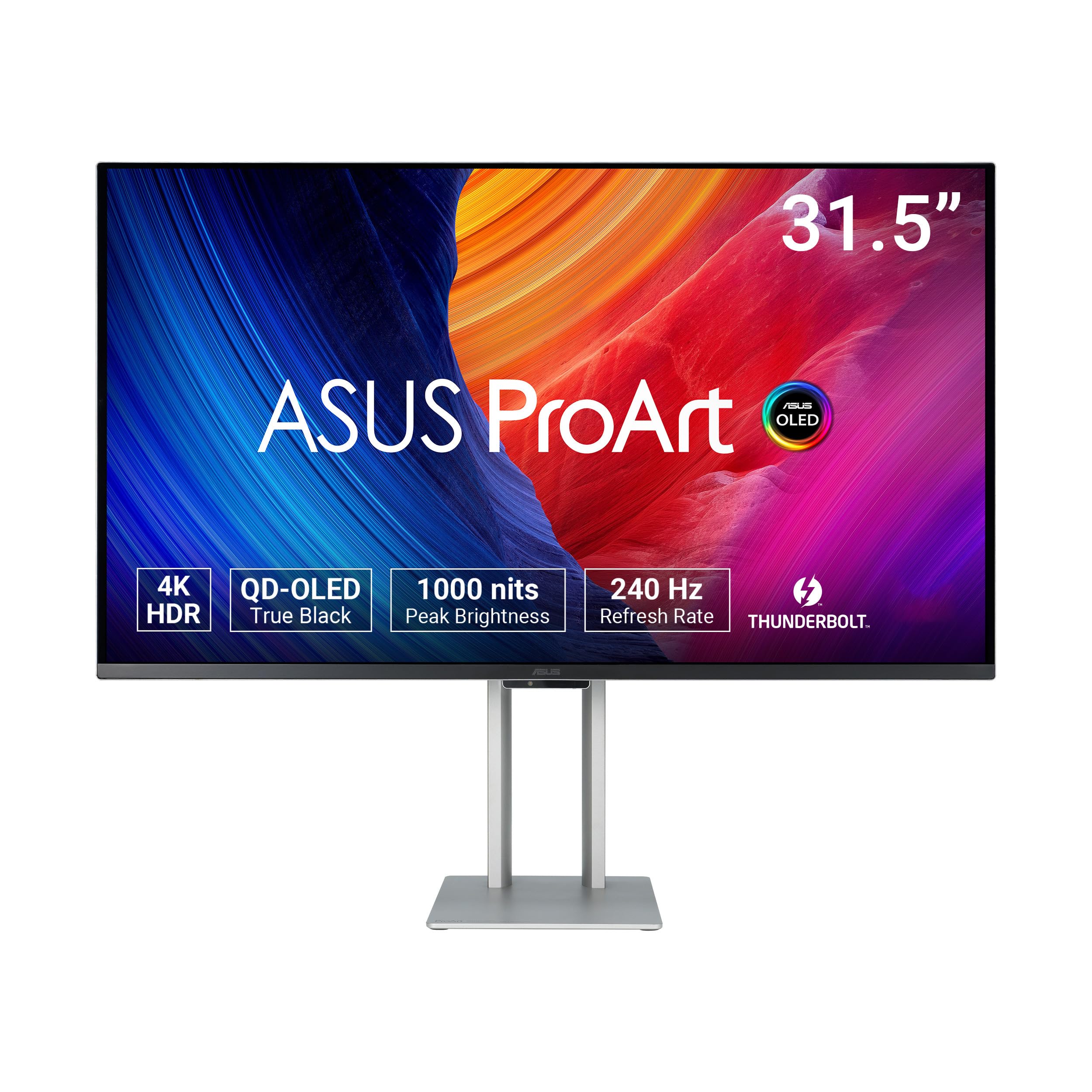
The PA32UCDM combines a 31.5-inch QD-OLED panel with sub-1 Delta E accuracy and Dolby Vision certification, making it a strong candidate for HDR reference grading. Its true 10-bit depth and 1000-nit peak brightness allow clean handling of PQ EOTF tracking, and the 240Hz refresh rate (while not needed for grading) eliminates any motion artifacts during preview scrubbing.
Hardware calibration via ASUS ProArt software writes correction data directly to the internal 16-bit 3D LUT, bypassing the GPU color pipeline. The monitor covers 99% DCI-P3 and 100% sRGB/Rec.709, and reviewers confirm it lacks the oversaturation typical of consumer OLED panels. A 5-year warranty (with registration) adds confidence for studio investment.
One limitation is the absence of a DisplayPort input—users must rely on HDMI 2.1 or USB-C with 90W power delivery. Some firmware updates are required to address fan noise, but the color science straight out of the box is consistently praised as the best under for critical HDR grading.
Why it’s great
- True 10-bit QD-OLED with perfect blacks
- Dolby Vision, HDR10, HLG support
- Hardware calibration with 16-bit LUT
Good to know
- No DisplayPort input
- Firmware updates needed to fix fan noise
2. EIZO ColorEdge CG2700X
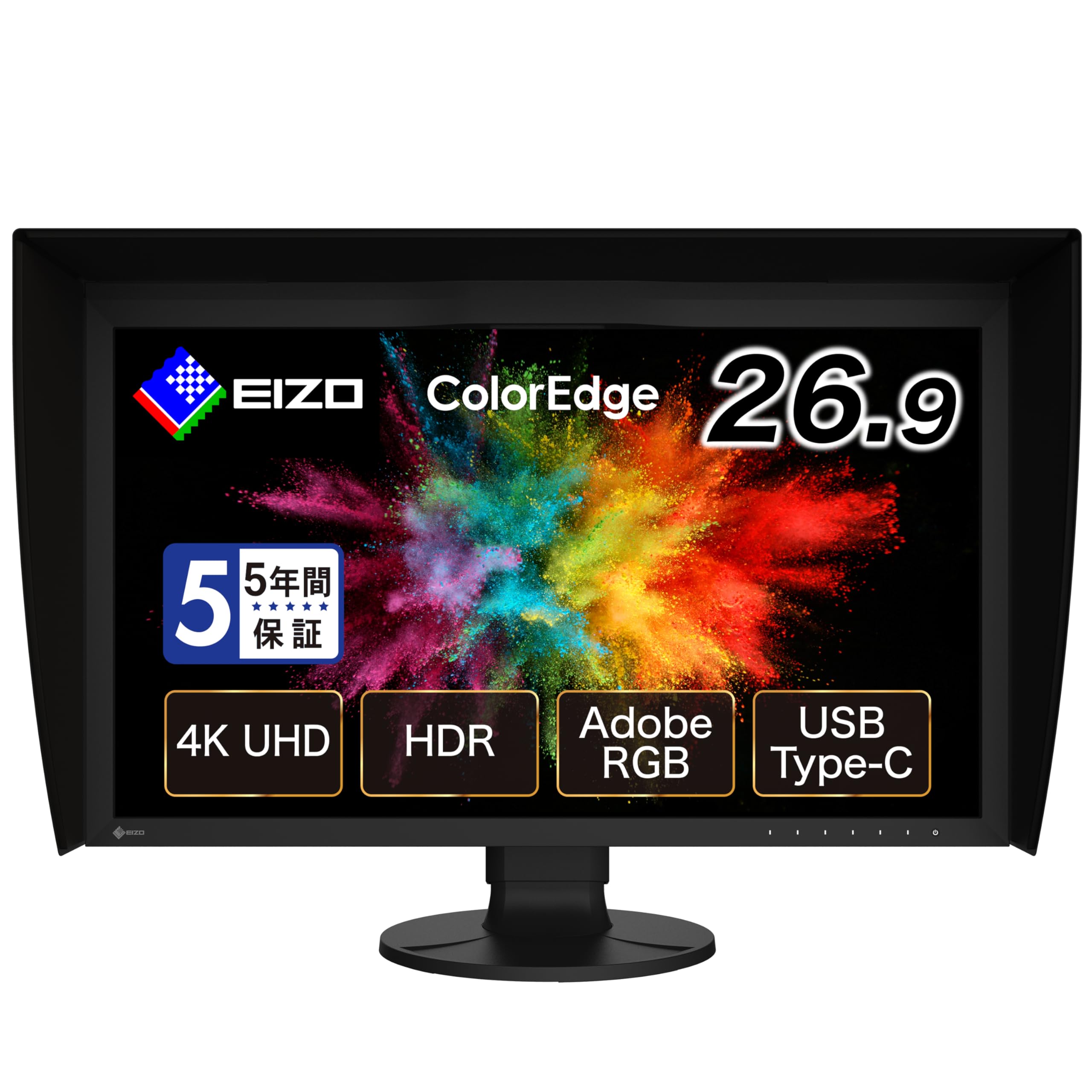
The CG2700X is built around a 27-inch 4K IPS panel with a built-in calibration sensor that automatically re-calibrates the monitor on a schedule you set, eliminating drift without external probes. The 16-bit 3D LUT and 10-bit display ensure smooth gradients, while 99% AdobeRGB and 98% DCI-P3 coverage satisfy both print and video workflows.
Its Digital Uniformity Equalizer compensates for brightness and color variations across the panel, which is critical when grading with full-frame scopes. The monitor also includes a KVM switch, RJ-45 LAN, and 94W USB-C power delivery, making it a hub for a clean grading desk. Professional colorists on set use this as a GUI monitor that closely matches Grade 1 reference displays.
The main tradeoff is the premium cost—it sits at the high end of the pricing spectrum. Some users report that the hood fit can cause minor light leaks, though the uniformity correction usually compensates. For a colorist who needs repeatable accuracy without manual calibration sessions, this is a serious contender.
Why it’s great
- Built-in auto calibration sensor
- 16-bit 3D LUT for precision
- Uniformity correction across panel
Good to know
- High price point
- Hood may allow light leaks
3. BenQ SW321C

The SW321C is a 32-inch 4K IPS monitor tailored for photographers and colorists who need consistent results from screen to print. Its 14-bit 3D LUT and hardware calibration ensure smooth gradations, while the Paper Color Sync mode simulates the look of printed output on coated or matte paper, helping you catch color shifts before ink hits paper.
Covering 99% AdobeRGB and 95% DCI-P3, it handles wide-gamut editing with confidence. The panel includes HLG support for HDR preview, and the included remote puck allows quick switching between Rec.709, sRGB, and AdobeRGB modes. Users consistently mention the even backlight and minimal IPS glow as standout qualities for critical evaluation.
Its brightness is rated at 250 nits, which is adequate for SDR grading but less suitable for HDR reference. The Palette Master calibration software is reported to have stability issues on Windows, though Mac users generally find it reliable. The included shade hood is functional but somewhat fragile.
Why it’s great
- 14-bit 3D LUT for smooth gradients
- Screen-to-print matching technology
- Even backlight with minimal bleed
Good to know
- 250-nit brightness limits HDR grading
- Calibration software buggy on Windows
4. LG 40U990A-W

This 40-inch curved monitor delivers 5120×2160 resolution (5K2K) on a Nano IPS Black panel with a 2000:1 contrast ratio—much deeper blacks than standard IPS. Covering 99% DCI-P3, it provides the color volume necessary for HDR grading, while VESA DisplayHDR 600 ensures acceptable brightness for PQ content. The 2500R curvature helps maintain consistent viewing angles across the wide screen.
Thunderbolt 5 support delivers 96W charging and enough bandwidth for high-resolution timelines without compression artifacts. The daisy-chain feature lets you add a second monitor without extra cables. Reviewers highlight the sharp text and uniform backlight as major pluses for long editing sessions.
Some users report wake-from-sleep issues with MacBooks and firmware update hurdles that require Windows to run the update tool. The 120Hz refresh rate is a bonus for smooth timeline scrubbing, but not essential for pure color grading. The large power brick is worth factoring into desk management.
Why it’s great
- 5K2K resolution with 99% DCI-P3
- 2000:1 contrast from Nano IPS Black
- Thunderbolt 5 with 96W charging
Good to know
- Sleep/wake issues with some Macs
- Large external power brick
5. Kuycon G32P
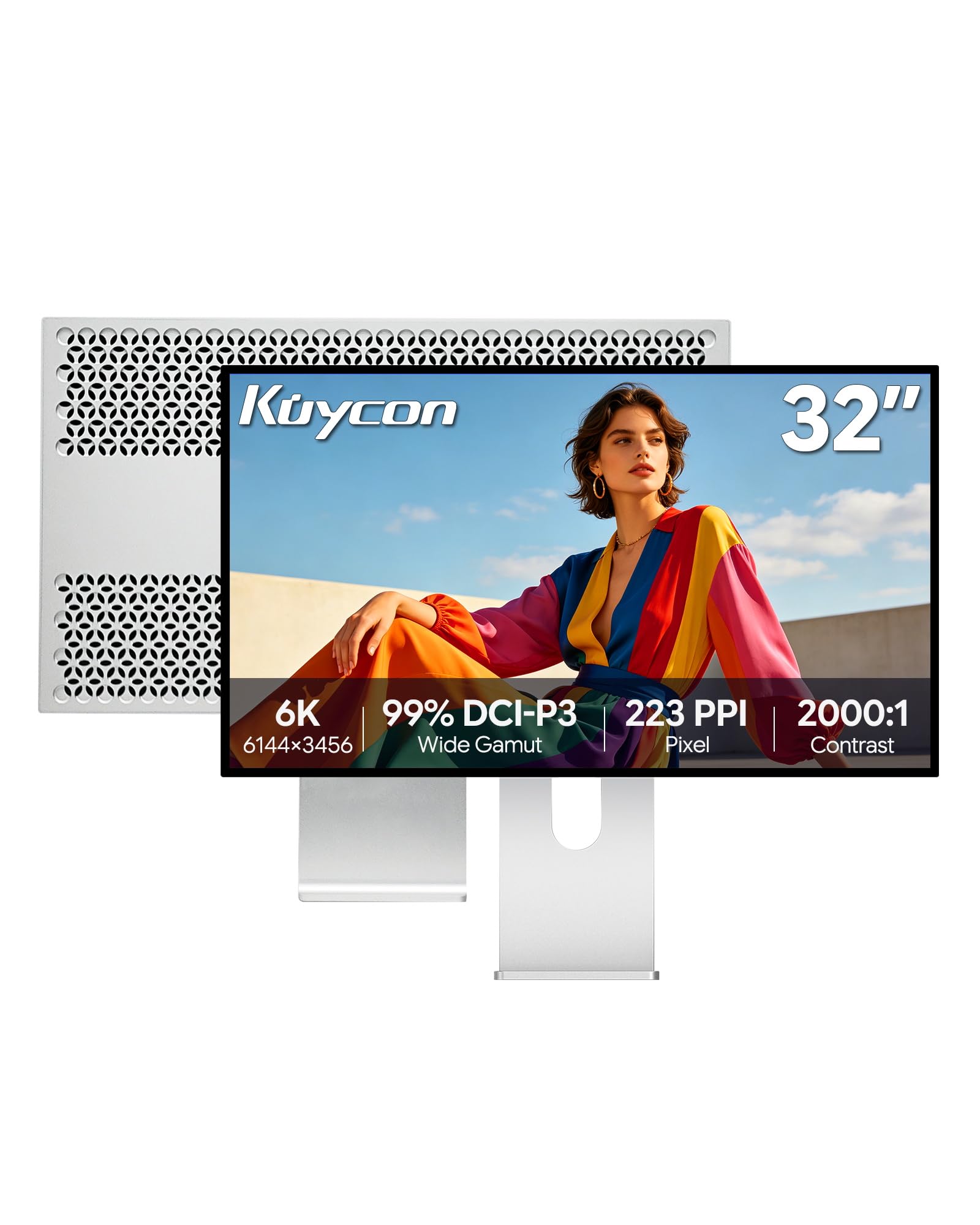
The G32P offers a 32-inch 6K IPS panel (6144×3456) with a pixel density of 223 PPI, matching the Retina-level clarity of the Apple Pro Display XDR at a significantly lower cost. With 99% DCI-P3 and Delta E under 2, it provides the color space needed for side-by-side grading with reference monitors. The glossy screen and 500-nit brightness deliver punchy highlights that help evaluate specular detail.
CNC-machined aluminum body and a fully adjustable stand (height, tilt, swivel, pivot) give it a premium feel. Single USB-C cable handles video and 100W charging, and the monitor includes HDMI and DisplayPort inputs. Users report excellent text sharpness and panel uniformity, making it suitable for both grading and UI design.
Quality control can be inconsistent—some units arrive with stuck pixels or minor discoloration, though Kuycon’s customer support is responsive with replacements. The monitor lacks integrated Thunderbolt docking and may require an adapter for Ethernet. Bright room users should account for the glossy finish, which demands higher brightness settings.
Why it’s great
- 6K resolution with 223 PPI
- 99% DCI-P3 and ΔE<2 accuracy
- Premium aluminum build
Good to know
- Quality control can be variable
- Glossy screen needs high brightness in lit rooms
6. Dell UltraSharp U4025QW

The Dell U4025QW is a 40-inch ultrawide (5120×2160) using IPS Black technology to achieve a 2000:1 contrast ratio, which provides noticeably deeper blacks than conventional IPS panels. With 99% DCI-P3 coverage and factory calibration, it offers a broad canvas for timeline-heavy grading sessions. The 120Hz refresh rate smooths cursor movement and playback scrubbing without adding visible latency.
Its built-in KVM switch lets you toggle between two computers while sharing peripherals, and the extensive port selection (Thunderbolt, HDMI, DisplayPort, Ethernet, USB hub) reduces desktop clutter. Users with Mac and Linux dual setups appreciate the reliable KVM switching and plug-and-play compatibility. The 600-nit peak brightness supports comfortable HDR evaluation in well-lit rooms.
Some users note that default color modes appear oversaturated and recommend switching to Movie mode with manual adjustments for more accurate grading. The chassis has a plastic feel that doesn’t match its high price, and the large footprint demands significant desk space. The IPS Black contrast is still far from the black floor of OLED panels.
Why it’s great
- 5K2K ultrawide with 2000:1 contrast
- 120Hz for smooth scrubbing
- Built-in KVM with extensive ports
Good to know
- Plastic build feel at high price
- Default color modes need adjustment
7. ViewSonic VP3881A

The VP3881A offers a 38-inch WQHD+ (3840×1600) ultrawide format with a 2300R curve, providing generous horizontal real estate for video timeline layouts. It is Pantone Validated and covers 100% sRGB, Rec.709, and DCI-P3 with Delta E under 2, backed by a hardware calibration report included in the box. The IPS panel delivers consistent color across the 21:9 width, crucial for multi-window grading workflows.
USB-C connectivity delivers 90W power delivery and acts as a hub with Ethernet, USB-A, and DisplayPort inputs. Users report that it powers a MacBook Pro M2 and runs peripherals seamlessly. The advanced ergonomic stand (tilt, swivel, height) allows precise positioning for long sessions, and the flicker-free backlight reduces eye strain.
The 300-nit brightness is lower than some HDR-capable competitors, and the WQHD+ resolution (3840×1600) is less sharp than a 4K UHD 16:9 panel. This monitor shines for those who prioritize screen real estate and color accuracy over peak HDR specular highlights. It competes poorly with direct sunlight, so positioned setup matters.
Why it’s great
- 38″ curved ultrawide with Pantone validation
- 90W USB-C hub with Ethernet
- Hardware calibration report included
Good to know
- Only 300 nits peak brightness
- WQHD+ not as sharp as 4K UHD
8. Apple Studio Display
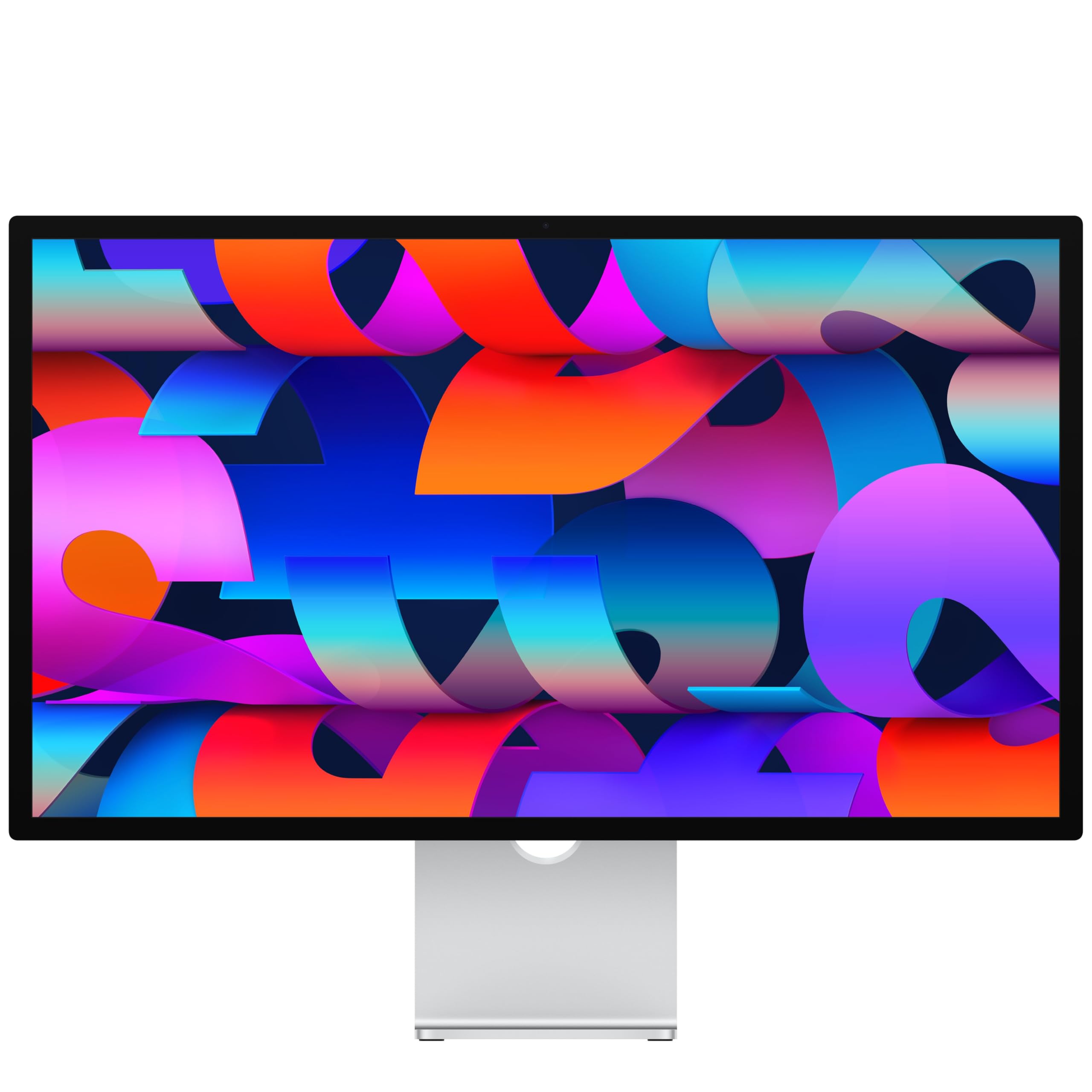
The Apple Studio Display features a 27-inch 5K Retina panel (5120×2880) with 600 nits brightness and P3 wide color coverage. Its 14.7 million pixels deliver exceptional sharpness for evaluating fine detail, and the built-in six-speaker array with Spatial Audio is unmatched by any dedicated color grading monitor. For editors working entirely within macOS, the seamless integration with the operating system’s color management is a genuine advantage.
The 12MP Center Stage camera and studio-quality three-mic array are well-suited for remote color review sessions and client calls. Thunderbolt 5 ports allow daisy-chaining multiple displays and fast-charging a MacBook Pro. Users consistently praise the overall image quality and build, reporting that it pairs perfectly with Mac Mini or MacBook Pro workflows.
The Studio Display is limited to a 60Hz refresh rate, which can feel less fluid compared to 120Hz competitors. True color accuracy requires external calibration—there is no hardware LUT or internal calibration sensor. The price is high for a monitor that is not purpose-built for color grading, though the 5K Retina clarity is genuinely useful for detailed inspection work.
Why it’s great
- 5K Retina with 14.7M pixels
- Flawless macOS integration
- Top-tier speakers and microphone
Good to know
- 60Hz refresh rate only
- No hardware calibration support
9. MSI PRO MAX 271UPXW12G

This 27-inch 4K UHD monitor uses a QD-OLED panel with a 1,500,000:1 contrast ratio, delivering perfect blacks and vibrant color that reveal every shadow detail in a grade. With Delta E under 2 accuracy and VESA DisplayHDR True Black 400 certification, it provides a strong HDR grading foundation at an entry-level price for OLED technology. The 120Hz refresh rate and FreeSync Premium Pro reduce tearing during timeline playback.
MSI’s Mac Optimization Software synchronizes the monitor’s color profile with macOS, ensuring consistent color across the operating system. Dual USB-C ports (98W and 15W power delivery) simplify connectivity with MacBooks and peripherals. Users report that the premium color preset combined with HDR mode delivers exceptional vibrancy that helps evaluate HDR content.
Some Mac users encounter a dual-monitor issue where only one display works until they disable DSC and lock to DisplayPort, limiting the second monitor to 120Hz instead of higher refresh rates. The stand has limited height adjustment range, and the white finish may not suit all studio environments. For pure color grading, the QD-OLED color saturation can appear exaggerated in native mode without careful profile management.
Why it’s great
- QD-OLED with 1,500,000:1 contrast
- Mac color synchronization software
- 98W USB-C power delivery
Good to know
- Dual Mac setup requires DSC disable
- Stand height adjustment limited
10. ASUS ProArt Display PA329CV

The PA329CV is a 32-inch 4K UHD IPS monitor factory calibrated to Delta E under 2 and Calman Verified, providing out-of-box color accuracy that rivals monitors costing twice as much. It covers 100% sRGB and Rec.709, which is the standard color space for broadcast and web video delivery. The 400-nit brightness is sufficient for SDR grading in a controlled lighting environment.
USB-C connectivity with power delivery, along with DisplayPort and HDMI inputs, makes it compatible with most computers. The adjustable stand supports height, pivot, swivel, and tilt, and a 3-month Adobe Creative Cloud subscription is included. Users consistently mention the sturdy metal base and the fact that multiple units match each other out of box, which is essential for multi-monitor setups.
This monitor lacks DCI-P3 coverage and HDR hardware calibration, so it is not ideal for HDR or wide-gamut workflows. The front panel buttons are unlit, making them difficult to use in dim grading environments. For editors primarily grading SDR Rec.709 content, this is a budget-friendly entry point with proven reliability.
Why it’s great
- Calman Verified with ΔE<2 accuracy
- Solid build with multi-directional stand
- Great multi-monitor color matching
Good to know
- No DCI-P3 or HDR support
- Front buttons unlit in dark rooms
11. BenQ MA270U

The MA270U is a 27-inch 4K IPS monitor designed specifically for MacBook users, with BenQ’s exclusive color tuning to match the P3 wide color gamut of MacBook Pro and MacBook Air displays. It provides a consistent color experience across your MacBook’s screen and the external monitor, reducing the mental load of translating between two color spaces during a grade. The 400-nit brightness and 2000:1 contrast ratio deliver solid SDR performance.
Single USB-C cable handles 4K video, 90W power delivery, and connects to a built-in USB hub, making it a one-cable docking station. The MacBook keyboard provides direct control over monitor brightness and volume. The fully adjustable stand (height, tilt, swivel, pivot) and eye-care features (blue light filter, flicker-free) support extended grading sessions.
This monitor lacks hardware calibration and professional LUT support, so it is not suitable for reference-grade color work. The built-in speakers are poor, requiring external audio. Some users report early reliability issues, though BenQ support typically resolves them. For a budget-friendly Mac companion monitor that stays color-consistent with your laptop screen, this is a functional choice.
Why it’s great
- Mac color-matched P3 wide gamut
- Single USB-C with 90W charging
- Full ergonomic adjustment stand
Good to know
- No hardware calibration or 3D LUT
- Weak built-in speakers
FAQ
What is the difference between a color grading monitor and a regular monitor?
Do I need a true 10-bit panel for professional color grading?
Why is hardware calibration more reliable than software calibration for grading?
Final Thoughts: The Verdict
For most users, the best color grading monitor winner is the ASUS ProArt PA32UCDM because it combines true 10-bit QD-OLED blacks, Dolby Vision HDR support, and sub-1 Delta E accuracy in a package suitable for both SDR and HDR reference work. If you need a self-calibrating monitor with a built-in sensor for broadcast color matching, grab the EIZO ColorEdge CG2700X. And for a budget-friendly entry into accurate color grading with a large canvas, the ASUS ProArt PA329CV offers reliable Rec.709 accuracy at a much lower cost.

Mo Maruf
I created WellFizz to bridge the gap between vague wellness advice and actionable solutions. My mission is simple: to decode the research and give you practical tools you can actually use.
Beyond the data, I am a passionate traveler. I believe that stepping away from the screen to explore new environments is essential for mental clarity and physical vitality.