Our readers keep the lights on and my smoothie glass nicely filled. As an Amazon Associate, I earn from qualifying purchases.
Finding a CPU that delivers high frame rates in modern titles without draining your bank account requires more than just looking at the core count. You have to weigh single-core boost clocks against platform costs, understand which socket still has a future, and know when a higher-tier model becomes wasteful for your GPU. The market in this segment is fiercely competitive, and the wrong pick can leave you rebuilding your entire rig sooner than you planned.
I’m Mohammad Maruf — the founder and writer behind WellFizz. I’ve spent hundreds of hours analyzing benchmark data, comparing silicon architectures, and filtering through thousands of real user reports to identify which CPUs actually deliver on their low-sticker promise without hidden compromises.
This guide cuts through the noise to help you find the right best cheap processor for gaming that fits your build and your budget.
How To Choose The Best Cheap Processor For Gaming
Not every budget chip is a good deal for gamers. Some skimp on cache, others lock you into a dead socket. Before you click buy, run through these three checks to make sure your savings today don’t cost you an entire new motherboard tomorrow.
Socket Longevity and Platform Costs
AMD’s AM4 platform supports CPUs from the Ryzen 1000 series all the way up to the Ryzen 5000 series, meaning a cheap B450 or A520 board can still run a top-tier 5600X. Intel’s LGA1700 socket supports both 12th, 13th, and 14th gen processors, but it is effectively a dead end — no future generations will use it. AM5, while costlier upfront for DDR5 memory, promises support across several future Ryzen generations. If you plan to drop in a better CPU later without a full rebuild, AM4 or AM5 give you the best path.
Single-Core Boost Clock vs. Core Count
Most modern games rely heavily on one or two fast cores rather than spreading work across eight or more. A 6-core chip with a 4.6 GHz boost will often beat an 8-core chip with a 3.8 GHz boost in titles like Valorant, CS2, and Call of Duty. Focus on the max boost frequency in the CPU’s spec sheet rather than getting hypnotized by high core counts that your gaming workload won’t fully use.
PCIe Generation and Memory Support
A CPU that only supports PCIe 3.0 can throttle modern GPUs like an RTX 4060 or RX 7600, especially at higher resolutions where the data pipe matters more. Look for at least PCIe 4.0 support to avoid a hidden performance ceiling. Likewise, DDR5 compatibility is becoming standard on new platforms, but if you are building on a strict budget, DDR4 boards keep memory costs significantly lower — just make sure the CPU’s memory controller handles your chosen RAM speed cleanly.
Quick Comparison
On smaller screens, swipe sideways to see the full table.
| Model | Category | Best For | Key Spec | Amazon |
|---|---|---|---|---|
| AMD Ryzen 5 5600X | Mid-Range | 1080p/1440p max FPS on AM4 | 4.6 GHz boost, 35 MB cache | Amazon |
| Intel Core i5-12600KF | Mid-Range | Hybrid architecture gaming | 10 cores (6P+4E), 4.9 GHz | Amazon |
| AMD Ryzen 5 7600X | Premium | Future-proof AM5 build | 5.3 GHz boost, DDR5/PCIe 5.0 | Amazon |
| Intel Core i5-14400F | Mid-Range | Balanced all-rounder | 10 cores, 4.7 GHz boost | Amazon |
| Intel Core Ultra 5 225F | Entry-Level | Ultra-budget daily driver | 10 cores, 4.4 GHz, 65W | Amazon |
| AMD Ryzen 5 5500 | Budget | Lowest-cost AM4 entry | 3.6 GHz, 19 MB cache, PCIe 3.0 | Amazon |
| Intel Core i9-14900K | Enthusiast | Maximum multi-core + gaming | 24 cores, 6.0 GHz boost | Amazon |
In‑Depth Reviews
1. AMD Ryzen 5 5600X

The 5600X remains the gold standard for budget-conscious gamers who want elite 1080p and 1440p performance without jumping to a new platform. Its Zen 3 architecture delivers a 4.6 GHz max boost clock across 6 cores and 12 threads, and the 35 MB of total cache keeps your frame times tight and consistent in CPU-bound titles like Valorant and CS2.
Real-world benchmarks show it pushing over 140 FPS in Shadow of the Tomb Raider at 1080p Ultra and averaging around 90 FPS in Cyberpunk 2077 when paired with a capable GPU. The included Wraith Stealth cooler is adequate for stock operation, though an aftermarket tower cooler unlocks slightly higher sustained boost clocks and quieter acoustics under load.
Because it runs on the mature AM4 platform with B450 or B550 motherboards, you can build a complete system around it without expensive DDR5 memory. The PCIe 4.0 support on X570 and B550 boards ensures no GPU bottleneck with current-gen cards, making this the best blend of price, performance, and platform value on the list.
Why it’s great
- Excellent single-core IPC for gaming at 1080p and 1440p
- Runs cool and efficiently at 65W TDP with Wraith Stealth included
- AM4 platform gives access to cheap DDR4 memory and used motherboards
Good to know
- No integrated graphics — you need a dedicated GPU to get a display signal
- Stock cooler works but an aftermarket cooler improves sustained boost
- BIOS update may be required on older B450 boards
2. Intel Core i5-12600KF

The 12600KF uses Intel’s hybrid architecture with 6 Performance-cores and 4 Efficiency-cores, letting it balance high single-thread gaming performance with background multitasking. Its 4.9 GHz max turbo boost on the P-cores gives it a real edge in shooters and real-time strategy titles where every millisecond of latency matters.
Temperatures remain impressively low for its class — user reports show max readings around 63°C under Cinebench load with a budget air cooler, and idle temps close to room temperature. The unlocked multiplier means you can push it further with a Z-series board, though performance gains from overclocking are modest compared to the excellent stock tuning.
The chip requires a discrete GPU since there is no integrated graphics, and the LGA1700 socket is a dead end for future CPU upgrades. However, if you are building a system today that will last three to four years at 1440p, this is the most cost-effective Intel option available at this tier.
Why it’s great
- Exceptionally strong single-core boost at 4.9 GHz for competitive gaming
- Hybrid architecture handles multitasking without frame drops
- Runs cool enough for cheap air coolers at stock settings
Good to know
- No integrated graphics — dedicated GPU mandatory
- LGA1700 socket offers no upgrade path beyond 14th gen
- Requires 600 or 700 series chipset motherboard
3. AMD Ryzen 5 7600X

The 7600X is the entry point into AMD’s AM5 platform, bringing a 5.3 GHz boost clock, 6 cores, and 12 threads built on a 5nm process. It supports both DDR5 memory and PCIe 5.0, giving you headroom for future GPU and storage upgrades that simply aren’t possible on AM4 or LGA1700 builds.
Gaming performance is excellent — users report smooth 1440p gameplay in Cyberpunk 2077 and Baldur’s Gate 3 at high settings, with the CPU boosting to its maximum frequency consistently under load. It does run hot, hitting 80-85°C with a standard air cooler, but it does not throttle at those temperatures as long as your case has decent airflow.
There is no stock cooler included, so factor in the cost of an aftermarket tower or a 240mm AIO. The AM5 socket is AMD’s long-term commitment, meaning you can drop in a future Ryzen 9000 series chip without swapping your motherboard, making this the most future-proof option for budget builders who want to upgrade later.
Why it’s great
- Highest single-core boost in this price tier at 5.3 GHz
- AM5 socket supports future Ryzen generations
- DDR5 and PCIe 5.0 support for long-term system longevity
Good to know
- Runs hot under load — requires aftermarket cooler, no stock fan included
- AM5 platform requires pricier DDR5 memory
- Integrated graphics present but basic; a dedicated GPU is still needed for serious gaming
4. Intel Core i5-14400F

The i5-14400F brings 10 cores (6 P-cores and 4 E-cores) and 16 threads to the budget segment, with a 4.7 GHz turbo boost that lands it squarely between the 12600KF and the Core Ultra 5 in real-world gaming tests. Users upgrading from older 9th or 10th gen Intel chips report frame rate gains of 25 FPS or more in modern titles without any other system changes.
Thermal performance is a strong point — it runs around 67°C under sustained gaming loads with a cheap air cooler, and the included RM1 thermal solution is perfectly adequate for stock operation. The chip supports both DDR4 and DDR5 memory and is compatible with 600-series motherboards after a BIOS update, giving you flexibility in how you build around it.
Because it lacks integrated graphics, you need a dedicated GPU from the start. The performance hybrid architecture handles workload prioritization well, keeping your game threads on the P-cores while background tasks are offloaded to the E-cores without noticeable latency.
Why it’s great
- Strong 10-core hybrid architecture for gaming and multitasking
- Runs cool — easily handled by budget air coolers
- Compatible with both DDR4 and DDR5 and 600/700 series boards
Good to know
- No integrated graphics — requires a dedicated GPU
- LGA1700 socket is a dead-end for future upgrades
- BIOS update may be required on older 600-series motherboards
5. Intel Core Ultra 5 225F
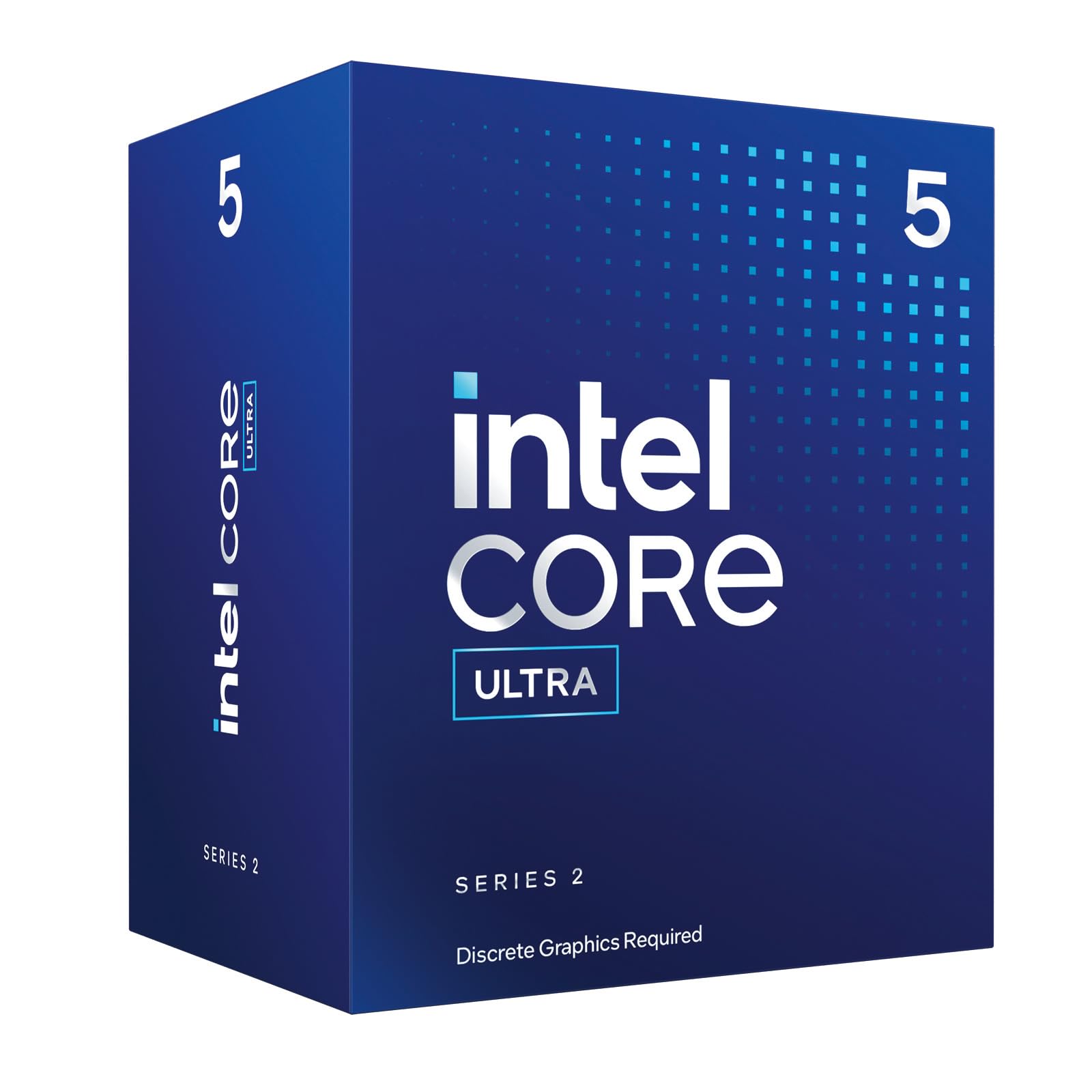
The Core Ultra 5 225F is Intel’s latest budget gaming offering, combining 10 cores (6 P-cores and 4 E-cores) with a 4.4 GHz boost and a power-efficient 65W TDP. It clearly outperforms older budget champions like the i5-12400F and i5-13400F in gaming workloads, making it a solid choice for a daily driver gaming rig.
An Intel Laminar RM2 cooler is included in the box, which keeps noise and temperatures in check at stock operation. The chip supports PCIe 5.0 and 4.0, and requires an 800-series chipset motherboard, which is the main drawback — those boards are still relatively expensive compared to mature B660 or B550 options.
If motherboard prices drop over time, this could become the new value king, but right now the board cost eats into the savings.
Why it’s great
- Excellent gaming uplift over older i5-12400F and i5-13400F
- Low 65W TDP keeps power bills and cooling costs minimal
- Includes stock cooler and PCIe 5.0 support
Good to know
- Requires 800-series motherboard which carries a premium
- No integrated graphics
- Platform is too new to know long-term socket support
6. AMD Ryzen 5 5500
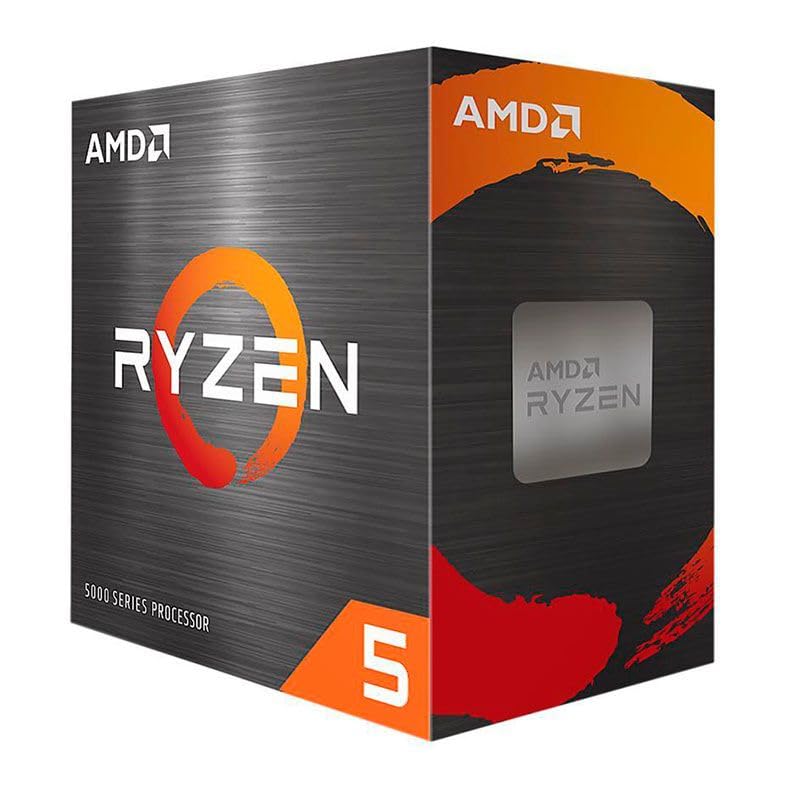
The Ryzen 5 5500 is the most affordable entry into the AM4 ecosystem, offering 6 Zen 3 cores and 12 threads with a base clock of 3.6 GHz. It competes closely with the i5-12400F in gaming benchmarks but at a noticeably lower entry cost, making it a prime candidate for ultra-budget builds where every dollar matters.
There is a critical catch: the 5500 only supports PCIe 3.0, not PCIe 4.0. If you pair it with a modern mid-range GPU like the RTX 4060 or RX 7600, you may leave a small amount of performance on the table in bandwidth-sensitive scenarios, particularly at higher resolutions. For a budget GPU like an RX 6600 or RTX 3050, the difference is negligible.
The included Wraith Stealth cooler is enough for stock operation, and the chip runs cool enough that even the cheapest case fan setup will keep it happy. Memory compatibility can be finicky on some motherboards, so check your board’s QVL list before buying fast DDR4 sticks.
Why it’s great
- Lowest-cost path to Zen 3 performance on AM4
- Includes Wraith Stealth cooler in the box
- Runs cool and uses only 65W under load
Good to know
- PCIe 3.0 only — can bottleneck higher-end GPUs
- Physical damage (bent pins) from installation is not covered by warranty from some sellers
- Memory compatibility can be picky on certain boards
7. Intel Core i9-14900K

The i9-14900K is the highest-performance chip on this list by a wide margin, packing 24 cores (8 P-cores and 16 E-cores) and up to 6.0 GHz turbo boost out of the box. It is overkill for pure gaming, but if your usage includes video editing, 3D rendering, streaming, or running virtual machines alongside your games, nothing else in this price tier comes close.
User reports highlight both the raw speed and the importance of a quality motherboard — some Asus Z790 boards have shown latency and stability issues with high-end Intel chips, while switching to Gigabyte or MSI boards resolved the problems. The chip draws 125W at base and can pull significantly more under full multi-core load, requiring at least a 360mm AIO or a high-end air cooler.
Reliability concerns have surfaced with some units experiencing ring collapse or memory controller failure, though Intel’s RMA process has been described as fast and straightforward for affected users. For the price of a complete mid-range gaming PC, this chip is a specialist tool best left to those who genuinely need its multi-threaded muscle rather than just gaming frame rates.
Why it’s great
- Unmatched multi-core performance for streaming, rendering, and productivity
- 6.0 GHz boost is the highest available frequency in a desktop CPU
- Compatible with both DDR4 and DDR5 and 600/700 series boards
Good to know
- Requires premium cooling — budget air coolers are insufficient under full load
- Reports of stability issues on some motherboard models
- LGA1700 socket is a dead end; no future upgrade path
FAQ
Will a cheap CPU bottleneck a high-end GPU like the RTX 4070?
Is it worth buying an LGA1700 CPU now if the socket is a dead end?
Final Thoughts: The Verdict
For most users, the best cheap processor for gaming winner is the AMD Ryzen 5 5600X because it combines elite single-core gaming performance with a low-cost AM4 platform that supports cheap DDR4 memory and offers a solid upgrade path. If you want future-proofing with DDR5 and PCIe 5.0 support, grab the AMD Ryzen 5 7600X. And for hybrid architecture multitasking and the strongest single-core boost in the mid-range, nothing beats the Intel Core i5-12600KF.

Mo Maruf
I created WellFizz to bridge the gap between vague wellness advice and actionable solutions. My mission is simple: to decode the research and give you practical tools you can actually use.
Beyond the data, I am a passionate traveler. I believe that stepping away from the screen to explore new environments is essential for mental clarity and physical vitality.