Our readers keep the lights on and my smoothie glass nicely filled. As an Amazon Associate, I earn from qualifying purchases.
Turning your living space into a smart home can feel like trying to assemble furniture without a manual—a mix of incompatible plugs, confusing apps, and switches that just won’t cooperate. The promise of a connected, convenient home is real, but the path is littered with decisions about protocols, hubs, and standards that can stall any project before it starts.
I’m Mohammad Maruf — the founder and writer behind WellFizz. My approach to this guide was to sift through hundreds of hours of user feedback and spec comparisons to understand which smart home devices deliver on their promises without requiring a degree in network engineering.
This guide focuses on devices that simplify your setup, from smart switches and plugs to whole-home energy monitors. You’ll find the best devices for smart home integration, broken down by what they actually do for your daily routine.
How To Choose The Best Devices For Smart Home
Building a smart home is less about buying the most expensive gadget and more about choosing tools that actually talk to each other. You need to look at the ecosystem, the installation requirements, and the specific pain point each device solves.
Ecosystem Lock-In: Alexa, Google, or Apple HomeKit
The first decision isn’t which device to buy—it’s which voice assistant you already use. If your household runs on iPhones and Siri, a device that only supports Alexa and Google Home will feel like a paperweight. Check the “Compatible Devices” line on every product. Some devices, like the Kasa Smart Ceiling Fan Control, support all three major ecosystems, making them ideal for mixed-device households.
Wiring and Installation Realities
Smart switches almost always require a neutral wire in your electrical box, a detail many homeowners discover only after taking down their old switch. If your home was built before the mid-1980s, you likely lack neutral wires in many boxes. In that case, prioritize plug-in smart plugs or battery-powered sensors over wired switches. The Cielo Breez Max smart AC controller avoids this entirely by using infrared, requiring only a nearby power outlet.
Wi-Fi Band: The 2.4GHz Gatekeeper
Virtually every budget-friendly and mid-range smart home device operates exclusively on the 2.4GHz Wi-Fi band. Newer mesh routers often combine both bands under one network name, which can cause pairing failures. If you run into connection issues during setup, temporarily disable the 5GHz band on your router or move your phone closer to the device. The Emporia Vue 3, for example, has an external antenna to help with signal penetration inside a metal electrical panel.
Quick Comparison
On smaller screens, swipe sideways to see the full table.
| Model | Category | Best For | Key Spec | Amazon |
|---|---|---|---|---|
| Emporia Vue 3 | Energy Monitor | Whole-Home Energy Insight | 16 x 50A Branch Sensors | Amazon |
| Cielo Breez Max | AC Controller | Smart Mini-Split Control | AI Comfy Max Mode | Amazon |
| Kasa Smart KS240 | Fan/Light Switch | Ceiling Fan & Light Control | 4-Speed Fan + Dimmer | Amazon |
| Amazon Echo Spot | Smart Display | Bedside Smart Alarm Clock | Built-in eero Wi-Fi Extender | Amazon |
| GHome Smart Power Strip | Smart Plug | Budget Multi-Outlet Control | 6 Outlets + 30W USB-C | Amazon |
In‑Depth Reviews
1. Emporia Vue 3 Home Energy Monitor
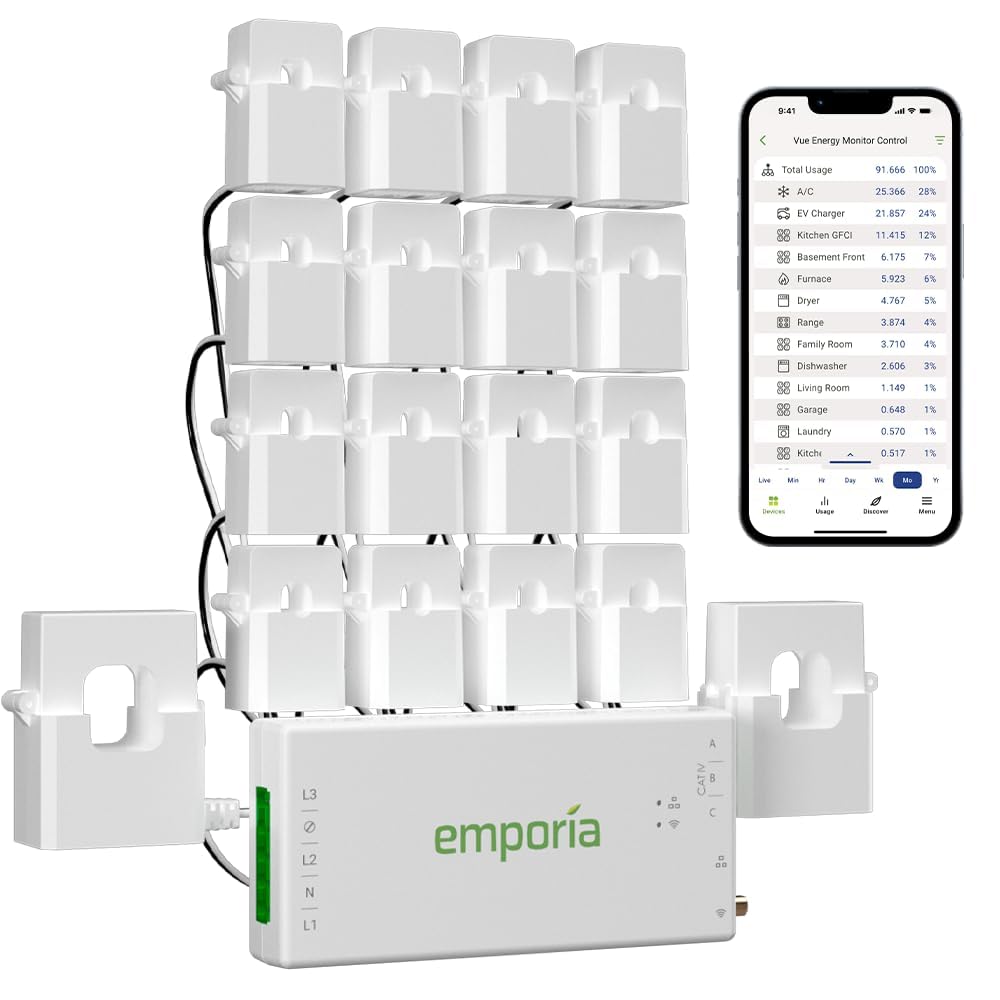
The Emporia Vue 3 is the premium choice for anyone who wants to stop guessing which appliance is draining their budget. It installs inside your main electrical panel using 16 clamp-on sensors that track individual circuits with ±2% accuracy. The UL certification means an electrician or a confident DIYer can install it without worrying about safety, and the external antenna ensures reliable 2.4GHz connectivity even from inside a metal box.
The companion app provides real-time data down to the second when open, and stores minute-level data for 7 days and hourly data indefinitely. This granularity lets you spot a failing well pump or an overactive humidifier long before the bill arrives. It also supports net metering for solar homes, though bidirectional CTs require a firmware update to register correctly at night.
Integration with Home Assistant via ESPHome custom firmware makes this a favorite among advanced users who want local control without cloud dependency. The only real limitation is that 16 CTs may not be enough for a large house with many 240V appliances like ovens and dryers, which require two sensors each if you want to monitor them separately.
Why it’s great
- UL certified for safe breaker panel installation
- Accurate enough to pay for itself within months through energy savings
- External antenna solves signal issues common in metal panels
Good to know
- Only 16 branch sensors included, may need more for large homes
- Local control requires third-party firmware like ESPHome
2. Cielo Breez Max Smart AC Controller
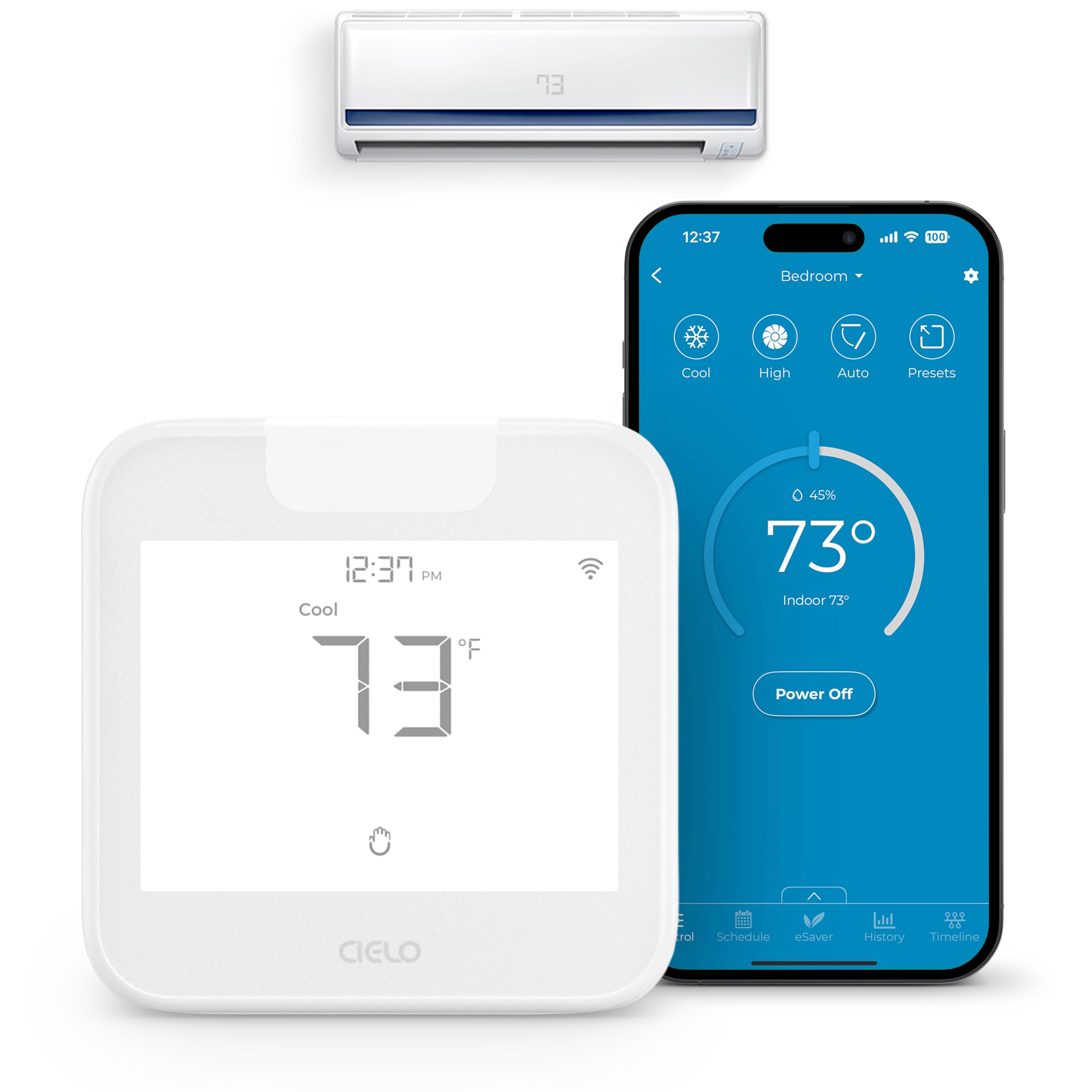
The Cielo Breez Max solves a specific problem: turning a dumb mini-split or window AC unit into a smart, programmable device without rewiring anything. It uses infrared signals to mimic your original remote, and its auto-detection algorithm scans over 20,000 models to find the right codes. The built-in temperature and humidity sensors let it function like a true thermostat, rather than just a remote control that keeps the fan running constantly.
The AI-based Comfy Mode is the standout feature here. Instead of simply turning the AC on or off at a set temperature, it learns the room’s thermal behavior and cycles the unit only when needed, preventing the overcooling that wastes energy. Weekly scheduling, geofencing, and multi-zone support for up to 16 units make this a serious tool for anyone with multiple mini-splits.
Setup takes minutes—mount the unit within line of sight of your AC, plug it into a USB adapter, and run the app. It works with Alexa, Google Assistant, Siri Shortcuts, SmartThings, and Home Assistant, making it one of the most ecosystem-friendly devices in this roundup. The only catch is that the touch buttons can lock accidentally, and pairing with some older IR-only units may require contacting support for a custom code.
Why it’s great
- Works with 20,000+ AC models including mini-splits and portables
- AI Comfy Mode saves energy by preventing overcooling
- No hub required, works over standard 2.4GHz Wi-Fi
Good to know
- Requires line-of-sight to the AC unit, within 6-12 feet
- Occasional lock-unlock issue with on-device touch controls
3. Kasa Smart Ceiling Fan Control & Dimmer Switch (KS240)

The Kasa KS240 is the best mid-range option for replacing a basic wall switch with a smart fan and light controller. It supports all three major ecosystems—Apple HomeKit, Alexa, and Google Assistant—which is rare for a single-pole smart switch at this tier. The touch-sensitive slider for fan speed and brightness feels premium, and the gradual on/off ramp prevents the jarring snap of a standard dimmer.
Installation requires a neutral wire, and the switch body is deeper than a standard decora switch, so you may need to rearrange wires in the box. The Kasa app walks you through the wiring step-by-step, which reduces the intimidation factor for beginners. Once installed, you can schedule the fan and light to simulate occupancy while you’re away, or tie it into Alexa routines for voice control.
One nuance worth noting: the fan speeds are not evenly spaced. Speeds 1 through 3 are relatively similar at low RPM, while speed 4 jumps to 144 RPM, which some users find too abrupt. If you have a very sensitive sleep environment, this may require some trial-and-error with the slider. The built-in LED indicator also has a known quirk where it occasionally turns off until the switch is power-cycled.
Why it’s great
- Controls both fan and light, unlike many smart switches that only handle lighting
- Works with Apple HomeKit plus Alexa and Google Assistant
- Touch-sensitive dimmer and speed control with soft start/stop
Good to know
- Requires neutral wire and a deeper junction box
- Fan speed progression is uneven; speed 4 is much faster than 1-3
4. Amazon Echo Spot (Newest Model)
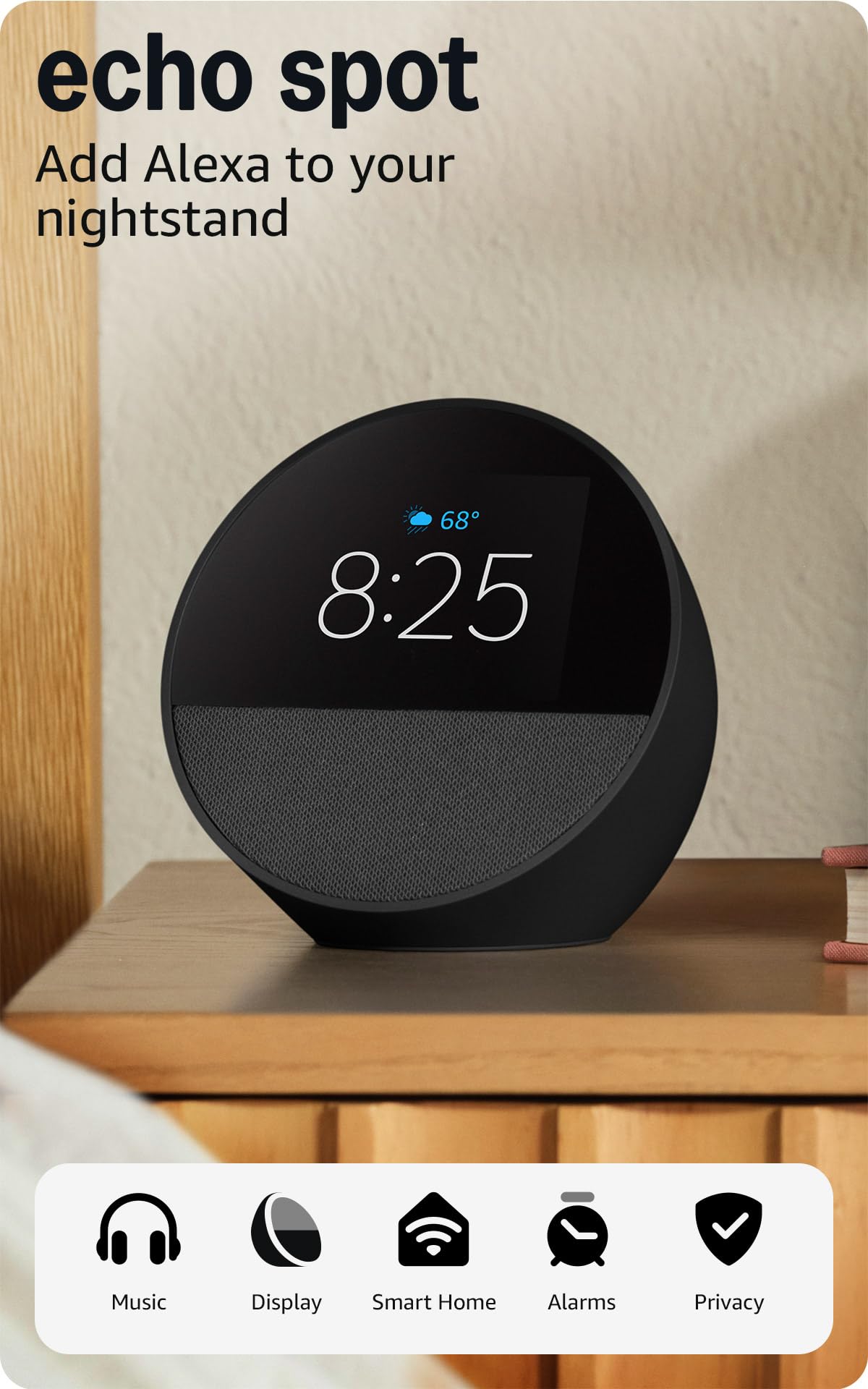
The Echo Spot is Amazon’s smart alarm clock that doubles as a mini smart display and a mesh Wi-Fi extender. Its compact form factor is designed for nightstands and kitchen counters, with a small square screen that shows the time, weather, and song titles without taking up too much space. The sound quality is surprisingly punchy for the size, with clear vocals and enough bass for background music or podcasts.
The killer feature for some homes is the built-in eero mesh extender, which adds up to 1,000 square feet of Wi-Fi coverage to any existing eero network. If you already use eero, this turns the Spot into a practical network upgrade rather than just another smart speaker. The device is made from 36% recycled materials and includes a physical mic-off button for privacy.
Setting up Alexa routines with the Spot is straightforward. You can create a gradual wake-up sequence where the light brightens and music starts softly. Unlike the larger Echo Show models, the Spot has no ads on the home screen, which many users prefer for a bedside device. The main compromise is the screen size—it is small enough that reading detailed notifications or recipe steps requires a lot of scrolling.
Why it’s great
- No ads on the home screen, making it a clean bedside clock
- Built-in eero extender improves home Wi-Fi coverage
- Rich sound quality from a very compact enclosure
Good to know
- Small screen limits visibility for detailed info at a distance
- Setup instructions for display options are minimal out of the box
5. GHome Smart Power Strip
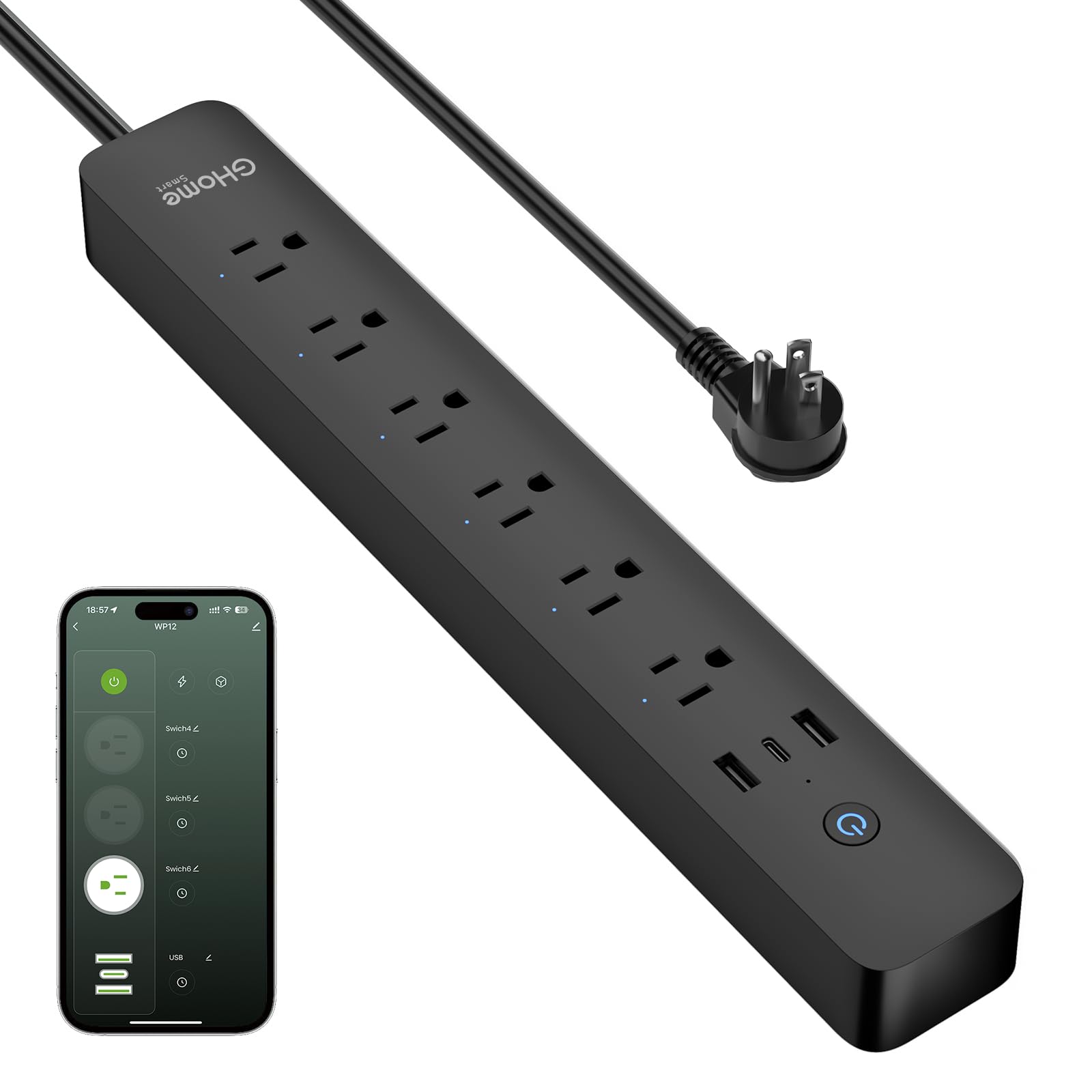
The GHome Smart Power Strip is the best entry-level option for adding smart control to multiple devices without rewiring anything. It packs six individually controllable outlets, two USB-A ports, and one USB-C port that supports 30W fast charging, all in a flat-plug design with a 7.18-foot cord. The 15A surge protection and V0 fireproof rating make it safe for home offices, entertainment centers, and kitchen appliances.
Each outlet can be named and controlled independently through the GHome app or via voice commands with Alexa and Google Assistant. You can set schedules, timers, and countdowns for each outlet, which is great for lamps, holiday lights, or a coffee maker that you want to start automatically. The built-in energy monitor tracks total power consumption, helping you identify the cost of running specific devices.
The main software weakness is reliability. Some users report the power strip losing its time settings, which can cause timers to shift AM/PM unexpectedly. USB ports are controlled as a single group rather than individually, which limits flexibility for charging-only schedules. If your automation needs are simple and your Wi-Fi network is stable, this strip offers exceptional value for expanding your smart home footprint.
Why it’s great
- 6 individual smart outlets plus 30W USB-C charging
- Built-in energy monitor tracks total consumption
- Long 7.18-ft cord with flat plug for tight spaces
Good to know
- USB ports treated as one group, not individually controllable
- Occasional time drift can disrupt scheduled timers
FAQ
Why does my smart switch need a neutral wire when my old switch did not?
Will a smart AC controller work with my ductless mini-split from a generic brand?
Can a home energy monitor help me reduce my electric bill immediately?
Final Thoughts: The Verdict
For most users, the best devices for smart home start with the Cielo Breez Max because it solves the expensive problem of inefficient air conditioning without requiring any electrical work. If you want to understand your home’s energy consumption on a per-circuit level, grab the Emporia Vue 3. And for a simple, affordable way to automate lamps and small electronics, the GHome Smart Power Strip offers the best value for expanding your smart home on a budget.

Mo Maruf
I created WellFizz to bridge the gap between vague wellness advice and actionable solutions. My mission is simple: to decode the research and give you practical tools you can actually use.
Beyond the data, I am a passionate traveler. I believe that stepping away from the screen to explore new environments is essential for mental clarity and physical vitality.