Our readers keep the lights on and my smoothie glass nicely filled. As an Amazon Associate, I earn from qualifying purchases.
E-ink screens mimic the look of real paper, eliminating the backlight glare and blue light that cause eye fatigue during long reading sessions. Choosing the right device means balancing screen size, waterproofing, and file format support for a truly distraction-free experience.
I’m Mohammad Maruf — the founder and writer behind WellFizz. I’ve spent hundreds of hours comparing e-ink display specs, evaluating battery performance claims, and analyzing user feedback across multiple ecosystems to build this guide.
This guide breaks down the top options for absorbing books, articles, and documents without eye strain. Whether you want a budget-friendly entry point or a premium color display, finding the best digital reader comes down to matching screen technology and ecosystem features with your personal reading habits.
How To Choose The Best Digital Reader
E-readers are durable purchases designed to last years, so the right choice depends on where and how you read most. Three factors separate a satisfying long-term companion from a frustrating one.
Display Technology and Screen Size
E-Ink Carta screens offer the highest contrast and sharpest text at 300 PPI, closely matching printed ink on paper. Six-inch models are ultra-portable and fit in a jacket pocket, while 7-inch or larger screens reduce page turns but add slight bulk. Color E Ink Kaleido 3 displays allow for vibrant comic book panels and highlighted notes, though color resolution is lower than black-and-white text.
Waterproofing and Build Quality
IPX8-rated readers survive full submersion in up to two meters of fresh water for an hour, making them safe for the bath, poolside, or reading in the rain. Devices without a waterproof rating require careful handling around water. Soft-touch backs offer better grip than glossy plastic, reducing accidental drops.
Ecosystem and File Format Support
Amazon’s Kindle ecosystem locks you into proprietary formats unless you convert files, while open systems from Kobo and PocketBook support EPUB, PDF, MOBI, and many more without conversion. OverDrive and Libby integration lets Kobo users borrow library ebooks directly, while PocketBook’s open approach works with Calibre and third-party stores without account requirements.
Quick Comparison
On smaller screens, swipe sideways to see the full table.
| Model | Category | Best For | Key Spec | Amazon |
|---|---|---|---|---|
| Amazon Kindle Paperwhite (16GB) | Premium | Long-distance travel and dark room reading | 7″ glare-free display with amber light | Amazon |
| Kobo Libra Colour (32GB) | Premium | Comics, graphic novels, and annotated notes | 7″ color E Ink Kaleido 3 with page-turn buttons | Amazon |
| PocketBook Verse Pro Color | Premium | Audio listeners who want an open-system reader | 6″ color Kaleido 3 with Bluetooth 5.4 | Amazon |
| Kobo Clara BW (16GB) | Mid-Range | Newcomers needing waterproof versatility | 6″ E Ink Carta 1300 with ComfortLight PRO | Amazon |
| Amazon Kindle (16GB) Newest | Mid-Range | Ultra-light readers wanting maximum portability | 6″ 300 PPI glare-free display, 6 week battery | Amazon |
| PocketBook Verse (8GB) | Mid-Range | Format-flexible readers and Calibre users | 6″ E-Ink Carta HD with SMARTlight | Amazon |
| Barnes & Noble NOOK GlowLight 4 Plus (Renewed) | Budget | Physical button fans on a tight budget | 7.8″ E Ink with waterproof and Bluetooth | Amazon |
| URAO Android Tablet (10.1″) | Budget | Multipurpose use beyond just reading books | 10.1″ LCD with 1280×800 resolution | Amazon |
| Like-New Amazon Fire HD 8 | Budget | Budget buyers wanting a multipurpose tablet | 8″ HD display with 3GB RAM | Amazon |
In‑Depth Reviews
1. Amazon Kindle Paperwhite 16GB (Newest Model)

The 2024 Paperwhite features a larger 7-inch display with a higher contrast Carta screen and 25% faster page turns than its predecessor. The adjustable warm light slides from white to amber, making it comfortable in bright sunlight or a pitch-black bedroom. It carries an IPX8 waterproof rating, so reading by the pool or in the bath requires zero worry.
Battery life stretches to twelve weeks on a single USB-C charge, which means most travelers can leave the cable at home. The ultra-thin design is lighter than many paperback novels, and the 16GB capacity holds thousands of books. The lack of social media and notification apps keeps the experience purely focused on reading.
Some users note that power button placement can cause accidental presses, and the touch controls occasionally register unintended link taps. The device syncs across Kindle apps, but there is no way to hide books from your library or fully ignore recommendation rows.
Why it’s great
- Largest Kindle screen at 7 inches with amber warm light
- Rugged IPX8 waterproof design for worry-free reading
- Industry-leading 12-week battery life
Good to know
- Power button placement may cause accidental presses
- Ecosystem locked to Amazon formats and store
- Touch controls can be finicky during one-handed use
2. Kobo Libra Colour 32GB

The Libra Colour uses a 7-inch E Ink Kaleido 3 panel that brings full color to book covers, comic panels, and highlighted annotations. Physical page-turn buttons on the side grip make one-handed reading comfortable, and the screen rotates left or right for left-handed use. It supports the Kobo Stylus 2 for color note-taking directly on pages.
Built-in OverDrive integration lets you borrow library ebooks wirelessly without a computer, and the 32GB storage holds up to 24,000 eBooks. The IPX8 waterproof rating matches the Paperwhite, so submersion in two meters of water for an hour is safe. The white color option and recycled plastic construction reduce environmental impact.
Color resolution is lower than the monochrome text layer, so illustrations appear slightly less sharp than pure black-and-white. Audiobook playback requires Bluetooth headphones since there is no built-in speaker or headphone jack.
Why it’s great
- Vivid color Kaleido 3 display for comics and notes
- Ergonomic page-turn buttons and left/right rotation
- Direct library borrowing via OverDrive integration
Good to know
- Color resolution is lower than monochrome text
- No headphone jack or built-in speaker
- No external memory card slot for expansion
3. PocketBook Verse Pro Color

The Verse Pro Color runs on an open Android-based system that supports EPUB, MOBI, PDF, FB2, and many other formats without any conversion. The 6-inch E Ink Kaleido 3 display delivers sharp monochrome text and surprisingly vibrant color for comics and illustrated books. Text-to-Speech functionality reads any text file aloud, making audiobook-style listening possible without purchasing separate audio editions.
Bluetooth 5.4 pairs with wireless headphones or speakers for private listening, and the IPX8 waterproof rating adds protection for outdoor reading. The SMARTlight feature lets you adjust both brightness and color temperature from cool blue to warm amber. No account registration is required, and file transfer works via USB drag-and-drop, Dropbox, PocketBook Cloud, or even FTP.
The color layer reduces sharpness compared to monochrome-only readers, and the 16GB storage is not expandable. Some users report that features like the built-in music player feel redundant for a dedicated e-reader.
Why it’s great
- Supports 25+ file formats with no ecosystem lock-in
- Built-in Text-to-Speech reads any document aloud
- IPX8 waterproof with full SMARTlight adjustment
Good to know
- Color text is less sharp than monochrome Carta screens
- No expandable storage slot
- Higher price point than comparable monochrome models
4. Kobo Clara BW 16GB

The Clara BW pairs a 6-inch E Ink Carta 1300 display with ComfortLight PRO, which lets you adjust both brightness and color temperature to reduce blue light exposure before bed. The dark mode option inverts the screen for black-background reading that is easier on the eyes in low light. At only 6.14 ounces, it is light enough to hold for hours without wrist fatigue.
The IPX8 waterproof rating matches more expensive readers, and the 16GB storage holds up to 12,000 eBooks or 75 Kobo Audiobooks with Bluetooth headphones. OverDrive integration allows direct library borrowing, and the interface is clean without ads or promotional rows. The USB-C charging cable is included, and the battery lasts several weeks under normal use.
The screen is slightly smaller than the Paperwhite’s 7-inch panel, and the UI can feel a bit slower when navigating menus or the store. Audiobook support requires Bluetooth headphones since there is no built-in speaker.
Why it’s great
- Full ComfortLight PRO warm-tone adjustment
- IPX8 waterproof at a mid-range price point
- Lightweight, sharp 300 PPI Carta 1300 screen
Good to know
- 6-inch screen feels smaller than Paperwhite
- Menu navigation is slightly slower than page turns
- Audiobook playback requires Bluetooth headphones
5. Amazon Kindle 16GB (Newest Model)

The 6-inch glare-free display now offers a 25% brighter front light at max setting and a higher contrast ratio, making text stand out sharply in any lighting condition. The matte finish eliminates reflections, so reading on a sunny patio is just as comfortable as reading in bed.
Battery life reaches up to six weeks on a single charge, and the 16GB storage holds thousands of books. The distraction-free interface blocks social media and notifications, keeping you immersed in your novel. Amazon uses 75% recycled plastics and 90% recycled magnesium in construction, and the packaging is 100% recyclable.
There is no warm light adjustment, so the front light is a single cool white tone that may feel harsh for some nighttime readers. The device lacks waterproofing, so it is not suitable for poolside or bath reading. Page-turn animations are slightly slower than the Paperwhite.
Why it’s great
- Lightest and most compact Kindle ever made
- 25% brighter front light at max setting
- Eco-friendly build with recycled materials
Good to know
- No warm light or amber color temperature
- Not waterproof — avoid water exposure
- Page-turn speed slower than Paperwhite
6. PocketBook Verse 8GB
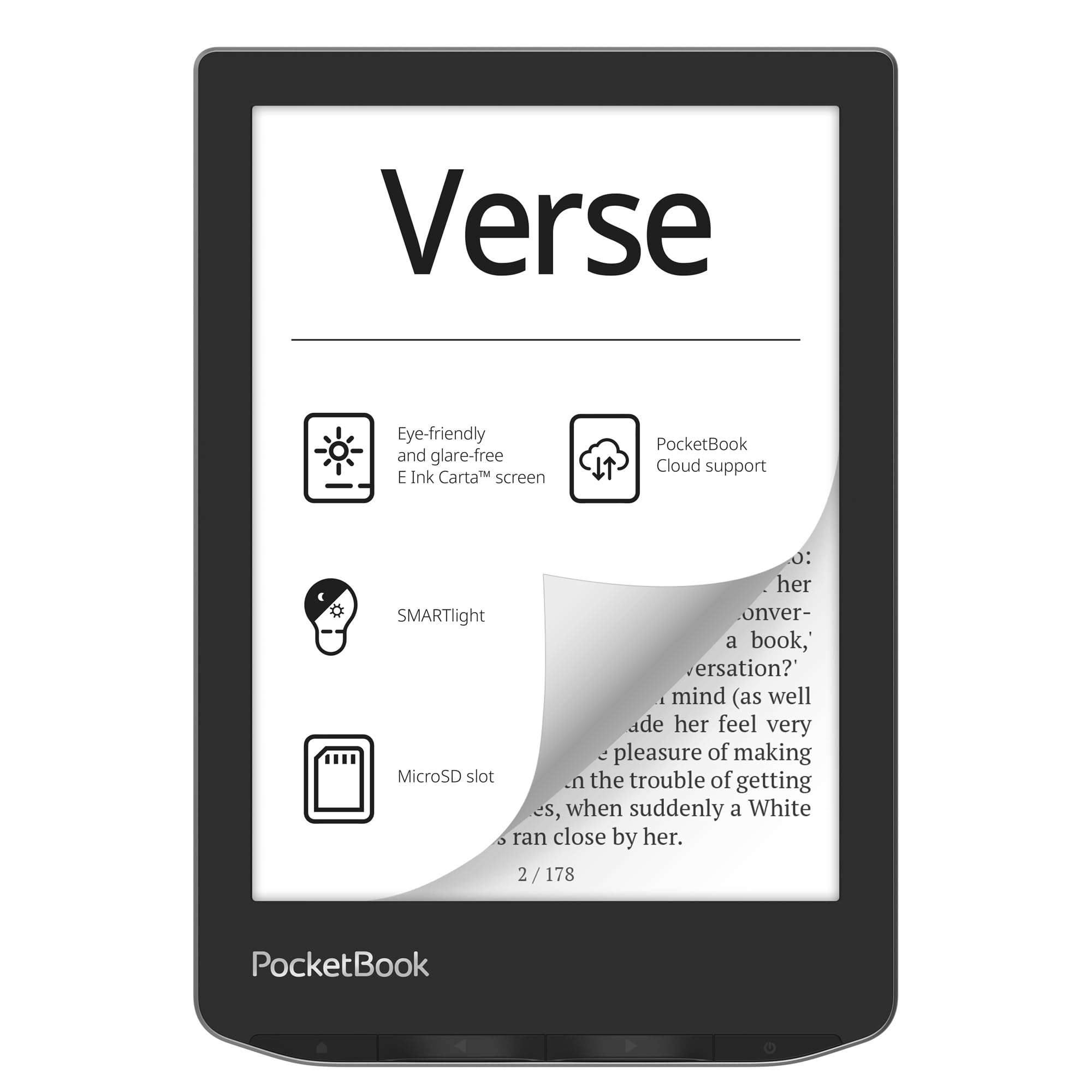
The PocketBook Verse supports 25 file formats out of the box, including EPUB, FB2, DOC, DJVU, PDF, CBR, and CBZ — no conversion needed. The 6-inch E-Ink Carta touchscreen delivers 212 PPI text that is crisp enough for comfortable long reading sessions, and the SMARTlight adjusts both brightness and color temperature from cool to warm. Mechanical page-turn buttons complement the touchscreen for users who prefer tactile feedback.
The 8GB internal storage is expandable via microSD up to 128GB, effectively giving you an entire library in your pocket. Battery life is exceptional — many users report over a month of reading on a single charge, with low-power consumption keeping the device ready for weeks. Built-in Wi-Fi syncs with PocketBook Cloud, and the device includes 11 pre-installed dictionaries for language learners.
The 212 PPI resolution is lower than the 300 PPI found on many competitors, so text is slightly less razor-sharp at small font sizes. Cloud service changes have impacted sync reliability in the US, and the highlighting feature can be frustratingly unresponsive compared to Kindle or Kobo implementations.
Why it’s great
- Accepts 25 file formats — no conversion needed
- Expandable storage via microSD up to 128GB
- Over a month of battery life per charge
Good to know
- 212 PPI resolution is lower than 300 PPI competitors
- Cloud sync reliability has changed for US users
- Highlighting tool can be imprecise and slow
7. Barnes & Noble NOOK GlowLight 4 Plus (Renewed)

The NOOK GlowLight 4 Plus offers a generous 7.8-inch E Ink display at a budget-friendly price point, especially in its renewed condition. The larger screen reduces page turns significantly compared to 6-inch models, and the waterproof design allows worry-free reading in the bath or by the pool. Physical page-turn buttons on both sides make one-handed reading comfortable regardless of your dominant hand.
The device runs a modified version of Android, which technically allows sideloading third-party launchers and reading apps if you are willing to tinker. Bluetooth support connects to wireless headphones or speakers for audiobook playback. The 32GB storage provides ample room for both ebooks and audiobooks without worrying about space.
Software reliability is a concern — some units have bricked after firmware updates, and customer support has been inconsistent. The NOOK bookstore has fewer titles than Kindle or Kobo stores, and library lending integration is less seamless than OverDrive on Kobo devices.
Why it’s great
- Large 7.8-inch screen at an entry-level price
- Waterproof design for worry-free reading
- Physical page-turn buttons for comfortable one-hand use
Good to know
- Software updates have caused bricked units in some cases
- Smaller ebook store compared to Kindle or Kobo
- Renewed condition means cosmetic wear possible
8. URAO Android Tablet 10.1″
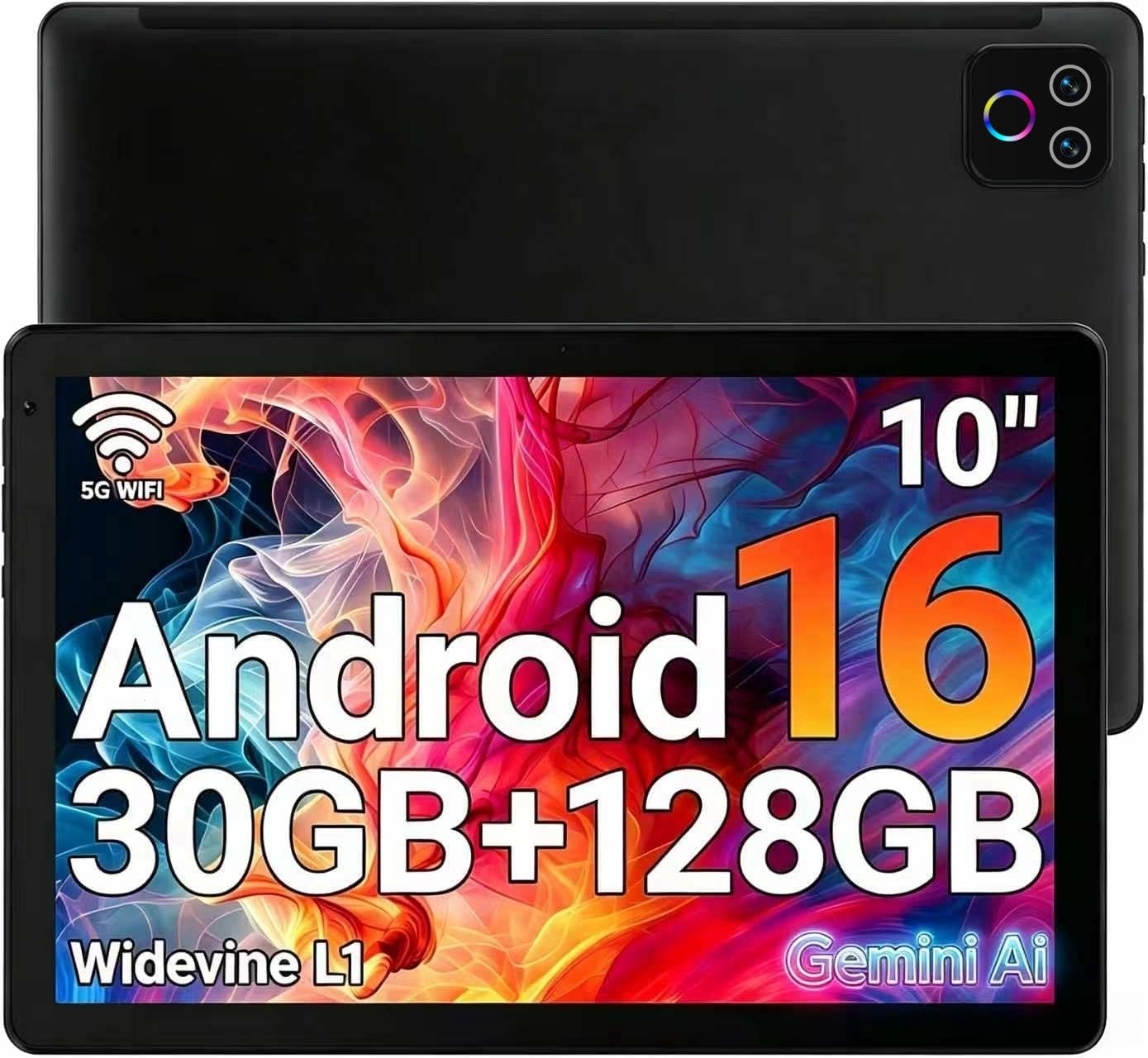
The URAO tablet runs Android 16 with a 2.0 GHz octa-core processor and an advertised 30GB of RAM, allowing smooth multitasking across apps. The 10.1-inch IPS LCD panel delivers bright colors and wide viewing angles at 1280×800 resolution. Low blue light technology reduces eye strain compared to standard LCDs, though it still emits backlight unlike e-ink screens.
Wi-Fi 6 and Bluetooth 5.4 provide fast wireless connections, and the 128GB ROM offers generous local storage. The 8-hour battery life covers a full day of mixed browsing, streaming, and reading. The front 5MP and rear 8MP cameras handle video calls clearly, and the USB Type-C port supports fast charging — a full charge takes only 1.5 hours.
This is an LCD tablet, not an e-ink reader, so glare in sunlight and eye fatigue after long sessions remain issues. Some users reported units that stopped charging after the initial battery drained, and customer support was unhelpful. The tablet lacks GPS and does not share accounts with iOS devices.
Why it’s great
- Large 10.1-inch screen for versatile use
- Fast charging — full charge in 1.5 hours
- Wi-Fi 6 and Bluetooth 5.4 for modern connectivity
Good to know
- LCD backlight causes eye strain, not e-ink
- Charging reliability issues reported by some users
- No GPS and limited cross-platform account support
9. Like-New Amazon Fire HD 8 (Newest Model)

The Fire HD 8 offers an 8-inch HD display with 3GB of RAM and 32GB of internal storage, expandable up to 1TB via microSD. The like-new refurbished units are tested and certified to work like new, coming with the same limited warranty as a fresh device. Battery life reaches up to 13 hours of mixed reading, web browsing, and video watching, making it a solid companion for travel.
The device runs Amazon’s Fire OS and accesses apps through the Amazon Appstore, which lacks Google Play support — so apps like the native Google Play Books reader are unavailable. Alexa integration makes hands-free control simple, and the 5MP rear camera handles basic photography. The 8-inch size is comfortable for both reading and streaming content.
This is an LCD tablet with backlight, not an e-ink device, so reading in direct sunlight produces significant glare. The Fire OS interface is ad-supported on the lock screen unless you pay to remove them. Refurbished condition means the packaging is a generic Amazon box, and cosmetic wear may be present.
Why it’s great
- Budget-friendly price for a versatile tablet
- Expandable storage up to 1TB via microSD
- 13-hour battery for all-day use
Good to know
- LCD screen causes glare and eye fatigue outdoors
- No Google Play Store — limited to Amazon Appstore
- Lock screen ads unless you pay to remove them
FAQ
Can I borrow library ebooks on a Kindle or Kobo?
What is the difference between 212 PPI and 300 PPI for reading?
Is a color e-reader worth the extra cost compared to black and white?
How long do e-ink batteries actually last in real-world use?
Final Thoughts: The Verdict
For most users, the best digital reader winner is the Amazon Kindle Paperwhite 16GB because it combines a large 7-inch warm-light display, IPX8 waterproofing, and the longest battery life in its class. If you want color screens for comics and the ability to borrow library books directly from the device, grab the Kobo Libra Colour. And for an open ecosystem with 25+ file format support and expandable storage, nothing beats the PocketBook Verse Pro Color.

Mo Maruf
I created WellFizz to bridge the gap between vague wellness advice and actionable solutions. My mission is simple: to decode the research and give you practical tools you can actually use.
Beyond the data, I am a passionate traveler. I believe that stepping away from the screen to explore new environments is essential for mental clarity and physical vitality.