Our readers keep the lights on and my smoothie glass nicely filled. As an Amazon Associate, I earn from qualifying purchases.
Picking a dedicated reading device means choosing between a distraction-free experience that mimics paper and a multi-purpose screen that also handles work and video. The wrong choice leaves you with eye strain or a device you never use for books. This guide cuts through the noise, comparing screen technology, battery life, and ecosystem integration to help you find the right fit for your reading habits.
I’m Mohammad Maruf — the founder and writer behind WellFizz. My research for this guide involved cross-referencing display resolutions, battery discharge rates across multiple firmware versions, and real-world user feedback on note-taking, file format support, and waterproofing to rank each device on its reading performance.
Whether you prioritize a lightweight, waterproof companion for the bath, a color screen for comics and cookbooks, or full access to multiple app stores, this guide to the best device for reading provides the detailed analysis you need to make an informed purchase.
How To Choose The Best Device For Reading
Choosing a dedicated reading device is different from buying a general tablet. The priorities revolve around display technology, ecosystem lock-in, and battery endurance. The sections below break down the most important factors to consider before making a purchase.
E Ink vs. LCD vs. OLED
The core decision is the display technology. E Ink screens use electrophoretic particles to form text, consuming power only during page turns and providing a paper-like, glare-free surface. This makes them ideal for long-form reading in direct sunlight. LCD and OLED screens, like those on general-purpose tablets, are backlit and capable of vivid colors and video playback, but cause more eye strain over extended sessions and struggle with readability outdoors. For a pure reading device, E Ink is the standard.
Closed vs. Open Ecosystems
An ecosystem dictates where you can buy books and how you manage your library. Amazon’s Kindle ecosystem is closed — it supports Kindle formats and provides seamless access to the Kindle Store and Kindle Unlimited. Kobo’s ecosystem is more open to library borrowing via built-in OverDrive/Libby support and supports EPUB natively. BOOX devices run full Android, giving you access to every reading app—Kindle, Kobo, Libby, Scribd, and others—but require more configuration. Choose the ecosystem that matches your existing book library and preferred sourcing method.
Screen Size and Pixel Density (PPI)
Screen size impacts portability and reading comfort. A 6-inch to 7-inch display is the sweet spot for one-handed use and easy portability. Pixel density, measured in PPI, determines text sharpness. A 300 PPI monochrome E Ink display delivers crisp, newspaper-quality text. Color E Ink screens (Kaleido 3) typically have a 150 PPI color resolution due to the color filter array, making text slightly softer than a high-end monochrome screen. For pure black-and-white reading, prioritize 300 PPI.
Battery Life and Waterproofing
Battery life varies significantly by device. All E Ink readers last much longer than tablets, with ranges from several weeks to months, depending on front-light usage, Wi-Fi, and page-turn frequency. IPX8 waterproofing is a key feature for reading near water — by the pool, in the bath, or in the rain. It adds peace of mind but also a slight cost premium. Consider how and where you read most to decide which trade-offs matter.
Quick Comparison
On smaller screens, swipe sideways to see the full table.
| Model | Category | Best For | Key Spec | Amazon |
|---|---|---|---|---|
| BOOX Go Color 7 Gen II | Premium Android E Ink | Multi-app reading & note-taking | 7″ Kaleido 3, 300 PPI mono | Amazon |
| Kobo Libra Colour | Premium Color E Ink | Comic & note-taking fans | 7″ Kaleido 3, 32 GB storage | Amazon |
| Amazon Kindle Paperwhite | Mid-Range E Ink | Long battery & waterproof reading | 7″ Carta, 300 PPI | Amazon |
| Kobo Clara Colour (Black) | Mid-Range Color E Ink | Compact color & library borrowing | 6″ Kaleido 3, 16 GB | Amazon |
| Kobo Clara Colour (White) | Mid-Range Color E Ink | Compact color in a white chassis | 6″ Kaleido 3, 16 GB | Amazon |
| Kobo Clara Colour (White, Alt) | Mid-Range Color E Ink | Portable reading with warm light | 6″ Kaleido 3, 16 GB | Amazon |
| Kobo Clara BW | Mid-Range E Ink | Sharp B/W reading & waterproof | 6″ Carta 1300, 300 PPI | Amazon |
| PocketBook Verse | Entry-Level E Ink | Budget-friendly & wide format support | 6″ Carta, 8 GB + SD slot | Amazon |
| Samsung Galaxy Tab A11+ 5G | General Purpose Tablet | Multi-function & video consumption | 11″ TFT LCD, 90 Hz | Amazon |
In‑Depth Reviews
1. BOOX Go Color 7 Gen II

The BOOX Go Color 7 Gen II runs full Android 13, giving it the largest app ecosystem of any E Ink reader in this guide. You can install the Kindle, Kobo, Libby, Scribd, and any other reading app from the Google Play Store, making it a universal hub for your entire digital library. The 7-inch Kaleido 3 screen delivers 300 PPI in black-and-white mode and 150 PPI in color, providing sharp text and serviceable color for covers and comics.
Physical page-turn buttons are a standout feature that makes one-handed reading comfortable, especially in bed or on public transit. The front light includes adjustable warm and cold tones, and the G-sensor handles automatic screen rotation. With 4GB of RAM and 64GB of storage, it handles multi-app use reasonably well, though heavy multitasking between apps is where its single-core E Ink processor shows its limits.
Battery life lands in the 1 to 3-week range depending on your usage patterns and network activity, and the 2300mAh cell charges via USB-C. The open Android environment does require some configuration to optimize for reading, and color quality is muted compared to even an entry-level tablet. For the reader who wants to break free from a single bookstore and tinker with settings, this device offers unmatched flexibility.
Why it’s great
- Full Android access to any reading app
- Physical page-turn buttons for one-handed use
- MicroSD slot expands storage further
Good to know
- Color quality is muted and darker than LCD
- Battery drains faster than single-purpose readers
- Requires tinkering to get the best performance
2. Kobo Libra Colour

The Kobo Libra Colour is a premium E Ink reader designed for readers who want color without sacrificing the physical ergonomics of page-turn buttons. Its 7-inch E Ink Kaleido 3 display brings book covers, comics, graphic novels, and illustrated content to life, while the screen remains glare-free and comfortable in sunlight. The 32GB of storage allows you to carry a massive library of up to 24,000 eBooks or 150 Kobo Audiobooks.
Ergonomically, the Libra Colour shines with its asymmetrical design, which includes dedicated page-turn buttons that can be configured to work in either hand thanks to left/right screen rotation. The IPX8 waterproof rating means it can handle being submerged in up to 2 meters of water for 60 minutes, making it a great companion for reading by the pool or in the bath. The device also supports annotation and note-taking with the Kobo Stylus 2 (sold separately).
Battery life is rated at up to 4 weeks, a slight improvement over the smaller Clara models. The built-in OverDrive support allows direct borrowing from public libraries, which is a major advantage over closed ecosystems like Kindle. However, the color screen has a grainier appearance than a high-end black-and-white panel, and the stylus is not included in the box. For anyone prioritizing comfort, library access, and color, the Libra Colour is the best option at this size.
Why it’s great
- Physical page-turn buttons with auto-rotation
- IPX8 waterproofing for worry-free reading
- Built-in OverDrive for library book borrowing
Good to know
- Color screen is less sharp than monochrome panels
- Stylus sold separately and adds cost
- Kobo Plus catalog smaller than Kindle Unlimited
3. Amazon Kindle Paperwhite (11th Gen)

The latest Kindle Paperwhite is the gold standard for pure, distraction-free book reading within the Amazon ecosystem. The 7-inch E Ink Carta display offers a higher contrast ratio and 25% faster page turns than the previous generation, with a 300 PPI resolution that makes text look like a crisp printed page. The absence of notifications, social media feeds, or a web browser keeps your focus on reading and nothing else.
Battery life is a standout feature, rated at up to 12 weeks on a single charge via USB-C. The adjustable warm front light lets you shift the screen from cool white to amber for comfortable reading in any lighting condition, including total darkness. The IPX8 waterproof rating matches the Kobo Libra Colour, making it safe for reading in the bath or by the pool. Storage is 16GB, which is enough for thousands of books.
The Paperwhite’s main limitation is ecosystem lock-in — you are tied to Amazon’s Kindle Store and Kindle Unlimited, with no direct support for EPUB files (though Amazon has relaxed this). OverDrive borrowing is only available via Libby and requires sending the book to your Kindle email. For existing Amazon customers and those who want the longest battery life and fastest performance in a waterproof package, the Paperwhite is still the king of the hill.
Why it’s great
- Up to 12 weeks of battery life
- Fastest page turns and UI of any Kindle
- IPX8 waterproof for worry-free reading
Good to know
- Locked into Amazon’s Kindle ecosystem
- No physical page-turn buttons
- No OverDrive direct integration
4. Kobo Clara Colour (Black)

The Kobo Clara Colour brings a 6-inch color E Ink Kaleido 3 display to a compact, lightweight body without the premium price tag of the Libra Colour. It allows you to see book covers, comics, and graphic novels in color, and you can highlight text using multiple colors right on the screen. The device is incredibly portable at just 6.14 ounces, and its size makes it perfect for slipping into a small bag or jacket pocket.
Like its larger sibling, the Clara Colour includes ComfortLight PRO, which automatically adjusts the screen’s brightness and color temperature to reduce blue light exposure as the day progresses. The IPX8 waterproof rating means you can read by the water without worry. OverDrive is built-in, giving you direct access to your local library’s digital catalog without needing a computer or phone.
The 16GB storage holds up to 12,000 eBooks. The only real downside is that the color filter layer makes the screen slightly darker and grainier than a pure black-and-white panel, requiring the front light in dimmer rooms. For the price-conscious reader who wants color and library support, the Clara Colour is the best entry point.
Why it’s great
- Affordable color E Ink with library integration
- IPX8 waterproof in a compact package
- Lightweight and very portable
Good to know
- Color screen is darker and less sharp than B/W
- Battery life shorter than monochrome models
- No page-turn buttons
5. Kobo Clara Colour (White)

The Kobo Clara Colour in white is functionally identical to its black counterpart, offering the same 6-inch color E Ink Kaleido 3 display, ComfortLight PRO, IPX8 waterproofing, and 16GB storage. The white chassis is a matter of aesthetic preference for readers who prefer a lighter, cleaner look or want to match a minimalist setup. It provides the same ergonomic feel, weighing in at just over 6 ounces.
All the same strengths apply — the device supports variable font sizes, Dark Mode, and OverDrive library borrowing. The highlight-in-color feature is particularly useful for students or those who want to organize notes by chapter in multiple hues. The device handles EPUB, PDF, and other formats without conversion, making it easy to sideload books from your computer.
As with all color E Ink devices, the color layer reduces contrast and requires more front light than a monochrome screen. Battery life is about 2 weeks. If the white aesthetic appeals to you and you want the best value in a color reader, this version delivers the exact same performance as the black model.
Why it’s great
- Clean white chassis looks great
- IPX8 waterproof and lightweight
- Color highlighting and library access
Good to know
- Same screen limitations as all color E Ink
- Battery life shorter than B/W models
- No page-turn buttons
6. Kobo Clara Colour (White, Alt)
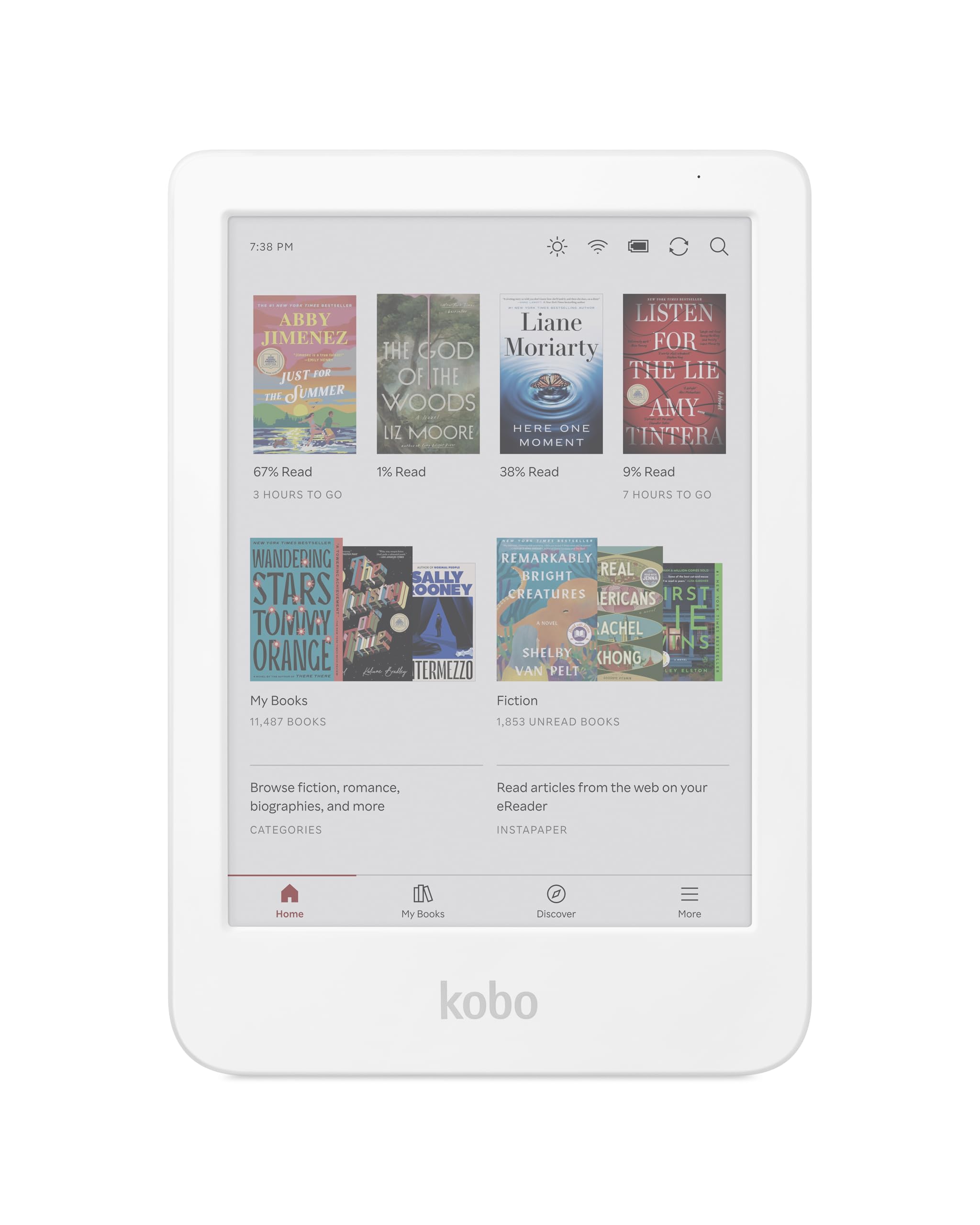
This alternate listing of the Kobo Clara Colour in white provides the same core experience — a 6-inch color E Ink Kaleido 3 display, ComfortLight PRO for blue light reduction, IPX8 waterproofing, and 16GB of storage. The device excels as a compact, portable reader that fits in any bag, and the white finish gives it a distinct, clean aesthetic that many readers prefer over the standard black.
The user interface is clean and ad-free, with robust support for EPUB and PDF files, and drag-and-drop sideloading from any computer. The auto-adjusting brightness and warm light are smooth and pleasant for late-night reading. The waterproof design lets you read in the bath or by the pool without worry. For users who borrow books from a local library, the built-in OverDrive integration is seamless.
Color performance is acceptable but not vibrant, and the screen does require the front light to be on in dim environments to look its best. Battery life is on the lower end of the E Ink spectrum, typically lasting around 2 weeks. This model is ideal for someone who wants color for covers and occasional comics, values portability, and prefers a white device for aesthetic reasons.
Why it’s great
- Easy EPUB sideloading via drag-and-drop
- Auto-adjusting brightness and warm light
- Compact and lightweight for travel
Good to know
- Color screen less crisp than monochrome panels
- Battery life around 2 weeks
- No page-turn buttons
7. Kobo Clara BW

The Kobo Clara BW is the sharpest black-and-white reader in this guide, featuring a 6-inch E Ink Carta 1300 HD display with 300 PPI resolution. This screen delivers exceptional text clarity with high contrast, making it one of the best options for readers who only want black-and-white content. The Carta 1300 panel offers faster page turns and better contrast than older E Ink generations.
ComfortLight PRO allows you to adjust both the brightness and color temperature from cool to warm to reduce eye strain. The device is fully waterproof with an IPX8 rating, which is uncommon at this price point. Bluetooth is built-in for wireless audiobook playback through Kobo’s app or OverDrive audiobooks. The 16GB storage holds up to 12,000 eBooks.
Battery life is rated at around 2 weeks, which is standard for a modern E Ink reader with front light use. The single downside is that it is a black-and-white-only screen, so book covers and comics will appear in grayscale. The interface is clean, and library borrowing via OverDrive is seamless. For the reader who wants the best text quality and waterproofing without paying for color they don’t need, this is the smartest choice.
Why it’s great
- Highest contrast text at 300 PPI
- IPX8 waterproof at a budget-friendly price
- Bluetooth for audiobooks
Good to know
- Black-and-white screen only
- No page-turn buttons
- Battery life moderate at 2 weeks
8. PocketBook Verse
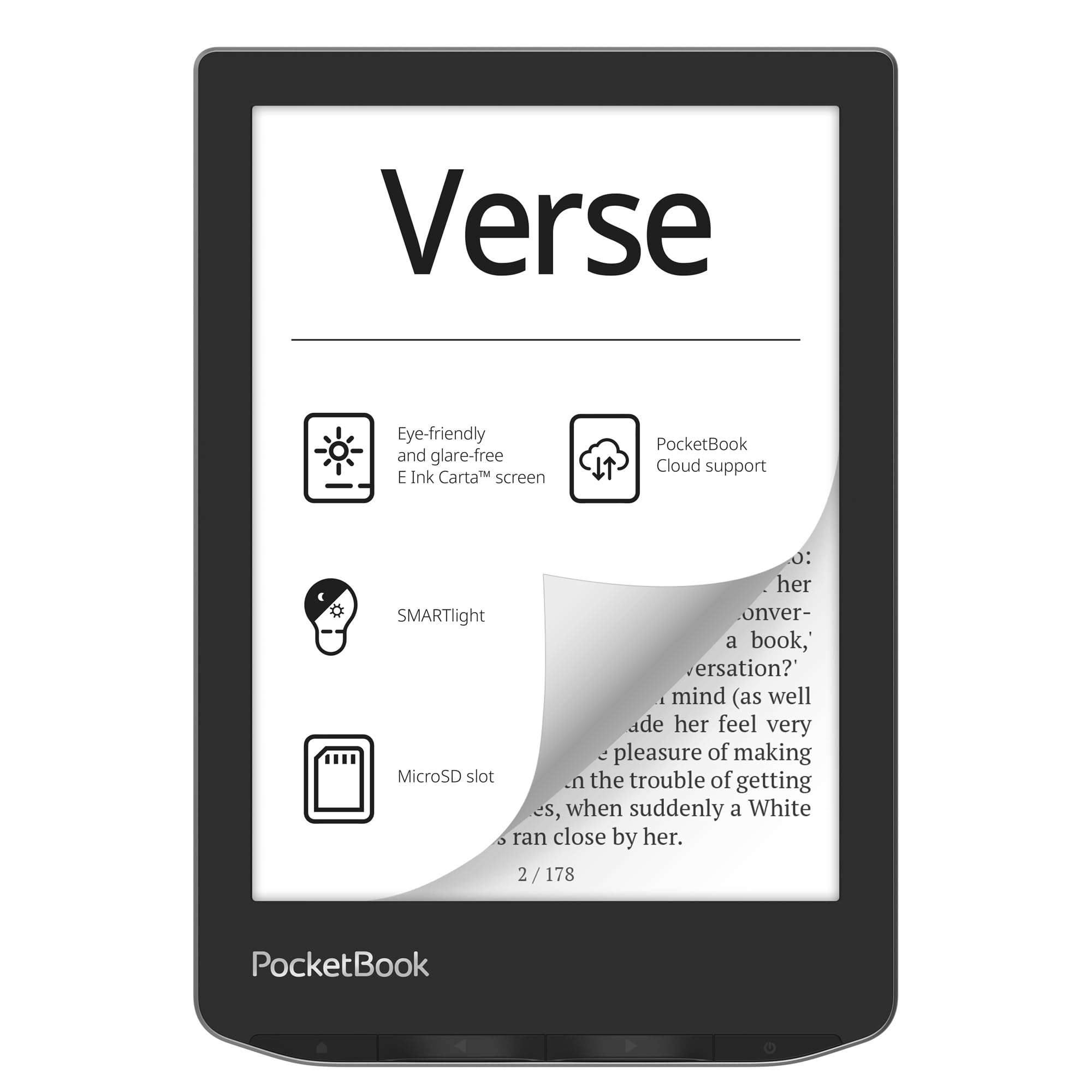
The PocketBook Verse is a versatile entry-level reader that stands out for its wide format support and expandable storage. It reads 25 file formats natively without conversion, including EPUB, FB2, DOC, DJVU, PDF, CBR, and CBZ. This makes it one of the most device-agnostic readers on the market, perfect for users with large Calibre libraries or collections in non-standard formats.
The 6-inch E Ink Carta touchscreen delivers a crisp, glare-free experience with adjustable SMARTlight that lets you change both brightness and color temperature. The device includes physical page-turn buttons alongside the touchscreen, which is a rarity at this price point. The 8GB internal storage can be expanded up to 128GB via a microSD card, giving you room for tens of thousands of books.
Battery life is excellent — many users report getting over a month of use, and some report 44% remaining after over 1,100 pages. The construction is lightweight at 182 grams, making it easy to hold for long sessions. The only significant drawback is that PocketBook’s cloud service is being discontinued in the US, making syncing less reliable. For anyone outside the US or those who mainly sideload books, this is a strong budget-friendly contender.
Why it’s great
- Supports 25 file formats without conversion
- MicroSD expansion up to 128GB
- Physical page-turn buttons included
Good to know
- Cloud service being discontinued in the US
- Screen is 212 PPI, not 300 PPI
- Sync over Wi-Fi can be buggy
9. Samsung Galaxy Tab A11+ 5G
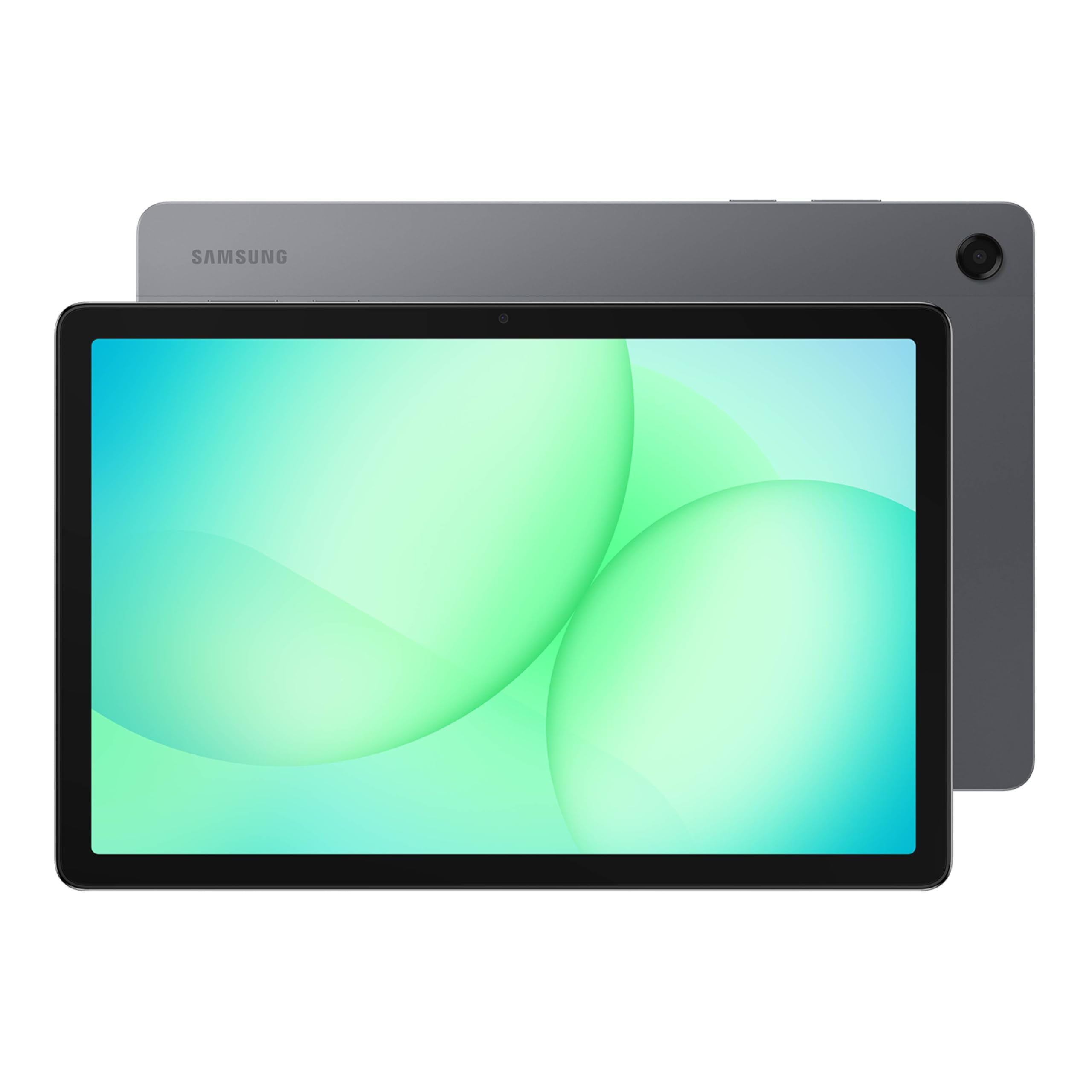
The Samsung Galaxy Tab A11+ 5G is the only LCD-based device in this roundup. It represents the opposite end of the spectrum from dedicated E Ink readers, functioning as a full Android tablet. The 11-inch screen with a 90Hz refresh rate is excellent for video conferencing, browsing, and streaming, but its backlit LCD panel causes more eye strain over long reading sessions and becomes unreadable in direct sunlight due to glare.
However, for readers who do not spend hours daily on prose but want to read PDFs, emails, and news articles on a single device, this tablet offers unmatched versatility. It supports 5G connectivity, has quad speakers with Dolby Atmos, and can run any reading app available on Android. The 128GB storage and up to 8GB of RAM handle multitasking well, making it a capable work and entertainment device.
Battery life is good for an LCD tablet, but it still requires daily charging unlike any E Ink reader in this guide. The Tab A11+ is also significantly heavier and larger, making one-handed reading a chore. For the pure bookworm, an E Ink reader is a better choice. This device fits best for someone who needs a single device for productivity, media, and occasional casual reading.
Why it’s great
- Versatile Android tablet with 5G
- Large 11-inch screen with quad speakers
- Fast charging and long battery for a tablet
Good to know
- LCD display causes more eye strain
- Glare makes outdoor reading difficult
- Heavier and less portable than E Ink readers
FAQ
Can I read Kindle books on a Kobo or BOOX device?
Is a color E Ink screen better than a monochrome one for reading novels?
Final Thoughts: The Verdict
For most users, the best device for reading is the BOOX Go Color 7 Gen II because it combines a 7-inch color E Ink screen with the full Android ecosystem, giving you access to every major bookstore and library app. If you want the best waterproof reading experience and longest battery life with a simple, distraction-free interface, grab the Amazon Kindle Paperwhite. And for the best value in a compact color reader with library support, nothing beats the Kobo Clara Colour.

Mo Maruf
I created WellFizz to bridge the gap between vague wellness advice and actionable solutions. My mission is simple: to decode the research and give you practical tools you can actually use.
Beyond the data, I am a passionate traveler. I believe that stepping away from the screen to explore new environments is essential for mental clarity and physical vitality.