Our readers keep the lights on and my smoothie glass nicely filled. As an Amazon Associate, I earn from qualifying purchases.
Forget the old static photo frame that gathers dust. A modern digital frame turns your wall or desk into a living gallery that updates in real-time, closing the distance between families scattered across time zones. The challenge is cutting through the noise of resolution specs, app ecosystems, and storage limits to find the one that actually works for your specific setup.
I’m Mohammad Maruf — the founder and writer behind WellFizz. I’ve spent countless hours pouring over display panel types, frameo vs. nixplay software ecosystems, internal storage capacities, and real-world user reports to separate the frames that deliver daily joy from those that sit in a drawer.
This guide breaks down the must-know specs and compares the top contenders, helping you pick the best digital frame for your unique situation and budget.
How To Choose The Best Digital Frame
Choosing a digital frame is more than just picking the largest screen. You need to match the display quality, connectivity, storage, and software to how your family actually shares photos. Here are the critical factors to weigh before you buy.
Screen Size and Resolution
Screen size dictates where the frame fits in your home. A 10.1-inch frame works well on a nightstand or desk, while a 15.6-inch model makes a statement on a wall or mantle. Resolution matters just as much. A 1920×1080 (Full HD) panel on a larger screen delivers sharp images, while a 1280×800 panel is acceptable on a smaller 10.1-inch display. For the best clarity, look for an IPS panel, which maintains consistent color and brightness from any viewing angle.
App Ecosystem and Multi-User Sharing
The app determines how easy it is for family members to send photos. Frameo is the most common ecosystem across budget and mid-range frames. It offers a simple code-based invite system where unlimited users can share photos and videos without a subscription. Nixplay offers a more polished, cloud-centric experience with playlist management and smart sensors, but some advanced features require a subscription. Choose the ecosystem that matches your family’s technical comfort level.
Storage Capacity and Connectivity
Built-in storage typically ranges from 16GB to 64GB, with 32GB being the sweet spot, holding tens of thousands of photos. If you plan on loading photos without WiFi, ensure the frame supports a microSD card or USB drive formatted to FAT32. Some frames only allow WiFi-based uploads, while others double as offline storage devices, which is a critical feature for gifting to users with unreliable internet.
Quick Comparison
On smaller screens, swipe sideways to see the full table.
| Model | Category | Best For | Key Spec | Amazon |
|---|---|---|---|---|
| Pexar by Lexar 11″ | Premium | Ultimate Clarity on a Mid-Size Frame | 2K (2000×1200) Anti-Glare IPS | Amazon |
| Americanflat 10.1″ | Premium | Gallery-Wall Aesthetic at Home | 15×18 Matte Frame with 10.1″ Screen | Amazon |
| ApoloSign 15.6″ | Mid-Range | Smart Features via Nixplay | 1920×1080 FHD IPS with Motion Sensor | Amazon |
| BIGASUO 15.6″ | Mid-Range | Massive 64GB Storage | 1920×1080 FHD IPS Touchscreen | Amazon |
| AMABOO 15.6″ | Mid-Range | Slim Acrylic Design with Frameo | 1920×1080 FHD IPS, 32GB Storage | Amazon |
| PiPivision 10.1″ | Budget | Easy Setup for Seniors | 1280×800 IPS, 32GB Storage | Amazon |
| FLYRUIT 10.1″ | Budget | Versatile Non-WiFi Transfer Options | 1280×800 IPS, 32GB + MicroSD/USB-C | Amazon |
In‑Depth Reviews
1. Pexar by Lexar 11″

The Pexar by Lexar is the clear choice for image quality fanatics. Its 11-inch 2K (2000×1200) IPS panel offers a pixel density that makes standard 1080p frames look soft by comparison. The anti-glare coating is a practical boon in bright rooms, cutting reflections without muddying the image, and the responsive touchscreen makes navigation feel as fluid as a modern tablet.
Built around a 32GB internal storage, the frame holds roughly 40,000 photos and lets you load media via SD card or USB-A drive, a huge advantage if you want to keep the frame offline. The Frameo app handles remote sharing, but the real selling point is that no subscription or cloud account is required, keeping your family’s memories private and under your control. The auto-rotation, clock, and sleep mode features round out a polished user experience.
One trade-off is the lack of a motion sensor for automatic wake/sleep, which some competing frames include. Additionally, a few users noted a persistent “offline” notification when the frame isn’t connected to WiFi, but this can be muted in the settings. For uncompromising clarity and a hassle-free, subscription-free experience, this frame is a standout.
Why it’s great
- 2K resolution with anti-glare IPS panel is exceptional for this size.
- Works fully offline via SD/USB with no cloud subscription.
- Responsive touchscreen and intuitive Frameo app setup.
Good to know
- No motion sensor for automatic power management.
- Shows a daily “offline” notification if not connected to WiFi.
2. Americanflat 10.1″
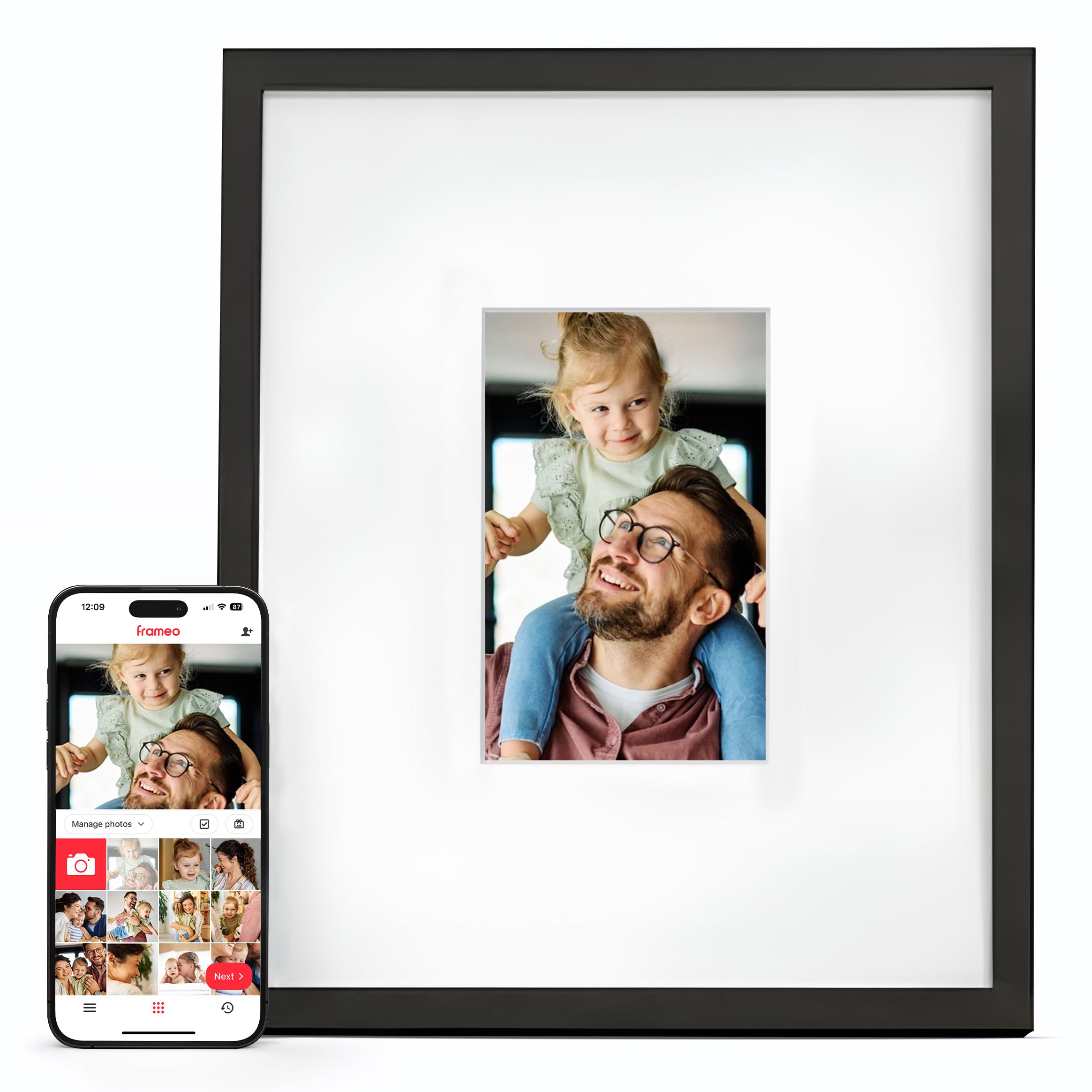
The Americanflat frame solves a design problem that plagues most digital frames: they look like a cheap plastic gadget. This unit places a 10.1-inch touchscreen inside a genuine 15×18 matted frame, meaning it mimics the depth and texture of real framed art. From a few feet away, guests genuinely won’t realize the images are changing, making it the best choice for a curated gallery wall.
Setup takes less than five minutes via the Frameo app. You connect to 2.4GHz WiFi, name the frame, and share a code with family. Unlimited users can send photos and videos directly from their phones without any subscription fees, and the built-in speakers handle video playback with sound. The frame also supports loading media directly via microSD or USB-C, so it works even without WiFi, a critical feature for less tech-savvy recipients.
The 1280×800 resolution is perfectly serviceable on a 10.1-inch screen, but it’s not going to rival a 2K or Full HD panel. The plastic frame construction, while mimicking a real frame, doesn’t have the heft of solid wood. For anyone who prioritizes home decor aesthetics and wants a digital frame that doesn’t scream “tech gadget,” this is the one to get.
Why it’s great
- Genuine matted frame design blends with real wall art.
- Unlimited multi-user sharing via Frameo app with no subscription.
- Works offline with microSD/USB-C media loading.
Good to know
- Screen resolution is standard 1280×800, not Full HD.
- Frame material is plastic, not solid wood.
3. ApoloSign 15.6″

The ApoloSign frame runs on the Nixplay platform, which is a significant step up in software sophistication. The 15.6-inch Full HD IPS display is bright and vivid, and the Nixplay SenseMe motion sensor is a major convenience — it wakes the frame when you enter the room and powers it down when you leave, saving energy and extending the screen’s lifespan. It also supports Amazon Alexa voice commands for hands-free playlist selection.
Nixplay’s cloud storage is private, GDPR and CCPA compliant, and allows you to create multiple playlists that family members can contribute to via the app. You can invite unlimited users to upload photos, and the frame supports auto-rotation between portrait and landscape. The built-in 32GB storage is adequate, but the lack of an SD card slot means you are tethered to the cloud or USB for manual transfers.
The catch is that Nixplay’s most advanced features, such as unlimited cloud storage or certain playlist management tools, require a subscription after a trial period. Some users report occasional app connectivity issues, though these are not widespread. If you want a “smart” frame with motion sensing and voice control, and you don’t mind a potential subscription, this is the most feature-rich option.
Why it’s great
- Nixplay SenseMe motion sensor for automatic wake/sleep.
- Amazon Alexa integration for voice control.
- GDPR/CCPA compliant cloud storage with multi-user playlists.
Good to know
- Some advanced Nixplay features require a subscription.
- No SD card slot; relies on cloud or USB for transfers.
4. BIGASUO 15.6″

The BIGASUO 15.6-inch frame addresses the primary pain point for photo hoarders: storage. With a massive 64GB of built-in memory, it can hold over 100,000 photos directly on the device, eliminating any need for cloud subscriptions or frequent SD card swaps. The 1920×1080 Full HD IPS touchscreen delivers sharp, vibrant images on a large panel that looks great on a mantle or mounted on a wall.
Powered by the trusted Frameo app, it supports instant sharing from unlimited family members across the globe. The setup is straightforward: plug it in, connect to WiFi, and share the pairing code. The auto-rotation function smoothly transitions between landscape and portrait, and a sleep timer helps conserve power at night. Users consistently praise how user-friendly the interface is for elderly recipients.
A notable limitation is that the frame may have compatibility issues with SD cards larger than 32GB, so you should stick to smaller cards or rely on the built-in 64GB for external storage. The frame must remain plugged into an AC outlet at all times. For families who want to load up a decade of memories without worrying about cloud limits, this frame offers the most headroom.
Why it’s great
- Huge 64GB internal storage holds over 100,000 photos.
- Large 15.6″ Full HD IPS touchscreen with vivid colors.
- Simple Frameo app setup ideal for grandparents.
Good to know
- Best compatibility with SD cards 32GB or smaller.
- Must be continuously plugged into an AC outlet.
5. AMABOO 15.6″
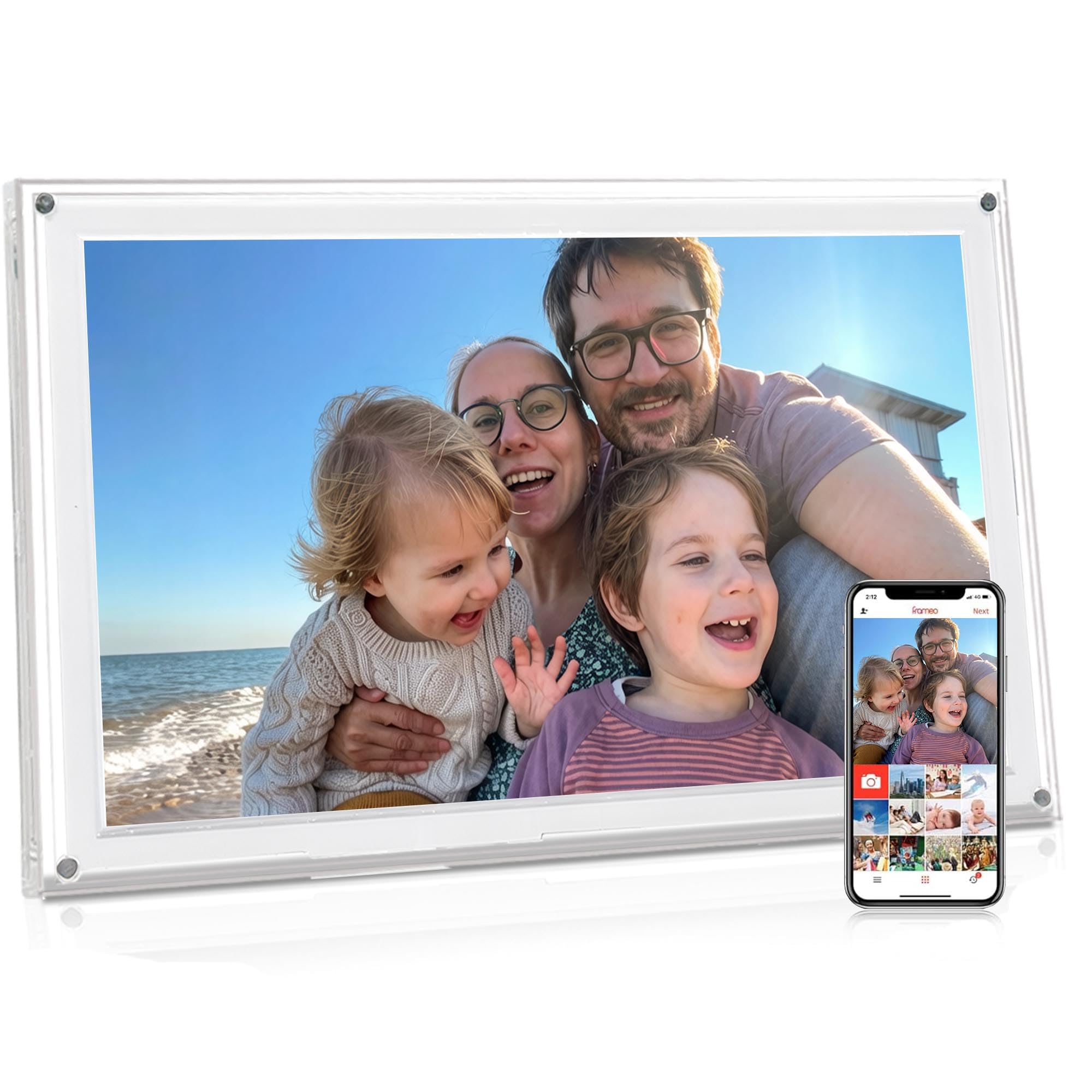
The AMABOO digital frame differentiates itself with an acrylic chassis, giving it a sleeker, more modern profile than standard plastic frames. The large 15.6-inch Full HD IPS touchscreen is the star of the show, offering excellent clarity and wide viewing angles that make photos pop in any room. The responsive touch interface makes swiping through memories feel natural.
It runs on the Frameo ecosystem, meaning unlimited family members can send 1080p photos and MP4 videos directly to the frame from anywhere. The built-in 32GB storage holds over 100,000 photos, and you can expand storage via microSD or USB drive if needed. Handy functions include auto-rotation, a React feature that sends emojis back to senders, and customizable slideshow intervals and sleep timers for energy conservation.
The main criticism centers on the included stand, which some users find flimsy and prone to detaching when the frame is moved. The frame must be plugged into power at all times. For someone who values a modern aesthetic and a massive screen without paying a premium, this is a solid mid-range pick, provided you are gentle with the stand.
Why it’s great
- Sleek acrylic body looks more modern than typical plastic frames.
- Large 15.6″ FHD IPS touchscreen delivers vibrant visuals.
- Full Frameo ecosystem with unlimited user sharing and no subscription.
Good to know
- Stand is reported to be unstable and prone to falling out.
- Frame requires constant AC power to function.
6. PiPivision 10.1″
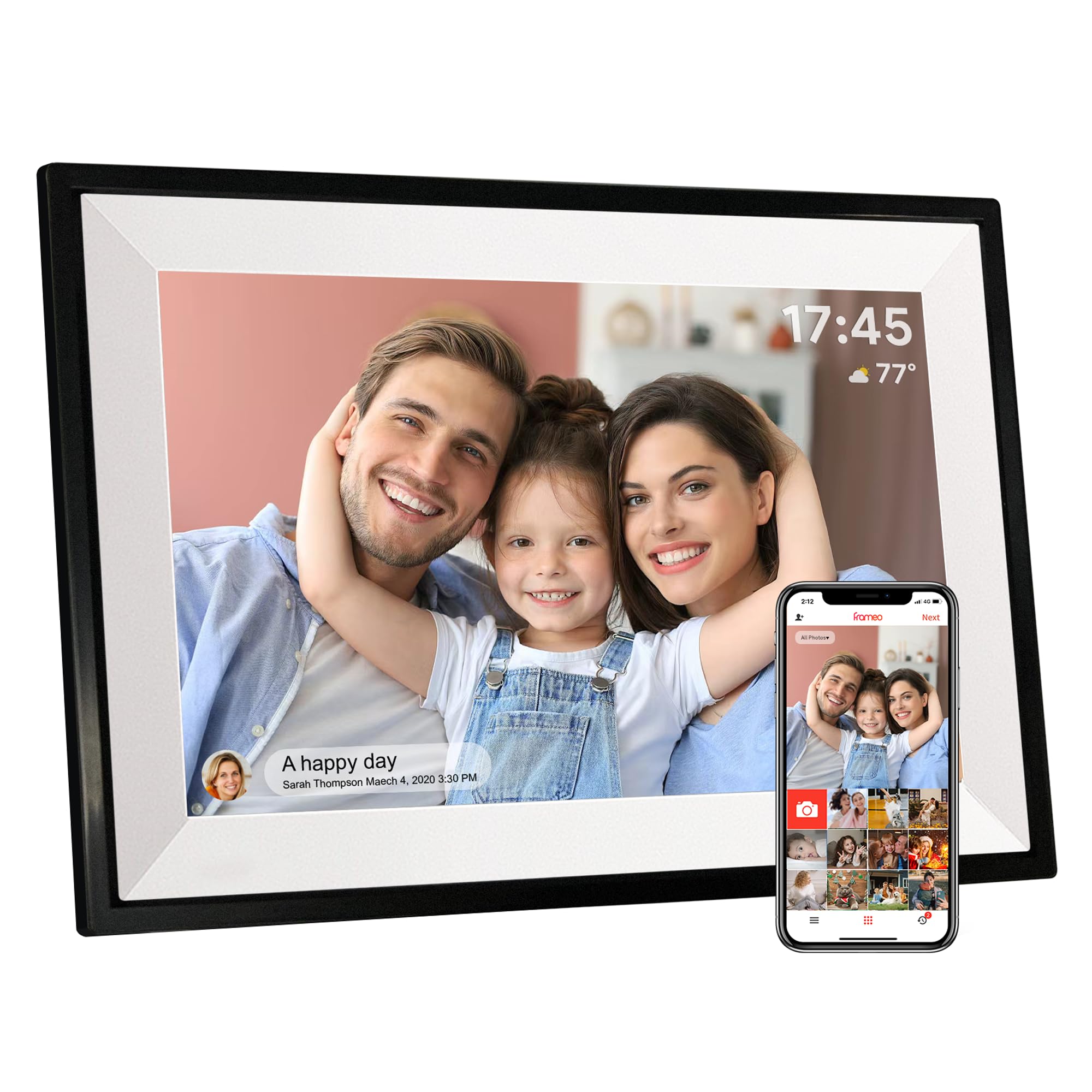
The PiPivision 10.1-inch frame is built from the ground up for easy gifting, especially to parents and grandparents. The setup process is among the simplest in the category: you can complete the WiFi pairing and app connection before gifting, so the recipient only needs to plug it in and watch the memories appear. The touchscreen interface mimics a basic tablet, making navigation intuitive for those who struggle with technology.
Using the Frameo app, unlimited family members can send photos and 15-second videos to the frame from anywhere in the world. The 32GB internal storage holds over 80,000 photos, and because all media is stored locally, the slideshow continues uninterrupted even if the WiFi drops out. The 1280×800 IPS display is clear and offers auto-rotation to avoid black bars between portrait and landscape images.
Some users report that the frame cannot play videos and display images in the same continuous slideshow, requiring manual mode switching. The resolution, while adequate for a 10.1-inch screen, is not as sharp as Full HD panels. For a budget-conscious gift that prioritizes ease of use and reliable remote sharing for a non-tech-savvy loved one, this frame delivers exceptional value.
Why it’s great
- Exceptionally simple setup; can be pre-paired before gifting.
- Local 32GB storage ensures playback continues without WiFi.
- Unlimited family sharing via Frameo app with no fees.
Good to know
- Photos and videos may not play in the same continuous slideshow.
- Screen resolution is 1280×800, not Full HD.
7. FLYRUIT 10.1″

The FLYRUIT 10.1-inch frame offers the most versatile connectivity in the budget tier. Beyond the standard Frameo WiFi sharing, this frame supports photo transfer via microSD card, USB-C drive, and a direct USB-C cable connection to a computer. This makes it the ideal choice for users in areas with unreliable internet, or for those who simply prefer to curate a photo library manually without an app.
The 1280×800 IPS HD touchscreen delivers solid color and clarity for its size, and the responsive touch interface makes navigation easy. The built-in 32GB storage can hold thousands of images, and you can expand it with an external card. Useful extras include a Greeting feature to send themed cards and a React feature for sending emoji responses to photo senders, adding a layer of interactivity.
A key limitation is that it only supports 2.4GHz WiFi, which is standard for this category but worth noting for homes with only 5GHz networks. The plastic build is perfectly functional but does not feel premium. If your primary concern is having multiple ways to load photos without relying on a smartphone app, this frame offers the most flexibility for the money.
Why it’s great
- Multiple offline transfer methods: microSD, USB-C cable, and USB-C drive.
- Full Frameo ecosystem with Greeting and React features.
- Good 1280×800 IPS display with auto-rotation.
Good to know
- Only supports 2.4GHz WiFi networks.
- Plastic construction feels less premium than higher-end models.
FAQ
Can I use a digital frame without WiFi?
How many people can send photos to a Frameo frame?
What file formats are compatible with digital frames?
Do digital frames require a subscription?
Final Thoughts: The Verdict
For most users, the best digital frame winner is the Pexar by Lexar 11″ because it combines the highest resolution 2K anti-glare screen with a subscription-free, offline-friendly Frameo experience. If you want a large gallery wall aesthetic that hides the tech, grab the Americanflat 10.1″. And for families who need maximum built-in storage for tens of thousands of photos without any cloud dependencies, nothing beats the BIGASUO 15.6″.

Mo Maruf
I created WellFizz to bridge the gap between vague wellness advice and actionable solutions. My mission is simple: to decode the research and give you practical tools you can actually use.
Beyond the data, I am a passionate traveler. I believe that stepping away from the screen to explore new environments is essential for mental clarity and physical vitality.