Our readers keep the lights on and my smoothie glass nicely filled. As an Amazon Associate, I earn from qualifying purchases.
A flickering signal, a black screen, or audio that refuses to travel from your laptop to a monitor — these are the specific frustrations that a poorly chosen DisplayPort to HDMI adapter introduces. The conversion from DisplayPort’s multi-lane packetized signal to HDMI’s TMDS format isn’t automatic; it requires proper electrical negotiation, and the wrong cable will fail at that handshake every time.
I’m Mohammad Maruf — the founder and writer behind WellFizz. I’ve spent hours analyzing chipset compatibility, shielding configurations, and bandwidth ceilings across dozens of DP-to-HDMI cables to understand precisely why some convert seamlessly while others degrade signal integrity within days.
The right adapter bypasses handshake failures, supports the refresh rate your monitor panel requires, and survives repeated plugging cycles without latch damage. This guide delivers the best displayport to hdmi adapter recommendations for every setup from a 1080p office projector to an 8K gaming rig.
How To Choose The Best DisplayPort To HDMI Adapter
Selecting the correct adapter starts with understanding that a DisplayPort source generates a multi-lane packetized video stream while an HDMI display expects a single-stream TMDS signal. The conversion chip inside the adapter — or its absence — determines whether your display sees a valid signal or shows a blank screen.
Directionality: The Most Common Mistake
Nearly every DP-to-HDMI cable is unidirectional: signal flows from the DisplayPort source to the HDMI display, never the reverse. Adapters marked as bidirectional include an active chip that works in both directions, but they cost more and are rarely needed. If you plug a unidirectional cable into an HDMI source expecting to drive a DisplayPort monitor, nothing happens.
Bandwidth and Resolution Ceiling
DisplayPort 1.2 supports up to 21.6 Gbps, enough for 4K at 60Hz with 8-bit color. DisplayPort 1.4 pushes to 32.4 Gbps, enabling 4K at 120Hz or 8K at 60Hz with Display Stream Compression. The HDMI side must match: HDMI 2.0 caps at 18 Gbps (4K 60Hz), while HDMI 2.1 handles 48 Gbps (8K 60Hz or 4K 240Hz). Paring a DP 1.4 source with an HDMI 2.0 display gives you HDMI 2.0 bandwidth regardless. Check both ports before buying.
Active vs. Passive Designs
A passive DP-to-HDMI cable relies on the source GPU to detect an HDMI sink and output a TMDS-compatible signal. This works for DP++ (DisplayPort++) ports, commonly found on desktop GPUs, but fails on many laptops and older ports that lack dual-mode support. An active adapter contains a conversion chip that handles the protocol translation regardless of the source’s capabilities. Active adapters are mandatory for reliable 4K 60Hz or higher from laptops and for multi-monitor setups where the GPU may not output a clean TMDS signal to every display.
Quick Comparison
On smaller screens, swipe sideways to see the full table.
| Model | Category | Best For | Key Spec | Amazon |
|---|---|---|---|---|
| Cable Matters 8K DP 2.1 | Premium Cable | 8K gaming, high-refresh 4K monitors | 32.4 Gbps, 4K 240Hz / 8K 60Hz | Amazon |
| IVANKY Active Adapter | Active Adapter | Laptops, multi-monitor, 8K desktop | Active chip, 8K@60Hz, 32 Gbps | Amazon |
| TagBreet 8K Cable | Premium Cable | 1440p and 4K high-refresh gaming | 8K@60Hz, 4K@240Hz, braided jacket | Amazon |
| Cable Matters 10ft | Mid-Range Cable | Home theater, 1080p projector | 10ft length, 1080p Full HD | Amazon |
| Amazon Basics 10ft | Budget Cable | Office dual-monitor, basic 1080p | 10ft, 1920×1200, gold-plated | Amazon |
In‑Depth Reviews
1. Cable Matters 8K DisplayPort to HDMI 2.1 Cable – 6ft

The Cable Matters 8K cable delivers the highest bandwidth in this roundup, supporting 4K at 240Hz and 8K at 60Hz by leveraging DisplayPort 1.4’s DSC compression and HDMI 2.1’s 48 Gbps ceiling. Users report stable 8K 60Hz HDR from PCs to TVs like the Samsung S95D, avoiding the signal drop that plagues adapter-plus-cable combos. The braided jacket and molded strain relief survive daily desk routing without fraying, and the DP latch clicks securely into GPU ports from the RTX 4090 down to mid-range RX 7900 cards.
Critically, this cable is unidirectional — DisplayPort source to HDMI display only — and does not support VRR, G-Sync, or FreeSync. Owners of Intel Arc A580 GPUs report successful 4K 60Hz 10-bit HDR with VRR operating in the 40–60 Hz window, but 4K 120Hz fails on that specific card due to signal lock limitations. Users pairing it with docking stations for KVM setups report rock-solid signal retention over long workdays, with zero handshake resets or flicker.
A small percentage of units fail after the first use — one reviewer lost signal entirely within weeks, and the DP end ran hot enough to cause concern. Cable Matters offers support, but the failure rate is worth noting for mission-critical installations. For high-refresh 4K or 8K setups where VRR is unnecessary, this cable provides the cleanest single-cable conversion available.
Why it’s great
- Full 32.4 Gbps bandwidth supports 8K 60Hz and 4K 240Hz out of the box
- Braided jacket and strain relief prevent wear at connection points
- Stable HDR and Dolby Atmos pass-through on compatible displays
Good to know
- No VRR, G-Sync, or FreeSync support
- Unidirectional — cannot convert HDMI to DisplayPort
- Occasional early failure reported; check warranty
2. IVANKY 8K@60Hz Active DisplayPort to HDMI Adapter
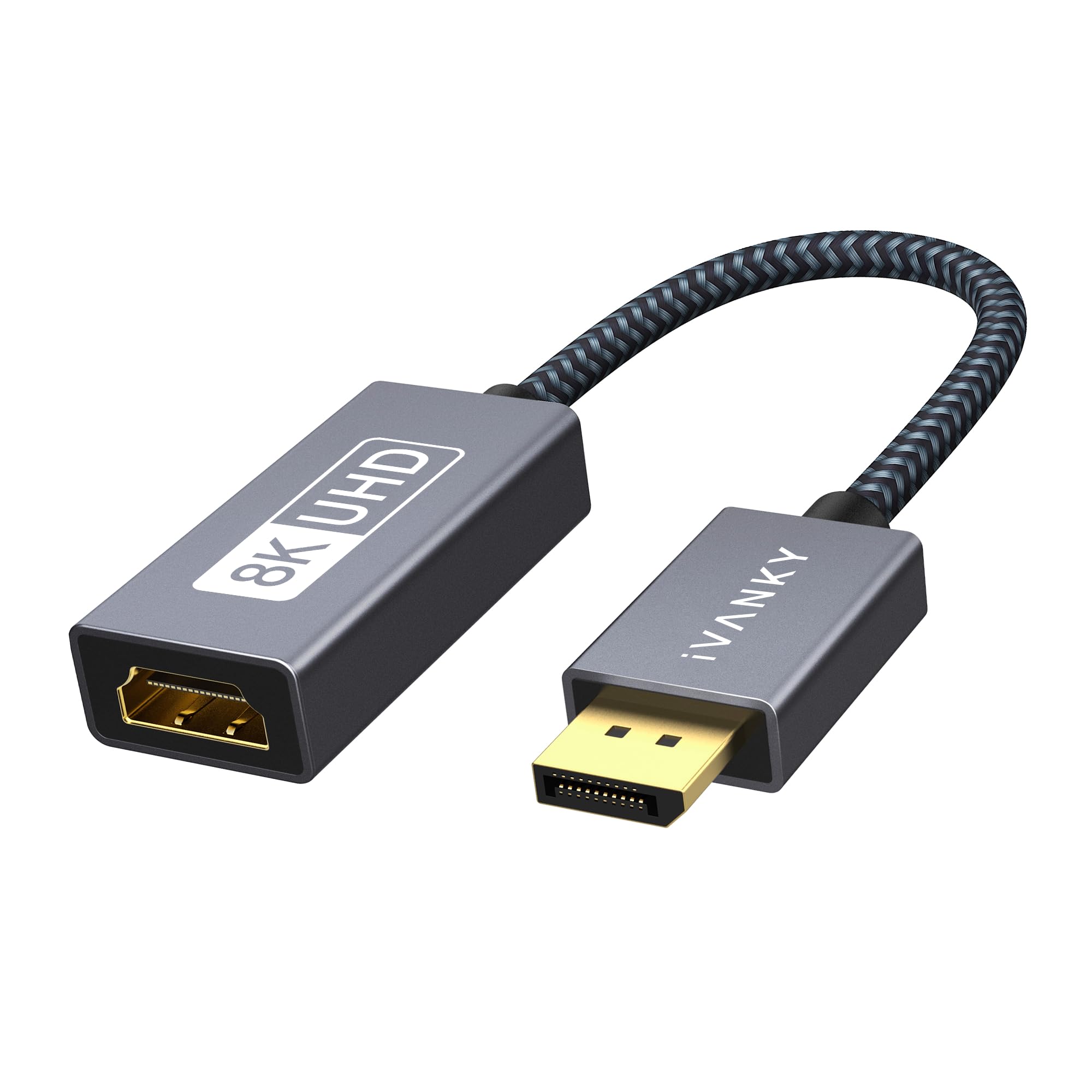
The IVANKY Active Adapter stands apart because it contains a conversion chip that performs the DP-to-HDMI translation at the hardware level, making it compatible with laptops, tablets, and older DP ports that lack DP++ dual-mode support. This matters when connecting a Lenovo ThinkPad or HP EliteBook to a 4K projector — passive cables from the same source often produce a black screen because the laptop’s GPU doesn’t output a TMDS signal. The IVANKY’s chip handles that negotiation, achieving 8K 60Hz or 4K 120Hz regardless of the source’s DP++ capability.
The adapter body measures 20cm, which keeps the bulk close to the source port rather than dangling a long cable assembly. The aluminum shell and nylon braid resist kinking, and the 24K gold-plated connector on the HDMI end resists corrosion in humid conference room environments. Users report connecting two 25-foot HDMI cables in series via this adapter with no distortion or lag, which indicates strong signal driving capability.
It is strictly unidirectional from DisplayPort to HDMI — it cannot receive an HDMI signal and output to DisplayPort. The adapter also does not support Mini DisplayPort natively, so owners of Surface Pro or MacBook units with Mini DP will need a separate Mini DP to DP cable. For anyone building a multi-monitor workstation from a laptop dock or connecting a desktop to a TV across a room, the active chipset eliminates the most common failure mode in this category.
Why it’s great
- Active chip works with laptops and older ports that lack DP++
- Supports 8K@60Hz and 4K@120Hz with stable signal drive
- Compact aluminum and braided build resists damage in portable use
Good to know
- Not compatible with Mini DisplayPort without an adapter daisy-chain
- Unidirectional — cannot convert HDMI to DisplayPort
3. TagBreet 8K DisplayPort to HDMI Cable – 6ft
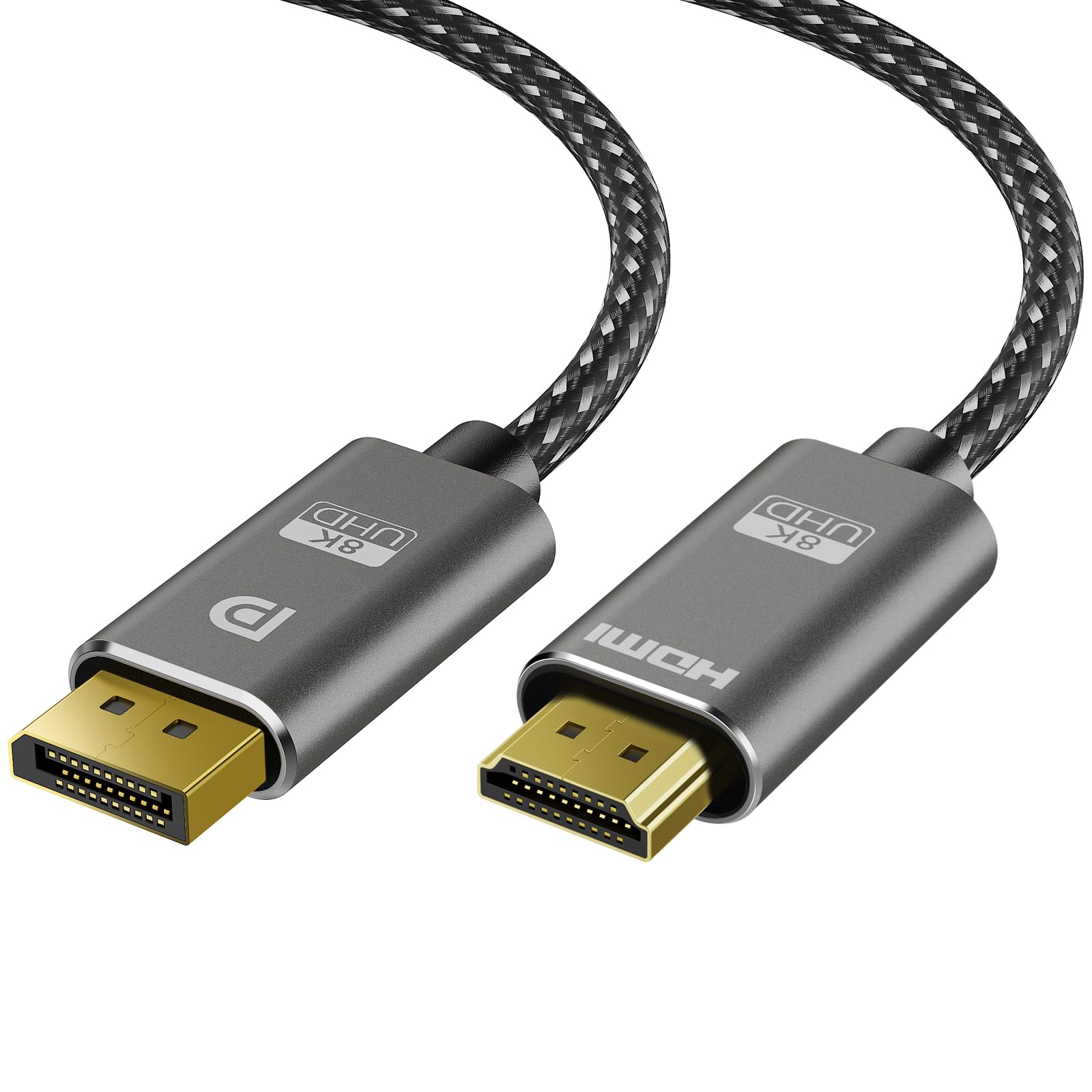
The TagBreet 8K cable targets the specific scenario where a gamer owns a GPU with only DisplayPort outputs remaining and a high-refresh-rate HDMI 2.1 monitor — typically a 1440p 240Hz or 4K 144Hz panel. It supports 4K at 240Hz and 1440p at 240Hz, which covers the most demanding current monitor specifications. One user with a 1440p 180Hz monitor reported perfect signal lock and full refresh rate without any driver configuration beyond a standard GPU update.
The braided jacket is noticeably thinner and more flexible than the Cable Matters 8K cable, which makes routing in tight desk grommets or behind a wall-mounted TV less frustrating. The DP latch secures firmly to the GPU port and requires the release button to disconnect, preventing accidental yanks. The cable requires a DisplayPort 1.4 GPU with DSC to hit its highest refresh rates; older DP 1.2 cards will be capped at 4K 30Hz.
A single verified review reports complete failure after one month of use, with the HDMI end running hot enough to be noticeable to the touch. The same reviewer flagged overheating as a concern. TagBreet’s support for firmware updates is mentioned in the documentation, suggesting the cable uses a programmable chip that can be flashed — a rare feature in this price tier. For budget-conscious builders who need every Hz their monitor can produce, this cable delivers the raw bandwidth at a lower upfront cost.
Why it’s great
- Supports 4K 240Hz and 1440p 240Hz with DSC-enabled GPUs
- Flexible thin braided jacket simplifies cable routing
- Firmware updatable for ongoing compatibility fixes
Good to know
- Reported early failure in a small number of units
- HDMI end can run warm; ensure adequate ventilation
- No VRR support
4. Cable Matters Unidirectional DisplayPort to HDMI Cable – 10ft

The 10-foot Cable Matters cable is the workhorse of this category — a passive DP++ design that reliably delivers 1080p Full HD with 7.1-channel audio pass-through for home theater and office projector setups. The 10-foot length is a practical sweet spot: long enough to reach from a desktop tower under a desk to a monitor on the wall, but short enough to avoid the signal degradation that plagues longer passive cables. Gold-plated connectors, bare copper conductors, and foil-and-braid shielding combine to keep electromagnetic interference out of the signal path.
Several reviews note that the DP latch feels delicate if subjected to lateral pressure during insertion or removal. Cable Matters replaced a damaged unit for one user without charge, and the replacement proved more durable. The cable works with DP++ ports on most desktop GPUs out of the box — no driver installation needed. Laptop users should verify their port supports DP++ (most modern gaming and business laptops do) or consider the IVANKY active adapter for guaranteed compatibility.
This cable does not support 4K resolution. Buyers purchasing for 1080p projectors, secondary office monitors, or retro gaming rigs will find the build quality and length ideal. Those planning to upgrade to a 4K display should look at the mid-range options above, as swapping cables later wastes the investment in this one.
Why it’s great
- 10ft length fits standard office and home theater layouts
- Triple shielding (foil, braid, bare copper) eliminates RFI artifacts
- Reliable 1080p with uncompressed 7.1 audio pass-through
Good to know
- No 4K support — capped at 1080p Full HD
- DP latch can damage under lateral pressure; handle with care
- Passive design may not work with all laptop DP++ implementations
5. Amazon Basics DisplayPort to HDMI Cable – 10ft
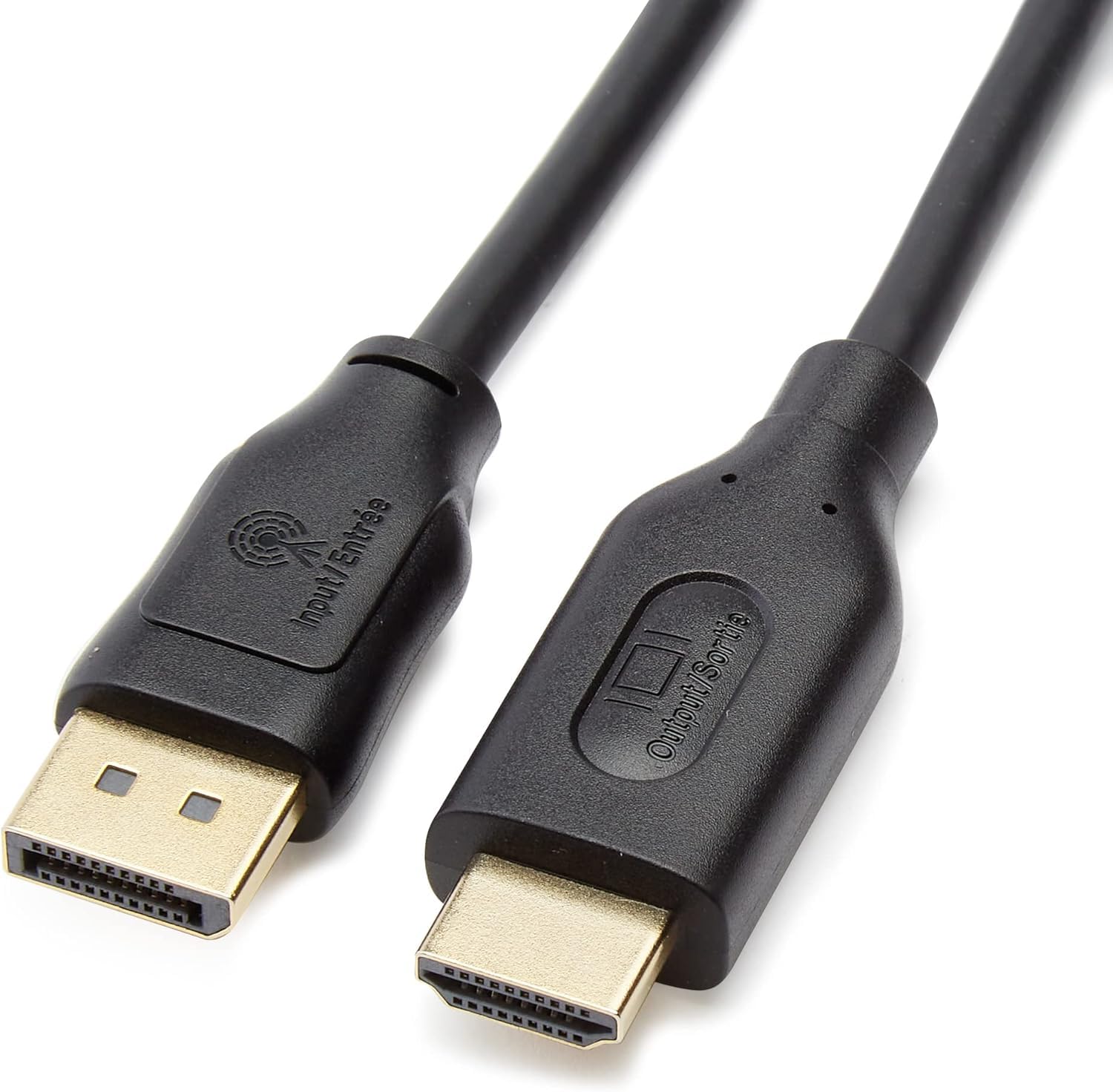
It supports resolutions up to 1920×1200 and 1080p Full HD — not 4K — with uncompressed 7.1 and 5.1 channel audio. The gold-plated connectors and foil-and-braid shielding match the construction of cables that cost twice as much. For a simple secondary monitor or a conference room projector that only needs 1080p, this cable will last years.
Reviews consistently describe it as a “portal cable” or “golden bridge of pixels” — hyperbolic praise for a passive cable that simply works. The unidirectional nature is clearly labeled on the package and in the product description, but some buyers still expect it to convert HDMI to DisplayPort. It does not. Plugging it backward results in a blank screen. The cable is not compatible with USB ports or LVDS sources like standalone Blu-ray players.
The 10-foot length matches the Cable Matters Version above, but the Amazon Basics cable lacks the latch on the DP connector — a mixed bag. No latch means no risk of damaging the port through improper unlatching, but it also means the cable can disconnect if bumped. For stationary desktop monitors where the cable won’t be moved, the missing latch is irrelevant. For traveling presenters who disconnect daily, the latch-free design is actually preferable.
Why it’s great
- Lowest entry cost with no sacrifice in 1080p signal quality
- Gold-plated pins and foil shielding match premium-tier construction
- No latch reduces port damage risk during frequent disconnection
Good to know
- No 4K or high-refresh support; capped at 1920×1200
- No latch means cable can pull loose from accidental bumps
- Unidirectional — cannot convert HDMI source to DisplayPort display
FAQ
Can I plug a DisplayPort to HDMI cable into a USB port?
Does my GPU need to support DP++ for a passive cable to work?
Why does my 4K monitor show only 30Hz with a DisplayPort to HDMI cable?
Final Thoughts: The Verdict
For most users, the best displayport to hdmi adapter winner is the Cable Matters 8K DisplayPort to HDMI 2.1 Cable because it delivers the highest bandwidth ceiling in a single durable cable, supporting 8K 60Hz and 4K 240Hz without needing a separate adapter brick. If you use a laptop or a port that lacks DP++ support, grab the IVANKY Active Adapter — its conversion chip guarantees a signal lock where passive cables fail. And for a simple 1080p office monitor or projector setup, nothing beats the Amazon Basics 10ft Cable for its no-latch simplicity and unbeatable value.

Mo Maruf
I created WellFizz to bridge the gap between vague wellness advice and actionable solutions. My mission is simple: to decode the research and give you practical tools you can actually use.
Beyond the data, I am a passionate traveler. I believe that stepping away from the screen to explore new environments is essential for mental clarity and physical vitality.