Our readers keep the lights on and my smoothie glass nicely filled. As an Amazon Associate, I earn from qualifying purchases.
An office meeting room cluttered with sticky notes, a whiteboard that smudges after the first marker stroke, and a team struggling to translate verbal discussion into durable digital documents is a scene that costs time and clarity. Interactive touchscreens have replaced dry-erase boards as the primary ideation surface for modern offices, but choosing the wrong panel means dealing with inadequate brightness, sluggish touch response, or limited software access that slows hybrid collaboration.
I’m Mohammad Maruf — the founder and writer behind WellFizz. I’ve spent over forty hours analyzing display specifications, touch technology, processor benchmarks, and ecosystem compatibility across the current market to identify the panels that genuinely improve collaborative workflows rather than simply adding a large screen to a wall.
Whether you run a corporate boardroom, a startup brainstorming hub, a hybrid classroom, or a medical training facility, finding the right tool requires parsing infrared touch accuracy, anti-glare coatings, and Android certification deep enough to matter.best digital whiteboards for offices
How To Choose The Best Digital Whiteboards For Offices
Finding the right interactive display for your office comes down to balancing screen size with room layout, touch technology with budget, and operating system flexibility with your existing software stack. These four factors will guide your decision.
Screen Size & Viewing Distance
A 55-inch panel fits smaller meeting rooms and huddle spaces where participants sit within 4 to 6 feet of the screen. For mid-size conference rooms with 8 to 12 seated attendees, 65-inch or 75-inch displays ensure that text and diagrams remain readable from the back row. In large boardrooms or training facilities, 86-inch panels give everyone a clear view without eye strain. Measure your wall or stand clearance before selecting a size device.
Touch Technology & Multi-User Support
Infrared (IR) touch is the most common technology in this category, offering durability and palm rejection for natural pen-to-glass writing. Look for at least 20-point multi-touch so that multiple team members can write, erase, or move objects simultaneously without input dropouts. Premium models now offer 40- or 50-point touch, enabling up to ten users to collaborate at once on the same canvas.
Operating System & App Ecosystem
Android 13 or 14 provides a familiar interface and access to common whiteboarding apps, but Google EDLA certification adds enterprise-grade security, NFC multi-user management, and guaranteed OTA updates for years. If your team uses Zoom, Microsoft Teams, or Google Meet native apps, EDLA certification ensures full compatibility rather than a restricted TV-style interface.
Display Quality & Glare Control
A 4K UHD panel with 350 to 450 nits brightness delivers sharp text and vivid colors even in offices with large windows. Anti-glare tempered glass (3.5 mm or thicker) prevents overhead lights from washing out the screen and reduces eye fatigue during long whiteboarding sessions. A 178-degree viewing angle ensures that side-seated participants see the same clarity as the person directly in front of the board.
Quick Comparison
On smaller screens, swipe sideways to see the full table.
| Model | Category | Best For | Key Spec | Amazon |
|---|---|---|---|---|
| Shiarffe R9 86 Inch | Premium | Large boardrooms & zero-subscription IT | 16 GB RAM + 256 GB Storage | Amazon |
| NewBoard 75E | Premium | High-precision 50-point touch & EDLA | 50-Point Multi-Touch | Amazon |
| NewBoard P Series 75 | Premium | All-in-one hybrid conferencing | 48MP CMOS Camera + 8-Mic Array | Amazon |
| JAV Smart Board Pro 86 | Premium | Education + AI-driven teaching tools | 0.8mm Anti-Glare AG Glass | Amazon |
| Vibe S1 55 | Premium | Cloud whiteboarding + Chrome OS | 8ms Touch Latency | Amazon |
| Dornium 75 EDLA | Mid-Range | Hybrid work with built-in 48MP camera | 48MP Camera + 8-Mic Array | Amazon |
| NewBoard 65E | Mid-Range | Classrooms & labs needing EDLA | 450 nits Brightness | Amazon |
| Dornium 65 EDLA | Mid-Range | Remote collaboration with advanced audio | 8-Mic AEC Array | Amazon |
| JASZDOT 75 Android 14 | Mid-Range | Cost-effective large-screen whiteboarding | 75″ 4K + 20-Point IR Touch | Amazon |
| KEINONE 65 | Mid-Range | Classroom education with multimedia hub | 3000:1 Contrast Ratio | Amazon |
| JASZDOT 65 Android 14 | Mid-Range | Offices needing a versatile 65″ panel | 400+ nits Brightness | Amazon |
| JASZDOT 55 Android 14 | Budget-Friendly | Small meeting rooms & homeschooling | 55″ 4K + 20-Point Touch | Amazon |
| Dornium 55 EDLA | Budget-Friendly | Budget EDLA for small hybrid teams | 3.5mm Anti-Glare Glass | Amazon |
In‑Depth Reviews
1. Shiarffe R9 Smart Board 86 Inch
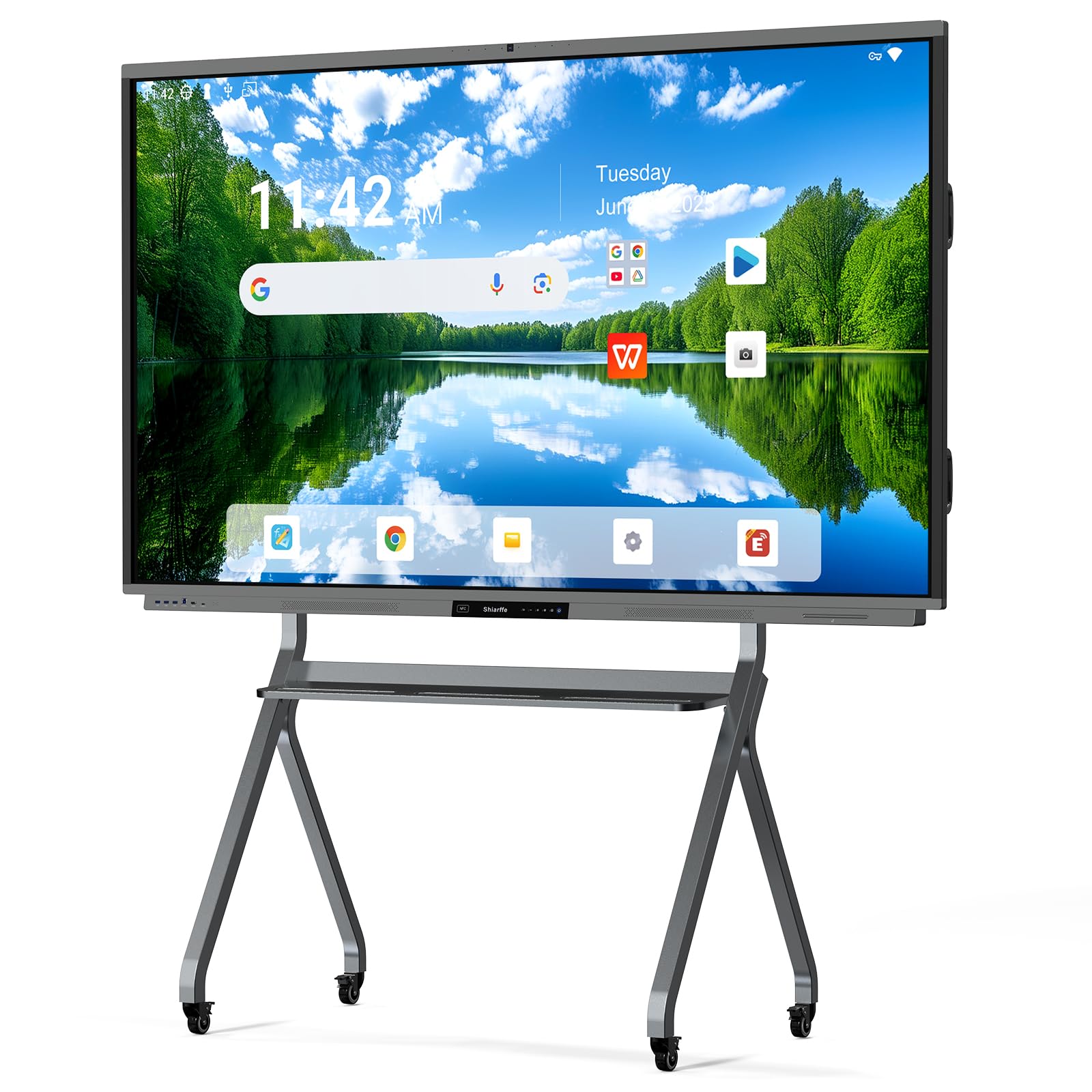
The Shiarffe R9 dominates this list with a rare combination of 16GB RAM and 256GB internal storage — double the memory of most competitors — which allows it to handle 4K whiteboarding sessions, split-screen app multitasking, and large PDF annotations without any stutter. The 86-inch IPS panel with anti-glare glass delivers a true 4K UHD image that remains legible from across a boardroom, while the 20-point IR touch system supports multiple simultaneous writers.
What separates the R9 from lower-tier panels is the built-in 50MP AI camera and integrated microphone array paired with a 60W speaker system, making dedicated external conferencing peripherals entirely unnecessary. Google EDLA certification provides full access to the Play Store and Google Workspace, but more importantly, Shiarffe operates with zero subscription fees — no hidden annual licenses for whiteboarding or casting software. The all-metal chassis feels commercial-grade and the included wall mount accommodates standard VESA patterns.
Customer reviews highlight the browser-based live whiteboard that allows remote participants to annotate in real time via QR code, automatically saving every session to the cloud. The 86-inch face requires a second person during installation due to its 148-pound weight, but once in place it transforms a conference room into a genuinely collaborative space. For IT teams that want future-proof hardware without recurring software costs, the R9 is the clear winner.
Why it’s great
- Massive 16GB/256GB memory spec eliminates lag
- Zero subscription fees for whiteboarding and casting
- 50MP AI camera enables high-quality native conferencing
Good to know
- Weighs 148 pounds — requires two people to mount
- Mobile cart sold separately
2. NewBoard 75E 75 Inch Smart Board
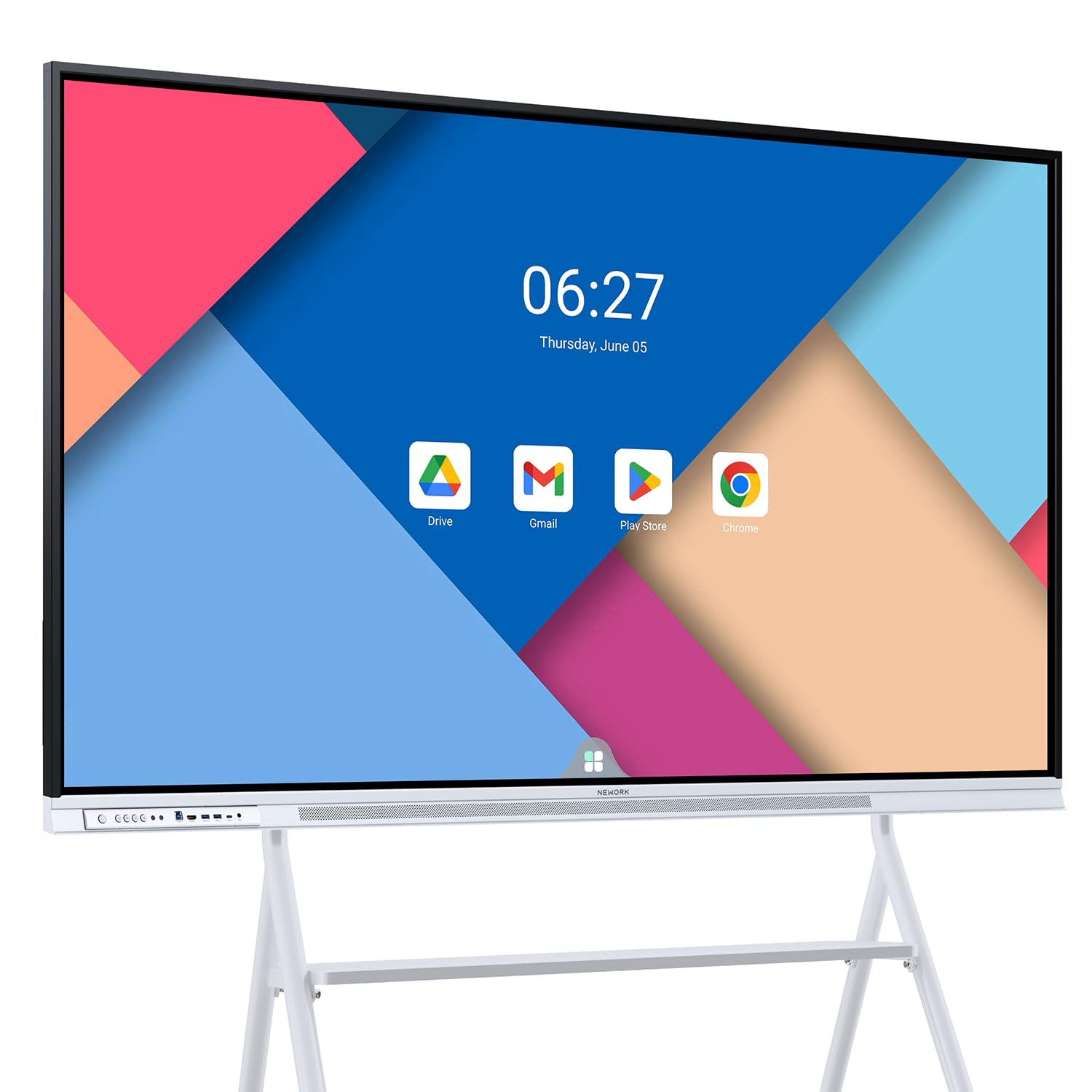
The NewBoard 75E sets a new standard for multi-user touch with 50-point infrared detection, allowing up to ten people to write, erase, and interact simultaneously without any touch points being dropped. The 75-inch VA panel with 450 nits brightness and a 5000:1 contrast ratio makes text as sharp as printed paper, while the 85% NTSC color gamut ensures presentation graphics and video clips look vibrant without being oversaturated.
Google EDLA certification is the backbone of this panel, granting native access to Google Workspace tools and the full Play Store for downloading Teams, Zoom, and proprietary whiteboarding apps directly onto the board without an external PC. The wireless casting feature supports up to 16 devices concurrently, which is useful for agile stand-ups where multiple team members need to share screens in rapid succession. The 178-degree viewing angle keeps every seat in a medium-to-large conference room in the clear zone.
Customer reviews consistently praise the lag-free touch experience and the quick resolution of support issues — one reviewer noted that NewBoard replaced a defective unit within hours of contact. The included wall mount bracket simplifies installation, and the VESA-compatible rear panel works with most standard stands if you prefer floor mobility. For teams that need the highest level of simultaneous touch accuracy, the 75E is the top choice.
Why it’s great
- Industry-leading 50-point multi-touch with low latency
- Google EDLA with full Play Store and OTA updates
- 5000:1 contrast ratio provides deep blacks and crisp text
Good to know
- 64GB ROM is modest compared to premium rivals
- No built-in camera; separate webcam needed for video calls
3. NewBoard P Series 75 Inch Smart Board
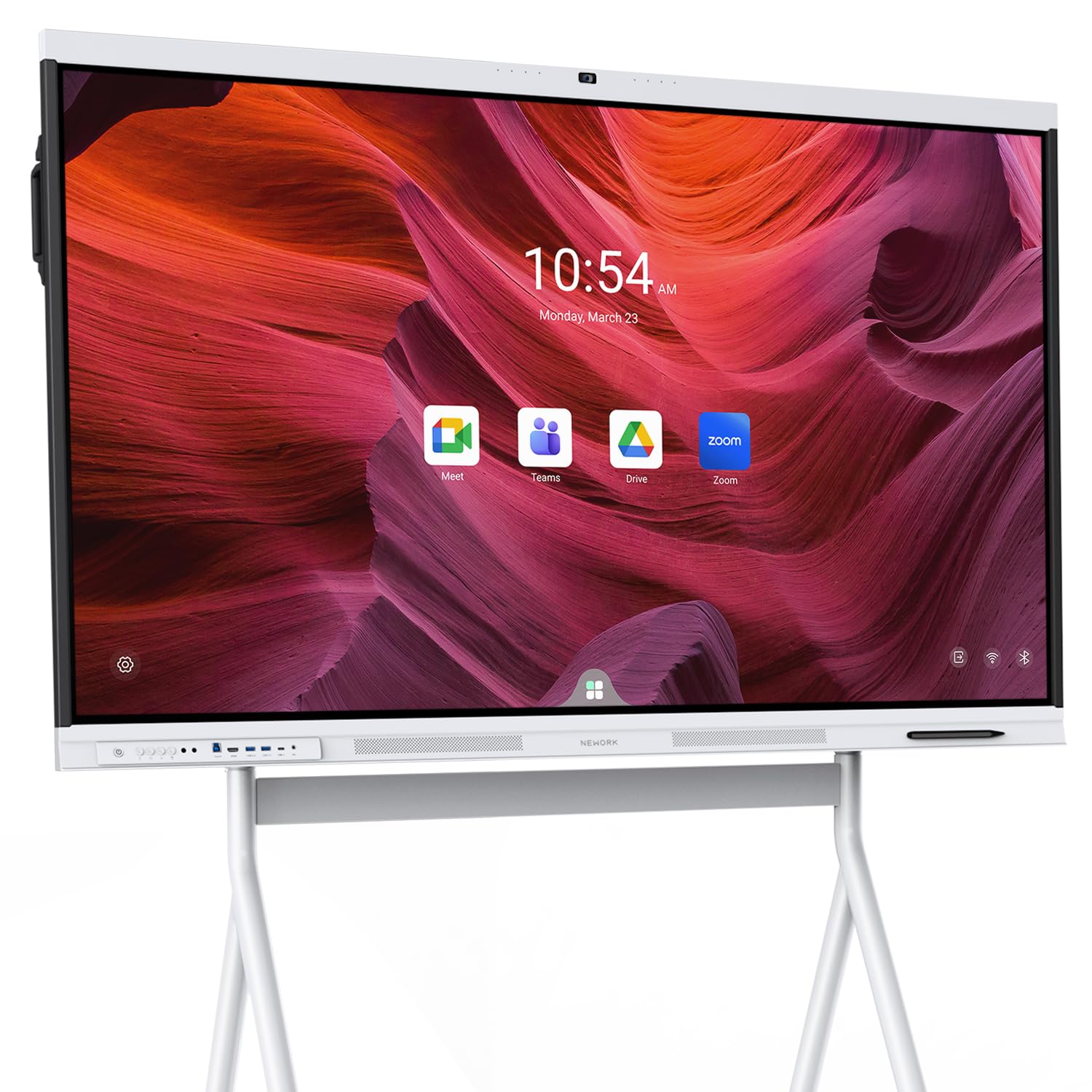
The NewBoard P Series eliminates the mess of external webcams, microphones, and speakers by integrating a professional 48MP CMOS camera with a 100-degree field of view and an 8-microphone array that picks up voices from up to 12 meters away. The AI noise suppression system filters out keyboard typing, paper shuffling, and ambient HVAC noise, making hybrid meetings feel as clear as in-person conversations. This is the only panel on this list that ships ready for video conferencing right out of the box.
The 75-inch 4K UHD LCD display uses anti-glare tempered glass to maintain readability even when ceiling lights are on or windows are behind the board. Touch latency sits under 5ms with 50-point multi-touch, so annotations and drag gestures feel immediate. Google EDLA certification grants access to the full Google ecosystem with enterprise-level security updates and front-facing USB-C that supports video, audio, touch, and 65W laptop charging through a single cable.
Customer feedback highlights the smooth wireless casting and the powerful built-in speakers that fill a room without an external soundbar. The white frame gives the board a clean, modern look that fits well in design-forward offices and educational settings alike. For organizations that want a single device to handle both whiteboarding and conferencing without add-ons, the P Series is the most complete package.
Why it’s great
- Integrated 48MP camera and 8-mic array for native conferencing
- Less than 5ms touch latency with 50-point support
- Front USB-C with 65W charging simplifies desk setup
Good to know
- Premium price reflects the all-in-one hardware
- Mobile cart not included in the box
4. JAV Smart Board Pro 86 Inch
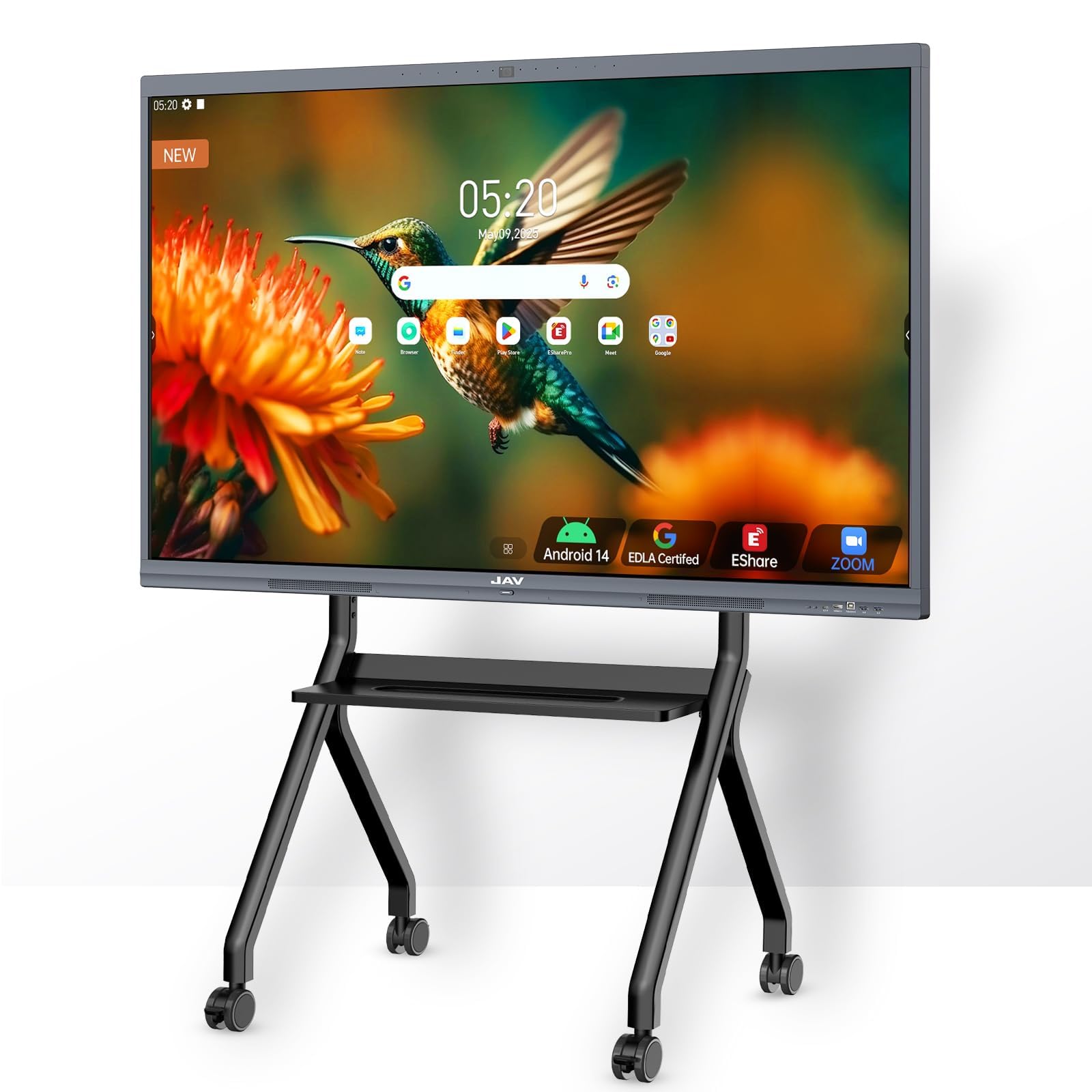
The JAV Smart Board Pro takes educational and corporate collaboration seriously with its 0.8mm anti-glare etched glass that virtually eliminates reflections even under direct overhead lighting. The 86-inch 4K UHD touchscreen uses NeoVision AI optics for 30FPS gesture tracking and supports 20-point multi-touch, allowing two users to write simultaneously while a third navigates menus — all on the same canvas without interference.
The board’s Android 14 operating system is Google EDLA-certified, providing full access to Google Drive, the Play Store, and native integration with Zoom, Teams, and Google Meet. The 8-array microphone with acoustic echo cancellation supports a 180-degree pickup radius, while the 100W soundbar delivers room-filling audio that makes external speakers redundant. JAV has preloaded sports coaching templates and AI-driven class heatmaps that track student engagement, making this a particularly strong choice for training facilities and schools.
Customer reviews note the intuitive interface and responsive customer support that resolved issues quickly. Some users reported that the AI camera tracking function may not perform perfectly in every room layout, but the core whiteboarding and presentation experience consistently earns top marks. For organizations that want a massive screen with specialized teaching tools and a professional conferencing suite, the JAV Pro delivers excellent value.
Why it’s great
- 0.8mm AG glass completely eliminates screen glare
- 100W soundbar and 8-mic array for high-quality conferencing
- Preloaded educational templates for training environments
Good to know
- AI camera tracking may need room-specific calibration
- Some users report occasional system lag under heavy load
5. Vibe S1 55 Inch Smart Board

Vibe takes a unique approach by running Chrome OS instead of Android, offering a laptop-like interface that feels immediate to anyone familiar with Chrome browsers and Google Workspace. The 55-inch 4K display with anti-glare glass provides a crisp writing surface, and the proprietary Vibe whiteboarding software gives you an infinite canvas that auto-saves notes, annotations, and brainstorming sessions to the cloud. The 8ms touch latency creates a pen-on-paper feel that customers consistently describe as natural and responsive.
The open app ecosystem through the Vibe App Store includes over 250 free apps, and the board supports split-screen mode so you can watch a YouTube tutorial on one side while taking notes on the other during a meeting. Wireless screen casting works from Mac, Windows, iOS, and Android devices without requiring an additional dongle, and the passive stylus system (two included) means no batteries or charging needed. The 55-inch size is ideal for huddle rooms, small classrooms, and home offices.
Customer reviews are overwhelmingly positive from homeschool families and small business owners who appreciate the user-friendly interface and the quality of the whiteboarding software. A few users experienced sporadic screen refresh during drawing, though this did not result in data loss. The Vibe S1 is the best option for teams that prioritize cloud-based whiteboarding software over raw hardware specs and want a clean Chrome OS workflow.
Why it’s great
- Chrome OS provides a familiar, smooth workflow for Google users
- Infinite canvas whiteboarding software with auto cloud saving
- 8ms touch latency feels like natural pen on paper
Good to know
- 55-inch screen is small for large conference rooms
- Plastic frame feels less premium than metal alternatives
6. Dornium 75 Inch EDLA Smart Board

The Dornium 75-inch EDLA panel brings the 48MP camera and 8-microphone array (with acoustic echo cancellation and automatic gain control) that professional hybrid meetings demand, but at a lower price point than the NewBoard P Series. The Android 14 operating system with Google EDLA certification provides stable access to Google Workspace and the Play Store, while the quad-core A73 and A53 processors ensure smooth performance across whiteboarding and video conferencing apps.
The 4K UHD touchscreen uses 3.5mm anti-glare tempered glass with a 178-degree viewing angle, keeping the display readable from any seat in a mid-size room. The 20-point infrared touch offers ±1mm precision, which is sufficient for writing and basic annotation but falls short of the 50-point systems found on premium panels. Wireless casting works across Mac, Windows, iOS, and Android devices, and the included wall mount bracket supports standard VESA patterns for straightforward installation.
Customer feedback highlights the clear, crisp screen and responsive touch interface, with several reviewers noting that the built-in camera and microphones eliminated the need for separate conferencing hardware. The 114.6-pound weight requires two people for setup, but once mounted the aluminum frame feels solid and stable. For teams that need EDLA certification and integrated conferencing on a 75-inch screen without paying premium-tier prices, the Dornium is a strong contender.
Why it’s great
- Built-in 48MP camera and 8-mic array for conferencing
- Google EDLA certified with OTA updates and security
- Anti-glare glass keeps the display readable in bright rooms
Good to know
- 20-point touch is lower than premium competitors
- Heavy unit at 114.6 pounds; handle with care
7. NewBoard 65E 65 Inch Smart Board
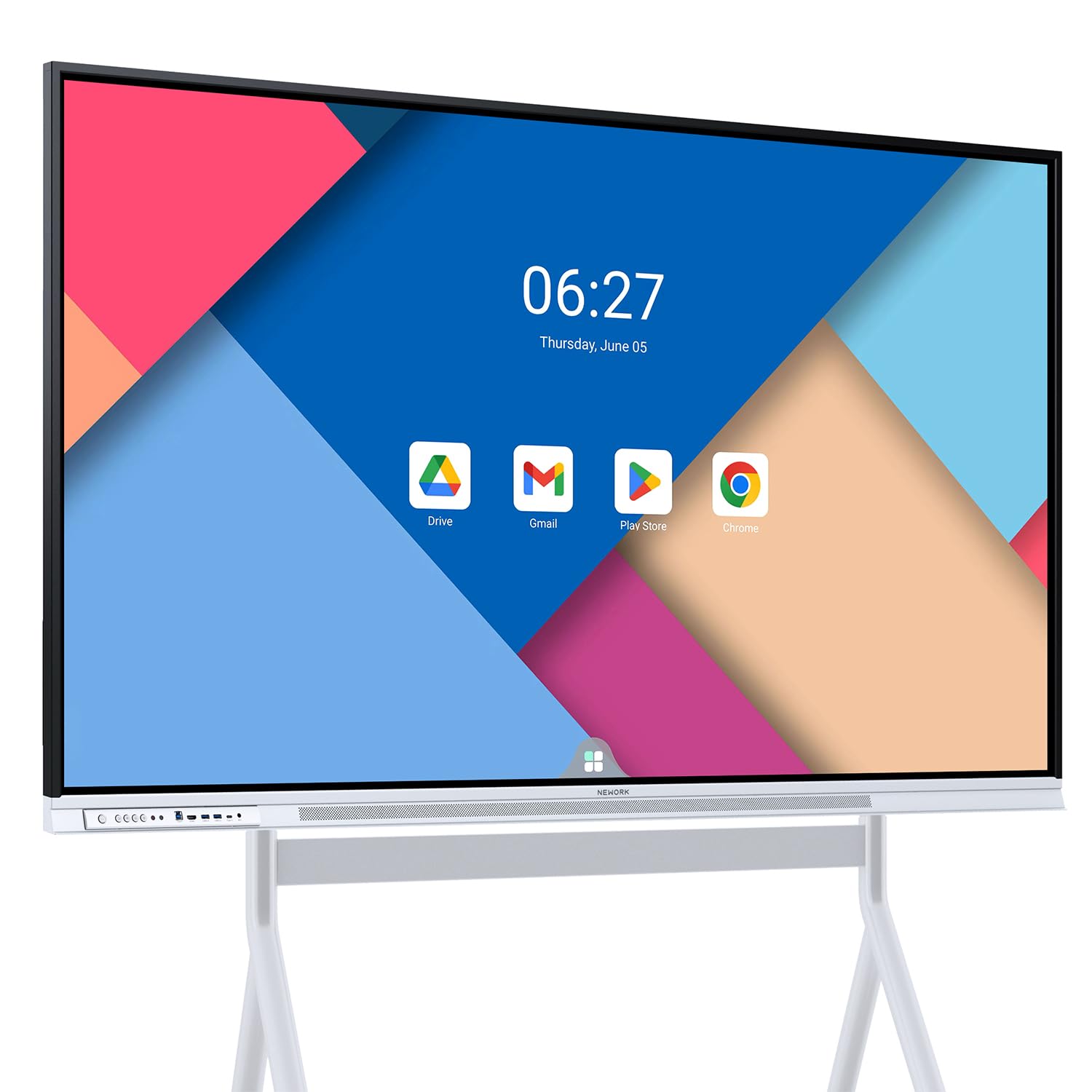
The NewBoard 65E is a streamlined version of the 75E, offering the same Google EDLA certification and 50-point multi-touch in a 65-inch form factor that fits smaller meeting rooms and classrooms. The 4K UHD VA panel delivers 450 nits of peak brightness and an 85% NTSC color gamut, producing vivid visuals that remain clear even when the room is fully lit. The 178-degree viewing angle ensures that students or participants seated at the sides see the same crisp text.
Wireless screen casting supports up to 16 devices simultaneously, allowing team members to share content from phones, tablets, or laptops without cable switching. The Android 14 operating system with 8GB RAM and 64GB ROM provides enough horsepower for standard whiteboarding and presentation tasks, though the storage is lower than the 128GB or 256GB found on premium panels. The VESA-compatible mounting system works with both wall brackets and mobile stands.
Customer reviews consistently praise the sharp image and lag-free touch experience, with one educator noting that the board functioned like a large Android tablet that instantly linked to their Google account. The built-in speakers are powerful enough for medium-size rooms, and the included accessories cover HDMI, USB-C, and touch cables for a complete out-of-box experience. For organizations that want EDLA certification and 50-point touch in a smaller footprint, the 65E is the right fit.
Why it’s great
- 50-point multi-touch at a mid-range price point
- 450 nits brightness ensures readability in bright rooms
- Google EDLA with Play Store and OTA updates
Good to know
- 64GB storage is limited for heavy app installations
- No built-in camera for video conferencing
8. Dornium 65 Inch EDLA Smart Board
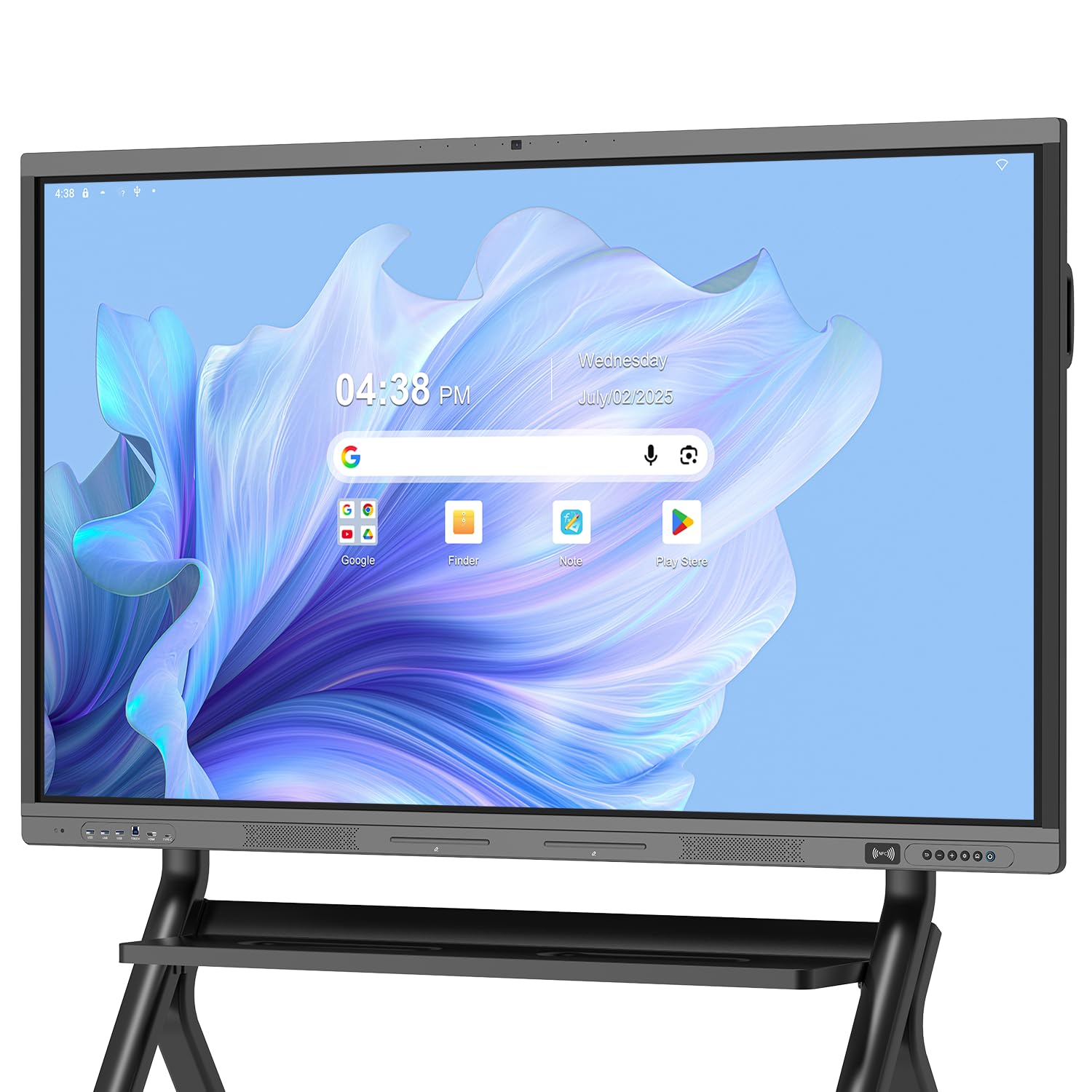
The 65-inch Dornium EDLA board is the closest competitor to the NewBoard 65E in terms of price and features, but it differentiates itself with an integrated 48MP camera and an 8-microphone array that supports Acoustic Echo Cancellation and Automatic Gain Control. This makes it a plug-and-play conferencing hub for hybrid teams that do not want to manage separate peripherals. The 4K UHD touchscreen with 3.5mm anti-glare glass maintains readability from any angle in the room.
The Android 14 operating system with quad-core A73 and A53 processors delivers smooth performance across whiteboarding apps and video conferencing software. Wireless screen sharing works across major operating systems, and notes can be shared instantly via QR code for remote attendees. The 20-point IR touch with ±1mm accuracy is suitable for writing and basic annotation, though power users may prefer the 50-point systems found on the NewBoard panels.
Customer reviews highlight the bright, sharp display and the responsive touchscreen, with several users noting that the built-in conferencing hardware eliminated unnecessary desk clutter. The VESA-compatible mount works with wall brackets and optional floor stands. For teams that need reliable EDLA certification with native video conferencing hardware on a 65-inch screen, the Dornium is a well-rounded choice.
Why it’s great
- Integrated 48MP camera and 8-mic array for conferencing
- Google EDLA certified with regular OTA security updates
- Anti-glare glass reduces eye strain in bright rooms
Good to know
- 20-point touch limit compared to premium alternatives
- 85.98 pounds requires two people for installation
9. JASZDOT 75 Inch Smart Board
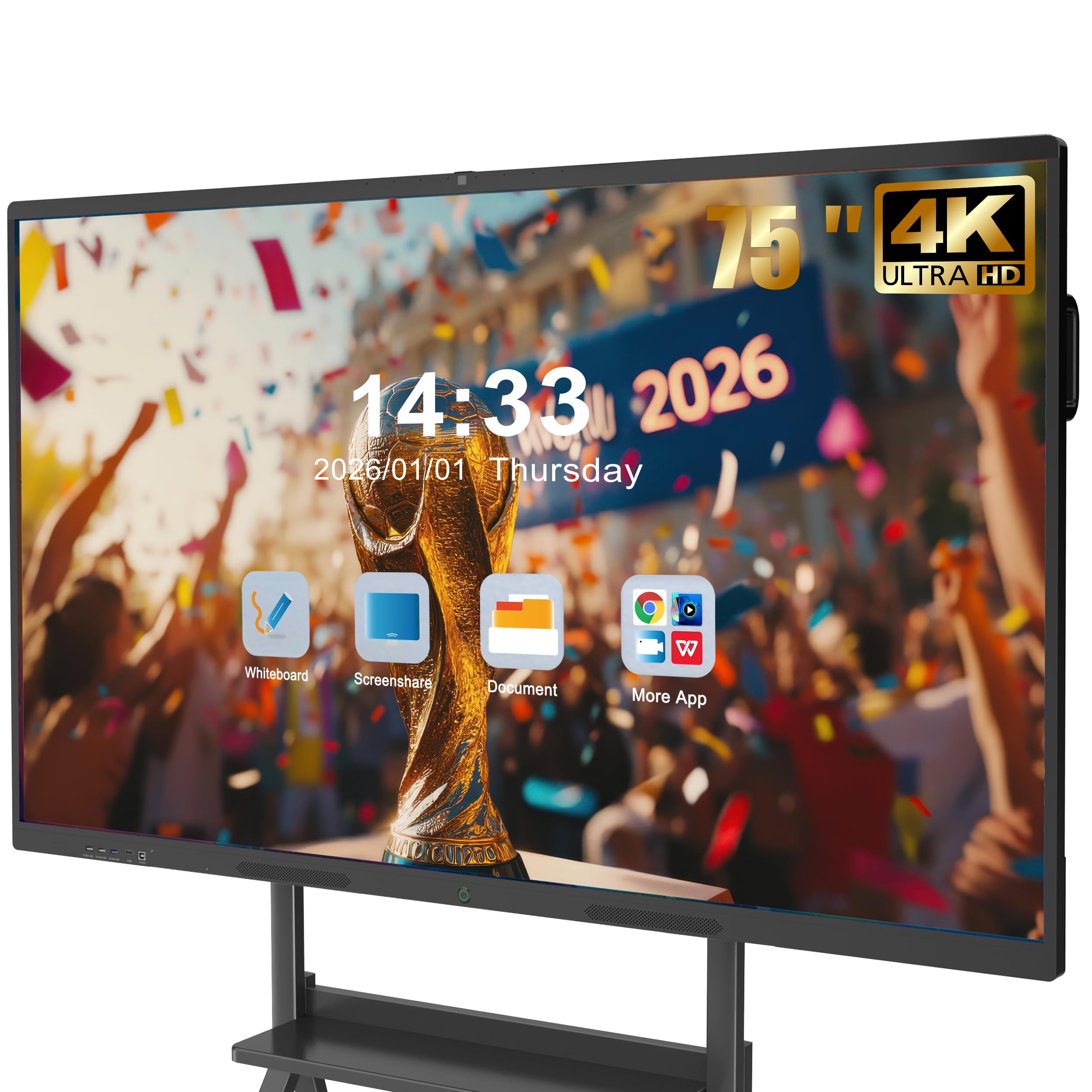
JASZDOT offers a 75-inch 4K UHD touchscreen with Android 14, 8GB RAM, and 128GB storage at an approachable price that undercuts many similarly sized panels by a significant margin. The 20-point infrared touch system provides ±1mm precision with a 6ms response time, delivering smooth handwriting and gesture recognition. The 400+ nits brightness with flicker-free technology reduces eye strain during long whiteboarding sessions.
The video conferencing hub capability allows teams to annotate shared screens and edit documents in real time, and the built-in screen casting box enables wireless sharing without an external dongle. The port selection is generous — front ports include two USB, HDMI, and TOUCH inputs, while the rear and bottom panels provide LAN, VGA, MIC, coaxial, and DisplayPort connectivity for legacy equipment integration. The ABS frame is less premium than aluminum but keeps the weight manageable.
Customer reviews praise the crisp screen and intuitive interface, with several educators noting that students engage more actively with the interactive features. The included wall mount, touch pen, remote control, and screen casting box mean that nothing else is needed for a complete setup. For organizations that need a large 75-inch panel without paying premium prices, the JASZDOT offers exceptional value for the size.
Why it’s great
- 75-inch screen at a highly accessible price point
- 128GB storage and 8GB RAM for smooth multitasking
- Extensive port selection includes legacy VGA and coaxial
Good to know
- ABS frame feels less robust than aluminum chassis
- No Google EDLA certification; Android interface is standard
10. KEINONE 65 Inch Smart Board
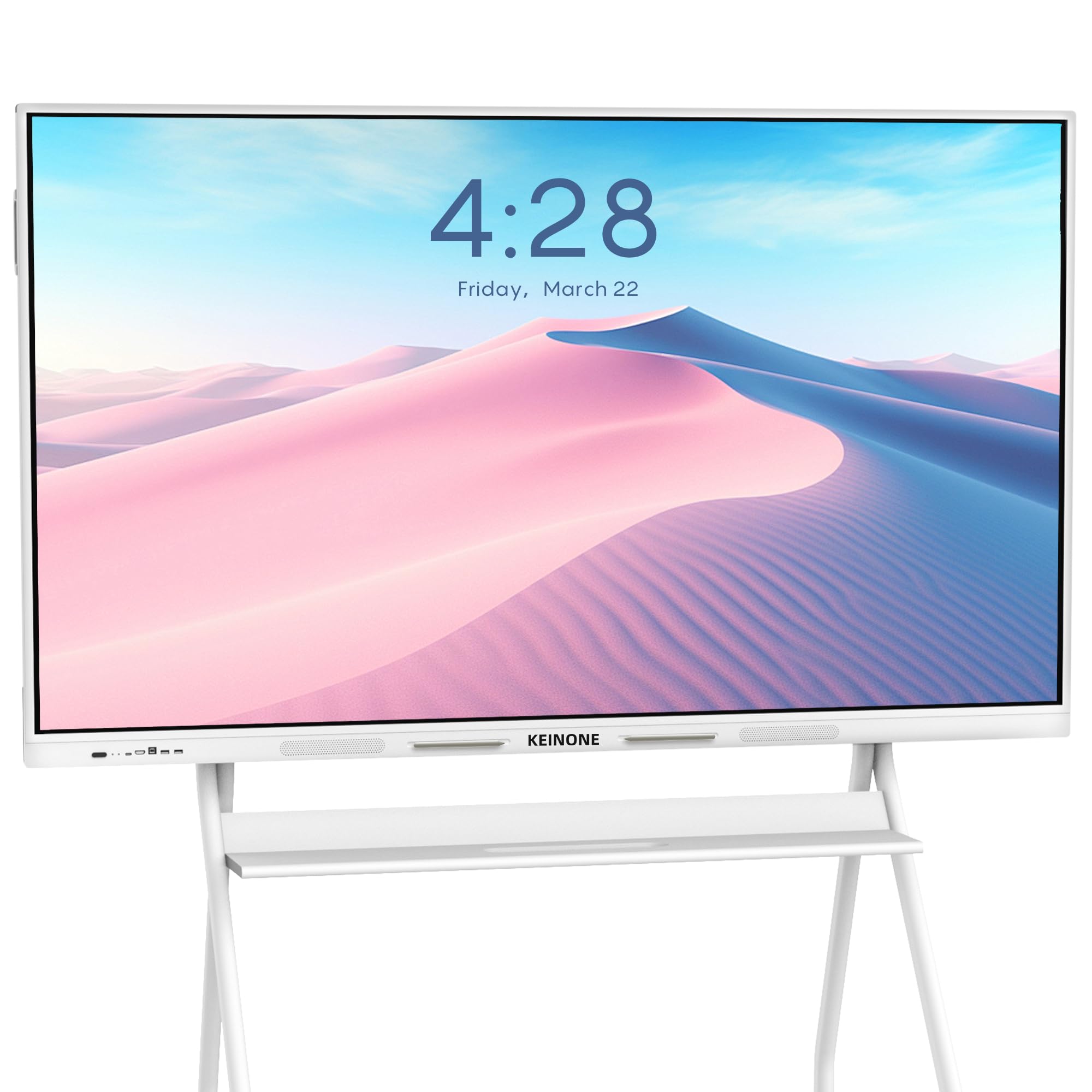
The KEINONE 65-inch smart board positions itself as a multimedia hub for education, featuring 8GB RAM, 128GB SSD, and a 4K UHD LED display with a 3000:1 contrast ratio that produces deep blacks and vibrant colors. The 20-point infrared touch with only 6ms latency delivers responsive writing, and the panel supports built-in educational tools like text recognition and a variety of digital brushes that teachers can use to create engaging lessons.
Connectivity is comprehensive, with AirPlay, Wi-Fi, Type-C, and HDMI providing multiple ways to cast content from laptops and mobile devices. The white design with a slim bezel gives the board a clean, modern appearance that fits well in classrooms and training rooms. KEINONE includes a 3m power strip, a 1.8m power line, HDMI cable, remote control, mounting hardware, and two touch pens, making the unboxing experience complete.
Customer feedback emphasizes the clear, bright screen and the smooth touch response, with one teacher noting that the interactive features kept students engaged during lessons. The QR code sharing feature allows notes to be exported instantly for remote learners. For educational institutions that need a reliable, feature-rich interactive whiteboard at a competitive price, the KEINONE is a solid investment.
Why it’s great
- 128GB SSD provides ample storage for educational apps
- 3000:1 contrast ratio delivers vivid, lesson-ready visuals
- Includes all accessories for immediate setup
Good to know
- No Google EDLA certification — uses standard Android
- 20-point touch is adequate but not best-in-class
11. JASZDOT 65 Inch Smart Board
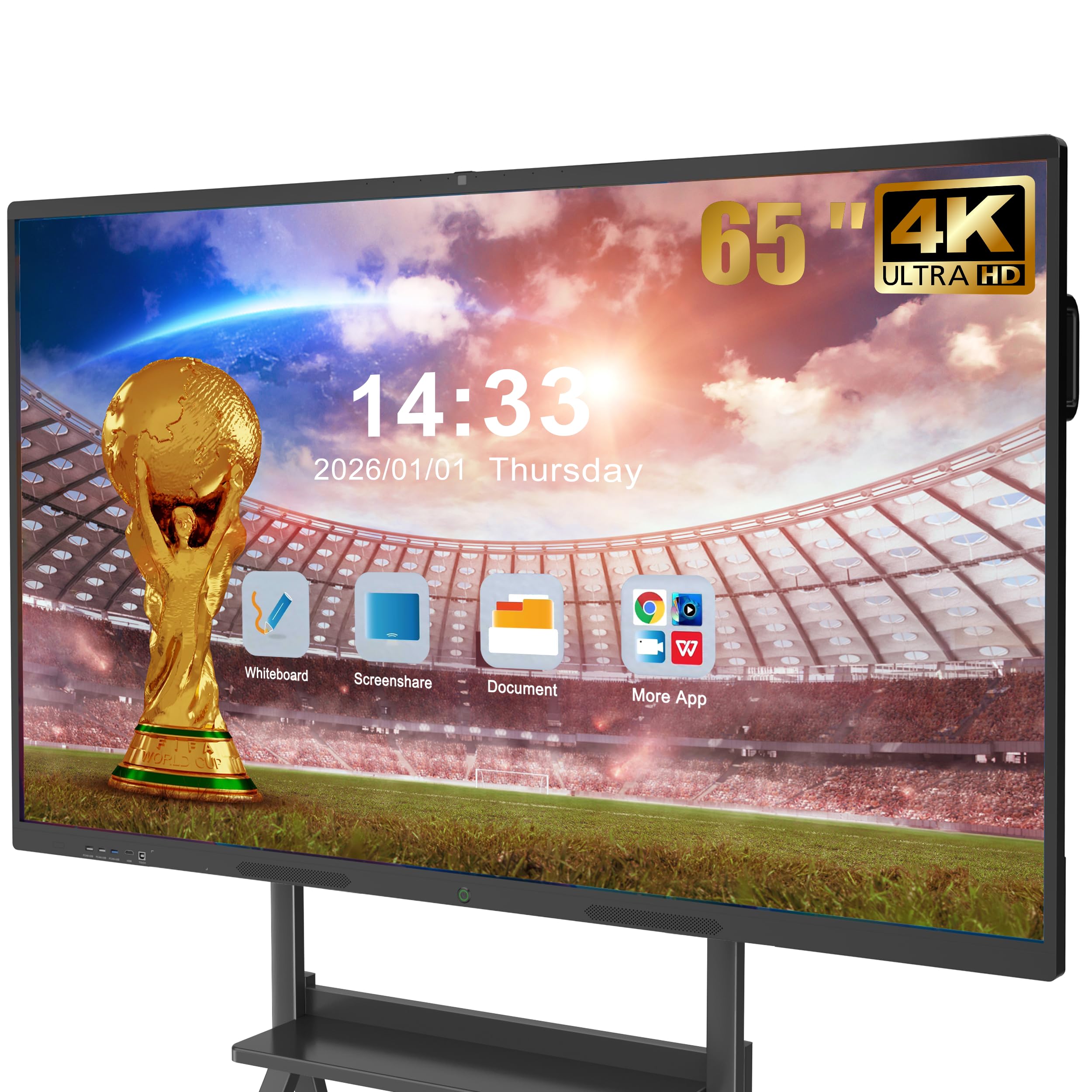
The JASZDOT 65-inch panel shares the same Android 14 platform, 8GB RAM, and 128GB storage as its 55-inch and 75-inch siblings, offering a consistent experience across sizes. The 4K UHD display with 400+ nits brightness and flicker-free eye-care technology makes it comfortable for extended teaching or brainstorming sessions. The 20-point infrared touch with 6ms response time provides solid performance for writing, drawing, and gesture navigation.
The built-in video conferencing hub enables real-time screen sharing, annotation, and document editing during hybrid meetings without needing an external PC. The port selection is extensive, including front-facing USB and HDMI for quick device connections, plus rear and bottom ports for VGA, coaxial, and DisplayPort. The included screen casting box simplifies wireless sharing, while the wall mount and touch pen ship in the box.
Customer reviews highlight the crisp image quality and the intuitive Android interface, with several users noting that the board works well for both classroom instruction and corporate presentations. The 65-inch size hits a sweet spot for medium-size rooms where a 55-inch screen would feel small and a 75-inch screen would overwhelm the space. For budget-conscious buyers who want a proven 65-inch panel, the JASZDOT delivers consistent performance.
Why it’s great
- Well-balanced 65-inch size for medium rooms
- 128GB storage and 8GB RAM for app multitasking
- Flicker-free display reduces eye strain
Good to know
- ABS frame material feels less premium
- Standard Android without EDLA security updates
12. JASZDOT 55 Inch Smart Board
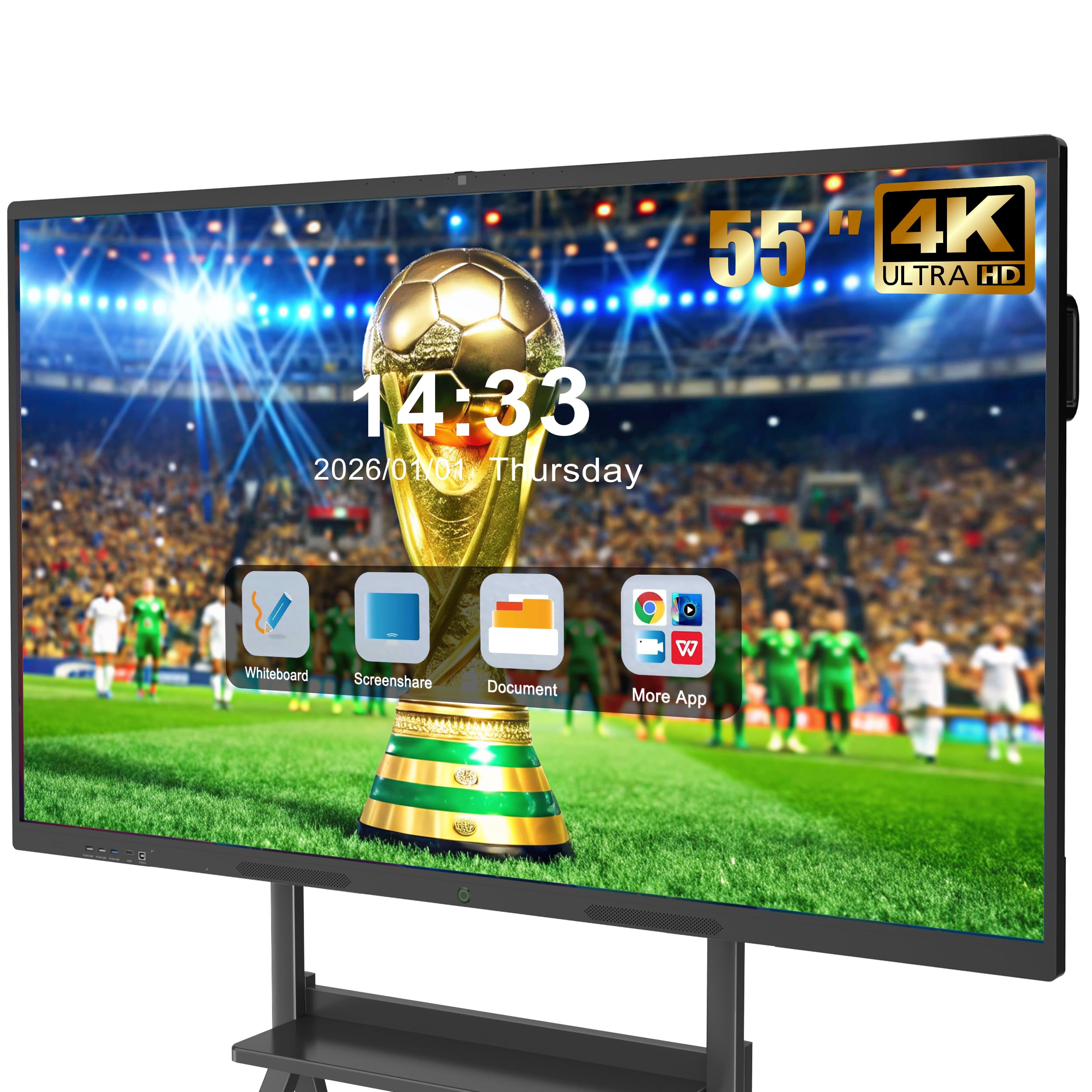
The JASZDOT 55-inch smart board is the entry point into the JASZDOT lineup, offering the same Android 14 operating system, 8GB RAM, 128GB storage, and 20-point infrared touch system found on its larger siblings. The 4K UHD display with 400+ nits brightness provides clear, vibrant visuals that work well in small meeting rooms and home offices. The flicker-free eye-care technology is a welcome addition for users who spend long hours at the board.
The video conferencing hub capability allows users to annotate shared screens and conduct hybrid meetings without extra hardware. The front-facing ports include two USB, HDMI, and TOUCH inputs for quick device connections, and the rear and bottom panels provide VGA, coaxial, and DisplayPort for legacy peripherals. The included screen casting box, wall mount, remote control, and touch pen ensure a complete setup straight from the box.
Customer feedback from homeschool parents and small office users is overwhelmingly positive, with many praising the easy navigation and seamless access to the Google Play Store. The 55-inch size works well for small teams where the board will be within 4 to 6 feet of all participants. For organizations on a tight budget that still want a genuine 4K interactive whiteboard, the JASZDOT 55-inch model offers tremendous value.
Why it’s great
- Low cost of entry for a genuine 4K interactive whiteboard
- 128GB storage and 8GB RAM provide solid performance
- Complete accessory bundle includes screen casting box
Good to know
- 55-inch screen is small for larger conference rooms
- ABS frame and standard Android limit long-term value
13. Dornium 55 Inch EDLA Smart Board
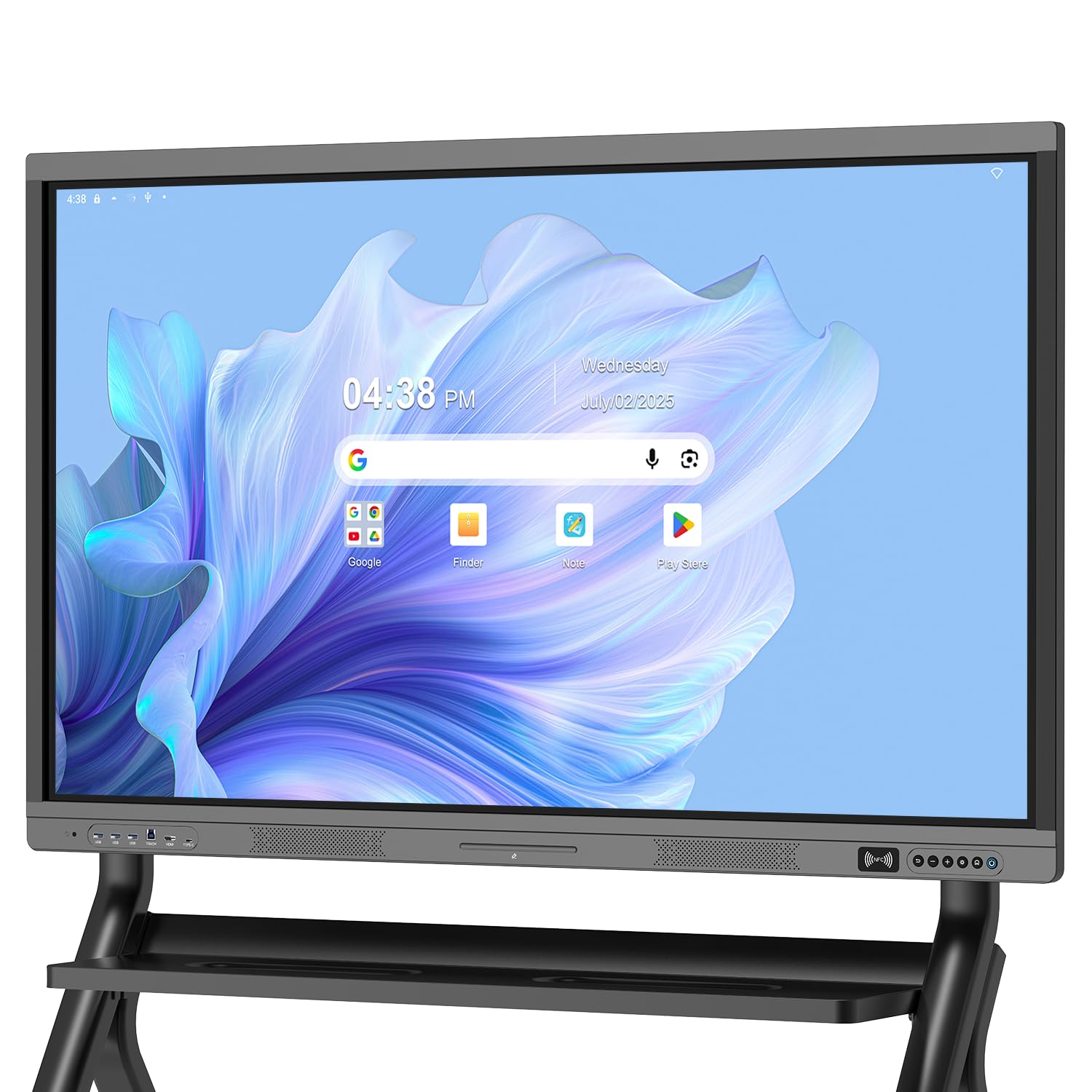
The Dornium 55-inch EDLA board brings Google EDLA certification to a smaller and more budget-friendly form factor, giving users full access to the Play Store, Google Drive, and regular OTA security updates without the premium price tag. The 4K UHD touchscreen with 3.5mm anti-glare tempered glass provides a crisp, reflection-free writing surface, and the 178-degree viewing angle keeps the display readable from any seat in a small meeting room.
The Android 14 operating system with quad-core A73 and A53 processors, paired with 8GB RAM and 128GB ROM, delivers smooth performance for whiteboarding and presentation tasks. Wireless screen sharing works across Mac, Windows, iOS, and Android devices, and notes can be exported instantly via QR code. The 20-point infrared touch system provides ±1mm accuracy, which is sufficient for writing and basic collaboration.
Customer reviews highlight the clear screen, responsive touch, and the benefits of the EDLA ecosystem for small offices and hybrid teams. The VESA-compatible rear panel works with both wall mounts and floor stands, giving installation flexibility. For organizations that need EDLA certification on a tight budget and have a small room or huddle space, the Dornium 55 delivers enterprise-level software access at a highly accessible price.
Why it’s great
- Lowest-cost EDLA-certified digital whiteboard available
- 3.5mm anti-glare glass reduces reflections effectively
- 128GB storage with 8GB RAM for standard workflows
Good to know
- 55-inch size limits use to small rooms
- 20-point touch cannot match premium multi-user models
FAQ
What is Google EDLA certification and why does it matter for an office whiteboard?
How much does the 20-point vs 50-point touch difference matter in actual meetings?
Can I use a digital whiteboard as a standard TV or monitor when not in use?
What kind of installation does a 75- or 86-inch board require?
How do I choose between Android and Chrome OS for a digital whiteboard?
Final Thoughts: The Verdict
For most users, the best digital whiteboards for offices winner is the Shiarffe R9 86 Inch because its 16GB RAM, 256GB storage, integrated 50MP AI camera, and zero-subscription software policy make it the most future-proof panel for large boardrooms and serious hybrid collaboration. If you want top-tier multi-touch precision with 50-point support and Google EDLA on a 75-inch screen, grab the NewBoard 75E. And for a clean Chrome OS workflow with cloud-based whiteboarding that feels like an infinite canvas, nothing beats the Vibe S1 55.

Mo Maruf
I created WellFizz to bridge the gap between vague wellness advice and actionable solutions. My mission is simple: to decode the research and give you practical tools you can actually use.
Beyond the data, I am a passionate traveler. I believe that stepping away from the screen to explore new environments is essential for mental clarity and physical vitality.