Our readers keep the lights on and my smoothie glass nicely filled. As an Amazon Associate, I earn from qualifying purchases.
A cluttered desk and craning your neck to see a second screen kills productivity. A proper dual monitor arm lifts both displays off the desk, reclaims surface area, and lets you position each panel exactly where your eyes naturally fall. The difference between a cheap, wobbly stand and a well-built gas-spring mount is the difference between a setup you tolerate and one that works for you.
I’m Mohammad Maruf — the founder and writer behind WellFizz. I’ve spent months analyzing ergonomic hardware, comparing weight ratings, VESA compatibility, and articulation ranges to find the best double monitor mounts on the market.
Whether you are upgrading from a fixed stand or building a new workstation from scratch, this guide breaks down the top options by capacity, build quality, and real-world usability so you can pick the best double monitor arm for your screens and your workflow.
How To Choose The Best Double Monitor Arm
Selecting the right mount comes down to three variables: the size and weight of your monitors, the depth and material of your desk, and how much articulation you need for your daily workflow. Ignoring any one of these can leave you with a mount that either cannot hold your screens or cannot reach where you need them.
Weight Capacity and Monitor Size
Every arm has a per-screen weight limit, usually between 19.8 and 44 pounds. A lightweight 24-inch office monitor might sit fine on a budget arm, but a 34-inch ultrawide or a 49-inch super-ultrawide demands a gas-spring arm with a higher rating. Always check that each arm’s maximum capacity exceeds the actual weight of your monitor by at least a couple pounds to keep the gas spring from bottoming out.
VESA Pattern and Mounting Hardware
The vast majority of monitors use a 75x75mm or 100x100mm VESA pattern on the back. Some larger panels use 200x100mm or 200x200mm. Make sure the arm you choose includes the right VESA plate or adapter for your specific monitor. The mounting base — C-clamp for standard desk edges, grommet for desks with cable holes — also needs to match your desk thickness, usually up to 2 to 3 inches.
Articulation and Range of Motion
Full-motion arms let you tilt, swivel, rotate, and raise each monitor independently. If you share your screen with a colleague or switch between sitting and standing, look for an arm with at least 20 inches of vertical adjustment and 180 degrees of swivel. Fixed or tilt-only arms are cheaper but severely limit your ability to fine-tune the viewing angle.
Quick Comparison
On smaller screens, swipe sideways to see the full table.
| Model | Category | Best For | Key Spec | Amazon |
|---|---|---|---|---|
| Vari Dual Monitor Arm | Premium | Standing desk users | 30.9 lbs per arm | Amazon |
| AVLT Dual Monitor Arm | Premium | USB pass-through convenience | 44 lbs per arm | Amazon |
| ARES WING (USB) | Premium | 49-inch ultrawide with charging | 44 lbs per arm | Amazon |
| ARES WING (Standard) | Premium | Budget-friendly ultrawide support | 44 lbs per arm | Amazon |
| QUARX FLYTE | Mid-Range | All-metal build for large screens | 26.4 lbs per arm | Amazon |
| PUTORSEN Heavy-Duty | Mid-Range | Vertical stacking 49-inch screens | 44 lbs per arm | Amazon |
| MOUNTUP Dual Monitor Stand | Mid-Range | Anti-sag design for heavy monitors | 33 lbs per arm | Amazon |
| Pixio PS1D Wave White | Entry-Level | Color-matched aesthetic builds | 19.8 lbs per arm | Amazon |
| Kado 2-Pack Dual Monitor | Complete Bundle | All-in-one monitor package | 75Hz, 1500R, 24-inch | Amazon |
In‑Depth Reviews
1. Vari Dual Monitor Arm

The Vari Dual Monitor Arm is a premium, purpose-built mount designed to pair perfectly with standing desks. Each arm supports up to 30.9 pounds and fits monitors up to 27 inches. The 360-degree rotation and full articulation make it easy to position screens whether you are sitting or standing, and the 12-degree tilt range is enough to cut glare without losing stability.
Assembly takes minutes thanks to the universal desk clamp, which secures to desks up to 1.375 inches thick. The silver finish blends well with professional office equipment, and the tension-assisted mechanism keeps each arm smooth even after months of daily height adjustments. Users report that the mount holds firm on VariDesk risers without drilling or permanent modification.
At five years of warranty coverage, this is one of the longest-backed mounts available. The trade-off is the 27-inch screen limit and a higher per-arm price point. If you need to support larger ultrawide panels, you will need to look at a heavier-duty alternative, but for standard dual 24- or 27-inch setups, this is a rock-solid investment.
Why it’s great
- Five-year warranty is industry-leading
- Designed for seamless use with standing desks
- Sturdy clamp holds firm without wobble
Good to know
- Limited to monitors 27 inches or smaller
- Higher price than comparable mid-range arms
2. AVLT Dual Monitor Arm
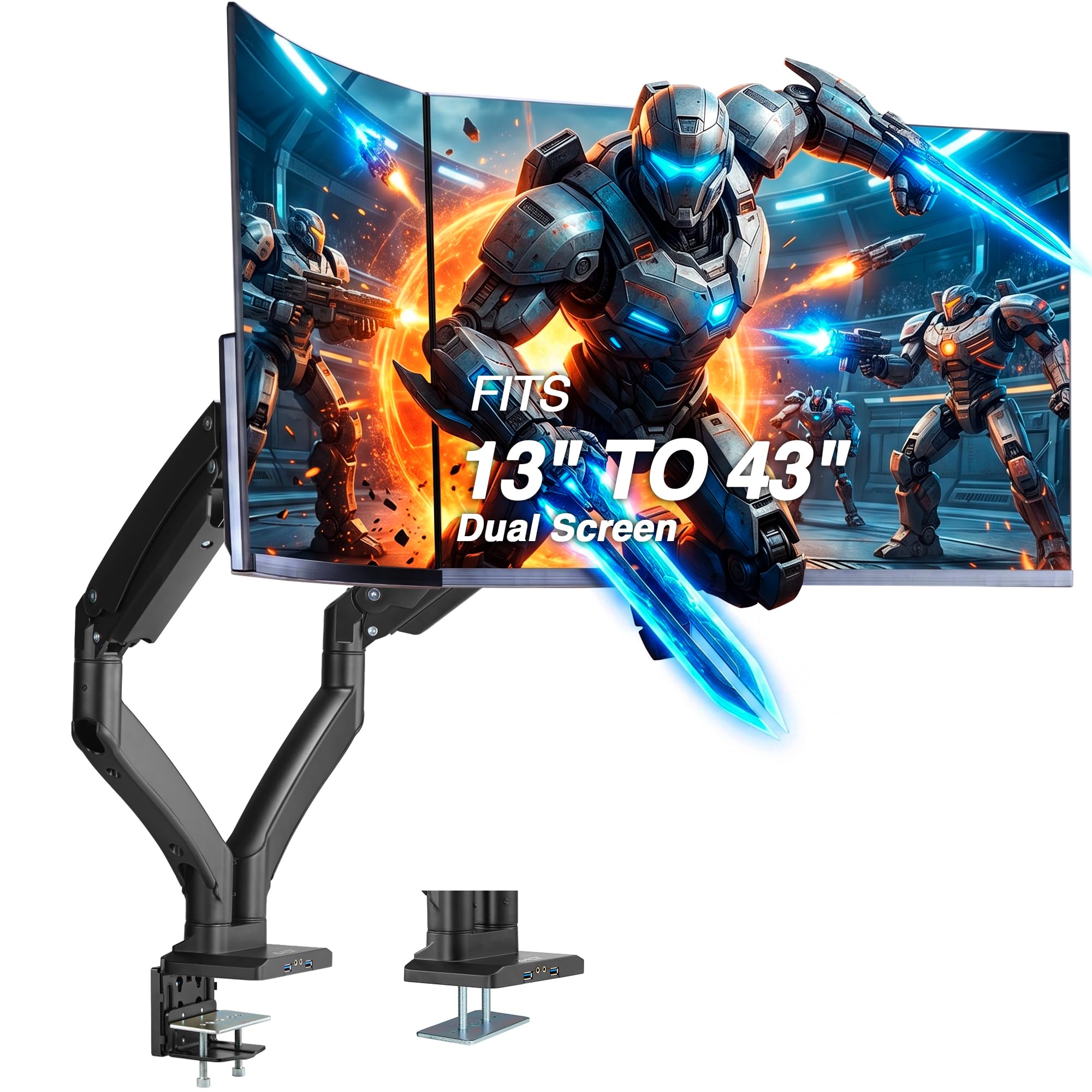
The AVLT Dual Monitor Arm packs a premium feature set at a mid-premium price. It supports flat and curved screens from 13 to 43 inches, with each arm holding up to 44 pounds. The gas spring mechanism has been tested for 16,000 motion cycles, and the range of vertical adjustment goes from 10 to 23 inches, making it a strong choice for sit-stand desks with larger ultrawides.
Two USB 3.0 and AUX pass-through ports are built directly into the arm, letting you plug in peripherals without reaching behind the desk. The base offers both C-clamp and grommet mounting for desks up to 3.3 inches thick, and the VESA compatibility extends up to 200x200mm, covering most large-format monitors that standard arms cannot handle.
Customer reports highlight excellent support from the manufacturer, who quickly replaced missing parts. A few users noted that the plastic cable management covers feel less durable than the all-metal arm body, and the grommet bolt spacing (2.25 inches) may not fit desks with smaller cable holes. Overall, the AVLT delivers heavy-duty capacity and connectivity that most arms in this price tier skip.
Why it’s great
- Integrated USB 3.0 and AUX ports keep connections accessible
- Supports very large monitors up to 200x200mm VESA
- Smooth gas spring tested to 16,000 cycles
Good to know
- Cable management covers feel somewhat fragile
- Grommet bolt spacing may not fit smaller desk holes
3. ARES WING Dual Monitor Arm with USB

ARES WING’s USB-equipped dual monitor arm brings desktop charging directly into the arm structure. Each arm holds up to 44 pounds and fits 17- to 49-inch screens, including 1000R curved panels. A USB-C port (5V/2A) and USB-A port (5V/2A) on the base let you charge a phone, watch, or tablet without extra cables crossing the desk.
The gas springs have been fatigue-tested for over 20,000 cycles and deliver smooth, bounce-free height changes up to 27.9 inches. The tilt ranges from -50 to +20 degrees, with 360-degree rotation and 90-degree swivel. Installation uses a C-clamp for desks 0.5 to 1.8 inches thick or a grommet mount for desks up to 2 inches thick.
Build quality is excellent. Multiple reviewers who compared it against HumanScale and Ergotron arms said the ARES WING felt more solid and wobble-free, especially with large ultrawides. The only downside is that the USB ports are essentially extension cables rather than a true hub, so they occupy one slot on your computer. Still, for the convenience of on-arm charging, this is a top-tier choice.
Why it’s great
- Integrated USB charging eliminates trailing cables
- Extra-stable gas springs tested to 20,000 cycles
- Handles heavy 49-inch ultrawides without sag
Good to know
- USB ports are pass-through, not a powered hub
- Must partially disassemble to reposition clamp
4. ARES WING Dual Monitor Arm (Standard)
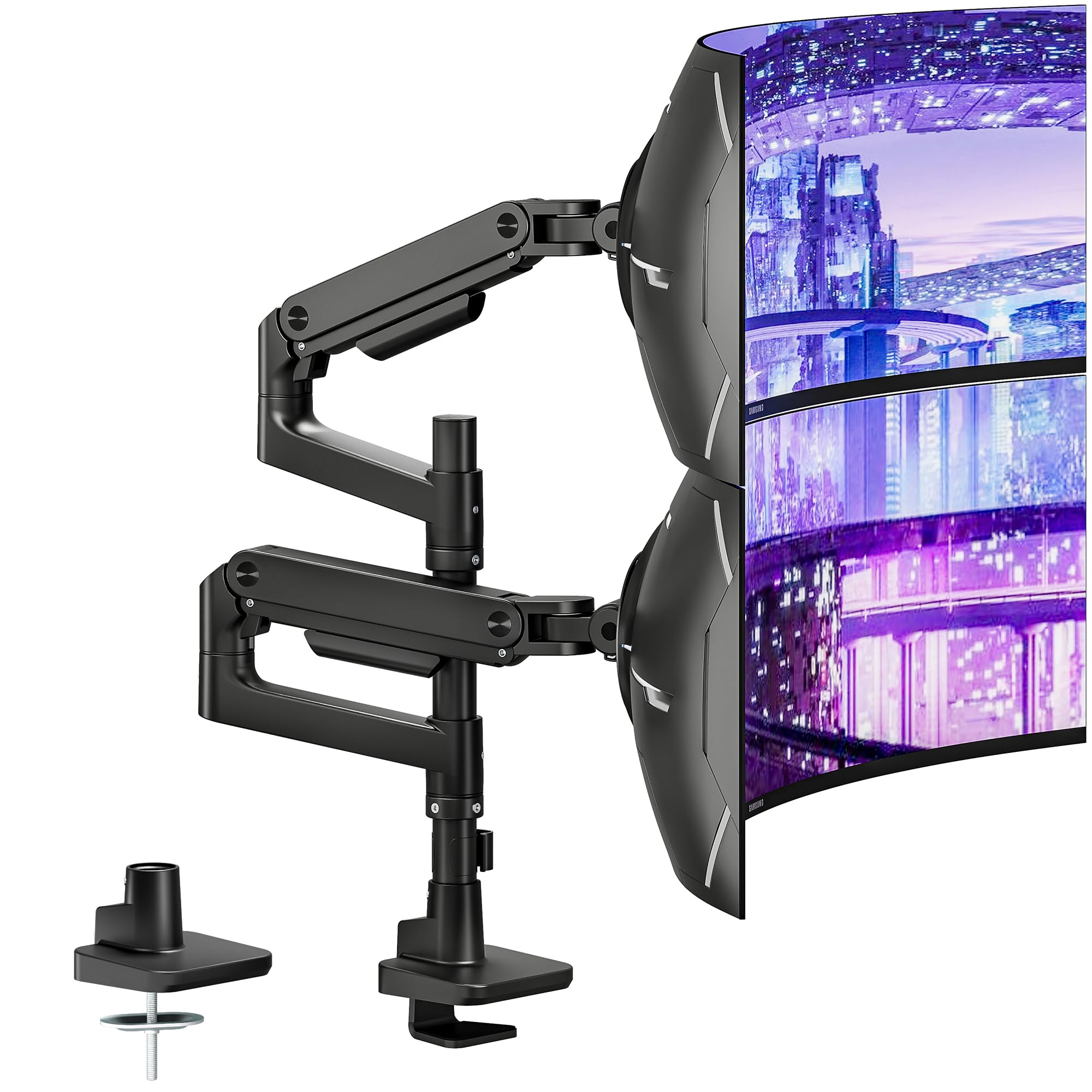
The standard ARES WING dual monitor arm strips away the USB ports and delivers the same core gas-spring performance at a lower investment. It still supports monitors from 17 to 49 inches per arm, with a per-arm capacity of 44 pounds. The maximum vertical reach is 27.9 inches, and the arm extends up to 22.4 inches from the pole.
Articulation includes +50/-20 degree tilt, 90-degree swivel, and full 360-degree rotation. The internal gas springs have been fatigue-tested for over 20,000 cycles, and the C-clamp installs on desk edges 0.5 to 1.8 inches thick. Quick-release VESA panels make monitor attachment a one-person job.
Reviewers consistently praise the fit and finish, calling it superior to competing mounts at a similar price. The only weak point is the plastic clips used for cable management, which can break if overtightened. For the money, this is the strongest ultrawide-capable arm that does not require a premium budget.
Why it’s great
- Excellent build quality for ultrawide monitors
- Gas springs keep heavy screens stable at any height
- Quick-release VESA plates simplify installation
Good to know
- Plastic cable management clips can break under stress
- Stiff tension adjustment out of the box for some units
5. QUARX FLYTE Dual Monitor Arm

The QUARX FLYTE is built entirely from metal — no plastic joints or composite brackets. Each arm holds up to 26.4 pounds and fits monitors from 17 to 35 inches. The base uses a 6-inch footprint with rubber pads to protect wood, plastic, metal, and even glass desk surfaces. ArmAdjust technology keeps the VESA plates stable and prevents sagging even at full extension.
Installation is straightforward, aided by a clip-on VESA clamp that lets you click the monitor onto the arm bracket rather than wrestling it into place. The mount accommodates desk thicknesses up to 3 inches, and cable management velcro strips run along the underside of the arms to keep wires organized.
Users note that the matte black finish looks professional and the build feels exceptionally solid. The main limitation is desk clearance — if your desk sits flush against a wall, the arms may push the monitors either too close or leave a gap. For open desks with a few inches of rear space, this is a reliable, wobble-free mount that competes with arms costing twice as much.
Why it’s great
- Fully metal construction with no plastic parts
- Clip-on VESA plates make installation easy
- Works on desks up to 3 inches thick
Good to know
- Needs 2-3 inches of clearance behind the desk
- Not designed for vertical stacking of two large monitors
6. PUTORSEN Heavy-Duty Dual Monitor Arm
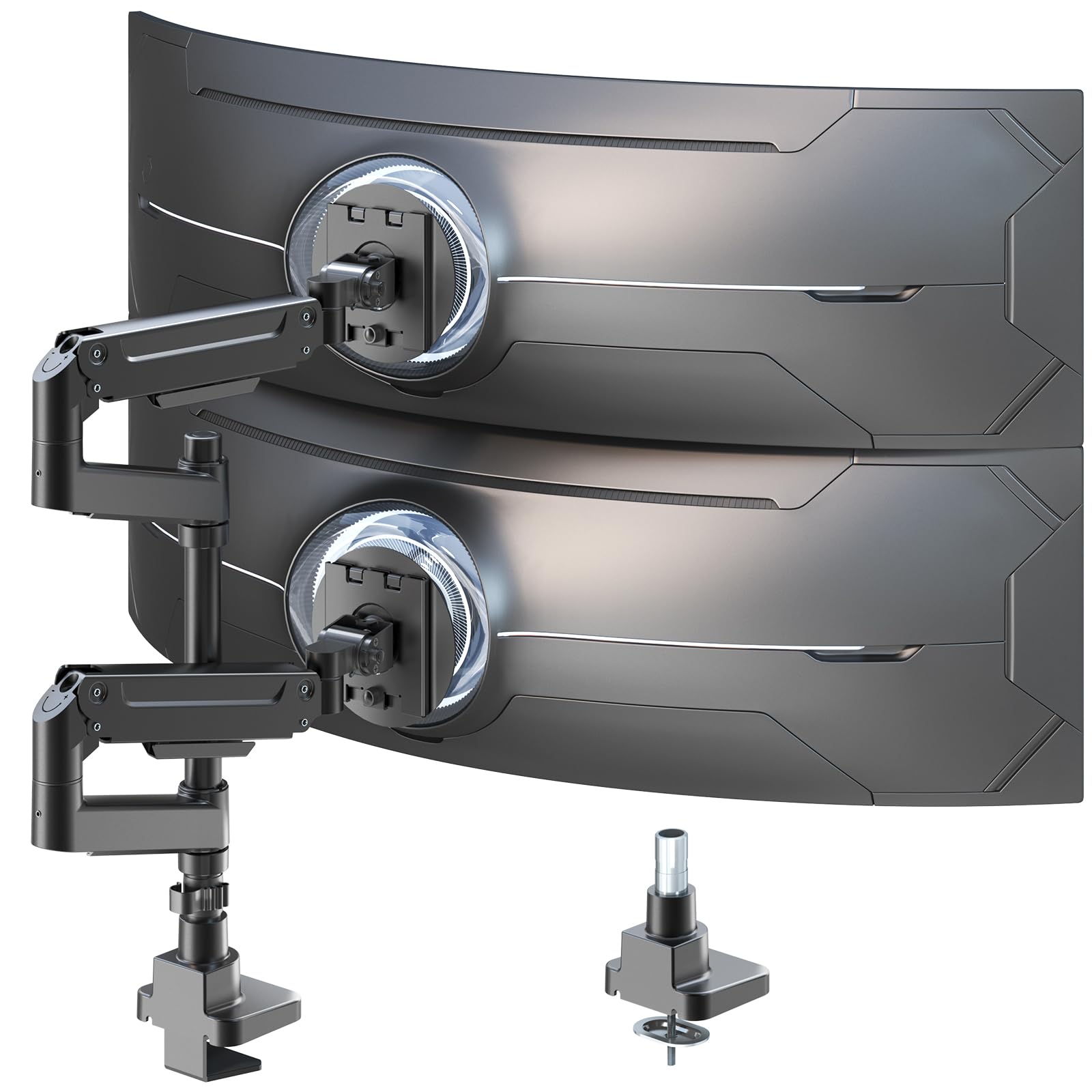
The PUTORSEN dual monitor arm is built specifically for vertical stacking of large screens. The center pole stands 19.69 inches tall, letting you mount one monitor above the other in a clean vertical column. Each arm supports up to 44 pounds and fits 17- to 49-inch screens, including ultrawide panels. Gas spring arms provide smooth height and tilt adjustments.
Full-motion articulation includes +50/-20 degree tilt, 90-degree swivel, and 360-degree rotation. The arms are made from premium-grade aluminum and steel with a 10-year warranty — one of the longest in this category. Cable management runs inside the arm tubes to keep wires completely hidden.
Customer feedback is overwhelmingly positive, with users praising the sturdy build and wobble-free support for dual 32-inch monitors. The only consistent caution comes from reviewers trying to stack mismatched sizes (e.g., 27-inch and 34-inch ultrawide), which forces the lower monitor too close to the desk. If you plan to stack two similar-sized screens, this is the best vertical solution.
Why it’s great
- Tall pole allows true vertical stacking of large monitors
- 10-year warranty backs long-term reliability
- Internal cable routing keeps wires hidden
Good to know
- Stacking mismatched screen sizes can leave awkward gaps
- Diagram-based instructions may be confusing for some
7. MOUNTUP Dual Monitor Stand
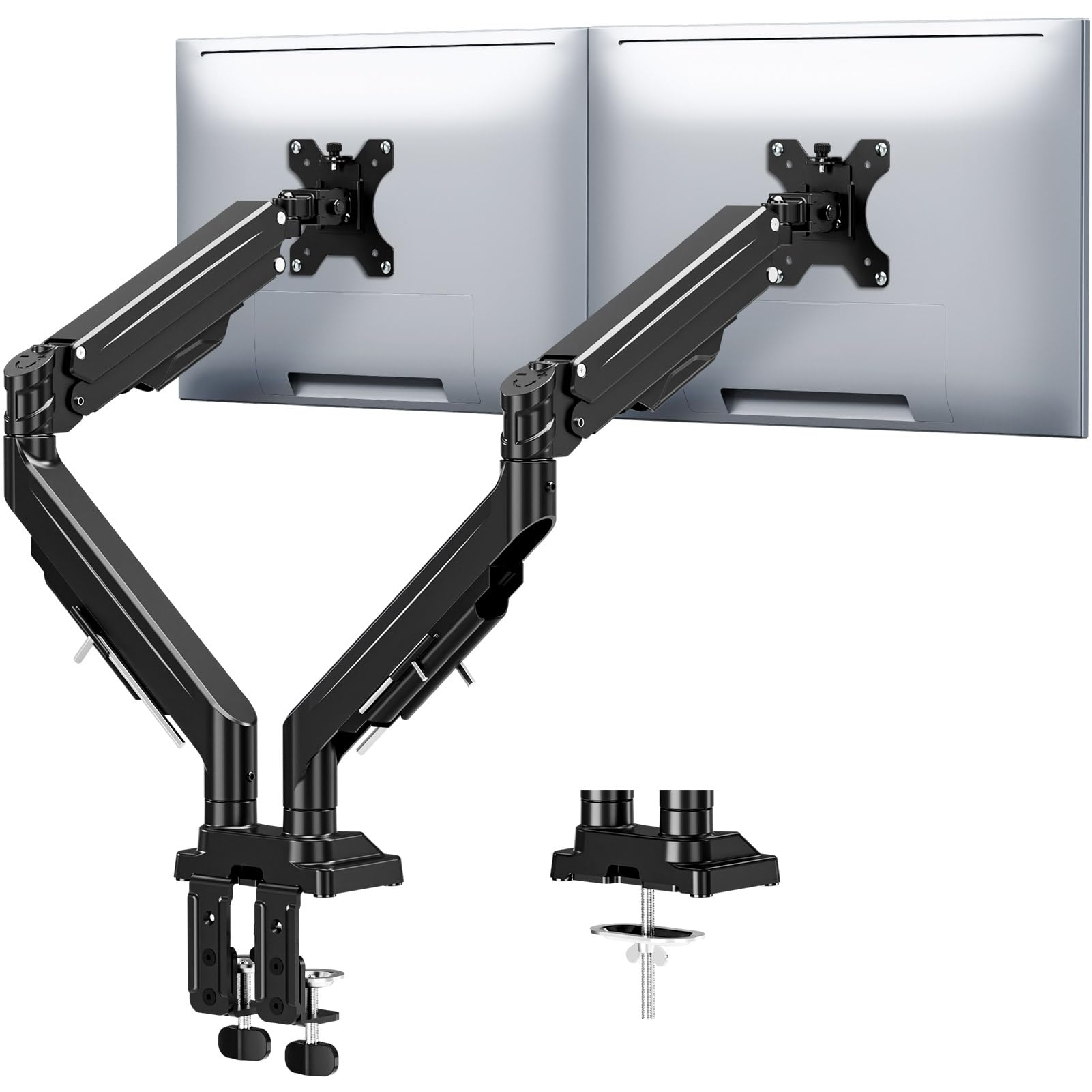
MOUNTUP’s dual monitor stand tackles a specific frustration: monitor sag over time. The reinforced tilt mechanism uses dual locking screws that hold the screen firmly in place even at maximum arm extension. Each arm supports 2.2 to 33 pounds and fits monitors from 17 to 43 inches, covering the majority of curved and flat screens on the market.
The gas spring has been tested for 20,000 cycles, and the full range of motion includes 360-degree rotation, 180-degree swivel, and 30 degrees of tilt. Height adjustment reaches up to 22.4 inches with an arm extension of 23.6 inches. The mount comes with both a C-clamp and grommet base, fitting desks 0.39 to 3.15 inches thick.
Installation is tool-free, with labeled parts and an Allen key that stores directly on the arm. Users consistently mention that the mount feels well-built and holds its position without drifting, even after years of use with heavy gaming monitors. The only minor complaint is that positioning the arms requires two hands, but that is standard for gas-spring mounts in this weight class.
Why it’s great
- Dual locking screws prevent sag on heavy monitors
- 20,000-cycle gas spring for long-term smoothness
- Tool-free installation with onboard Allen key storage
Good to know
- Two hands needed for fine positioning
- Weight rating (33 lbs) is lower than some ultrawide-capable arms
8. Pixio PS1D Wave White Dual Monitor Arm

The Pixio PS1D Wave White is one of the few dual monitor arms available in a white finish, making it a natural fit for lighter-colored desks, minimalist setups, or matching gear. Each arm supports up to 19.8 pounds and monitors up to 32 inches. The VESA plates fit 75x75mm and 100x100mm patterns, and the arms offer tilt, swivel, and pivot adjustments for ergonomic positioning.
Integrated cable management uses a slide-in channel system that does not require screws — just snap the plastic cover over the cables. One arm rotates a full 360 degrees while the other rotates 180 degrees, giving you side-by-side, portrait, or angled arrangements. The clamp uses a top-adjustable design that makes installation easier on desks with limited rear access.
Reviewers highlight how easy the Pixio arm is to install, often calling it the simplest of the three or four arms they have tried. The lightweight design means one person can handle both monitors without help. The trade-off is the lower weight capacity — 19.8 pounds per arm rules out heavy 34-inch ultrawides. For standard 24- or 27-inch monitors, this is a sturdy, stylish choice.
Why it’s great
- Rare white color option for aesthetic builds
- Tool-free cable management with snap-in channels
- Very easy one-person installation
Good to know
- 19.8 lbs per arm limits use to lighter monitors
- Not suitable for ultrawide or heavy gaming screens
9. Kado 2-Pack Dual 24-inch Curved Monitor

The Kado dual monitor bundle is the only entry in this guide that includes the screens themselves. It ships with two 24-inch curved monitors at a 1500R curvature, 1920×1080 resolution, and a 75Hz refresh rate. Each panel has built-in speakers and a 98% sRGB color gamut, making the pair ready for productivity work, casual gaming, and media playback right out of the box.
The monitors include adjustable stands, but they also support VESA wall or arm mounting if you prefer to use a separate mount. Connectivity uses HDMI ports, and FreeSync adaptive sync is supported to reduce screen tearing. The thin bezels minimize the gap when placing the two screens side by side, creating a more seamless panoramic workspace.
Customer feedback is positive for the value proposition — two curved 1080p monitors at this price point is tough to beat. The built-in speakers are functional for basic audio but not impressive for music or gaming. A few users mention that the monitors occasionally fail to be detected on boot, requiring a power cycle. If you need a complete dual-screen setup with no additional purchases, this bundle covers everything.
Why it’s great
- Two curved monitors included in one purchase
- Thin bezels create a near-seamless dual display
- Built-in speakers save desk and budget
Good to know
- 75Hz and 1080p limits hardcore gaming use
- Occasional detection issues on cold boot
FAQ
Can a dual monitor arm support two ultrawide 49-inch monitors?
How do I know if my desk can handle a double monitor mount?
Will a gas spring arm wear out over time?
Final Thoughts: The Verdict
For most users, the best double monitor arm is the ARES WING (Standard) because it delivers 44-pound capacity per arm, supports 49-inch screens, and uses smooth gas springs at a mid-premium price point. If you want built-in USB charging on the arm itself, grab the ARES WING with USB. And for a complete out-of-the-box dual-screen package, nothing beats the Kado 2-Pack Dual Curved Monitor Bundle.

Mo Maruf
I created WellFizz to bridge the gap between vague wellness advice and actionable solutions. My mission is simple: to decode the research and give you practical tools you can actually use.
Beyond the data, I am a passionate traveler. I believe that stepping away from the screen to explore new environments is essential for mental clarity and physical vitality.