Our readers keep the lights on and my smoothie glass nicely filled. As an Amazon Associate, I earn from qualifying purchases.
A dorm room is a high-stakes environment for a printer. You need a machine that fits under a lofted bed, connects to finicky campus Wi-Fi without a struggle, and doesn’t demand a small fortune in ink every month. The wrong choice means late-night study sessions derailed by paper jams or a dead cartridge.
I’m Mohammad Maruf — the founder and writer behind WellFizz. I’ve spent hundreds of hours combing through spec sheets, customer reviews, and real-world performance data to find the compact all-in-one printers that can actually survive the shared-network chaos and limited desk space of a college dorm.
Whether you’re printing lab reports, study guides, or last-minute essays, finding the best dorm room printer means balancing wireless reliability, print speed, ink costs, and a small footprint in one package.
How To Choose The Best Dorm Room Printer
A dorm printer needs to deliver reliable performance in a tight space, often on a shared network. You’re not just buying a printer — you’re buying a solution to the all-night paper chase that happens before every finals week. Here’s what to keep in mind.
Wireless connectivity and campus networks
Many university networks use 2.4 GHz bands, which offer better range through concrete walls than 5 GHz. A printer that supports only single-band 2.4 GHz Wi-Fi often connects more reliably than a dual-band model that forces you through complicated portal logins. The HP Smart app and Epson Smart Panel app simplify the process, but some require manual WPS setups — check reviews for real-world connection ease.
Ink economics and subscription traps
Ink is where printer companies make their money. The HP Instant Ink and Epson replacement programs can lower per-page costs dramatically, but they lock you into a subscription. If you cancel, the printer may stop working entirely. For light dorm printing (under 30 pages per month), pay-as-you-go cartridges often cost less overall. High-yield XL cartridges are usually the smarter buy than standard cartridges for any dorm student printing more than a few pages a week.
Physical footprint and duplex printing
Desk space in a dorm is measured in inches. A printer that does automatic duplex (printing on both sides of the page) saves you from buying a second ream of paper three weeks into the semester and keeps your desk clear. Look for a model with a 60-sheet input tray as a baseline — 100 sheets or more is better for avoiding midnight reloads.
Quick Comparison
On smaller screens, swipe sideways to see the full table.
| Model | Category | Best For | Key Spec | Amazon |
|---|---|---|---|---|
| Epson Workforce WF-2930 | Premium | Fast scanning with ADF | Auto document feeder, 10 ppm B&W | Amazon |
| HP OfficeJet Pro 8125 | Premium | High-volume print jobs | 225-sheet tray, 20 ppm B&W | Amazon |
| HP Envy 6155e | Mid-Range | Borderless photo printing | 2.4″ color touchscreen, auto duplex | Amazon |
| Canon TS6420 | Mid-Range | Creative print projects | 1.44″ OLED screen, square photo print | Amazon |
| HP Envy Inspire 7255e | Mid-Range | Touchscreen navigation | Capacitive touchscreen, 15 ppm B&W | Amazon |
| HP DeskJet 2855e | Budget | Basic print, scan, copy | 2.4 GHz Wi-Fi, 60-sheet tray | Amazon |
| HP DeskJet 2755 | Budget | Refurbished value | Renewed model, 7.5 ppm B&W | Amazon |
In‑Depth Reviews
1. Epson Workforce WF-2930

The Epson Workforce WF-2930 brings professional-level functionality to a compact design that fits comfortably on a dorm desk. Its auto document feeder handles multi-page assignments and study guides without you standing over it — a real time-saver during midterms. The 1.4-inch color display makes navigation straightforward, and the Epson Smart Panel app handles setup smoothly on iOS and Android devices.
Print speed reaches 10 pages per minute for black text, which is competitive in this tier. The automatic duplex printing saves paper on every double-sided reading packet. Individual ink cartridges mean you replace only the color that runs out, reducing waste and cost over time. The permanent printhead is designed to last the life of the printer — a durability advantage over some competitors.
Customers consistently praise the reliability and ease of mobile setup, though some note that the starter cartridges are only partially filled, requiring a near-immediate purchase of replacement ink. The build quality feels a bit light for the price, but the feature set — including voice-activated printing via Alexa and Siri — makes it a versatile choice for students juggling multiple devices.
Why it’s great
- Auto document feeder speeds up multi-page scanning
- Individual ink cartridges lower replacement cost
- Voice-activated printing via Alexa and Siri
Good to know
- Starter cartridges are less than half full
- Non-genuine ink voids warranty
2. HP OfficeJet Pro 8125

The HP OfficeJet Pro 8125 is built for students who print constantly — lab reports, presentation decks, and multi-page study packets all week long. With a 225-sheet input tray and print speeds of 20 pages per minute for black, it handles a full semester’s worth of printing without constant refills. The 2.7-inch color touchscreen with a phone-like interface makes navigation quick and intuitive.
Automatic duplex printing is standard, and the auto document feeder lets you scan or copy entire readings in one pass. Dual-band Wi-Fi automatically resolves connection issues, which is critical on unpredictable campus networks. HP Wolf Essential Security protects your data — a worthwhile feature if you’re printing sensitive documents over shared Wi-Fi.
Customer reports highlight the easy guided setup and reliable wireless performance. The primary downside is ink cost — replacement HP 923 cartridges are expensive, and the Instant Ink subscription prompts can be persistent. Stick with high-yield XL cartridges if you want to avoid the subscription lock-in. The build feels slightly lighter than previous OfficeJet generations, but the feature density justifies its position.
Why it’s great
- 225-sheet tray minimizes refills during exam season
- Auto document feeder for fast multi-page tasks
- 2.7-inch color touchscreen with simple interface
Good to know
- Proprietary HP cartridges are expensive
- Subscription prompts can be difficult to bypass
3. HP Envy 6155e
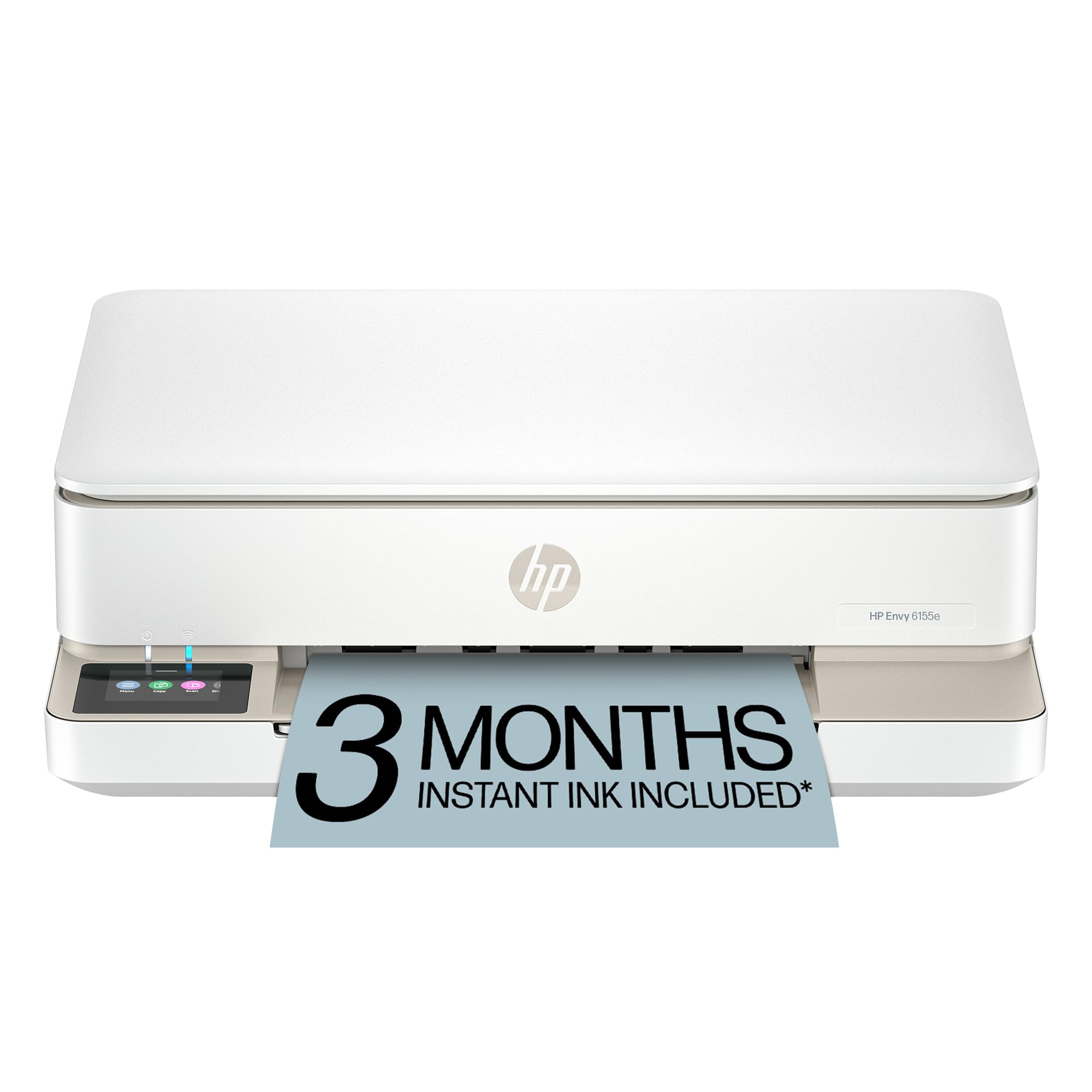
The HP Envy 6155e strikes a solid balance between everyday document printing and the ability to produce borderless photos that look vibrant on dorm walls. The 2.4-inch color touchscreen lets you navigate settings without a computer, and the HP AI formatting tool strips out web clutter before printing — great for saving ink and paper when printing online study guides.
Automatic duplex printing is built in, and the 100-sheet input tray holds enough paper for a typical week of classes. HP’s P3 color technology delivers true-to-screen accuracy for photos, which matters if you’re printing event flyers or club posters. The dual-band Wi-Fi auto-detects and resolves connection drops, which helps on finicky dorm networks.
Customer feedback is generally positive on print quality and ease of use, but the starter ink cartridges are low-yield and run out after roughly 20 pages. Many users advise declining the Instant Ink trial and buying standard HP 68XL cartridges upfront. The printer also requires genuine HP cartridges — third-party ink will be blocked by firmware updates.
Why it’s great
- AI-powered formatting saves ink on web prints
- P3 color technology for accurate photo prints
- 100-sheet input tray reduces reload frequency
Good to know
- Starter cartridges last only about 20 pages
- Blocks third-party ink via firmware updates
4. Canon TS6420

The Canon TS6420 is a strong choice if your printing needs go beyond black-and-white essays. The 1.44-inch OLED screen makes it easy to navigate menus, and the built-in Wi-Fi lets you print from laptops, tablets, and smartphones via the Canon PRINT app, Apple AirPrint, or Mopria. It supports square photo printing at 5×5 or 3.5×3.5 inches, which is unique in this category and great for creative projects like scrapbooks or dorm decorations.
Print speeds reach 13 pages per minute for monochrome and 6.8 for color, which is competitive for a mid-range all-in-one. The Canon Creative Park App unlocks a library of printable crafts and templates. Setup is straightforward with the URL-based guide, though some users note the instructions are photo-only with no text.
Customer reviews reveal a few quirks: the printer doesn’t auto-wake from sleep mode — you must press the power button manually before each use. The paper tray can be finicky, and wireless reliability drops when placed near other electronics. Build quality feels light, but for light to moderate dorm use it gets the job done, especially if you value creative printing options.
Why it’s great
- Square photo printing option for creative projects
- Multiple mobile printing apps supported
- 1.44-inch OLED screen for easy navigation
Good to know
- Does not auto-wake from sleep mode
- Paper tray positioning can be finicky
5. HP Envy Inspire 7255e
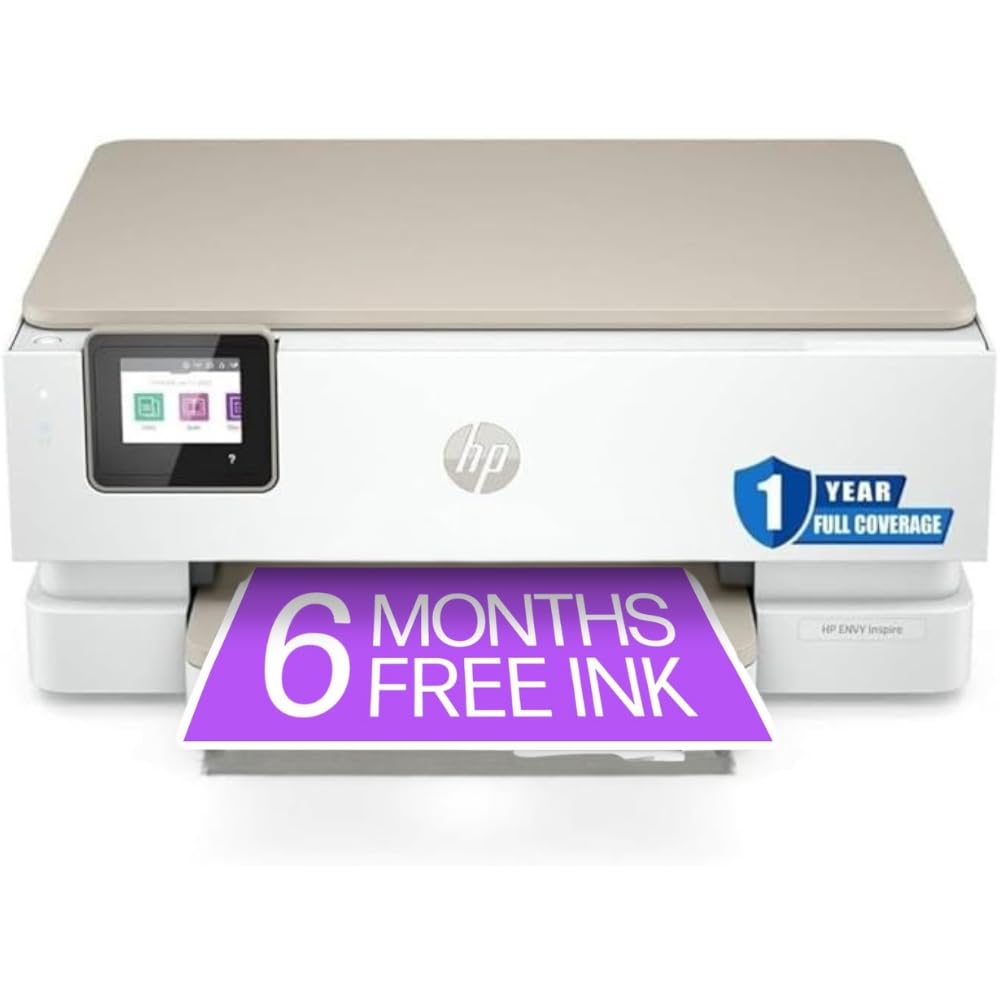
The HP Envy Inspire 7255e (renewed) offers a capacitive touchscreen — a feature typically found on more expensive models — at a mid-range price point. This makes navigating settings, checking ink levels, and managing print jobs feel modern and responsive. It prints up to 15 pages per minute in black and 10 in color, which is fast enough for printing lab reports between classes.
Automatic duplex printing is standard, and the printer supports USB 2.0 and Wi-Fi connectivity. It uses HP 64 ink cartridges, which are widely available and compatible with many older HP models — useful if you have leftover stock. The renewed status means you get a fully tested unit at a discount, but it also means you’re buying a previous-generation model.
Customer reports are mixed. Some users praise the quiet operation and reliable build, while others describe a frustrating installation process involving the HP Smart app, cartridge recognition failures, and paper jam errors out of the box. The Instant Ink subscription prompts are aggressive. If you’re comfortable navigating HP’s software ecosystem, the touchscreen and speed make it a compelling value. If not, you might prefer a simpler setup.
Why it’s great
- Capacitive touchscreen for intuitive control
- Fast 15 ppm B&W print speed
- Uses widely available HP 64 ink cartridges
Good to know
- Renewed model may have inconsistent quality
- Installation can be hampered by HP Smart app issues
6. HP DeskJet 2855e

The HP DeskJet 2855e is the quintessential entry-level dorm printer — compact, inexpensive, and capable of print, scan, and copy tasks. It connects via single-band 2.4 GHz Wi-Fi, which paradoxically makes it more reliable on typical campus networks that prioritize that frequency. The HP Smart app handles setup, and the 3-month Instant Ink trial gives you a buffer to gauge your printing volume.
Print speeds are modest at 7.5 ppm for black and 5.5 for color, but that’s adequate for light use — to-do lists, reading handouts, and the occasional color chart. The 60-sheet input tray is enough for a week of work. The AI-powered formatting tool helps trim web pages before printing, saving ink on online resources.
Customer reviews are split between praise for its reliability at the price and frustration with HP’s software. Setup can drag on for hours due to the mandatory account creation and HP Smart app installation. Once connected, text is crisp and wireless performance is stable. If you can tolerate the software friction, this printer delivers the lowest cost of entry for dorm life.
Why it’s great
- Single-band 2.4 GHz Wi-Fi works well on campus networks
- Compact footprint fits tight desk spaces
- AI web formatting saves ink
Good to know
- Setup requires HP account and can take hours
- Starter ink runs out quickly
7. HP DeskJet 2755

The HP DeskJet 2755 (renewed) is the most budget-friendly option in this list, offering print, scan, and copy functions from a compact white chassis. Its 7 control buttons and 5 LED indicator lights make basic operation simple, and the Icon LCD display provides clear feedback. This model is Instant Ink ready, so you can sign up for the subscription service if your printing volume increases mid-semester.
Print resolution reaches 1200 x 1200 dpi for black and 4800 x 1200 optimized dpi for color on photo paper, producing acceptable quality for assignments and casual prints. The 60-sheet input tray and 25-sheet output tray handle light use without issue. Wireless connectivity supports Apple AirPrint, USB, and Wi-Fi direct, so you can print from a phone or laptop without hunting for a cable.
Customer feedback is generally positive for a refurbished unit — many report easy setup and reliable operation for everyday home use. However, some users experienced a 4-hour setup due to the lack of printed manual and the requirement to install HP software. A few strongly advise avoiding HP altogether due to the account login requirement and the risk of the printer locking up if the ink subscription lapses. For the price, it works — but be prepared for software friction.
Why it’s great
- Lowest entry cost for basic print/scan/copy
- Renewed unit reduces electronic waste
- Instant Ink ready for future subscription scaling
Good to know
- Setup instructions are minimal — expect a learning curve
- Requires HP account and software to operate fully
FAQ
Can I use a dorm printer on a university Wi-Fi network?
Is the HP Instant Ink subscription worth it for a student?
How much desk space does a dorm printer need?
Final Thoughts: The Verdict
For most users, the best dorm room printer winner is the Epson Workforce WF-2930 because it combines an auto document feeder, automatic duplex printing, and reliable wireless setup in a compact package that handles everything from study guides to multi-page lab reports. If you want a high-volume workhorse for printing entire course readers, grab the HP OfficeJet Pro 8125. And for the most budget-friendly entry point that still gets the job done, nothing beats the HP DeskJet 2855e.

Mo Maruf
I created WellFizz to bridge the gap between vague wellness advice and actionable solutions. My mission is simple: to decode the research and give you practical tools you can actually use.
Beyond the data, I am a passionate traveler. I believe that stepping away from the screen to explore new environments is essential for mental clarity and physical vitality.