Our readers keep the lights on and my smoothie glass nicely filled. As an Amazon Associate, I earn from qualifying purchases.
The logic is simple: one laptop screen forces constant tab-switching, which kills focus. A double portable monitor solves this by giving you two dedicated displays that fold into a single carry-friendly unit, turning any coffee shop table into a proper command center. The trick is choosing a design that fits your hardware, workflow, and travel habits without introducing compatibility headaches or flimsy hinges.
I’m Mohammad Maruf — the founder and writer behind WellFizz. I’ve spent countless hours analyzing the specifications, connectivity standards, and real-world build quality of stacked laptop screen extenders so this guide cuts straight to what matters.
After reviewing dozens of options, I’ve narrowed the field to the nine most capable models that deliver genuine multitasking gains. This guide to the best double portable monitor covers everything from refresh rates and panel resolution to cable requirements and operating system support.
How To Choose The Best Double Portable Monitor
The biggest mistake shoppers make is buying a model that looks great on desk photos but fails compatibility with their specific laptop. A double portable monitor has three decision-defining filters: physical form factor, connection protocol, and operating system support. Nail these three and the rest — panel quality, weight, speaker quality — becomes secondary preference.
Stacked vs. Side-Attached Design
Stacked monitors (one screen above the other) save horizontal desk space and keep your head movement vertical, which many programmers and traders prefer. Side-attached or fold-out designs extend the laptop display left and right, mimicking a traditional dual-monitor layout. Stacked units are typically heavier but feel more stable when folded for travel; side-attached models are lighter but clamp onto the laptop lid, adding stress to the hinge over extended use.
USB-C, HDMI, and Driver Requirements
Most double portable monitors connect via a single USB-C cable, but that only works if your laptop has a full-featured USB-C port that supports DisplayPort Alt Mode. Without it, you will need an additional cable for power or data. Many Windows-based models require a driver install on first use — a trivial step if your work laptop allows admin permissions, but a dealbreaker on locked-down corporate machines. Mac models often use mirror mode by default and need third-party driver software to enable extended display across both panels.
Panel Resolution, Color, and Brightness
All the models here use at least 1080p resolution per screen, which is the productivity sweet spot. Color gamut (measured in sRGB percentage) matters most for photo editing and design work — anything above 100% sRGB offers vibrant, accurate visuals. Brightness in the 250–300 nits range is standard; lower than that and the display feels washed out in bright environments like coffee shops or co-working spaces. Refresh rate is less critical for office tasks, but 100Hz panels provide noticeably smoother scrolling and mouse movement.
Quick Comparison
On smaller screens, swipe sideways to see the full table.
| Model | Category | Best For | Key Spec | Amazon |
|---|---|---|---|---|
| InnoView Dual 4K | Premium | Photo editing & 4K clarity | 3840×2160 per screen | Amazon |
| EPORMOT QLED 23.8″ | Premium | Coding & trading with large screens | 23.8″ QLED 100Hz panels | Amazon |
| KYY X90D | Mid-Range | All-day travel & remote work | Aluminum alloy, 15.6″ IPS | Amazon |
| Rizpak P7 PRO | Mid-Range | One-cable simplicity | Single USB-C connection | Amazon |
| Macsecor 14″ Triple | Mid-Range | Ultra-slim for 13–17″ laptops | 0.27″ thick, 3 lbs | Amazon |
| JSAUX FlipGo Lite | Mid-Range | Award-winning design & built-in hub | Magnetic back, 15.6″ stacked | Amazon |
| InnoView Dual 1080p | Mid-Range | Flexible viewing angles | 315° screen adjustment | Amazon |
| Mobile Pixels Duex Max DS | Budget-friendly | Ultra-light side monitor | 1.8 lbs, 0.25″ thick | Amazon |
| HotYeah Triple Stacked | Budget-friendly | Windows-only budget pick | 3.5 lbs, 15.6″ stacked | Amazon |
In‑Depth Reviews
1. InnoView Portable Dual Monitor 15.6″ 4K

This is the only model in the lineup that delivers true 4K UHD (3840×2160) resolution on each of its two 15.6-inch screens. The 100% sRGB color gamut and 1.07 billion colors make it an obvious choice for photographers, video editors, and designers who need color-accurate secondary displays. The Owl Eye Vision feature intelligently boosts contrast and sharpness in real-time, which helps when working in mixed lighting conditions like hotel rooms or co-working spaces.
Connectivity is handled through a full-featured USB-C, HDMI, or DisplayPort — a rare inclusion that adds future-proofing for laptops without USB-C video output. The 180-degree adjustable stand and foldable form factor collapse to roughly the size of a MacBook Air. At about 3.5 pounds it is not the lightest double monitor here, but the 4K panel quality and universal port selection justify the weight for creative professionals.
An 18-month warranty and 30-day return policy provide peace of mind, and the included 30W PD adapter ensures the screens draw enough power for stable operation. The built-in speakers are adequate for system sounds but not primary audio. If your workflow demands ultra-sharp text and accurate color reproduction across both screens, this is the premium option to buy.
Why it’s great
- True 4K resolution on both panels with excellent color accuracy
- Includes DP, HDMI, and USB-C for wide device support
- Owl Eye Vision enhances contrast in real-time
Good to know
- Heavier than 1080p alternatives at around 3.5 lbs
- Requires a firm 30W power source for stable brightness
2. EPORMOT QLED Portable Dual Monitor 23.8″
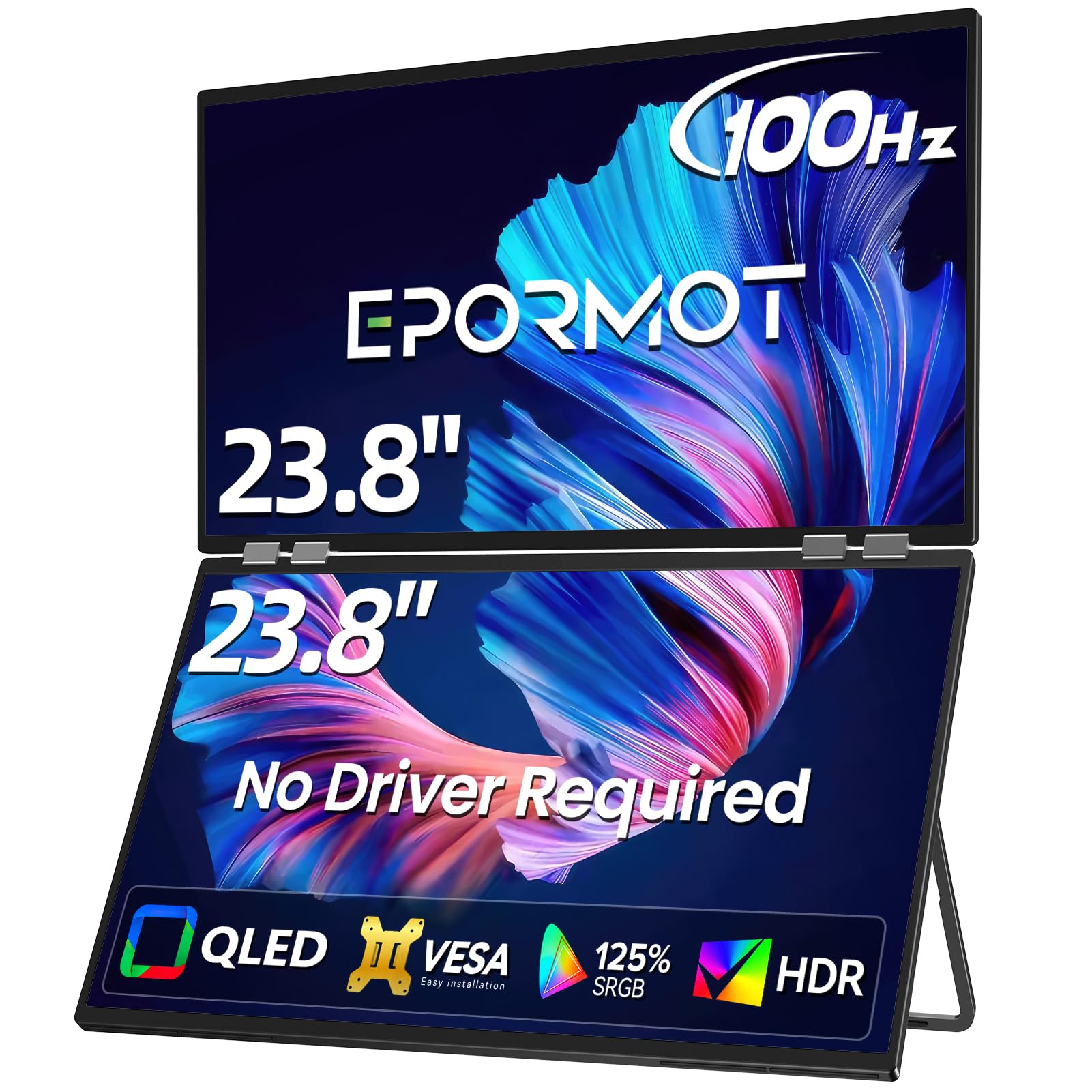
This is the only entry here that uses QLED panels, which deliver deeper blacks and richer color saturation compared to standard IPS displays. Each screen measures 23.8 inches diagonally with a 1080p resolution and a 100Hz refresh rate — noticeably smoother than the 60Hz standard found on most portable monitors. The vertical stacked layout (one screen above the other) is a natural fit for stock trading dashboards, code editors, or vertical document reading.
Connectivity is straightforward with USB-C or HDMI, and the unit functions as plug-and-play across Windows, macOS, Android, Switch, and PS5. The 180-degree foldable metal stand and VESA mounting option give it flexibility on a desk or attached to an arm. At this screen size, it requires more backpack space than 15.6-inch alternatives, but for users who want the largest combined workspace possible in a foldable form factor, the trade-off makes sense.
A 3-year limited warranty with direct replacement service adds long-term value. The built-in speakers are weak and the included power adapter can struggle under sustained full-brightness use — upgrading to a higher-wattage adapter resolves the issue. If your priority is massive screen real estate and fluid scrolling, this is the model to target.
Why it’s great
- Two 23.8-inch QLED panels with 100Hz for smooth motion
- 125% sRGB coverage produces vibrant, accurate colors
- VESA compatible for desk mount or arm attachment
Good to know
- Large size limits portability compared to 15.6″ models
- Stock power adapter can cause brightness drop under load
3. KYY X90D 15.6″ Triple Portable Monitor

The KYY X90D hits the sweet spot of build quality, portability, and compatibility. Its CNC-machined aluminum alloy housing feels far more premium than plastic-shell competitors, and the 0.2-inch-thin profile fits easily into a laptop bag alongside a 13–17-inch notebook. The two 15.6-inch 1080p IPS panels offer 300 nits brightness, a 1200:1 contrast ratio, and 178-degree viewing angles — numbers that translate to crisp spreadsheets and readable code even in well-lit rooms.
A single USB-C cable handles both video and power after an initial driver installation, which is quick on Windows and macOS. The 360-degree rotatable screens and 90-degree adjustable kickstand make it easy to share one panel with a colleague or adjust the angle on a cramped airplane tray table. User reviews consistently praise the ease of setup and the responsive customer service team that replaces defective units within days.
The lack of a bundled protective case is a minor oversight, and Linux users report driver lag on newer distributions. But for the vast majority of Windows and Mac users who need a reliable, portable triple-screen rig for daily remote work or business travel, the X90D is the most balanced choice.
Why it’s great
- Premium aluminum body resists wear and dissipates heat well
- 360° rotating screens enable flexible sharing and viewing
- One-cable operation after simple driver setup
Good to know
- Protective carrying case not included in the box
- Linux driver support is not as polished as Windows
4. Rizpak P7 PRO 15.6″ Triple Monitor
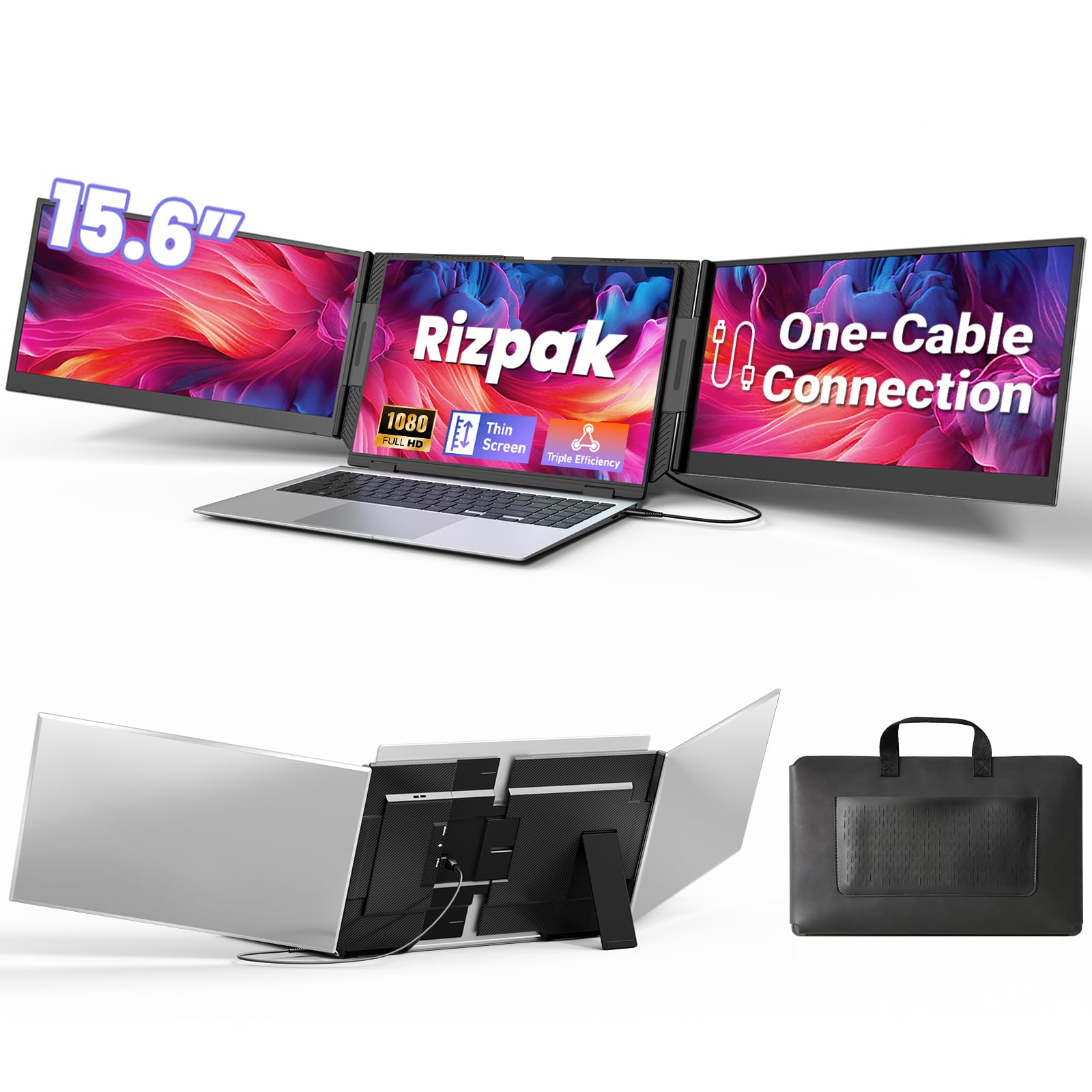
The Rizpak P7 PRO distinguishes itself with an independent aluminum alloy stand that does not clamp onto the laptop lid. This design removes stress from the host laptop hinge and makes the entire unit self-supporting — it can sit on a desk beside your laptop or even be used as a standalone dual monitor with another device. Each of the two 15.6-inch 1080p IPS screens delivers 100% sRGB coverage and 300 nits brightness, producing vibrant visuals for presentations and data-heavy workflows.
Plug-and-play operation works out of the box via a single USB-C cable with no driver install required, which is a major advantage for corporate laptops with locked-down admin permissions. The package includes a USB flash drive with drivers for systems that want them, plus a carrying bag. The 180-degree foldable screens and 0.2-inch thinness make this one of the most packable triple-screen kits available, weighing in at just over 4 pounds.
Users consistently report that the setup takes under two minutes and that the single-cable connection reduces cable clutter dramatically. The included power adapter is recommended for stable brightness, and the built-in speakers are serviceable. For frequent travelers who need a zero-fuss, self-contained dual-monitor system that works on Mac, Windows, and Chromebooks alike, the Rizpak P7 PRO is a strong contender.
Why it’s great
- Independent design protects laptop hinge from extra weight
- True plug-and-play; no driver installation needed
- Comes with carrying bag for convenient transport
Good to know
- Heavier than clip-on designs at just over 4 lbs
- Power adapter required for maximum brightness stability
5. Macsecor 14″ Triple Portable Monitor
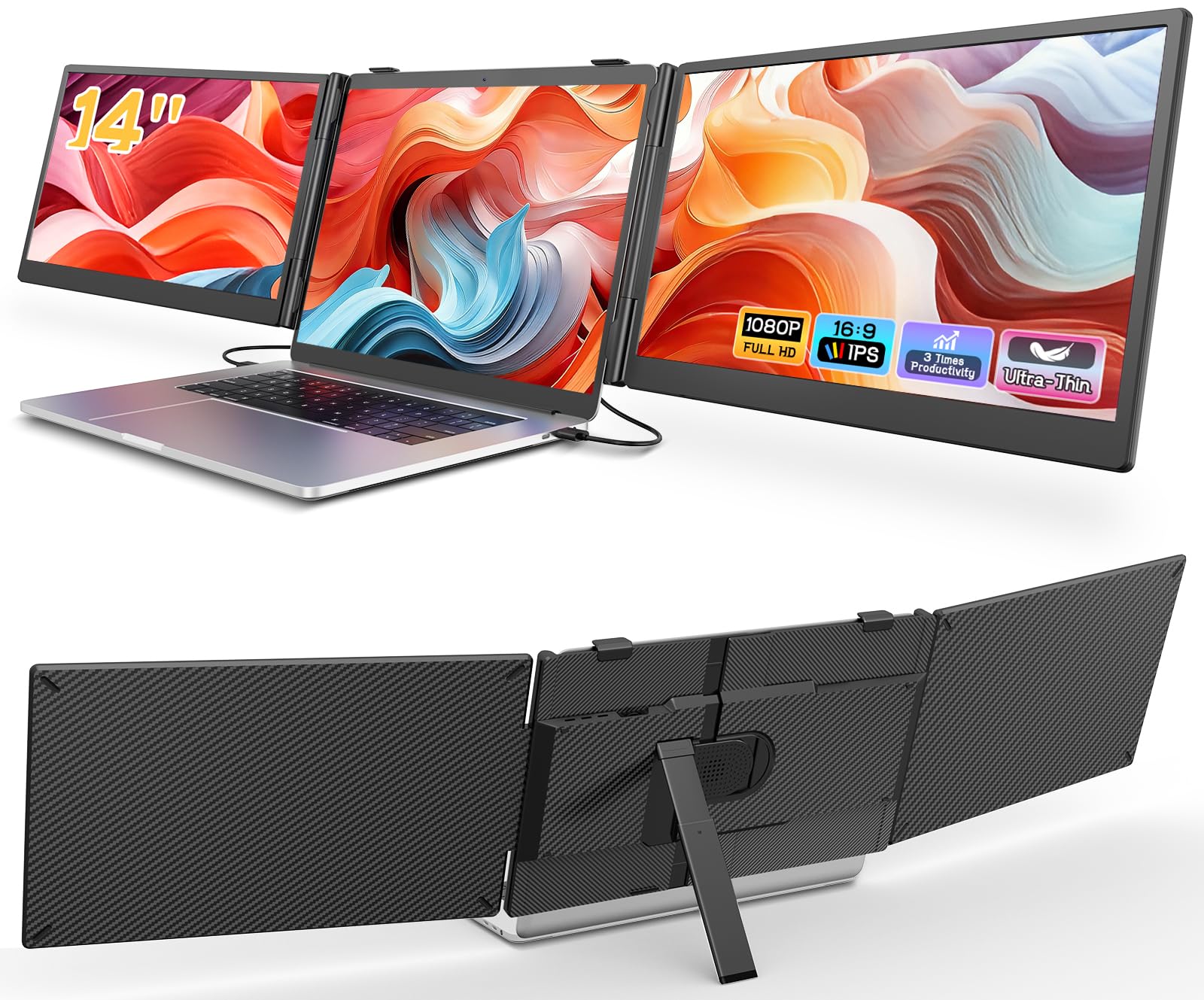
At only 0.27 inches thick and 3 pounds, the Macsecor 14-inch triple monitor is designed for users who prioritize slim portability above all else. Each of the two 14-inch 1080p IPS screens features HDR mode, a built-in blue light filter, and anti-glare technology — a combination that reduces eye fatigue during long coding or writing sessions. The 178-degree viewing angle ensures the secondary screens remain readable from side angles when collaborating in meetings.
Compatibility spans Windows, macOS, Chrome OS, Android, and Linux laptops between 13 and 17.3 inches. A two-cable setup (one USB-C for data, one for power) provides a stable connection, and an optional H5-T adapter is needed for M1/M2/M3 MacBooks without full-featured USB-C ports. The 90-degree adjustable aluminum stand and 180-degree screen rotation allow flexible positioning, and the clamp-on backplate attaches securely without adding bulk.
Some users report the screens lasting about 15 months of daily heavy use before failure, but the price point makes it a cost-effective solution for mobile professionals who rotate hardware every couple of years. The 1-year replacement warranty provides a safety net. If you need the thinnest, lightest double monitor for occasional travel, this is the entry point.
Why it’s great
- Exceptionally thin and light at 0.27″ and 3 lbs
- HDR mode and anti-glare improve readability in bright environments
- Works with a wide range of laptop sizes and operating systems
Good to know
- Two-cable setup required (data + power)
- Some units reported failure after 12-15 months of daily use
6. JSAUX FlipGo Lite 15.6″ Dual Stacked Monitor

The JSAUX FlipGo Lite won both the 2024 iF Design Award and Red Dot Design Award for good reason: its magnetic back panel and integrated USB hub set a new standard for build quality and utility. The two stacked 15.6-inch 1080p IPS matte panels with flicker-free, low-blue-light technology reduce eye fatigue for programmers and analysts who stare at code or data for hours. The 60Hz refresh rate is standard, but the panel delivers consistent, readable visuals across all viewing angles.
A single USB-C cable powers and drives both screens simultaneously, and the reverse-charging capability can feed power back to the laptop when connected to a 65W adapter — a rare and genuinely useful feature for long workdays away from an outlet. The built-in hub provides two USB 2.0 ports and a mini HDMI port, eliminating the need for a separate dock. The magnetic back panel attaches to proprietary stands (sold separately) and secures the unit during transport.
The design is noticeably thicker and heavier than side-attached alternatives, but the trade-off is a rigid, self-contained unit that does not stress the laptop hinge at all. Mac users should note that macOS only supports span mode (a single extended desktop across both screens), not independent extended screens. For Windows and Linux users who want an elegant, dock-free triple-monitor solution, the FlipGo Lite is the most thoughtfully engineered option.
Why it’s great
- Award-winning magnetic design with premium materials
- Built-in USB hub eliminates need for separate dock
- Reverse charging powers the laptop from a 65W adapter
Good to know
- Heavier and thicker than many side-clip alternatives
- MacOS supports only span mode, not independent extended screens
7. InnoView Portable Dual Monitor 15.6″ 1080p
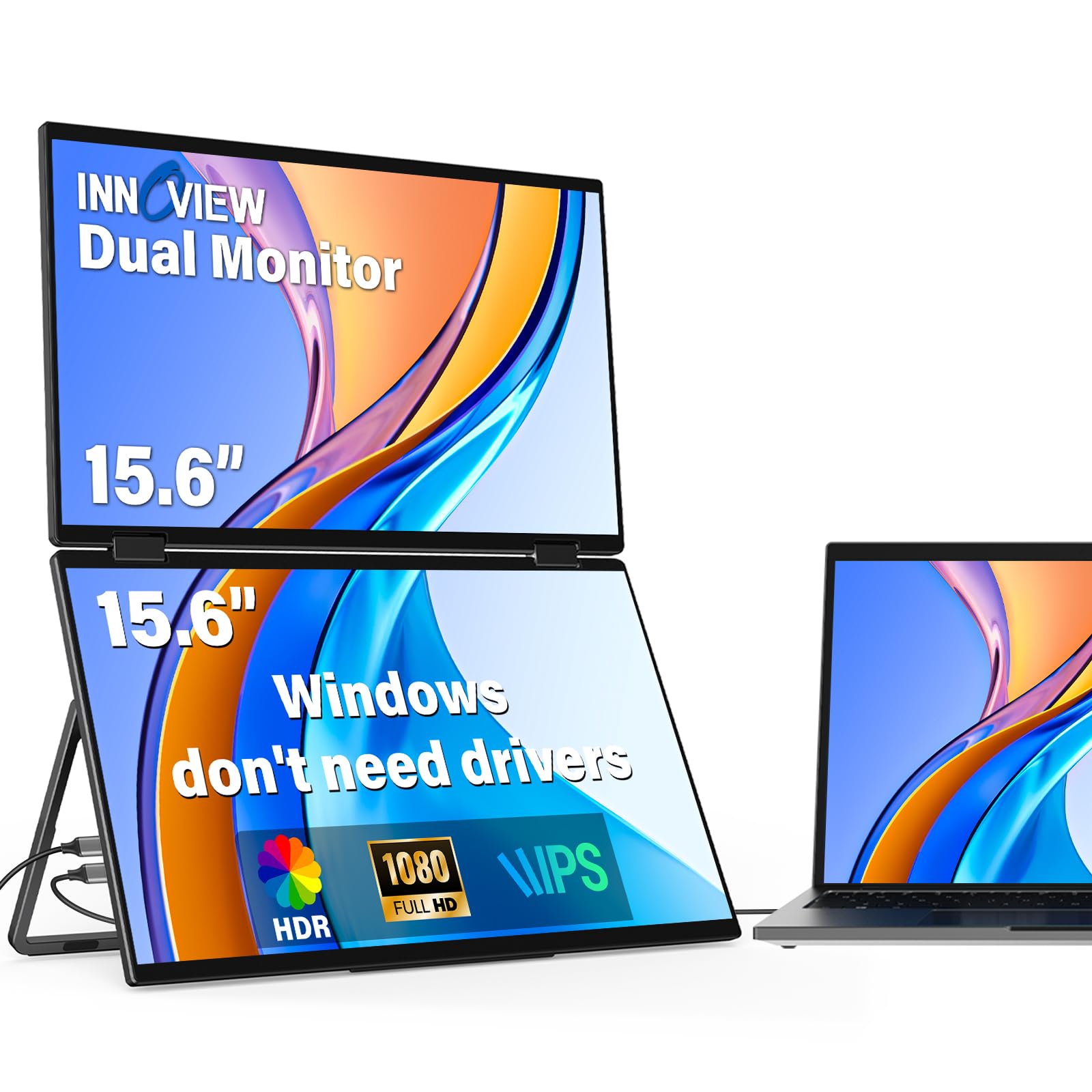
The InnoView 1080p dual monitor stands out for its 315-degree screen rotation and gravity sensors that automatically adjust the display orientation when you flip a panel. This is particularly useful for presentations where you want to share one screen with a person across the table without manually rotating the image in operating system settings. The two 15.6-inch IPS panels deliver 1080p resolution and 300 nits brightness with 72% sRGB coverage — solid performance for office productivity, spreadsheet management, and web research.
Connection is handled via a full-featured USB-C cable for video and a separate USB-C cable for power. The included 30W PD adapter ensures stable brightness even when the laptop is running on battery. On Windows systems the setup is truly plug-and-play; Mac users need to install a driver to enable extended mode. The foldable design and 180-degree adjustable stand make it easy to pack into a standard laptop compartment, and the built-in speakers provide clear audio for video calls.
The 30-day return policy and 18-month warranty provide reassurance for a mid-range investment. Users note that cable management can become messy since the unit requires two separate cables for optimal performance. For professionals who frequently switch between portrait and landscape orientations or need to share a screen during in-person collaboration, the 315-degree hinge is a genuine productivity advantage.
Why it’s great
- 315-degree rotation and gravity sensors for flexible sharing
- Automatic orientation adjustment without manual settings
- Reliable 18-month warranty and 30-day return policy
Good to know
- Requires two cables (video + power) for optimal brightness
- Mac extended mode needs additional driver install
8. Mobile Pixels Duex Max DS 14.1″

The Duex Max DS is the lightest and most compact option in this guide, weighing just 1.8 pounds with a thickness of 0.25 inches. It uses a side-attached design that clamps onto the edge of a 14–17-inch laptop via strong magnets and an adhesive metal plate, turning your existing laptop into a dual-screen workstation without adding vertical height. The 14.1-inch 1080p IPS panel offers 250 cd/m² brightness, which is sufficient for indoor use but may struggle in direct sunlight.
Connectivity options include USB-C and mini HDMI, making it compatible with macOS, Windows, Android, and Nintendo Switch. The setup process involves attaching the metal adhesive plates to the back of your laptop lid and magnetically securing the monitor — a fast process once the plates are applied, but permanent adhesive means you commit to one laptop. The unit includes an auto-orientation feature so the screen rotates correctly whether mounted on the left or right side.
Some users note that the included magnets are not enough for frequent swapping between multiple laptops, and the lack of a protective travel cover means the screen surface is exposed in a bag. For mobile workers who need the absolute lightest, most packable solution and do not mind the permanent adhesive commitment, the Duex Max DS is the most travel-friendly design available.
Why it’s great
- Ultra-light 1.8 lbs makes it negligible in a backpack
- Strong magnetic attachment is secure and easy to use
- Offers auto-orientation when switching mounting sides
Good to know
- Permanent adhesive plates mean it’s tied to one device
- No protective case included for travel protection
9. HotYeah Triple Laptop Screen Extender 15.6″
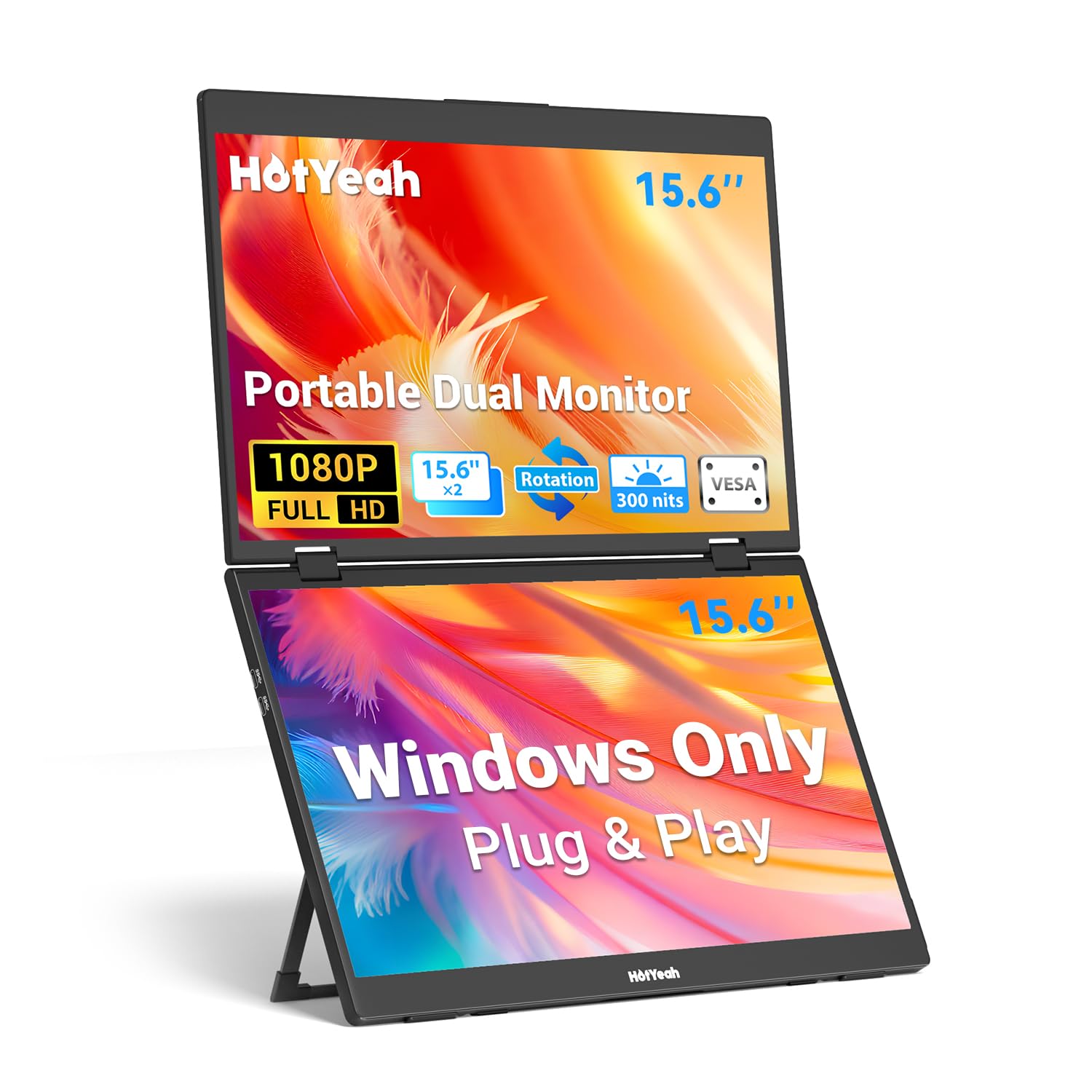
The HotYeah extender uses a vertically stacked layout with two 15.6-inch 1080p IPS matte panels that provide a combined 23.8-inch visual workspace. The 300 nits brightness and 100% sRGB color gamut deliver punchy, accurate colors for a budget-friendly unit, and the 178-degree viewing angle keeps both screens readable when viewed from the side. The 360-degree rotatable upper screen makes it easy to share content with someone across the table — a feature typically found on more expensive models.
The key restriction is compatibility: this unit is designed exclusively for Windows systems. Mac, Chrome OS, and Linux users need to look elsewhere. Plug-and-play operation works via a single USB-C cable on Windows laptops with a full-function USB-C port, and each screen has independent brightness and RGB controls. The built-in 90-degree adjustable kickstand and VESA mount holes (75x75mm) give you desk-mounting options even after you upgrade your laptop.
At 3.5 pounds with a 3.1-inch slim metal frame, it folds to roughly laptop size for travel. Some users report occasional flickering and rubber feet that may peel over time, but the overall build quality is solid for daily use. For Windows professionals who want a functional triple-screen setup at the lowest entry point, the HotYeah delivers reliable performance without breaking the budget.
Why it’s great
- Excellent value with 100% sRGB and 300 nits brightness
- 360-degree rotating upper screen for easy screen sharing
- Includes VESA mount holes for desk or arm mounting
Good to know
- Works only with Windows — no Mac, Chrome, or Linux support
- Some users report flickering and peeling rubber feet over time
FAQ
Will a double portable monitor work with my MacBook M1 or M2?
What is the difference between a stacked and a side-attached dual monitor?
Can I use a double portable monitor with a smartphone or tablet?
Do I need a power outlet to use a double portable monitor?
Final Thoughts: The Verdict
For most users, the best double portable monitor is the KYY X90D because it combines premium aluminum construction, easy one-cable setup, and 360-degree rotating screens at a reasonable mid-range cost. If you need true 4K resolution for color-accurate creative work, grab the InnoView Dual 4K. And for massive screen real estate with smooth 100Hz refresh, nothing beats the EPORMOT QLED 23.8-inch model.

Mo Maruf
I created WellFizz to bridge the gap between vague wellness advice and actionable solutions. My mission is simple: to decode the research and give you practical tools you can actually use.
Beyond the data, I am a passionate traveler. I believe that stepping away from the screen to explore new environments is essential for mental clarity and physical vitality.