Our readers keep the lights on and my smoothie glass nicely filled. As an Amazon Associate, I earn from qualifying purchases.
A drawing tablet bridges the gap between traditional mark-making and digital creation, but the wrong choice creates a frustrating gap between what you envision and what appears on screen. Latency, surface texture, and pressure response define your daily experience far more than brand loyalty or marketing specs.
I’m Mohammad Maruf — the founder and writer behind WellFizz. My research into digital artist tools focuses on real-world pressure sensitivity, display parallax, and driver stability across operating systems to separate marketing claims from measurable performance.
After analyzing seven models spanning standalone tablets and pen displays, this guide delivers the clearest path to your next purchase. Let’s find the best drawing tablet for your specific creative workflow.
How To Choose The Best Drawing Tablet
Choosing a drawing tablet means deciding between a tethered pen display that shows your art directly on the screen and a standalone tablet that runs Android apps without a computer. Each path serves different creative habits, and the wrong choice kills momentum. Below are the critical factors that separate a productive tool from an expensive paperweight.
Pressure Sensitivity and Initial Activation Force
Pressure levels — 4096, 8192, or 16384 — get the marketing spotlight, but initial activation force (IAF) matters more for fine line control. A pen that registers a stroke at 2 grams of pressure lets you produce hair-thin lines without spiking into a thick mark. Most current pens offer 2g to 3g IAF; anything higher makes delicate hatching difficult.
Display Technology: Laminated vs. Non-Laminated
A fully laminated display bonds the glass to the LCD panel, eliminating the air gap that creates parallax — the visual offset between where the pen tip contacts the glass and where the cursor appears. Non-laminated screens show a noticeable gap that throws off hand-eye coordination during detailed inking. Laminated displays also reduce glare and improve color clarity.
Active Area and Portability
Active area size dictates how much arm movement you need to cross the canvas. A 6 x 3.7 inch surface works for note-taking and light editing but cramps expressive gestures. An 11.9 to 13.3 inch active area lets you draw from the shoulder, producing more natural linework. Portability matters for mobile artists; a 10-inch standalone tablet fits in a bag, while larger pen displays require desk space.
Quick Comparison
On smaller screens, swipe sideways to see the full table.
| Model | Category | Best For | Key Spec | Amazon |
|---|---|---|---|---|
| XP-Pen Artist 12 3rd | Pen Display | All-day sketching on a budget | 11.9″ Full Laminated AG Glass | Amazon |
| HUION Kamvas 13 Gen 3 | Pen Display | Professional color work | 16384 Pressure / 99% sRGB | Amazon |
| XP-Pen Artist 13.3 Pro V2 | Pen Display | High-end dual-mode workflow | 16384 / 95% P3 / Red Dial | Amazon |
| XPPen Artist13.3 Pro V2 (Upgraded) | Pen Display | Color fidelity pros | 16384 / 125% sRGB / Stand | Amazon |
| HUION Kamvas Slate 10 | Standalone Tablet | Mobile artists on the go | 10.1″ FHD / Android 12 | Amazon |
| Frunsi RubensTab T8 | Standalone Tablet | Beginners learning digital art | 8″ FHD / Android 13 | Amazon |
| Wacom Intuos Small Bluetooth | Pen Tablet | Light note-taking and mobile use | 6 x 3.7″ / Bluetooth | Amazon |
In‑Depth Reviews
1. XP-Pen Artist 12 3rd
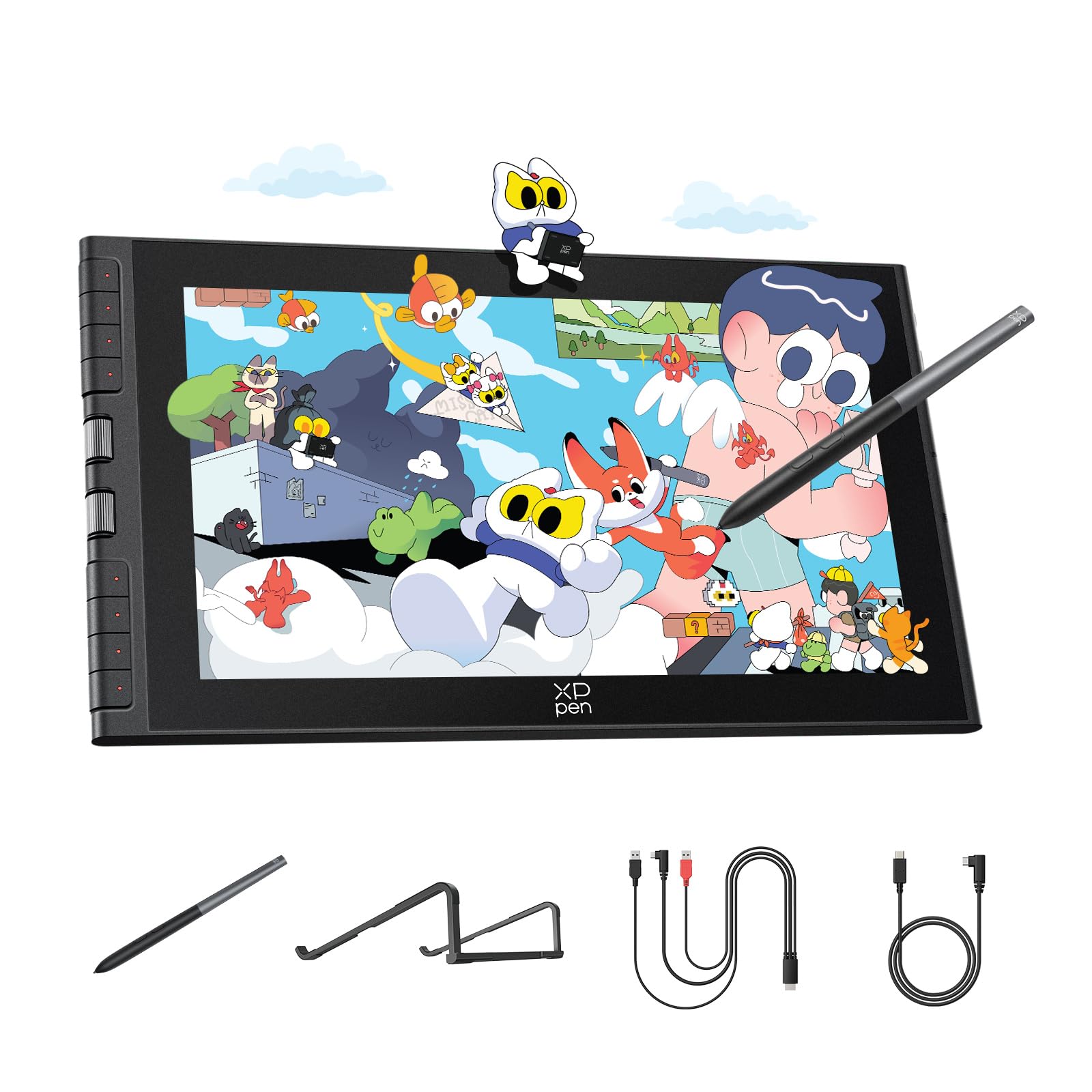
The XP-Pen Artist 12 3rd nails the sweet spot between active area size and portability with its 11.9-inch fully laminated display. The AG etched glass delivers a paper-like surface texture that reduces glare by 85%, which makes long inking sessions easier on the eyes compared to glossy screens. Dual X-Dial wheels let you adjust brush size and canvas zoom without reaching for keyboard shortcuts, and the 16K X4 pen responds to 2 grams of initial force for precise feather strokes.
Color accuracy hits 99% sRGB with a factory-calibrated Delta E under 1.5, so your exports match what you see on screen. The 1920×1080 resolution on a 11.9-inch screen keeps pixel density crisp enough for detailed illustration without demanding a high-end graphics card. Single USB-C connectivity cleans up desk clutter, and the included foldable stand positions the display at a comfortable 20-degree angle.
Driver installation requires a quick download on Windows or macOS before it works on Chromebook or Android devices. The magnetic pen attaches to the tablet body, reducing the chance of losing it during transport. For the price, this is the most balanced pen display available for artists who need professional features in a compact footprint.
Why it’s great
- Fully laminated AG glass with near-zero parallax
- Dual X-Dial wheels save significant workflow time
- Factory color calibration ensures accurate output
Good to know
- Driver required for full button functionality on non-Windows systems
- Screen size may feel cramped for painters who use broad arm strokes
2. HUION Kamvas 13 Gen 3

HUION’s Kamvas 13 Gen 3 brings their latest PenTech 4.0 technology to the mid-range pen display market, delivering 16384 pressure levels with a 2-gram initial activation force that captures the lightest touch. The Canvas Glass 2.0 surface uses an anti-sparkle coating that cuts reflections while maintaining a smooth glide — a noticeable improvement over earlier HUION models that felt slightly gritty. Dual dial controls and five programmable shortcut keys give you physical control over brush size, zoom, and undo without lifting the pen.
The fully laminated 13.3-inch display produces 99% sRGB and Rec.709 coverage with an average Delta E under 1.5, backed by a factory calibration report in the box. Users report the screen runs slightly warm near the port side after extended use, and the 200-nit brightness is adequate for indoor studios but struggles in bright ambient light. The included ST300 stand offers adjustable angles, though the range is limited compared to third-party ergonomic arms.
Setup requires the 3-in-1 cable (HDMI, USB, power) for most computers unless you purchase a separate full-function USB-C cable for devices that support USB 3.1 Gen 1 and DP Alt Mode. PenTech 4.0 fixes diagonal jitter issues that plagued earlier HUION pens, making this a strong alternative to Wacom for artists who prioritize color accuracy and smooth stroke response.
Why it’s great
- Factory-calibrated color with included report ensures consistency
- Advanced PenTech 4.0 eliminates diagonal jitter
- Dual dial wheels plus shortcut keys streamline creative workflow
Good to know
- Screen brightness limited to 200 nits for bright rooms
- 3-in-1 cable required unless using premium USB-C host device
3. XP-Pen Artist 13.3 Pro V2
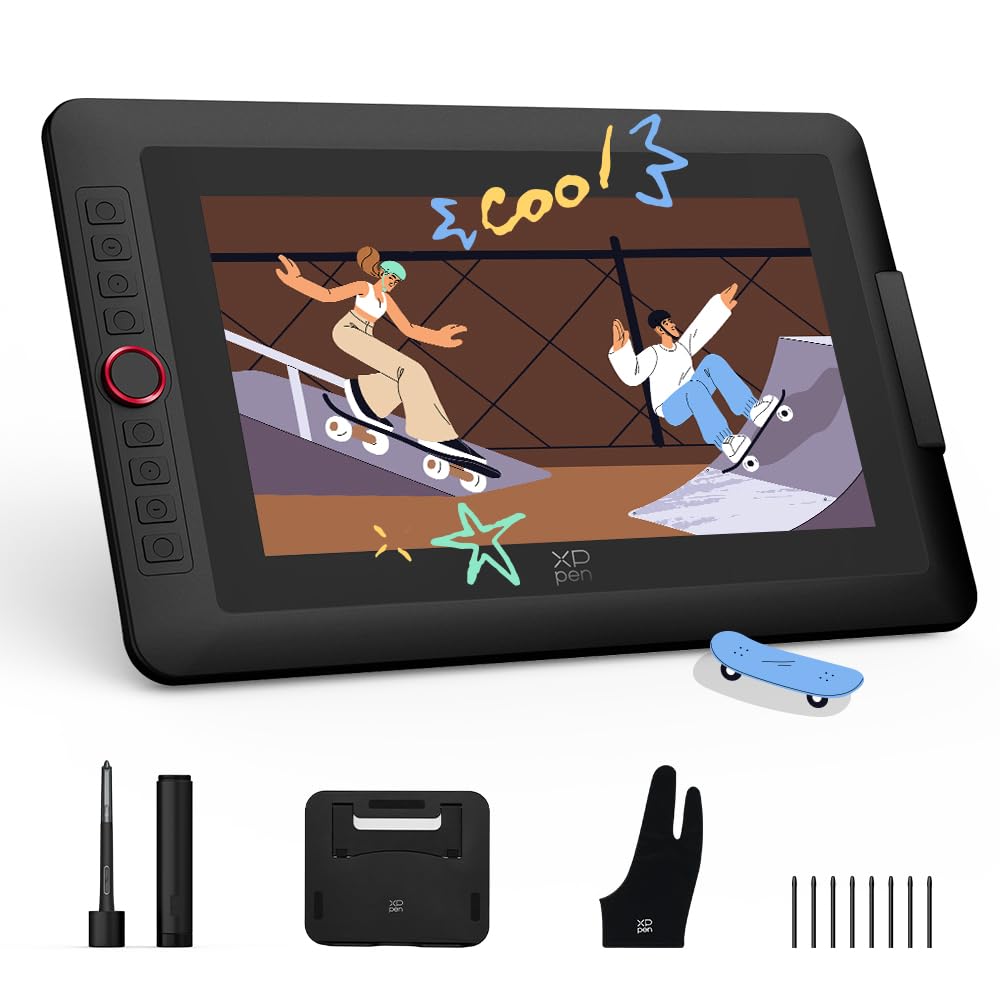
The XP-Pen Artist 13.3 Pro V2 introduces a world-first 16384 pressure sensitivity through its X3 Pro smart chip stylus, offering twice the resolution of standard 8192-level pens. The 13.3-inch fully laminated display delivers 95% DCI-P3 cinema-grade color gamut coverage, which translates to richer reds and deeper blues for photographers and concept artists who work in wide-gamut workflows. The red dial roller and eight customizable express keys give you hands-on control without relying on a keyboard.
A standout feature is the dual-mode toggle between Pen Display and Pen Tablet mode, letting you turn off the screen and use the tablet as a traditional non-display pad to save laptop battery and reduce neck strain during long reference-intensive sessions. The metal back panel dissipates heat faster than plastic competitors, keeping the unit cool after hours of use. Connectivity includes a full-featured USB-C port for direct single-cable connection to compatible devices.
Users note the 3-in-1 cable is sold separately for legacy HDMI setups, and the driver interface has been streamlined for beginners. The pen features a built-in digital eraser on the tail, mimicking a real pencil experience. Some Linux and Chromebook users report button functionality requires driver updates performed on Windows or macOS first, so plan initial setup accordingly.
Why it’s great
- Industry-leading 16K pressure sensitivity for ultra-fine detail
- Pen Display/Tablet dual mode saves battery and neck strain
- 95% P3 color gamut meets cinema-grade color standards
Good to know
- 3-in-1 cable for legacy ports sold separately
- Button customization requires initial firmware setup on Windows or Mac
4. XPPen Upgraded Artist13.3 Pro V2

This upgraded variant of the Artist 13.3 Pro V2 pushes color specifications further with 125% sRGB, 107% Adobe RGB, and 95% DCI-P3 coverage area ratios, making it the color-fidelity champion among the models reviewed. The S01 foldable stand provides 90-degree angle adjustment, promoting better posture during long work sessions than the fixed-angle stands included with most competitors. The 250 cd/m² brightness and 1000:1 contrast ratio deliver more punchy visuals compared to the 200-nit screens in this class.
The X3 Pro smart chip stylus achieves 16384 pressure levels with a 20% accuracy improvement over the prior generation and a response time of 90 milliseconds. The full lamination with AG film eliminates parallax effectively, and the anti-glare coating does not introduce the grainy texture that some AG films produce. Eight customizable keys and the Red Dial Quick Key simplify interface control, which helps newcomers avoid menu hunting.
Driver updates have been redesigned for beginner-friendly installation, though some users report occasional pen misalignment when using dual monitors at different resolutions. Setting both displays to 1080p resolves the issue. The pen holder includes eight replacement nibs, and the included cleaning cloth and glove show attention to long-term care. This model is ideal for professionals who need maximum color gamut for print and brand work.
Why it’s great
- Widest color gamut in class with 125% sRGB coverage
- Fully adjustable 90-degree stand reduces wrist and neck fatigue
- 250 nits brightness improves visibility in varied lighting
Good to know
- Pen alignment drifts if monitors run at different resolutions
- Not a standalone device; requires computer connection
5. HUION Kamvas Slate 10

The HUION Kamvas Slate 10 is a standalone Android 12 drawing tablet that eliminates the need for a computer, targeting artists who want a portable canvas for sketching and note-taking. The 10.1-inch Full HD IPS display produces 1920 x 1200 resolution with over 16 million colors, and the pre-installed AG writing film resists oil stains and glare. The rechargeable HS200 stylus offers 4096 pressure levels with tilt support and magnetic storage on the tablet frame, reducing the chance of losing the pen.
Performance comes from an 8-core CPU paired with 8GB RAM and 128GB internal storage, expandable up to 512GB via microSD. The 6000mAh battery claims up to 20 hours of drawing time, though real-world use in apps like Sketchbook and Krita typically yields 10 to 12 hours. The included leather case supports multiple viewing angles, and the tablet ships with HiPaint and HUION Note pre-installed. GMS certification ensures access to the Google Play Store for downloading Clip Studio Paint, ibis Paint X, and other creative apps.
Some users report palm rejection inconsistencies that cause accidental brush strokes, and the left side of the unit can become warm during extended use. The pen’s 4096 pressure levels are adequate for casual illustration but lack the fine gradation of 8192 or 16384 pens used in tethered pen displays. For mobile artists who value portability over maximum sensitivity, this remains a solid pick within its category.
Why it’s great
- No computer required; runs Android apps natively
- 8GB RAM and expandable storage handle multitasking
- Full HD IPS display with anti-glare film
Good to know
- Palm rejection inconsistency can interrupt drawing flow
- 4096 pressure levels feel limited after using high-end pen displays
6. Frunsi RubensTab T8
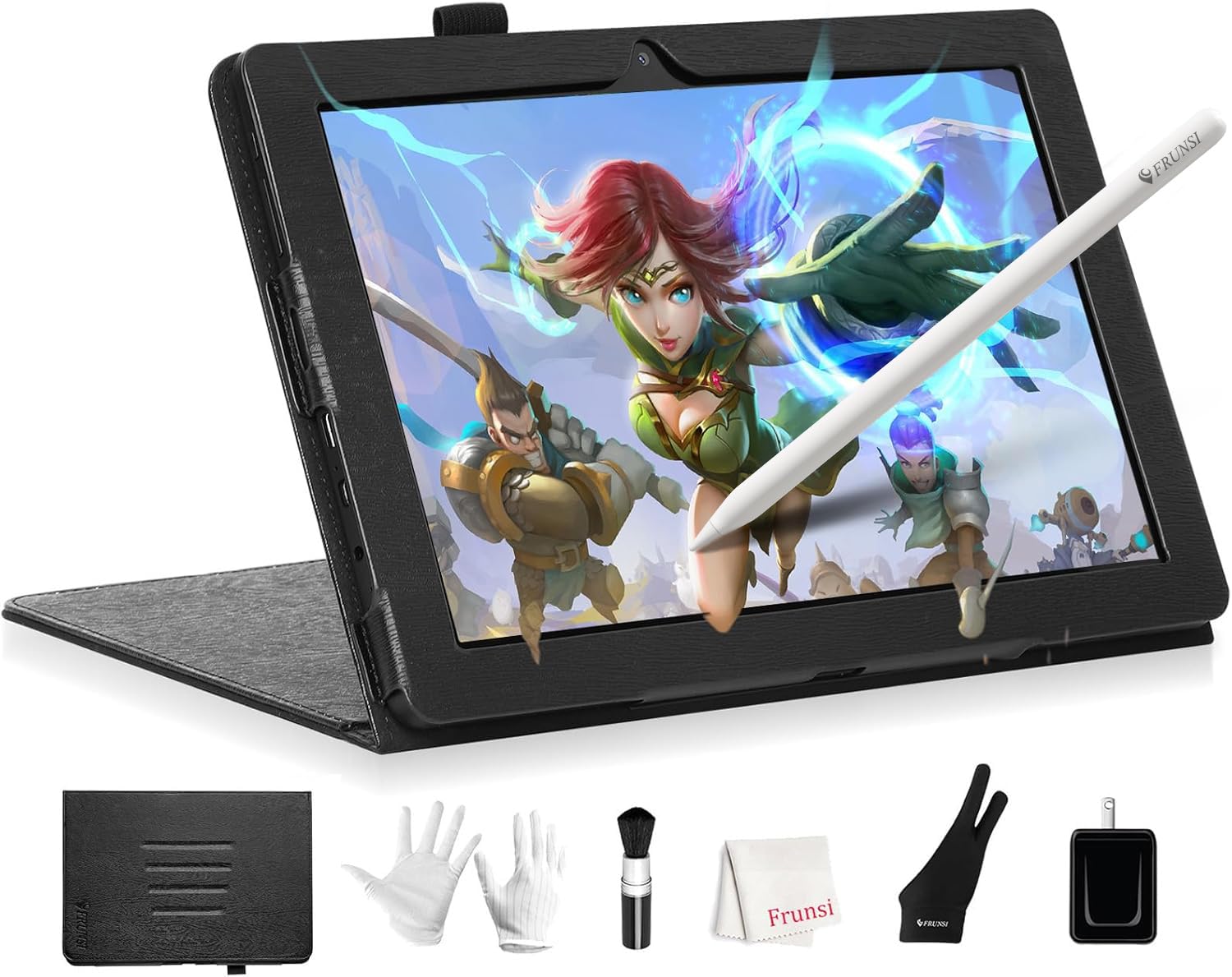
The Frunsi RubensTab T8 is a budget-friendly standalone drawing tablet running Android 13, making it accessible for beginners and younger artists who want to learn digital art without investing in a computer. The 8-inch 1200×800 resolution display is compact and portable, fitting easily into a backpack alongside school supplies. An MTK quad-core CPU with 4GB RAM and 64GB storage handles lightweight apps like SketchBook and ibis Paint X, though heavy brush engines in Clip Studio Paint may introduce slight lag with complex layers.
The included stylus offers 2048 pressure levels and a responsive tip, but the lack of dedicated palm rejection means your hand can trigger unwanted marks until you adjust your grip. Battery life varies widely depending on the app; SketchBook drains the unit in roughly 3.5 hours, while lighter note-taking extends to the advertised 20-hour claim. The package includes a detachable keyboard, screen protector, cleaning cloth, and magnetic stand, adding value for first-time buyers.
Customer service has received positive marks for fast warranty replacements when units arrive with defects. The tablet also functions as a standard Android tablet for browsing and streaming, which helps justify the purchase for students who need a multipurpose device. For serious illustrators, the limited pressure range and small screen will feel restrictive, but as a learning tool it delivers respectable performance.
Why it’s great
- Standalone Android 13 tablet requires no computer
- Includes detachable keyboard, stand, and screen protector
- Low entry cost for students and beginners
Good to know
- 2048 pressure levels limit fine gradation control
- No dedicated palm rejection causes accidental marks
- Battery life drops to ~3.5 hours under heavy drawing apps
7. Wacom Intuos Small Bluetooth
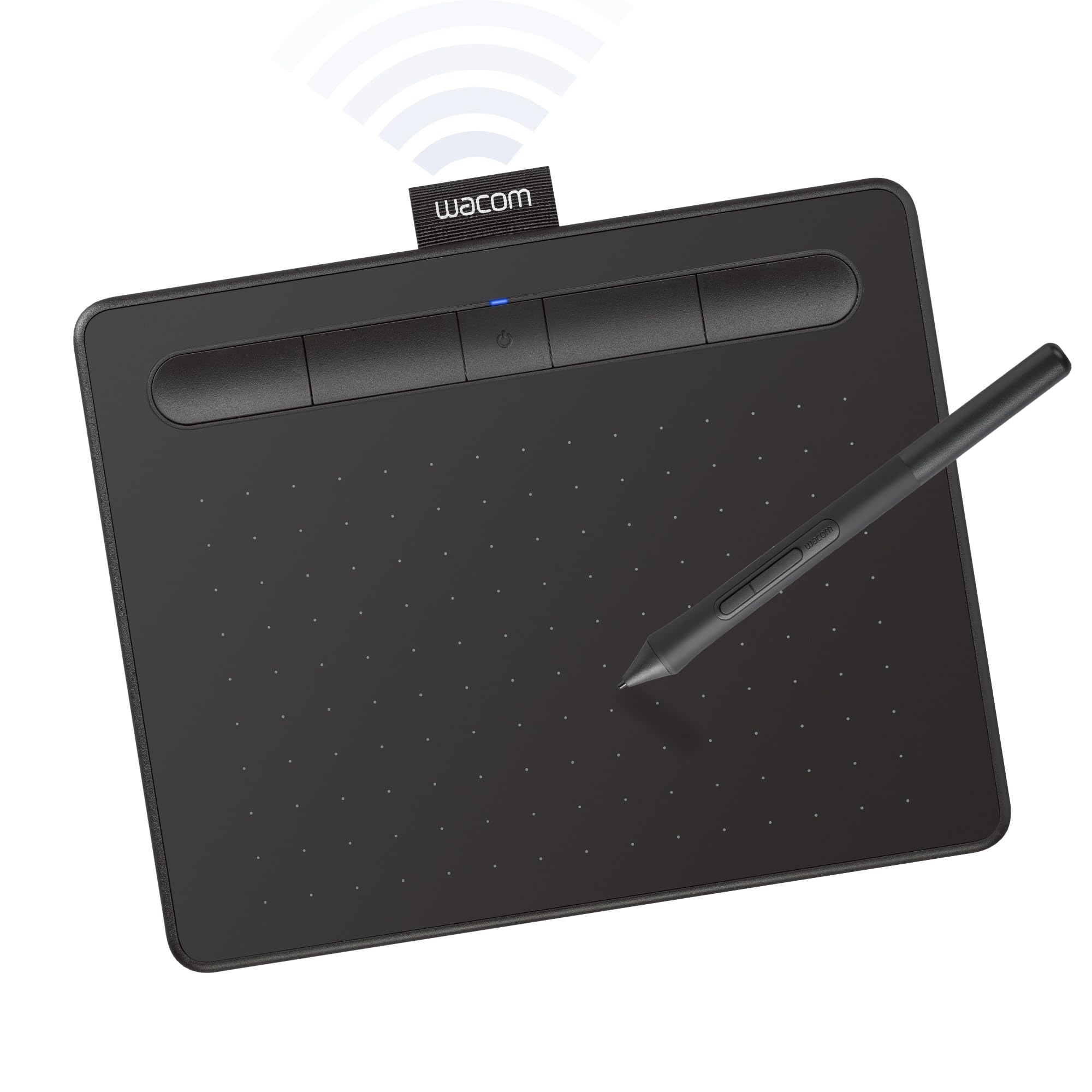
Wacom’s Intuos Small Bluetooth remains a reliable entry point into digital drawing for note-takers and students who need a compact pen tablet rather than a pen display. The 6 x 3.7-inch active area is small enough to sit beside a laptop without hogging desk space, and the battery-free EMR pen eliminates charging anxiety. Four customizable ExpressKeys provide shortcuts for undo, brush size, and layer navigation without reaching for the keyboard.
Bluetooth connectivity frees you from cables when working on a sofa or in a classroom, though users report smoother performance with the USB-A wired connection due to Bluetooth lag that can produce jagged lines during fast strokes. The pen offers decent pressure sensitivity for the price point, but the smaller active area makes large sweeping gestures impossible — you will rely on wrist movements rather than arm strokes. The included software bundle adds value, with access to creative applications and Wacom’s online training tutorials.
Hand-eye coordination is required since you draw on the tablet while looking at a separate monitor, which some beginners find disorienting. The pen becomes uncomfortable after extended use, and the accidental pen button presses can interrupt your flow. For students taking handwritten notes or marking up PDFs, this is a cost-effective solution, but illustrators needing expressive linework will outgrow it quickly.
Why it’s great
- Industry-standard Wacom build quality and driver stability
- Battery-free EMR pen never needs charging
- Bluetooth and USB-A connectivity for flexible placement
Good to know
- Small active area restricts arm-based drawing
- Bluetooth introduces lag compared to wired connection
- Pen shape becomes uncomfortable during sessions over 3 hours
FAQ
Can I use a drawing tablet without a computer?
What is the difference between 8192 and 16384 pressure levels?
Do I need a pen display or a pen tablet?
Final Thoughts: The Verdict
For most users, the best drawing tablet winner is the XP-Pen Artist 12 3rd because it combines a fully laminated display, dual dial wheels, and 16K pressure sensitivity at a price that undercuts competitors with similar specs. If you prioritize color gamut for professional print work, grab the XPPen Upgraded Artist13.3 Pro V2. And for mobile sketching without a computer, nothing beats the HUION Kamvas Slate 10.

Mo Maruf
I created WellFizz to bridge the gap between vague wellness advice and actionable solutions. My mission is simple: to decode the research and give you practical tools you can actually use.
Beyond the data, I am a passionate traveler. I believe that stepping away from the screen to explore new environments is essential for mental clarity and physical vitality.