Our readers keep the lights on and my smoothie glass nicely filled. As an Amazon Associate, I earn from qualifying purchases.
A cheap 1080p monitor should deliver sharp visuals and smooth motion without making you feel like you settled. You want a screen that handles work spreadsheets, streaming, and casual gaming without introducing eye strain or motion blur. The trick is knowing which specs to prioritize and where to save — because not every low price tag delivers equal value.
I’m Mohammad Maruf — the founder and writer behind WellFizz. I’ve analyzed hundreds of monitor listings, cross-referenced panel types, refresh rates, and real user feedback to separate the genuine bargains from the headaches.
For this guide, I evaluated nine budget-friendly displays under to find the best cheap 1080p monitor you can buy right now — balancing refresh speed, color accuracy, and build quality so you don’t waste a dollar.
How To Choose The Best Cheap 1080P Monitor
When your budget hovers around the entry-level zone, it’s tempting to just grab the cheapest thing with an HDMI port. But a monitor that runs at a herky-jerky 60Hz can ruin the experience of even a modest PC. Here’s what to check before you hit buy.
Refresh Rate: Don’t Settle for 60Hz
A 60Hz panel feels sluggish once you’ve seen 100Hz or 120Hz in action. Nearly every monitor reviewed here offers 100Hz or higher, which makes scrolling through documents, moving windows, and playing less-demanding games feel dramatically smoother. If you see a monitor advertising only 60Hz, keep scrolling.
Panel Type: IPS Over VA and TN
In-Plane Switching (IPS) panels deliver superior color consistency and wider viewing angles compared to VA or TN. Even on a cheap monitor, an IPS layer will produce colors that don’t wash out when you lean to the side. A VA panel offers deeper blacks but narrow viewing angles, while TN is a dead end for color-critical work.
Connectivity and Ergonomics
An entry-level monitor should have at least one HDMI port. VGA is useful for legacy devices, but don’t let it be the only option. Built-in speakers are convenient but almost universally weak — treat them as a bonus, not a requirement. A tilt-adjustable stand and VESA mount compatibility give you flexibility to keep your neck happy.
Quick Comparison
On smaller screens, swipe sideways to see the full table.
| Model | Category | Best For | Key Spec | Amazon |
|---|---|---|---|---|
| ACER Nitro KG251Q | Gaming | Competitive Gaming | 280Hz, 1ms VRB, FreeSync Premium | Amazon |
| MSI MAG 242F | Gaming | Competitive Gaming | 200Hz, 0.5ms GtG, Rapid IPS | Amazon |
| Dell SE2725HM | Office | Productivity & Eye Comfort | 27″, 100Hz, ComfortView Plus | Amazon |
| LG 24U411A-B | Multi-purpose | Everyday Use | 120Hz, HDR10, 99% sRGB | Amazon |
| ASUS VA24EHF | Office/Light Gaming | Versatile Performance | 100Hz, 1ms MPRT, Adaptive-Sync | Amazon |
| ViewSonic VS2447M | Office | Home & Office | 100Hz, VRR, 3000:1 Contrast | Amazon |
| Amazon Basics 24-inch | Office | Everyday Use | 75Hz, IPS, Built-in Speakers | Amazon |
| Sceptre E248W-FW100T | Gaming/Office | Value Gaming | 100Hz, 1ms BR, FreeSync | Amazon |
| AOC 24B35H3 | Value | Budget Pick | 120Hz, IPS, 100% sRGB | Amazon |
In‑Depth Reviews
1. ACER Nitro KG251Q

The Acer Nitro KG251Q is the most aggressive value proposition in the 1080p gaming segment. A 280Hz refresh rate combined with AMD FreeSync Premium and a 1ms VRB response time puts this squarely in competition-killer territory. The 24.5-inch ZeroFrame design gives you a near-bezel-less view that works well in multi-monitor setups. Colors are vivid after a quick brightness adjustment, though they can look washed out at default settings.
At this price, you get two HDMI 2.0 ports and one DisplayPort 1.4, so connecting modern consoles or GPUs is straightforward. The stand is basic — thick with no height or swivel adjustment, so plan for a VESA mount if you need ergonomic flexibility. Some users reported cheap cables in the box, so factor in a quality DisplayPort cable upgrade if you plan to game above 144Hz.
For its core mission — delivering ultra-smooth frame rates in esports titles — the KG251Q punches far above its weight. The 280Hz ceiling is legit, making this the top pick for competitive gamers who refuse to overspend.
Why it’s great
- 280Hz refresh delivers incredibly smooth motion
- FreeSync Premium eliminates screen tearing
- ZeroFrame design for clean multi-monitor setups
Good to know
- Default color calibration needs adjustment
- Stand lacks height and tilt adjustment
- Included DP cable can cause artifacting
2. MSI MAG 242F
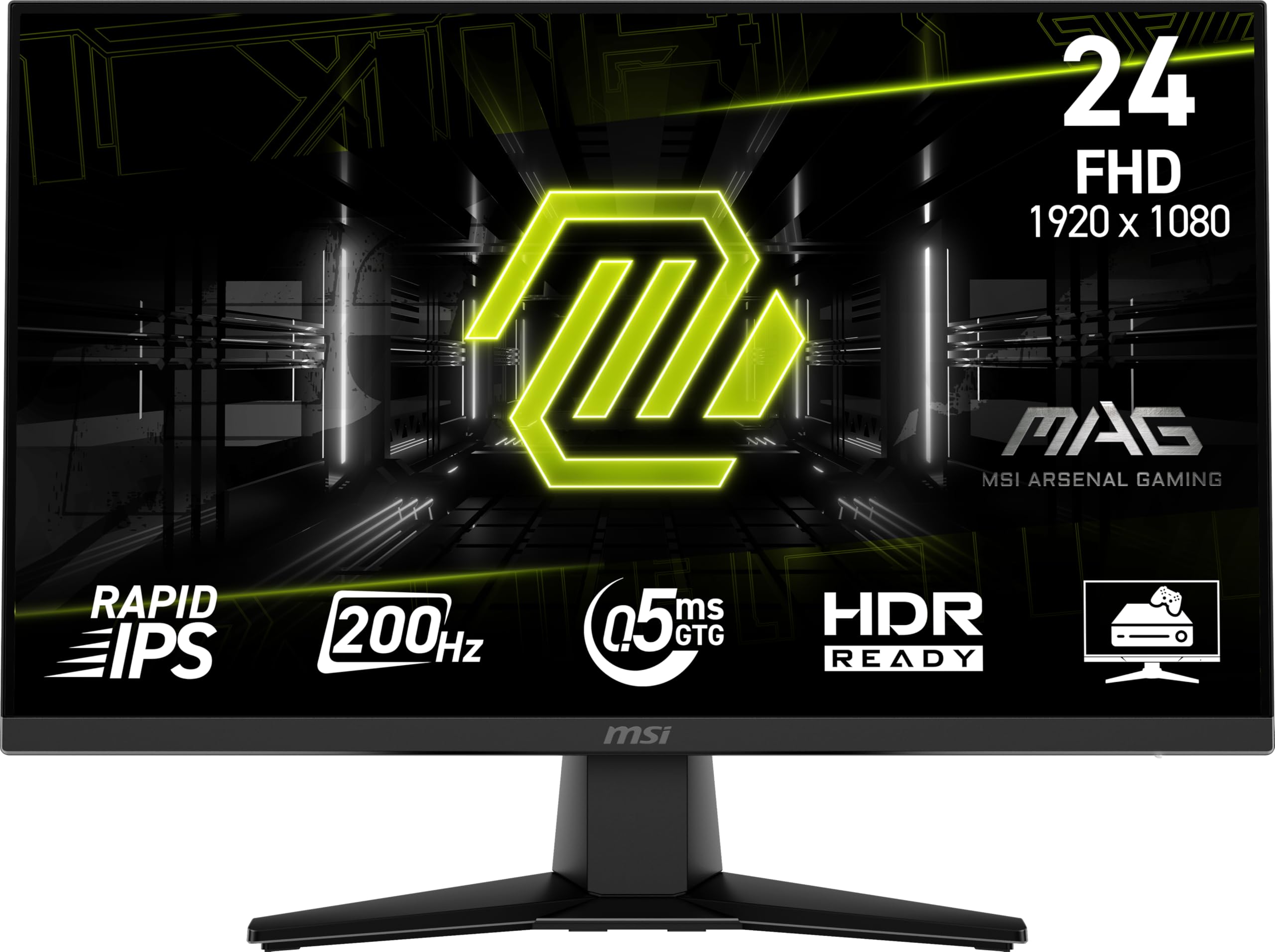
The MSI MAG 242F equips a 200Hz Rapid IPS panel with a 0.5ms GtG response time, matching up with the Acer for pure gaming performance but adding a height-adjustable stand and built-in speakers. The stand is still on the cheaper side, but the extra degrees of movement make a genuine difference for extended sessions. The 86% color gamut is decent for a budget IPS, and AI Vision technology boosts dark-area visibility without crushing blacks.
Connectivity includes HDMI and DisplayPort, plus FreeSync Premium support that works at high refresh rates. The built-in speakers are merely functional — adequate for system sounds or casual viewing, but you will want dedicated speakers for gaming or movies. The 200Hz panel feels buttery smooth for fast-paced shooters and racing sims, with no perceptible ghosting during gameplay.
At the entry-level premium price, the MAG 242F bridges the gap between pure price-saver and feature-rich gaming monitor. The height adjustment and AI Vision features give it a usability edge that pure budget models lack.
Why it’s great
- 200Hz with 0.5ms response for fluid gameplay
- Height-adjustable stand improves ergonomics
- AI Vision brightens dark scenes effectively
Good to know
- Stand feels a bit wobbly
- Built-in speakers are weak
- Color gamut is modest for IPS
3. Dell SE2725HM

The Dell SE2725HM trades a few gaming frames for an expansive 27-inch screen and serious eye-care engineering. ComfortView Plus is a hardware-based blue light filter that doesn’t wash out colors, earning TÜV Rheinland 3-Star certification. The 100Hz refresh rate is a noticeable upgrade over standard 60Hz office monitors, making spreadsheet scrolling and document flipping far less jarring. The anti-glare matte coating is excellent for bright rooms.
Build quality is classic Dell: a small-footprint stand, integrated power supply, and a cable management slot keep your desk tidy. You get one HDMI and one VGA port — no DisplayPort or USB hub, so check your connectivity needs. The 72% color gamut is adequate for office work but won’t satisfy creative professionals working on color-critical tasks.
The 27-inch size and reduced blue-light strain make this the top recommendation for all-day office use. If your workload involves spreadsheets, coding, or document reading, the Dell delivers a comfortable experience that cheaper small-screen monitors simply can’t match.
Why it’s great
- 27-inch screen boosts productivity space
- ComfortView Plus reduces eye strain without yellowing
- Small desk footprint with cable management
Good to know
- No DisplayPort or USB ports
- 72% color gamut, not for photo editing
- No built-in speakers
4. LG 24U411A-B

LG’s 24U411A-B packs a 120Hz IPS panel with HDR10 support and 99% sRGB coverage, making it one of the most color-accurate budget monitors available. Out of the box, the whites lean a bit green — easily corrected through the three user-adjustable color modes and six-step hue/saturation controls. The Refresh Rate is 120Hz, putting it ahead of most entry-level rivals for smooth desktop use and light gaming.
The slim bezel design is modern, and the tilt-adjustable stand feels more solid than many competitors at this price. There’s no height adjustment, and the menu navigation knob is a bit fiddly, but the 100x100mm VESA mount makes aftermarket arm installation simple. The on-screen Switch app lets you split the display into up to six sections for efficient multitasking.
For users who want a versatile 1080p monitor that handles work, movies, and casual gaming equally well, the LG delivers premium IPS color performance at a budget price. The HDR10 is basic — don’t expect true HDR — but the overall package is hard to beat for everyday use.
Why it’s great
- 120Hz refresh is smooth for work and game
- 99% sRGB coverage for accurate colors
- Slim metal stand with good stability
Good to know
- No built-in speakers
- HDR10 implementation is weak
- Menu knob is finicky to operate
5. ASUS VA24EHF

The ASUS VA24EHF uses a 23.8-inch IPS panel with 100Hz refresh rate and 1ms MPRT, delivering a tear-free experience via Adaptive-Sync (compatible with both FreeSync and G-Sync). The frameless design looks clean on any desk, and the TÜV Rheinland-certified Flicker-Free and Low Blue Light tech keeps your eyes comfortable during long sessions. Color reproduction is bright and punchy straight from the box.
The HDMI-only input is a limitation — there’s no DisplayPort or VGA, which may be an issue if you need multi-input flexibility. The stand is tilt-only and the base is surprisingly wide, which can be awkward on narrow desks unless you mount it via the VESA pattern. The on-screen menu buttons are located on the back, making adjustments a hunt-and-peck affair.
For the price, the VA24EHF offers a clean IPS panel with excellent eye-care certification. It’s an ideal choice for office workers and students who want a reliable, low-glare display with smooth scrolling and solid build quality at a fair price.
Why it’s great
- 100Hz with Adaptive-Sync for smooth desktop
- Low Blue Light and Flicker-Free certified
- Bright, punchy IPS colors out of the box
Good to know
- Only one HDMI input
- Stand base is bulky for tight spaces
- Menu buttons on the back are awkward
6. ViewSonic VS2447M

The ViewSonic VS2447M uses a 24-inch Full HD LED display with a 100Hz refresh rate and a 3000:1 contrast ratio — the highest contrast among the budget monitors tested. Deep blacks make movie watching and dark-mode coding look markedly better than on typical 1000:1 panels. The Variable Refresh Rate (VRR) helps minimize tearing without requiring a specific GPU brand. The stand offers tilt but no height adjustment.
Connectivity is straightforward with HDMI and VGA inputs, plus audio in/out jacks — no DisplayPort, so you’ll use either HDMI or VGA. The built-in speakers are present but sound thin, adequate for voice calls or system sounds. The bezels are thinnish, and the display looks clean on a desk. Setup takes minutes, and the monitor feels durable for its class.
If your primary concern is contrast and you watch a lot of video or work in dark-themed apps, the ViewSonic VS2447M delivers a richer experience than the average budget IPS monitor. The 100Hz refresh is a genuine bonus for a productivity-focused panel.
Why it’s great
- 3000:1 contrast ratio gives deep blacks
- 100Hz refresh with VRR for smooth viewing
- Easy setup with solid build quality
Good to know
- No DisplayPort input
- Built-in speakers are weak
- No stand height adjustment
7. Amazon Basics 24-inch

The Amazon Basics 24-inch monitor is a no-nonsense office display built on AOC technology. The 24-inch IPS panel runs at 75Hz — lower than the 100Hz+ competition, but still an upgrade over the old 60Hz standard. Rich color production and wide viewing angles make it suitable for meetings, webinars, and daily productivity. The tilt-adjustable stand (range -5° to 23°) and VESA 100x100mm mount give you flexible setup options.
Connectivity is generous for the price: one HDMI 1.4, one DisplayPort, one VGA, plus audio in/out jacks. The built-in speakers work for basic audio but sound tinny, as expected at this level. The monitor is Energy Star certified, meaning it sips power during operation. Over 36 purchased by one reviewer with zero failures — a testament to consistent quality.
For a no-drama, reliable monitor that just works out of the box, the Amazon Basics option is a strong competitor. Just know you’re giving up high-refresh gaming — this is purely a productivity and entertainment panel with a solid IPS foundation.
Why it’s great
- IPS panel delivers accurate colors from all angles
- HDMI, DisplayPort, and VGA flexible connectivity
- Very reliable build over many units
Good to know
- 75Hz refresh limit
- Built-in speakers are very weak
- No USB ports on the monitor
8. Sceptre E248W-FW100T
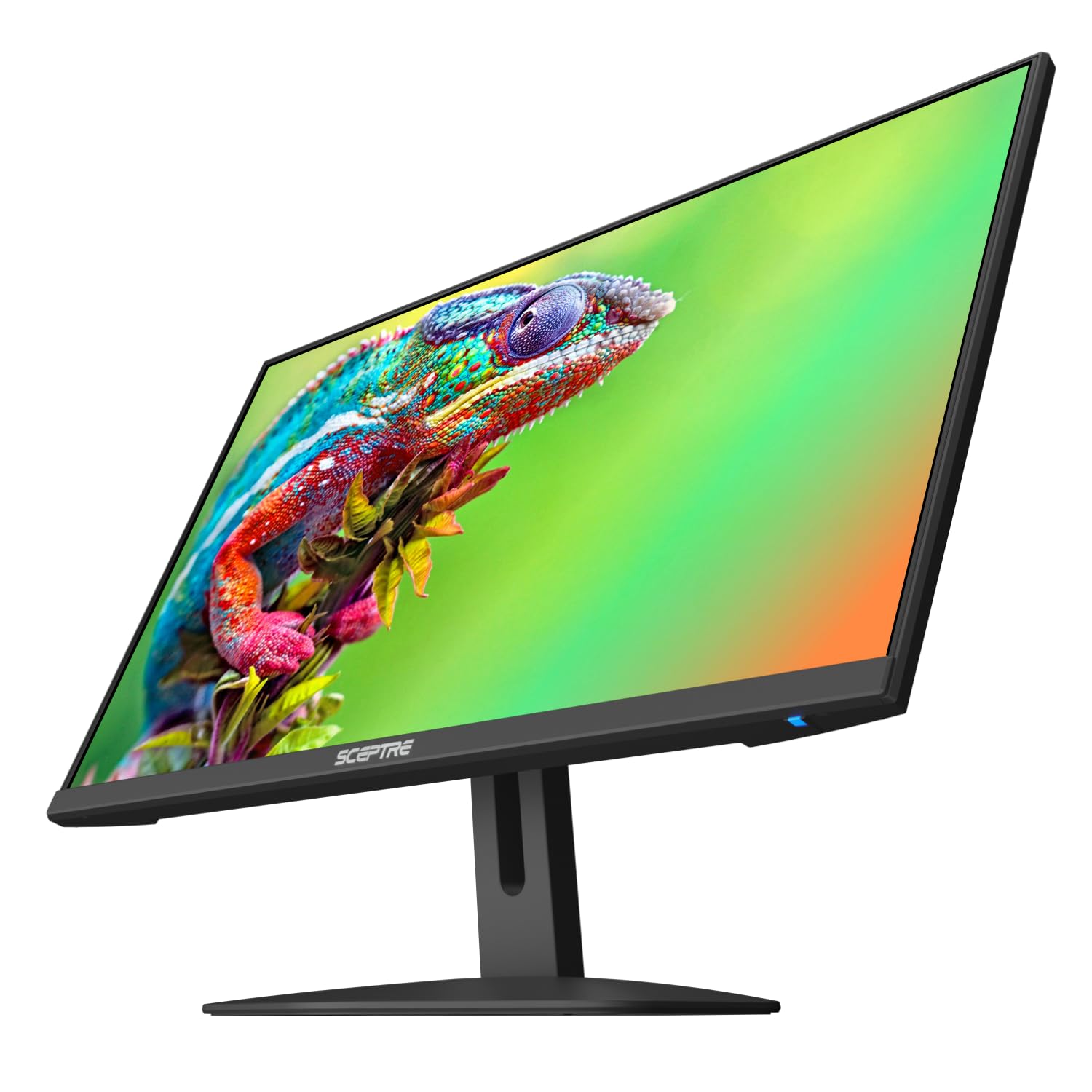
The Sceptre E248W-FW100T brings a 100Hz refresh rate and 1ms BR (Blur Reduction) to the extreme budget segment, alongside built-in speakers and FreeSync support. The 2000:1 contrast ratio gives solid black levels for a VA panel, and the edgeless design is visually appealing for a multi-screen setup. The Blue Light Shift feature helps during late-night sessions.
The built-in speakers are extremely poor — described by multiple reviewers as tinny and low-quality — so plan for an external audio solution. The stand is tilt-only and the adjustment can be stiff. The monitor defaults to 60Hz out of the box, so you must manually set 100Hz in your operating system display settings. The included accessories do not include a DisplayPort cable.
At its price point, the Sceptre delivers a genuine 100Hz experience with FreeSync that works for casual gaming. If you’re willing to tweak settings and add speakers, this is one of the best value entries for a budget gaming setup that prioritizes smoothness over frills.
Why it’s great
- 100Hz with 1ms Blur Reduction for gaming
- Built-in speakers keep desk free of clutter
- 2000:1 contrast ratio for deeper blacks
Good to know
- Built-in speakers are very low quality
- Refresh defaults to 60Hz — requires manual change
- No DisplayPort cable included
9. AOC 24B35H3
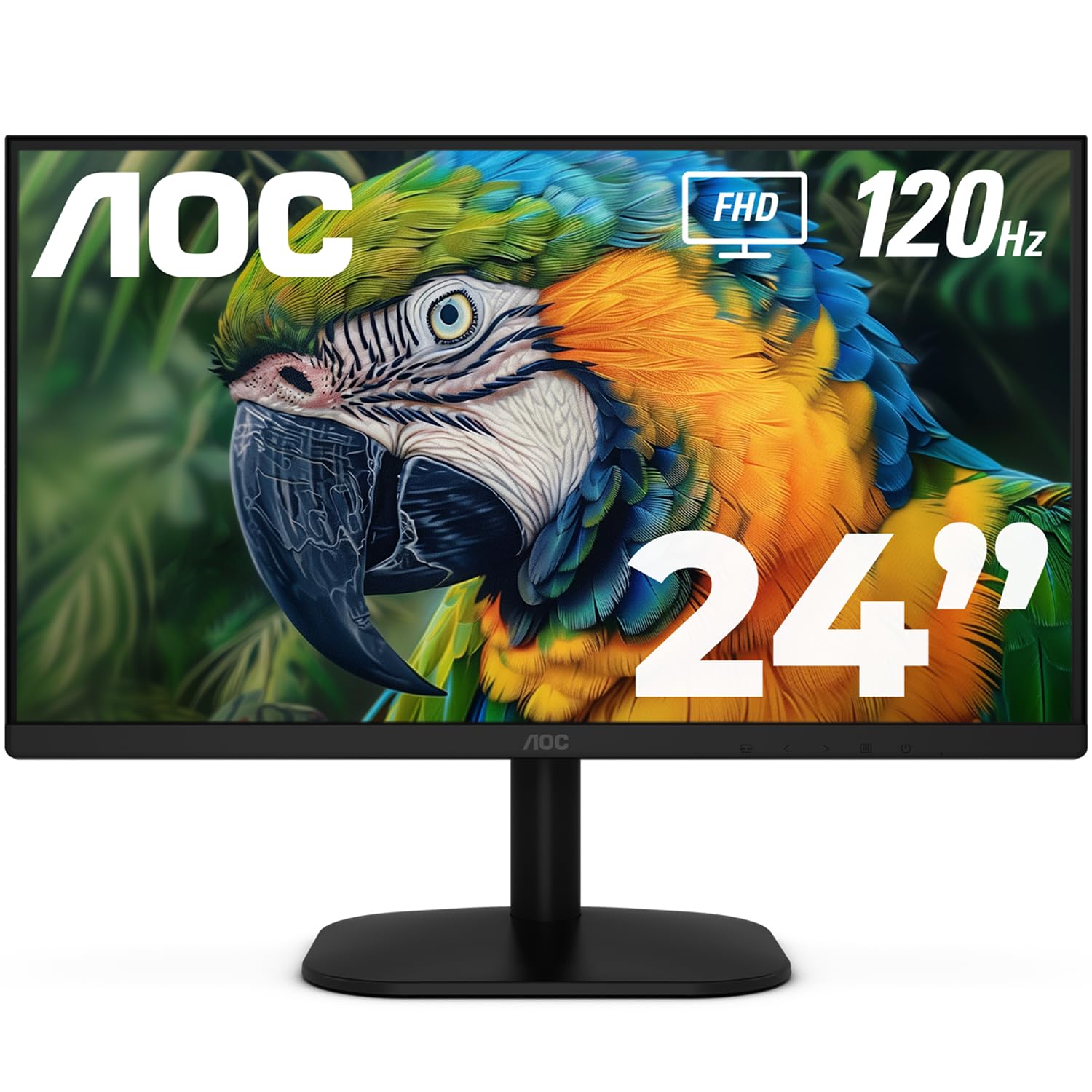
The AOC 24B35H3 is a 24-inch IPS monitor that packs a 120Hz refresh rate and 100% sRGB color coverage at a remarkably low price. The combination of high refresh rate and accurate color reproduction is rare in this budget tier, making it equally suited for fast-paced gaming and color-aware productivity. The 178° viewing angles keep image quality consistent even when sharing your screen with a colleague.
Connectivity includes HDMI and VGA, plus a 3.5mm audio jack for private listening. The stand only offers tilt adjustment, but VESA 100x100mm mounting opens up aftermarket arm options. The eco-friendly build is thin and light, and the Flicker-Free / Low Blue Light features make extended use comfortable. Some users note the color out of the box requires a minor tweak to suit personal preference.
The AOC 24B35H3 achieves the best specs-to-price ratio in this lineup. For users who want a responsive 120Hz IPS panel without paying a premium, this monitor is the ultimate entry-level champion that refuses to cut corners where it matters most.
Why it’s great
- 120Hz IPS panel at an unbeatable price
- 100% sRGB for good color accuracy
- Flicker-Free and Low Blue Light certified
Good to know
- No DisplayPort input
- Stand has tilt-only adjustment
- No built-in speakers
FAQ
Is a 100Hz monitor worth it for office work?
Can I use a 100Hz monitor with a standard laptop?
Do budget monitors work well with gaming consoles?
Final Thoughts: The Verdict
For most users, the cheap 1080p monitor winner is the AOC 24B35H3 because it packs a 120Hz IPS panel with 100% sRGB coverage at an astonishingly low price. If you want competitive-grade high refresh, grab the ACER Nitro KG251Q. And for all-day productivity with excellent eye care, nothing beats the Dell SE2725HM.

Mo Maruf
I created WellFizz to bridge the gap between vague wellness advice and actionable solutions. My mission is simple: to decode the research and give you practical tools you can actually use.
Beyond the data, I am a passionate traveler. I believe that stepping away from the screen to explore new environments is essential for mental clarity and physical vitality.