Our readers keep the lights on and my smoothie glass nicely filled. As an Amazon Associate, I earn from qualifying purchases.
A dual monitor setup promises productivity, but the wrong monitor arm delivers wobble, constant re-adjustment, and sagging screens that drift lower by the hour. The difference between a clean, stable workstation and a frustrating fight with gravity comes down to gas spring quality, weight capacity headroom, and the rigidity of the mounting base.
I’m Mohammad Maruf — the founder and writer behind WellFizz.
Whether you are mounting ultrawides or stacking dual 27-inch screens, the right gas spring mechanism determines if your monitors stay put or slowly droop. This guide to the best dual monitor arms focuses on models that combine sufficient weight capacity with smooth, wobble-free articulation.
How To Choose The Best Dual Monitor Arms
Selecting a dual monitor arm is not about finding the cheapest bracket. The three factors that determine long-term satisfaction are gas spring rating, clamp-to-desk compatibility, and the range of motion relative to your monitor dimensions. Overlooking any one of these leads to droop, instability, or limited positioning.
Gas Spring Weight Capacity vs. Actual Monitor Weight
The biggest mistake is matching the arm’s max weight capacity too closely to the monitor’s actual weight. Gas springs have a minimum tension floor, so a 4.4 lb monitor on an arm rated for 4.4 to 20 lbs will launch upward unless the tension is adjusted very carefully. Aim for a spring whose lower bound is at least 2 to 4 lbs below your monitor weight to avoid over-tensioning issues.
Clamp Design and Desk Thickness Range
The clamp transfers all the weight and torque of both monitors to the desk edge. A clamp that only fits desks up to 1.8 inches thick will not work on thicker standing desks or heavy wooden desktops. Look for models that offer both C-clamp and grommet mounting, and check that the clamp’s maximum thickness matches your desk. A wide clamp pad distributes pressure better and reduces the chance of denting a wooden desk.
Arm Reach and Height Range for Your Screen Size
A short arm forces monitors to sit close together, which limits positioning for ultrawide or curved screens. The arm’s maximum extension, measured from the base pole to the VESA plate center, should be at least 20 inches for 27-inch monitors. For 32-inch and larger screens, look for a reach closer to 24 inches. Height adjustment range matters more for tall users; a pole that provides 10 to 12 inches of vertical travel prevents neck strain.
Quick Comparison
On smaller screens, swipe sideways to see the full table.
| Model | Category | Best For | Key Spec | Amazon |
|---|---|---|---|---|
| ARES WING Dual Monitor Arm | Premium | Heavy Ultrawides Up to 49″ | 44 lbs per arm capacity | Amazon |
| Pixio PS2D | Premium | Heavy Duty Up to 33 lbs | 18 lb weight, gas spring | Amazon |
| VIVO STAND-V202Q | Mid-Range | Ultrawide Up to 40″ | 24 lbs per arm, pneumatic | Amazon |
| VIVO STAND-V102BB | Mid-Range | Aluminum Smooth Lift | Aluminum, 24.4cm height adj. | Amazon |
| MOUNT PRO Dual Monitor Stand | Mid-Range | Large Screens Up to 42″ | 33 lbs per arm, 23.6″ reach | Amazon |
| MOUNTUP Dual Monitor Desk Mount | Budget-Friendly | Value Die-Cast Aluminum | 19.8 lbs per arm, aluminum | Amazon |
| HUANUO Dual Monitor Stand | Budget-Friendly | Stability at Entry Level | 19.8 lbs per arm, white | Amazon |
In‑Depth Reviews
1. ARES WING Dual Monitor Arm

The ARES WING stands apart because its industrial-grade gas springs are tested to 20,000 cycles and hold monitors up to 44 lbs per arm without the rebound sag common in lower-tier designs. It supports screens from 17 to 49 inches, including the Samsung Odyssey G9, making it one of the few arms that can handle the heaviest ultrawides on the market. The maximum height adjustment of 27.9 inches and arm extension of 22.4 inches give you more vertical range than almost any competitor.
Integrated USB-A and USB-C ports on the base allow simultaneous charging of two devices, a convenience that eliminates reaching behind the desk. The C-clamp fits desks 0.5 to 1.8 inches thick, and the grommet mount extends to 2 inches, covering the majority of standing and traditional desks. Quick-release VESA panels simplify monitor attachment without needing access to the back of the plate.
Customer reviews consistently highlight zero wobble even at full extension, with users noting that the tilt mechanism stays tight without requiring frequent readjustment. The cable management system is thoughtfully designed with two channels that keep power and video cables separated and organized.
Why it’s great
- Highest weight capacity in class at 44 lbs per arm
- USB-C and USB-A charging ports built into the base
- 27.9 inches of vertical adjustment for tall users
- Zero sag or wobble confirmed across multiple monitor sizes
Good to know
- USB ports are pass-through extensions, not a powered hub
- Must partially disassemble to route cables
- Premium pricing reflects the heavy-duty build
2. Pixio PS2D Ultrawide Heavy-Duty Dual Monitor Arm

The Pixio PS2D is built around a longer and taller gas spring arm that supports monitors weighing up to 33 lbs on each side. Its 18-pound overall unit weight reflects the dense metal construction that dampens vibration and prevents wobble, even when supporting two 34-inch curved gaming monitors. The arm provides +90° to -45° tilt, 180° swivel, and 360° rotation, with gas spring technology that maintains position without sagging during use.
Installation is simplified by a top-access design that eliminates the need to reach under the desk to tighten the clamp. The clamp fits desks 0.39 to 2 inches thick, and the grommet mount reaches up to 1.7 inches. An integrated cable management cover routes power and AV cords along the arm, while a storage pocket in the base holds adjustment tools and spare VESA screws.
Users with dual 34-inch Samsung G5 monitors report minimal wobble and effortless height adjustments that stay locked. The included hex wrenches are stored directly in the base, a thoughtful detail that prevents losing tools after setup. The arm’s 3-year warranty provides added confidence for long-term use.
Why it’s great
- 33 lbs per arm handles dual heavy curved ultrawides
- Tool storage in the base keeps hex wrenches accessible
- Top-access clamp installation avoids reaching under desk
- Extended arm height and reach for large screens
Good to know
- Nearly identical build to the WALI B07NLMLLT6 arm
- Grommet mount limited to desks 1.7 inches or thinner
- 18-pound weight makes it one of the heavier mounts
3. VIVO Premium Aluminum Dual Monitor Arm STAND-V202Q
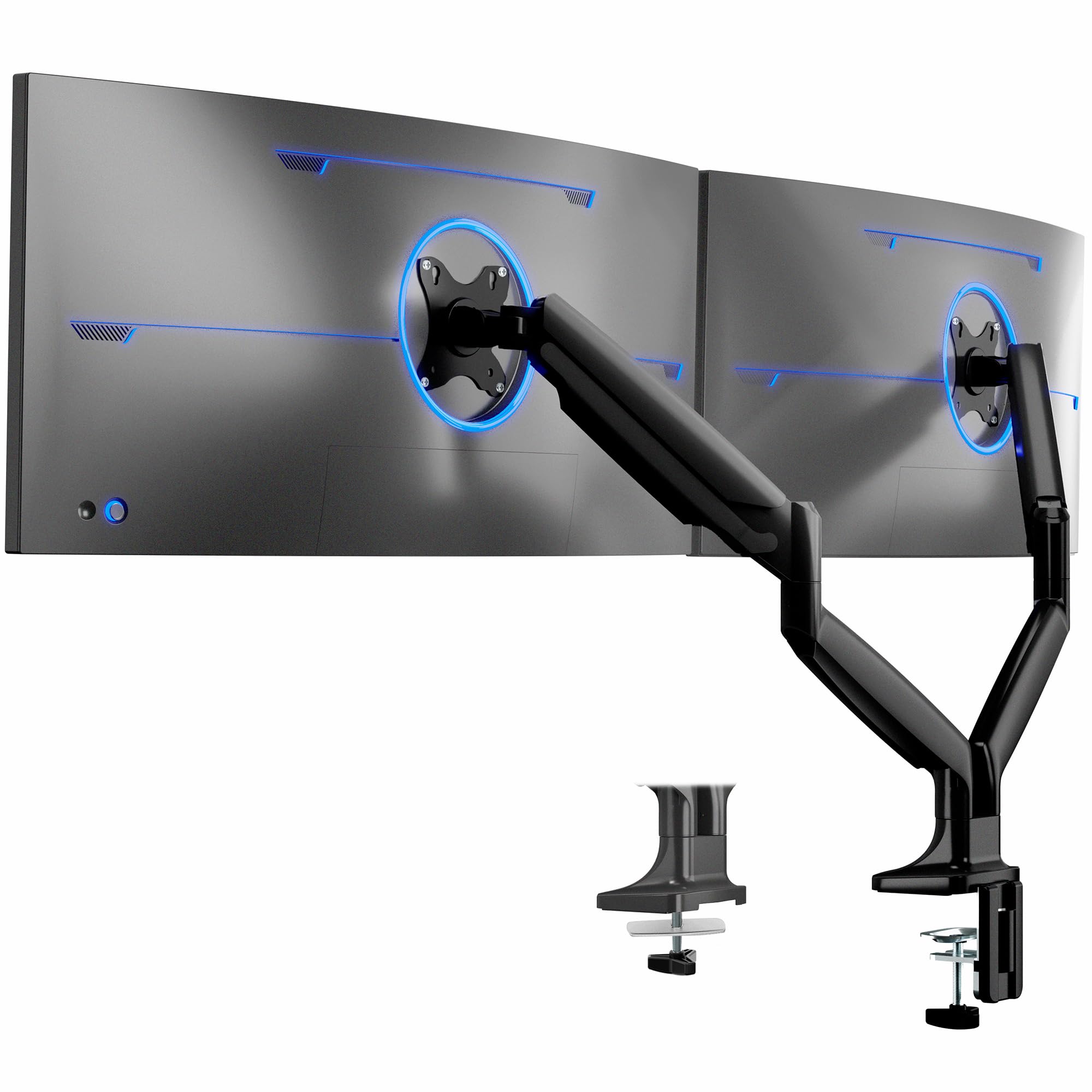
The VIVO STAND-V202Q brings pneumatic spring lift to the mid-range segment, offering 12 inches of smooth height adjustment that rivals premium arms costing twice as much. It supports monitors from 17 to 40 inches with a per-arm capacity of 24 lbs, making it suitable for both ultrawide and standard dual setups. The aluminum construction keeps the weight at 13 pounds while providing the rigidity needed to prevent drift in the tilt mechanism.
Quick-release arms detach from the base without tools, simplifying initial installation and future desk moves. The C-clamp secures desks up to 3.2 inches thick, accommodating most standing desk models, while the included grommet mount offers an alternative for desks without an overhanging edge. Cable management clips run along the arms and center pole to keep cords tidy.
Buyers with 34-inch curved ultrawides paired with a 27-inch secondary screen report excellent stability and smooth adjustment. The pneumatic spring tension is adjustable to accommodate lighter monitors without the arm springing upward. A small number of users noted that the tilt adjustment can loosen over time and requires periodic retightening with the included allen key.
Why it’s great
- 12 inches of pneumatic height adjustment
- Quick-release arms for easy installation
- C-clamp fits desks up to 3.2 inches thick
- Strong aluminum build at a mid-range price point
Good to know
- Tilt adjustment may loosen and need periodic tightening
- Paint finish can show minor imperfections
- Not suitable for monitors exceeding 24 lbs per arm
4. VIVO Premium Aluminum Full Motion Dual Monitor Desk Mount STAND-V102BB
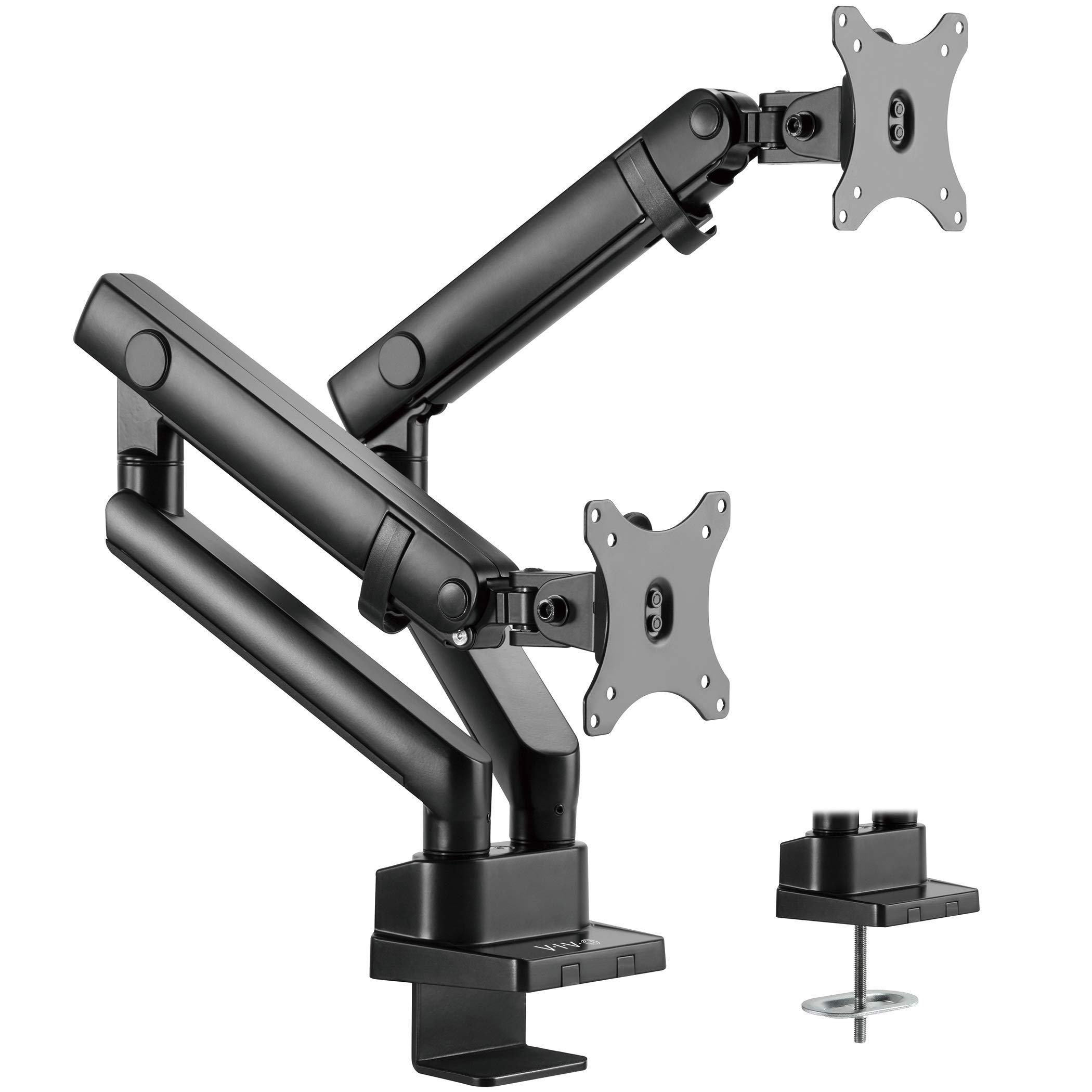
The VIVO STAND-V102BB uses a built-in elbow spring gauge that provides precise weight compensation across the full 24.4 cm of vertical travel, allowing smooth counterbalance lift even when changing monitor positions throughout the day. It fits flat screens from 17 to 35 inches and curved screens up to 35 inches, with a per-arm capacity of 26.4 lbs for flat panels and 24.2 lbs for curved ones. The all-aluminum construction resists corrosion and keeps the mount weight manageable while maintaining structural rigidity.
The tilt range spans +90° to -90°, while the 180° swivel and 180° rotation give you freedom to switch between landscape and portrait orientations without dismounting the monitor. The quick-release VESA bracket simplifies screen swaps, and the integrated cable management covers keep cords hidden during articulation. The clamp fits desks 1 to 5 cm thick, and the included grommet mount provides a clean alternative for desks without edges.
Users with 34-inch ultrawide monitors report smooth tilt and swivel action with no sagging after months of daily use. The counterbalance lift is specifically praised by taller users who need to raise their screens significantly above eye level. Some buyers noted slight play in the VESA plate connection, but this does not generally cause drift in the arm’s position.
Why it’s great
- 24.4 cm of smooth counterbalance lift
- Aluminum build with wide +90° to -90° tilt range
- Integrated cable management covers
- Quick-release VESA bracket for easy screen swaps
Good to know
- VESA plate has a small amount of play
- Height adjustment lever can loosen if overtightened
- Some units arrive missing VESA hardware
5. MOUNT PRO Dual Monitor Stand

The MOUNT PRO is designed for large screens, with each arm supporting up to 33 lbs and accommodating monitors from 22 to 42 inches. Its lengthened arm extends up to 23.6 inches, providing the reach necessary for 34-inch and larger ultrawide setups where shorter arms force screens too close together. The vertical range of 19.7 inches allows the monitors to be raised high enough to clear deep desk surfaces.
The gas spring mechanism offers +90° to -45° tilt, 180° swivel, and 360° rotation, giving you full articulation for both portrait and landscape orientations. Installation is straightforward with either the C-clamp (desk thickness 0.4 to 2 inches) or grommet mount (0.4 to 3.15 inches, hole diameter 0.4 to 2.4 inches). The detachable VESA plate makes it easier to attach heavy monitors without wrestling the entire assembly.
Customers using Apple Cinema Displays with VESA adapters report steady hold and easy adjustment. Dual 40-inch TV setups have been successfully mounted, though some users noted that the tilt bolts can strip if overtightened. The arm’s 2-year warranty provides reasonable coverage for a mid-range product.
Why it’s great
- 23.6-inch arm reach for large ultrawide setups
- 33 lbs per arm handles 40-inch TVs
- 19.7 inches of vertical adjustment
- Detachable VESA plates for easier installation
Good to know
- Tilt bolts can strip if overtightened
- VESA brackets are not included for monitors over 32 inches
- Setup may require additional extender brackets for very large screens
6. MOUNTUP Dual Monitor Desk Mount
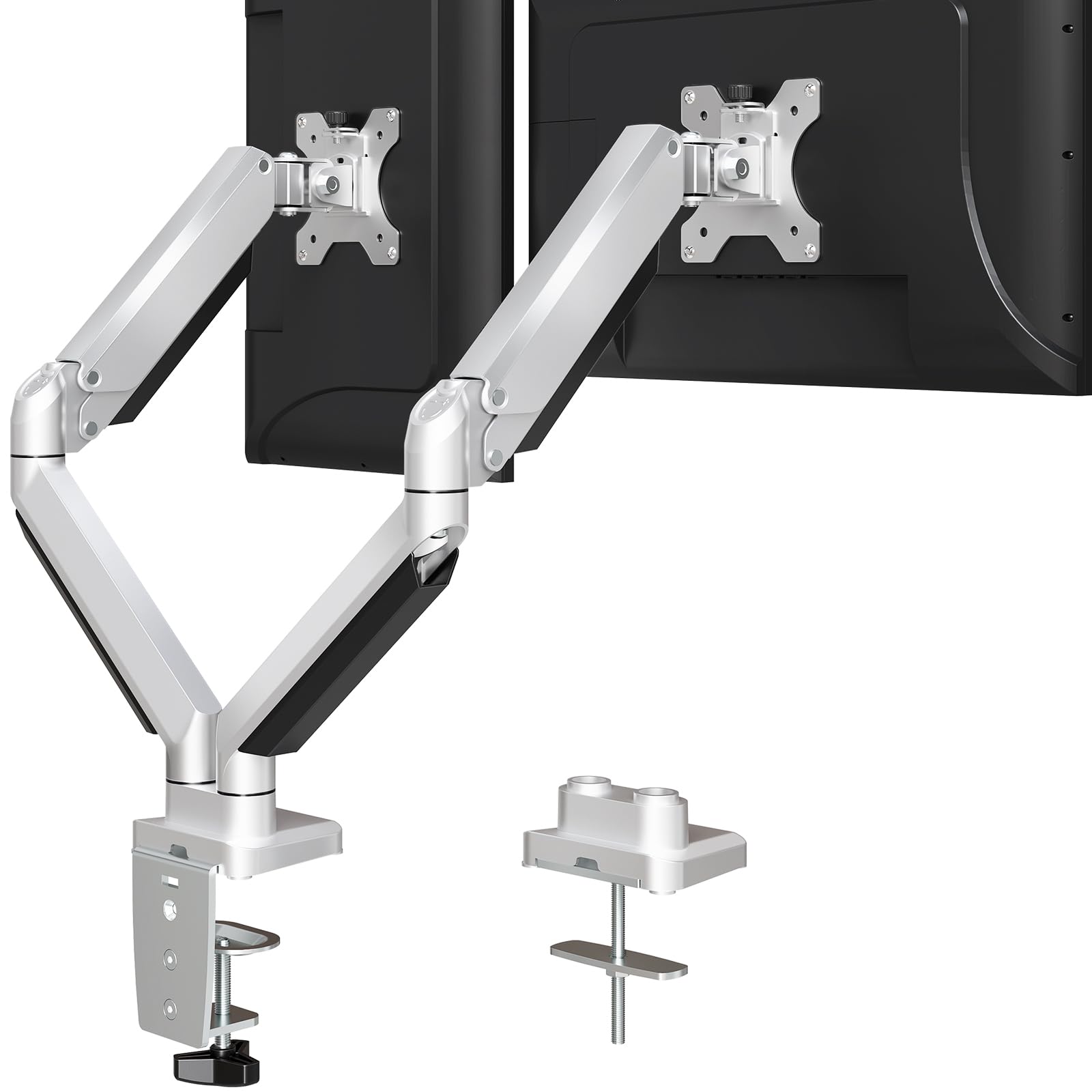
The MOUNTUP uses die-cast aluminum construction instead of standard steel, giving it a sturdy feel at a lower overall weight of 9.8 pounds. Each arm supports 4.4 to 19.8 lbs, making it suitable for standard 24 to 27-inch monitors and smaller 32-inch screens. The mounting base provides two options: edge clamp for desks 0.39 to 3.35 inches thick, and grommet mount for desks 0.39 to 3.14 inches thick with a hole diameter of 0.39 to 2.36 inches.
The full range of motion includes +90° to -45° tilt, 180° swivel, and 360° rotation, allowing you to switch between landscape and portrait orientation easily. The built-in cable management system uses a snap-on cover under each arm to hide wires, keeping the desk surface clean. Assembly is straightforward, with most users reporting completion within 10 minutes using the included manual and tools.
Long-term users report that the arms remain solid after two years of daily use, with no significant wobble or drift. The gas-shock arms hold 17-pound curved monitors without issue. Some users noted that the arms cannot position monitors close to the wall due to the rear protrusion of the mount, and that frequent adjustments may require occasional tension re-tuning.
Why it’s great
- Die-cast aluminum build at a budget-friendly price
- Supports dual 27-inch monitors reliably
- Easy 10-minute assembly process
- 3-year support included
Good to know
- Cannot position monitors flush against the wall
- Tension may need re-tuning after many adjustments
- Not designed for ultrawide monitors over 32 inches
7. HUANUO Dual Monitor Stand
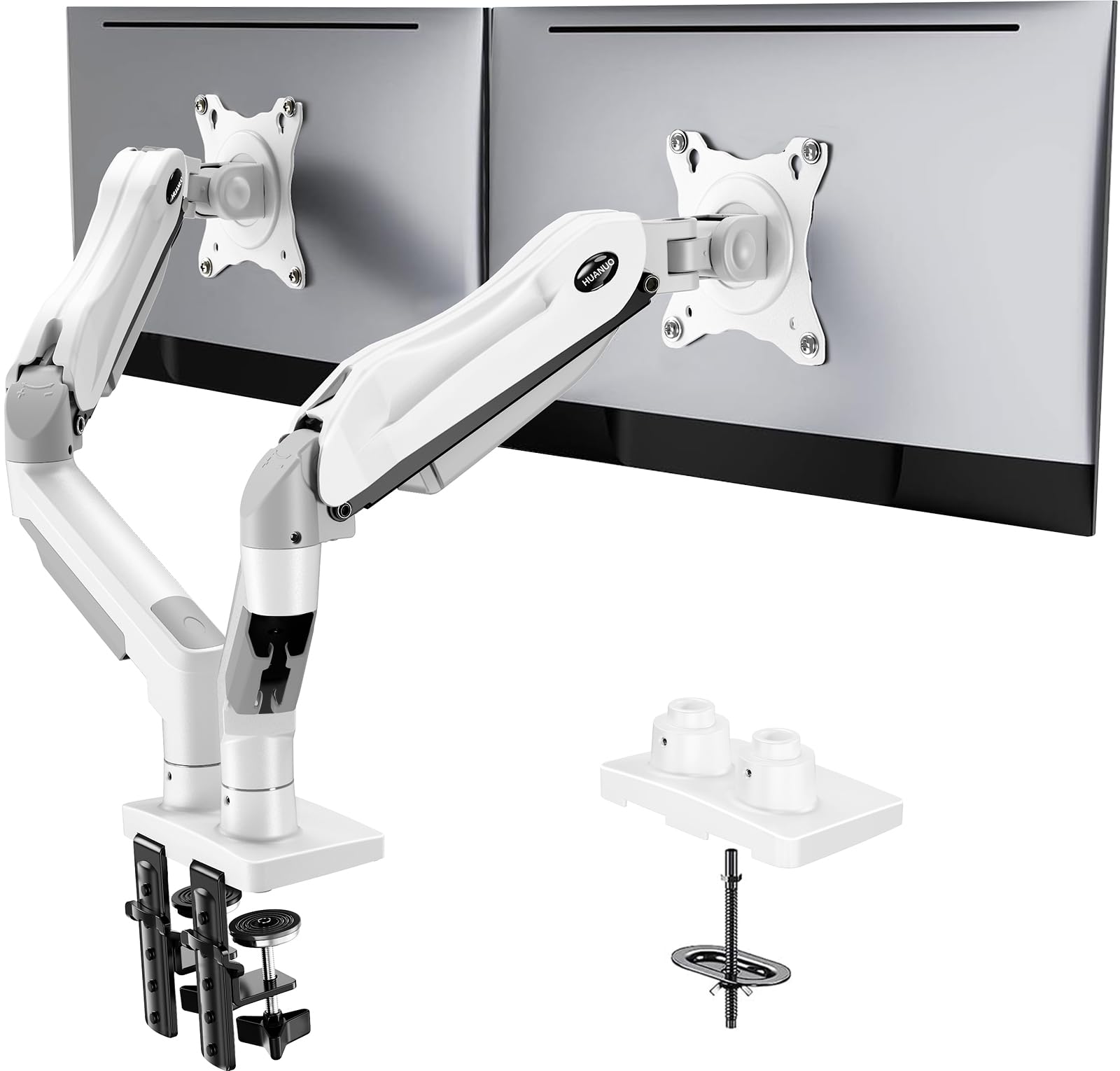
The HUANUO HNDS6 uses a unique hinge bracket design that reduces instability compared to traditional hinge-type arms, making it a strong contender for users who prioritize stability above all else. Each arm supports 4.4 to 19.8 lbs and fits screens from 13 to 32 inches, covering the range of standard productivity monitors. The pneumatic spring provides smooth adjustment without the jerky motion often found in budget springs.
Two mounting methods are included: a C-clamp for desks up to the standard thickness range and a grommet base for desks with pre-drilled holes. The tilt range extends to 85 degrees, giving you more vertical angle adjustment than most arms in this category. The white color option is a rare find for users who need a monitor arm that blends with lighter desk setups and white monitor bezels.
Users report that the arm holds dual 27-inch monitors rock-solid with no sagging or tilting, even after months of use. The included M4x30 screws were found to be too long for some monitor VESA holes, and several customers recommend using M4x25 screws instead to avoid bottoming out. Very lightweight screens below 4.4 lbs may cause the spring to launch the arm upward, so this arm is best suited for standard weight monitors.
Why it’s great
- Unique hinge design improves stability over traditional arms
- 85-degree tilt range offers more angle adjustment
- Available in white for lighter desk setups
- Easy C-clamp installation with no missing parts
Good to know
- M4x30 screws may be too long for some monitors
- Not suitable for screens under 4.4 lbs
- Tension bolts can be very tight from the factory
FAQ
Can a dual monitor arm hold two different sized monitors?
Why does my monitor arm sag after a few weeks?
Do I need a specific desk thickness for a monitor arm?
Can I use a dual monitor arm with a curved ultrawide screen?
Final Thoughts: The Verdict
For most users, the best dual monitor arms winner is the ARES WING Dual Monitor Arm because its 44-pound per arm capacity, 27.9 inches of height adjustment, and integrated USB ports cover the widest range of monitors and use cases. If you want a heavy-duty arm for dual 34-inch ultrawides at a lower price, grab the Pixio PS2D. And for a budget-friendly aluminum build that handles standard 27-inch monitors without sag, nothing beats the MOUNTUP Dual Monitor Desk Mount.

Mo Maruf
I created WellFizz to bridge the gap between vague wellness advice and actionable solutions. My mission is simple: to decode the research and give you practical tools you can actually use.
Beyond the data, I am a passionate traveler. I believe that stepping away from the screen to explore new environments is essential for mental clarity and physical vitality.