Our readers keep the lights on and my smoothie glass nicely filled. As an Amazon Associate, I earn from qualifying purchases.
Finding a capable Windows tablet on a tight budget often means navigating a minefield of underpowered processors, low-resolution screens, and flimsy build quality. The challenge isn’t just finding one that fits your wallet, but finding one that can actually handle your daily workflow without constant frustration.
I’m Mohammad Maruf — the founder and writer behind WellFizz. My research for this guide involved analyzing hundreds of user reviews and technical specifications to identify the true value players in this specific market segment.
After weeks of comparing performance, display quality, battery life, and build materials, I’ve narrowed down the options to a definitive shortlist of the best budget windows tablet models that deliver genuine productivity without breaking the bank.
How To Choose The Best Budget Windows Tablet
Selecting the right budget Windows tablet goes beyond just comparing prices. You need to balance processor performance, memory, storage type, and display quality to ensure the device doesn’t become a bottleneck for your daily tasks. The goal is to find a system that feels responsive, not one that fights you at every click.
Processor and RAM: The Heart of Responsiveness
The processor is the single most important factor in a budget Windows tablet. Older Celeron or Pentium chips struggle with Windows 11, leading to lag. Look for modern, efficient architectures like the Intel N100, N150, or the Core m3-8100Y. These offer enough power for web browsing, Office applications, and streaming without constant stuttering. Pair this with at least 8GB of RAM, but ideally 12GB, to handle multiple browser tabs and applications simultaneously.
Storage: SSD Speed vs. eMMC Slowness
Never settle for a budget Windows tablet that still uses eMMC storage. eMMC is extremely slow, causing long boot times and sluggish app loading. An NVMe SSD (look for 256GB or 512GB) provides dramatically faster read and write speeds, making the operating system feel snappy and responsive. This is a non-negotiable spec for a usable experience in 2024.
Display Quality and Aspect Ratio
Screen quality is where many budget tablets cut corners. A 1280×800 resolution is the bare minimum, but a higher 1920×1080 or even 2160×1440 (2K) display makes text much sharper. Also consider the aspect ratio: a 3:2 screen shows more vertical content, making it fantastic for reading documents and browsing the web, while a 16:9 screen is better for watching videos.
Quick Comparison
On smaller screens, swipe sideways to see the full table.
| Model | Category | Best For | Key Spec | Amazon |
|---|---|---|---|---|
| MARGOLAI 13″ 2-in-1 | Premium | Productivity & Reading | 12GB RAM + 512GB NVMe | Amazon |
| CHUWI Hi10 X2 | Premium | Performance & Portability | Intel Core i3 processor | Amazon |
| ADREAMER 10.1″ | Mid-Range | Daily Driver & Travel | Intel N150 + WiFi 6 | Amazon |
| Moxalc 10.1″ | Mid-Range | Casual Use & Office | Core m3 + 12GB RAM | Amazon |
| AWOW 10.1″ | Mid-Range | Versatile 2-in-1 Use | Intel N150 + 12GB RAM | Amazon |
| AE86 10.1″ | Mid-Range | Heavy Multitasking | Core m3 + 12GB RAM | Amazon |
| Microsoft Surface Go 2 | Mid-Range | Compact & Premium Feel | 10.5″ PixelSense Display | Amazon |
| ZAOFEPU 11.6″ | Budget | Large Screen on a Budget | 11.6″ 1920×1080 IPS | Amazon |
| HP ProBook x360 11 G5 | Budget | Budget 2-in-1 Laptop | 8GB RAM + 256GB SSD | Amazon |
In‑Depth Reviews
1. MARGOLAI 13″ 2-in-1 Laptop/Tablet
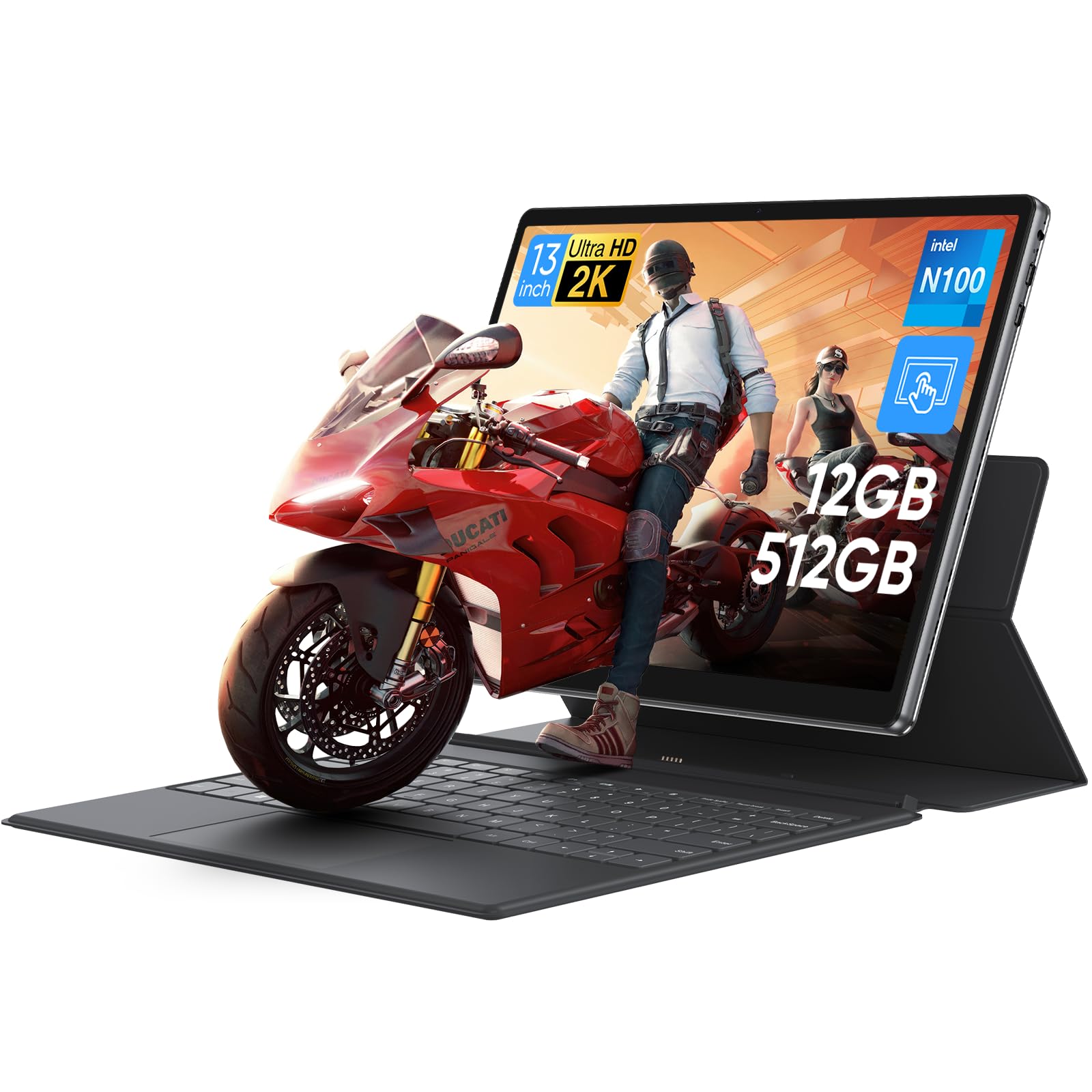
The MARGOLAI is the standout in this category because it understands what matters most: the user experience. Its 13-inch 2K IPS touchscreen with a 3:2 aspect ratio provides a massive 18% more vertical screen real estate than standard 16:9 displays, making it exceptional for document editing, web browsing, and coding. This is a display that genuinely improves your workflow, not just a spec sheet checkbox.
Under the hood, the Intel N100 processor paired with 12GB of LPDDR5 RAM and a lightning-fast 512GB PCIe 4.0 NVMe SSD delivers a snappy, responsive feel that rivals more expensive machines. Boot times are near-instant, and applications launch without the hesitation that plagues lower-end tablets. The inclusion of a full-featured USB-C port for charging, data, and video output adds incredible versatility to its connectivity.
While the battery life averages around 4 hours under heavy use, which is slightly less than some competitors, the premium all-metal build and the overall value proposition are hard to beat. The detachable keyboard is functional, though the tablet’s weight can make it a bit top-heavy in laptop mode. For anyone prioritizing a large, high-quality screen for productivity on a budget, this is the definitive choice.
Why it’s great
- Outstanding 2K 3:2 display for productivity
- Blazing fast 512GB NVMe SSD storage
- Solid all-metal construction
- 12GB LPDDR5 RAM handles multitasking well
Good to know
- Battery life is limited to about 4 hours
- Keyboard attachment can be unstable due to tablet weight
- Built-in WiFi could be faster; external adapter may be needed
2. CHUWI Hi10 X2
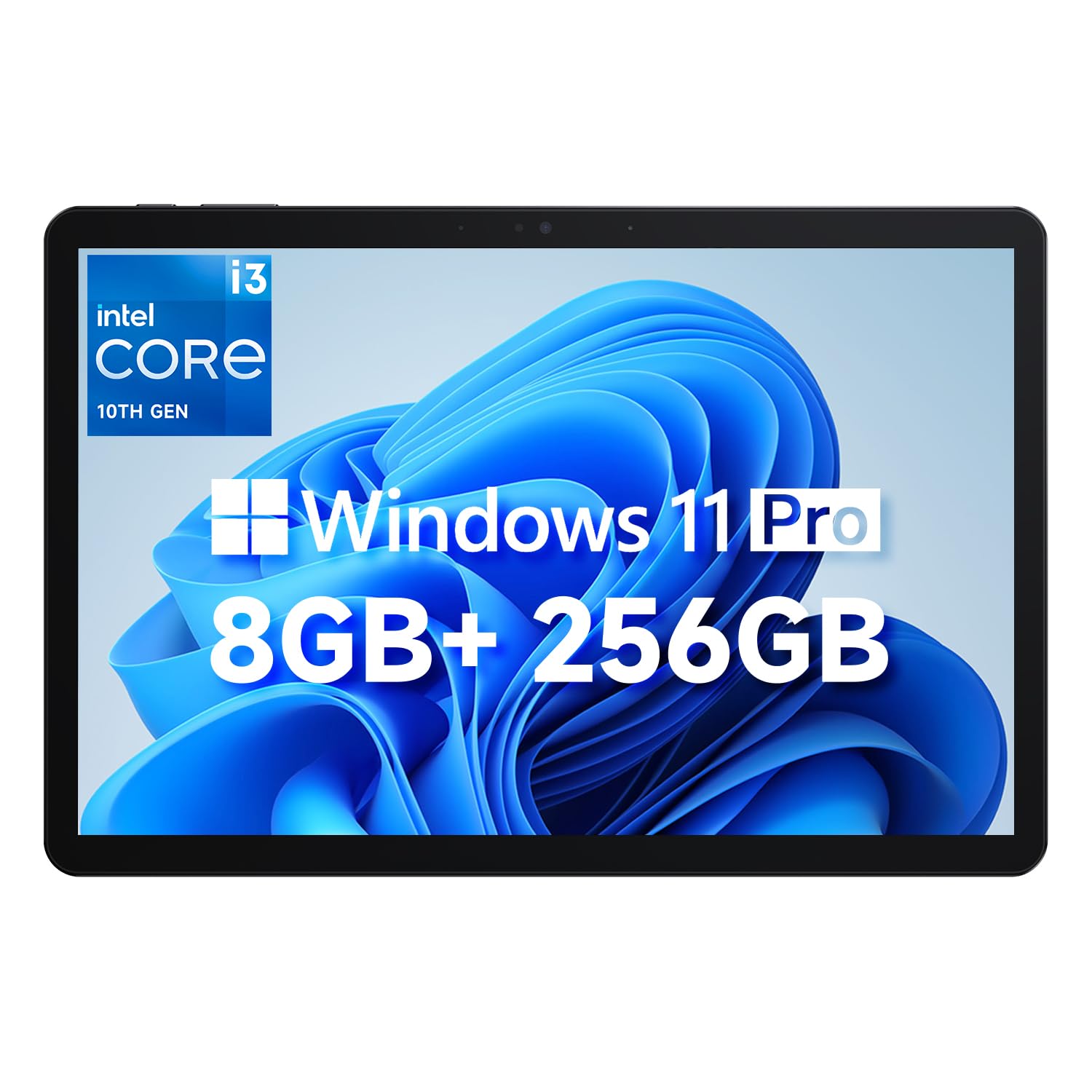
The CHUWI Hi10 X2 is a serious contender for anyone who needs raw processing power in a compact form. Its Intel Core i3 processor, which can turbo up to 3.9GHz, outperforms the M3-8100Y and N100 chips found in many competitors, making it a clear choice for those who run more demanding applications or need snappier performance for complex spreadsheets. The 10.1-inch In-Cell 10-point touch display provides a responsive and clear visual experience.
Connectivity is a major strength here. With WiFi 6 and Bluetooth 5.3, you get the fastest wireless standards available, ensuring smooth streaming and stable connections. The inclusion of a full-featured Type-C port that supports PD fast charging, USB 3.2 data transfer, and 4K 60Hz video output makes it incredibly versatile for connecting to external monitors. The ultra-thin full metal chassis at just 1.34lb makes it exceptionally portable.
Users report some instances of system freezing and heat generation, though the active fan does manage temperatures well. The pre-installed Windows 11 Pro and Office 2024 suite make it a ready-to-use productivity machine right out of the box. If your priority is getting the most processor performance for your money, the Hi10 X2 is a compelling option.
Why it’s great
- Powerful Intel Core i3 processor
- Excellent connectivity with WiFi 6 and USB-C 4K output
- Very lightweight and portable design
- Pre-installed with Windows 11 Pro and Office 2024
Good to know
- Some reports of system freezing or slowdowns
- Can run warm under load; fan noise is audible
- Software support and driver availability can be challenging
3. ADREAMER 10.1″ Win 11 Tablet
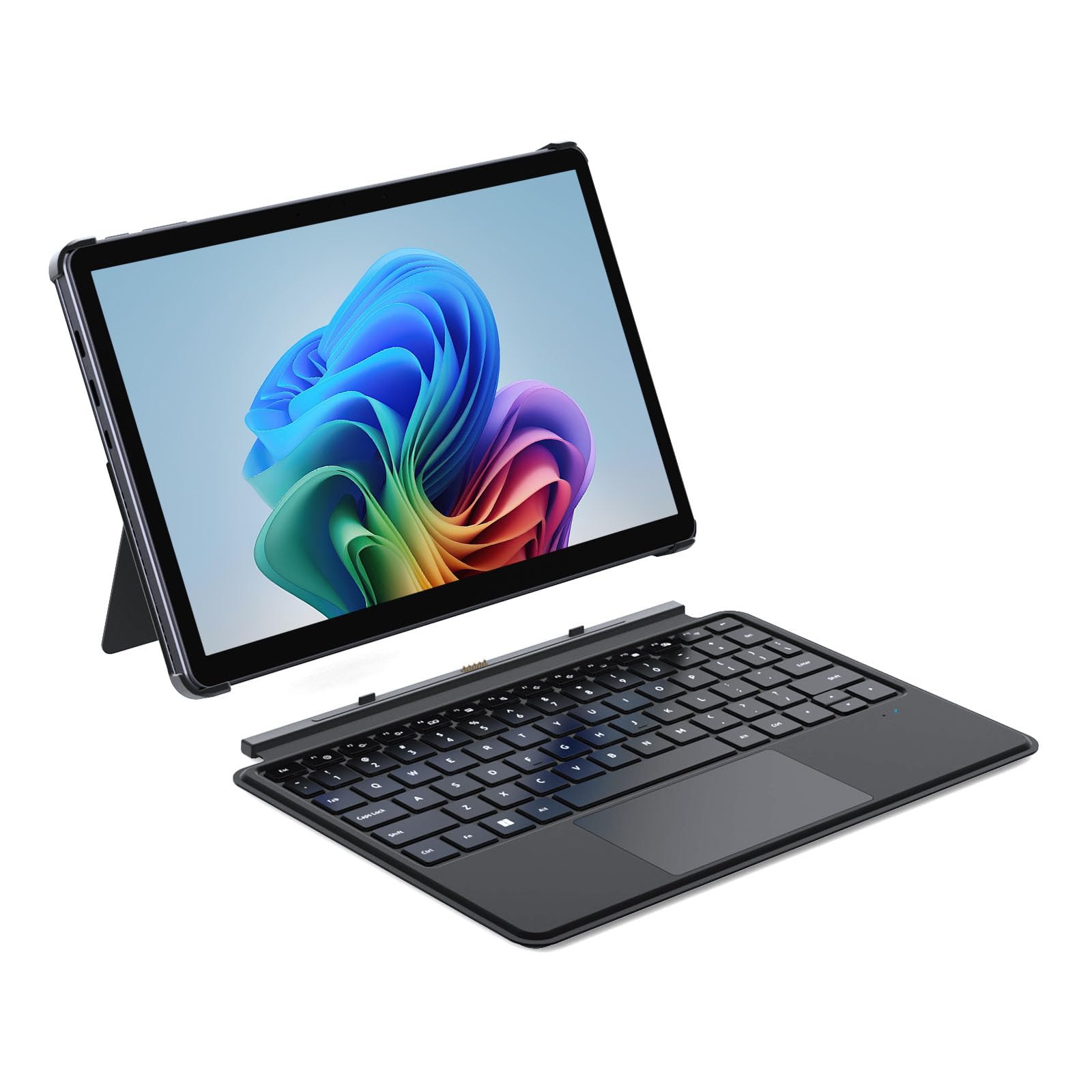
The ADREAMER 10.1″ tablet strikes a strong balance between performance and portability with its 12th Gen Intel N150 processor. This chip delivers a significant performance uplift over older N-series processors, making it capable of handling daily multitasking with ease. The 10.1-inch HD touchscreen is bright enough for indoor use, and the dual cameras (5MP front, 8MP rear) are adequate for video calls and quick snapshots.
Its high-capacity 4500mAh battery supports up to 6 hours of use, which is on par or better than many in this class, and the 30W PD fast charging gets you back up to speed quickly. The detachable backlit keyboard is a welcome addition for typing in low-light conditions, and the inclusion of both USB-C and USB 3.0 ports provides solid flexibility for connecting peripherals without needing a hub.
User feedback highlights a solid metal and glass build that feels more premium than its price suggests. However, the keyboard magnets are weak, causing it to detach too easily during transport. The screen also has a slight backlight bleed at the edges, though this is a common compromise at this price point. For a travel-friendly device that handles work and entertainment well, this is a fantastic option.
Why it’s great
- Strong Intel N150 processor performance
- Good battery life with fast PD charging
- Solid metal build quality with glass display
- Includes a backlit detachable keyboard
Good to know
- Keyboard magnets are weak and prone to detaching
- Display has noticeable backlight bleed at edges
- Charger compatibility can be picky
4. Moxalc 10.1″ Touchscreen 2-in-1
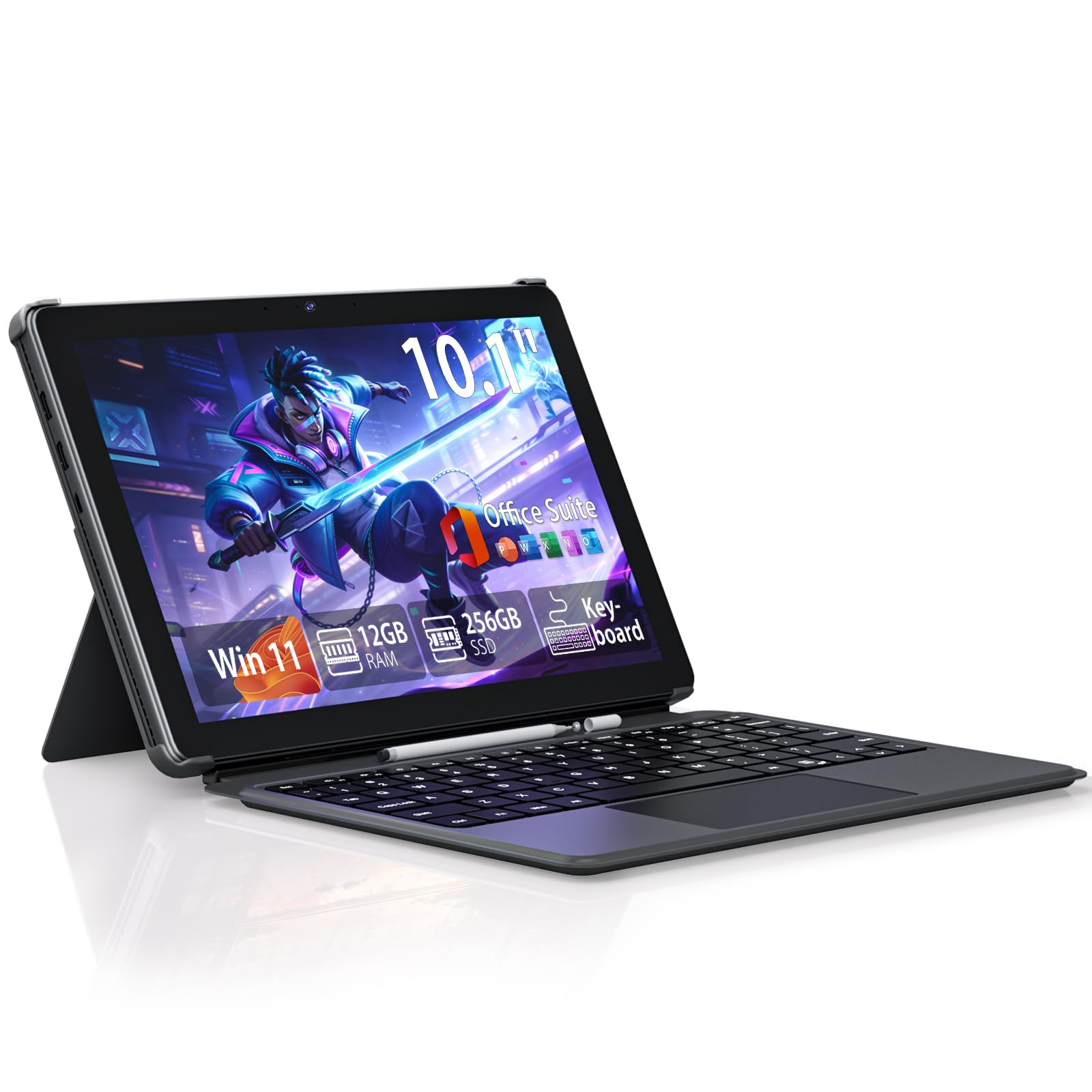
The Moxalc 2-in-1 tablet leverages the capable Core m3-8100Y processor, a chip that offers a good balance of performance and power efficiency for everyday tasks. Paired with a generous 12GB of DDR3 RAM, this tablet handles multitasking comfortably, whether you are jumping between browser tabs, editing documents, or running a video call. The device comes pre-installed with a full Office suite, adding immediate value for students and professionals.
The design philosophy here is about creating a stable, reliable platform. The high-resolution display is described as easy on the eyes for extended use, and the inclusion of a full array of ports (USB-A, Type-C, Micro HDMI) means you won’t be fumbling for dongles. The “Big Battery” claim is backed by user reports of decent all-day stamina for light workloads, and the advanced cooling system is designed to keep the device quiet under load.
Some users have reported a slow WiFi connection compared to other devices on their network, and one reviewer mentioned a software issue with a browser hijacker that required paid support to resolve. The overall build feels lightweight and portable, making it a solid companion for work or travel. For those who value RAM capacity and a complete port selection, this is a smart choice.
Why it’s great
- 12GB RAM provides smooth multitasking
- Comprehensive port selection (USB-A, C, HDMI)
- Pre-installed with full Office suite
- Lightweight and comfortable design
Good to know
- Some users experience very slow WiFi performance
- Can run hot under heavy load
- Software setup may have minor issues requiring troubleshooting
5. AWOW 10.1″ Tablet with Keyboard
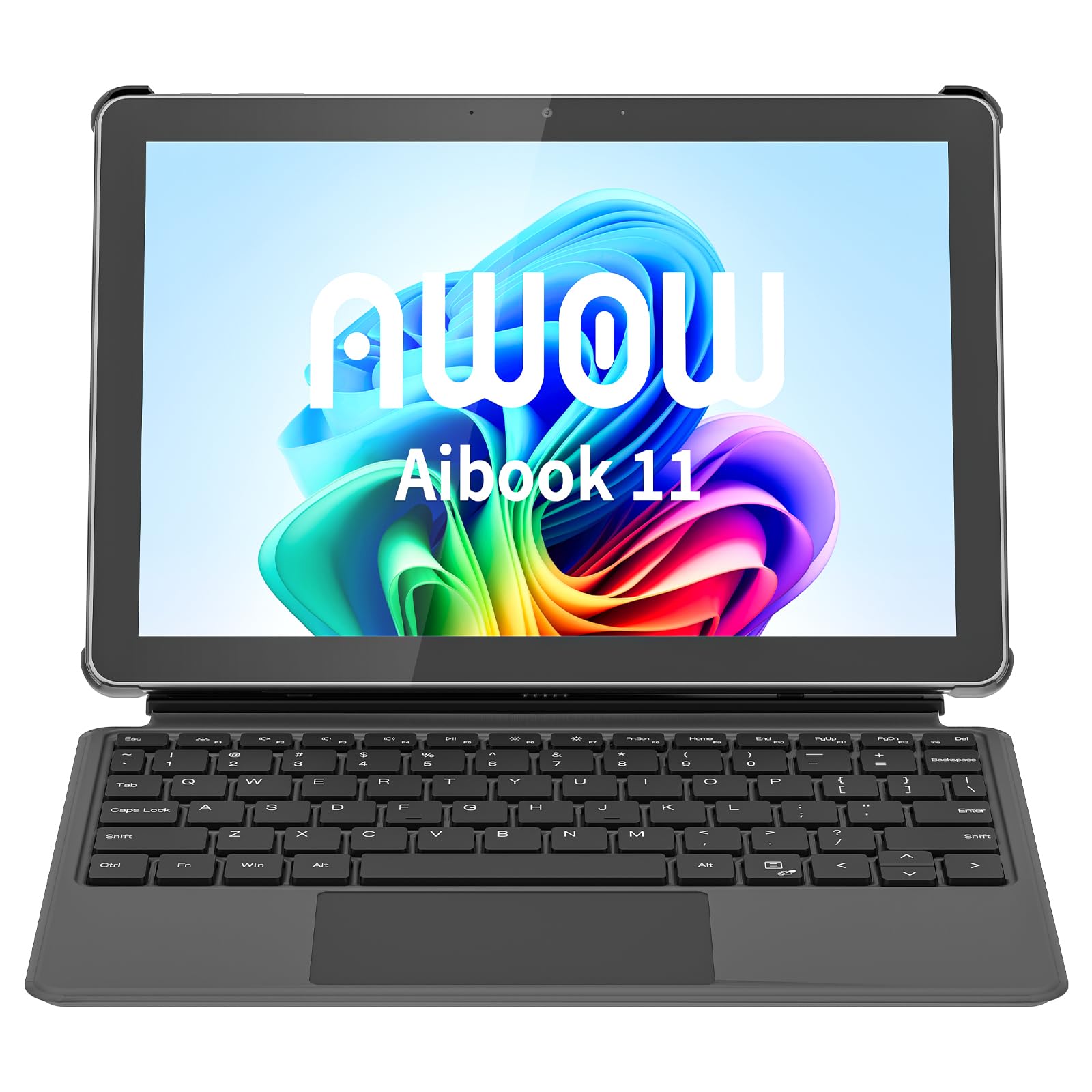
The AWOW 10.1″ tablet brings a modern touch with its In-Cell display technology, which reduces the gap between the glass and the LCD, resulting in a screen that feels more responsive and looks clearer. Powered by the Intel N150 processor and 12GB of LPDDR5 RAM, it offers a smooth experience for web browsing, email, and light office work. The 36W PD fast charging is a standout feature, getting you back up and running quickly when the battery runs low.
The device transitions easily between tablet and laptop modes thanks to its detachable magnetic keyboard. Users note that the keyboard is decent for typing, though the magnetic connection can be weak, causing it to detach from the tablet too easily when moving around. The inclusion of WiFi 6 is a significant plus, providing a faster and more stable internet connection compared to older standards.
A common theme in user feedback is that the tablet can get very hot during heavy use, and the fan will spin up loudly to compensate. The display, while responsive, is described as having a washed-out look with large bezels, which detracts from the modern feel. It’s best suited for light to moderate use as a secondary or travel device, rather than a primary desktop replacement.
Why it’s great
- In-Cell display for better touch responsiveness
- 12GB LPDDR5 RAM and fast storage
- WiFi 6 for faster connectivity
- 36W PD fast charging is very convenient
Good to know
- Runs hot with a loud fan under load
- Display quality is average with a washed-out look
- Tablet is thick and heavy for a 10.1″ device
- Keyboard magnets are too weak
6. AE86 10.1″ Touchscreen Tablet PC
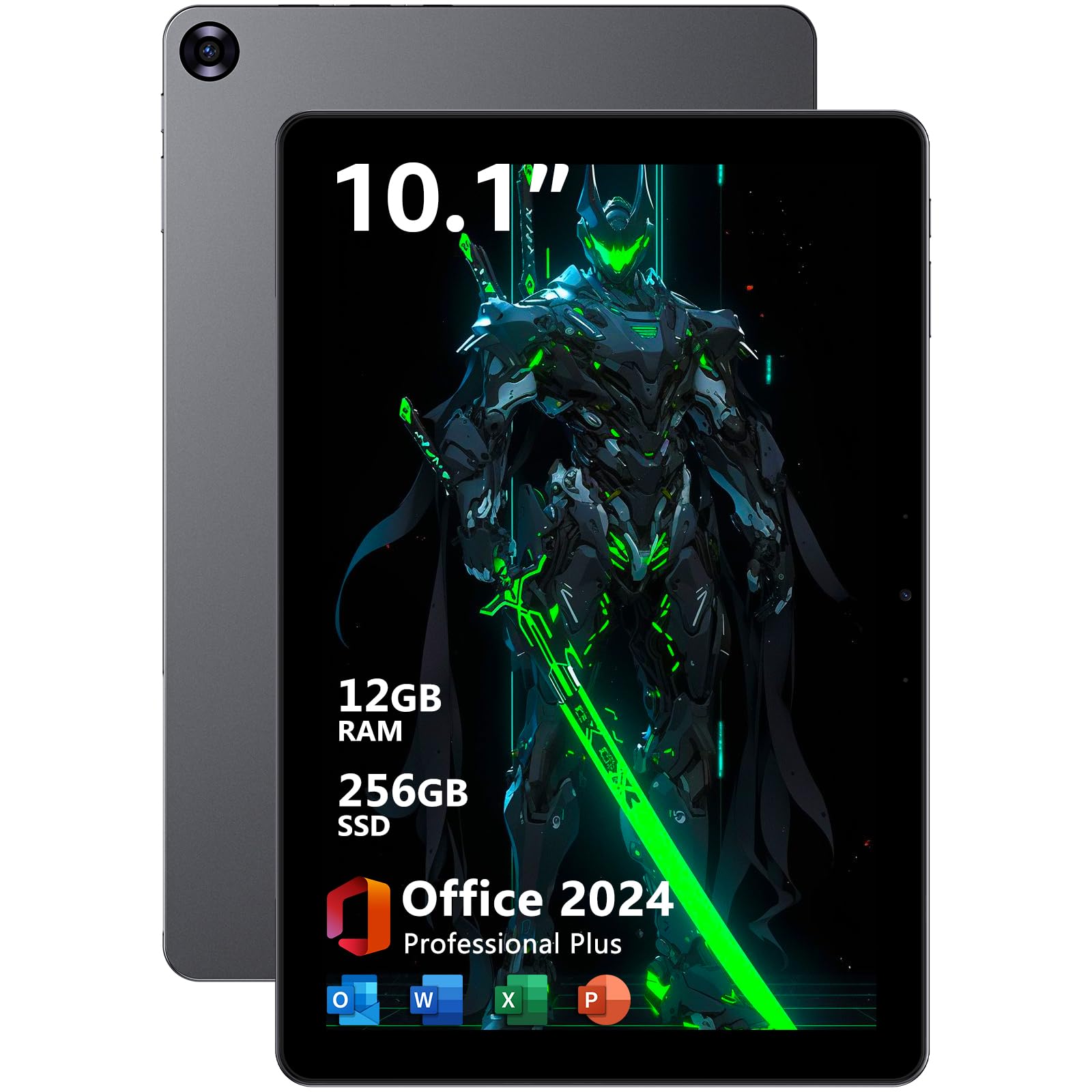
The AE86 tablet is a powerful little machine that packs a surprising punch for its size. The Core m3-8100Y processor, capable of reaching 3.4GHz, combined with 12GB of RAM and a 256GB SSD, provides a level of performance that rivals much larger laptops for everyday productivity. Users report fast boot times of around 20 seconds and the ability to run applications like SolidWorks, a testament to its capacity.
The 10.1-inch display, while only 1280×800 resolution, is vibrant and sharp enough for most tasks. A significant advantage is its audio setup, featuring four premium speakers that deliver rich, room-filling sound—an uncommon trait in this category. The inclusion of dual USB-C ports and a Micro HDMI output gives you the flexibility to connect to external displays and peripherals without issue.
The main trade-off for this performance is heat and battery life. The tablet runs very hot, with its fan running constantly even during moderate use, and the battery life is a short 3 hours, making it a device that needs to be near a power outlet. The pre-installed Office 2024 suite adds considerable value, but you must plan your usage around its limited battery endurance.
Why it’s great
- Excellent performance from Core m3 processor
- 12GB RAM for serious multitasking
- Powerful quad-speaker audio system
- Pre-installed with Office 2024 suite
Good to know
- Runs very hot with constant fan noise
- Battery life is a short 3 hours
- Display resolution is only 1280×800
7. Microsoft Surface Go 2 (Renewed)

The Microsoft Surface Go 2, even as a renewed model, remains a strong contender because of its unbeatable build quality and display. The 10.5-inch PixelSense display with a 1920×1280 resolution is sharp, bright, and color-accurate, offering a viewing experience that far surpasses most other budget options. Weighing just over a pound, it is the most portable option on this list, excellent for slipping into a bag.
The Pentium Gold 4425Y processor, while showing its age, is sufficient for light tasks like web browsing, email, and note-taking. The premium feel of the magnesium alloy body and the flawless touch response of the screen make it a joy to use. User reviews frequently praise its excellent condition and good battery life, with some reporting over 8 hours of use, which is excellent for this category.
The major downside is performance. The Pentium chip will struggle with heavy multitasking or demanding applications, making this a device for light use only. A common frustration is the inability to charge via USB-C, despite some listings suggesting otherwise, requiring the proprietary Surface charger. For those who prioritize a premium, portable, and display-centric experience for light productivity, the Surface Go 2 is still a great find.
Why it’s great
- Superior PixelSense display quality
- Extremely lightweight and portable (1.15 lbs)
- Excellent build quality and premium feel
- Great battery life for light use
Good to know
- Processor is underpowered for heavy tasks
- Cannot charge via USB-C; needs proprietary charger
- Renewed condition can vary; some arrive with issues
- Keyboard sold separately adds to the cost
8. ZAOFEPU 11.6″ Windows Tablet with Keyboard
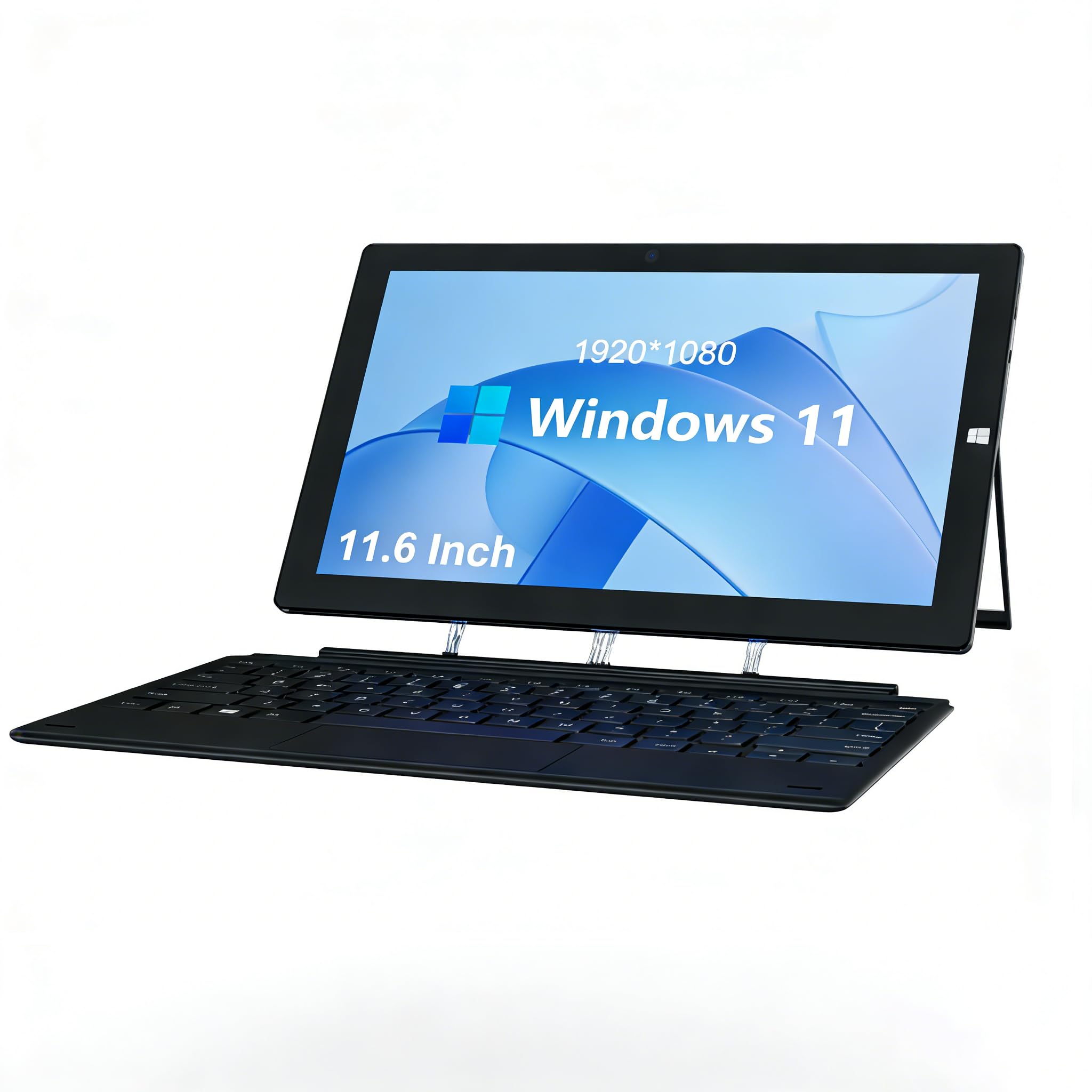
The ZAOFEPU 11.6″ tablet stands out by offering the largest screen in the budget tier, a feature that makes a real difference for document work and media consumption. The 1920×1080 FHD IPS display is crisp and clear, providing a much better viewing experience than smaller, lower-resolution panels. This makes it a solid choice for students who need to read textbooks or for anyone who watches a lot of video content.
Powered by an Intel J4125 quad-core processor, it provides adequate performance for basic tasks. The detachable keyboard and built-in stand allow it to function as a mini-laptop, and the rich selection of ports (dual USB 2.0, Type-C, Micro HDMI) is a welcome feature for connecting legacy peripherals. A nice touch is that the tablet arrives ready to use without the need to sign into an account, just clicking “Admin” to begin.
The biggest potential drawback is the non-standard foreign charging plug, which often lacks a US adapter and requires a separate purchase. User reviews also strongly caution about extremely slow performance, with one user describing it as “extreeeemely slow,” likely due to the older processor and the pre-installed software state. For those who are comfortable with some tinkering and need a large screen on a minimal budget, it is a candidate.
Why it’s great
- Large 11.6-inch FHD IPS display
- Comes with a detachable keyboard
- Multiple ports including USB, Type-C, and HDMI
- Very affordable for the screen size
Good to know
- Often ships with a foreign AC plug, no US adapter included
- Performance can be extremely slow
- Long-term reliability is uncertain
9. HP ProBook x360 11 G5 EE (Renewed)

The HP ProBook x360 11 G5 EE is a traditional 2-in-1 laptop with a 360-degree hinge, rather than a detachable tablet. This design gives it a more robust, clamshell feel and a full, reliable keyboard that is great for typing. With a 11.6-inch touchscreen, it offers a familiar laptop experience that can fold back into tablet mode for presentations or casual use.
The Intel Pentium Silver N5030 processor, combined with 8GB of RAM and a 256GB SSD, provides a serviceable experience for very basic tasks like web browsing, email, and word processing. As a renewed device, it is an entry-level option for someone who needs a cheap, functional Windows machine with a touchscreen. User reviews are mostly positive, with many praising its “like new” condition and smooth operation.
The main concern is that it is a renewed product, and while many arrive in perfect condition, some units may have defects, such as a faulty camera. The 1366×768 display resolution is also quite low by today’s standards, resulting in a less sharp image. For the absolute lowest budget, this provides a full Windows 2-in-1 experience, but you will be making significant compromises on display quality and processing power.
Why it’s great
- Full 2-in-1 laptop design with a 360-degree hinge
- Solid, reliable keyboard for typing
- Includes a 256GB SSD for fast storage
- Arrives in “like new” condition for many buyers
Good to know
- Low 1366×768 display resolution
- Renewed condition is a gamble; some receive defective units
- Performance is limited to very basic tasks
FAQ
Is a budget Windows tablet good enough for note-taking in college?
Can a budget Windows tablet replace my main laptop?
How important is WiFi 6 vs WiFi 5 on these tablets?
Final Thoughts: The Verdict
For most users, the best budget windows tablet winner is the MARGOLAI 13″ 2-in-1 because its 2K display and generous RAM/SSD configuration deliver a premium-like experience at a competitive price. If you need raw processing power for more demanding apps, grab the CHUWI Hi10 X2. And for the ultimate in portability and display quality for light use, nothing beats the Microsoft Surface Go 2.

Mo Maruf
I created WellFizz to bridge the gap between vague wellness advice and actionable solutions. My mission is simple: to decode the research and give you practical tools you can actually use.
Beyond the data, I am a passionate traveler. I believe that stepping away from the screen to explore new environments is essential for mental clarity and physical vitality.