Our readers keep the lights on and my smoothie glass nicely filled. As an Amazon Associate, I earn from qualifying purchases.
A 22-inch monitor occupies a rare sweet spot in productivity: large enough to run two document windows side by side comfortably, yet compact enough to fit on a narrow desk or multi-screen arm setup. The challenge is finding a model that balances panel quality, refresh rate, and ergonomic adjustability without overspending on features designed for far larger screens.
I’m Mohammad Maruf — the founder and writer behind WellFizz. I have spent hundreds of hours researching and comparing monitor specifications, panel technologies, and real-world connectivity configurations to identify the very best models available in the 22-inch category.
Whether your priority is color-accurate IPS optics for creative work, a silent 75Hz refresh for smoother scrolling, or a fully adjustable stand for all-day ergonomics, this guide highlights the top contenders for the best 22 computer monitor money can buy right now.
How To Choose The Best 22 Computer Monitor
Selecting a 22-inch monitor comes down to matching your usage habits to three core pillars: panel technology, refresh rate, and physical adjustability. Ignoring any one of these will leave you with a screen that strains your eyes, limits your workflow, or refuses to fit your desk layout.
Panel Technology: IPS Versus VA Versus TN
IPS panels dominate the 22-inch market because they offer the widest viewing angles — typically 178 degrees — and the most consistent color reproduction across the entire screen. VA panels can deliver deeper black levels (often a 4000:1 contrast ratio versus the 1000:1 of IPS), but they suffer from narrower viewing angles and slower pixel response. TN panels are increasingly rare in this size; they offer the fastest response times for competitive gaming but wash out colors when viewed from any angle. For most buyers, IPS provides the best all-around clarity.
Refresh Rate: Beyond the 60Hz Baseline
A standard office monitor runs at 60Hz, which refreshes the image sixty times per second. That is fine for static spreadsheets and email but feels sluggish when scrolling through long documents or browsing the web. A 75Hz panel already cuts perceived stutter noticeably, and a 100Hz or 120Hz model makes cursor movement feel fluid. If you spend eight hours a day reading and scrolling, the upgrade from 60Hz to 100Hz is the single most impactful quality-of-life improvement you can make in this category.
Ergonomics and Connectivity
Height-adjustable stands with tilt, swivel, and pivot capabilities are the dividing line between short-term convenience and long-term health. A fixed-tilt stand forces your neck into a static posture, whereas a fully adjustable stand lets you align the top bezel with your eye level. VESA 75x75mm or 100x100mm compatibility opens the door to monitor arms, freeing desk space. On the connectivity front, at least one HDMI port is standard, but the presence of DisplayPort is a strong indicator of a more modern controller board, and a USB hub is a premium luxury that simplifies your cable management.
Quick Comparison
On smaller screens, swipe sideways to see the full table.
| Model | Category | Best For | Key Spec | Amazon |
|---|---|---|---|---|
| Samsung 22″ S40GD | Premium | Ergonomic workspace | Height-adjustable IPS, 100Hz | Amazon |
| ASUS VP229QF | Premium | Color-accurate office | 99% sRGB, 100Hz IPS | Amazon |
| SANSUI ES-22X3AH | Value | Budget high-refresh | 120Hz VA, 4000:1 contrast | Amazon |
| Lenovo L22-4e | Mid-Range | Home office IPS | 99% sRGB, 100Hz IPS | Amazon |
| BenQ GW2283 | Mid-Range | Eye-care daily driver | Brightness Intelligence Tech, 75Hz | Amazon |
| ASUS VP229Q | Mid-Range | Adaptive-Sync gaming | 75Hz IPS, FreeSync, DisplayPort | Amazon |
| ViewSonic VX2276-SMHD | Mid-Range | Frameless multi-monitor | Ultra-thin bezel, 100Hz IPS | Amazon |
| Dell P2217H Renewed | Budget | Professional USB hub | Height/pivot stand, USB 2.0 hub | Amazon |
| Kado 2-Pack Dual 22″ | Budget | Dual-screen pairing | 2x 75Hz monitors, built-in speakers | Amazon |
In‑Depth Reviews
1. Samsung 22” S40GD Borderless Business Monitor
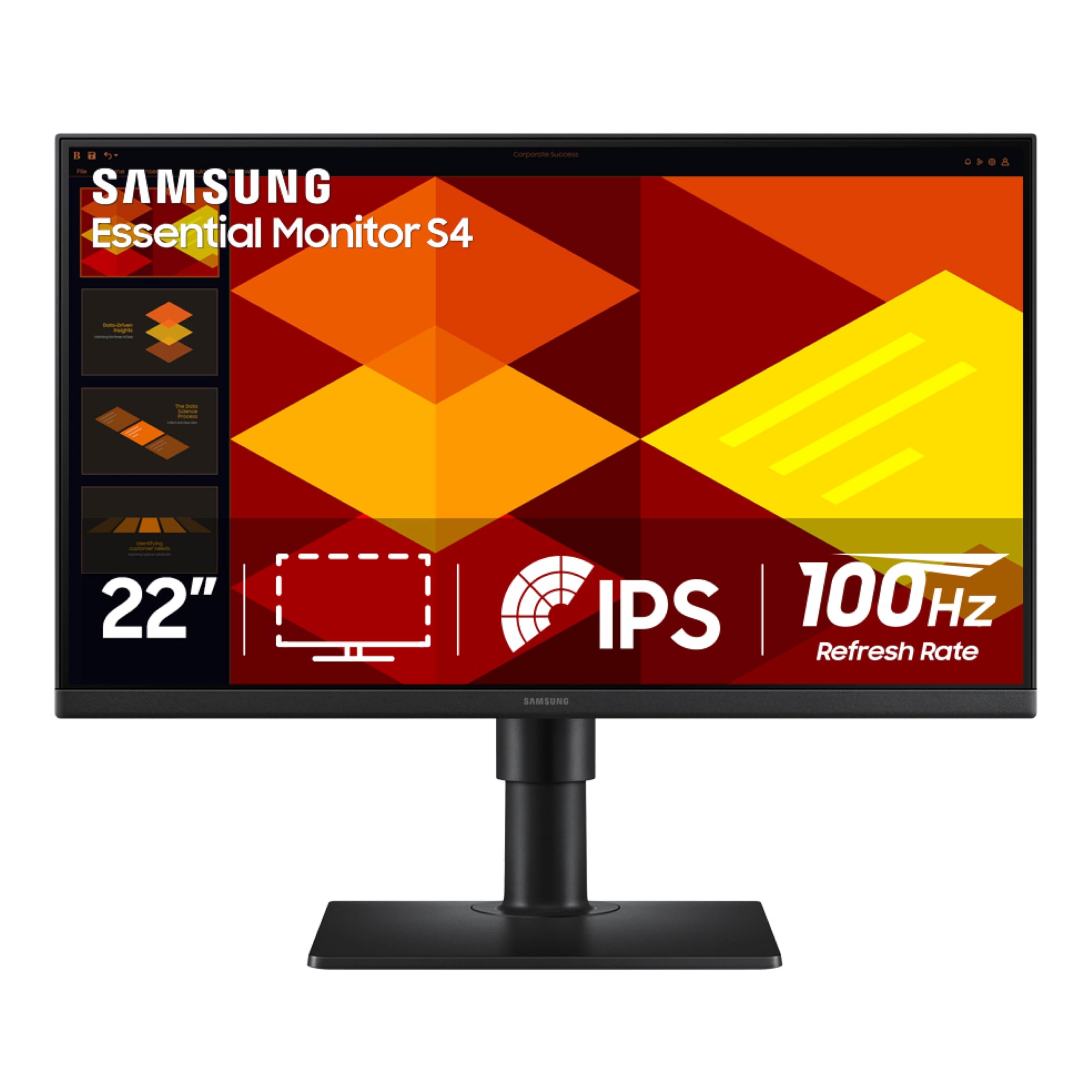
The Samsung S40GD is the rare 22-inch monitor that offers a fully ergonomic stand — height-adjustable, tilt, swivel, and pivot — without forcing you into the depths of the business-pro lineup. The IPS panel delivers consistent 178-degree viewing angles, and the 100Hz refresh rate makes everyday cursor movement feel noticeably smoother than the typical 60Hz office display.
Connectivity is generous for this class: two HDMI ports, a DisplayPort input, a headphone-out jack, and a built-in USB hub. The Game Picture Mode is a nice bonus for occasional console use, though the real value here is the adjustable stand that lets you switch between landscape and portrait orientation without an aftermarket arm. The ultra-thin bezels also minimize distraction in a dual-monitor setup.
Eye Saver Mode reduces blue light emission without washing the image yellow, and the flicker-free backlight keeps fatigue at bay during long work sessions. The on-screen menu is controlled via a responsive joystick, which is much more convenient than the four-button layouts found on cheaper monitors.
Why it’s great
- Full ergonomic stand (height, pivot, swivel, tilt) included in the box
- 100Hz refresh eliminates scrolling stutter without costing premium dollars
- Built-in USB hub reduces cable clutter on the desk
Good to know
- Side USB ports are recessed and slightly tricky to access
- No right-angle HDMI or DP cable included, which limits tight wall-mount installations
2. ASUS 22” Eye Care Monitor VP229QF
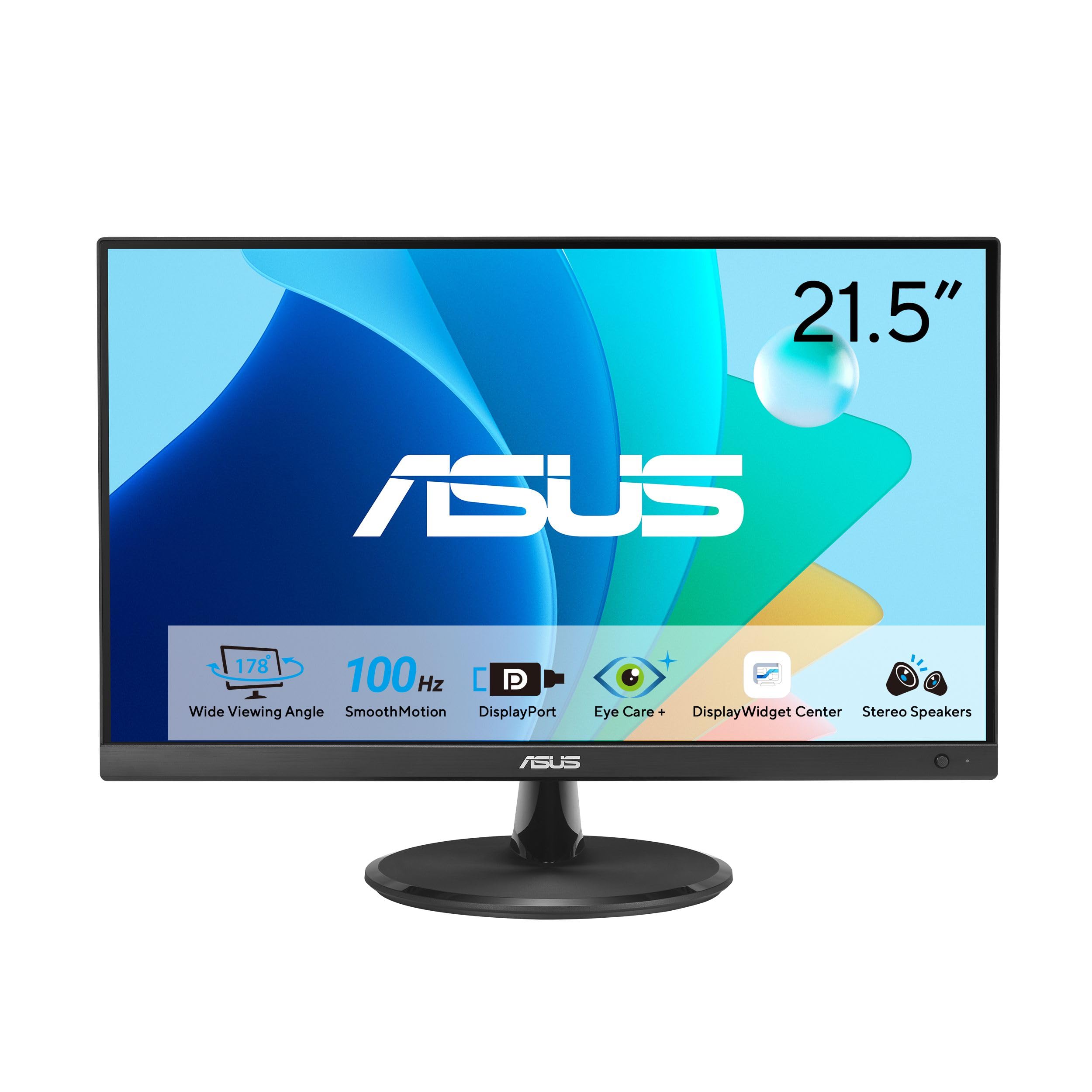
The ASUS VP229QF brings a compelling blend of color accuracy and fluid motion to the mid-range tier. Its 21.5-inch IPS panel covers 99% of the sRGB gamut, making it a strong candidate for photo editing and design work on a budget. The 100Hz refresh rate supports variable refresh rate (VRR) via Adaptive-Sync, so scrolling and video playback remain tear-free without requiring a dedicated GPU.
One standout feature is the ASUS DisplayWidget Center software, which allows you to adjust brightness, contrast, and color presets using a mouse rather than hunting for physical buttons. This is especially useful if you frequently switch between sRGB mode for editing and a brighter preset for general browsing. The 5-way navigator joystick on the front bezel provides an alternative quick-access method for volume and input selection.
Build quality is solid for the price, with a frameless design that looks more expensive than it is. VESA 100x100mm compatibility allows easy mounting, and the included L-shaped screwdriver simplifies the assembly process. The TÜV Rheinland-certified flicker-free and low blue light technologies are genuinely effective, maintaining natural color warmth while reducing eye strain.
Why it’s great
- Wide 99% sRGB coverage suitable for color-sensitive tasks
- DisplayWidget Center app enables mouse-based OSD control
- 100Hz VRR with both DisplayPort and HDMI inputs
Good to know
- No built-in speakers; HDMI cable and screwdriver are included but no DP cable
- Physical brightness/contrast controls are omitted in favor of software-only adjustment on some firmware versions
3. SANSUI 22 Inch 120Hz Monitor ES-22X3AH
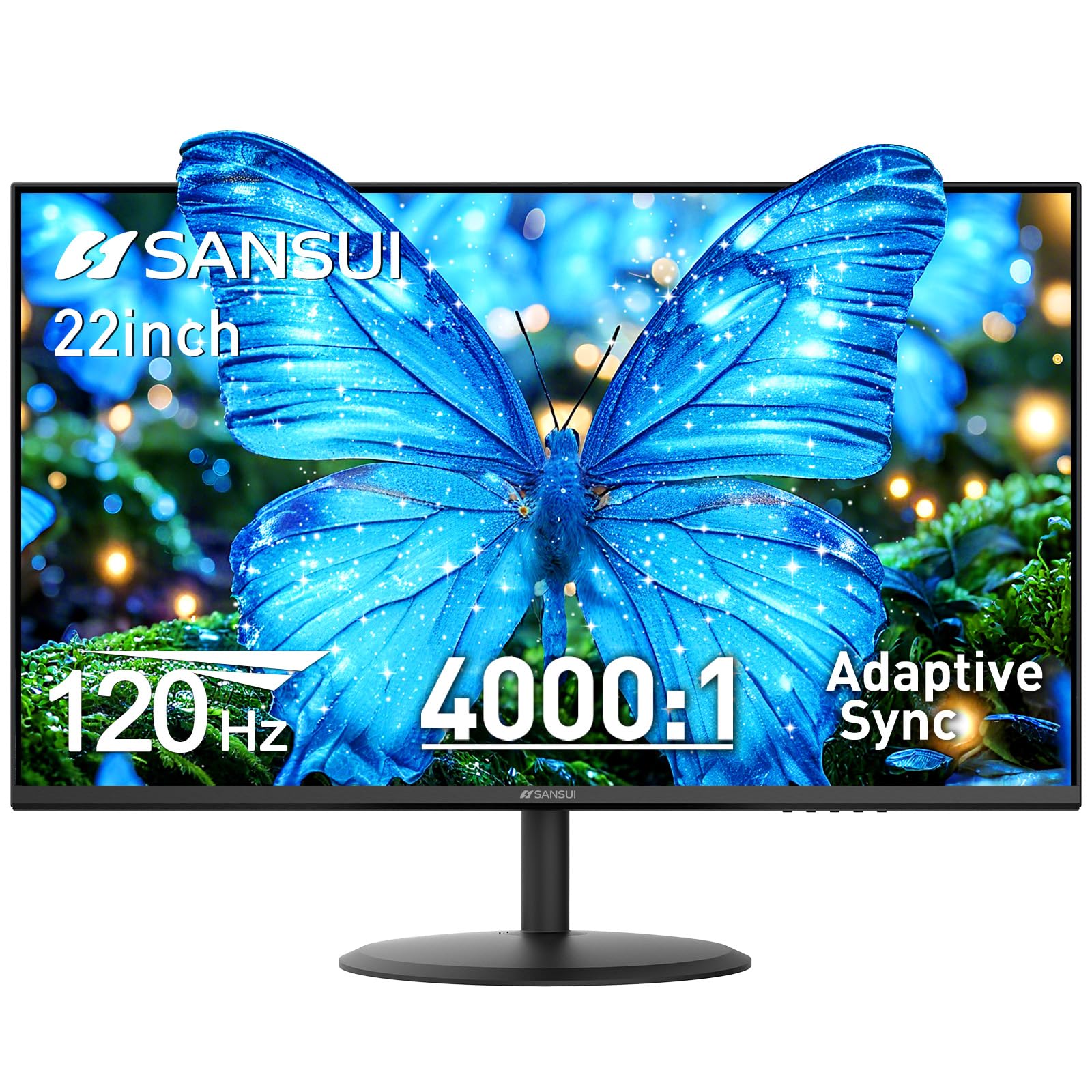
The SANSUI ES-22X3AH stands out immediately for its 120Hz refresh rate at an entry-level price point, a spec that is usually reserved for larger or more expensive gaming monitors. The VA paneltech delivers a 4000:1 contrast ratio, which means deep, inky blacks and more punch in dark movie scenes compared to the typical 1000:1 IPS panel. HDR mode and 100% sRGB coverage further elevate the image quality beyond what the price tag implies.
Adaptive Sync technology keeps motion smooth during gaming and video playback, and the dual HDMI 1.4 ports both support the full 120Hz signal, so you can swap between a PC and a console without re-cabling. The anti-glare coating and flicker-free backlight reduce reflections and fatigue in brightly lit rooms. VESA 75x75mm mounting is supported, and the monitor includes a -5° to 22° tilt range for basic ergonomic adjustment.
Where SanSui cuts corners is the omission of built-in speakers and the lack of a DisplayPort input — you are limited to HDMI for video, which is fine for most setups but excludes users who prefer DP connections. The stand is tilt-only and feels a bit light, but for the asking price, the combination of 120Hz fluidity and VA-level contrast is hard to beat.
Why it’s great
- 120Hz refresh rate provides extremely smooth scrolling and gaming at a budget price
- 4000:1 VA contrast ratio delivers superior black levels and HDR pop
- Dual HDMI ports both support 120Hz input without adapters
Good to know
- No built-in speakers or DisplayPort connectivity
- Tilt-only stand lacks height adjustment and swivel; VESA mount is recommended for ergonomic setups
4. Lenovo L22-4e Office Monitor
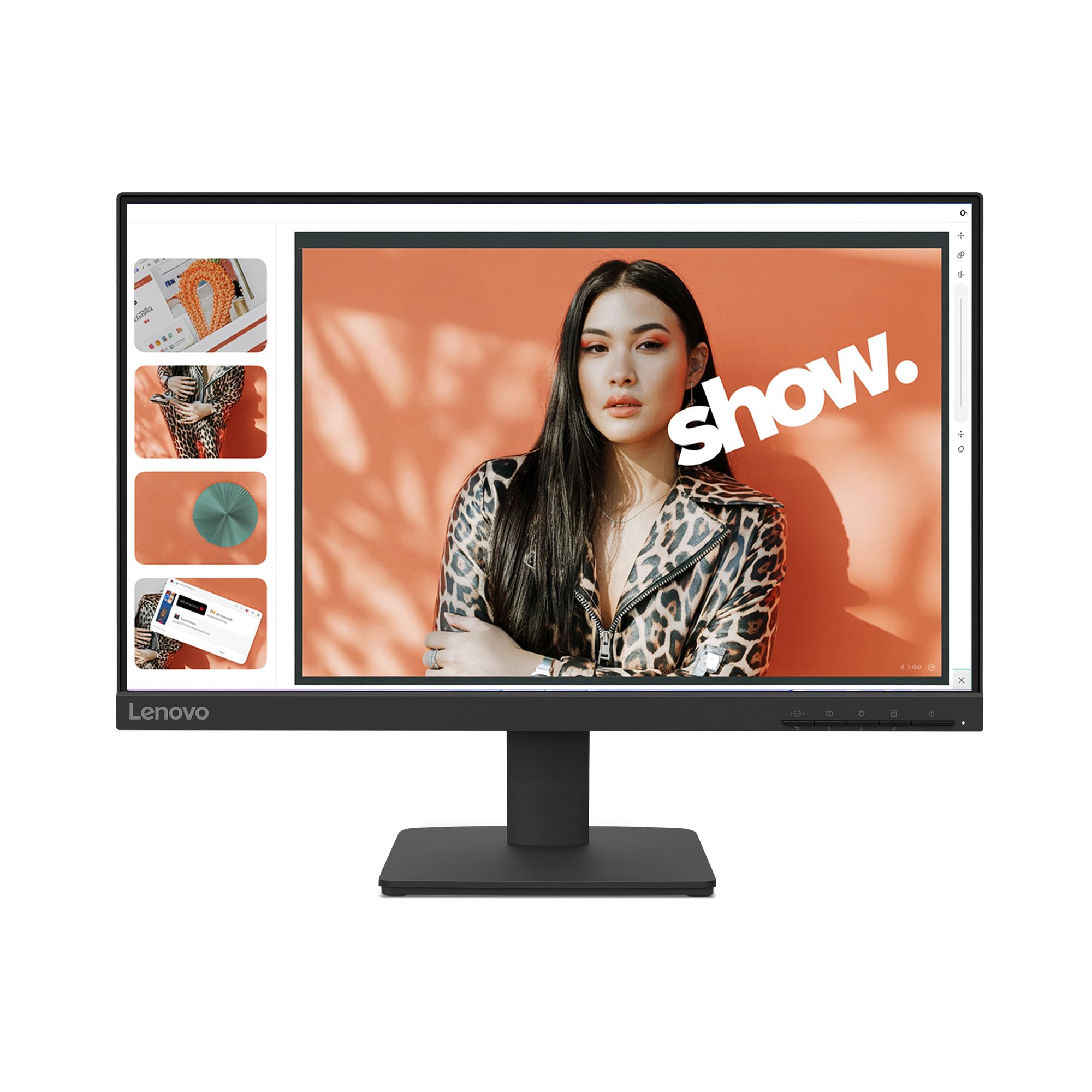
The Lenovo L22-4e is a well-rounded 21.5-inch monitor built around an IPS panel that covers 99% of the sRGB gamut with a 1300:1 contrast ratio — slightly higher than the typical 1000:1 IPS, so blacks appear a bit deeper. The 100Hz refresh rate is a significant step up from the 60Hz baseline found on most office-oriented screens, and FreeSync support keeps motion artifacts in check when connected to a compatible source.
The three-sided borderless design gives the monitor a clean modern look on the desk, and the tilt stand allows basic angle adjustment. The anti-glare screen finish is effective in overhead lighting, and the low blue light mode does not produce the severe yellow cast that plagues some competitors. Lenovo has also packaged the monitor in 100% paper boxes, a sustainability detail worth noting if you are trying to reduce plastic waste.
Connectivity is straightforward: HDMI and VGA inputs. The lack of DisplayPort is a minor limitation for users who want to chain monitors or use modern docking stations, but for a single home office setup it is rarely an issue. No built-in speakers are included — a common omission at this price point — so plan on external speakers or a headset for audio.
Why it’s great
- IPS panel with 99% sRGB and a better-than-average 1300:1 contrast ratio
- 100Hz FreeSync support makes daily scrolling and light gaming feel smooth
- Borderless design and eco-friendly paper packaging
Good to know
- No DisplayPort input and no factory-installed speakers
- Tilt-only stand lacks height adjustment; upgrading to a VESA arm is recommended for full ergonomics
5. BenQ GW2283 22″ IPS Monitor

The BenQ GW2283 carves its niche with Brightness Intelligence (B.I.) technology, which automatically adjusts the backlight and color temperature based on ambient room light. This is not a gimmick — the sensor genuinely reduces eye strain during long workdays by preventing the screen from being too bright in a dark room or too dim in direct sunlight. The 22-inch IPS panel delivers solid 1080p clarity with 1000:1 contrast and 75Hz refresh, a comfortable middle ground between standard office monitors and high-refresh gaming screens.
BenQ includes built-in speakers, freeing up desk space and eliminating the need for external audio for conference calls or YouTube. The cable management system routes wires through the stand, keeping the desk tidy. Connectivity includes two HDMI ports, VGA, and a headphone jack, so you can keep a desktop and laptop connected simultaneously.
The edge-to-edge display glass offers a sleek appearance, and the anti-glare coating minimizes distractions in bright rooms. The tilt stand is functional but fixed in height, and the built-in speakers lack bass and volume — they are fine for speech but disappointing for music. Still, if your priority is all-day viewing comfort with minimal setup fuss, this BenQ is a top-tier choice.
Why it’s great
- Brightness Intelligence sensor automatically optimizes screen luminance for ambient lighting conditions
- Integrated speakers and cable management simplify desk setup
- Dual HDMI inputs allow easy switching between two video sources
Good to know
- Built-in speakers are suitable for speech but lack volume and bass for music or movies
- Fixed-height tilt stand with no swivel or pivot adjustment
6. ASUS VP229Q 21.5″ Monitor
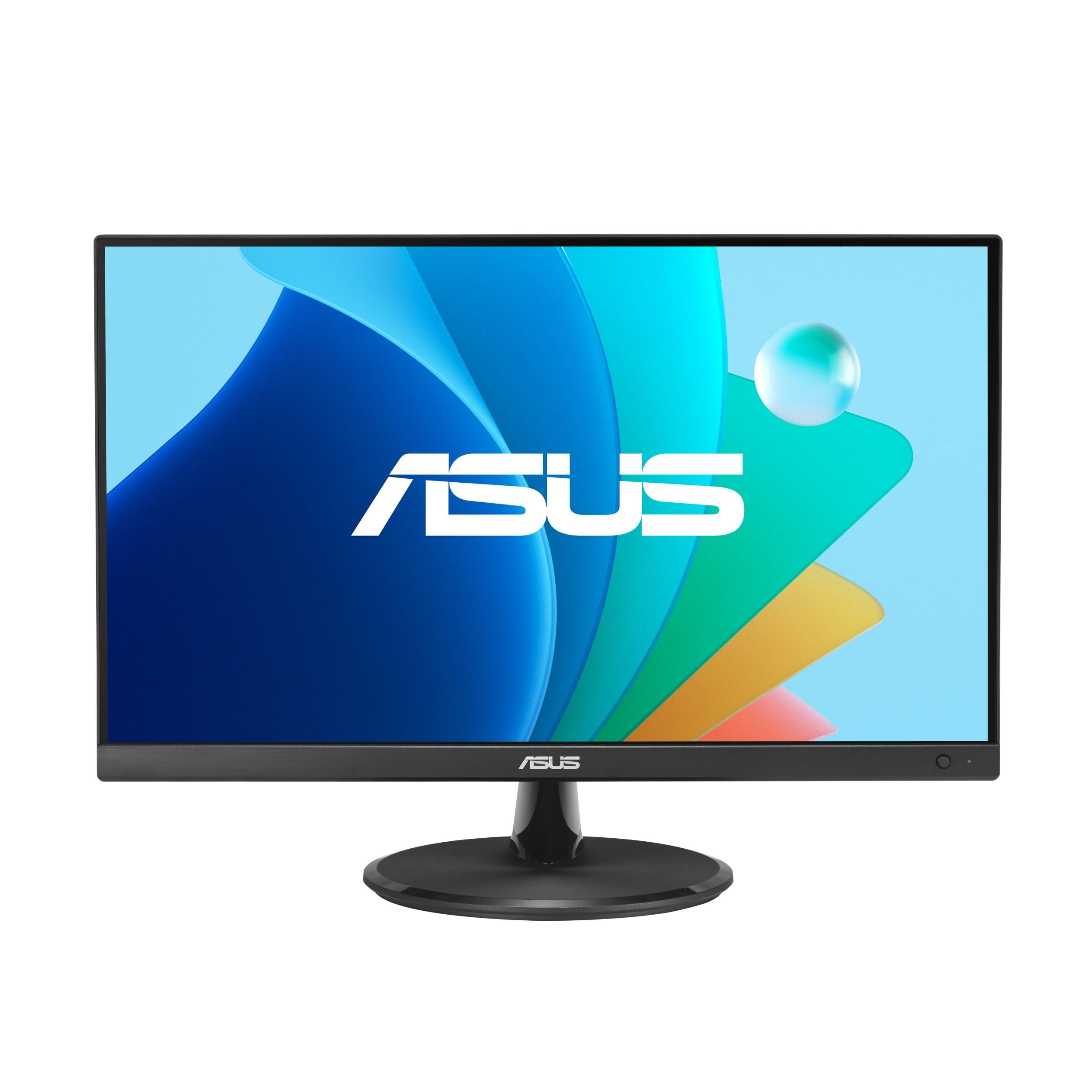
The ASUS VP229Q is a 21.5-inch IPS monitor that bridges the gap between productivity-focused displays and budget gaming screens. Its 75Hz refresh rate works with both FreeSync (AMD) and Adaptive-Sync (NVIDIA GeForce GTX 10-series and newer), which eliminates screen tearing without the premium cost of a dedicated gaming monitor. The IPS panel provides 178-degree viewing angles and 1000:1 contrast, adequate for both spreadsheets and casual FPS sessions.
ASUS includes a generous suite of connectivity options: HDMI 1.4, DisplayPort 1.2, and VGA, plus 1.5-watt stereo speakers. The inclusion of a DisplayPort cable out of the box is a welcome touch, as many budget monitors force you to buy one separately. The Eye Care technology is TÜV Rheinland-certified, combining flicker-free backlighting with low blue light modes that preserve natural color balance.
Build quality is decent with a frameless design that looks modern, though the stand is tilt-only and feels a bit wobbly on uneven surfaces. The built-in speakers are thin, and some users report minor backlight unevenness along the top edge — a common IPS lottery issue at this price point. For users who want FreeSync compatibility and a DisplayPort input without jumping to the 100Hz class, this ASUS remains a solid mid-range option.
Why it’s great
- Compatible with both FreeSync and NVIDIA Adaptive-Sync for tear-free gaming
- Comes with a DisplayPort cable in the box, reducing accessory costs
- Good IPS viewing angles and color quality for mixed productivity and light gaming
Good to know
- Tilt stand is wobbly and lacks height, swivel, and pivot adjustments
- Built-in speakers are low-volume and tinny; backlight may show slight unevenness
7. ViewSonic VX2276-SMHD 22″ IPS Monitor

The ViewSonic VX2276-SMHD is designed for multi-monitor setups, with ultra-thin bezels that minimize the gap between adjacent screens. The 22-inch IPS panel runs at a 100Hz refresh rate and includes FreeSync support, so dual-screen workflows feel uniformly smooth. Color quality is very good for its class, with 1000:1 contrast and 72% NTSC color gamut coverage that keeps images vibrant across the entire display.
ViewSonic provides a generous preset library — Game, Movie, Web, Text, and Mono modes — though most users will leave it on the default or sRGB preset after initial setup. The monitor includes DisplayPort, HDMI, and VGA inputs, plus a headphone-out jack. The stand is tool-free, snapping together in seconds, and VESA 75x75mm compatibility allows arm mounting.
The AC/DC adapter is external, which keeps the monitor thin but adds a small power brick to manage. The built-in speakers produce thin audio, similar to most monitors in this range. A few users report faint IPS glow at the edges, typical for the panel technology, but the overall uniformity is good. For a budget-conscious multi-monitor build, the VX2276-SMHD offers excellent value.
Why it’s great
- Ultra-thin bezels ideal for tiled multi-monitor configurations
- 100Hz FreeSync panel with DisplayPort, HDMI, and VGA connectivity
- Tool-free stand assembly and VESA mount compatibility included
Good to know
- External power brick adds clutter to cable management
- Built-in speakers are low-quality; faint edge haze is typical for IPS panels at this price tier
8. Dell P2217H 22″ Professional Monitor (Renewed)

The Dell P2217H is a business-class monitor that, even in renewed condition, offers build quality and ergonomics that surpass many new budget monitors. The IPS panel delivers 1920×1080 resolution at 60Hz with 250 nits brightness, adequate for office productivity and color-accurate work. The real draw here is the fully adjustable stand: height, tilt, swivel, and pivot with a 90-degree portrait rotation that is silky smooth.
The built-in USB 2.0 hub (one upstream, three downstream ports) is a genuine productivity feature, allowing you to plug a keyboard, mouse, and webcam into the monitor and connect to your PC with a single USB-B cable. Cable management is integrated into the stand, keeping the desk clean. The screen itself is an IPS panel with anti-glare coating, and the LED backlight is flicker-free for reduced eye strain.
Because this is a renewed unit, cosmetic condition varies — most arrive in near-mint shape with only minor blemishes, but the included cables may not always work perfectly. The 60Hz refresh rate is standard for a professional monitor and will feel slower than the 100Hz models in this guide, but for spreadsheet work, writing, and coding, the ergonomic flexibility and USB hub make it the most practical choice for all-day use.
Why it’s great
- Full ergonomic stand with height, swivel, tilt, and pivot adjustments
- Built-in USB 2.0 hub (4 ports) simplifies peripheral connection to a single cable
- Renewed pricing makes professional-grade ergonomics accessible on a budget
Good to know
- 60Hz refresh rate is limited compared to new competitors at similar price points
- Renewed condition means cosmetic variability and possible cable issues; check bundled accessories quickly
9. Kado 2-Pack Dual 22″ FHD Monitor
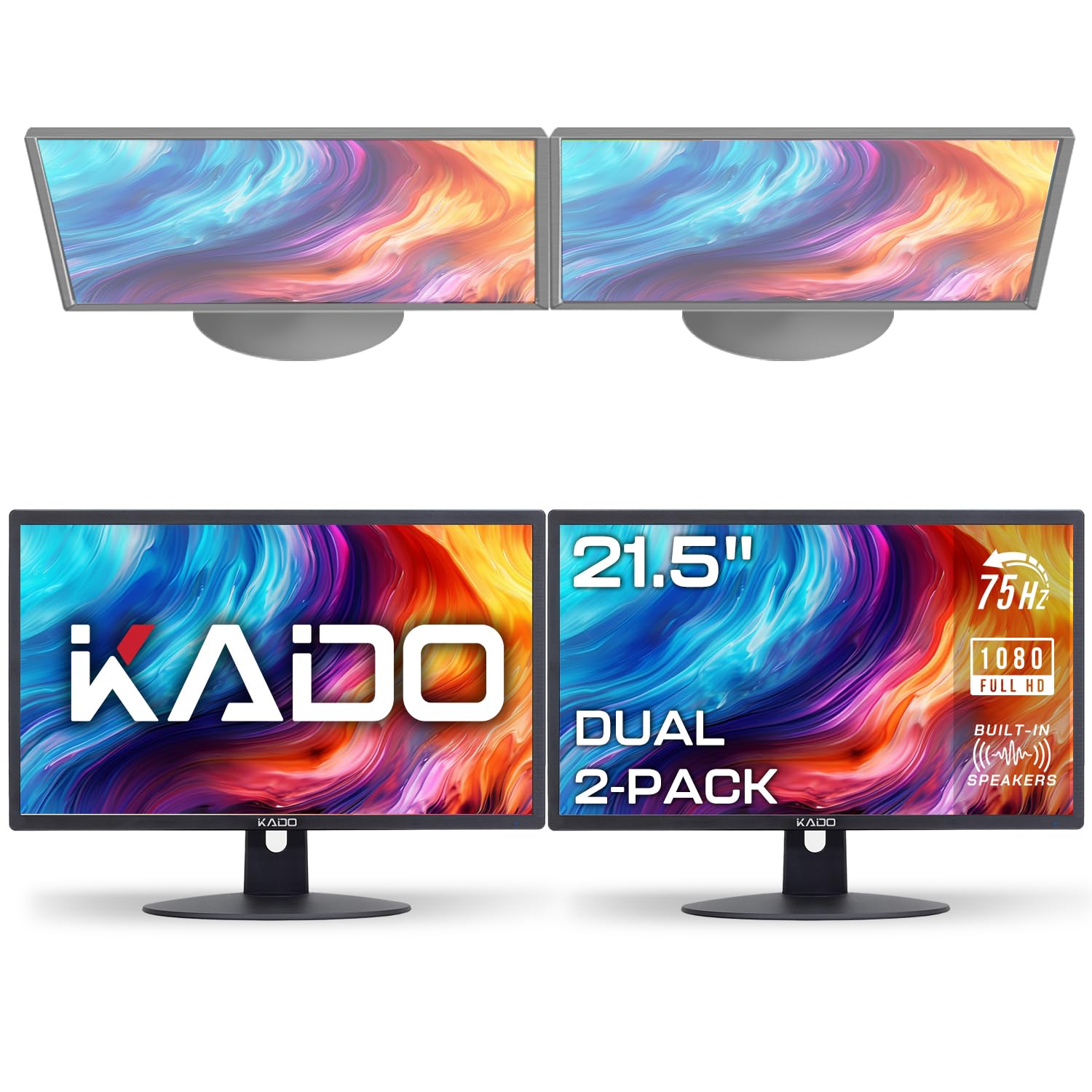
The Kado 2-Pack bundle solves the dual-monitor equation in one box: two matching 22-inch 1080p screens with 75Hz refresh, built-in speakers, and HDMI connectivity. Each monitor covers 99% sRGB, delivering consistent color and brightness across the pair, which is critical for a seamless side-by-side experience. The 75Hz refresh rate noticeably improves cursor motion compared to matching 60Hz panels.
Each monitor includes built-in speakers that are functional for system sounds and basic conference calls, though they lack bass and sound tinny at higher volumes. The included HDMI cables simplify setup, and the desktop recognizes both displays immediately when connected to a dual-output GPU or HDMI splitter. The stands are basic tilt-only, but the VESA compatibility allows mounting on a dual-arm stand for a cleaner multi-screen layout.
The main trade-off is that each individual monitor is entry-level in build: plastic build with limited ergonomic adjustment and narrow viewing angles compared to premium IPS panels. However, for anyone building a dual-screen home office or trading setup on a strict budget, buying a two-pack eliminates the headache of matching two separate monitors and saves desk space immediately.
Why it’s great
- Two matching monitors in one box ensures uniform color and size for a seamless dual setup
- 75Hz refresh rate improves perceived smoothness over standard 60Hz panels
- Built-in speakers and included HDMI cables reduce additional purchases
Good to know
- Individual panel quality is entry-level; viewing angles and build quality are basic
- Speakers sound tinny; upgrading to external speakers is recommended for critical audio work
FAQ
Is 75Hz worth it over 60Hz for office work?
Why do many 22-inch monitors omit DisplayPort?
Is a VA panel or IPS panel better for a 22-inch monitor?
Final Thoughts: The Verdict
For most users, the best 22 computer monitor winner is the Samsung S40GD because it combines a fully ergonomic stand, a 100Hz IPS panel, and a built-in USB hub — all at a price that undercuts competitors with fewer features. If you want 99% sRGB color accuracy and software-based OSD control, grab the ASUS VP229QF. And for a dual-screen home office on a tight budget, nothing beats the convenience of the Kado 2-Pack.

Mo Maruf
I created WellFizz to bridge the gap between vague wellness advice and actionable solutions. My mission is simple: to decode the research and give you practical tools you can actually use.
Beyond the data, I am a passionate traveler. I believe that stepping away from the screen to explore new environments is essential for mental clarity and physical vitality.