Our readers keep the lights on and my smoothie glass nicely filled. As an Amazon Associate, I earn from qualifying purchases.
The constant hunching, the wobbling stack of books under your monitor, and the desk space swallowed by a factory stand—these are the everyday pains a well-chosen arm erases. A cheap, poorly built mount introduces wobble, sag, and frustration that defeats its purpose entirely.
I’m Mohammad Maruf — the founder and writer behind WellFizz. I’ve spent countless hours cross-referencing gas spring cycle ratings, VESA plate dimensions, and tension adjustment ranges to separate genuine value from marketing claims in the budget monitor arm segment.
That’s why I curated this list—to show you which arms deliver solid gas spring lift, wide VESA compatibility, and a stable clamp for a reasonable cost. This guide is your shortcut to finding the best budget monitor arm without wasting time on wobbly models.
How To Choose The Best Budget Monitor Arm
A budget monitor arm must balance a stable gas spring or mechanical spring mechanism with a sturdy clamp that grips your desk without damaging it. Skimping on either leads to constant readjustment or a dangerous tip-over risk.
Weight Capacity vs. Monitor Size
Monitor size alone is a poor metric—an ultra-wide can weigh the same as a small portable display. Check the arm’s maximum load in pounds (typically 18-26 lbs) and compare it to your monitor’s weight including the VESA adapter. Leave a 2-3 lb buffer to prevent sag.
Mounting Hardware and Desk Fit
All budget arms offer a C-clamp and a grommet mount option. Verify your desk’s thickness fits the clamp’s range—most support 0.39” to 2.5”. Glass desks are generally unsafe for clamp mounts; use grommet mounting on solid wood or metal surfaces.
Arm Reach and Articulation
If your desk is deeper than 25 inches, an arm with a 15-20 inch extension range is essential to push the monitor far back. Also check vertical lift—a range of 12-18 inches is necessary to match eye level for taller users.
Quick Comparison
On smaller screens, swipe sideways to see the full table.
| Model | Category | Best For | Key Spec | Amazon |
|---|---|---|---|---|
| NB North Bayou G70-W | Mid-range | Ultra-wide 35″ screens | 26.4 lb capacity, 13.5″ lift | Amazon |
| HUANUO HNSS18B | Mid-range | General ergonomic setup | 20,000 cycle gas spring test | Amazon |
| MOUNTUP RGB Arm | Mid-range | Gaming ambiance with RGB | 19 RGB modes, 19.7″ reach | Amazon |
| ErGear EGDMA71B | Premium | Stability and easy setup | 22.6″ height, 40% wider VESA plate | Amazon |
| NB SmooVex A5 | Premium | Long-term no-sag performance | Mechanical spring, 230mm travel | Amazon |
In‑Depth Reviews
1. HUANUO Single Monitor Arm HNSS18B

The HUANUO HNSS18B pairs a 20,000-cycle-tested gas spring core with an aerospace-grade aluminum alloy build, making it a standout in the budget tier. Its tension adjustment is responsive enough to handle monitors from 4.4 lb portable screens up to a 22 lb 34-inch panel without drooping.
Installation is genuinely tool-free for the C-clamp option, which fits desks up to 2.56 inches thick. The arm extends 15.35 inches forward and lifts 17.52 inches high, with a 360° rotation that locks cleanly in portrait mode. Users report the gas spring glides smoothly even at the load limit.
Cable management runs through the arm channels, keeping the desk tidy without needing extra clips. Multiple verified reviews mention buying a second unit, which speaks to the reliability at this price point. The only caveat: the minimum monitor size is 13 inches, so micro-displays won’t work.
Why it’s great
- Gas spring tested for 20,000 cycles
- Wide weight range (4.4-22 lbs)
- Fast 3-minute tool-less install
Good to know
- Not for monitors under 13 inches
- Gas spring tension needs initial tuning for heavier monitors
2. NB North Bayou Monitor Desk Mount G70-W

The NB North Bayou G70-W handles monitors from 22 to 35 inches with a load capacity of up to 26.4 lbs, making it one of the strongest arms in the budget segment. The arm is noticeably long—ideal for deep desks where you need to push a large ultra-wide far back.
A built-in USB hub at the base adds unusual convenience for this category, letting you charge devices without reaching under the desk. The precision gas strut provides +85° to -30° tilt, 360° rotation, and 13.5 inches of upright lift, though the VESA plate dimensions (118x118mm) may require longer screws for recessed monitor holes.
Multiple owners report buying this arm three to six times, which is a strong reliability signal. The C-clamp fits desks up to 3.54 inches thick, accommodating thicker desktops than most competitors. The white color variant is also a plus for lighter setups—not all budget arms offer a non-black option.
Why it’s great
- Highest weight capacity in the group (26.4 lbs)
- USB hub adds desktop convenience
- Fits extra thick desks up to 3.54”
Good to know
- VESA plate size may conflict with recessed mounting holes
- Cables in the arm are a bit short for very tall setups
3. MOUNTUP RGB Single Monitor Arm
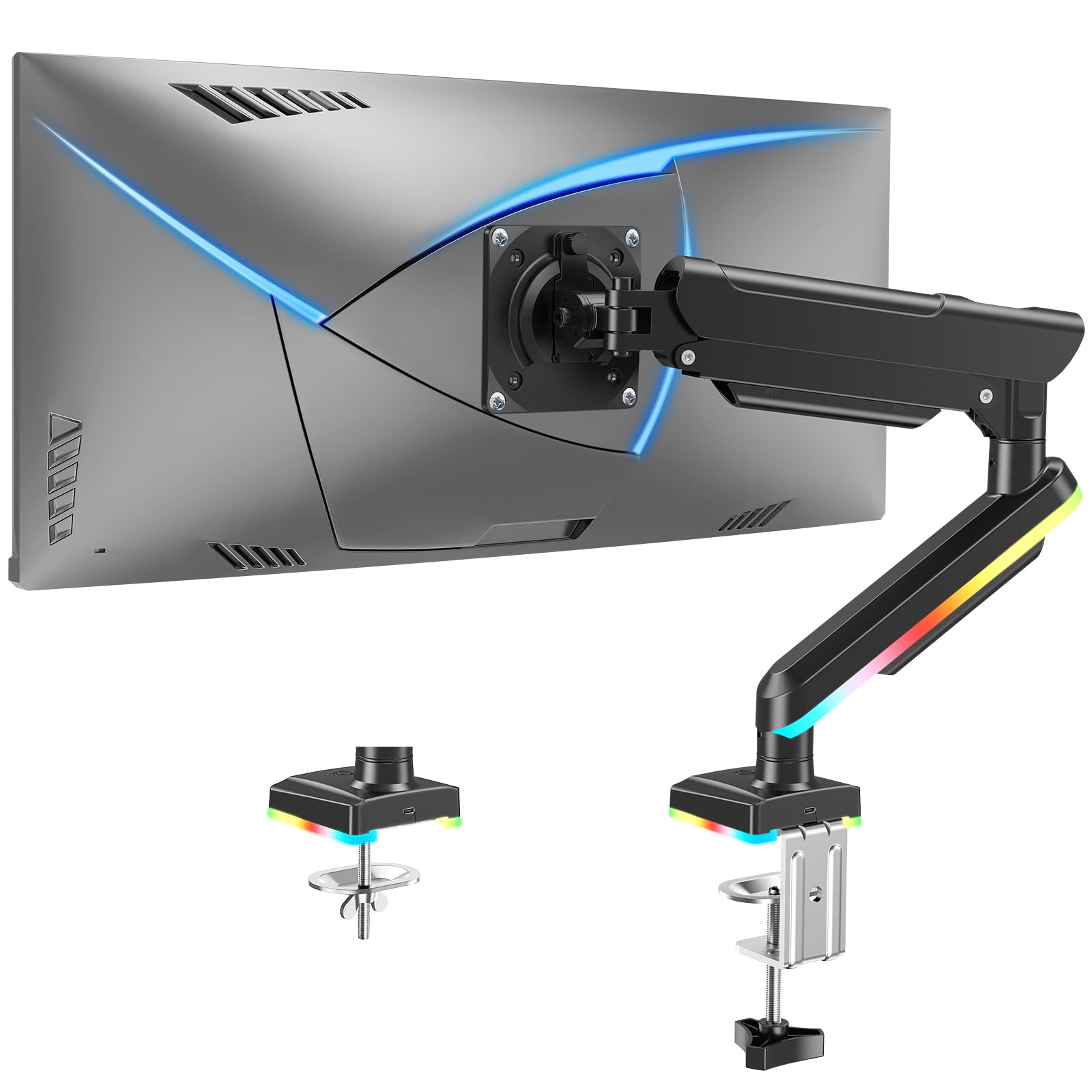
The MOUNTUP RGB arm is built for gamers who want desk ambiance without a premium price tag. It packs 19 RGB lighting modes controlled by a single button, plus USB-A and USB-C ports integrated into the base for quick peripheral connections.
Beyond the lighting, the arm supports 22 to 32 inch monitors up to 22 lbs, with a 19.7-inch extension and 17.3-inch lift range. The tilt range is wide (+70°/-45°), and the 360° rotation works for portrait mode gaming or coding. The C-clamp fits desks up to 2.76 inches thick, with a grommet option for desks with a pass-through hole.
Some units may have minor cosmetic scratches out of the box, but the core mechanism is stable and holds a 28-inch monitor securely without sagging. The three-year warranty backs the build. If you don’t need RGB, you’re paying extra for the lighting and USB ports, so consider your priority.
Why it’s great
- 19 RGB modes with easy one-button control
- Integrated USB-A and USB-C hub ports
- Long 19.7” extension for deep desks
Good to know
- RGB and USB hub add cost if you don’t need them
- Some units arrived with minor scratches
4. ErGear Single Monitor Arm EGDMA71B
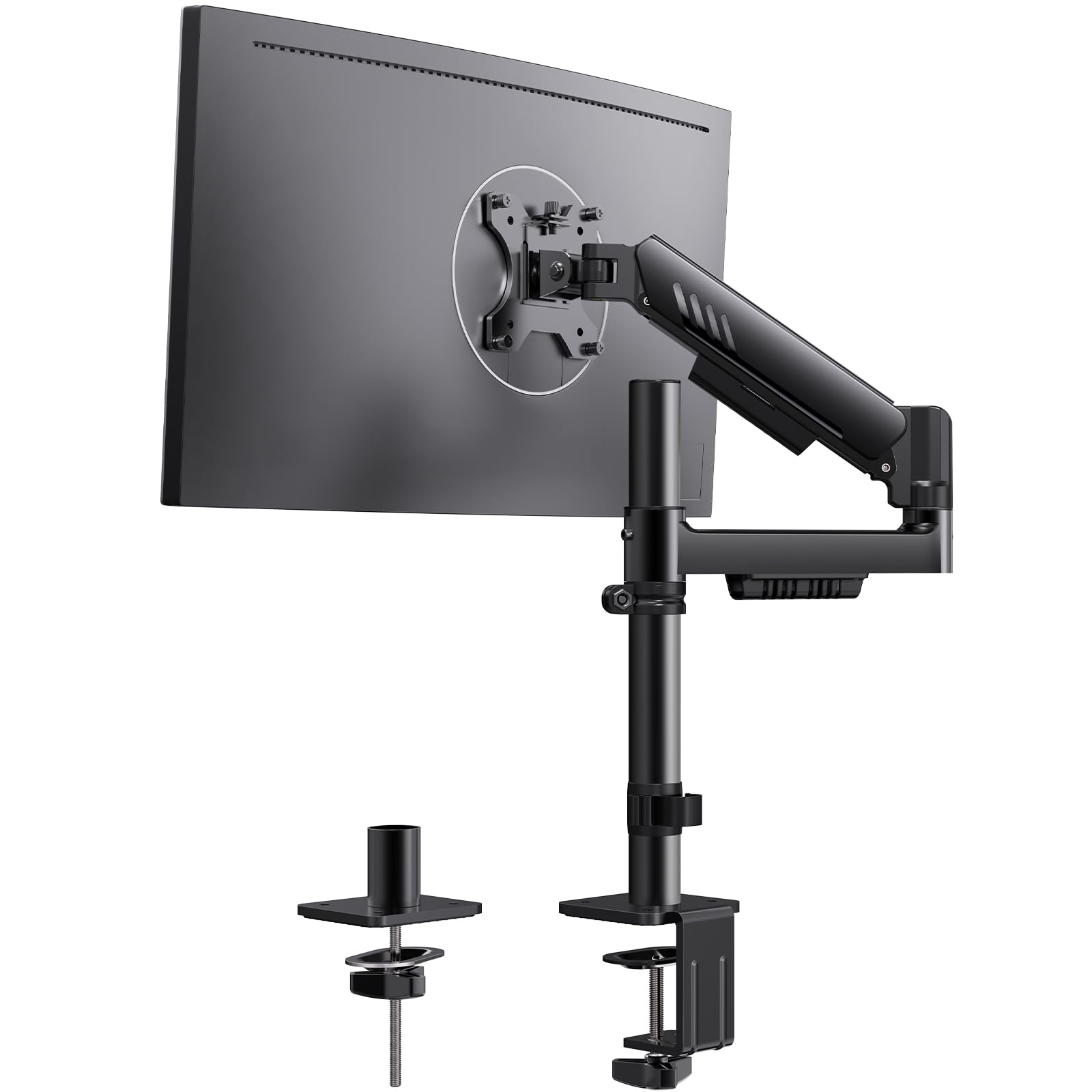
The ErGear EGDMA71B focuses on stability with a 40% wider VESA plate and a redesigned integrated C-clamp that uses anti-slip silicone padding for a larger desk contact area. This reduces screen wobble during typing and repositioning, a common complaint with narrower plate designs.
Height adjustment is generous at 22.6 inches, and the horizontal reach goes up to 20.6 inches. Tilt is +80°/-50°, swivel is ±90°, and rotation is 360° even in portrait mode. The tool-less install process is genuinely fast—several users report a setup time under five minutes using the hand-tightened VESA plate screws.
The pre-installed cable management clips snap cables into place without tools, creating a clean look immediately. The arm holds monitors from 13 to 34 inches up to 19.8 lbs. A few users noted slight shake after months of use, but the tension remained consistent with no sag. The 2-year warranty is shorter than some competitors but adequate for the price.
Why it’s great
- 40% wider VESA plate for better grip
- 22.6” vertical range fits tall users
- Tool-less C-clamp install under 5 minutes
Good to know
- May develop slight wobble over extended use
- Only 19.8 lb max capacity, not for heavy ultra-wides
5. NB SmooVex™ Monitor Mount A5
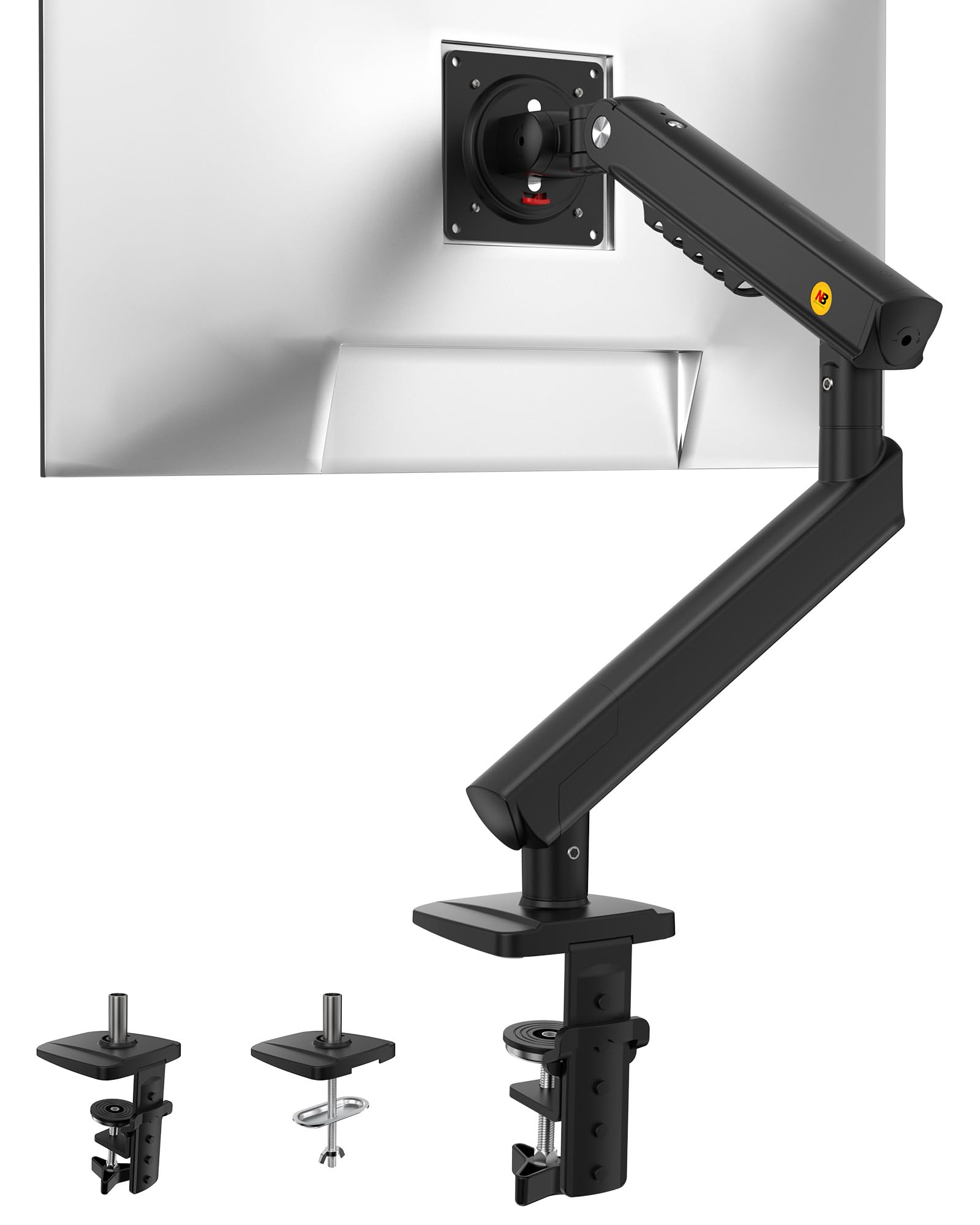
The NB SmooVex A5 replaces the standard gas spring with a precision mechanical spring mechanism that never loses gas pressure and avoids the sagging problem gas springs develop over years. This is a meaningful upgrade for anyone who plans to keep the arm for the long term.
It supports monitors up to 32 inches with a weight rating that handles most standard displays (estimated around 15-20 lbs). Height travel is 230 mm (about 9 inches), tilt is -25° to 90°, and rotation is 360°. The slim aluminum build saves space and prevents the base from blocking wall outlets—a common issue with wider arms.
Installation is a quick 3-step process with either C-clamp or grommet base. Early unit quality control had a defect where the monitor tilted left, but replacement units resolved the issue. Once correctly tensioned, the arm holds position during gaming without drift. The mechanical spring design means no gas refill degradation, making this a future-proof choice in the budget segment.
Why it’s great
- Mechanical spring won’t lose gas over time
- Slim design keeps wall outlets accessible
- Quick 3-step solo installation
Good to know
- Initial QC issues with tilt alignment on some units
- Clamp may be too short for desks with 2×4 support beams
FAQ
How do I know if my desk can support a monitor arm clamp?
Why does my monitor arm sag after a few months?
Can I use a budget monitor arm for a 34-inch ultrawide monitor?
Final Thoughts: The Verdict
For most users, the best budget monitor arm winner is the HUANUO HNSS18B because it combines a proven 20,000-cycle gas spring with a wide 4.4-22 lb range and fast tool-free install. If you need to support a 35-inch ultra-wide, grab the NB North Bayou G70-W for its 26.4 lb capacity and built-in USB hub. And for long-term no-sag performance, nothing beats the NB SmooVex A5 with its mechanical spring that never loses gas pressure.

Mo Maruf
I created WellFizz to bridge the gap between vague wellness advice and actionable solutions. My mission is simple: to decode the research and give you practical tools you can actually use.
Beyond the data, I am a passionate traveler. I believe that stepping away from the screen to explore new environments is essential for mental clarity and physical vitality.