Our readers keep the lights on and my smoothie glass nicely filled. As an Amazon Associate, I earn from qualifying purchases.
Finding a monitor that balances sharp image quality with a reasonable sticker price feels harder than it should be. Many budget-tier panels cut corners on color accuracy, viewing angles, or refresh rate, leaving you with a screen that strains the eyes instead of easing workflow.
I’m Mohammad Maruf — the founder and writer behind WellFizz. I’ve spent hundreds of hours analyzing panel technologies, refresh rate specs, and ergonomic designs to separate the truly worthwhile options from the overhyped compromises.
This guide walks through nine carefully selected models, each vetted for real-world usability and display performance. Whether you need a secondary productivity screen or a primary driver for creative work, this breakdown of the best affordable computer monitors will steer you toward a smart, lasting purchase.
How To Choose The Best Affordable Computer Monitors
Buying a display in this range means prioritizing which specs matter most for your specific use. Here are the key considerations to filter out the noise.
Panel Type: IPS vs VA
IPS panels dominate this price bracket because they offer wide 178-degree viewing angles and consistent color reproduction. VA panels provide deeper blacks and higher contrast ratios, ideal for movie watching or dark-room work, but color consistency drops off when viewed from an angle. For spreadsheet work, coding, and general productivity, IPS is the safer bet.
Refresh Rate and Adaptive Sync
A 100Hz or 120Hz refresh rate makes cursor movement, scrolling, and window dragging noticeably smoother than the standard 60Hz. Most monitors in this category support AMD FreeSync, which reduces screen tearing during casual gaming. Even if you don’t game, the smoother motion reduces perceived flicker and eye strain over long sessions.
Ergonomics and Connectivity
Look for tilt adjustment and VESA 100x100mm mounting compatibility. A stand that only tilts limits your ability to set a healthy viewing angle, especially if you pair it with a monitor arm. HDMI is standard, but a DisplayPort input is a bonus for higher bandwidth and variable refresh rate support. Avoid models that rely solely on VGA if you plan to use modern laptops or consoles.
Quick Comparison
On smaller screens, swipe sideways to see the full table.
| Model | Category | Best For | Key Spec | Amazon |
|---|---|---|---|---|
| Dell S3225QS | Premium | 4K productivity & creative work | 31.5″ 4K VA 120Hz | Amazon |
| LG 32MR50C-B | Mid-Range | Immersive curved FHD display | 32″ Curved VA 100Hz | Amazon |
| AOC 27G4H | Mid-Range | Budget gaming with full ergo stand | 27″ IPS 200Hz 0.3ms | Amazon |
| LG 27U411A-B | Mid-Range | Smooth 120Hz for work & light gaming | 27″ IPS 120Hz 1ms MBR | Amazon |
| Dell SE2725HM | Mid-Range | Office productivity & reliability | 27″ IPS 100Hz anti-glare | Amazon |
| ASUS VA27EHF | Mid-Range | Frameless design & eye-care | 27″ IPS 100Hz 1ms MPRT | Amazon |
| BenQ GW2791 | Mid-Range | Long reading sessions & eye comfort | 27″ IPS 100Hz ePaper Mode | Amazon |
| ViewSonic VS2747-H | Entry-Level | Basic home office & study | 27″ IPS 100Hz VGA input | Amazon |
| JUNEBOX 10.1″ Touch | Specialty | Raspberry Pi & portable touch work | 10.1″ IPS 1920×1200 touch | Amazon |
In‑Depth Reviews
1. Dell S3225QS

The Dell S3225QS sits comfortably at the premium edge of the affordable spectrum, delivering true 4K resolution on a 31.5-inch VA panel with a 120Hz refresh rate. The 1500:1 contrast ratio produces deep blacks and strong depth, while 99% sRGB and 95% DCI-P3 coverage satisfies photo editing and content consumption alike. AMD FreeSync Premium keeps motion tear-free, and the built-in ComfortView Plus reduces blue light emissions to 35% without washing out color.
The ergonomic stand offers tilt, swivel, and height adjustment, making it easy to dial in a comfortable posture for long workdays. The built-in speakers are a rare inclusion at this price point, with louder output and deeper frequency response than typical monitor audio. The ash white finish and ultra-thin bezels give it a clean, modern look that fits well in a dual-monitor or minimalist setup.
The only trade-off is that this is a VA panel, so color shift occurs at extreme horizontal angles compared to IPS. The included HDMI cable is on the shorter side at 1.8 meters, which may require an extension depending on your desk layout. For anyone looking to step into 4K without crossing into premium pricing, this Dell is a standout.
Why it’s great
- True 4K resolution with 95% DCI-P3 color gamut
- Full ergonomic stand with height, tilt, and swivel
- 120Hz refresh rate with FreeSync Premium for smooth motion
Good to know
- VA panel shows color shift at wide angles
- HDMI cable is only 1.8m; may need longer for some setups
2. LG 32MR50C-B

The LG 32MR50C-B brings a 32-inch curved VA panel to the mid-range table, offering a 3000:1 contrast ratio that makes blacks look truly black in a dim room. The 100Hz refresh rate and AMD FreeSync support handle productivity scrolling and casual gaming without stutter. The 250 cd/m² brightness is adequate for indoor use, and the anti-glare coating reduces reflections in moderately lit spaces.
Reader Mode and Black Stabilizer are useful extras — the former cuts blue light for late-night reading, and the latter lifts shadow detail in games. The tilt-only stand is a limitation, but the VESA 100x100mm mount lets you attach it to an arm for full adjustability. The on-screen joystick menu is intuitive, making brightness and input switching quick.
Some users with trifocal glasses report dizziness from the curvature, so it’s worth testing if you have specific vision needs. The stand clicks into place without tools, and the slim profile looks clean on a desk. For a large curved display at this price, the immersion-to-cost ratio is hard to beat.
Why it’s great
- High 3000:1 contrast ratio for deep blacks
- Immersive 32-inch curved form factor
- Easy assembly with tool-free stand installation
Good to know
- Only tilt adjustment; no height or swivel
- Curvature may cause discomfort for some users
3. AOC 27G4H
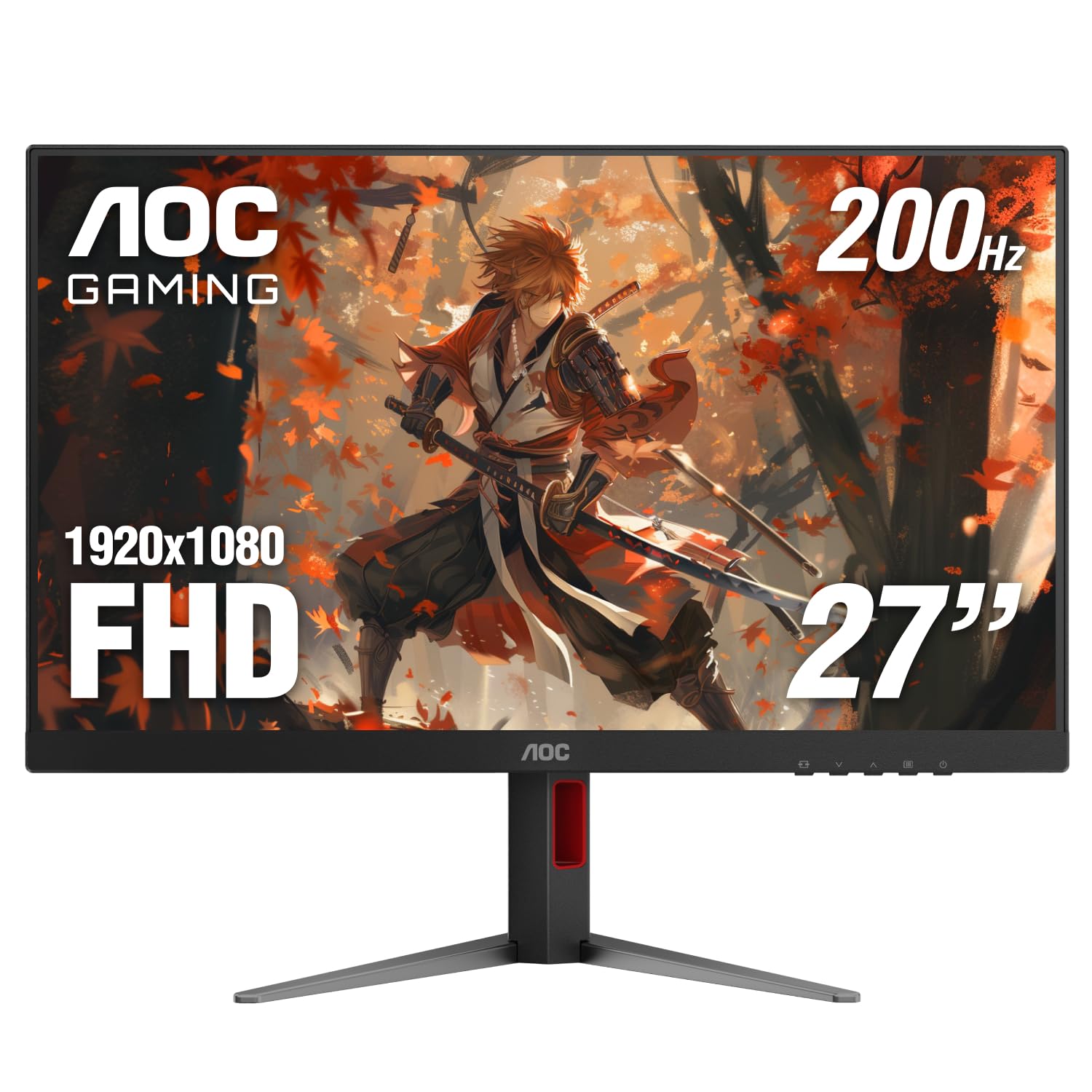
The AOC 27G4H punches well above its price tier with a 200Hz refresh rate on a 27-inch IPS panel, combined with a 0.3ms MPRT response time. That kind of speed eliminates motion blur in fast-paced games, and Adaptive-Sync compatibility ensures smooth frame delivery even when frame rates fluctuate. The sRGB color gamut hits 121%, delivering punchy, vivid colors out of the box.
What sets this monitor apart from typical budget gaming screens is the fully ergonomic stand. You get height adjustment, swivel, tilt, and even a pivot function that rotates the panel into portrait mode for coding or document reading. The 3-sided frameless bezel design makes multi-monitor setups look seamless, and VESA compatibility gives you the option to mount it on an arm.
The legs on the stand are fairly wide, so it requires a desk depth of at least 24 inches to avoid feeling cramped. The on-screen color space should be switched from the default to sRGB mode for the most accurate image. For anyone wanting high-speed gaming performance with professional-grade ergonomics, this AOC is a rare find.
Why it’s great
- 200Hz refresh rate with 0.3ms MPRT response
- Full ergonomic stand with height, swivel, tilt, and pivot
- 121% sRGB color gamut for vivid imagery
Good to know
- Stand legs are wide; needs a deeper desk
- Default color mode oversaturates; sRGB mode recommended
4. LG 27U411A-B

The LG 27U411A-B delivers a smooth 120Hz refresh rate on a 27-inch IPS panel, making it one of the few monitors at this tier to cross the 100Hz threshold without a gaming-first design. The 1ms Motion Blur Reduction keeps fast-moving content sharp, and HDR10 support adds a bit of extra dynamic range when viewing compatible media. The 99% sRGB coverage means colors look natural and accurate for photo editing or design work.
The 3-side virtually borderless design helps it blend into dual-monitor setups cleanly. The LG Switch app allows screen splitting into up to six sections, which is useful for multitasking without third-party software. Dynamic Action Sync reduces input lag for responsive mouse movements, and the Black Stabilizer lifts shadow detail in dark applications.
The HDR implementation is basic and doesn’t deliver the brightness needed for true HDR impact — think of it as a bonus feature rather than a selling point. The tilt-only stand limits ergonomic flexibility, though VESA mounting is available. For a 120Hz IPS panel with good factory color calibration, this LG offers strong value.
Why it’s great
- 120Hz refresh rate with 1ms MBR for smooth motion
- 99% sRGB color gamut with accurate factory calibration
- LG Switch app enables easy screen splitting
Good to know
- HDR10 support is basic; lacks brightness for true HDR
- Stand offers tilt only; no height adjustment
5. Dell SE2725HM

The Dell SE2725HM is a straightforward 27-inch IPS monitor built for office reliability. The 100Hz refresh rate is a noticeable step up from older 60Hz panels — scrolling through documents and web pages feels smoother without any special configuration. ComfortView Plus is always on, reducing blue light emissions without the yellow tint that some software filters introduce.
The anti-glare matte coating handles overhead office lighting well, keeping reflections to a minimum during long spreadsheet sessions. The built-in cable holder and small footprint power supply keep the desk tidy. Tilt adjustment is present, and the VESA mount placement is dead-center, allowing for balanced mounting on monitor arms — a detail often overlooked on budget-friendly models.
The port selection is limited to one HDMI and one VGA, with no USB-C or DisplayPort, which may require an adapter for modern laptops. The stand is basic and doesn’t offer height or swivel. For a no-fuss daily driver from a brand known for enterprise reliability, this Dell delivers consistent performance at a fair price.
Why it’s great
- ComfortView Plus reduces blue light without color distortion
- Matte anti-glare coating minimizes reflections in bright rooms
- Dead-center VESA mount ensures balanced arm installation
Good to know
- I/O is limited to HDMI and VGA; no USB-C or DisplayPort
- Stand offers tilt only; no height or swivel adjustment
6. ASUS VA27EHF

The ASUS VA27EHF pairs a 27-inch IPS panel with a 100Hz refresh rate and 1ms MPRT response, delivering sharp motion clarity for both work and light gaming. The frameless design keeps the bezels ultra-thin on three sides, making it an excellent candidate for multi-monitor setups where a clean seam matters. The 1300:1 contrast ratio is slightly better than the typical 1000:1 IPS, offering richer depth in darker scenes.
ASUS Eye Care technology includes TÜV Rheinland-certified Flicker-Free and Low Blue Light modes, which reduce strain during extended use without washing out the image. The VESA 100x100mm mount is sturdy, and the monitor itself is lightweight, making it easy to position on an arm. The HDMI input supports the full 100Hz at 1080p, and the 1ms response keeps motion blur minimal.
The stand offers only tilt adjustment, and there is no USB hub or built-in speakers. A small LED on the front bezel flashes when the monitor is off, which some users find distracting in a dark room. For a slim, color-accurate IPS display at this price, the VA27EHF is a reliable choice for dual-screen productivity.
Why it’s great
- Frameless bezel design for seamless multi-monitor setups
- TÜV-certified Flicker-Free and Low Blue Light technologies
- Lightweight build with sturdy VESA mount compatibility
Good to know
- Stand provides tilt only; no height or swivel adjustment
- Flashing LED when monitor is off can be annoying in dark rooms
7. BenQ GW2791
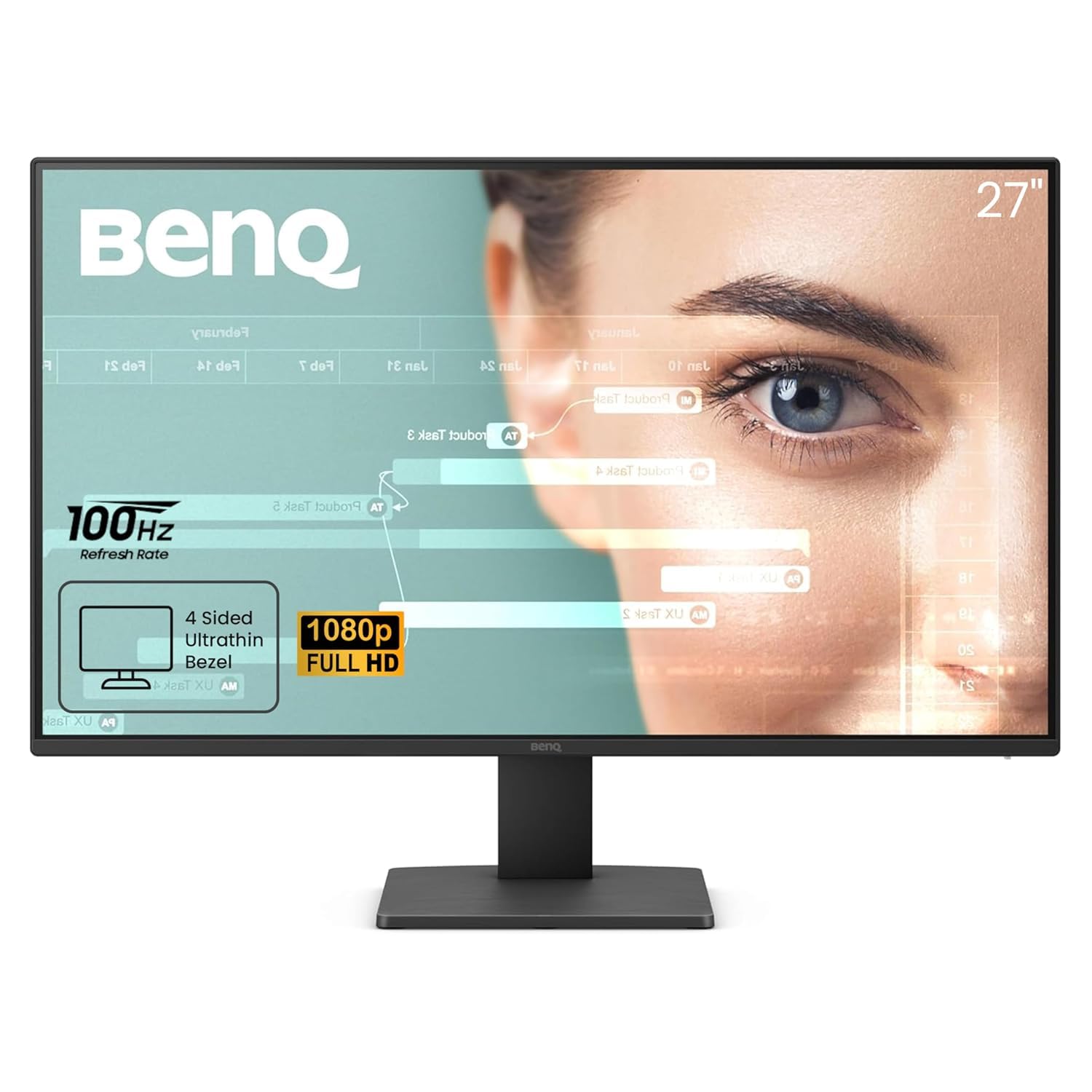
The BenQ GW2791 is engineered for reading and long-form text work, featuring a 27-inch IPS panel with 99% sRGB coverage and a 100Hz refresh rate. The standout feature is ePaper Mode, which simulates the look of an e-reader by reducing contrast and adjusting color temperature for effortless readability during extended document sessions. The TÜV-certified Flicker-Free and Low Blue Light Plus technologies are paired with Eyesafe 2.0, which filters harmful blue light without shifting to a yellow cast.
The ultra-slim bezel design gives the monitor a clean, modern appearance, and the IPS panel maintains consistent color from any angle. The 1000:1 contrast ratio delivers solid depth for an IPS panel, while the 100Hz refresh rate ensures smooth scrolling through long web pages and PDFs. The DisplayPort input is a nice inclusion, offering higher bandwidth than HDMI for future flexibility.
The power button requires two presses to turn the monitor off — a small quirk that takes getting used to. The stand only offers tilt adjustment, limiting ergonomic flexibility without a VESA arm. For anyone who spends hours reading reports, code, or articles, the ePaper Mode alone justifies the investment.
Why it’s great
- ePaper Mode mimics e-reader display for comfortable reading
- Eyesafe 2.0 reduces blue light without yellowing the image
- DisplayPort input offers higher bandwidth connectivity
Good to know
- Power button requires two presses to turn off
- Stand offers tilt only; no height or swivel adjustment
8. ViewSonic VS2747-H

The ViewSonic VS2747-H is a no-nonsense 27-inch IPS display that delivers a sharp 1080p image with a 100Hz refresh rate at an entry-level price. The SuperClear IPS technology keeps colors and brightness consistent across wide viewing angles, and the thin bezels give it a modern look. The 250 cd/m² brightness is standard for this tier, and the anti-glare coating helps in moderately lit rooms.
The monitor includes a VGA input alongside the HDMI port, which is useful for connecting older desktops or legacy equipment that lacks HDMI. Preset modes for Game, Movie, Web, Text, and Mono let you quickly adjust the image to match your activity. The Flicker-Free technology and Blue Light Filter reduce eye fatigue during extended sessions.
The stand is basic with tilt adjustment only, and the maximum brightness may feel dim in very bright rooms with direct window light. The lack of DisplayPort or USB-C limits connectivity for modern ultrabooks. For a straightforward, reliable monitor for homework, office tasks, or casual media consumption, this ViewSonic gets the job done without extras you won’t use.
Why it’s great
- SuperClear IPS technology ensures consistent color from any angle
- Includes VGA input for legacy device compatibility
- Preset modes for quick image optimization per activity
Good to know
- Only 250 cd/m² brightness; may struggle in bright rooms
- No DisplayPort or USB-C input for modern laptops
9. JUNEBOX 10.1″ Touchscreen Monitor
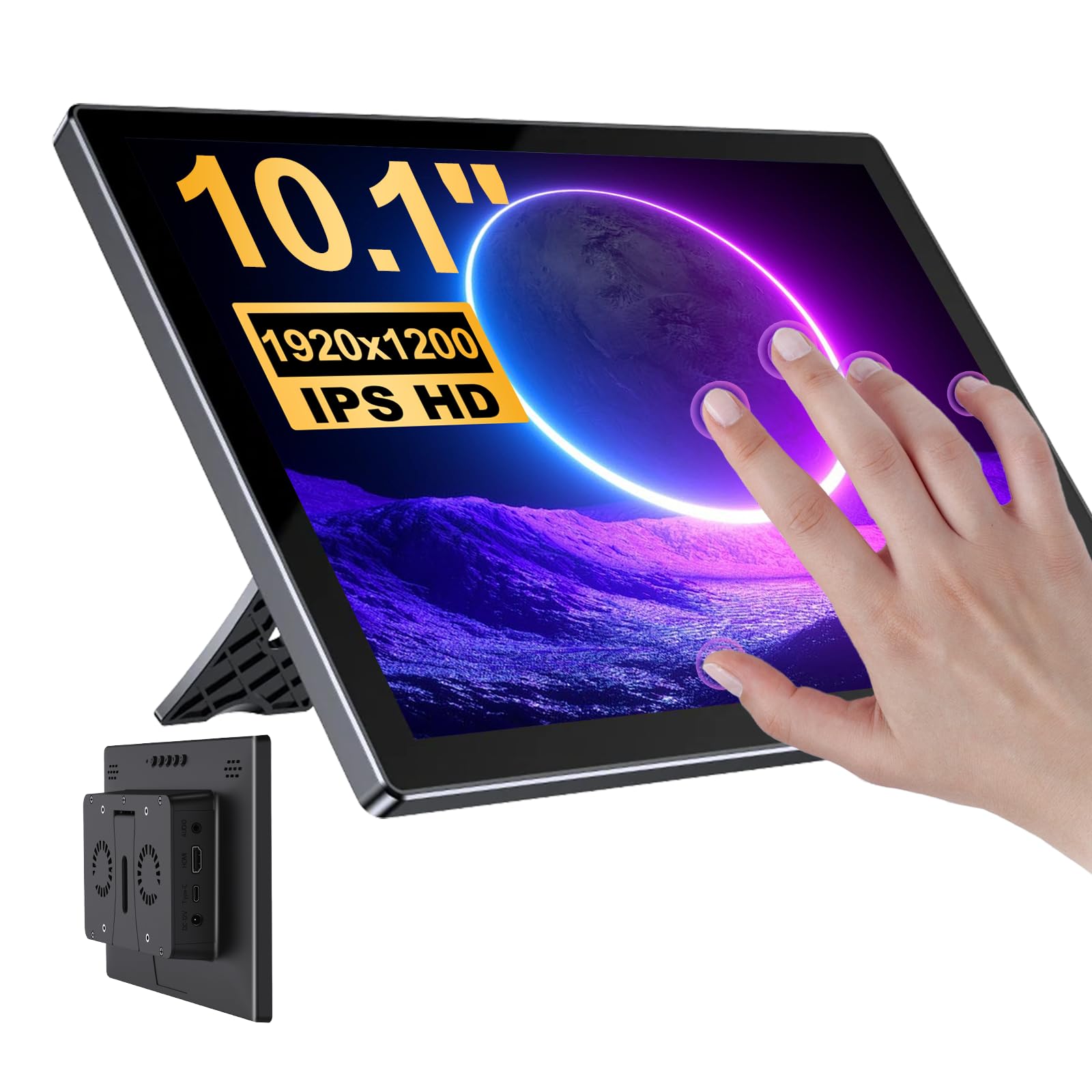
The JUNEBOX 10.1-inch touchscreen monitor stands apart as a portable IPS display with a 1920×1200 resolution and 5-point capacitive touch support. The 16:10 aspect ratio provides extra vertical space for code debugging, terminal output, or document previews. The 450 cd/m² brightness is significantly higher than most standard monitors, making it usable in brighter environments or as a secondary diagnostic screen.
Plug-and-play connectivity works with Raspberry Pi models (Pi 4, Pi 5, Zero series), Windows laptops, and gaming consoles via HDMI. Touch functionality is fully supported on Windows and Linux without additional drivers, though iOS systems lose touch input. The built-in dual speakers and 3.5mm headphone jack add audio output for embedded projects or media consumption.
The advertised brightness varies between 300 and 450 cd/m² depending on the listing source, and the screen finish is glossy rather than matte as some descriptions claim. This limits outdoor or direct-sunlight use. For DIY projects, smart home panels, or as a dedicated debugging screen for a headless server, this portable touch display offers specialized functionality that standard monitors can’t match.
Why it’s great
- 5-point capacitive touch works plug-and-play with Windows and Linux
- 450 cd/m² brightness outperforms most standard desktop monitors
- 16:10 aspect ratio provides extra vertical workspace for coding
Good to know
- Glossy screen finish causes reflections in bright environments
- Advertised brightness specs are inconsistent across sources
FAQ
Is a 100Hz monitor worth it over a 60Hz for office work?
Can I use a 4K monitor like the Dell S3225QS with a standard laptop?
Do I need a dedicated graphics card for a 120Hz monitor?
What does VESA mounting mean and why does it matter?
Why do some monitors list both MPRT and GtG response times?
Final Thoughts: The Verdict
For most users, the best affordable computer monitors winner is the Dell S3225QS because it delivers true 4K resolution, a 120Hz refresh rate, and a fully ergonomic stand at a price that undercuts most similarly spec’d competitors. If you want a high-refresh gaming-focused IPS panel with professional ergonomics, grab the AOC 27G4H. And for a budget-friendly daily driver that prioritizes eye comfort during long reading sessions, nothing beats the BenQ GW2791 with its unique ePaper Mode.

Mo Maruf
I created WellFizz to bridge the gap between vague wellness advice and actionable solutions. My mission is simple: to decode the research and give you practical tools you can actually use.
Beyond the data, I am a passionate traveler. I believe that stepping away from the screen to explore new environments is essential for mental clarity and physical vitality.