Our readers keep the lights on and my smoothie glass nicely filled. As an Amazon Associate, I earn from qualifying purchases.
The line between a tablet and a laptop has never been thinner, but finding an Android tablet with a keyboard that actually keeps up with multitasking, typing, and streaming without stuttering is a different challenge. The keyboard attachment transforms a casual consumption device into a semi-portable workstation, yet the real test lies in how the hardware — from the processor and RAM to the display refresh rate — handles that split-screen workflow day after day.
I’m Mohammad Maruf — the founder and writer behind WellFizz. I’ve spent months analyzing processor benchmarks, screen specs, battery capacities, and real-world performance data across dozens of Android tablets to find the ones that deliver genuine productivity without the premium price tag.
Whether you need to type up reports, annotate PDFs during classes, or edit spreadsheets on a train, finding the right android tablet with keyboard means looking beyond the spec sheet at what matters most: RAM expandability, display quality, and battery endurance under real workloads.
How To Choose The Best Android Tablet With Keyboard
The right Android tablet with a keyboard bundle is more than just a big screen — it’s a mobile workstation. But the market is flooded with options promising all-day battery and smooth multitasking, so you need to filter by what actually matters for productivity. Here’s what to prioritize before you hit buy.
RAM and virtual RAM expansion
Physical RAM (6GB or more) ensures apps stay open without reloading, but virtual RAM expansion — where the tablet borrows storage to simulate extra memory — is a game-changer for heavy multitaskers. A tablet advertising 24GB total RAM typically uses 8GB physical + 16GB virtual, which helps when juggling a browser, document editor, and video call simultaneously. Avoid models with less than 4GB physical RAM if you plan to run productivity apps.
Display size and refresh rate
An 11-inch or larger screen with at least 1200p resolution provides comfortable typing in landscape mode with a keyboard attached. Refresh rate matters here: 90Hz or 120Hz makes scrolling through documents, web pages, and app menus feel noticeably smoother than standard 60Hz — reducing eye strain during long work sessions. For note-taking with a stylus, a higher refresh rate also improves handwriting latency.
Keyboard build and Bluetooth stability
Not all bundled keyboards are equal. Look for a keyboard with decent key travel (1.3mm or more), a sturdy hinge or folio stand, and reliable Bluetooth 5.0+ connectivity. Some budget keyboards disconnect frequently or have a short battery life — check recent customer reviews for “keyboard disconnection” complaints before purchasing. A keyboard that re-pairs automatically each time saves daily frustration.
Battery capacity versus real-world endurance
A 5000mAh battery might quote 6 hours of use, but a 8000mAh or 10000mAh unit can easily last a full workday or longer. However, battery life depends heavily on the processor efficiency and screen brightness. Tablets with an AI-powered energy management system can often push an extra 20-30% runtime by prioritizing active apps and dimming background tasks. Always check verified buyer reviews for battery performance under mixed use.
Quick Comparison
On smaller screens, swipe sideways to see the full table.
| Model | Category | Best For | Key Spec | Amazon |
|---|---|---|---|---|
| Samsung Galaxy Tab S11 | Premium | Flagship performance & AMOLED display | 11″ Dynamic AMOLED 2X, 1200p | Amazon |
| Lenovo Idea Tab | Mid-Range | College note-taking & study sessions | 11″ 2.5K IPS, 90Hz, 8GB RAM | Amazon |
| TCL TAB A1 Plus | Premium | Large 2.4K screen & AI tools | 12.2″ 2.4K 120Hz, Snapdragon 4 Gen 2 | Amazon |
| VekfulPC 13.4″ Tablet | Premium | Big screen & max battery (10000mAh) | 13.4″ 120Hz, 10000mAh battery | Amazon |
| TECLAST T65 13.4″ | Mid-Range | Large screen with LTE & headphone jack | 13.4″ 120Hz, 8000mAh, 4G LTE | Amazon |
| TABWEE 10″ Tablet | Mid-Range | Complete 2-in-1 bundle with accessories | 10″ HD+, 24GB RAM (8+16), 5000mAh | Amazon |
| Raemond Android 16 Tablet | Mid-Range | Solid performance & generous battery | 11″ FHD, 8000mAh, 24GB RAM | Amazon |
| EDUAITABLET 11″ Tablet | Value | Budget-friendly with Wi-Fi 6 | 11″ 90Hz, 8800mAh, Wi-Fi 6 | Amazon |
| BESTTAB Android 16 Tablet | Value | Entry-level price with full bundle | 10″ HD+, 24GB RAM, 5000mAh | Amazon |
In‑Depth Reviews
1. Samsung Galaxy Tab S11 (128GB, WiFi)

The Samsung Galaxy Tab S11 sets the gold standard for an Android tablet with keyboard. Its 11-inch Dynamic AMOLED 2X display delivers deep blacks and vivid colors — ideal for design work, presentations, or just watching media between tasks. Paired with a 3nm MediaTek processor and 12GB RAM, the Tab S11 handles heavy multitasking, split-screen apps, and even light video editing without breaking a sweat.
Galaxy AI features like Note Assist and Drawing Assist transform how you work: quickly summarize meeting notes, transform rough sketches into polished diagrams, or use Circle to Search for instant research. The bundled S Pen offers pen-on-paper precision, and the IP68 rating means spills or dusty environments won’t stop you. The 8400mAh battery easily exceeds a full day of mixed use, and the slim 5.5mm profile makes it easy to slide into any bag.
One caveat: the official keyboard case is an additional purchase, and its lack of a trackpad may push you toward third-party options. The S Pen nibs also aren’t sold separately, so you’ll want to be careful with pressure. Still, for raw performance, display quality, and AI-powered productivity, nothing in this class beats the Tab S11.
Why it’s great
- Stunning Dynamic AMOLED 2X display with Vision Booster
- Incredibly fast 3nm processor and 12GB RAM for lag-free multitasking
- IP68 dust and water resistance for peace of mind on the go
Good to know
- Official keyboard case sold separately and lacks a trackpad
- S Pen replacement nibs not available individually
- Premium investment compared to budget-friendly bundles
2. Lenovo Idea Tab 11″ (256GB)

The Lenovo Idea Tab is tailored for students and lifelong learners. Its 11-inch 2.5K IPS display at 90Hz makes scrolling through textbooks, PDFs, and lecture slides exceptionally smooth. The MediaTek Dimensity 6300 processor paired with 8GB of RAM provides snappy performance for note-taking apps, video streaming, and casual gaming without the high price of a flagship.
Lenovo includes the Tab Pen and a Folio Case right in the box, so you can start writing or sketching immediately without extra purchases. The built-in Lenovo AI Note, Squid, Nebo, and MyScript Calculator apps streamline study workflows — from handwritten notes to math equations. The 7216mAh battery delivers up to 12 hours of YouTube playback, easily covering a full day of classes and study groups. TÜV Rheinland low blue light certification also reduces eye fatigue during long sessions.
The bundled Folio Case feels a bit flimsy, and the included pen lacks tilt sensitivity for more advanced art. But for the price, the Idea Tab offers a crisp, high-resolution screen, reliable performance, and a genuine productivity-first design that outclasses many rivals in this segment.
Why it’s great
- Sharp 2.5K 90Hz display reduces eye strain during long study sessions
- Comes with Tab Pen and Folio Case included — no extras to buy
- Excellent battery life lasting a full day of mixed use
Good to know
- Folio Case feels less durable than premium alternatives
- No tilt sensitivity on the bundled pen for advanced sketching
- Charging brick not included in the box (USB-C cable only)
3. TCL TAB A1 Plus (12.2″, 128GB)
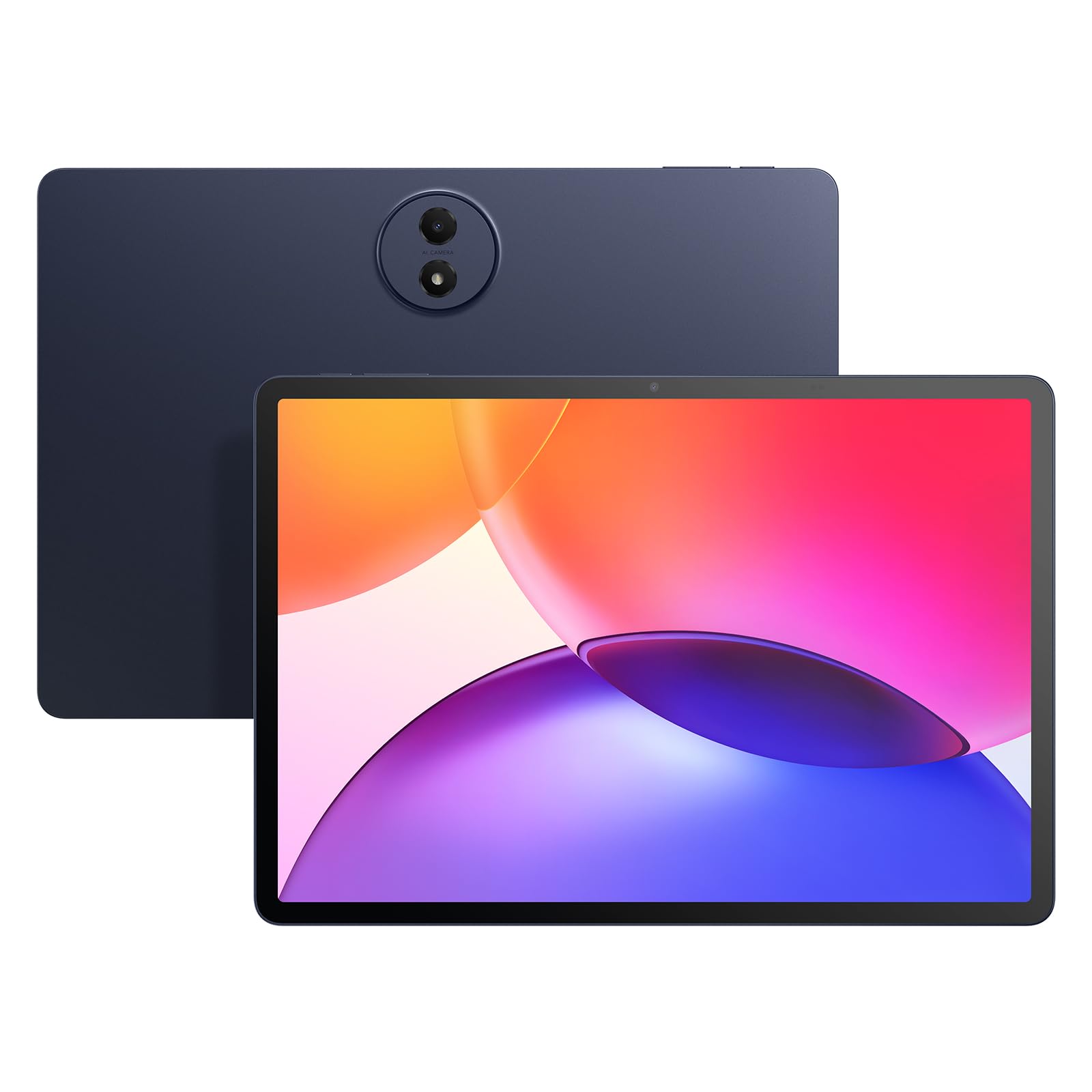
The TCL TAB A1 Plus offers one of the most impressive displays in its class: a 12.2-inch 2.4K panel with a 120Hz refresh rate and 100% sRGB coverage, enhanced by TCL NXTVISION for richer colors and deeper contrast. This makes it a fantastic choice for creative work, reading, and consuming high-resolution media. The Snapdragon 4 Gen 2 processor and up to 16GB total RAM (6GB physical + 10GB expansion) keep the experience fluid across apps.
Google Gemini AI is baked in, offering Circle to Search, Writing Assist, and Smart Translator — all useful for students and professionals who work with multiple documents or languages. The 3:2 aspect ratio is a standout for document editing and browsing, giving you extra vertical space without making the tablet too wide. Quad stereo speakers deliver immersive audio, and the slim metal unibody design feels premium while staying lightweight. The 8000mAh battery holds up well for a full day of mixed use.
Early builds reportedly shipped without an SD card slot, which limits expansion beyond 128GB. The bundled stylus is basic — good for navigation but lacks tilt and pressure sensitivity. The included case is on the flimsy side, and TCL’s post-purchase support for replacement nibs is limited. Still, for its large, bright screen and clean Android 16 experience, the TCL TAB A1 Plus is a strong contender.
Why it’s great
- Outstanding 12.2″ 2.4K 120Hz display with NXTVISION tech
- Clean Android 16 with useful Google Gemini AI tools
- Premium metal unibody design is thin and portable (6.7mm)
Good to know
- Some units lack a microSD slot — check your specific model
- Bundled stylus is basic without tilt or pressure sensitivity
- Official keyboard case is an extra purchase; case quality could be better
4. VekfulPC 13.4″ Android Tablet (256GB)
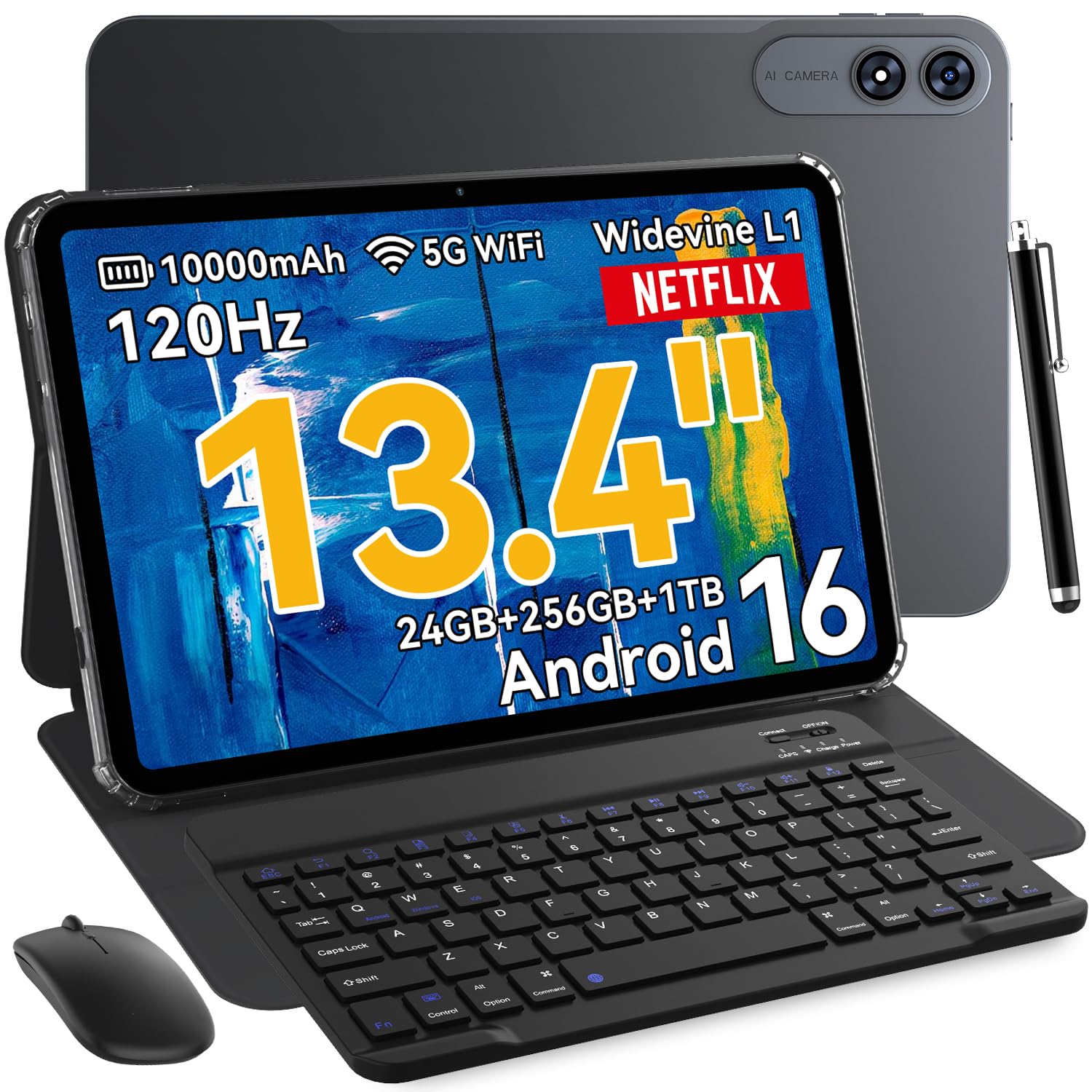
The VekfulPC 13.4-inch tablet is built for endurance above everything else. Its 10000mAh battery is the largest in this lineup, easily powering through a full day of heavy use — from morning meetings and document editing to evening streaming. The 13.4-inch IPS display runs at 120Hz with 1920×1200 resolution, providing a spacious canvas that’s ideal for split-screen productivity, sheet music, or reading PDFs in landscape mode.
Under the hood, an octa-core processor with 8GB physical RAM (expandable to 24GB virtually) and 256GB internal storage (expandable to 1TB) ensures smooth multitasking. The bundled bundle includes a Bluetooth keyboard, stylus, mouse, earphones, case, and screen protector — everything you need for a laptop-like experience out of the box. The 16MP rear and 8MP front cameras handle scanning documents and video calls capably. With 18W fast charging and OTG reverse charging, you can even top up your phone on the go.
The keyboard is functional but has a modest key travel, and the stylus lacks palm rejection. The display, while bright, is not as sharp as higher-resolution panels. But for raw battery life and a complete productivity kit at a mid-range price, the VekfulPC is tough to beat.
Why it’s great
- Massive 10000mAh battery lasts well beyond a full workday
- Complete kit: keyboard, mouse, stylus, case, earphones all included
- 120Hz refresh rate makes scrolling feel smooth and responsive
Good to know
- Keyboard key travel is shallow; not ideal for long typing sessions
- Stylus lacks palm rejection for comfortable note-taking
- Display resolution is good but not 2K-level sharp
5. TECLAST T65 13.4″ (128GB, LTE)

The TECLAST T65 is a specialized tool for those who need a massive screen on the go. Its 13.4-inch IPS display with a 120Hz refresh rate and 1920×1200 resolution excels for sheet music, textbooks, CAD drawings, or simply watching movies on a plane. The narrow bezel design and TDDI technology improve light transmittance and touch response, making the screen feel more vibrant than its price suggests.
Powered by an octa-core T7280 processor clocked at 2.2GHz, with 8GB physical RAM and 128GB storage (expandable to 1TB via microSD), the T65 handles everyday productivity tasks smoothly. The inclusion of 4G LTE and GPS means you can stay connected and navigate without relying on Wi-Fi — a rare feature at this price point. The 8000mAh battery provides up to 11 hours of mixed use, and the 3.5mm headphone jack is a welcome addition for music lovers and audio professionals.
Note that this tablet does not include a keyboard, mouse, or stylus in the box — you’ll need to purchase those separately or use your own. The speakers are decent but not room-filling, and the camera quality is basic. Gaming performance is also limited compared to higher-end chips. But for pure screen real estate, LTE connectivity, and a headphone jack in a slim package, the T65 stands alone.
Why it’s great
- Huge 13.4″ 120Hz display with very narrow bezels for an immersive experience
- Built-in 4G LTE and GPS for connectivity anywhere
- 3.5mm headphone jack rare in modern tablets — great for musicians
Good to know
- No keyboard, mouse, or stylus included in the box
- Speaker quality is average; not great for group listening
- Gaming performance is limited compared to higher-end SoCs
6. TABWEE 10″ Android 16 Tablet (256GB)
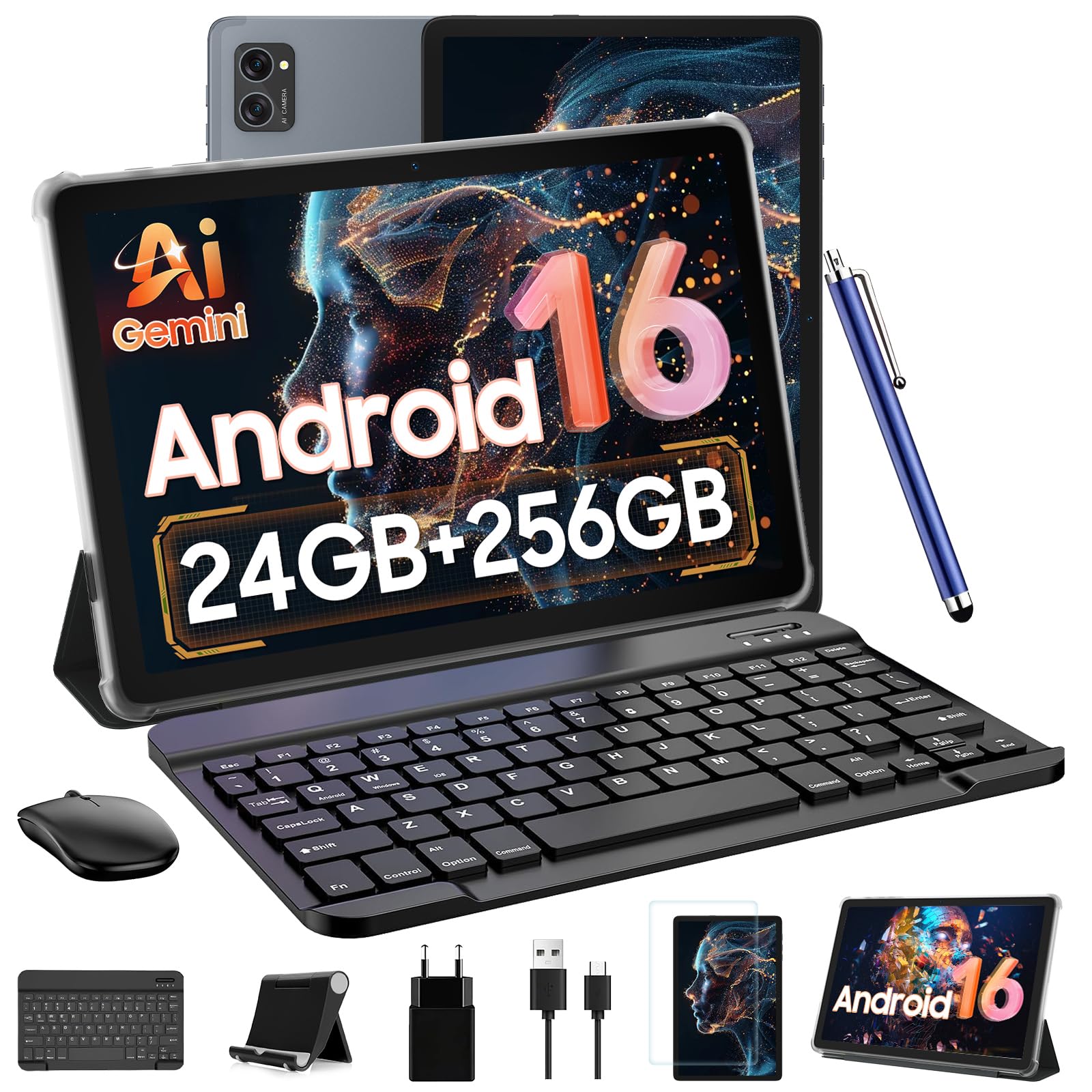
The TABWEE 10-inch tablet delivers a genuinely complete 2-in-1 experience right out of the box. The bundle includes a detachable Bluetooth keyboard, wireless mouse, stylus pen, protective case, and anti-glare screen protector — turning the tablet into a laptop-like workstation in under a minute. Its 10-inch HD+ display with Widevine L1 certification streams Netflix and Prime Video in native 1080p HD, making it a solid dual-purpose device for work and entertainment.
With 8GB physical RAM plus 16GB virtual expansion (24GB total) and an octa-core T606 processor, the TABWEE handles email, document editing, note-taking, and light multitasking without noticeable lag. The 5000mAh battery delivers up to 6 hours of continuous use — enough for a few classes or a work session. The 5G WiFi and Bluetooth 5.0 keep connections stable, and the AI-optimized 5MP front camera works well enough for video calls in decent lighting.
Performance is not quite as snappy as pricier tablets — downloads take longer and battery drains faster under heavier loads. The speakers sound tinny, and the manual is minimal. However, for the price, the sheer completeness of the accessory bundle and the inclusion of Widevine L1 make it a compelling value for students and casual users who want a single box solution.
Why it’s great
- Complete bundle includes keyboard, mouse, stylus, case, and screen protector
- Widevine L1 for HD Netflix and Prime Video streaming
- 2-year US warranty provides solid peace of mind
Good to know
- Battery drains relatively quickly under continuous heavy use
- Speakers sound tinny — best used with headphones
- Performance is adequate but not snappy for intensive multitasking
7. Raemond Android 16 Tablet (11″, 256GB)

The Raemond Android 16 tablet offers a well-rounded package for its price segment. The 11-inch IPS FHD display (1920×1200) is noticeably sharper than the 1280×800 panels found on many budget tablets, and the 16:10 aspect ratio provides a comfortable canvas for reading and browsing. The T7250 octa-core processor with 24GB RAM (8GB + 16GB virtual) and 256GB storage (expandable to 2TB) provides enough headroom for smooth split-screen multitasking between email, spreadsheets, and video calls.
The 8000mAh battery is one of the largest in the mid-range category, easily lasting a full day of mixed use — from morning meetings to evening streaming. The bundle includes a Bluetooth keyboard, wireless mouse, and stylus, although the mouse requires its own batteries (not included). The 16MP rear camera is capable of scanning documents, and the 8MP front shooter handles video calls adequately. Dual-band 2.4G/5G WiFi and GPS round out the connectivity options. Raemond backs it with a 24-month warranty.
The stylus is a weak point — its accuracy is poor, and it’s not suitable for serious note-taking. The keyboard has a tendency to disconnect occasionally, requiring re-pairing. Some users also report the touchscreen feeling a bit insensitive initially. Still, for the combination of a high-resolution screen, huge battery, and generous warranty, the Raemond is a strong value pick.
Why it’s great
- Sharp 1920×1200 IPS display at this price point is a standout
- Massive 8000mAh battery easily lasts a full workday
- 24-month warranty offers extended peace of mind
Good to know
- Bundled stylus has poor accuracy — not for note-taking
- Keyboard can disconnect intermittently and needs re-pairing
- Touchscreen sensitivity reported as inconsistent out of the box
8. EDUAITABLET 11″ Android 16 Tablet (128GB)
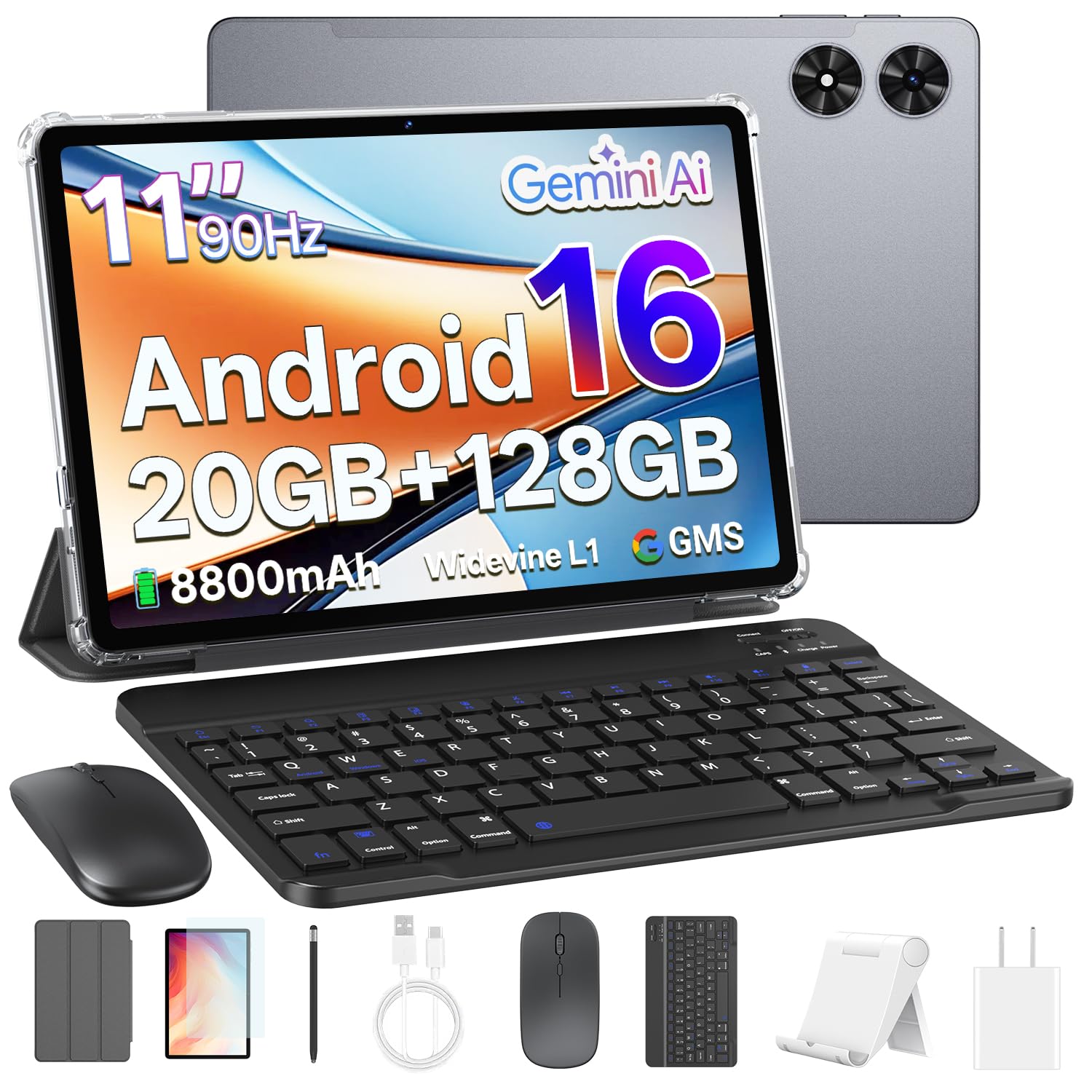
The EDUAITABLET 11-inch is the most complete budget-friendly proposition in this roundup. It includes the tablet, keyboard, mouse, stylus, protective case, USB-C cable, and tablet stand — everything you need in one box. The 11-inch IPS HD display runs at 90Hz, making scrolling and typing feel noticeably smoother than the 60Hz panels common at this price. The 8800mAh battery is exceptional for the category, often lasting multiple days with light use and easily covering a full day of classes or work.
Powered by a Unisoc T7250 octa-core processor with 20GB RAM (4GB physical + 16GB expandable) and 128GB storage (expandable to 1TB), the EDUAITABLET handles basic productivity tasks — email, document editing, video streaming, and light gaming — without significant stutters. Wi-Fi 6 support ensures fast, stable connections even in crowded networks, and the 13MP rear camera plus 8MP front camera are decent for document scanning and video calls. Face unlock works reliably for quick security.
The physical RAM (4GB) is on the lower side, so heavy multitasking with many apps open simultaneously may cause some reloading. The stylus is basic and more suited for tapping than writing. The keyboard is functional but the keys feel slightly cramped. Still, for the price, the combination of a 90Hz display, huge battery, and Wi-Fi 6 makes this an exceptional entry-level choice.
Why it’s great
- 90Hz display is rare at this price — makes scrolling and typing feel smooth
- Enormous 8800mAh battery for all-day stamina
- Wi-Fi 6 support for stable, fast wireless connections
Good to know
- Only 4GB physical RAM — heavy multitasking may cause app reloads
- Bundled stylus is basic and not suitable for serious note-taking
- Keyboard feels slightly cramped for larger hands
9. BESTTAB Android 16 Tablet (10″, 256GB)
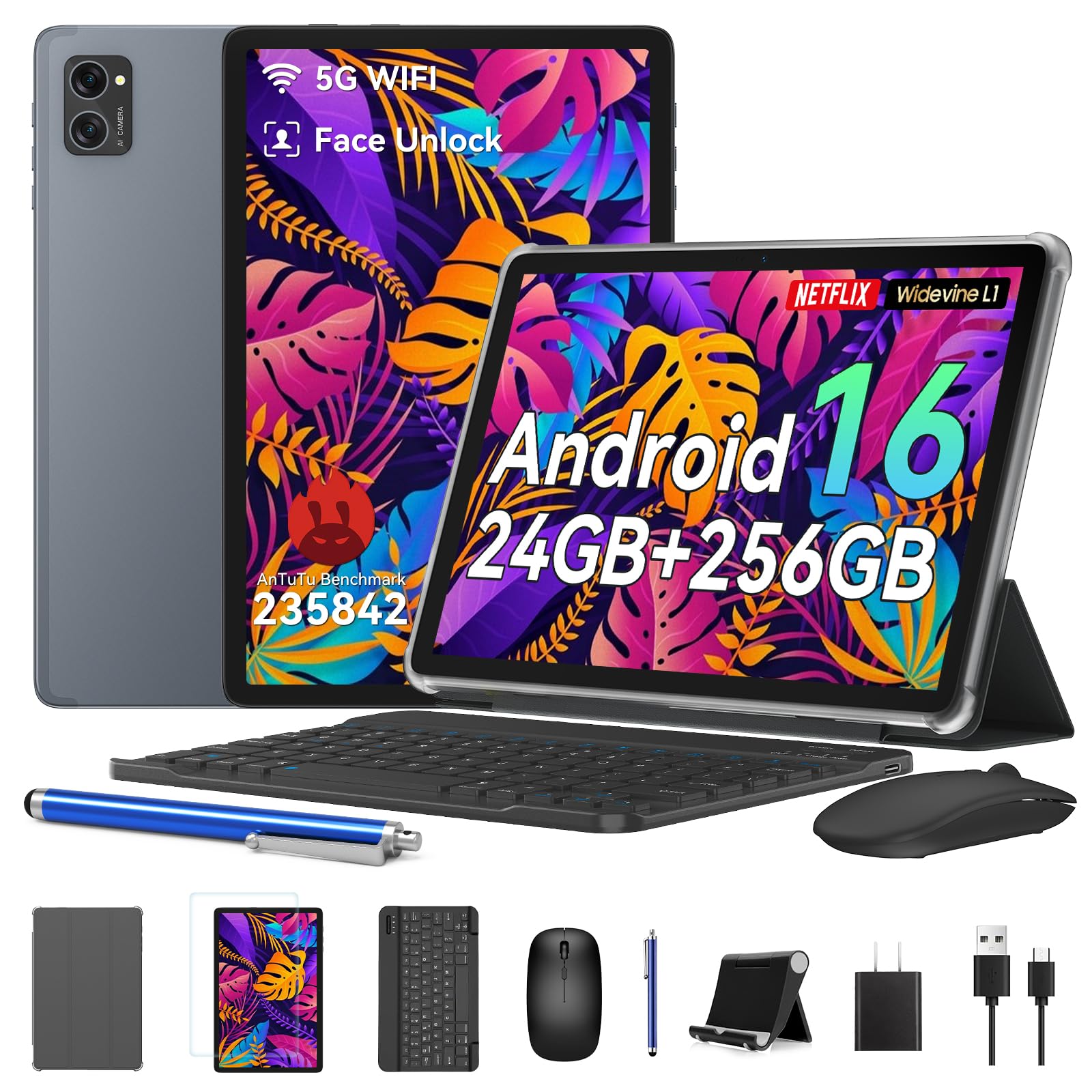
The BESTTAB Android 16 tablet is the most affordable option in this list, making it accessible for first-time tablet buyers, kids, or as a secondary device. It runs the latest Android 16 OS with Gemini AI 2.0, offering features like one-tap video call enhancements and AI-optimized battery management that intelligently prioritizes active apps to extend runtime. The 10-inch HD+ IPS display (1280×800) with Widevine L1 certification streams Netflix and Prime Video in 1080p HD.
With 24GB total RAM (8GB physical + 16GB virtual) and 256GB internal storage (expandable to 2TB via microSD), the BESTTAB provides ample room for apps and files. The octa-core processor handles basic tasks like web browsing, email, document editing, and casual gaming without major issues. The bundle includes a keyboard, mouse, and stylus — everything needed to get started immediately. The 5000mAh battery offers modest endurance, typically lasting 4-6 hours depending on usage. BESTTAB backs it with a 4-year warranty, which is generous for this price tier.
Build quality is adequate but not premium — the tablet feels plasticky, and there have been reports of faulty RAM units leading to crashes within the first few weeks. The 1280×800 display is noticeably less sharp than 1080p or 2K panels. The keyboard is functional but basic. For pure budget-conscious buyers who need a full keyboard bundle and don’t demand fast performance, the BESTTAB gets the job done, but the reliability concerns are worth noting.
Why it’s great
- Lowest entry price for a complete Android 16 tablet with keyboard bundle
- Generous 4-year warranty for long-term coverage
- Widevine L1 for HD streaming on major platforms
Good to know
- Display resolution is limited to 1280×800 — less sharp for reading
- Reliability concerns reported with RAM causing crashes in some units
- Build quality feels plasticky and less durable than mid-range options
FAQ
Does an Android tablet with a keyboard replace a laptop for work?
What is the minimum RAM I need for smooth multitasking on a tablet?
Is 1280×800 resolution good enough for reading and typing?
Why does my Bluetooth keyboard keep disconnecting?
Final Thoughts: The Verdict
For most users, the android tablet with keyboard winner is the Samsung Galaxy Tab S11 because its Dynamic AMOLED display, 12GB RAM, and Galaxy AI features set a new standard for productivity in a portable form factor. If you want the best balance of performance and value for studying, grab the Lenovo Idea Tab. And for pure screen real estate and all-day battery life without breaking the bank, nothing beats the TECLAST T65.

Mo Maruf
I created WellFizz to bridge the gap between vague wellness advice and actionable solutions. My mission is simple: to decode the research and give you practical tools you can actually use.
Beyond the data, I am a passionate traveler. I believe that stepping away from the screen to explore new environments is essential for mental clarity and physical vitality.