Our readers keep the lights on and my smoothie glass nicely filled. As an Amazon Associate, I earn from qualifying purchases.
Juggling antivirus subscriptions across your home desktop, your spouse’s laptop, and the kids’ tablets is a fast track to security gaps. The real pain isn’t picking a brand—it’s finding a single license that covers every device without draining your system’s performance or bombarding you with ads to upgrade. You need a suite that works across Windows PCs, Macs, Android phones, and iOS devices under one roof.
I’m Mohammad Maruf — the founder and writer behind WellFizz. I evaluate security software by scanning real user deployment data, independent lab test results, and subscription management features to separate genuinely lightweight suites from bloatware disguised as protection.
The five suites below solve the multi-device headache, but only one balances coverage count, background resource use, and raw threat detection for a typical household. This guide cuts through the marketing to reveal the best antivirus for multiple devices.
How To Choose The Best Antivirus For Multiple Devices
Picking a multi-device antivirus isn’t about which brand has the flashiest dashboard. You need to match the license count to your household hardware, verify the suite actually runs on all your operating systems, and understand the renewal trap before you install.
License Count vs. Actual Device Count
A 3-device license covers your main PC, a secondary laptop, and one phone—but fails the moment a second tablet enters the house. A 10-device plan stretches across your entire family without generating upgrade pop-ups every time someone adds a new gadget. Count every smartphone, tablet, laptop, and desktop that needs protection, then round up by at least one.
Cross-Platform Compatibility
Not every antivirus suite supports Chromebooks or offers the same feature depth on iOS versus Windows. An Android app may include a full app scanner while the iOS version only provides web protection. Read the fine print under “supported devices” on the Amazon listing—if it says “PC only” for key features, that limits your coverage.
Auto-Renewal and Subscription Management
Several brands make cancellation deliberately difficult, forcing you to call a support line or hunt for a hidden link. Buying your license key via Amazon gives you a standalone code that bypasses automatic renewal—you control when and how to renew, not the software company.
Background System Resource Usage
A security suite that eats 15% to 20% CPU during idle scanning turns a quick morning boot into a three-minute wait. Independent performance tests show lightweight suites like ESET and Webroot consume under 3% CPU during background operations, while some competitors spike into double digits and slow your workflow.
Quick Comparison
On smaller screens, swipe sideways to see the full table.
| Model | Category | Best For | Key Spec | Amazon |
|---|---|---|---|---|
| ESET Home Security Essential | Premium | Low system impact & secure banking | 3 devices, 3% CPU idle impact | Amazon |
| Norton 360 for Amazon | Premium | VPN + dark web monitoring | 5 devices, 75GB cloud backup | Amazon |
| McAfee Internet Security | Mid-Range | High device count (10) | 10 devices, password manager | Amazon |
| Bitdefender Antivirus Plus | Mid-Range | Budget 3-PC Windows protection | 3 devices, Windows only | Amazon |
| Webroot Internet Security Complete | Budget | 10-device coverage with Chromebook support | 10 devices, cloud-based scanning | Amazon |
In‑Depth Reviews
1. ESET Home Security Essential

ESET consistently ranks as the most resource-friendly suite in independent performance benchmarks, consuming roughly 2.7% CPU during idle scans compared to competitors that hit 18.8%. This matters when you run a full system scan while working—you won’t feel the slowdown. The secured browser mode isolates banking and shopping sessions from keyloggers and phishing sites, adding a layer that standard web protection alone can’t provide.
Device management happens through the ESET HOME web portal, which lets you add or remove devices without contacting support. The webcam and microphone control alerts you the moment an application tries to access your camera—useful for blocking spyware that piggybacks on legitimate software. Digital license keys arrive by email instantly after purchase, and you manage extensions via a single account rather than juggling separate codes.
User feedback highlights the absence of aggressive upgrade pop-ups compared to other suites. One long-time reviewer switched from Kaspersky after measuring ESET’s performance impact at a fraction of the competition. The three-device limit works best for a household with one desktop and two phones—if your household has more gadgets, you’ll need to evaluate ESET’s higher-tier plans separately.
Why it’s great
- Near-zero system impact during background scans
- Secured browser mode for safe banking transactions
- Single portal for managing all device licenses
Good to know
- Limited to 3 devices—families with more need a different plan
- iOS version offers reduced feature set compared to Android
2. Norton 360 for Amazon
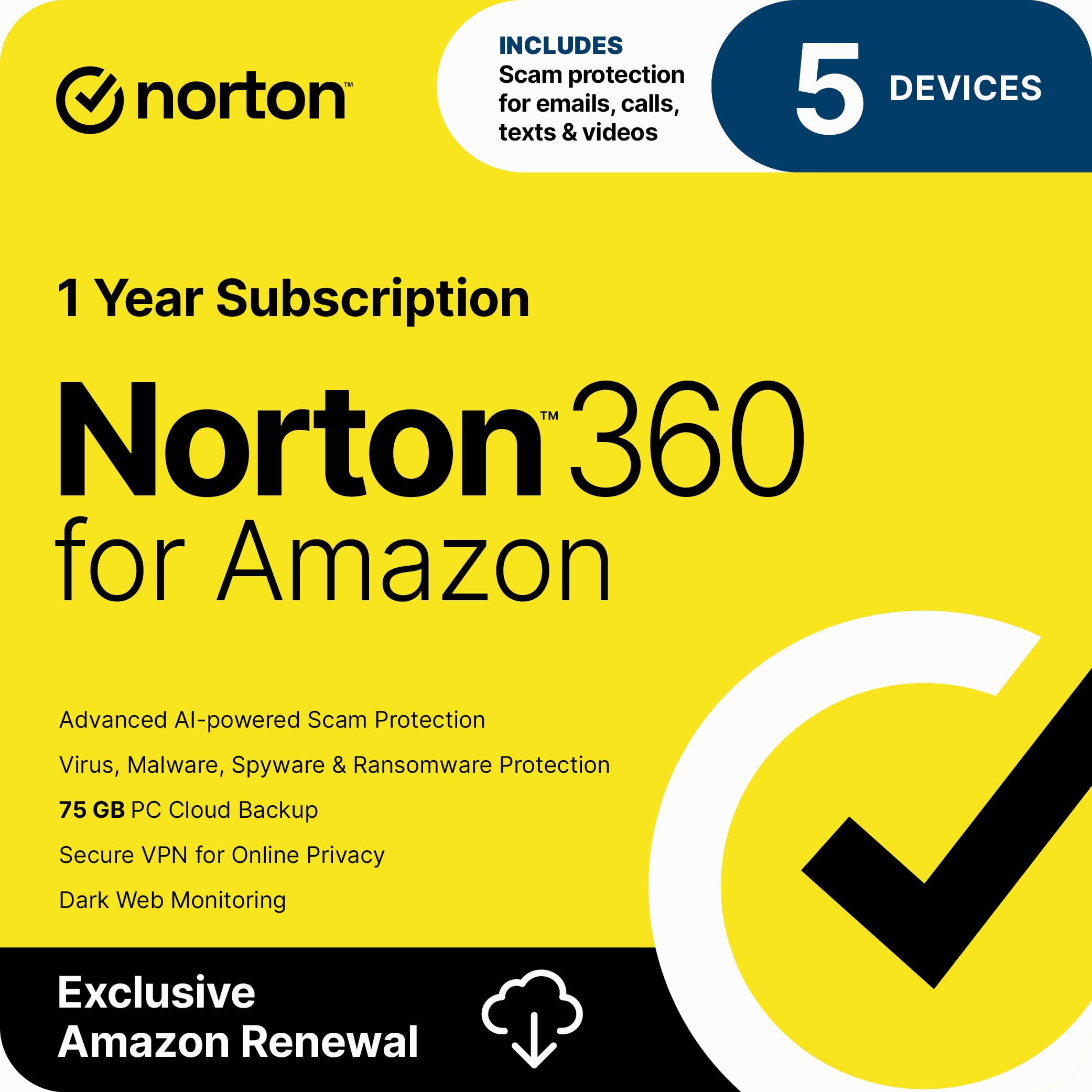
Norton 360 bundles a no-log VPN with bank-grade encryption for public WiFi, plus dark web monitoring that scans for your email, passwords, and SSN in breach databases. The 75GB cloud backup provides an offsite copy of critical files—handy when ransomware encrypts your local documents and you need a clean restore point. This is the only suite in the mid-range tier that offers all three add-ons without stepping up to a higher price tier.
Installation covers up to 5 devices across Windows, macOS, iOS, and Android, with deployment completing in minutes after code entry. The password manager stores and auto-fills credentials across browsers, reducing the temptation to reuse weak passwords. Real-time threat protection blocks malicious downloads before they execute, and the suite runs without noticeable drag during daily use according to verified buyer reports.
Several user reviews note that purchasing the Amazon-specific version avoids the higher renewal rates charged directly by Norton’s website. One reviewer specifically praised the dark web monitoring feature after it flagged their credentials in a breach. The 5-device cap fits a typical family of four plus one shared tablet—any larger household should check Norton’s 10-device plan instead.
Why it’s great
- Built-in VPN for anonymous public WiFi browsing
- 75GB cloud backup protects against ransomware data loss
- Dark web monitoring alerts you to exposed credentials
Good to know
- Auto-renewal cancellation requires contacting support
- Some users report activation code recognition issues
3. McAfee Internet Security

McAfee Internet Security covers 10 devices under a single subscription—more than double the count of most mid-range suites. This makes it the practical choice for larger households with multiple laptops, smartphones, and tablets that all need baseline malware protection. The integrated password manager generates and vaults complex credentials, removing the burden of memorizing dozens of unique logins across family members.
The software warns you about risky websites before you click, filtering out phishing pages and malicious download sources. Installation across Windows, macOS, Android, and iOS is straightforward, with 24-hour customer support available via phone or chat if you hit activation problems. Users consistently mention the easy download process and the convenience of managing a 10-device pool.
Several verified buyers flagged the forced auto-renewal enrollment during activation as a negative—activation prompts you to enroll, with no clear “no thanks” button. Workarounds exist, but the experience frustrates users who prefer to control renewal timing. Additionally, marketing upgrade notifications appear periodically, which some reviewers found intrusive enough to uninstall.
Why it’s great
- 10-device license covers an entire household on one subscription
- Built-in password manager reduces login fatigue
- Award-winning threat detection with real-time web filtering
Good to know
- Activation forces auto-renewal enrollment with hard-to-find decline option
- Frequent upgrade notifications can interrupt workflow
4. Bitdefender Antivirus Plus
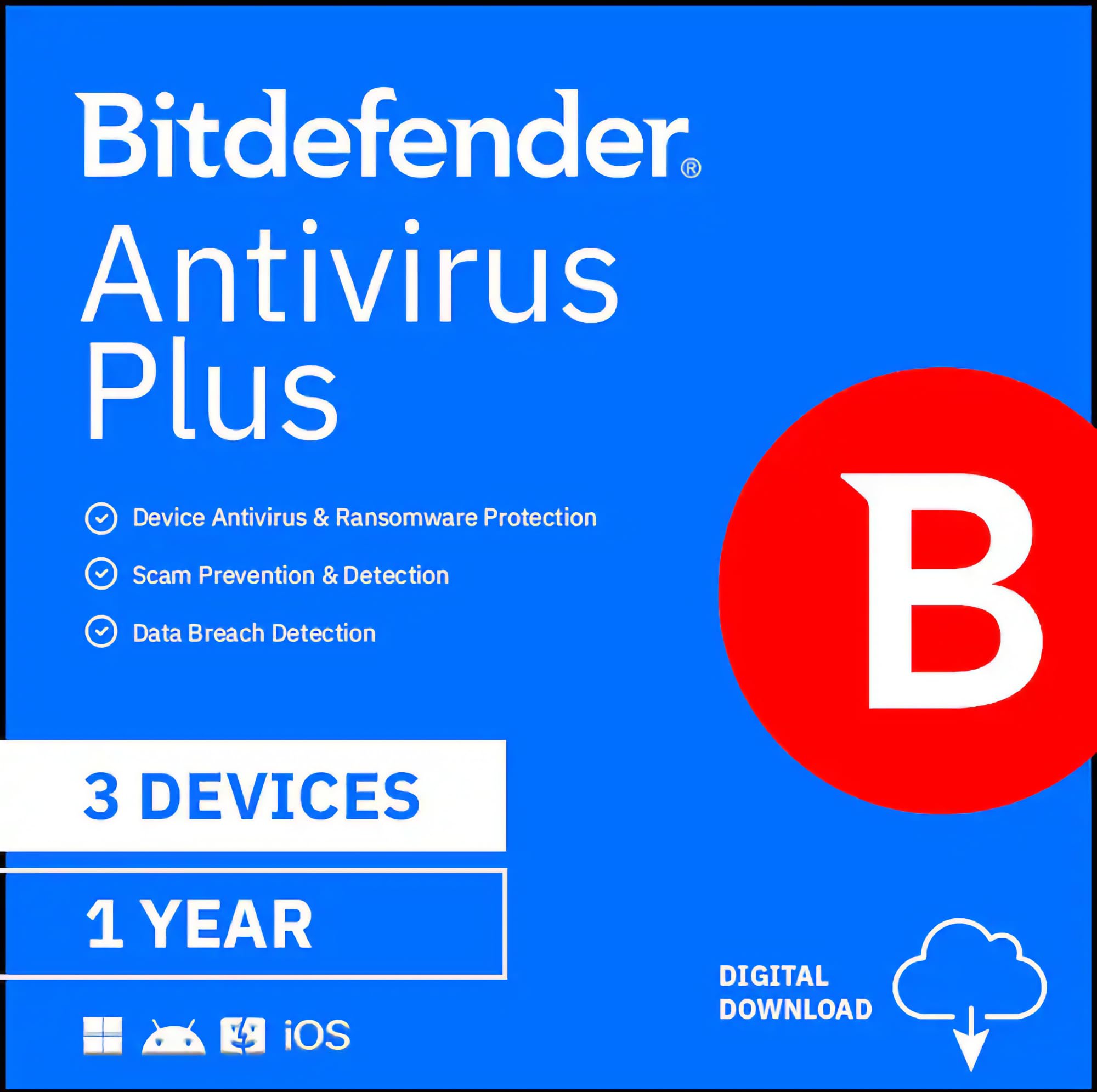
Bitdefender Antivirus Plus delivers multi-layer ransomware and cryptomining protection specifically for Windows environments, with near-zero performance impact according to independent lab tests. The Autopilot security advisor adjust protection settings automatically based on your behavior—game/movie/work modes kick in without manual toggling. The file shredder permanently deletes sensitive documents, preventing recovery tools from resurrecting deleted data.
Anti-tracker technology blocks advertisers from profiling your browsing habits, while the social network protection monitors for malicious links shared in your feed. The Wi-Fi security advisor scans your home network for router vulnerabilities and weak encryption protocols. For households using Windows PCs exclusively, this suite covers 3 machines with robust protection against phishing and fraud without the overhead of a full internet security suite.
Several users praised the Amazon purchasing experience—renewing via a new code on Amazon costs less than direct renewal, avoiding the auto-renewal price hike that some reviewers criticized. One buyer noted that the 365-day countdown starts only when you install, not when you buy, giving you flexibility if you purchase ahead of time. The Windows-only limitation means it won’t protect your Mac or Android devices, so plan accordingly.
Why it’s great
- Multi-layer ransomware protection blocks cryptomining and file encryption attacks
- Autopilot mode automatically adjusts settings during gaming or movies
- File shredder permanently deletes sensitive documents
Good to know
- Windows only—no macOS or mobile device support
- Overly cautious browser filtering may require manual site exceptions
5. Webroot Internet Security Complete

Webroot Internet Security Complete differentiates itself with cloud-based scanning that finishes full system checks in seconds rather than minutes, using less than 1% system resources during background idling. The suite covers 10 devices including Chromebooks—a rarity among multi-device antivirus licenses. The password manager from LastPass vaults your credentials, and the system optimizer clears browsing history, cache, and unnecessary files to reclaim hard drive space.
Identity theft protection blocks keyloggers and spyware from capturing credit card numbers and passwords during online transactions. The anti-phishing engine warns before you click malicious links embedded in emails or web pages. Support extends across Windows, macOS, iOS, Android, and Chromebook, making it the most platform-agnostic option in this list—ideal for mixed-OS households.
Long-term users report that buying a new Amazon code for around the entry-level price beats paying the direct renewal fee, which can be almost double. One 15-year veteran reviewer praised Webroot for blocking ransomware immediately, while another noted the “update key code” entry point in the desktop app for easy renewal. The software does occasionally prompt you to upgrade, which some users find irritating, but the low system footprint and broad device support make it a strong contender for budget-conscious families.
Why it’s great
- Cloud-based scans complete in seconds with minimal CPU usage
- 10-device license includes Chromebook support
- System optimizer reclaims hard drive space by deleting temp files
Good to know
- Direct renewal costs nearly double the price of a new Amazon code
- Occasional upgrade pop-ups interrupt the user experience
FAQ
Can I use one antivirus license on both Windows and Mac computers?
Does a multi-device antivirus protect my smartphone and tablet?
How do I avoid auto-renewal charges when buying antivirus on Amazon?
Final Thoughts: The Verdict
For most users, the best antivirus for multiple devices winner is the ESET Home Security Essential because it delivers strong threat detection with near-zero system impact and a clean user interface free of upgrade spam. If you want dark web monitoring and a VPN, grab the Norton 360 for Amazon. And for a 10-device household on a budget, nothing beats the Webroot Internet Security Complete.

Mo Maruf
I created WellFizz to bridge the gap between vague wellness advice and actionable solutions. My mission is simple: to decode the research and give you practical tools you can actually use.
Beyond the data, I am a passionate traveler. I believe that stepping away from the screen to explore new environments is essential for mental clarity and physical vitality.