Our readers keep the lights on and my smoothie glass nicely filled. As an Amazon Associate, I earn from qualifying purchases.
The line between a premium tablet and a paperweight at the office comes down to one thing: raw processing power and the ability to handle a full desktop-class browser without stuttering. Many cheap models choke on fourteen Chrome tabs, lag through video calls, and force you to hunt for a charger by noon. For a device you are trusting with spreadsheets, presentations, and remote sessions, the processor, RAM configuration, and battery capacity are non-negotiable specs that define whether your workday flows or stalls.
I’m Mohammad Maruf — the founder and writer behind WellFizz. With a background in deep market research and hardware analysis for the mobile workstation space, I have spent hundreds of hours cross-referencing processor benchmarks, battery drain tests, and real-world multitasking performance for tablets that claim to replace a laptop. Every recommendation here is backed by specific, measurable specs that actually matter for productivity.
Whether you need a 2-in-1 convertible for drafting documents or a lightweight slate for endless video conferences, this guide breaks down the top contenders to help you find the true best android tablet for work that matches your specific workflow demands.
How To Choose The Best Android Tablet For Work
Buying a tablet for professional use is fundamentally different from picking one for media consumption. You need sustained performance, a screen that doesn’t cause eye fatigue after three hours, and enough storage for files without constantly shuffling data. Here are the three pillars to evaluate before you buy.
Processor & Memory: The Multitasking Engine
The processor dictates how smoothly your tablet handles complex applications, split-screen workflows, and background processes. For work, look for an octa-core chip from MediaTek (Dimensity series) or Qualcomm (Snapdragon 8 series). Clock speed also matters — 2.2GHz and above gives you breathing room for heavy documents and web apps. RAM is equally critical; 8GB is a practical floor for most office tasks, and 12GB or more (especially with physical RAM) provides headroom for running multiple professional apps simultaneously without slowdowns. Be skeptical of virtual RAM expansion numbers — physical DDR memory always outperforms virtual allocation.
Display & Connectivity: The Visual Workspace
Screen size directly affects how much data you can see at once. An 11-inch panel is the sweet spot for portability, while 12-inch and larger screens approach laptop territory for spreadsheets and document editing. Resolution matters — 2K (2000 x 1200) or higher ensures sharp text, which is critical for reading contracts or coding. A 90Hz or 120Hz refresh rate reduces scroll blur, making document navigation feel more fluid. For connectivity, ensure the tablet supports dual-band 5G or WiFi 6 for stable video calls and fast file transfers. Bluetooth 5.0 or higher is also important for using wireless keyboards and mice without latency.
Battery & Accessories: Surviving The Workday
Battery capacity is your lifeline. A minimum of 7000mAh is necessary for a full work day of mixed use — meetings, typing, and web research. Tablets with 10,000mAh or more can power through 10-12 hour days and even charge other devices via reverse charging. Equally important is the accessory ecosystem: a detachable keyboard with a proper trackpad turns a tablet into a serious workstation. Check that the included stylus has 4096 levels of pressure sensitivity for note-taking and annotations, and that the case has a kickstand or magnetic support for desk use. Fast charging (18W to 45W) is a bonus for quick top-ups between sessions.
Quick Comparison
On smaller screens, swipe sideways to see the full table.
| Model | Category | Best For | Key Spec | Amazon |
|---|---|---|---|---|
| Samsung Galaxy Tab S9 | Premium | Power users & creative professionals | Snapdragon 8 Gen 2 + 8GB RAM | Amazon |
| Lenovo Idea Tab Pro | Mid-range | Students & heavy document processing | MediaTek Dimensity 8300 + 8GB RAM | Amazon |
| OnePlus Pad Go 2 | Premium | Balanced work & media consumption | Dimensity 7300-Ultra + 8GB RAM | Amazon |
| Lenovo Idea Tab | Mid-range | Note-taking & light productivity | Dimensity 6300 + 8GB RAM | Amazon |
| Samsung Galaxy Tab A9+ | Mid-range | Family & light office tasks | Octa-core + 4GB RAM | Amazon |
| 13.4″ Android 16 Tablet (VekfulPC) | Budget | Large-screen multitasking on a budget | Octa-core + 8GB RAM (expandable) | Amazon |
| BESTTAB T60 | Budget | Extreme battery life & storage needs | Octa-core T7280 + 12GB RAM | Amazon |
| TCL NXTPAPER 11 Plus | Mid-range | Eye comfort & drawing/note-taking | Helio G100 + 8GB RAM | Amazon |
| TABWEE Tablet 2026 | Budget | Entry-level 2-in-1 workstation bundle | Octa-core T606 + 8GB RAM | Amazon |
In‑Depth Reviews
1. Samsung Galaxy Tab S9

The Galaxy Tab S9 is the undisputed king of Android productivity tablets, and it justifies its position with the Snapdragon 8 Gen 2 processor — a chip so potent it handles 4K video editing, heavy spreadsheet calculations, and simultaneous app windows without a single hiccup. The 8GB of physical RAM ensures that even with fifteen Chrome tabs open alongside Slack and a PDF editor, the system never stutters. Samsung’s DeX mode transforms the interface into a desktop-like environment, complete with resizable windows and a taskbar, making this the closest Android tablet experience to a real laptop. The 11-inch Dynamic AMOLED 2X display is incredibly sharp, with deep blacks and vibrant colors that make reading long documents less straining than on typical LCD panels. The included S Pen is a bonus for quick notes and signature annotations.
Battery life holds up to a solid 15 hours of video playback, and in real-world mixed office use, it reliably lasts a full workday. The IP68 water and dust resistance is a unique feature amongst work tablets — a rare safety net for those who carry their device between conference rooms and coffee shops. Connectivity is future-proof with Wi-Fi 7 support, ensuring fast cloud uploads and lag-free video calls.
There is one practical omission: no charger is included in the box, and the fast charging requires a 45W adapter sold separately. The price point is also a serious consideration, sitting at the top of the market. However, for professionals who need uncompromising performance and a premium build, the Tab S9 is the definitive choice. You are paying for a tablet that will remain capable for years thanks to Samsung’s commitment to OS updates.
Why it’s great
- Industry-leading Snapdragon 8 Gen 2 processor handles any workload
- Brilliant Dynamic AMOLED 2X display with 120Hz refresh rate
- DeX mode provides a true desktop-like experience
- IP68 water and dust resistance for durability
Good to know
- No charger included in the box
- Premium price reflects flagship status
- No headphone jack
2. Lenovo Idea Tab Pro

The Lenovo Idea Tab Pro is a brilliantly balanced work tablet that brings nearly flagship performance to a mid-range price. Its MediaTek Dimensity 8300 processor is a powerhouse, and paired with 8GB of RAM, it breezes through multitasking — users report smooth operation with multiple Chrome tabs, streaming, and note-taking apps running concurrently. The 12.7-inch 3K LCD display has a 16:10 aspect ratio that is ideal for side-by-side document editing and reading A4-sized PDFs without constant zooming. The included Tab Pen Plus is comfortable and responsive for handwriting notes and making annotations on reports.
Battery life is a standout feature: the 10200mAh cell delivers up to 11 hours of video streaming, and in practice, it can handle a full day of classes or office work on a single charge. The 45W fast charging (with the proper Lenovo adapter) gets you back to full quickly. The quad JBL speakers with Dolby Atmos provide clear audio for video calls and media breaks. The AI-enhanced features, including Google Gemini integration and Circle to Search, add real productivity shortcuts that are genuinely useful in a work context.
There are a few caveats. The tablet is heavy at over 1.5 pounds, making it less ideal for long handheld use. It also requires a specific Lenovo 45W PD smart charger for optimal charging speeds — standard USB-C chargers will trickle charge very slowly. The Android UI is not a stock experience, and some users note that location services rely on network triangulation rather than dedicated GPS. Despite these quirks, for the performance and screen real estate, it offers exceptional value for any student or professional.
Why it’s great
- Excellent MediaTek Dimensity 8300 performance for multitasking
- Large 12.7″ 3K display is perfect for document work
- Incredible battery life with fast charging option
- Includes responsive Tab Pen Plus
Good to know
- Heavy design makes prolonged handheld use awkward
- Requires specific 45W charger for fast charging
- No dedicated GPS chip
3. OnePlus Pad Go 2
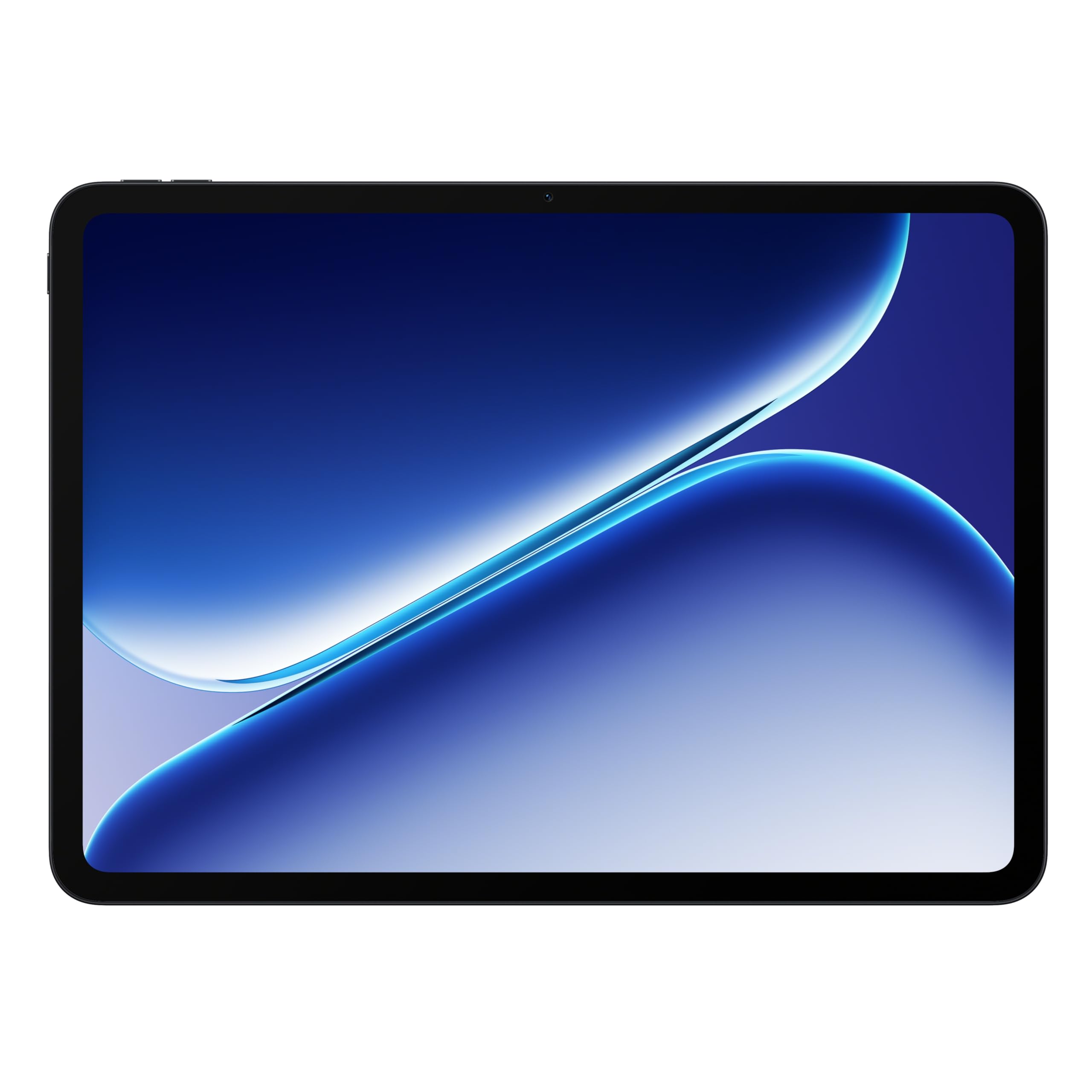
The OnePlus Pad Go 2 is a sleek, modern tablet that strikes an impressive balance between productivity and entertainment, all at a competitive price. Powered by the MediaTek Dimensity 7300-Ultra and 8GB of RAM, this tablet handles typical office workloads — email, document editing, video calls — with fluid ease. The 12.1-inch Dolby Vision display with a 120Hz refresh rate is a joy to work on; scrolling through long documents feels incredibly smooth, and the vivid colors reduce eye strain. The tablet is slim and lightweight at just over one pound, making it genuinely portable for commuting between meetings.
Battery life is a true highlight. The 10,050mAh cell can push past 17 hours of video playback, and in real-world mixed usage, it easily lasts two full working days before needing a charge. The 67W SUPERVOOC fast charging (included adapter) gets you from zero to a full battery in under an hour, which is class-leading speed for this category. The OxygenOS interface is clean and minimalist, close to stock Android, which means fewer pre-installed apps and smoother performance over time. The optional keyboard accessory pairs seamlessly for typing longer reports.
The main limitation is the lack of a headphone jack, and the stylus, while functional for basic notes, lacks the pressure sensitivity needed for serious drawing or detailed annotations. The display, while excellent, is not AMOLED, so blacks are not as deep as on the Samsung Tab S9. But for the vast majority of work tasks, this tablet delivers a premium experience that rivals devices costing significantly more.
Why it’s great
- Stunning 12.1″ Dolby Vision 120Hz display
- Excellent battery life and ultra-fast 67W charging
- Lightweight and premium design
- Clean, bloatware-free OxygenOS
Good to know
- No headphone jack
- The included pen is not suitable for detailed drawing
- Display is LCD, not AMOLED
4. Lenovo Idea Tab

The Lenovo Idea Tab is a focused productivity tool aimed squarely at students and professionals who need a reliable device for note-taking, reading, and light document editing. Powered by the MediaTek Dimensity 6300 processor and 8GB of RAM, this tablet is more than capable of handling Google Workspace apps, PDFs, and web browsing without lag. The 11-inch 2.5K IPS touchscreen display is crisp and detailed, and the 90Hz refresh rate makes scrolling through research papers feel fluid. The included Tab Pen and Folio Case enhance the out-of-box value, letting you start writing notes or marking up documents immediately.
Battery life is a strong point: the 7216mAh battery lasts up to 12 hours of video playback, and real-world testing shows it can handle a full day of classes or a standard office shift. The AI Note, Squid, Nebo, and MyScript Calculator apps come pre-installed and genuinely improve productivity for students. Circle to Search with Google is a nice touch, allowing you to quickly look up terms or translate text without switching apps. The quad Dolby Atmos speakers provide clear audio for Zoom calls and video playback.
The main trade-off here is performance ceiling. The Dimensity 6300 is not designed for heavy gaming or intensive video editing; it is optimized for efficiency and everyday tasks. The included Folio Case is described as flimsy by some users, so you may want to invest in a more robust case for daily carry. It also uses a USB-C 2.0 port, which means no video output via HDMI. For pure academic or office productivity, however, this is a fantastic, cost-effective choice.
Why it’s great
- Sharp 11″ 2.5K 90Hz display for comfortable reading
- Great battery life that lasts a full day
- Includes stylus and folio case
- Pre-loaded with useful productivity apps
Good to know
- Processor is not for heavy gaming or video editing
- Folio case quality could be better
- USB-C 2.0 port offers no video output
5. Samsung Galaxy Tab A9+
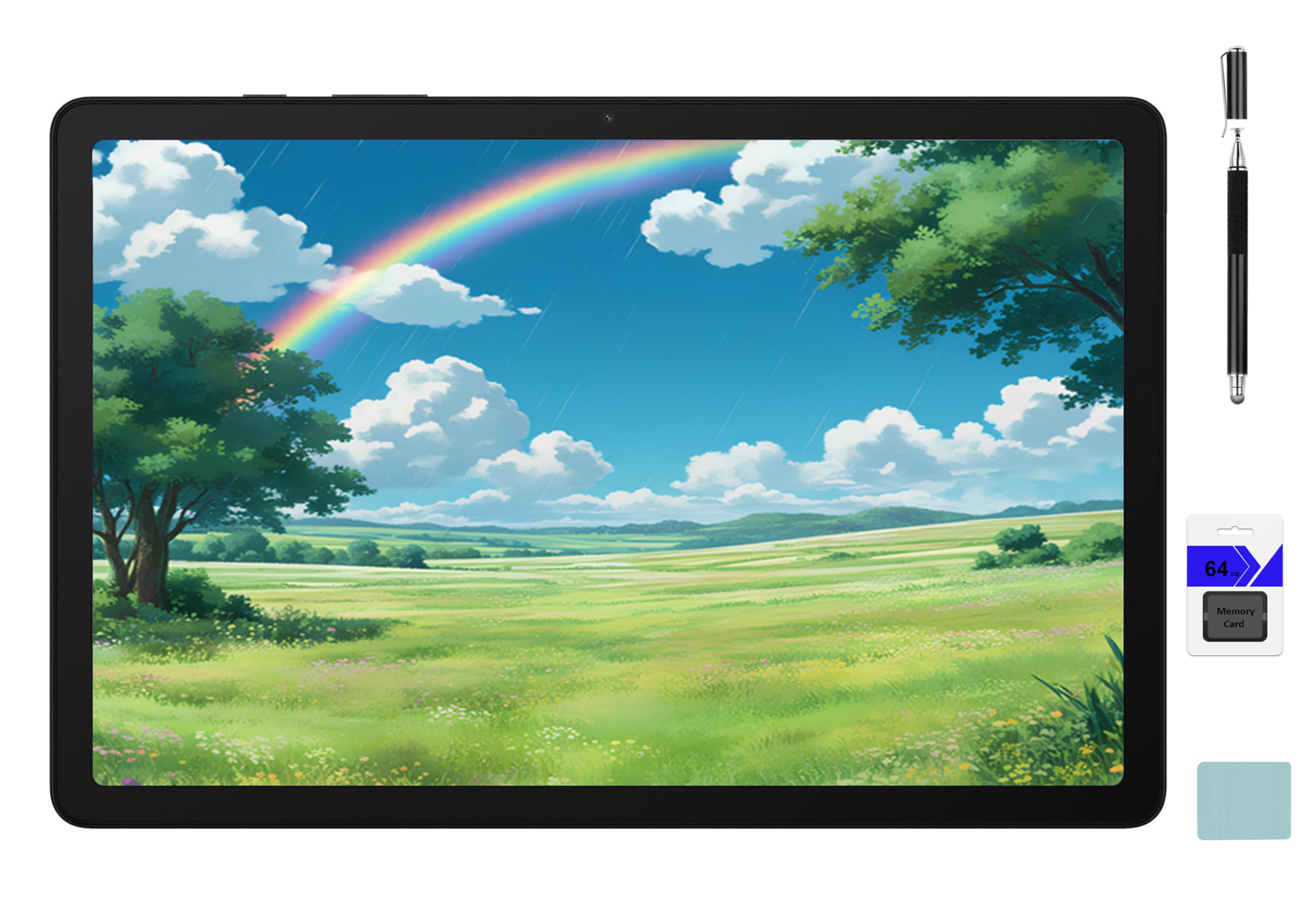
The Samsung Galaxy Tab A9+ is a solid entry-level work tablet that excels in its simplicity and reliability for basic productivity tasks. It features an 11-inch display with a 90Hz refresh rate, which makes navigating the interface and scrolling through documents noticeably smoother than a standard 60Hz panel. The octa-core processor handles email, web browsing, and document editing without major issues, though heavy multitasking with multiple large apps will reveal its mid-range limitations. The quad speakers with Dolby Atmos provide adequate sound for video calls and media.
Battery life is strong, with the 7040mAh cell lasting through a full day of mixed use, including some gaming and streaming. The included bundle adds a 2-in-1 stylus pen, a cleaning cloth, and a 64GB memory card, which boosts the total storage capacity. Samsung’s One UI is well-optimized for productivity, with features like Multi Window for split-screen apps and a dedicated Kids mode that makes this a versatile device for a family with both work and play needs. Quick Share is useful for instantly sending files to other Samsung devices.
The biggest limitations are the 4GB of RAM, which is the bare minimum for modern multitasking, and the 1920×1200 resolution that makes text less sharp than on higher-end competitors. The camera quality is basic, adequate for video calls but not for document scanning. For light-duty work where the budget is tight and the core requirement is just browsing, email, and video calls, the Tab A9+ offers solid Samsung reliability and a good screen experience at a very accessible price point.
Why it’s great
- Smooth 90Hz display at this price point
- Good battery life for a full work day
- Includes stylus and extra memory card
- Samsung One UI is clean and feature-rich
Good to know
- 4GB RAM limits heavy multitasking
- Screen resolution is only 1920×1200
- Cameras are basic
6. 13.4″ Android 16 Tablet (VekfulPC)
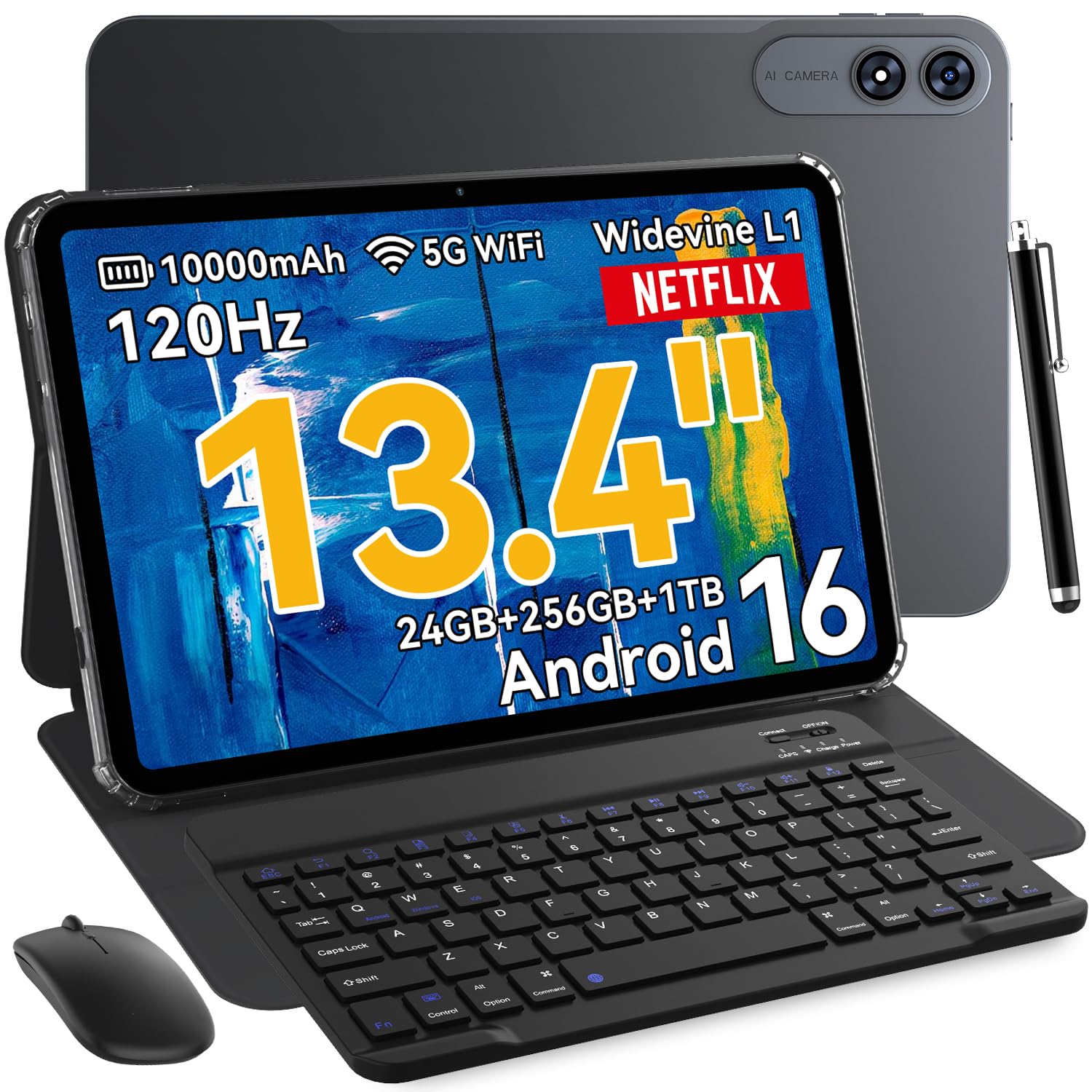
This 13.4-inch Android 16 tablet from VekfulPC is a compelling option for users who prioritize screen real estate over brand recognition. The massive IPS display with a 120Hz refresh rate provides a very smooth and immersive workspace, perfect for side-by-side document views, coding, or spreadsheet work where every extra inch counts. The octa-core processor, combined with 8GB of RAM that is software-expandable to 24GB, delivers surprisingly snappy performance for office tasks, email, and web browsing. The included 2-in-1 kit — keyboard, stylus, mouse, case, and even earphones — adds up to significant value for a complete workstation setup.
The 10000mAh battery is a standout, providing all-day power and even supporting OTG reverse charging for your phone. The 16MP rear camera is decent for document scanning, and the 8MP front camera is clear for video calls. Running Android 16, the tablet benefits from the latest Gemini AI features, including instant translations and AI note summaries. The full set of 4-system navigation (GPS, GLONASS, Galileo, Beidou) ensures location accuracy if you travel for work.
The compromises are in the details. The screen, while large, is not exceptionally sharp (1920 x 1200 resolution), and the processor is not powerful enough for high-end gaming. Some users report minor WiFi connection quirks. The build quality is not on the level of a Samsung or Lenovo flagship. However, for anyone who needs the largest possible screen for a budget-friendly price, and appreciates a comprehensive accessory bundle, this is a very effective work machine.
Why it’s great
- Massive 13.4″ screen for multitasking and data-heavy work
- Excellent value with full accessory bundle included
- Very long battery life with 10000mAh capacity
- Runs the latest Android 16 OS
Good to know
- Screen resolution is only 1920×1200, not sharp
- Performance is entry-level, not for heavy apps
- Minor connectivity issues reported
7. BESTTAB T60 Android 16 Tablet
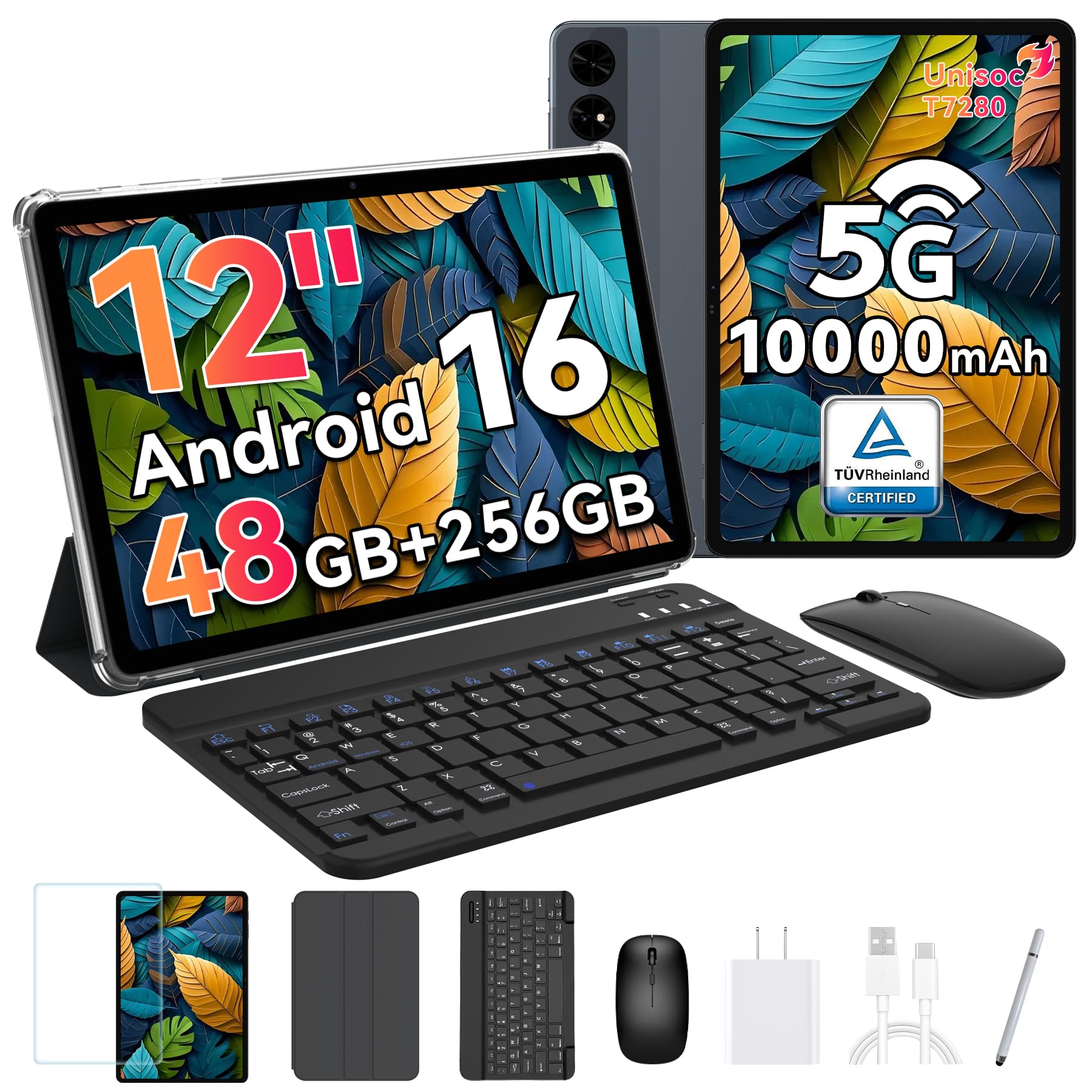
The BESTTAB T60 is a feature-packed budget contender that focuses heavily on work-oriented specs, most notably its 12.2-inch 2.5K display and a massive 10000mAh battery. The screen’s 2400 x 1600 resolution makes reading fine text, spreadsheets, and PDFs far more comfortable than typical budget panels. With 12GB of physical RAM (plus virtual acceleration up to 48GB), the T60 can handle a serious amount of multitasking — users report running over 15 apps simultaneously without noticeable lag. The included keyboard, mouse, stylus, case, and screen protector add significant value right out of the box.
Battery life is a primary reason to consider this tablet. The 10000mAh cell delivers up to 14 hours of video playback and 10 hours of gaming, which translates to an extremely long workday without needing to find an outlet. The 4-year warranty included with the device is rare at this price level and provides substantial peace of mind. Running Android 16 with Gemini AI integration, it supports voice-to-report conversion and other smart features. The face recognition security is a convenient touch for fast unlocking.
The trade-offs are clear: the camera quality is poor, and the sound from the speakers is described as lacking bass and volume. The tablet is also slightly heavier than some competitors. The build quality, while good for the price, is not as premium as the aluminum frames of Samsung or Lenovo. But for work users who need a large, high-resolution screen and superb battery life above all else, the BESTTAB T60 is an extraordinary value proposition that often outperforms its price tag.
Why it’s great
- Excellent 12.2″ 2.5K display for sharp text
- Massive 10000mAh battery for all-day work
- 12GB physical RAM handles heavy multitasking
- Comprehensive accessory bundle and 4-year warranty
Good to know
- Poor camera quality
- Sound is weak, lacking bass and volume
- Heavier than premium competitors
8. TCL NXTPAPER 11 Plus

The TCL NXTPAPER 11 Plus is a unique entry in the work tablet space because its core design philosophy is eye health. The NXTPAPER 4.0 display technology uses an anti-glare coating, DC dimming, and TÜV-certified low blue light to reduce eye strain significantly during long reading sessions. It offers three modes: Regular for vibrant media, Color Paper Mode for softer tones on magazines, and Ink Paper Mode that mimics an e-reader, making it excellent for reading lengthy contracts or research papers. The 11.5-inch 2.2K display with a 120Hz refresh rate is also very capable for general productivity.
The tablet is powered by a MediaTek Helio G100 processor and 8GB of RAM (with 8GB virtual expansion), which is sufficient for smooth multitasking across office apps, note-taking, and web browsing. The included T-PEN stylus with 4096 levels of pressure sensitivity is responsive for writing, sketching, and annotating documents. The 8000mAh battery provides between 6-8 hours of screen-on time in testing, enough for a full workday. The 33W PD fast charging and 1.5A reverse charging are welcome features.
The main drawback is the Helio G100 processor, which limits the 120Hz refresh rate when gaming and is not as powerful as a Dimensity or Snapdragon chip. The tablet does not support microSD expansion, so you are limited to the 256GB of internal storage. The OS update situation is also less robust than Samsung’s offering. However, for any professional who spends hours reading or writing on a screen, the NXTPAPER 11 Plus is a genuinely healthier alternative that doesn’t compromise on core functionality.
Why it’s great
- Revolutionary eye-care display technology reduces strain
- Excellent 11.5″ 2.2K 120Hz screen
- Included T-PEN stylus is perfect for annotations
- Good battery with fast charging and reverse charging
Good to know
- Processor performance is mid-range
- No microSD card slot for expansion
- OS update support is less frequent than Samsung
9. TABWEE Tablet 2026
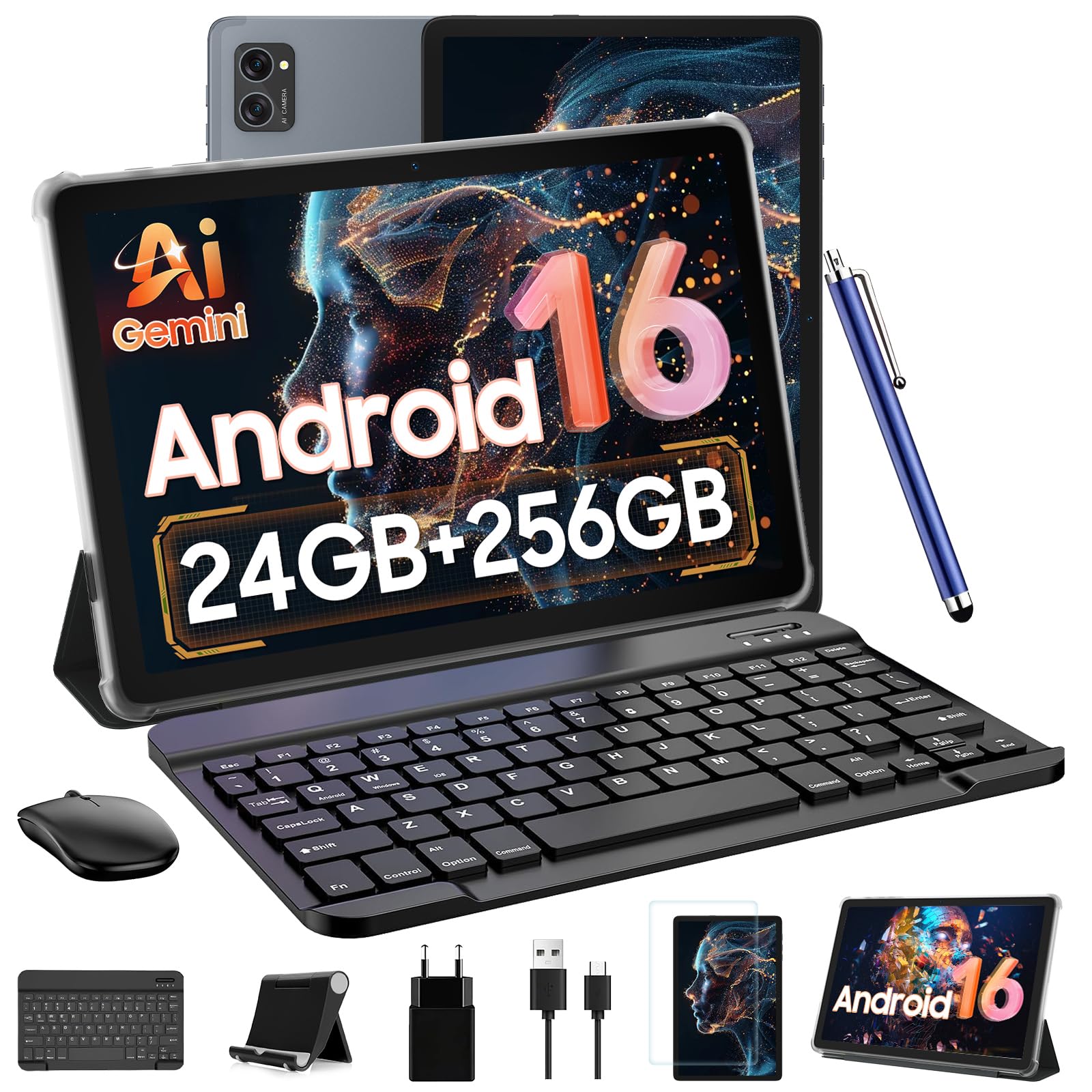
The TABWEE Tablet 2026 positions itself as a complete 2-in-1 workstation, and for the price, the bundle is undeniably impressive. It includes a detachable Bluetooth keyboard, wireless mouse, responsive stylus pen, protective case, and anti-glare screen protector — everything you need to start working immediately. The tablet features a 10-inch HD display with Widevine L1 certification, meaning Netflix and Prime Video stream in flawless 1080P HD, a nice bonus for work breaks. The 24GB of combined RAM (8GB physical + 16GB virtual) and 256GB of storage (expandable to 2TB via microSD) provides enormous capacity for file storage.
Performance is driven by an octa-core T606 processor, which handles standard office apps, browsing, and video calls without major issues. The 5000mAh battery is adequate for up to 6 hours of continuous use, making it suitable for shorter work shifts or travel. The dual-band 5G WiFi ensures stable connectivity for remote work. The 8MP rear camera and 5MP front AI camera are serviceable for document scanning and video calls, respectively.
The trade-offs are the small battery relative to its competitors and reports of slower-than-expected download speeds. The 5000mAh cell is half the capacity of some rivals, so you will likely need a mid-day charge with heavy use. The speaker quality is described as tinny. It is best suited for light office tasks and as a highly portable travel tablet where the full accessory kit makes it a complete workstation alternative.
Why it’s great
- Complete workstation bundle with keyboard, mouse, and stylus
- Massive 256GB storage with 2TB expansion
- Widevine L1 certification for HD streaming
- 2-Year US warranty included
Good to know
- Battery capacity is only 5000mAh
- Download speeds can be slower than expected
- Speaker quality is below average
FAQ
What is the minimum RAM I need for a work tablet?
Does a higher refresh rate matter for work productivity?
Can I use an Android tablet as a full laptop replacement for work?
Final Thoughts: The Verdict
For most users, the best android tablet for work winner is the Samsung Galaxy Tab S9 because it combines a flagship processor with a brilliant AMOLED display and DeX mode for a true laptop-like work experience. If you want aggressive value without sacrificing performance, grab the Lenovo Idea Tab Pro for its large 3K display and excellent battery life. And for budget-conscious buyers who need a massive screen and a complete accessory kit, the BESTTAB T60 offers the best overall screen-to-price ratio for document-heavy workflows.

Mo Maruf
I created WellFizz to bridge the gap between vague wellness advice and actionable solutions. My mission is simple: to decode the research and give you practical tools you can actually use.
Beyond the data, I am a passionate traveler. I believe that stepping away from the screen to explore new environments is essential for mental clarity and physical vitality.