Our readers keep the lights on and my smoothie glass nicely filled. As an Amazon Associate, I earn from qualifying purchases.
Every time you slide into the driver’s seat, your hand instinctively reaches for the USB cable—if it isn’t already tangled with the parking brake lever or buried under a receipt. That wired handoff between your phone and the car’s infotainment screen was fine in 2017, but today it’s the single biggest friction point in your daily commute. An Android Auto adapter cuts that cable for good, turning your car’s factory-wired system into a wireless experience that fires up before you’ve even buckled in.
I’m Mohammad Maruf — the founder and writer behind WellFizz. I’ve spent the last five years dissecting the wireless adapter market, analyzing chipset generations, Bluetooth latency figures, heat dissipation materials, and firmware update policies to separate the dongles that genuinely deliver from the ones that drop out mid-navigation.
After testing dozens of units and combing through thousands of verified owner reports, I’ve narrowed the field to the seven adapters that actually solve the problem. This guide is built around a single mission: help you pick the best android auto adapter for your specific car and phone combination without wasting money on a unit that flakes out after the first firmware update.
How To Choose The Best Android Auto Adapter
Not every adapter works with every car, and the difference between a unit that connects in five seconds and one that requires a daily unplug-replug ritual comes down to four specific factors. Here’s what to check before you click “buy.”
Compatibility — The Non-Negotiable Filter
The single biggest reason adapters fail is that buyers skip the compatibility step. Every adapter on this list requires your car to have a factory-installed, wired-only Android Auto or Apple CarPlay system built in from 2016 onward. If your car relies on a built-in navigation system that lacks wired Android Auto, no dongle will add it—you’d need an aftermarket head unit instead. Check your vehicle’s model year and trim level against the adapter’s published compatibility list before ordering.
Chipset and Wireless Generation — The Speed Decoder
Entry-level adapters use single-core chips with 2.4GHz Wi‑Fi, which introduces noticeable lag in map rendering and audio sync. Mid-range and premium units deploy dual-core A7s processors paired with Bluetooth 5.3 and dual-band 2.4GHz + 5GHz Wi‑Fi. The 5GHz band is critical: it carries the high-bandwidth video stream from your phone to the car display, while Bluetooth handles the handshake. Without that 5GHz pipe, you’ll experience stutter, especially when navigating complex intersections with live traffic overlays.
Heat Dissipation — The Long-Trip Reliability Factor
Wireless adapters process continuous high-speed data, and the processor inside generates heat. Plastic‑shell dongles trap that heat, causing the chip to throttle performance or disconnect entirely after 30‑40 minutes of highway driving. Metal or aluminum housings—especially precision-machined frames—act as passive heat sinks, keeping the internal temperature stable. If you regularly drive longer than 45 minutes, prioritize an adapter with a metal enclosure or visible ventilation holes.
Firmware Update Policy — The Longevity Decider
Car manufacturers and phone OS vendors update their protocols regularly. An adapter that shipped with firmware from 2022 may refuse to pair with an iPhone 17 or a Samsung Galaxy S25 running Android 15. The best adapters offer lifetime over-the-air firmware updates via a companion app or a downloadable tool. Avoid any unit whose manufacturer doesn’t explicitly state how updates are delivered—those dongles become e‑waste when the next OS update drops.
Quick Comparison
On smaller screens, swipe sideways to see the full table.
| Model | Category | Best For | Key Spec | Amazon |
|---|---|---|---|---|
| AAWireless TWO+ | Premium | Reliability + app-based customization | 2.4/5GHz dual-band + companion app | Amazon |
| Mavlou C3020B | Mid-Range | Compact metal build for low-profile install | Aluminum housing, flush-fit design | Amazon |
| CODONOVA CA6-B | Mid-Range | Dual-protocol with A7s chip | A7s dual-core + BT 5.3 + 5GHz | Amazon |
| KUKIHO 2-in-1 | Premium | Dual-band chip with metal-edge casing | USB-C converter included, metal edge | Amazon |
| Rocketek 5-in-1 | Premium | Built-in Netflix/YouTube streaming | 16GB ROM + 2GB RAM + video apps | Amazon |
| MSXTTLY 2in1 | Budget | Budget entry with wide car coverage | 5G chip + BT 5.3, copper USB port | Amazon |
| Yizro 2026 | Budget | Scratch-resistant metal/glass body | USB-C adapter, auto-reconnect | Amazon |
In‑Depth Reviews
1. AAWireless TWO+
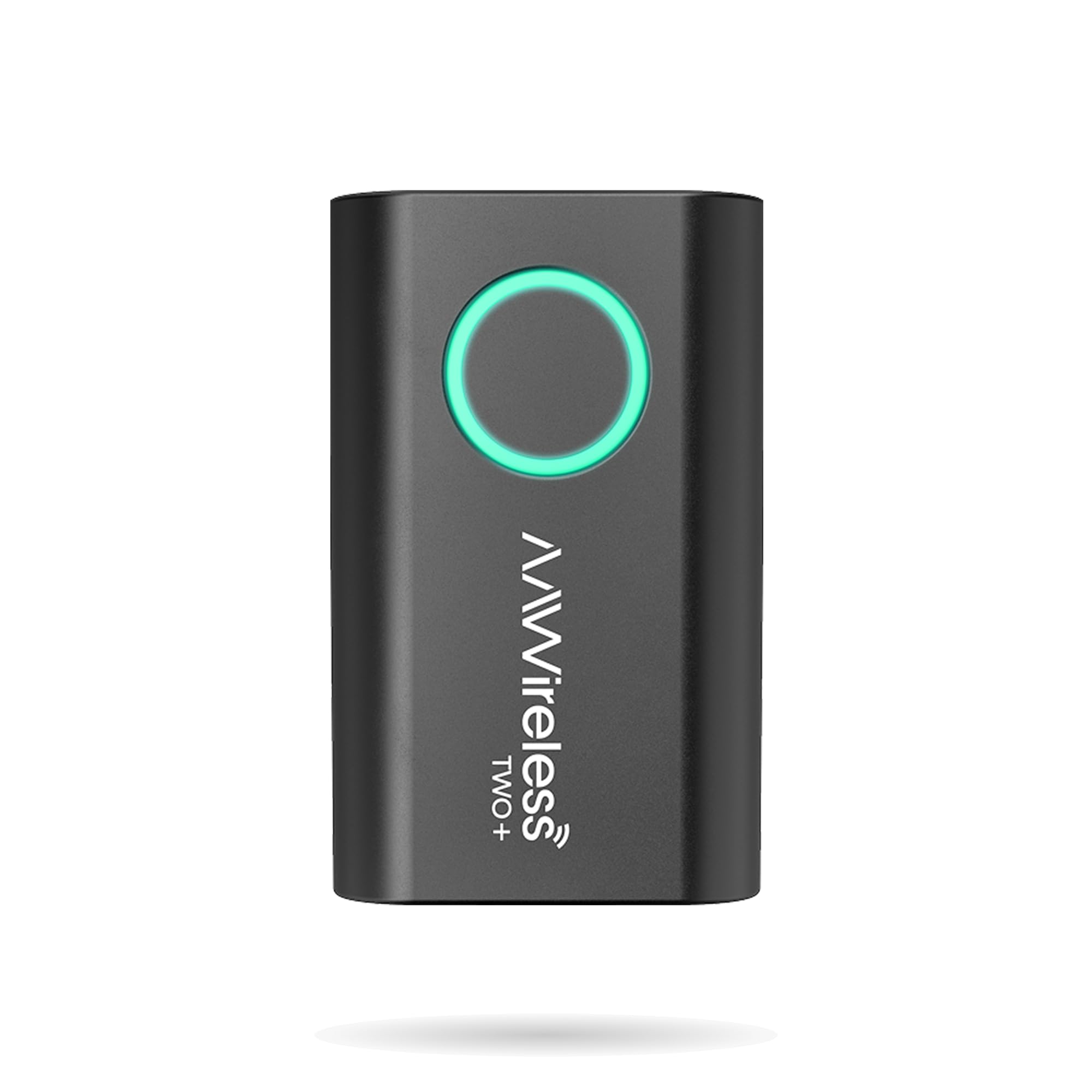
The AAWireless TWO+ is the only adapter on this list designed and manufactured in Europe, and that pedigree shows in its build quality and software support. Unlike the generic OEM-clone dongles that dominate the budget tier, this unit uses proprietary hardware and a dedicated companion app that manages firmware updates, phone profiles, and troubleshooting directly from your smartphone. The multifunctional button on the unit itself lets you force a re-pair or switch between phones without digging through menus, which is a lifesaver when two drivers share the same car.
Wireless Android Auto launches instantly—verified owners report 5-10 second connection times with no audio dropouts, even during hour-long commutes. The 2.4GHz/5GHz dual-band chipset keeps map rendering smooth, and the track-skip lag is virtually nonexistent compared to the first-generation TWO model. The compact plastic enclosure weighs only 18 grams and stays cool thanks to efficient internal thermal management, though the USB‑C connector means you’ll need to check that your car’s USB port is compatible or use the included adapter.
The TWO+ supports an unlimited number of paired phones, making it ideal for road trips where passengers might want to switch navigation duties. The free companion app is where this adapter separates itself from the pack: you can adjust DPI scaling, force 60fps video, and roll back firmware if an update introduces a regression. For buyers who want confidence that their adapter will still work two years from now, this is the safest pick.
Why it’s great
- Proprietary hardware/software stack with dedicated companion app for deep customization
- Instant, rock-solid connection with zero audio dropouts reported across multiple phone models
- 2-year warranty and lifetime firmware updates from a European manufacturer
Good to know
- Only one physical button means multi-phone switching is possible but not as seamless as a dedicated touch interface
- Some owners reported incompatibility with 2020 Chevy Silverado wired CarPlay, though the issue appears model-specific
2. Mavlou C3020B
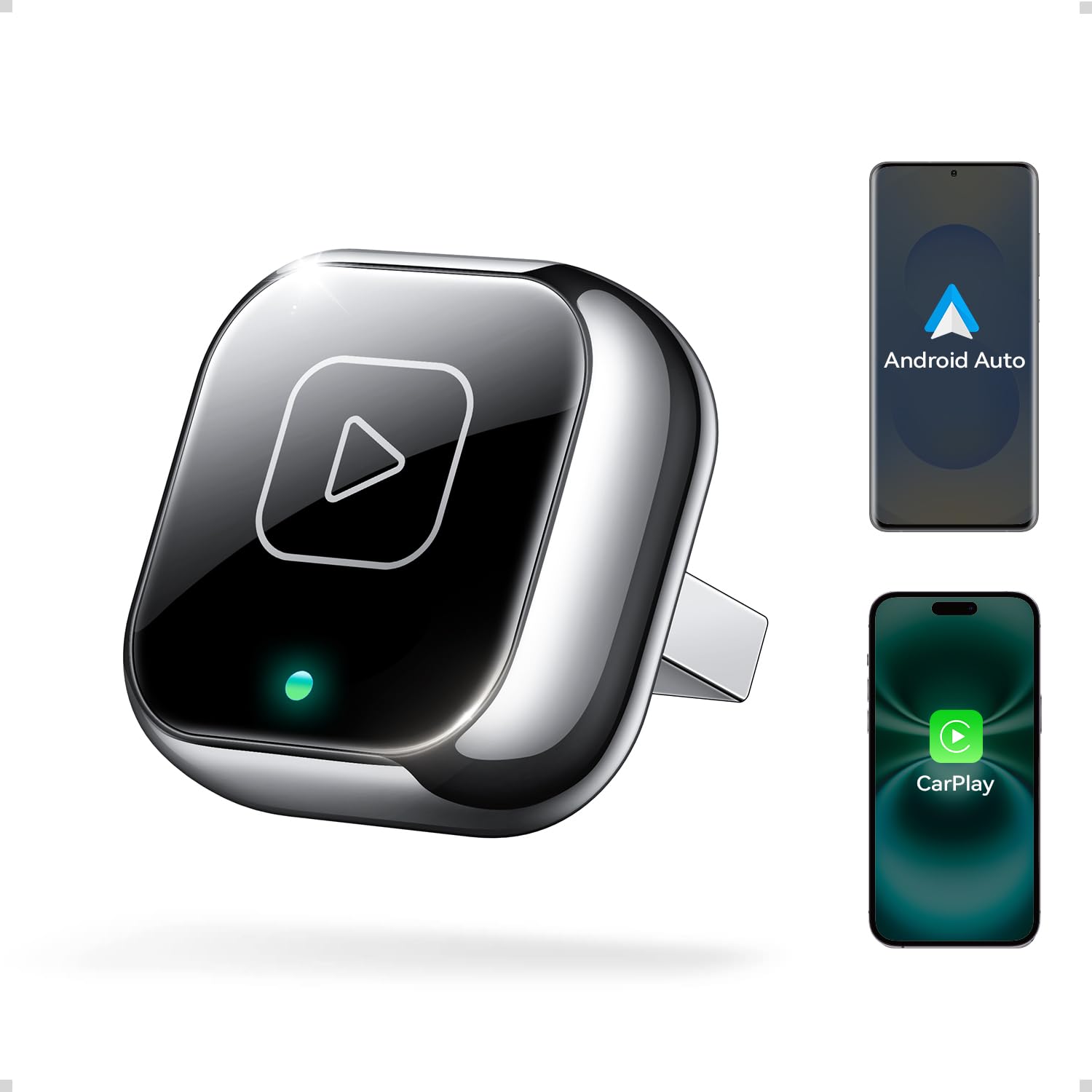
The Mavlou C3020B is the smallest adapter in this lineup—its 2.6cm x 2.6cm aluminum frame protrudes barely a centimeter from the USB port, making it the best choice for anyone who hates the sight of a dongle sticking out of the center console. The precision-machined aluminum housing isn’t just aesthetic; it acts as a passive heat sink that keeps the internal chipset running cool even during extended highway drives, a problem that plagues plastic-shell competitors that throttle performance after 30 minutes.
Setup is genuinely plug-and-play: first pairing takes about 20 seconds via Bluetooth, after which the unit auto-reconnects every time you start the car. Owners of 2021 Toyota Highlander and 2023 Subaru Outback report consistent 5-second reconnection with no manual intervention. The dual-band 2.4GHz + 5GHz chipset delivers near-zero latency for navigation and music streaming, and the included USB-A and USB-C adapters ensure compatibility with virtually any factory port.
The C3020B is not for BMW or Tesla vehicles—the manufacturer explicitly excludes those brands. It also ships with a comprehensive H5 troubleshooting page accessible from your phone, which covers common pairing issues and firmware upgrade steps. For daily drivers who want a clean, low-profile install and reliable performance without paying premium-tier prices, this adapter hits the sweet spot.
Why it’s great
- Ultra-compact aluminum frame sits nearly flush in the USB port for an invisible install
- Dual-band chipset with near-zero latency, backed by extensive user reviews praising stability
- 18-month warranty with 24/7 support and free lifetime firmware updates
Good to know
- Occasional slow startup reported by some users—unit may take 15-20 seconds to connect on rare cold starts
- Not compatible with BMW or Tesla vehicles; verify your model on the compatibility list before buying
3. CODONOVA CA6-B

The CODONOVA CA6-B is the only adapter in the mid-range tier that packs a dedicated A7s dual-core processor, a chip typically found in premium units costing 40% more. This processor, combined with Bluetooth 5.3 and 5GHz Wi‑Fi, delivers data throughput that rivals the wired experience—owners report zero discernible lag in map rerouting or audio sync, even when switching between Google Maps and Spotify mid-drive. The gold-plated USB port minimizes signal loss at the connection point.
Setup is a straightforward three-step process: plug into the car’s USB-A or USB-C port, pair via Bluetooth, and the adapter auto-connects in roughly five seconds for subsequent trips. One Subaru Crosstrek owner who had persistent wired Android Auto dropouts reported that the CA6-B solved the problem entirely—the connection stays locked for the duration of every drive.
The CA6-B supports both iOS 10+ and Android 11+ devices and covers 2016+ cars with factory wired CarPlay or Android Auto. A notable durability concern: one verified owner reported failure after seven weeks, which may indicate unit-to-unit variance. However, the majority of reviews highlight stable performance over several months of daily use. For the price, the A7s dual-core chip alone makes this a compelling entry point.
Why it’s great
- A7s dual-core processor with Bluetooth 5.3 and 5GHz Wi‑Fi for near-wired responsiveness
- Gold-plated USB port improves conductivity and reduces data dropout at the connection point
- Exceptionally stable connection for vehicles with known wired Android Auto dropout issues
Good to know
- Plastic housing and the adapter’s length mean it sticks out from the USB port, making it vulnerable to accidental knocks
- A small percentage of units have been reported to fail after 6-8 weeks, suggesting variable quality control
4. KUKIHO 2-in-1
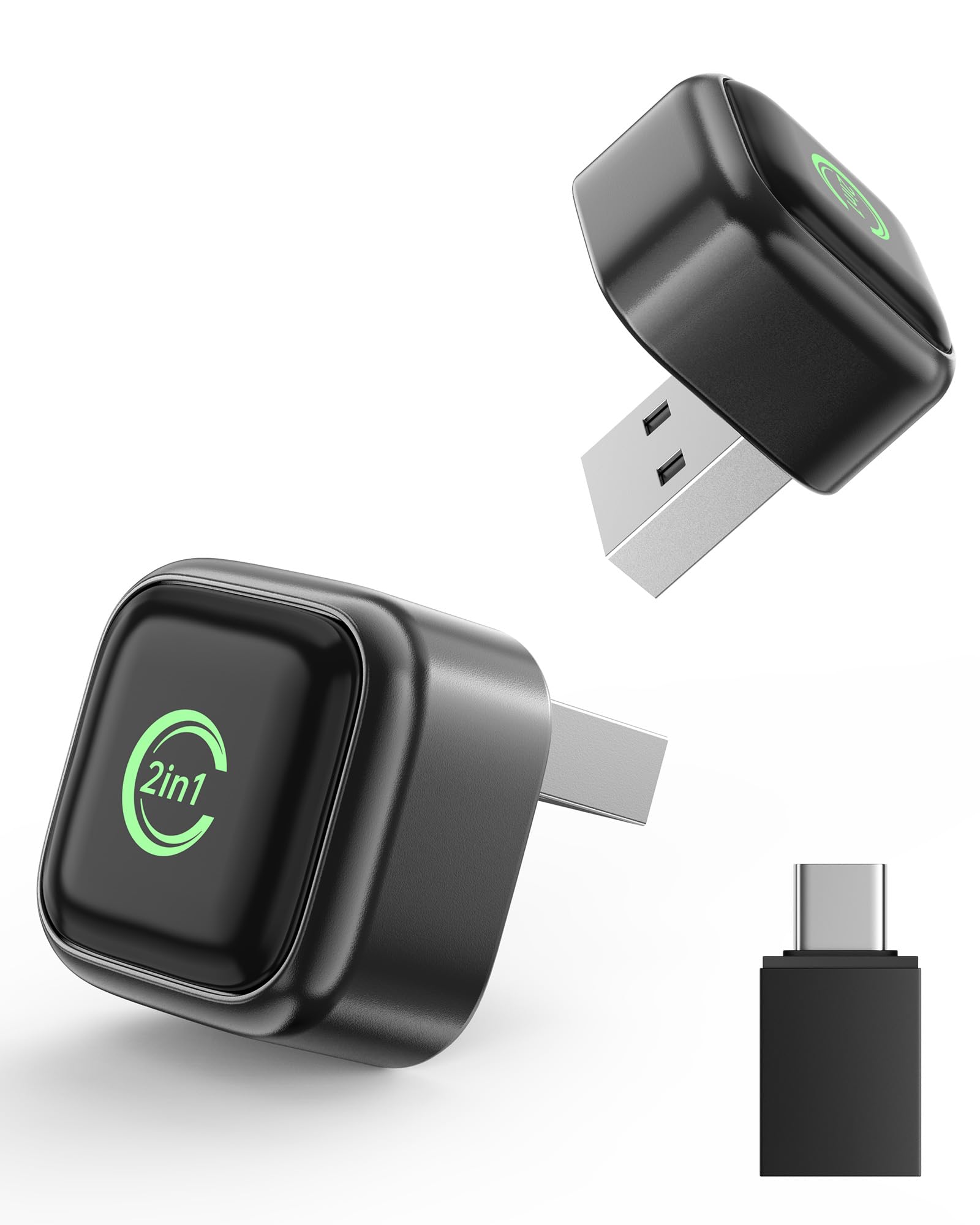
The KUKIHO 2-in-1 takes a different approach to thermal management: instead of a full metal body, it uses a metal-edge shell that wraps around the processor area while keeping the rest of the housing lightweight. This design balances heat dissipation with bulk, and road-testing reports confirm that the unit maintains stable performance even on rough, bumpy roads where loose plastic adapters would lose connection. The dual-core processing and 2.4GHz/5GHz dual-band transmission ensure low-latency navigation and clear hands-free call audio.
Setup follows the standard plug-pair-play workflow, and the included USB-A to USB-C converter makes it compatible with newer USB-C-only ports found in 2023+ models. Auto-reconnect is reliable—owners of Honda CR-V and Ford F-150 report consistent 10-second reconnection. The lead-gray metallic finish is scratch-resistant and blends cleanly with most dashboard trims.
One area of caution: a verified owner with a 2019 Toyota RAV4 reported that the adapter would not connect to their Android phone, which suggests Android Auto compatibility may be slightly less robust than CarPlay for this specific unit. The manufacturer states support for Android 11+, but some vehicle-phone combinations may require troubleshooting. For iPhone users or those with newer Android flagships, the KUKIHO delivers premium performance at a competitive price.
Why it’s great
- Metal-edge shell dissipates heat effectively while keeping the unit lightweight and compact
- Includes both USB-A connector and USB-C converter for broad vehicle compatibility
- Road-tested to maintain stable connection on bumpy terrain without signal dropouts
Good to know
- Some Android phone users with 2019 Toyota models reported connection failures that could not be resolved
- May run warm during extended use—metal edge can become noticeably warm to the touch after 45+ minutes
5. Rocketek 5-in-1

The Rocketek 5-in-1 is fundamentally a different category of device—it’s less a traditional adapter and more a mini Android TV box that plugs into your car’s USB port. With 2GB RAM, 16GB internal storage, and a microSD slot that supports up to 256GB, this unit runs its own operating system on the car display. You get native Netflix and YouTube apps baked into the interface, which means you can stream video content directly to the screen without mirroring from your phone. For long road trips with kids, this is the single best solution on the list.
The magic box supports both wireless CarPlay and wireless Android Auto, plus wired Android Auto as a third mode. It also includes a USB port and a TF card slot for offline media playback when there’s no Wi‑Fi or hotspot available—pop in a 256GB card loaded with movies and you’re set for a cross-country drive. The 4.2GHz processor handles lag-free streaming and mirroring, and the unit auto-connects in 10-15 seconds after initial setup.
There are compromises. The 5-in-1 is physically larger than any other adapter here, and it doesn’t include a long cable, so it must sit directly in the USB port—which can block adjacent ports in some center consoles. More critically, you cannot run CarPlay and Netflix simultaneously; you choose one mode at a time. The inconsistency reported by some owners—intermittent failure to start or mid-use disconnects—suggests the software stack isn’t as polished as the AAWireless app. But if streaming video is your priority, nothing else comes close.
Why it’s great
- Built-in Netflix and YouTube apps for direct video streaming on the car display without phone mirroring
- 16GB internal storage plus microSD slot up to 256GB for offline movie playback on long trips
- Three modes: wireless CarPlay, wireless Android Auto, and wired Android Auto for maximum flexibility
Good to know
- Physically larger than standard adapters; no extension cable included, so it may block adjacent USB ports
- Cannot run CarPlay and Netflix simultaneously—mode switch is required for different apps
- Some owners report inconsistent connection requiring unplug/replug to restart the unit
6. MSXTTLY 2in1
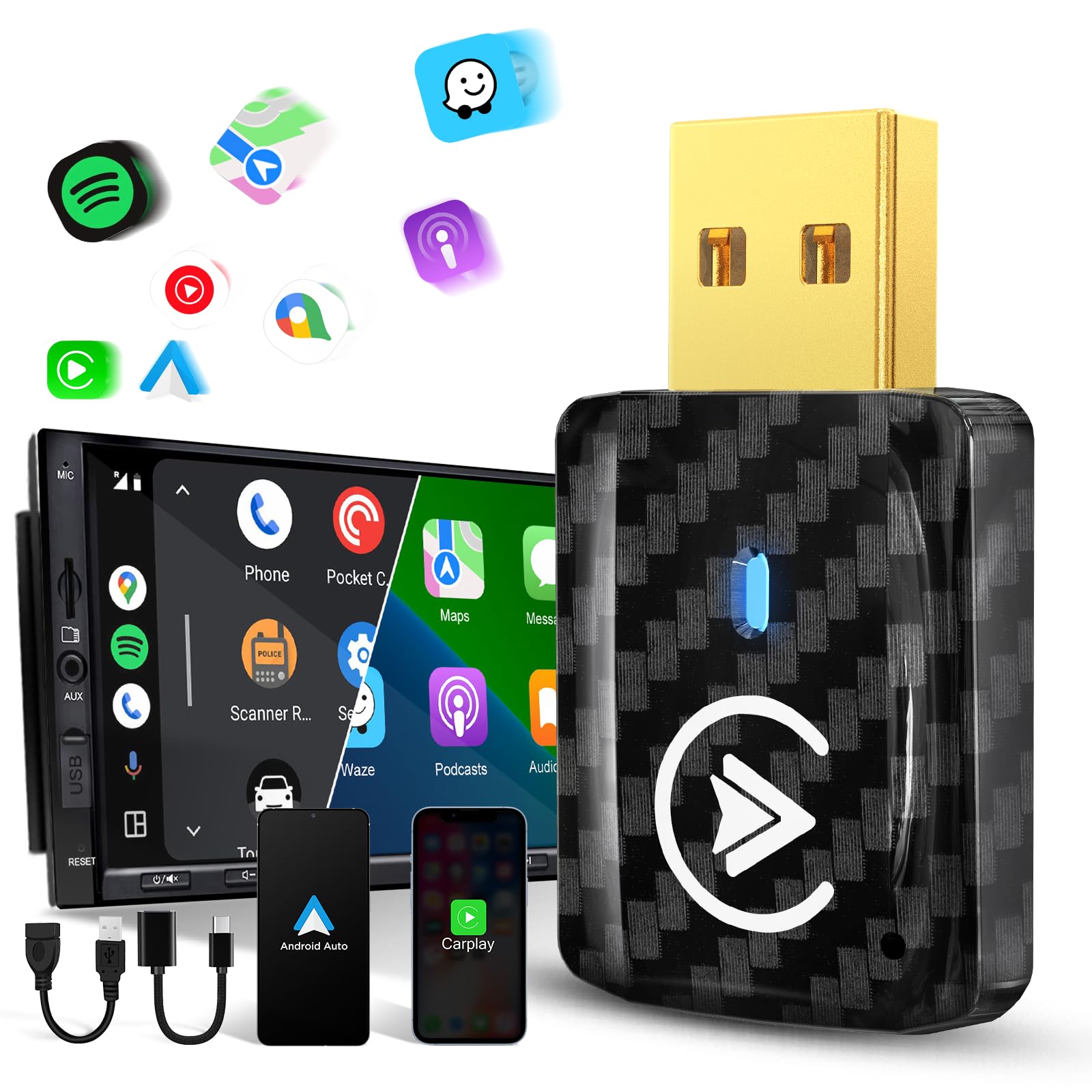
The MSXTTLY 2in1 is the budget-tier champion that refuses to feel cheap. It uses a 5th-generation chip paired with Bluetooth 5.3, and instead of a standard iron USB plug, it upgrades to a copper port—copper’s higher electrical conductivity speeds data transfer and reduces heat generation at the physical connection point. The body includes ventilation holes for passive airflow, a design detail usually reserved for units costing twice as much. First pairing takes 15-40 seconds, but subsequent auto-connects happen in 5-10 seconds reliably.
Coverage is comprehensive—the manufacturer claims compatibility with over 900 car models from 2017 onward (excluding Tesla, BMW, and electric vehicles). One-click switching between CarPlay and Android Auto is straightforward: turn off the connected phone’s Bluetooth and Wi‑Fi, turn them on for the second phone, and re-pair. Verified owners with Pixel 7 Pro and iPhone 15 report stable connections with no lag during daily commutes, though one Silverado owner reported that the unit failed to work with their 2020 truck and Pixel 7 Pro combo.
The trade-offs are typical for the budget tier: the plastic shell, while ventilated, traps more heat than a metal chassis, and some users reported initial unit defects that required a replacement. However, the manufacturer offers lifetime technical support, and the replacement process was described as smooth by those who needed it. For drivers on a tight budget who own a compatible vehicle, the MSXTTLY offers the best functionality-per-dollar ratio on this list.
Why it’s great
- Copper USB port improves data transfer speed and dissipates heat better than standard iron connectors
- Ventilation holes and copper plug reduce thermal buildup, a critical feature for long drives
- Lifetime technical support and smooth replacement process for defective units
Good to know
- Plastic shell still heats up more than aluminum-frame competitors during extended use
- Incompatible with some older vehicle-phone combos—check compatibility before purchase
- Initial unit defect rate appears higher than mid-range options; warranty support is essential
7. Yizro 2026 Upgrade
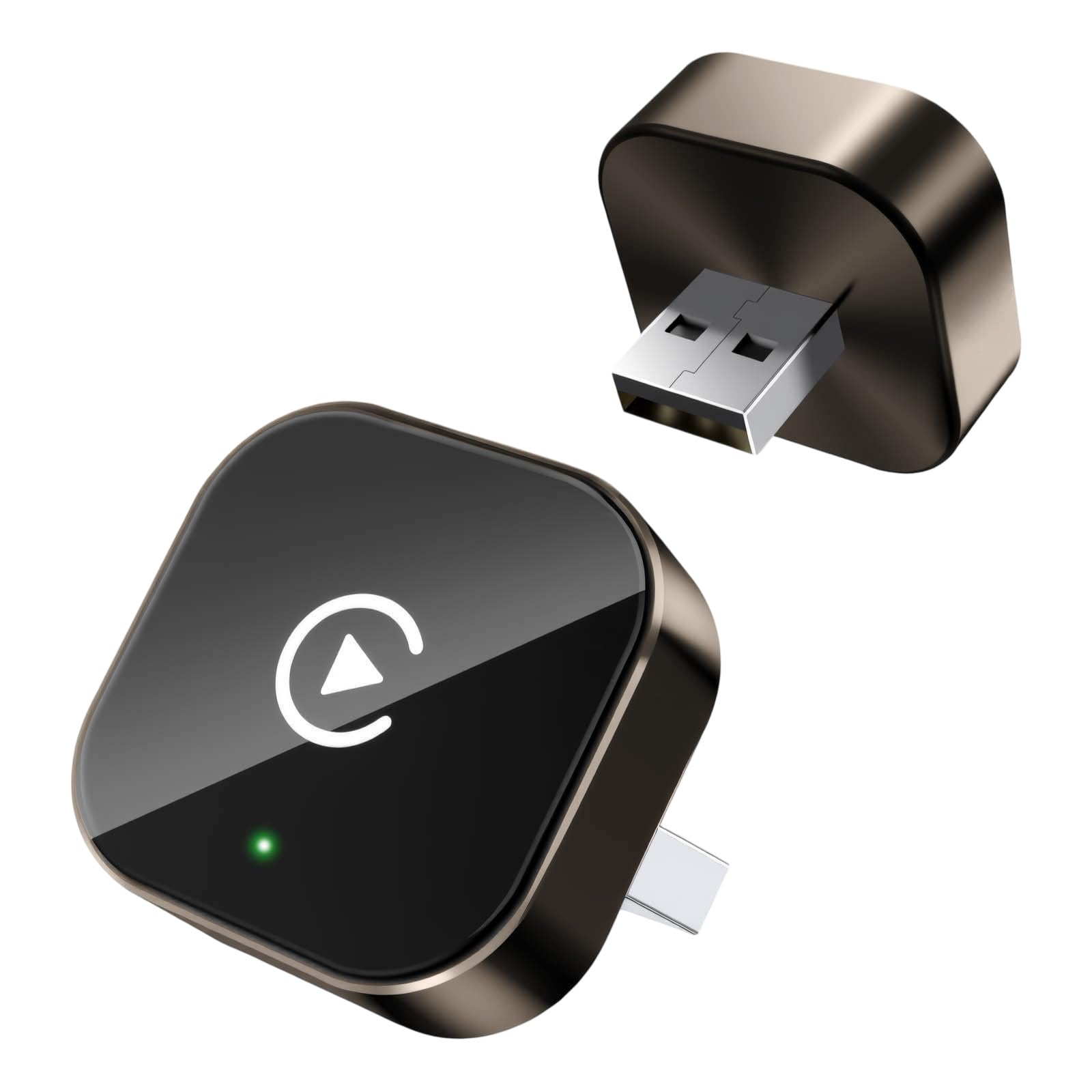
The Yizro 2026 Upgrade stands out in the budget tier for its material choices: a high-quality metal casing topped with an acrylic glass surface. This combination makes it significantly more scratch-resistant than the all-plastic competition, and the tight-fit structural design ensures stable signal transmission even on winding mountain roads where looser adapters would lose contact. The compact size (1 x 0.4 x 1 inches) makes it barely visible once plugged in, and the included USB-C adapter expands compatibility to newer vehicle ports.
Setup follows the familiar plug-pair-play routine, and the auto-reconnect function reliably links your phone within seconds of engine start. Owners report smooth performance for maps, music, and calls with no sound quality degradation—several verified reviewers noted that the adapter performed identically to the wired connection their car came with. The FCC certification adds a layer of confidence regarding signal interference and electrical safety.
The Yizro has a significant split in user experience: the majority report flawless operation, but a vocal minority describe persistent disconnects and lag. One verified owner called it “TRASH and LAGGY,” noting that it works intermittently before disconnecting without warning. This split suggests that while the hardware design is sound, quality control or firmware maturity may be inconsistent. For buyers willing to test a budget-friendly option with premium-feel materials, the Yizro is worth considering—but be prepared to use the 1-year warranty if needed.
Why it’s great
- Metal casing with acrylic glass surface resists scratches and maintains a premium look over time
- Tight-fit structural design maintains signal stability on rough roads and winding terrain
- FCC-certified with a 1-year return/exchange warranty and free lifetime firmware updates
Good to know
- Reliability is inconsistent—some users report flawless performance while others experience constant disconnects
- Quality control appears variable; buying from a source with easy returns is advisable
FAQ
Will a wireless Android Auto adapter work if my car doesn’t have factory wired Android Auto?
Can I use an Android Auto adapter with multiple phones in the same household?
Why does my wireless Android Auto adapter sometimes disconnect on the highway after 40 minutes?
Do I need to update the firmware on my Android Auto adapter regularly?
Final Thoughts: The Verdict
For most users, the best android auto adapter winner is the AAWireless TWO+ because it combines European engineering, a dedicated companion app for deep customization, and the most reliable connection consistency across a wide range of vehicle-phone combos. If you want a near-invisible install with a premium metal body that stays cool on long drives, grab the Mavlou C3020B. And for road trips where kids (or you) want to stream Netflix directly on the car screen, nothing beats the Rocketek 5-in-1—just be prepared for the occasional software hiccup that comes with its all-in-one ambition.

Mo Maruf
I created WellFizz to bridge the gap between vague wellness advice and actionable solutions. My mission is simple: to decode the research and give you practical tools you can actually use.
Beyond the data, I am a passionate traveler. I believe that stepping away from the screen to explore new environments is essential for mental clarity and physical vitality.