Our readers keep the lights on and my smoothie glass nicely filled. As an Amazon Associate, I earn from qualifying purchases.
The 32-inch monitor market is a battleground of curved VA panels, blur-busting refresh rates, and resolution choices that force a hard trade-off between speed and detail. Finding a truly budget-friendly 32-inch screen that doesn’t compromise on core specs—like pixel density, color accuracy, or smooth motion handling—requires navigating a minefield of marketing jargon and hidden compromises.
I’m Mohammad Maruf — the founder and writer behind WellFizz. My research focuses on hardware specification analysis, market price-to-performance trends, and real user reliability reports for display technology in the sub- tier.
Whether you need a spacious screen for productivity or a crisp, responsive panel for gaming, this guide cuts through the noise to find the best budget 32 inch monitor that delivers genuine value without hidden pitfalls.
How To Choose The Best Budget 32 Inch Monitor
Choosing the right monitor at this size and price point forces you to prioritize. A 32-inch screen has nearly 40% more surface area than a 27-inch model, which magnifies both the benefits of high resolution and the blurriness of low resolution. Understanding the trade-offs below will help you spend wisely.
Resolution: QHD is the Sweet Spot
At 32 inches, Full HD (1920×1080) yields a pixel density of roughly 69 PPI. Text looks noticeably softer, and icons appear larger than on smaller screens. QHD (2560×1440) pushes that to around 92 PPI, giving you sharp text and ample screen real estate for multitasking. If your budget stretches to a QHD panel and your GPU can drive it, the clarity upgrade is immediate and lasting. FHD is only acceptable if your primary use is 1080p gaming or you are on a hard ceiling budget.
Panel Type: Curved VA vs. Flat IPS
Most budget 32-inch monitors use VA panels, which offer deep native contrast ratios (3000:1 to 4000:1) for rich blacks in dark scenes. The 1500R or 1800R curve helps counteract the geometric distortion at the edges of a large flat screen, improving immersion. IPS panels provide superior off-angle color consistency and faster response times, but typically have lower contrast (~1000:1). For mixed use (office + gaming), a curved VA is the better all-rounder at this price. For color-critical work, a flat IPS is preferred.
Refresh Rate and Adaptive Sync
Don’t get fixated on the peak number alone. A 165Hz monitor connected via HDMI 1.4 may only reach 120Hz or 144Hz because that interface lacks bandwidth. Always check which port delivers the full refresh rate (usually DisplayPort). Adaptive Sync (FreeSync or G-Sync Compatible) prevents tearing without the stutter of V-Sync. Monitors in this bracket often use FreeSync, which works well with AMD GPUs and increasingly with modern NVIDIA cards over DisplayPort.
Quick Comparison
On smaller screens, swipe sideways to see the full table.
| Model | Category | Best For | Key Spec | Amazon |
|---|---|---|---|---|
| Samsung Odyssey G50D | Premium Gaming | High-refresh QHD gaming | 180Hz / 1ms / HDR400 | Amazon |
| KTC 32 Inch 2K | Versatile IPS | Office plus light gaming | 120Hz / IPS / HDR10 | Amazon |
| ViewSonic VS3225-2K | Productivity Focus | Office work and spreadsheets | 75Hz / IPS / VRR | Amazon |
| ZZA 32 Inch Curved | Value QHD Curved | Immersive QHD gaming on a budget | 165Hz / 1500R / QHD | Amazon |
| LG 32MR50C-B | Brand Reliability | Casual gaming and daily use | 100Hz / VA / FreeSync | Amazon |
| Acer Nitro EDA320Q | Entry-Level Curved | First-time curved monitor buyers | 180Hz / 1500R / 1ms VRB | Amazon |
| CRUA 32 Inch Curved | Budget FHD Gaming | High-FPS 1080p gaming on a budget | 200Hz / 1800R / FreeSync | Amazon |
| Gawfolk 32 Inch 4K UHD | Budget 4K | High-detail static work | 60Hz / VA / 4K UHD | Amazon |
| Gawfolk 32 Inch Gaming | Entry-Level Curved Gaming | Budget-friendly 180Hz FHD gaming | 180Hz / 1800R / VA | Amazon |
In‑Depth Reviews
1. Samsung Odyssey G50D Series

The Samsung Odyssey G50D redefines what a premium monitor in this budget bracket can be. It pairs a QHD Fast IPS panel with a 180Hz refresh rate and a 1ms GtG response time, delivering the fluid motion and sharp pixel density typically reserved for displays costing significantly more. The VESA DisplayHDR 400 certification pushes peak brightness and contrast beyond the standard 250-nit fare, making highlights in games and movies genuinely pop without crushing shadow detail.
Build quality is a clear step above the competition. The stand offers tilt, height, swivel, and pivot adjustments—a level of ergonomic flexibility almost unheard of at this price. G-Sync Compatibility and AMD FreeSync Premium ensure tear-free gameplay across both major GPU ecosystems. The 178-degree viewing angles are consistent, and the Eye Saver Mode cuts down blue light effectively for long sessions.
The main trade-off is the 1000:1 native contrast ratio, which is typical for IPS panels. Blacks won’t look as deep as a high-end VA panel, but the speed and color accuracy more than compensate. Some units may require calibration out of the box to correct an oversaturated default profile, but once dialed in, this monitor is a joy for both competitive gaming and creative work.
Why it’s great
- Fast IPS panel with 180Hz and 1ms GtG provides exceptionally smooth gameplay
- Fully ergonomic stand with height, tilt, swivel, and pivot adjustment
- VESA DisplayHDR 400 delivers superior brightness and contrast for the price
Good to know
- IPS contrast ratio (1000:1) is lower than VA competitors for dark room viewing
- Default color calibration can lean oversaturated and needs manual adjustment
2. KTC 32 Inch 2K Computer Monitor

The KTC 32 Inch 2K monitor is a rarity in this segment: a white-framed, flat IPS panel with QHD resolution and a 120Hz refresh rate that you can actually reach over both HDMI and DisplayPort connections. The IPS technology ensures wide 178-degree viewing angles and color consistency that VA panels struggle to match, making it a strong candidate for collaborative work or dual-monitor setups where color shift is a concern.
Brightness is rated at 350 cd/m², which noticeably outperforms the 250 cd/m² baseline found on most budget monitors. With 109% sRGB coverage and a ΔE color accuracy of less than 2, this display is factory-calibrated well enough for photo editing and design tasks. The tilt adjustment range of -5° to 20° and VESA 100x100mm mounting give you decent placement flexibility for a monitor in this tier.
One reported quirk involves settings resetting after the monitor exits sleep mode, requiring a quick input re-select. The stand is functional but basic—no height or swivel adjustment. Despite these minor gripes, the KTC delivers a punchy, fast, and color-accurate IPS experience that stands out in a market saturated with curved VA panels.
Why it’s great
- Flat IPS panel with excellent viewing angles and color accuracy (ΔE<2)
- Bright 350 cd/m² panel with 109% sRGB for vibrant visuals
- Overclockable to 120Hz with Adaptive Sync for smooth gaming
Good to know
- Settings can become unresponsive or reset after the monitor enters sleep mode
- Stand is tilt-only; no height or swivel adjustment included
3. ViewSonic VS3225-2K
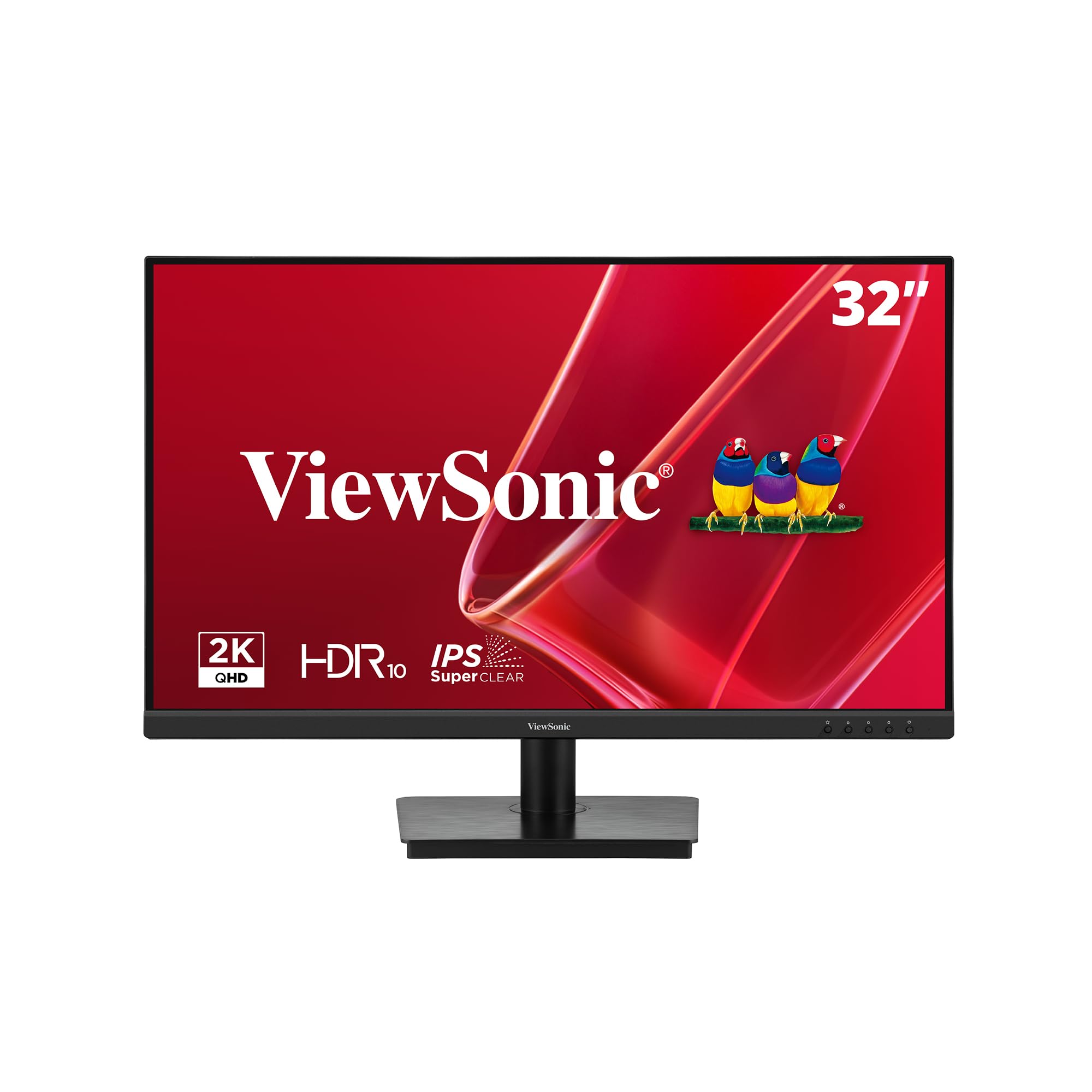
The ViewSonic VS3225-2K is engineered specifically for the home and office user who values pixel density over refresh rate. This 32-inch monitor opts for a 75Hz IPS panel at 2560×1440, trading high frame rates for crisp text rendering and reliable color performance. The frameless edge-to-edge design makes it an excellent candidate for multi-monitor arrangements where thin bezels reduce visual gaps between screens.
Variable Refresh Rate technology is included to smooth out occasional frame drops during casual gaming or video playback. The Blue Light Filter and Flicker-Free technology are genuinely effective for reducing eye fatigue during an eight-hour workday. Connectivity is straightforward with HDMI and DisplayPort inputs, though the joystick-based OSD navigation on the rear is fiddly, especially in tight desk setups.
Some users have reported that the monitor defaults to 1080p over HDMI until the correct driver is installed via Windows Update. Once running at its native QHD resolution, the image is bright, sharp, and color-accurate. The lack of height adjustment and the slightly wobbly stand are its main physical compromises, but the panel quality for the price is hard to beat for productivity-focused buyers.
Why it’s great
- Native QHD resolution provides sharp text and ample screen real estate for work
- Frameless design ideal for seamless multi-monitor setups
- VRR support and effective eye care features for comfortable long sessions
Good to know
- Joystick OSD is awkwardly placed on the rear and overly sensitive
- Stand is tilt-only and lacks height adjustment; base feels slightly wobbly
4. ZZA 32 Inch Curved Monitor
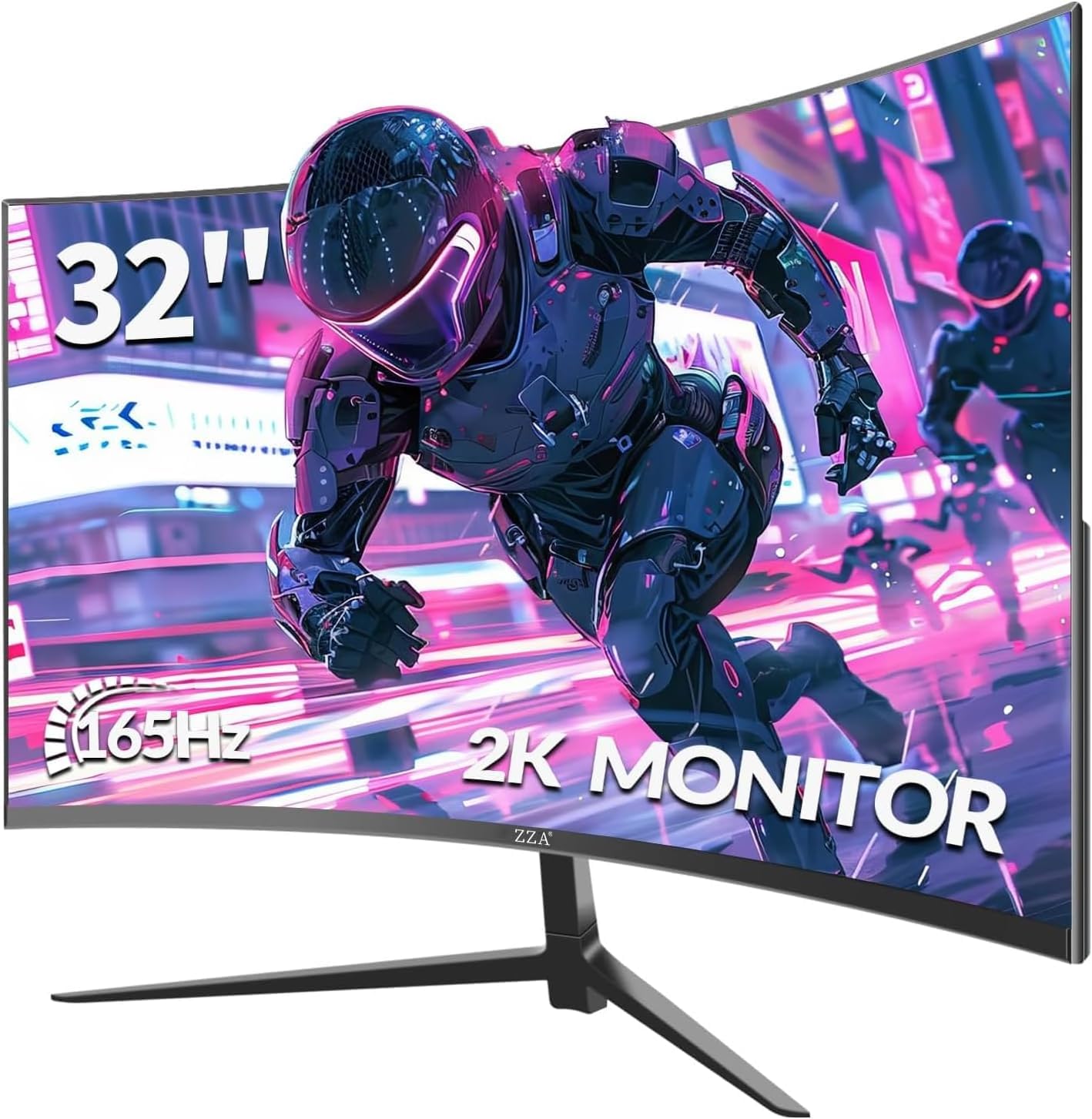
The ZZA 32 Inch Curved Monitor aggressively targets the intersection of high refresh rate and high resolution. It sports a 2560×1440 VA panel with a 1500R curvature, a 165Hz refresh rate, and a 1ms GTG response time. The combination of 300 cd/m² brightness and a 4000:1 static contrast ratio delivers punchy, immersive visuals with deep blacks that flat IPS panels simply cannot achieve.
Color coverage is rated at 120% sRGB, which translates to rich, saturated hues out of the box. The monitor supports both FreeSync and G-Sync Compatibility, covering both major GPU ecosystems. Connectivity is generous with dual DisplayPort and dual HDMI inputs. The 5-way OSD joystick is a welcome upgrade over the button menus found on cheaper models, making adjustment much more intuitive.
The largest concern is quality control. A notable number of reports describe screen separation from the bezel causing light bleed, and the external power supply can run hot. The stand has an unusually wide footprint that may not fit standard desk depths without using VESA mounting. If you get a good unit, the price-to-performance ratio is exceptional, but an extended warranty is advisable.
Why it’s great
- QHD resolution with 165Hz refresh rate delivers fluid, detailed gameplay
- VA panel with 4000:1 contrast ratio produces deep blacks and vivid colors
- Dual DP and HDMI inputs with joystick OSD for easy control
Good to know
- Quality control is inconsistent; potential for screen separation and light bleed
- Stand has a large footprint; VESA mounting is recommended for tight desks
5. LG 32MR50C-B Curved Monitor

The LG 32MR50C-B leverages LG’s reputation for solid panel manufacturing in a straightforward, no-frills design. This 32-inch Full HD monitor uses a VA panel with a subtle curve, a 100Hz refresh rate, and AMD FreeSync support. It targets everyday productivity and casual gaming rather than competitive esports, and it delivers polished performance without chasing extreme specs.
Reader Mode and Flicker-Free technology are standard, and the Black Stabilizer feature brightens dark game scenes to reveal hidden details without washing out the rest of the image. The OnScreen Control software lets you split the display into custom zones and adjust settings from your desktop rather than the monitor’s physical buttons. The click-to-install base feels solid and makes assembly tool-free.
At 1080p, the pixel density on a 32-inch screen is low—text will not look as sharp as a 27-inch 1080p display. The stand only offers tilt adjustment, and there is no DisplayPort input, only HDMI and D-Sub. For users with a very tight budget who prioritize brand reliability and basic features, this LG is a safe, well-built choice, but the resolution limitation is its defining compromise.
Why it’s great
- Trusted LG build quality and panel reliability at a very accessible price point
- Black Stabilizer and Reader Mode provide practical day-to-day visual benefits
- Easy tool-free assembly and intuitive OnScreen Control software
Good to know
- 1080p resolution on a 32-inch screen results in noticeably soft text and image clarity
- Limited to HDMI and D-Sub inputs; no DisplayPort for higher bandwidth
6. Acer Nitro EDA320Q

The Acer Nitro EDA320Q is a well-known entry point into large curved gaming monitors. It features a 31.5-inch Full HD VA panel with a 1500R curve, a 180Hz refresh rate (via DisplayPort), and a 1ms Visual Response Boost (VRB). The VA panel delivers the expected high contrast ratio (100,000,000:1 dynamic), making dark game environments look richer than on an IPS alternative.
AMD FreeSync Premium is included, which requires a minimum 120Hz refresh rate to be certified—ensuring a baseline level of smooth performance. The zero-frame bezel design looks modern, and VESA 100x100mm mounting is supported. Setup is straightforward, and the tilt range of -5° to 20° provides basic ergonomic adjustment.
The main limitation is the 1080p resolution. Text and fine details will lack the sharpness of a QHD panel. There are no built-in speakers, so you will need external audio. The 1ms VRB works by inserting black frames, which can reduce brightness and cause visible flicker for some users. If you can accept the resolution trade-off, it’s a capable and widely available curved gaming monitor.
Why it’s great
- 180Hz refresh rate with FreeSync Premium for smooth, tear-free gaming
- 1500R curve and VA contrast create an immersive gaming experience
- Trusted Acer brand with consistent build quality and wide availability
Good to know
- 1080p resolution at 32 inches results in a low pixel density (under 70 PPI)
- No built-in speakers; VRB implementation reduces backlight brightness
7. CRUA 32 Inch Curved Gaming Monitor

The CRUA 32 Inch Curved Gaming Monitor is built for one primary job: delivering a high refresh rate at the lowest possible cost. It boasts a native 200Hz refresh rate via DisplayPort (120Hz over HDMI) on a Full HD VA panel with an 1800R curve. The 1ms GTG response time and FreeSync support are standard inclusions that match its gaming-first positioning.
The 120% sRGB color gamut and 4000:1 static contrast ratio produce vibrant, punchy colors, though factory calibration is not guaranteed. The anti-blue light feature is appreciated for long sessions, and the 178-degree viewing angles are adequate for a curved VA panel. The monitor is lightweight and supports VESA mounting, making it easy to integrate into a racing sim or multi-monitor gaming setup.
Several users note the lack of tilt adjustment—the stand is fixed. The OSD menu is navigated via small rear buttons rather than a joystick, which is less intuitive. The build quality is serviceable but feels less substantial than Acer or LG alternatives. For budget-limited gamers who prioritize frame rate over resolution, the CRUA delivers the highest Hz-per-dollar ratio on this list.
Why it’s great
- Native 200Hz refresh rate is one of the highest available at this price point
- VA panel with 4000:1 contrast ratio provides good visual punch for games
- Lightweight design and VESA mounting support for flexible setups
Good to know
- Stand is fixed with no tilt adjustment; OSD uses button controls, not a joystick
- 1080p resolution and budget build quality compromise sharpness and tactile feel
8. Gawfolk 32 Inch 4K UHD Monitor
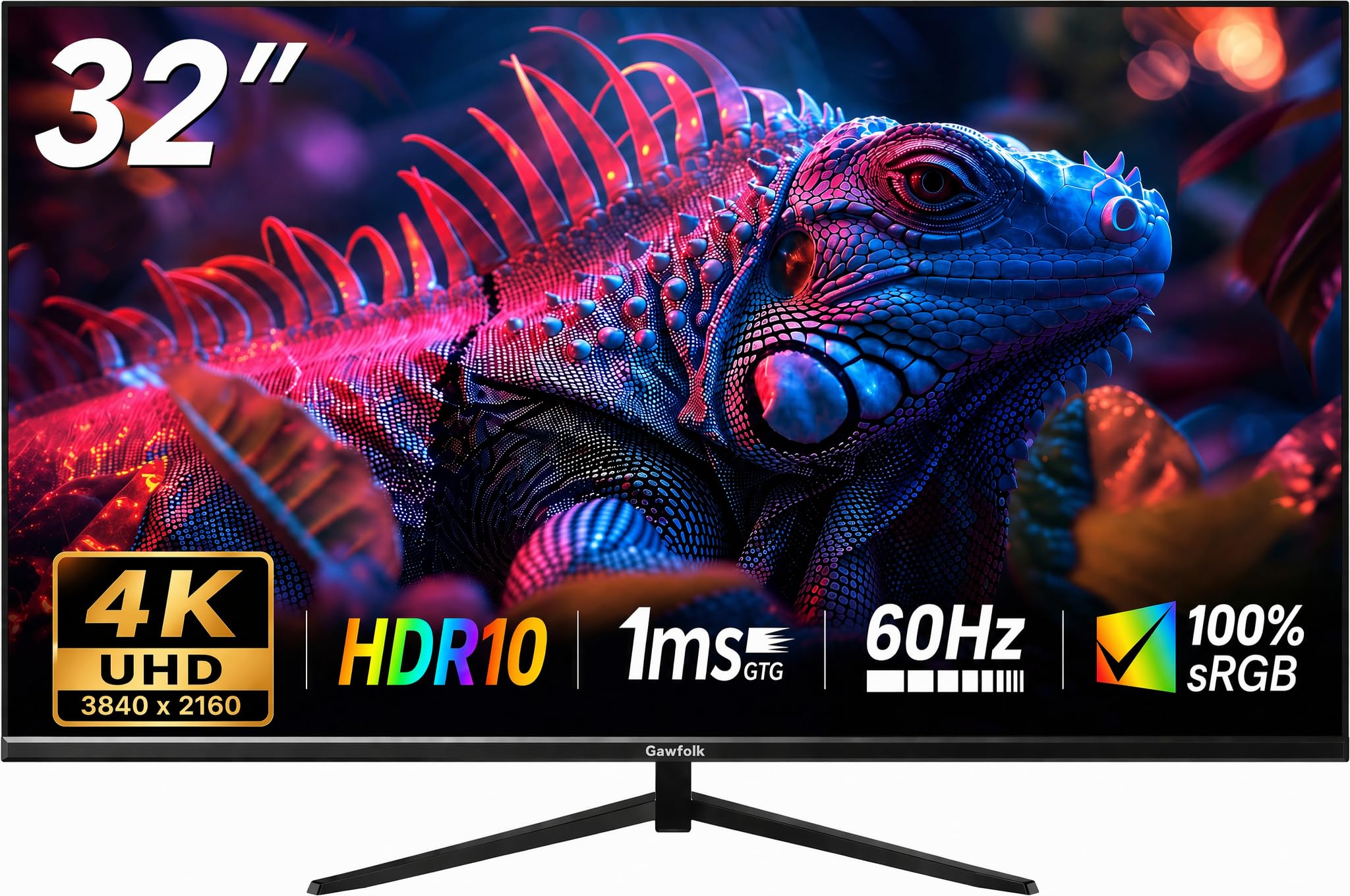
The Gawfolk 32 Inch 4K UHD Monitor is a specialist tool for users who prioritize pixel density above all else. Its 3840×2160 VA panel packs four times the pixels of a 1080p display, delivering exceptionally sharp text and fine detail. This makes it ideal for photo editing, CAD work, data analysis, or any workflow where screen real estate and clarity directly improve productivity.
The VA panel provides a 4000:1 contrast ratio, ensuring deep blacks for video and design work. The 60Hz refresh rate and FreeSync support keep basic motion smooth, but this is not a monitor for competitive gaming. The 230 cd/m² brightness is below average—it will look dim compared to 300+ nit monitors, especially in a brightly lit room. The tilt stand offers only 5° to 15° adjustment.
Quality control is a consistent concern, with multiple reports of screen flickering or black screen cutouts developing after a few days of use. If you need 4K resolution at a bargain price and are comfortable with a higher return risk, the Gawfolk delivers the pixels. However, for reliability, you may need to budget for an extended warranty or look at more established brands.
Why it’s great
- True 4K UHD resolution (3840×2160) provides unmatched detail and screen real estate
- VA panel with 4000:1 native contrast for deep blacks in static content
- Extremely low entry price for a 32-inch 4K monitor
Good to know
- Brightness is low at 230 cd/m²; struggles in well-lit environments
- 60Hz refresh rate limits gaming potential; quality control issues reported
9. Gawfolk 32 Inch Gaming Monitor
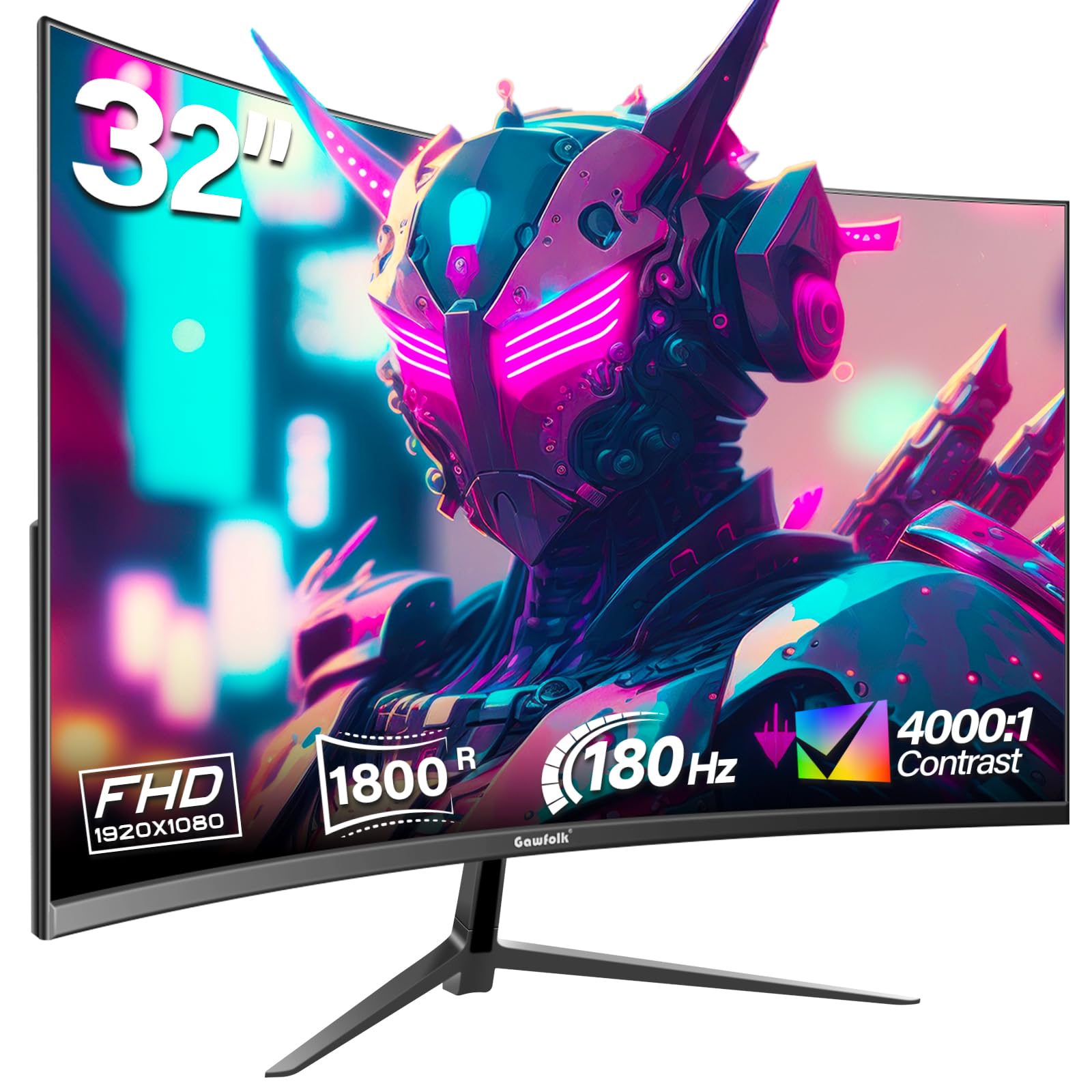
The Gawfolk 32 Inch Gaming Monitor is a pure entry-level option that checks the boxes of a modern curved gaming display: 1800R curvature, 180Hz refresh rate, Full HD resolution, and VA panel technology. The 16.7 million color depth and 4000:1 contrast ratio are standard for the panel type, providing respectable image quality for the price. AMD FreeSync is supported to reduce screen tearing.
Connectivity is flexible with HDMI and DisplayPort inputs, though the HDMI port caps out at 144Hz. The monitor includes VESA 100x100mm wall mount support and a tilt adjustment option. The design is slim and the bezels are reasonably thin for a monitor in this tier. Setup is simple, and the included cables (HDMI and DP) mean you won’t need to buy extras.
The most significant issue is reliability. A consistent pattern of user reports describes the monitor developing random black screen cutouts and severe ghosting after a short period of use. The lack of a brand warranty infrastructure compared to Acer or LG adds risk. For a very low-budget entry into a large curved display, it works for some, but the failure rate is higher than average.
Why it’s great
- 180Hz refresh rate and 1800R curve provide smooth, immersive gameplay at low cost
- VA panel delivers decent contrast with 16.7 million color support
- Includes both HDMI and DP cables in the box for immediate setup
Good to know
- Reliability concerns: multiple reports of screen cutouts and ghosting after a few days
- Brand warranty support is less established than major manufacturers
FAQ
Is 1080p good enough on a 32 inch monitor?
What GPU do I need for a 32 inch QHD monitor?
Why does my monitor say 144Hz when it is advertised as 165Hz?
Is a curved monitor better for productivity than a flat one?
Final Thoughts: The Verdict
For most users, the best budget 32 inch monitor winner is the Samsung Odyssey G50D because it combines QHD resolution, a high 180Hz refresh rate, and a fully adjustable stand—features that together are almost impossible to find at this price point. If you want color accuracy and consistent viewing angles for office work, grab the KTC 32 Inch 2K. And for an immersive gaming experience with deep blacks and high contrast without stretching your budget, nothing beats the ZZA 32 Inch Curved for pure value.

Mo Maruf
I created WellFizz to bridge the gap between vague wellness advice and actionable solutions. My mission is simple: to decode the research and give you practical tools you can actually use.
Beyond the data, I am a passionate traveler. I believe that stepping away from the screen to explore new environments is essential for mental clarity and physical vitality.