Our readers keep the lights on and my smoothie glass nicely filled. As an Amazon Associate, I earn from qualifying purchases.
The standard monitor stand that came with your screen forces you to look down, compressing your cervical spine after just a few hours of work. An adjustable monitor stand lets you dial in the exact height, tilt, and distance to keep your eyes level with the top third of the display — the single most impactful change you can make to your desk ergonomics.
I’m Mohammad Maruf — the founder and writer behind WellFizz. I’ve spent years analyzing ergonomic hardware specs, comparing gas spring tension curves, VESA plate compatibility, and C-clamp stability across hundreds of models to separate genuine build quality from marketing fluff.
Whether you need a simple riser for a secondary screen or a gas spring arm for a 49-inch ultrawide, this guide will walk you through every option so you can choose the best adjustable monitor stand for your setup and budget.
How To Choose The Best Adjustable Monitor Stand
Picking the right stand starts with three measurements: your monitor’s weight, its VESA hole pattern, and your desk’s thickness and material. Ignore these and you risk instability or a mount that simply won’t fit.
Gas Spring vs. Friction Hinge vs. Fixed Riser
Gas spring arms use pressurized cylinders to counterbalance the monitor’s weight, allowing effortless one‑hand height adjustments. Friction hinges rely on tightened bolts to hold position — they’re cheaper but can drift over time. Fixed risers are non-moving platforms that simply elevate the screen; they’re stable but offer zero flexibility in angle or distance.
VESA Pattern and Weight Limits
Nearly all monitors use either 75x75mm or 100x100mm mounting holes. Some premium arms support both. The weight limit is the hard ceiling — never exceed it. For ultrawide screens over 34 inches, look for arms rated to at least 30 lbs with reinforced aluminum construction.
Desk Compatibility
C-clamps need a clean desk edge with at least 0.5 inches of overhang. Grommet mounts require a pre-drilled hole (typically 10mm or larger). Both methods demand solid wood or metal surfaces — glass desktops are incompatible with clamp‑based stands. If you have a glass desk, a freestanding riser is your only safe option.
Quick Comparison
On smaller screens, swipe sideways to see the full table.
| Model | Category | Best For | Key Spec | Amazon |
|---|---|---|---|---|
| HUANUO TitanLift | Premium | Ultrawide monitors up to 49″ | 44 lbs capacity, 22.5″ extension | Amazon |
| VIVO Premium Aluminum STAND-V001Q | Premium | Tool-less gas spring adjustment | 20 lbs capacity, 90° tilt | Amazon |
| MOUNTUP Vertical Dual | Premium | Stacked (vertical) dual setup | 28″ pole, 36.3″ max height | Amazon |
| HUANUO FlowLift Dual | Mid-Range | Side-by-side dual monitors | 19.8 lbs per arm, 15.75″ rise | Amazon |
| Acer Dual Monitor Arm | Mid-Range | Budget dual setup, gas spring | 19.8 lbs per arm, 18.1″ rise | Amazon |
| Amazon Basics Single Arm | Mid-Range | Budget single arm, simple install | 22 lbs, 7.9″-14.2″ height range | Amazon |
| WorkEZ Adjustable Riser | Budget | Fixed height riser, no mounting | 13 lbs, 2″-18″ adjustable height | Amazon |
In‑Depth Reviews
1. HUANUO TitanLift Heavy Duty Monitor Arm

The HUANUO TitanLift is built for the largest displays on the market, supporting monitors from 17 to 49 inches with a maximum payload of 44 lbs. Its reinforced aluminum VESA head is 20% thicker than standard designs, and the dual C-clamp base spreads grip across a wider surface to eliminate wobble even on heavy ultrawide screens.
The gas spring offers smooth one-hand height adjustment across a 19.6-inch range, and the arm extends 22.5 inches from the desk. Tension tuning is straightforward — an Allen key turns a side bolt — so you can dial in the perfect counterbalance for your specific monitor weight. The package includes both C-clamp and grommet mounting options.
Some users noted minor quality control issues like pit holes in the metal finish, but the arm has passed 50,000-cycle motion tests and a 3X load test. For anyone running a 49-inch ultrawide or a heavy professional display, this is the most stable consumer-priced arm available.
Why it’s great
- Exceptional 44 lb capacity handles the heaviest ultrawides
- 22.5-inch extension provides deep reach for large desks
- Easy tension adjustment with included Allen key
Good to know
- Occasional metal finish imperfections reported
- Requires solid wood desk — not compatible with glass surfaces
2. VIVO Premium Aluminum STAND-V001Q
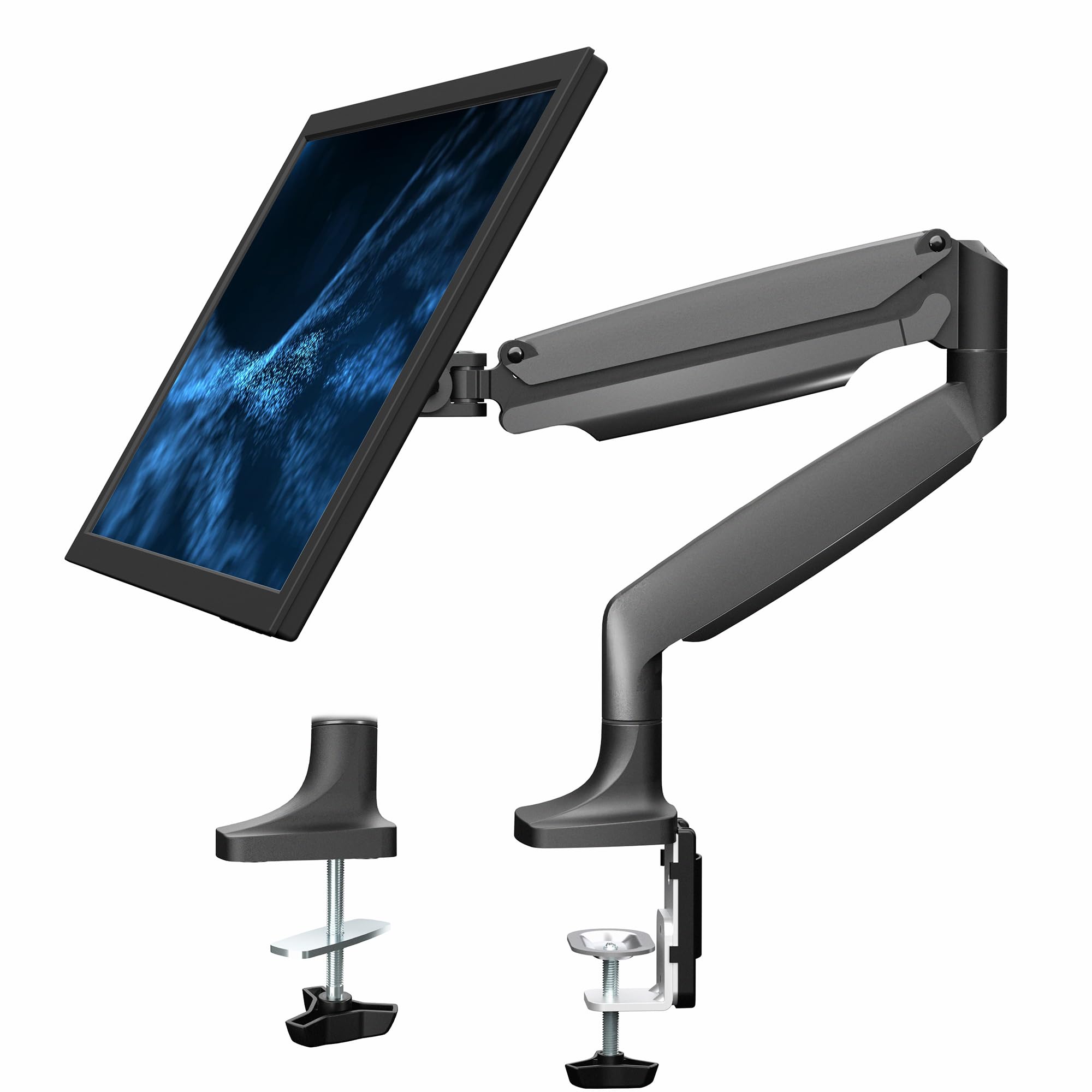
The VIVO STAND-V001Q delivers gas spring performance in an all-aluminum chassis that closely mimics premium brands like Ergotron at roughly one-third the cost. It supports screens up to 32 inches weighing between 2.2 and 20 lbs, with 90 degrees of tilt and 90 degrees of swivel for both portrait and landscape orientations.
The detachable VESA plate makes installation simple — you can mount the plate to the monitor, then click it onto the arm. The C-clamp fits desks 0.5 to 3 inches thick, and the integrated cable management routes wires neatly along the arm. The gas spring provides tool-less height adjustment that stays put once tension is set correctly.
Some users found the tilt joint slightly prone to sagging until cleaned of factory grease, and the clamp can leave slight imprints on softer desk surfaces. However, after three years of use, most owners report zero drift and smooth operation. It is the best value-to-performance ratio for single mid-size monitors.
Why it’s great
- Solid aluminum construction rivals premium brands
- Detachable VESA plate simplifies solo installation
- Tool-less gas spring offers effortless height changes
Good to know
- Tilt joint may need cleaning to eliminate drift
- Clamp can mark soft wooden desktops
3. MOUNTUP Vertical Dual Monitor Mount

The MOUNTUP Vertical Dual is purpose-built for stacked (vertical) monitor setups, featuring a 28-inch center pole that lets you raise the top screen up to 36.3 inches from the desk. Each gas spring arm supports 4.4 to 17.6 lbs and extends 20.5 inches forward, making it ideal for call centers, trading desks, or any workflow where vertical screen real estate saves horizontal space.
Installation is straightforward with included C-clamp and grommet kits, and the base fits desks 0.39 to 3.15 inches thick. The full-motion head provides ±90° tilt, 180° swivel, and 360° rotation, so you can angle both screens independently. Built-in cable management channels keep wires hidden along the pole and arms.
A few users found the tilt mechanism a bit jerky compared to premium single-arm designs, and the cable race covers can be finicky to snap back into place. But the overall stability — even with a 32-inch center monitor flanked by two side screens — is impressive for the price point.
Why it’s great
- 28-inch pole enables true vertical stacking
- Sturdy base holds multiple monitors without wobble
- Good range of motion for independent screen angles
Good to know
- Tilt can feel jerky rather than smooth
- Cable management covers are finicky to reattach
4. HUANUO FlowLift Dual Monitor Stand

The HUANUO FlowLift uses a unique dual C-clamp system that locks a larger platform across your desk edge, distributing clamping force more evenly than single-clamp designs. Each arm holds 4.4 to 19.8 lbs and supports screens from 13 to 32 inches, making it a solid choice for side-by-side dual setups with common 27-inch monitors.
The range of motion includes +85°/-50° tilt, ±90° swivel, and 360° rotation, with height adjustable up to 15.75 inches — enough to bring most monitors to natural eye level. The arms are friction-hinged rather than gas spring, so you adjust tension via bolts on the joints. Once set, they hold position without sagging, even with older, heavier 4K monitors.
One caution: the included M4x30 mounting screws may be too long for some monitors, bottoming out in shallow VESA threads. Swapping to M4x25 screws solves the issue. For the price, the FlowLift delivers excellent stability and flexibility for dual-screen productivity users.
Why it’s great
- Dual C-clamp base provides extra stability
- Holds older, heavier monitors without sagging
- Full 360° rotation for portrait mode
Good to know
- Included M4x30 screws may be too long for shallow VESA holes
- Light monitors under 4.4 lbs may not stay down
5. Acer Dual Monitor Arm AMS002
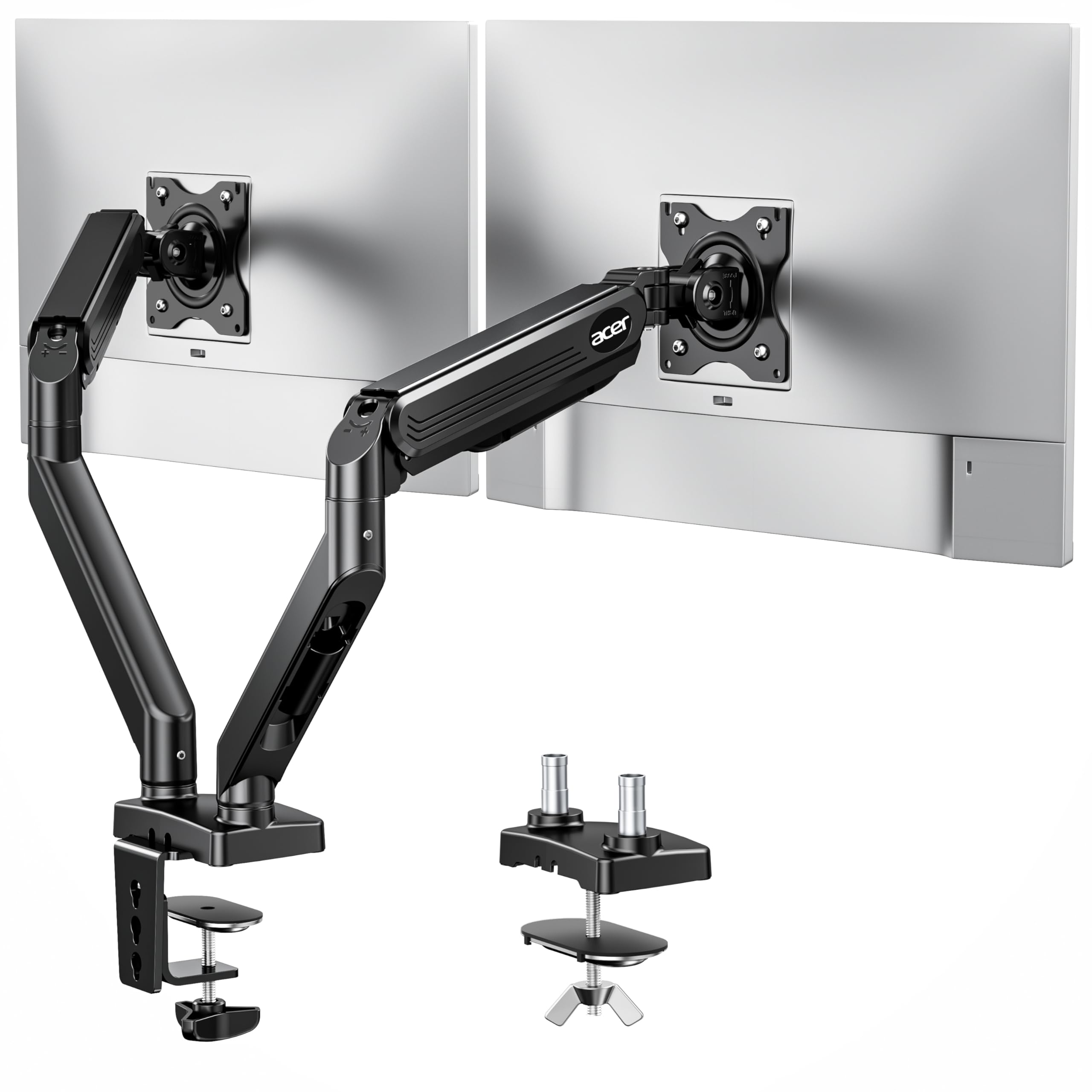
The Acer AMS002 is a gas spring dual monitor arm that supports 17- to 32-inch screens weighing 4.4 to 19.8 lbs per arm, with a height adjustment range of 18.1 inches — one of the taller rises in its price tier. The arms offer 360° rotation, +90°/-60° tilt, and ±90° swivel, allowing both portrait and landscape configurations.
Installation uses either a C-clamp or grommet base, with the clamp fitting desks 0.59 to 3.15 inches thick. The arms have passed 20,000-cycle durability tests, and the gas spring tension is adjustable via a screw to match monitor weight. Cable management clips are hidden along the arms to keep wires organized.
The hard plastic mounting pucks that secure the arms to the pole can dislodge under heavy use, and the gas spring tension adjustment can be fiddly to fine-tune. But overall, the build quality feels robust for the price, and it holds two 32-inch monitors with no drooping after setup.
Why it’s great
- 18.1-inch height range is among the tallest for dual arms
- Gas spring provides smooth, tool-less adjustment
- Passed 20,000-cycle durability testing
Good to know
- Plastic mounting pucks can loosen over time
- Tension screw adjustment can be tricky to dial in
6. Amazon Basics Single Monitor Stand

The Amazon Basics Single Monitor Stand is a friction-hinge arm built from durable alloy steel, handling screens 13 to 30 inches and up to 22 lbs. The horizontal arm adjusts from 7.9 to 14.2 inches in height and offers 360° rotation for portrait mode, plus tilt from -15° to +85°.
Setup is remarkably simple thanks to the detachable VESA plate that supports both 75x75mm and 100x100mm patterns. All necessary tools are included, and the desk clamp fits edges 0.8 to 3.9 inches thick. The cable management system routes cords discreetly through the arm and pole.
The height range is relatively limited compared to gas spring competitors — users with tall monitors or above-eye-level VESA positions may find the 14.2-inch max too short. But for standard 24- or 27-inch screens, the arm locks solidly and stays put without drifting. It is the best entry-level arm for buyers who want a clean, stable single-monitor setup without spending on gas spring tech.
Why it’s great
- Rock-solid steel construction at an entry-level price
- Simple tool-free installation
- Excellent cable routing through the pole
Good to know
- Height range maxes out at 14.2 inches
- Friction hinge may require periodic bolt retightening
7. WorkEZ Adjustable Monitor Riser

The WorkEZ is a height-adjustable platform riser rather than a mechanical arm. Its aluminum frame adjusts from 2 to 18 inches in height using a sliding leg mechanism, and the 16×11-inch top panel provides a stable surface for monitors up to 13 lbs. The open bottom creates storage space for keyboards, notebooks, or desk clutter.
No tools are required for assembly — the riser arrives nearly ready to use, with rubber feet that need to be attached. It weighs just 3.1 lbs and collapses flat for transport, making it a good choice for shared workspaces, rental desks, or anyone who moves between locations frequently.
The plastic adjustment slides can feel wobbly on smooth desks, and the legs can tip if the height is set unevenly. At 13 lbs capacity, it will not support heavier all-in-ones or gaming monitors. But for a lightweight secondary screen or a laptop, it offers the simplest way to gain ergonomic height without drilling or clamping.
Why it’s great
- Portable and collapsible for easy transport
- No installation required — works on any desk
- Creates useful under-monitor storage space
Good to know
- Plastic slides can wobble on smooth surfaces
- 13 lb limit won’t support heavier monitors
FAQ
Can I use a monitor arm with a glass desk?
What does VESA 75×75 and 100×100 mean?
Why does my monitor arm sag after a few months?
Can I mount a curved monitor on a standard arm?
Final Thoughts: The Verdict
For most users, the adjustable monitor stand winner is the HUANUO TitanLift because it combines a 44-pound capacity, 22.5-inch extension, and effortless gas spring adjustment in a package that handles everything from 24-inch office screens to 49-inch ultrawides. If you want a premium single-arm option with near-Ergotron build quality at a fraction of the price, grab the VIVO Premium Aluminum STAND-V001Q. And for a space-saving vertical dual setup, nothing beats the MOUNTUP Vertical Dual Mount.

Mo Maruf
I created WellFizz to bridge the gap between vague wellness advice and actionable solutions. My mission is simple: to decode the research and give you practical tools you can actually use.
Beyond the data, I am a passionate traveler. I believe that stepping away from the screen to explore new environments is essential for mental clarity and physical vitality.