Our readers keep the lights on and my smoothie glass nicely filled. As an Amazon Associate, I earn from qualifying purchases.
The quiet hum of a steady laser tracking the pits and lands of a Blu-ray is the sound of a successful digital library migration. Choosing the wrong transport mechanism or firmware lock-in turns that evening into a weekend of frustration.
I’m Mohammad Maruf — the founder and writer behind WellFizz. I focus on market research and hardware specification analysis for specialized consumer electronics, with a particular interest in optical media storage and the real-world firmware behavior that determines ripping success.
After combing through dozens of models and hundreds of verified buyer reports, I’ve identified the specific USB bridge chips, read-speed curves, and tray build quality that separate a capable ripping station from a disc-munching paperweight. Here is the definitive guide to finding the best blu-ray drive for ripping based on hard specs and real-world endurance.
How To Choose The Best Blu-ray Drive For Ripping
A drive that can read a Blu-ray movie is not automatically a drive that can rip it reliably to your hard drive. The ripping process demands sustained data throughput, stable power delivery, and a transport that won’t introduce read errors during multi-layer disc traversal. Here are the three specs you need to pressure-test before you buy.
Read Speed vs. Rip Speed: The 6x Ceiling
Almost every external slim Blu-ray drive tops out at 6x read speed for single-layer BD. That is roughly 27 MB/s — fast enough to rip a 25GB movie in about 15 minutes. Drives advertising 16x (like the Mthstec) are typically using a desktop-sized mechanism with a separate power brick. That extra speed cuts rip time for a 50GB disc from 30 minutes down to around 12 minutes. If you plan to rip entire libraries, the desktop form factor with a dedicated power adapter saves hours per week.
Firmware and Software: The MakeMKV Match
No external drive ships with ripping software. Every drive requires a third-party program (MakeMKV, AnyDVD HD, or similar) to handle AACS decryption. The critical variable is whether the drive’s firmware allows the software to access the raw disc sectors freely. Some cheap drives have finicky USB bridge chips that cause MakeMKV to freeze mid-rip. Verified buyer reports and community compatibility lists (like the MakeMKV forum) are your only real defense against a drive that works for playback but fails during extraction.
Power Delivery: The Hidden Cable Trap
Slim Blu-ray drives draw roughly 5V at 1A during spin-up and sustained read. A single USB 3.0 port on most laptops can supply that, but many budget drives ship with short, thin cables that cause voltage drop. If the drive keeps disconnecting or producing read errors halfway through a disc, the cable is the first suspect. Premium drives like the ASUS SBW-06D5H-U include a thick, shielded cable and a Y-cable option for dual USB ports. Drives with an additional DC power cable (like the aelrsoch and Dainty models) provide an insurance policy for underpowered ports.
Quick Comparison
On smaller screens, swipe sideways to see the full table.
| Model | Category | Best For | Key Spec | Amazon |
|---|---|---|---|---|
| Mthstec 4-in-1 | Desktop | Full library ripping | 16x BD read, SATA dock | Amazon |
| ASUS SBW-06D5H-U | Ultra-Slim | Portable ripping & burning | 1000 MB cache, USB 3.1 | Amazon |
| Dainty USB 3.0 | Slim | Scratched disc recovery | Dual cable, drop-proof shell | Amazon |
| BUNUD 5-in-1 | Slim | LightScribe labeling | 5 Gbps, built-in cable | Amazon |
| aelrsoch USB 3.0 | Budget Slim | Entry-level BD ripping | Dual USB power cable | Amazon |
| Wbacon 7-in-1 | Multi-Hub | BD + SD card workflow | 100GB R/W, USB 3.0 | Amazon |
| GODBPNYMU 8-in-1 | Value Slim | CD/DVD/BD burning | 480 Mbps transfer rate | Amazon |
In‑Depth Reviews
1. Mthstec 4 in 1 External Blu Ray Drive

The Mthstec is a desktop-class external Blu-ray writer that demolishes the 6x speed ceiling typical of slim drives. It reads Blu-rays at up to 16x, DVDs at 16x, and CDs at 40x — roughly triple the throughput of a pocket-sized unit. That speed means a full 50GB BD-R DL rips in under 15 minutes instead of 30+. The built-in 3.5-inch and 2.5-inch SATA hard drive dock is a genuine productivity boost for media archivists who want to rip directly to an external HDD without extra cables.
The power delivery is handled by a dedicated AC adapter, which entirely eliminates the USB under-power issues that plague slim models. The 2-port USB 3.0 hub on the front adds convenience for connecting a flash drive or card reader. A few buyers reported a dead-on-arrival unit where the tray auto-ejected — a QA variance that seems to affect a small batch but is worth noting for quality-sensitive buyers.
This drive requires third-party ripping software and a basic comfort level with installing peripherals. It is heavy and not travel-friendly. But for a dedicated ripping station connected to a desktop or media server, the speed advantage and integrated SATA dock make it the fastest path to a digitized library.
Why it’s great
- 16x BD read speed halves rip time vs. slim drives
- Integrated SATA dock for 2.5/3.5 inch HDDs
- Dedicated power adapter eliminates USB dropouts
Good to know
- Large and heavy — not portable
- Reports of DOA units with auto-eject tray
- USB-C connection is via adapter, not native
2. ASUS SBW-06D5H-U External Ultra Slim Blu-ray Burner

ASUS is the reference brand in the optical drive space, and the SBW-06D5H-U is the ultra-slim model that serious rippers gravitate toward when they need reliability over raw speed. Its 6x BD read speed is standard, but the 1000 MB cache — an enormous buffer compared to the 2 MB cache in most budget drives — ensures that disc read errors caused by scratches or layer transitions get absorbed without crashing the software. Users report flawless performance with MakeMKV and VLC on both Windows and Linux (Ubuntu 24.04 confirmed stable).
The drive connects via USB 3.1 Gen 1 using a detachable cable with a micro-B Superspeed port, and it ships with both a standard USB-A and a USB-C cable. The glossy top surface attracts fingerprints and micro-scratches easily, but the internal mechanism and laser assembly feel premium. The region code must be set manually in software, which is standard for all PC Blu-ray drives.
The price point is considerably higher than generic slim drives. However, for users who have lost a project to a mid-rip disconnect or a coaster caused by a buffer underrun, the ASUS cache and build quality justify the premium. The drive also handles scratched discs better than any budget competitor in this list.
Why it’s great
- 1000 MB cache prevents buffer underruns
- Detachable USB 3.1 cable with Type-C and Type-A options
- Excellent scratched-disc read reliability
Good to know
- Premium price — not budget friendly
- Glossy finish shows fingerprints and micro-scratches
- 6x speed is standard, not high-speed
3. Dainty External Blu Ray Drive
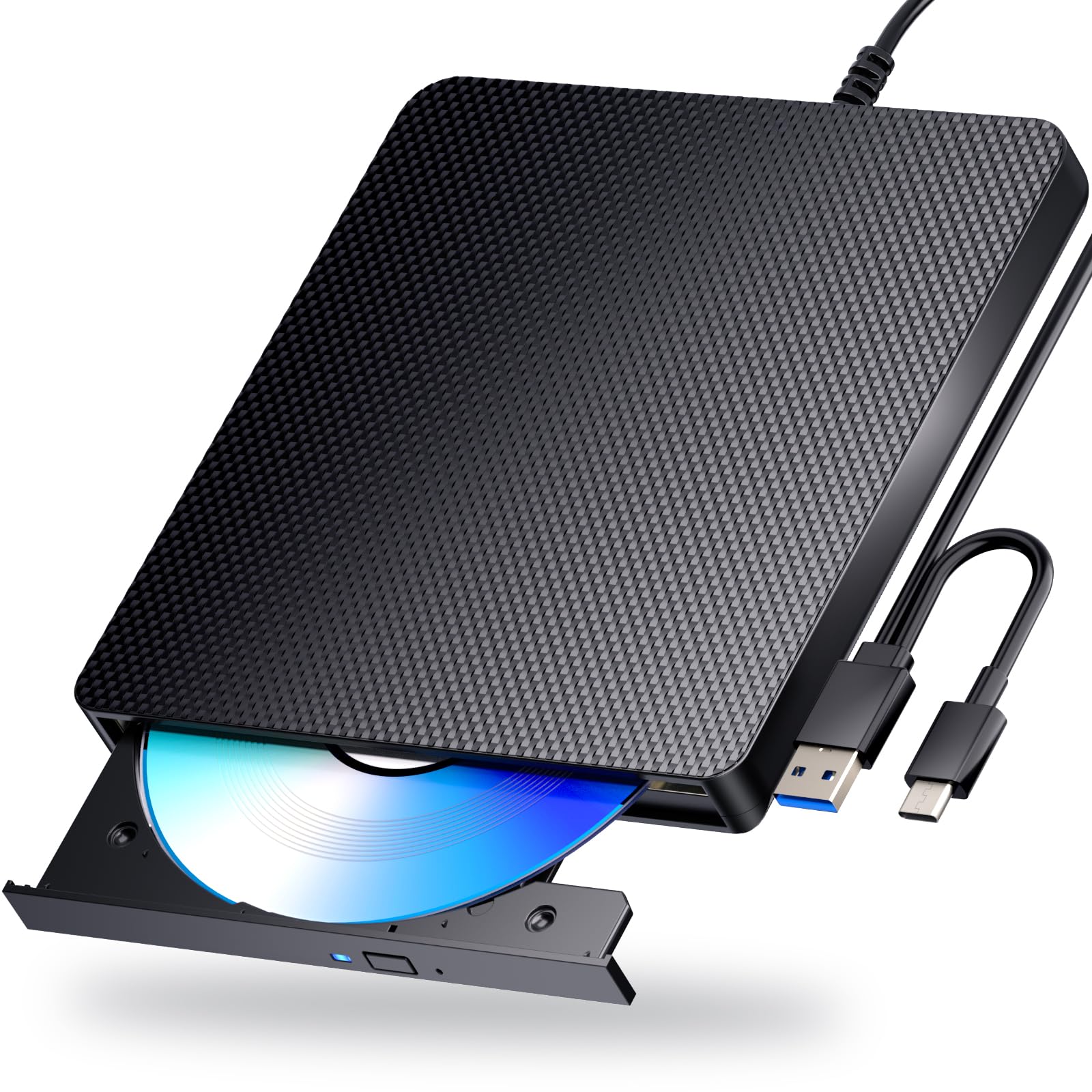
The Dainty drive takes a slightly different approach: it prioritizes physical durability and power stability over multi-interface gimmicks. The shell feels noticeably sturdier than the thin ABS plastic of most budget slim drives, with rubber feet that prevent vibration transfer during high-speed spin-up. This low-noise operation is a real advantage for ripping sessions that run for hours in a home office or living room.
The integrated USB-A / USB-C cable eliminates the need for an adapter, and the additional USB power cable provides insurance for laptops with underpowered ports. Buyer reports confirm it handles heavily scratched discs that other drives reject, making it a solid option for rescuing old rental Blu-rays or library discs. The one trade-off is that the CD/DVD/BD reading performance is standard (6x BD, 8x DVD, 24x CD) — no speed advantage over the pack.
The drive is RW-capable (burner), not just a reader, and works plug-and-play on both Windows and macOS without driver installation. The short cable length (~12 inches) is a minor ergonomic annoyance, but for a portable drive meant to sit next to a laptop, it’s manageable.
Why it’s great
- Sturdy drop-proof shell with rubber vibration-dampening feet
- Dual USB power cable for underpowered ports
- Exceptionally quiet operation during extended rips
Good to know
- Standard 6x BD read speed — not a speed leader
- Short integrated cable limits placement options
- Some spin-up delay before disc recognition
4. BUNUD 5 in 1 External Blu Ray DVD Drive

The BUNUD 5-in-1 stands out for two specific reasons: LightScribe support and an integrated cable storage system. LightScribe is a laser etching technology that burns labels directly onto specially coated discs — a niche feature but invaluable for archivists who want professional-looking discs without printingstickers. The embedded cable wraps neatly into the base of the drive, solving the single biggest complaint about portable drives: lost cables.
The drive includes 2 USB ports and an SD/TF card slot, making it a functional USB hub during ripping sessions. The read speeds are standard for the slim form factor: 8x DVD and 6x BD. The build quality is solid with a smooth tray mechanism, and the drive operates quietly. A few buyers noted that the second required power cable was hidden beneath the device in the packaging with unclear instructions, but seller support responded quickly to clarify.
The primary limitation is that this drive does not support 4K Ultra HD Blu-ray playback or ripping. Stick to standard Blu-ray, DVD, and CD media. For a balanced mix of labeling capability, organized portability, and reliable USB-C/USB 3.0 connectivity, the BUNUD delivers excellent value.
Why it’s great
- LightScribe laser labeling for professional disc burning
- Embedded cable storage prevents cable loss
- Quiet operation with smooth tray mechanism
Good to know
- No 4K Ultra HD Blu-ray support
- Second power cable hidden in packaging, confusing instructions
- Slightly noisy compared to premium drives
5. aelrsoch External Blu Ray Drive
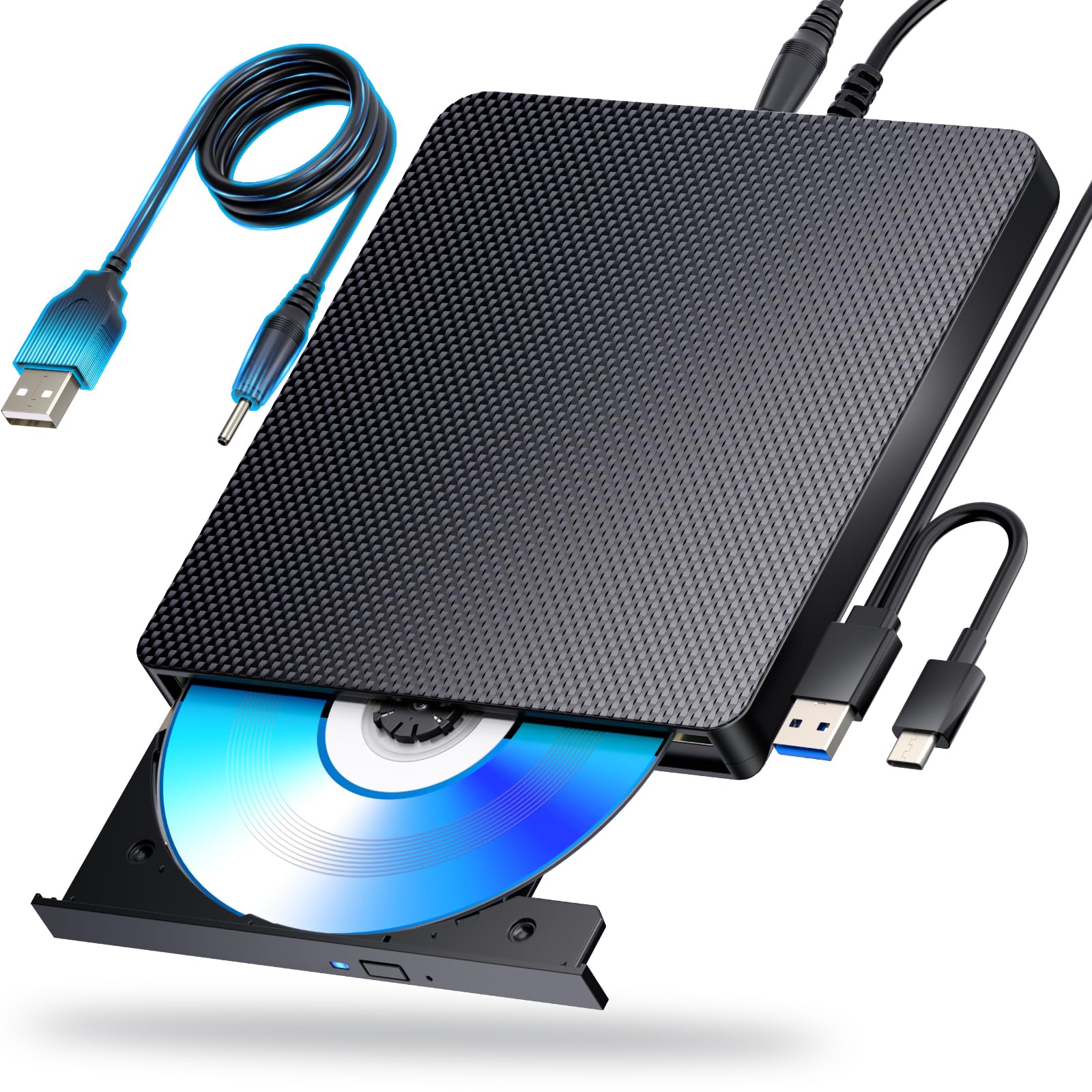
The aelrsoch drive targets the entry-level ripper who needs a functional Blu-ray reader without spending premium money. Its key differentiator is the dual USB power design — an extra power cable that supplements the data cable, providing stable voltage to the laser assembly. This reduces the risk of read interruptions on laptops with weak USB ports, a common failure point in this price bracket.
Read speeds are standard: 6x BD, 8x DVD, and 24x CD. The drive is plug-and-play on Windows and macOS, and it supports 100GB BDXL discs (read and write). However, some buyer reports indicate that the drive does not actually read Blu-ray discs despite the packaging logos — a potential firmware issue where the laser may only handle CD/DVD. The eject button also received complaints about being unresponsive at times, and the plastic chassis feels light.
The aelrsoch is a gamble in the budget segment. If you receive a fully functional unit, it rips standard Blu-rays reliably with MakeMKV. But the inconsistent quality control means this is better suited for users who need a secondary drive for occasional use rather than a primary ripping station.
Why it’s great
- Dual USB power cable for stable voltage delivery
- Plug-and-play with Windows, macOS, and Linux
- Supports 100GB BDXL media
Good to know
- Inconsistent Blu-ray reading ability reported by some buyers
- Light plastic build, no premium feel
- Occasional unresponsive eject button
6. Wbacon 7 in 1 External Blu Ray Drive
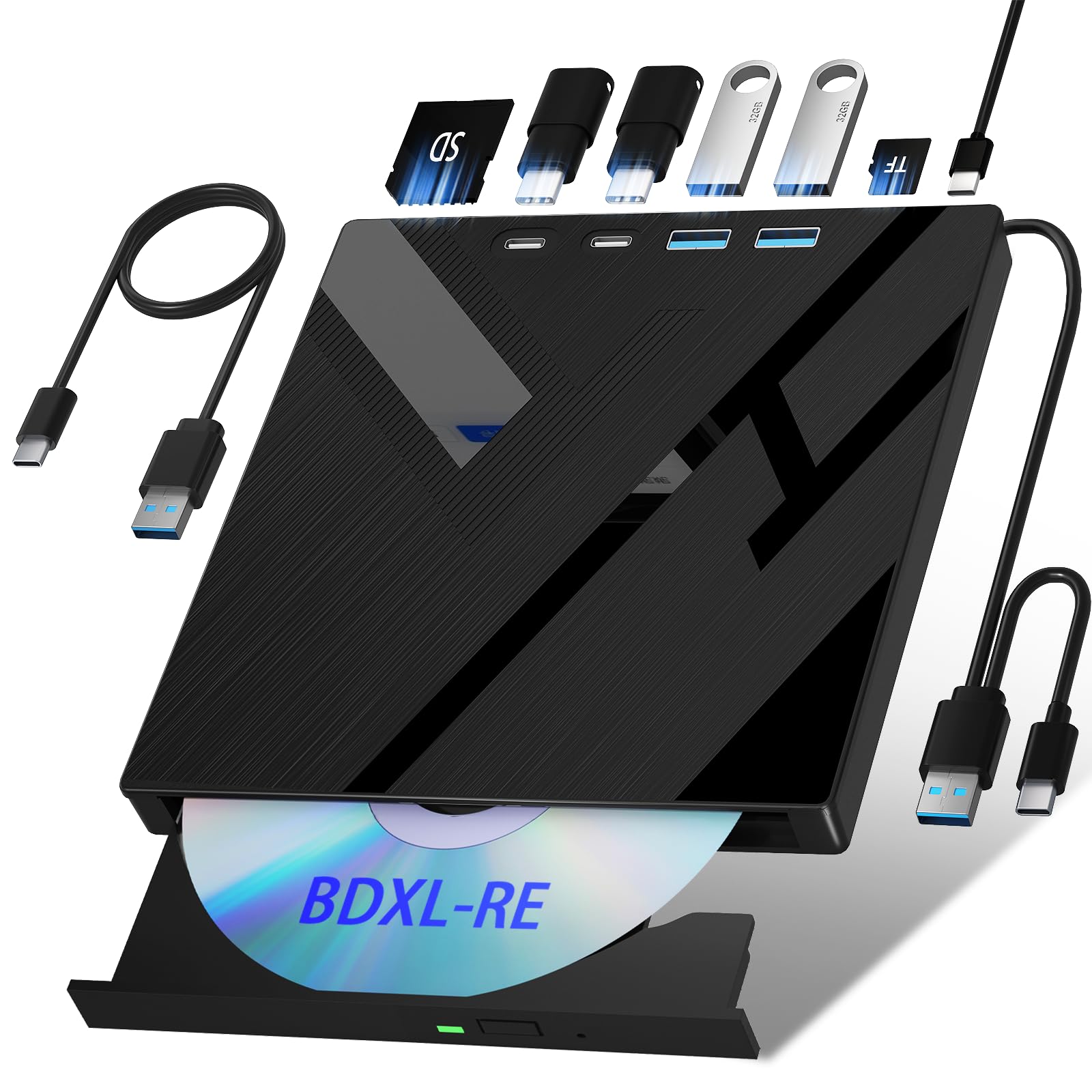
The Wbacon 7-in-1 is the Swiss Army knife of budget external drives, combining a Blu-ray burner with a 2-port USB hub and SD/TF card reader. For a media professional who frequently transfers footage from camera SD cards directly to a computer while ripping Blu-rays, this consolidation reduces desk clutter. It supports reading and writing BDXL discs up to 100GB, which is essential for backing up large project archives.
Real-world ripping performance is satisfactory for standard Blu-ray discs when used with MakeMKV, though one verified buyer reported a specific disc that failed to read. The integrated SD card slot was initially stiff for some users but loosened with use. The USB cable is notably short (~12 inches), which can be restrictive for desktop setups where the drive needs to sit farther from the computer.
The most concerning issue is durability: one report described the drive failing completely after 4 months of light use. The plastic enclosure feels adequate but not robust. For a user who needs the multi-hub functionality and is willing to accept a moderate reliability risk, the Wbacon offers strong feature density for the price.
Why it’s great
- 7-in-1 hub functionality with SD/TF card slots and USB ports
- Supports 100GB BDXL read and write
- Compact and lightweight for travel
Good to know
- Reports of drive failure after a few months of use
- Short USB cable limits placement flexibility
- SD card slot initially stiff
7. GODBPNYMU 8-in-1 External Blu-ray Drive
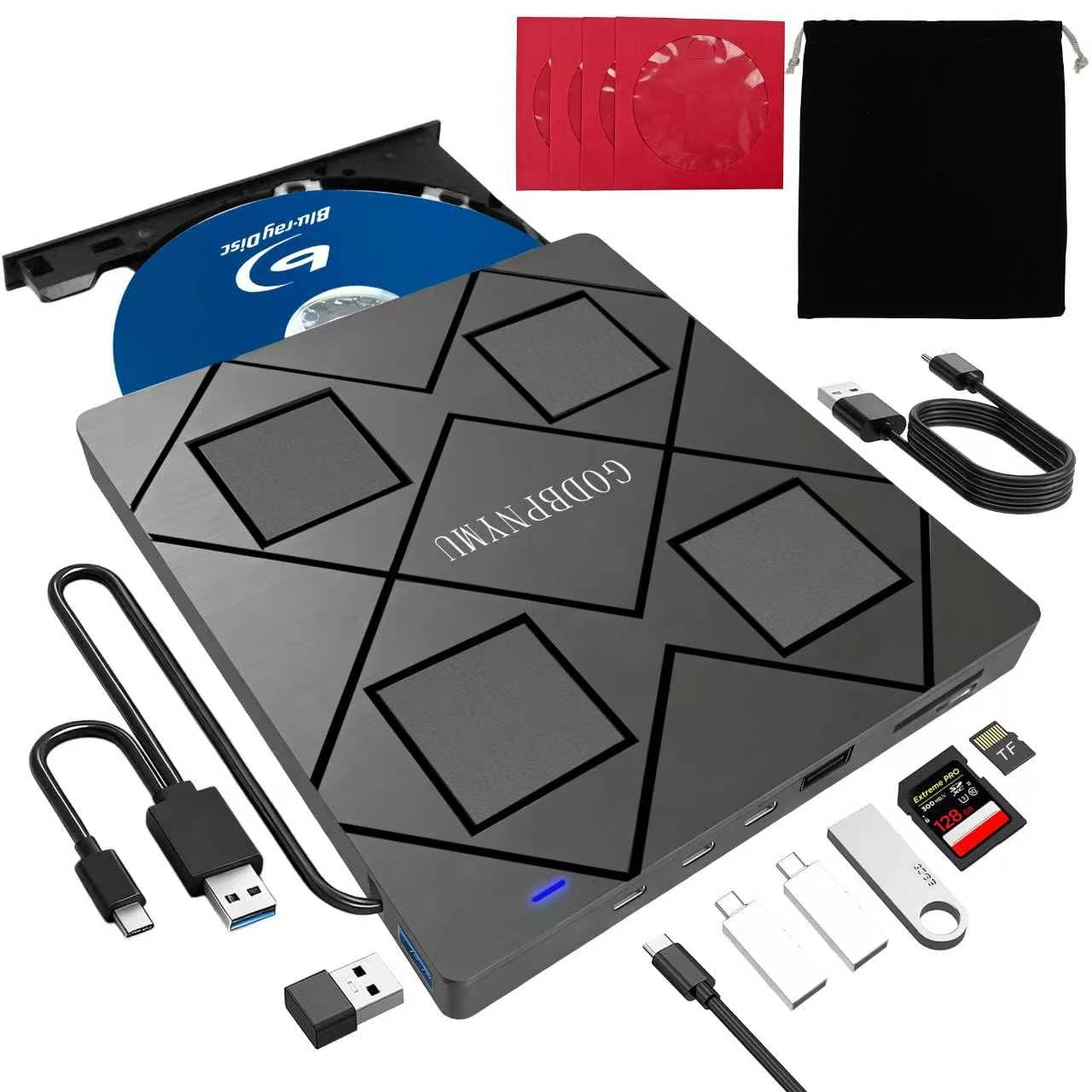
The GODBPNYMU 8-in-1 is the most feature-packed entry-level drive in this list. It provides USB-A and USB-C connectivity, two USB-C ports for charging or peripheral connection, a USB 3.0 port, a USB 2.0 port, and a TF/SD card slot. The drive also includes a carrying pouch and 4 CD sleeves, making it a complete travel kit for someone who needs to rip or burn discs on the go.
Read speeds anchor at 6x for BD, 8x for DVD, and 24x for CD. It supports burning BD-R up to 50GB dual-layer, but does not support 4K Ultra HD playback or ripping. The drive is plug-and-play on Windows and macOS, with multiple verified reviews confirming immediate recognition without driver installation. The build is ultra-slim at just 0.35 inches thick and weighs 300 grams, making it genuinely pocketable.
The trade-off is the 480 Mbps data transfer rate — that is USB 2.0 speed, not the 5 Gbps of USB 3.0. This bottleneck means ripping a full 50GB Blu-ray will be noticeably slower than on a true USB 3.0 drive. For occasional ripping of standard 25GB discs, it works fine. For power users ripping 100GB BDXL discs frequently, the bandwidth cap will frustrate. The included USB power cable is also needed in some cases, adding cable clutter.
Why it’s great
- Highest port count: 2x USB-C, USB 3.0, USB 2.0, SD/TF
- Ultra-slim 0.35-inch profile with carrying case included
- Plug-and-play on Windows and macOS without drivers
Good to know
- 480 Mbps data transfer is USB 2.0 bottleneck
- No 4K Ultra HD Blu-ray support
- May require external power cable for stable reading
FAQ
Do I need special software to rip Blu-ray discs with an external drive?
Why does my external Blu-ray drive disconnect mid-rip?
Can I rip 4K Ultra HD Blu-rays with these drives?
Final Thoughts: The Verdict
For most users, the best blu-ray drive for ripping winner is the Mthstec 4-in-1 because the 16x read speed and integrated SATA dock turn ripping into a time-efficient workflow for library-scale archiving. If you want a portable unit that handles scratched discs and runs silently, grab the Dainty USB 3.0. And for premium build quality with a massive 1000 MB cache that prevents mid-rip failures, nothing beats the ASUS SBW-06D5H-U.

Mo Maruf
I created WellFizz to bridge the gap between vague wellness advice and actionable solutions. My mission is simple: to decode the research and give you practical tools you can actually use.
Beyond the data, I am a passionate traveler. I believe that stepping away from the screen to explore new environments is essential for mental clarity and physical vitality.