Our readers keep the lights on and my smoothie glass nicely filled. As an Amazon Associate, I earn from qualifying purchases.
The leap from 1080p to 1440p at high refresh rates is one of the most meaningful upgrades a competitive gamer and visual enthusiast can make. The pixel density jump sharpens every texture, while the broader color gamut transforms flat scenes into rich environments — provided the panel can keep up with your GPU. The wrong choice means ghosting in fast strafes, dull shadows in dark corners, or an input delay that feels like moving through mud.
I’m Mohammad Maruf — the founder and writer behind WellFizz. I spend my research time comparing panel technologies, refresh rate architectures, adaptive sync implementations, and color volume measurements to separate genuine performance from marketing specs. This guide is built from that analysis, not brand loyalty.
Whether you’re chasing tournaments or single-player immersion, the 2k monitor for gaming you land on determines whether you see the pixelated enemy before they see you — or just watch the killcam.
How To Choose The Best 2K Monitor For Gaming
Selecting a 1440p gaming monitor is not about just picking the highest refresh rate in your budget. The panel technology, color accuracy, adaptive sync support, and ergonomic adjustability all contribute to whether a monitor feels responsive and looks immersive. Beginners often overlook how response time (GtG) interacts with the overdrive setting, or assume all OLEDs are equally bright. Let’s break down the choices.
Panel Type: IPS vs OLED vs QD-OLED
IPS panels offer consistent brightness, wide viewing angles, and burn-in resistance — ideal for mixed use including productivity. OLED and QD-OLED deliver infinite contrast ratios with perfect blacks and near-instant 0.03ms response times, but require care routines (pixel refresh) to prevent burn-in. For competitive gaming where every frame matters, OLED’s motion clarity is unmatched; for a daily driver that also handles spreadsheets, an IPS with high brightness is safer.
Refresh Rate and Response Time Balance
240Hz is the sweet spot for most gamers — smooth enough to see motion without diminishing returns. 360Hz and 480Hz exist for esports players who can actually perceive and react to the difference. Response time below 1ms GtG is standard; anything above 4ms will show ghosting in fast-paced shooters. Pairing a high refresh rate with a response time that matches it prevents motion blur that makes the higher frame rate irrelevant.
Adaptive Sync: FreeSync, G-Sync, and FreeSync Premium Pro
Variable refresh rate (VRR) eliminates screen tearing without adding VSync lag. G-Sync Compatible works with NVIDIA cards; FreeSync covers AMD. Most modern monitors support both. FreeSync Premium Pro adds HDR support with low latency, which matters if you play HDR titles on an OLED. A monitor without VRR will tear on both GPU ecosystems at high frame rates.
Quick Comparison
On smaller screens, swipe sideways to see the full table.
| Model | Category | Best For | Key Spec | Amazon |
|---|---|---|---|---|
| LG 27GX790A-B | OLED | Ultra-high refresh | 480Hz / 0.03ms / DP 2.1 | Amazon |
| Sony INZONE M10S | OLED | Esports tournaments | 480Hz / 0.03ms / DP 2.1 | Amazon |
| MSI MPG 271QRX | QD-OLED | High-refresh gaming & HDR | 360Hz / 0.03ms / True Black 400 | Amazon |
| Alienware AW2725DF | QD-OLED | All-around premium | 360Hz / 0.03ms / True Black 400 | Amazon |
| ASUS ROG Strix XG27AQDMG | WOLED | Glossy panel lovers | 240Hz / 0.03ms / Glossy WOLED | Amazon |
| Acer Predator X27U | QD-OLED | Value OLED entry | 240Hz / 0.03ms / DCI-P3 99% | Amazon |
| AOC Q27GAZDV | QD-OLED | Budget-friendly OLED | 240Hz / 0.03ms / 147% sRGB | Amazon |
| LG 27GR83Q-B | IPS | Versatile gaming & work | 240Hz / 1ms / DCI-P3 95% | Amazon |
| Samsung Odyssey G6 G60F | IPS | High-refresh IPS | 350Hz / 1ms / HDR400 | Amazon |
| Samsung Odyssey G5 G50F | IPS | Best value IPS | 180Hz / 1ms / HDR10 | Amazon |
| CRUA 27″ 360Hz | IPS | Ultra-budget 360Hz | 360Hz / 1ms / 120% sRGB | Amazon |
In‑Depth Reviews
1. LG 27GX790A-B 27″ Ultragear OLED

The 480Hz refresh rate on this 27-inch QHD OLED panel is not a marketing gimmick — paired with a 0.03ms GtG response time, motion clarity reaches a level where individual frames in an enemy strafe become distinguishable. The DisplayPort 2.1 connection ensures the bandwidth to drive that refresh rate without compression artifacts. Color coverage hits 98.5% DCI-P3, making explosions and environment textures pop with vibrancy rarely seen in competitive monitors.
The anti-glare surface and VESA DisplayHDR True Black 400 deliver deep blacks without bloom in dim scenes, critical for spotting enemies in dark corners. The ergonomic stand offers height, tilt, swivel, and pivot adjustments, plus a hexagonal RGB backlight that adds subtle atmosphere without being distracting. The on-screen crosshair and Dynamic Action Sync reduce input lag further, for those milliseconds that decide rounds.
Some users report the matte coating produces a slight grain on static bright web pages, and the DP 2.1 implementation uses DSC at UHBR10 rather than full UHBR13.5. The 2-year OLED panel warranty includes burn-in coverage, and the built-in pixel cleaning tools handle retention prevention. For the competitive player who also wants vibrant HDR in single-player titles, this is the current benchmark.
Why it’s great
- 480Hz refresh with near-instant response for elite motion clarity
- 98.5% DCI-P3 color and HDR True Black 400
- Future-ready DP 2.1 bandwidth for uncompressed 1440p gaming
Good to know
- Matte coating can appear grainy on static white pages
- DP 2.1 implementation not full UHBR13.5
- Requires OLED care routines to prevent burn-in
2. Sony INZONE M10S 27″ OLED

Developed with the Fnatic esports team, the M10S is a purpose-built competitive monitor that includes Tournament Mode for instant 24.5-inch screen size emulation — a feature that serious FPS players rely on for consistent field of view across LAN events. The 480Hz OLED panel with 0.03ms response puts it in the same speed tier as the LG 27GX790A, but the custom low-profile stand (4mm thin base) maximizes desk space for aggressive mouse movements.
The fan-less passive cooling system uses a custom heatsink to manage heat without noise, and the 3-year OLED limited warranty includes burn-in coverage — an important confidence signal for daily use. The FPS Pro and FPS Pro+ modes adjust contrast to enhance enemy visibility in dark scenes without washing out bright areas. Connectivity includes DisplayPort 2.1 (UHBR10) and two HDMI 2.1 ports, offering full bandwidth for console compatibility at 1440p VRR.
Initial quality control reports include a unit with a pixelated half-screen on power-up, which resolved after cable reseating, but the issue warrants attention. The matte coating reduces glare effectively in bright room conditions. For the player who travels to tournaments and needs a monitor that adapts to different venue lighting, the M10S is the most purpose-focused option available.
Why it’s great
- 24.5-inch Tournament Mode for consistent FPS field of view
- Fan-less passive cooling with custom heatsink
- 3-year burn-in warranty included
Good to know
- Some units reported pixelation issues on first power-up
- Matte coating can reduce perceived depth on bright scenes
- Premium price tier
3. MSI MPG 271QRX QD-OLED

The MPG 271QRX pairs a 360Hz refresh rate with a QD-OLED panel that delivers VESA DisplayHDR True Black 400, producing contrast ratios of 1,000,000:1 where blacks are truly black rather than dark gray. The Delta E≤2 color accuracy ensures that textures and skin tones look natural out of the box, without requiring calibration for most users. The 0.03ms GtG response eliminates ghosting even in fast camera sweeps during competitive play.
MSI’s OLED Care 2.0 includes pixel refresh, static image detection, and shift functions to mitigate burn-in risk. The KVM feature lets you control two devices with one keyboard and mouse, a practical addition for gamers who also work from the same desk. The HDMI 2.1 ports offer full 48 Gbps bandwidth, supporting 1440p at high refresh on current consoles without bandwidth limitations.
The stand adjustments are limited to tilt and height — no swivel or pivot, which may disappoint users who want portrait rotation for coding. Some users note a slight purple tint on the coating under direct light, typical of QD-OLED panels. For the competitive player who wants 360Hz speed with OLED picture quality, this is a top contender.
Why it’s great
- 360Hz QD-OLED with true black performance
- Delta E≤2 factory calibration for accurate colors
- KVM support for multi-device setups
Good to know
- Stand lacks swivel and pivot rotation
- Coating shows slight purple tint in bright lighting
- Requires periodic pixel refresh
4. Alienware AW2725DF OLED Gaming Monitor

Alienware’s AW2725DF delivers 360Hz on a QD-OLED panel with 0.03ms response, producing motion clarity that matches the MSI MPG 271QRX while offering a more complete ergonomic package with height, tilt, swivel, and pivot adjustments. The DCI-P3 99.3% color coverage and Delta E<2 accuracy make this monitor viable for creative work alongside gaming, where color grading needs to be trusted.
The infinite contrast ratio and VESA DisplayHDR True Black 400 produce deep blacks in dim game scenes and bright highlights that don’t clip. AMD FreeSync Premium Pro and VESA AdaptiveSync ensure tear-free play on both GPU ecosystems. The included factory calibration report confirms color accuracy out of the box, reducing the guesswork for users who avoid calibration tools.
Build quality feels solid, with a metal stand and clean design. The 3-year burn-in warranty adds peace of mind. Some reports of units failing to power on after 30 days, with Dell offering refurbished replacements, highlight potential reliability concerns. The anti-glare coating is fingerprint-prone and can show a slight purple tint at certain angles.
Why it’s great
- Full ergonomic adjustability (height, tilt, swivel, pivot)
- 99.3% DCI-P3 coverage with factory calibration
- 3-year burn-in warranty
Good to know
- Some units reported power failure within weeks
- Coating attracts fingerprints easily
- Purple tint visible at certain viewing angles
5. ASUS ROG Strix XG27AQDMG 27″ OLED

The XG27AQDMG uses a third-generation glossy WOLED panel that produces noticeably more vibrant colors and deeper blacks than matte alternatives, especially in well-lit rooms where the gloss enhances perceived contrast. The 240Hz refresh rate and 0.03ms response deliver smooth motion for competitive play, though not at the extreme end of the refresh rate curve. The custom heatsink and ASUS OLED Care reduce burn-in risk.
ROG-exclusive Anti-flicker technology minimizes flicker during refresh rate fluctuations, a subtle but appreciated feature during frame drops. The optional uniform brightness setting ensures consistent luminance across the screen, preventing the edges from dimming relative to the center. The DisplayWidget software allows easy adjustment of settings without using the on-screen joystick.
No built-in speakers means external audio is required. The VESA mount attachment process is reported as difficult by some users, and the auto-dimming feature initially annoyed users until they found the setting to disable it. For those who prioritize picture quality and color pop over raw refresh rate, this glossy OLED offers some of the best visuals at 1440p.
Why it’s great
- Glossy WOLED panel with exceptional color vibrancy
- Custom heatsink for burn-in prevention
- Uniform brightness setting for consistent luminance
Good to know
- No built-in speakers
- VESA mount setup is fiddly
- Auto-dimming may need manual disable
6. Acer Predator X27U W1bmiipprx 26.5″ QD-OLED

The Predator X27U brings QD-OLED to the price-conscious gamer with a 26.5-inch WQHD panel running at 240Hz with a 0.03ms response time. The DCI-P3 99% color gamut and HDR10 support deliver colors that rival monitors costing more, with blacks that disappear into the bezel. The ZeroFrame design minimizes bezel distraction, creating a near-borderless view.
AMD FreeSync Premium eliminates tearing without introducing perceptible input lag. The stand offers height, tilt, swivel, and pivot adjustments. The image retention refresh feature manages burn-in risk automatically, and the panel is bright enough for most indoor environments, though some users note it is dimmer than ideal at full screen brightness with HDR enabled.
Build quality is mostly plastic, which keeps weight down but feels less premium than metal alternatives. The on-screen menu is complex, lacking some options like sharpness or overdrive adjustment. Some units arrived with a cracked stand. For an entry into OLED gaming without spending mid-range plus, this offers the essential picture quality at a more accessible tier.
Why it’s great
- QD-OLED picture quality at a more accessible price
- Full ergonomic adjustments (height, tilt, swivel, pivot)
- 99% DCI-P3 coverage for vibrant HDR gaming
Good to know
- Plastic build feels less premium
- Menu system is complex and lacks some settings
- Some units reported cracked stand in transit
7. AOC Q27GAZDV 27″ QD-OLED

The Q27GAZDV is another affordable QD-OLED entry that provides 240Hz and 0.03ms response time for under mid-range pricing. The 27-inch panel covers 147% sRGB and 110% DCI-P3, offering wide color volume that makes game environments feel vivid. The 1.5 million-to-one contrast ratio delivers infinite black depth without the gray haze of IPS panels.
The ergonomic stand includes height, tilt, swivel, and pivot adjustments, plus a USB 3.2 hub for convenient peripheral connection. G-SYNC compatibility ensures tear-free play with NVIDIA cards. The HDMI 2.1 connectivity supports 1440p at high refresh on consoles, though the HDMI port initially defaults to limited modes until switched to PC mode in the menu.
No built-in speakers means a headset or external speakers are necessary. Some users found that HDMI was limited to 144Hz and needed a USB-C to DP cable to achieve 240Hz, depending on their GPU. The brightness level is lower than premium OLEDs, which may impact HDR impact in very bright rooms. For the budget-conscious gamer who wants OLED blacks, this is a strong choice.
Why it’s great
- QD-OLED blacks and color at an accessible price
- Full ergonomic stand with USB 3.2 hub
- G-SYNC compatible for tear-free gaming
Good to know
- No built-in speakers
- HDMI may limit to 144Hz without adjustments
- Lower brightness than premium OLED competitors
8. LG 27GR83Q-B Ultragear IPS 240Hz

For gamers who need a monitor that handles both competitive gaming and productivity work without OLED burn-in concerns, the 27GR83Q-B uses a 27-inch IPS panel with 240Hz refresh and 1ms GtG response. The DCI-P3 95% coverage and DisplayHDR 400 produce vibrant colors that hold up well in bright rooms. Both DisplayPort 1.4 and HDMI 2.1 support 240Hz at 1440p.
G-SYNC Compatible and AMD FreeSync Premium cover both GPU ecosystems, and the 4-pole headphone out with DTS Headphone:X provides spatial audio through a single cable for in-game immersion without external DACs. The Dynamic Action Sync reduces input lag, and the black stabilizer brightens shadows without blowing out highlights. The stand offers height, tilt, and pivot adjustments.
Some units have been reported with stuck pixels, sometimes multiple in the same panel. LG’s warranty support for out-of-warranty repairs has been criticized for long turnaround times. The matte finish is effective but reduces the contrast pop compared to glossy panels. For a risk-free daily driver that works in any lighting, this IPS remains a top-tier pick.
Why it’s great
- 240Hz via both DP and HDMI 2.1
- 95% DCI-P3 with DisplayHDR 400
- DTS Headphone:X spatial audio through 4-pole jack
Good to know
- Stuck pixel issues reported on some units
- LG warranty support turnaround can be slow
- Matte finish reduces perceived contrast
9. Samsung Odyssey G6 G60F 27″ IPS 350Hz
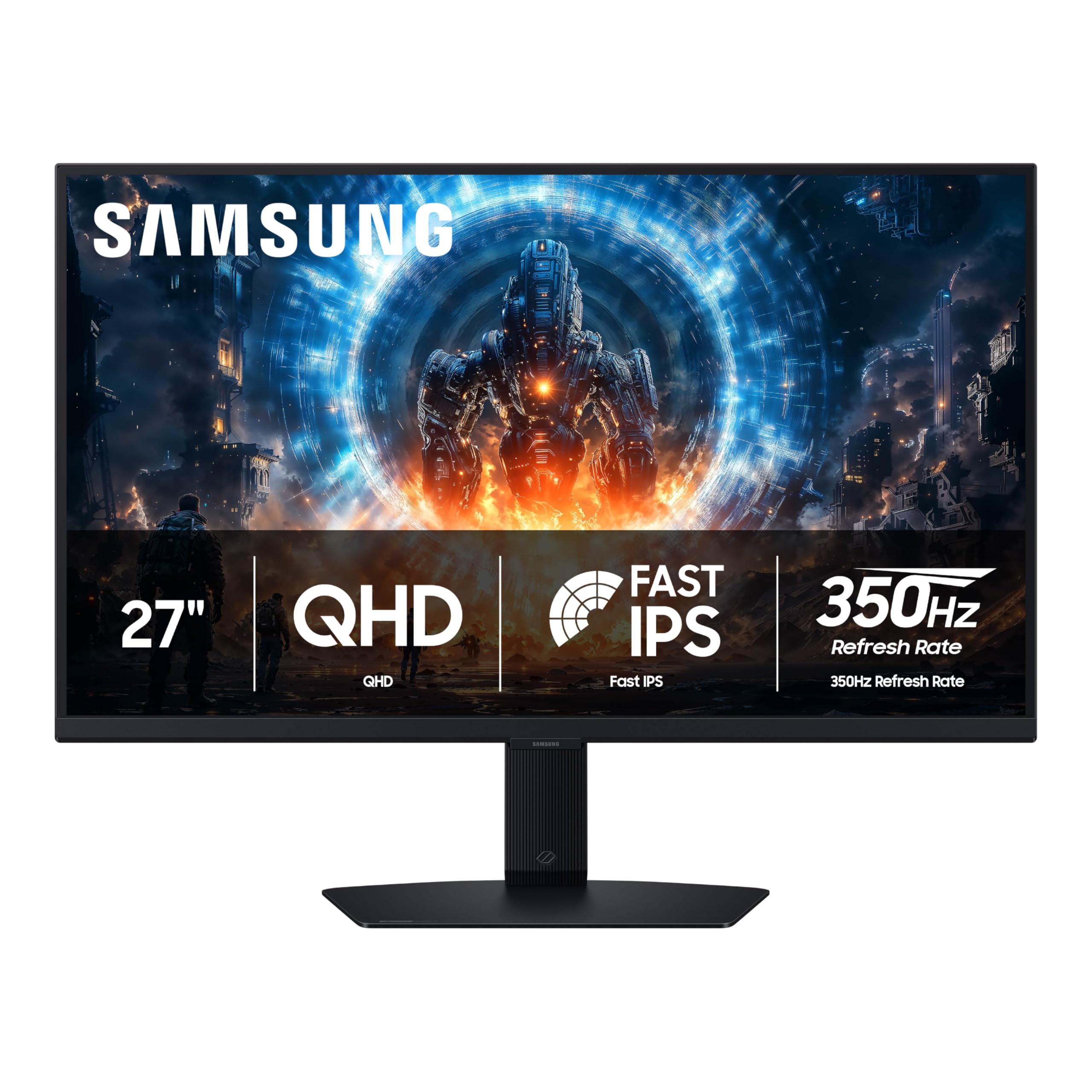
With a 350Hz refresh rate on a Fast IPS panel, the Odyssey G6 G60F targets competitive players who want high speed without moving to OLED. The 1ms GtG response time keeps motion clarity sharp, and the DisplayHDR 400 certification provides better brightness and contrast than standard HDR10 monitors. The QHD resolution at 27 inches delivers the pixel density needed for sharp text and fine details.
G-Sync compatibility and AMD FreeSync Premium ensure adaptive sync works across GPU brands. The Black Equalizer feature brightens dark areas to reveal hidden enemies without washing out the whole image. The ergonomic stand supports height, tilt, swivel, and pivot adjustments. Auto Source Switch+ automatically detects and switches inputs, a convenience for multi-device setups.
The only connectivity inputs are one HDMI and one DP — no USB hub. Some users find the menu joystick placement behind the screen awkward during adjustment. The Virtual Aim Point feature is always on after activation, which may not suit all play styles. For an IPS monitor that approaches OLED-level refresh rates, this is a strong contender.
Why it’s great
- 350Hz on IPS for motion clarity without OLED cost
- DisplayHDR 400 for better contrast than standard HDR
- Full ergonomic adjustments and Auto Source Switch+
Good to know
- Only one HDMI and one DP port
- Menu joystick is behind the screen
- Virtual crosshair remains active after activation
10. Samsung Odyssey G5 G50F 27″ IPS 180Hz
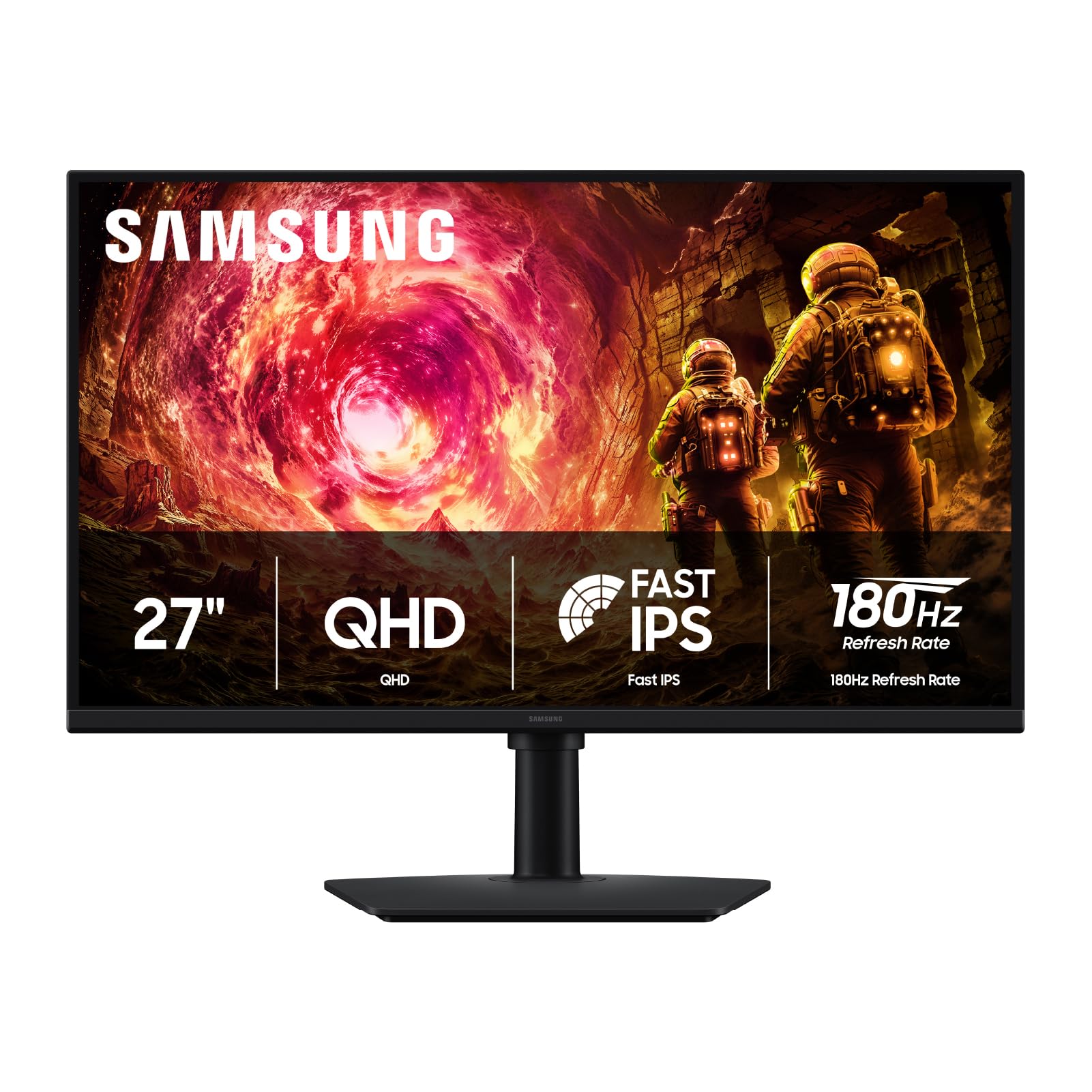
The G50F is the entry point for Samsung’s Odyssey IPS line, offering 180Hz and 1ms response at a budget-friendly price. The QHD 27-inch panel provides 2K sharpness that is a clear step up from 1080p, with HDR10 support for improved dynamic range in supported titles. The IPS viewing angles remain consistent at 178 degrees, making it suitable for shared desk setups or casual viewing.
G-Sync Compatibility and AMD FreeSync eliminate screen tearing across both GPU ecosystems. The Black Equalizer feature improves shadow visibility, and the Virtual Aim Point adds a customizable crosshair. The height-adjustable stand also offers tilt, swivel, and pivot adjustments, a rare feature at this tier. Auto Source Switch+ allows seamless switching between connected devices without manual input selection.
Connectivity is limited to one HDMI and one DP port, which may require a switcher for multi-console setups. The joystick control for the menu is located on the back of the monitor, which some find less intuitive than front-facing buttons. For the gamer upgrading from 1080p on a budget, this delivers the core 2K experience without breaking the bank.
Why it’s great
- 180Hz 1ms IPS at a budget-friendly tier
- Full height, tilt, swivel, and pivot adjustment
- Black Equalizer for enhanced shadow visibility
Good to know
- Only one HDMI and one DP port
- Menu joystick is on the back
- HDR10 is entry-level, not as impactful as higher HDR standards
11. CRUA 27″ 360Hz 2K IPS Monitor

The CRUA 27-inch 360Hz monitor offers a 360Hz refresh rate on an IPS panel at a budget tier that normally only delivers 180Hz. The 2560×1440 QHD resolution with 120% sRGB coverage and 8-bit color provides adequate color reproduction for gaming, with AMD FreeSync support to reduce tearing. The RGB ambient lighting adds a visual flair for aesthetic setups without affecting performance.
The tool-free snap-on bracket and VESA mount support make setup quick. The stand offers height, tilt, swivel, and pivot adjustments — full ergonomic flexibility rare at this tier. The built-in speakers and 3.5mm audio port eliminate the need for external speakers in a simple setup. HDMI 2.1 supports QHD at 144Hz for consoles, while DP 1.4 drives the full 360Hz from a PC.
User feedback notes that the built-in speakers are very poor quality, with low volume and tinny sound. Some units have been reported with stuck pixels, and the customer service experience for repairs has been criticized. The IPS glow is more noticeable than on premium monitors. For the gamer who must have 360Hz at the lowest entry cost, this delivers the spec number but with compromises in build and audio.
Why it’s great
- 360Hz refresh on an entry-level budget
- Full ergonomic adjustments (height, tilt, swivel, pivot)
- RGB ambient lighting for desk appeal
Good to know
- Built-in speakers are very low quality
- Stuck pixel issues possible
- Customer support experience is unreliable
FAQ
Is 240Hz enough for competitive gaming at 1440p?
Should I worry about OLED burn-in on a gaming monitor?
Does DisplayPort 2.1 matter for 1440p gaming?
Can a 2K monitor run on a PS5 or Xbox Series X?
Final Thoughts: The Verdict
For most users, the 2k monitor for gaming winner is the LG 27GX790A-B because it combines a 480Hz OLED panel with future-ready DP 2.1 connectivity, excellent color accuracy, and a solid ergonomic stand — making it the most complete package for both competitive and immersive gaming. If you want a glossy panel with striking color pop at a lower refresh rate, grab the ASUS ROG Strix XG27AQDMG. And for the best value entry into QD-OLED gaming, nothing beats the Acer Predator X27U.

Mo Maruf
I created WellFizz to bridge the gap between vague wellness advice and actionable solutions. My mission is simple: to decode the research and give you practical tools you can actually use.
Beyond the data, I am a passionate traveler. I believe that stepping away from the screen to explore new environments is essential for mental clarity and physical vitality.