Our readers keep the lights on and my smoothie glass nicely filled. As an Amazon Associate, I earn from qualifying purchases.
A dark living room with a bright TV creates eye fatigue, washing out the picture and ruining the immersion you paid for. The fix is simple: a dedicated light source that mirrors your on-screen content, expanding the canvas without introducing glare. This is where the technology of bias lighting meets the precision of real-time color matching.
I’m Mohammad Maruf — the founder and writer behind WellFizz. With over a decade analyzing home theater accessories and smart-lighting ecosystems, I’ve scrutinized how camera-based sensors, RGBIC LED density, and app-ecosystem integration separate a truly cinematic setup from a distracting light show.
After evaluating hundreds of user reviews and technical specifications, I’ve narrowed the market to the seven kits that deliver on their sync promises. This guide will help you find the best bias lighting for tv that fits your screen size, room lighting, and need for precision color matching without breaking your viewing budget.
How To Choose The Best Bias Lighting For TV
The primary job of bias lighting is to reduce perceived eye strain and increase perceived contrast by creating a consistent glow behind your screen. But the market has evolved far beyond a single white LED strip. You now must choose between static white lights, simple color-changing strips, and advanced camera-based systems that read and replicate every pixel change in real time. Nailing your choice requires focusing on four core decision points.
Sensor Type: Camera vs. Optical vs. No Sync
The biggest divide in this category is how the lights detect what is on your screen. Camera-based systems use a small fisheye lens mounted at the top center of your TV to capture the entire display. This allows for full-screen color matching, but performance depends heavily on camera quality and room ambient light. Optical sensor systems read light from a single point on the screen without a protruding camera, offering better resilience to room light but less accurate edge-matching. The simplest tier is manual control — a remote or app lets you pick a static or cycling color, with zero sync to the content.
LED Density and Color Chips
Spec sheets list LED counts, but the meaningful metric is LEDs per meter (LEDs/m). Standard strips offer 30 LEDs/m; high-density strips offer 60 LEDs/m, delivering double the number of light sources per inch. This directly translates to smoother gradients and fewer visible dark spots between LEDs. Equally important is the color chip architecture. Basic strips use RGB chips (three colors per LED). RGBIC adds an independent control chip per LED, allowing multiple colors on the same strip simultaneously. RGBICW adds a dedicated white chip to produce a true white bias glow — critical for movie viewing where a neutral white backdrop preserves color accuracy.
Size Fit and Installation
Strip length must match your TV’s perimeter. Most kits target specific size ranges — 32-50 inches, 55-65 inches, or 70-85 inches. Buying too long a strip for a small TV leaves slack that is tricky to hide; buying too short leaves sections of the back uncovered. Also check the TV depth clearance for camera mounts: ultra-thin screens (<1.9 inches) often require a gravity-hanging camera design or a dedicated bracket to keep the sensor flush against the screen. Adhesive quality also matters — 3M brand tape is the gold standard for long-term hold against heat cycles.
Smart Ecosystem and Control
If you plan to integrate the lights into a broader smart home, check for native Alexa, Google Assistant, or HomeKit compatibility. Many kits now include auto on/off detection that senses when the TV powers on, eliminating the need for extra remotes or manual switches. For gamers, latency below 0.05 seconds is essential — any lag between on-screen movement and the light reaction breaks immersion. Finally, the companion app’s calibration tools for white balance and color saturation often make the difference between a system that just works and one that feels truly locked into your room’s lighting conditions.
Quick Comparison
On smaller screens, swipe sideways to see the full table.
| Model | Category | Best For | Key Spec | Amazon |
|---|---|---|---|---|
| Govee TV Backlight 3 Lite Kit | Premium | Cinematic home theater | RGBICW chip + dual light bars | Amazon |
| AOC 55-65″ TV LED Backlight | Premium | Optical sensor precision | 60 LEDs/m + 0.03s sync | Amazon |
| AOC 32-50″ TV Backlight | Mid-Range | Compact TVs and gaming | 60 LEDs/m + 0.03s sync | Amazon |
| Aura Labs 70-85″ Backlight | Premium | Large TV color sync | RGBIC with CMOS camera | Amazon |
| Ailofy TV Backlight 55-65″ | Mid-Range | Wi-Fi smart home integration | Fisheye correction + Wi-Fi | Amazon |
| QTU TV Backlight with Sensor | Budget-Friendly | Dark room movie immersion | 0.05s camera sync engine | Amazon |
| Govee Gaming Light G1 | Budget-Friendly | PC monitor gaming | 108 RGBIC LEDs, 27-34″ | Amazon |
In‑Depth Reviews
1. Govee TV Backlight 3 Lite Kit

The Govee TV Backlight 3 Lite Kit is the most complete lighting ecosystem you can buy for a 55-65 inch TV without stepping into professional cinema-grade hardware. It pairs an 11.8-foot RGBICW strip with two 15-inch smart light bars, all controlled by a fish-eye correction camera. The 4-in-1 light beads add a dedicated warm white chip, so when you need a neutral bias glow for critical movie viewing, you get a pure 6500K tone instead of a blue-ish approximation. The light bars sit on either side of the TV, extending the color-matching atmosphere beyond the screen’s physical edge and into the room itself.
Installation is thoughtful: the camera uses a gravitational hanging design that works with ultra-thin TVs where adhesive pads can’t reach the top bezel. Once mounted, the Govee Home App offers granular control over brightness, saturation, and color temperature. The kit supports both video and audio syncing — the lights can pulse with explosions in a film or flash with a beat in a music game. Alexa and Google Assistant integration means you can turn the entire lighting scene on or off with a voice command, making it a true smart home addition rather than a standalone accessory.
User feedback highlights the adhesive as strong enough to last over a year, but warns it is non-reusable — removing the strip without careful peeling can damage the LEDs. Some users note that ceiling lights reflecting off the camera can cause a slight yellow tint at the bottom corners of the room, easily fixed by turning off ambient overhead lighting. For those who want the richest sync experience without jumping into the thousand-dollar Philips Hue ecosystem, this kit delivers approximately 90% of the precision at a fraction of the cost.
Why it’s great
- Dedicated white chip for true neutral bias lighting during movies
- Camera + light bar combo expands atmosphere beyond the TV border
- Robust app with community presets and multi-device DreamView sync
Good to know
- Adhesive is strong but non-reusable — careful removal required
- Ceiling light reflection on the camera can distort bottom corner colors
2. AOC TV LED Backlight 55-65″
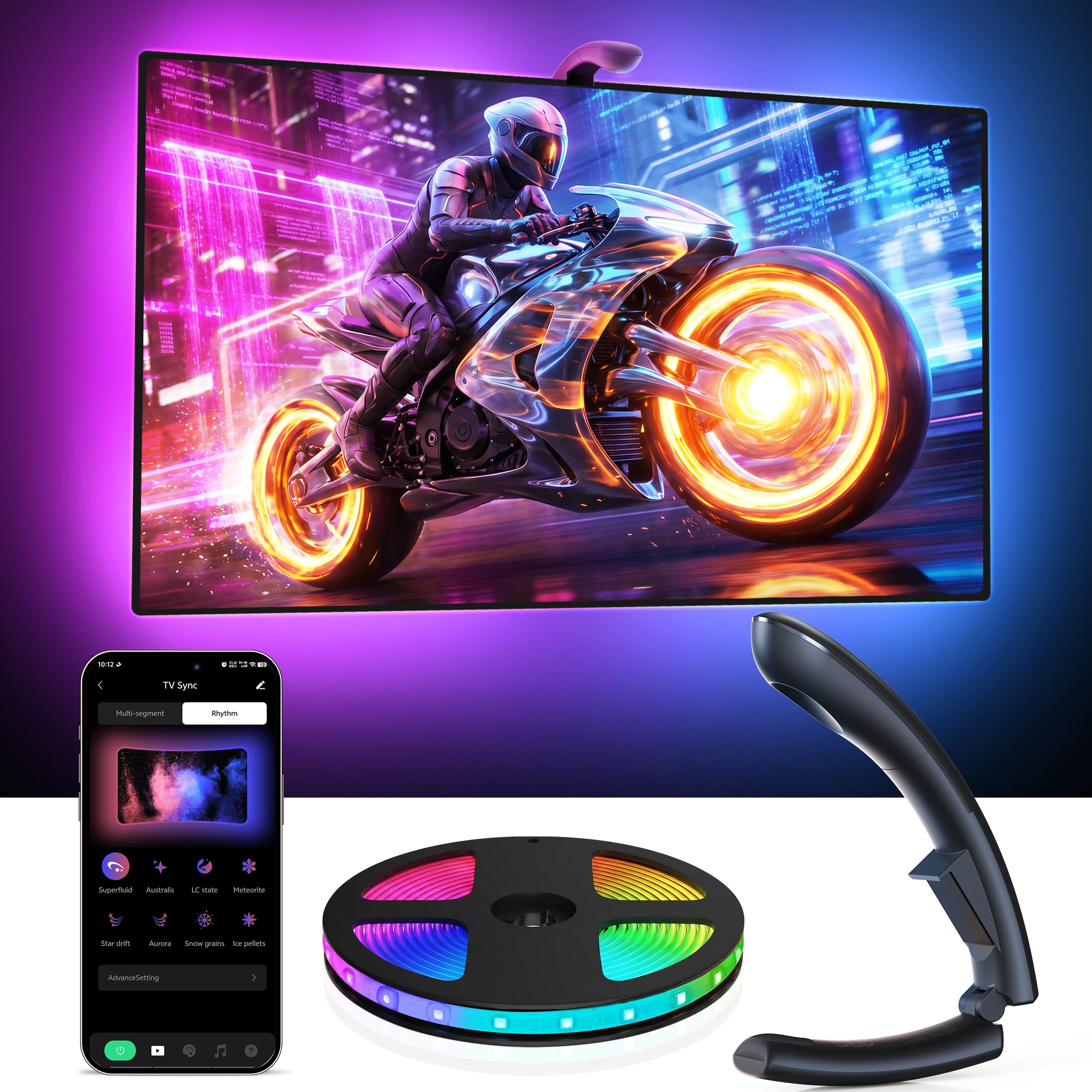
The AOC 55-65″ TV LED Backlight takes a fundamentally different approach to screen matching. Instead of a camera that captures the entire display, it uses an upgraded optical color capture technology with a dual-core processor. The result is a 0.03-second sync that is genuinely faster than most camera-based systems, and it is not affected by room ambient light — a key advantage if you watch TV with a lamp on or near a window. Because there is no camera lens protruding from the top of the TV, the installation is cleaner and works on screens as thin as you can find.
The strip itself packs 60 RGB LEDs per meter — double the density of entry-level strips. This eliminates the dark banding effect that cheap 30 LEDs/m strips produce when displaying gradients. Sixteen-bit color processing allows each LED to produce smooth transitions between millions of hues, and the 14.8-foot length wraps a 65-inch TV comfortably with no slack. The uLamp app provides four modes, 32 scene presets, six music modes, and full DIY customization. Built-in screen detection automatically turns the lights on when the TV powers up and shuts them off after five minutes of inactivity.
User feedback is consistently positive about the brightness and the modern aesthetic the strip adds to a living room. One report of poor syncing may point to a defective unit or a reflective screen coating that confuses the sensor — the vast majority of users report vibrant, accurate color matching. AOC backs this unit with a three-year manufacturer warranty, which is the longest standard coverage in this roundup. If you prioritize a clean, camera-free install and sync that works reliably in any room brightness, this is the refined choice.
Why it’s great
- Optical sensor unaffected by room ambient light — no camera protrusion
- 0.03s sync is among the fastest in this category
- Three-year manufacturer warranty is best-in-class
Good to know
- Some glossy TV screens may confuse the optical sensor
- Requires the uLamp app for full functionality; no physical remote included
3. AOC TV Backlight 32-50″
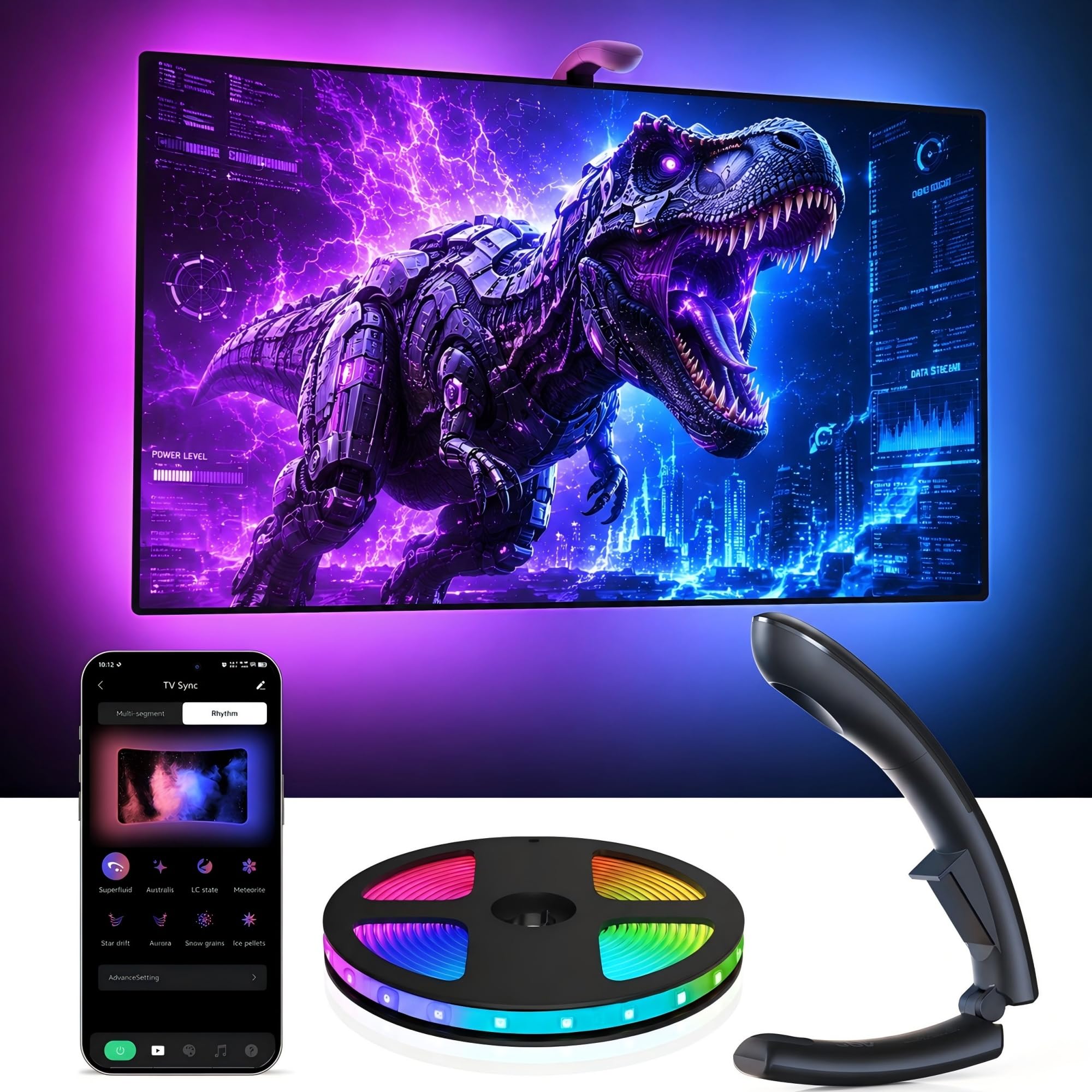
The AOC 32-50″ version brings the same dual-core optical sensor and 60 LEDs/m density to smaller displays and gaming monitors. If you have a 43-inch living room TV, a bedroom set, or a dedicated gaming monitor in the 32-50 inch range, this kit matches the exact same performance specs as its larger sibling — 0.03-second sync, 16-bit color processing, and auto on/off detection — but with an 11.5-foot strip that fits tighter perimeters without excess cable clutter. The form factor is identical, so you get the same tool-free installation and strong 3M adhesive backing.
The core advantage of this kit over budget alternatives targeting the same size is the optical sensor. Entry-level camera-based kits for smaller TVs often use a low-resolution sensor that struggles with fast scene changes in games. The AOC optical system does not have that limitation — it reads the screen’s light output directly from the surface, maintaining accuracy even during rapid cuts in an action movie or a 120 fps gaming session. The uLamp app provides full control, including a DIY mode where you can map specific colors to specific zones of the strip.
Feedback from users highlights the gift-worthy appeal — multiple buyers report that teenagers loved the upgrade for gaming setups. One review mentions that the cut-to-fit design made installation on a non-standard monitor straightforward. The only recurring caution is that users expecting perfect color matching from an optical sensor should calibrate the camera angle and strip placement carefully during setup; a few minutes spent tweaking the app’s color saturation slider pays off in long-term satisfaction. For medium-sized screens, this is the most technically refined optical option available.
Why it’s great
- Optical sensor provides faster sync than camera-based kits for small TVs
- 60 LEDs/m eliminates gradient banding on medium displays
- Cut-to-fit design works for non-standard monitor sizes
Good to know
- Optical sensor calibration needed for best color accuracy
- No physical remote — app-only control for advanced features
4. Aura Labs Smart TV Backlight 70-85″
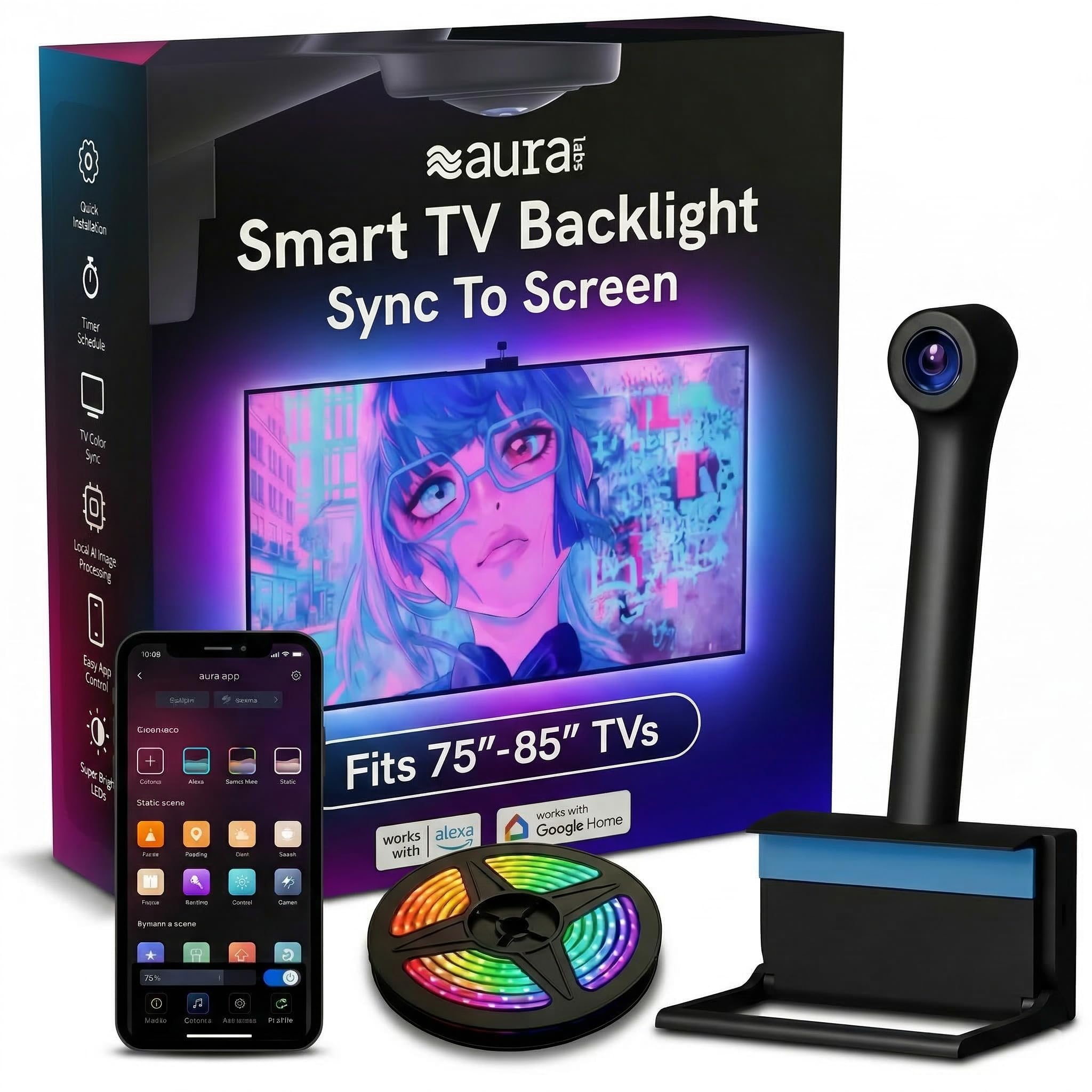
The Aura Labs Smart TV Backlight is engineered specifically for the large-screen segment — 70 to 85 inches — where strip length and camera field-of-view become critical. The kit includes a 16.4-foot strip and a CMOS camera sensor designed to read a wide-angle display without leaving dark zones. Each RGBIC LED can display an independent color simultaneously, so explosions on the left side of the screen can produce a different color shift than a character on the right side. The black-bar elimination feature is a thoughtful addition for cinephiles watching ultrawide movies with letterbox bars.
Setup is straightforward: attach the strip around the back perimeter, mount the camera at the top center, and run the calibration routine in the Aura app. The app connects via both Bluetooth and Wi-Fi, and supports Alexa and Google Assistant for hands-free control. The US-based support team in Seattle offers a one-year warranty, and user feedback notes that the camera-based color matching is accurate enough for movies and sports, though the system tends to default to a light blue tone during predominantly white or neutral scenes rather than producing a pure white glow.
This is a niche trade-off: if you watch mostly dark-toned cinema and gaming content, the slight blue shift during bright scenes is barely noticeable. But if your viewing diet is heavy on brightly lit sitcoms or daytime sports, this bias may be distracting. The adhesive clips and strong 3M tape hold the strip securely even on the larger surface area of an 85-inch TV. For owners of oversized screens who want an integrated sync experience without buying separate extension kits, the Aura Labs solution is purpose-built and easy to recommend.
Why it’s great
- 16.4-foot strip is long enough for 85-inch TVs without extension kits
- RGBIC LEDs show independent colors across zones simultaneously
- US-based customer support with one-year warranty
Good to know
- White screen scenes default to a light blue tint
- Camera requires a ceiling-light-free environment for best accuracy
5. Ailofy TV Backlight 55-65″
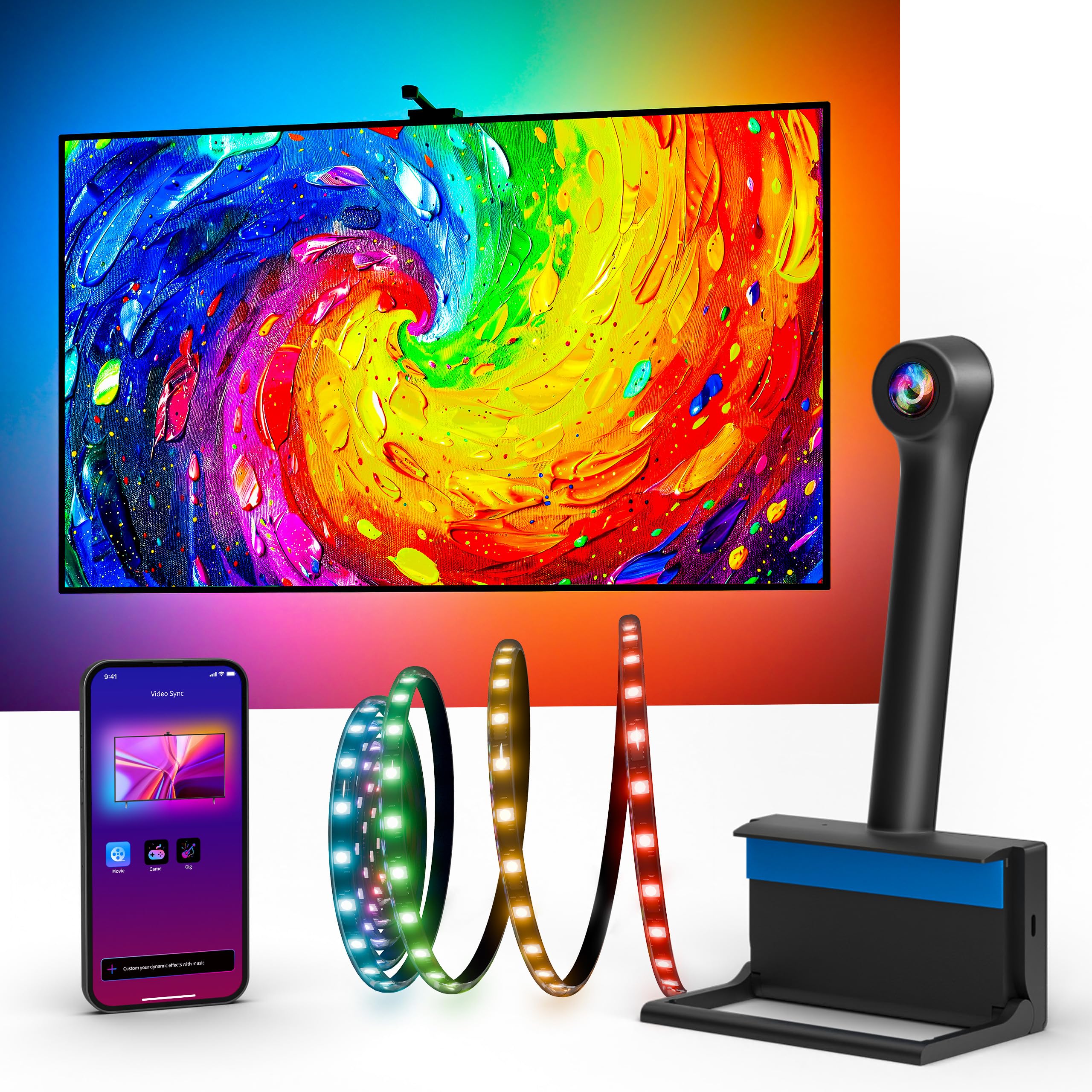
The Ailofy TV Backlight is a camera-based system that prioritizes smart-home integration at a mid-range investment. The 12.5-foot strip fits 55 to 65 inch TVs, and the fisheye correction algorithm in the camera compensates for the lens distortion that often plagues cheap camera-based kits. This means the colors reflected on the far edges of the screen match those in the center more closely than on older camera systems. Sixteen million colors with adjustable brightness let you dial in everything from a subtle bias glow to a vivid party mode.
The differentiating feature here is Wi-Fi connectivity coupled with Alexa and Google Assistant voice control. Many camera kits rely only on Bluetooth, which limits range and prevents integration into broader smart-home routines. With Ailofy, you can say “Alexa, turn on movie mode” and the strip instantly switches to a calibrated preset that matches your content. The app also includes scheduling and timer functions, so the lights can automatically activate when you typically start your evening movie ritual. The package includes adhesive clips, wire clips, and a cleaning wipe for prep.
User feedback is generally strong, with most buyers praising the easy installation and responsive app control. However, color accuracy is not perfect — the system struggles with daylight scenes and yellow tones in particular, sometimes rendering them as greenish hues. For the price point, this is an acceptable compromise: you get excellent smart-home integration and a passable sync experience that enhances immersion without requiring perfect color fidelity. If your primary use case is gaming and darker movies where color shifts are less noticeable, the Ailofy delivers solid value with the convenience of voice control.
Why it’s great
- Native Wi-Fi + Alexa/Google voice control for smart home routines
- Fisheye correction improves edge color accuracy over basic cameras
- Comes with comprehensive mounting accessories and clips
Good to know
- Yellow and daylight color rendering is inaccurate
- Supports only 2.4GHz Wi-Fi; no 5GHz band compatibility
6. QTU TV Backlight with Sensor 55-65″
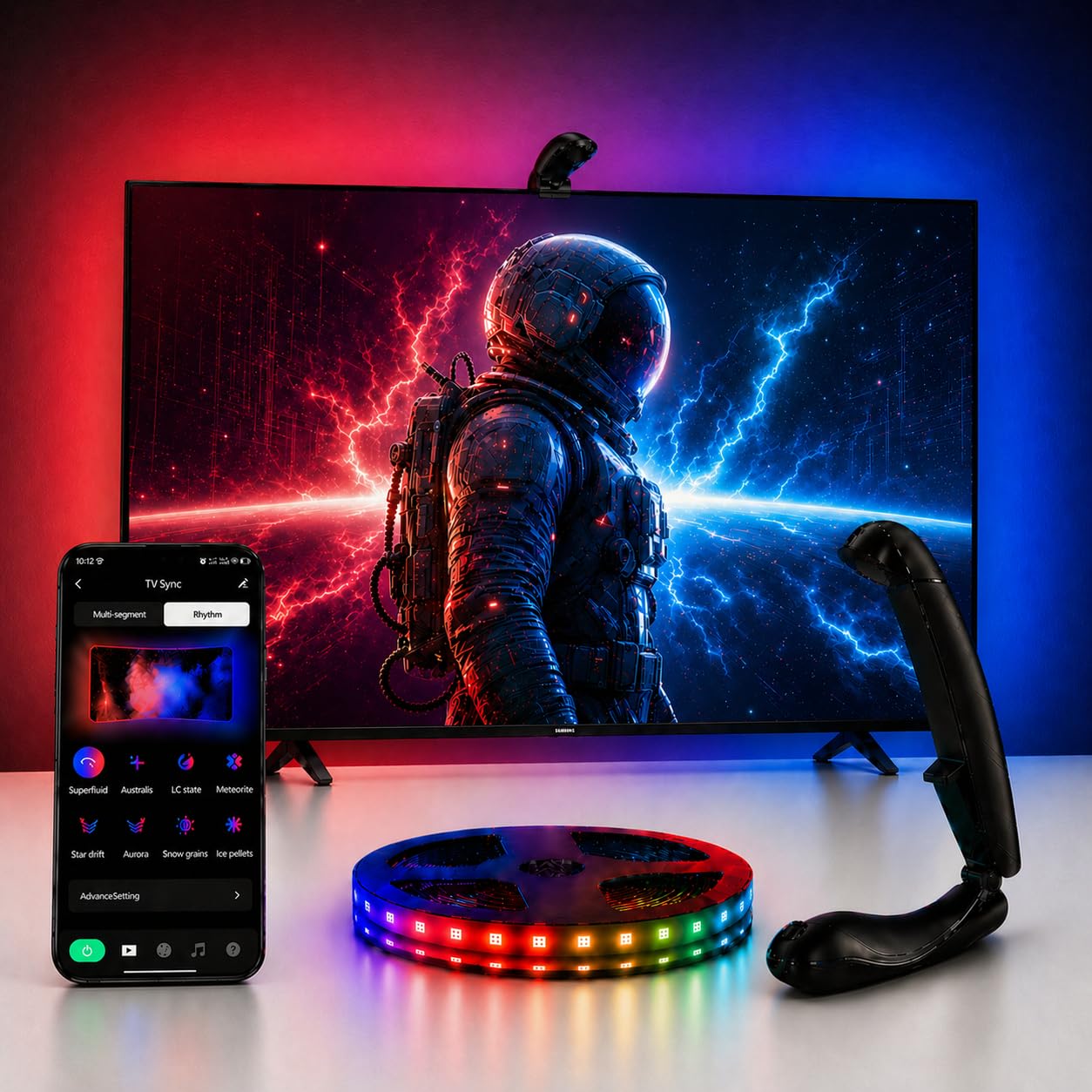
The QTU TV Backlight with Sensor positions itself as a no-fuss camera-based system that delivers on the basics without overwhelming you with features. The 14.7-foot strip fits 55 to 65 inch TVs, and the camera uses a 0.05-second low-latency engine to mirror on-screen colors. While 0.05 seconds is slightly slower than the 0.03-second optical systems from AOC, the difference is barely perceptible in real-world movie and gaming scenarios — you would need frame-by-frame comparison to spot the lag. The included fisheye sensor mounts on the top center bezel and is held in place with upgraded strong adhesive and secure brackets.
One standout feature is the smart auto on/off function. The camera detects when the TV screen powers on and automatically activates the lights. When the TV turns off, the lights power down after five minutes of inactivity. This eliminates the need for remote controls or app intervention, making the QTU essentially a set-it-and-forget-it bias lighting solution. The app offers 24 dynamic movie modes, 6 music-reactive settings, and full control over brightness and saturation. The strip is cuttable at marked points if you need a shorter run for a smaller TV.
User reviews are mixed on color accuracy: some describe the sync as “awesome” with bright colors that enhance movie immersion, while others note that the color balance is not perfectly accurate, especially in well-lit rooms. The camera mount design has also been criticized for being flimsy — some users added extra adhesive to keep it secure. For buyers who primarily watch movies in a dark room and want the convenience of automatic power detection without app control, the QTU offers the most straightforward setup in the mid-range tier. If you are a perfectionist about color matching, you may want to look at the AOC or Govee options.
Why it’s great
- Auto on/off screen detection removes the need for manual controls
- 14.7-foot strip fits 65-inch TVs comfortably with no gaps
- Cuttable design works for smaller displays
Good to know
- Color accuracy degrades in rooms with ambient light
- Camera mount may require extra adhesive for a secure fit
7. Govee Gaming Light G1 for Monitor

The Govee Gaming Light G1 is designed specifically for PC monitors rather than large TVs, targeting the 27-34 inch range with a focus on gaming performance. The strip contains 108 high-density RGBIC LED beads that cover all four sides of the screen, providing 360-degree color matching. Govee’s VibraMatch technology reads pixel points directly from the screen through the Govee Desktop software, creating real-time color matching without an external camera. The result is lag-free sync that responds instantly to fast scene changes in shooters and racing games — this is critical because a 0.1-second delay can break the immersion during a competitive match.
The strip includes 123 preset scene modes and 11 music modes, all controllable via the Govee Home App. The PC DreamView technology allows the strip to sync with up to ten other Govee gaming lights, creating a full-desk immersive environment. Compatibility with Razer Chroma is a bonus for users who already have Razer peripherals, as it allows unified lighting effects across the entire gaming setup. The strip is also compatible with curved monitors, using flexible construction that follows the screen’s arc without lifting at the corners.
A few user concerns are worth noting. The DreamView color matching uses CPU resources, and several reviewers report significant performance drops in demanding games like Baldur’s Gate 3 when the sync is active. For competitive or hardware-intensive titles, you may need to disable the sync layer or run it on a secondary system. Additionally, the strip is designed for 27-34 inch monitors; users with 24-inch screens found it too long, resulting in excess cable that is difficult to manage. For dedicated gamers with a compatible monitor who can spare the CPU overhead, the G1 offers an exceptionally vivid and responsive sync experience that surpasses camera-based alternatives at this price tier.
Why it’s great
- 108 RGBIC LEDs provide 360-degree color matching for monitors
- CPU-based sync eliminates camera lag and external hardware
- Razer Chroma and Govee DreamView ecosystem compatibility
Good to know
- CPU-based color matching causes performance drops in demanding games
- Strip is too long for 24-inch monitors; designed for 27-34 inch
FAQ
Will camera-based bias lighting work on a curved TV?
Does bias lighting actually reduce eye strain or is it a marketing claim?
What is the real difference between a 0.03-second and a 0.05-second sync latency?
Can I install bias lighting on a TV that is mounted flush against the wall?
Final Thoughts: The Verdict
For most users, the best bias lighting for tv winner is the Govee TV Backlight 3 Lite Kit because it combines a dedicated white chip for accurate bias glow, a fisheye camera for full-screen sync, and two light bars that extend the atmosphere beyond the TV bezel — all at a price that undercuts premium competitors. If you want a camera-free installation that works reliably in any room brightness, grab the AOC TV LED Backlight 55-65″. And for dedicated PC gamers with a 27-34 inch monitor, nothing beats the Govee Gaming Light G1 for low-latency, CPU-accelerated color matching.

Mo Maruf
I created WellFizz to bridge the gap between vague wellness advice and actionable solutions. My mission is simple: to decode the research and give you practical tools you can actually use.
Beyond the data, I am a passionate traveler. I believe that stepping away from the screen to explore new environments is essential for mental clarity and physical vitality.