Our readers keep the lights on and my smoothie glass nicely filled. As an Amazon Associate, I earn from qualifying purchases.
Dropping a stack of business cards into your desk drawer turns a conference into a dead end. Every name, title, and phone number you don’t digitize is a lead you’ll never follow up on. A dedicated card scanner solves this by pulling the data off the card and into your contact list in seconds, far faster than any multi-function printer lid-lift routine.
I’m Mohammad Maruf — the founder and writer behind WellFizz. I research small-office hardware full time, comparing OCR accuracy, scan speeds, and software ecosystems so you don’t waste a dollar on a machine that struggles with a glossy card.
The convenience of a dedicated unit means you’ll never lose a contact again, which is why finding the best card scanner for your workflow is a one-time investment that pays back every networking event.
How To Choose The Best Card Scanner
Not all card scanners are built the same. Some are designed for quick data entry at a trade show booth, while others are meant for high-volume office processing. Focus on these three factors to avoid a mismatch.
OCR Accuracy and Language Support
Optical character recognition is the heart of any card scanner. A 600 dpi sensor is standard, but it’s the software that determines whether a card reads correctly or introduces typos. Look for a unit that offers AI-assisted contact extraction, supports multiple languages, and can handle unusual name formats. If you regularly network internationally, that multi-language support is non-negotiable.
Scan Speed and Media Handling
A card scanner should finish a single card in under two seconds. Beyond speed, check whether it handles laminated, glossy, or double-sided cards without jamming. Vertical feed scanners take up less desk space and eject the card forward, making them ideal for reception desks and small offices. Flatbed options offer flexibility for bound materials but take longer per scan.
Software Integration and Portability
The best scanner is one that feeds directly into your existing workflow. If you live in Outlook, Salesforce, or Google Contacts, make sure the included software has a one-click export or a direct sync option. Portability matters if you travel to conferences — look for a unit under one pound that runs on USB power alone, with no external adapter required.
Quick Comparison
On smaller screens, swipe sideways to see the full table.
| Model | Category | Best For | Key Spec | Amazon |
|---|---|---|---|---|
| Ambir nScan 690gt-BCS | Vertical Feed | Professional contact management | 600 dpi / CCD Sensor / Duplex | Amazon |
| Ambir nScan 690gt-AS | Vertical Feed | High-speed ID scanning | 600 dpi / Duplex / < 2 sec | Amazon |
| DYMO CardScan v9 | Vertical Feed | Outlook CRM integration | 1000 dpi / 7 Languages | Amazon |
| Plustek S410 Plus | Sheet-Fed / Portable | Travel and light office use | 600 dpi / 0.41 kg / OCR | Amazon |
| ScanSnap iX1300 | Compact Document | All-purpose scanning (docs + cards) | 30 ppm duplex / Wi-Fi | Amazon |
| CZUR Aura Pro | Overhead Book | Book & bulk document digitizing | 2 sec/page / Curved page flatten | Amazon |
| KODAK REELS | Film Digitizer | 8mm & Super 8 film conversion | 1080p output / 5″ Screen | Amazon |
In‑Depth Reviews
1. Ambir nScan 690gt-BCS
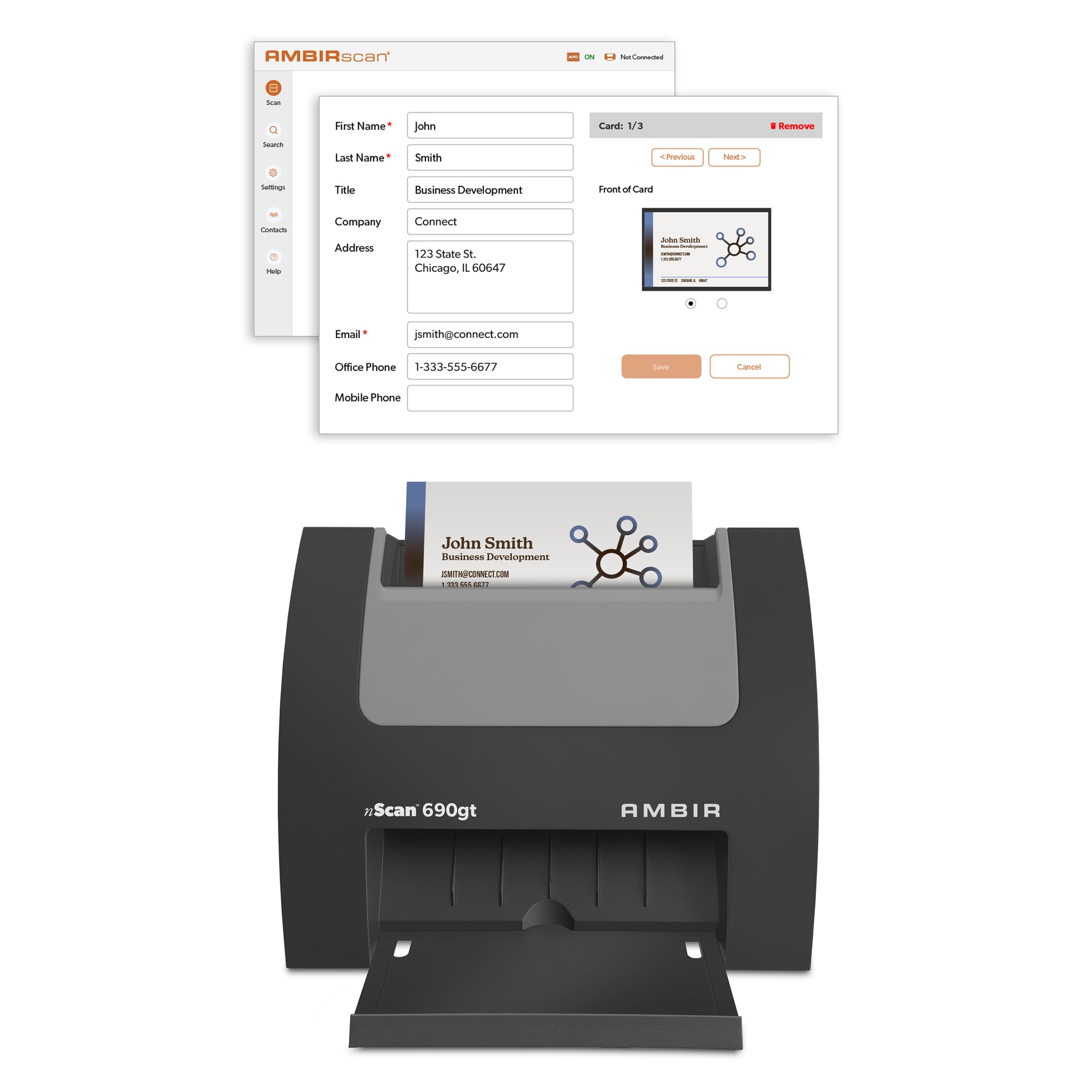
The Ambir nScan 690gt-BCS is built specifically for contact-centric professionals. Its vertical feed design takes up minimal desk space, and the CCD optical sensor captures crisp 600 dpi scans on both sides of a card in a single pass — no flipping required. The bundled AmbirScan Business Card software uses optional AI processing to extract names, titles, and phone numbers, then pushes them directly into Microsoft Outlook or a CSV for CRM upload.
Users report that the scanner handles glossy, laminated, and even embossed cards without jamming, making it a reliable choice for daily high-volume scanning. The Zapier webhook integration is a standout for power users: you can automate follow-up workflows by feeding parsed contact data into Slack, Salesforce, or Google Contacts. That turns a simple scan into an organized marketing sequence without manual typing.
The 2-year limited warranty and dedicated phone support add peace of mind for a business-critical tool. The main caveat is Windows/Mac compatibility (Windows 10/11 and macOS 11 or later), and the AI processing works best on US-format cards — international addresses may require manual field correction.
Why it’s great
- Duplex scanning captures both sides in one pass
- Zapier automation connects to 6,000+ apps
- CCD sensor provides excellent image quality
Good to know
- AI processing optimized for US contact formats
- Requires Windows 10/11 or macOS 11 or higher
2. Ambir nScan 690gt-AS
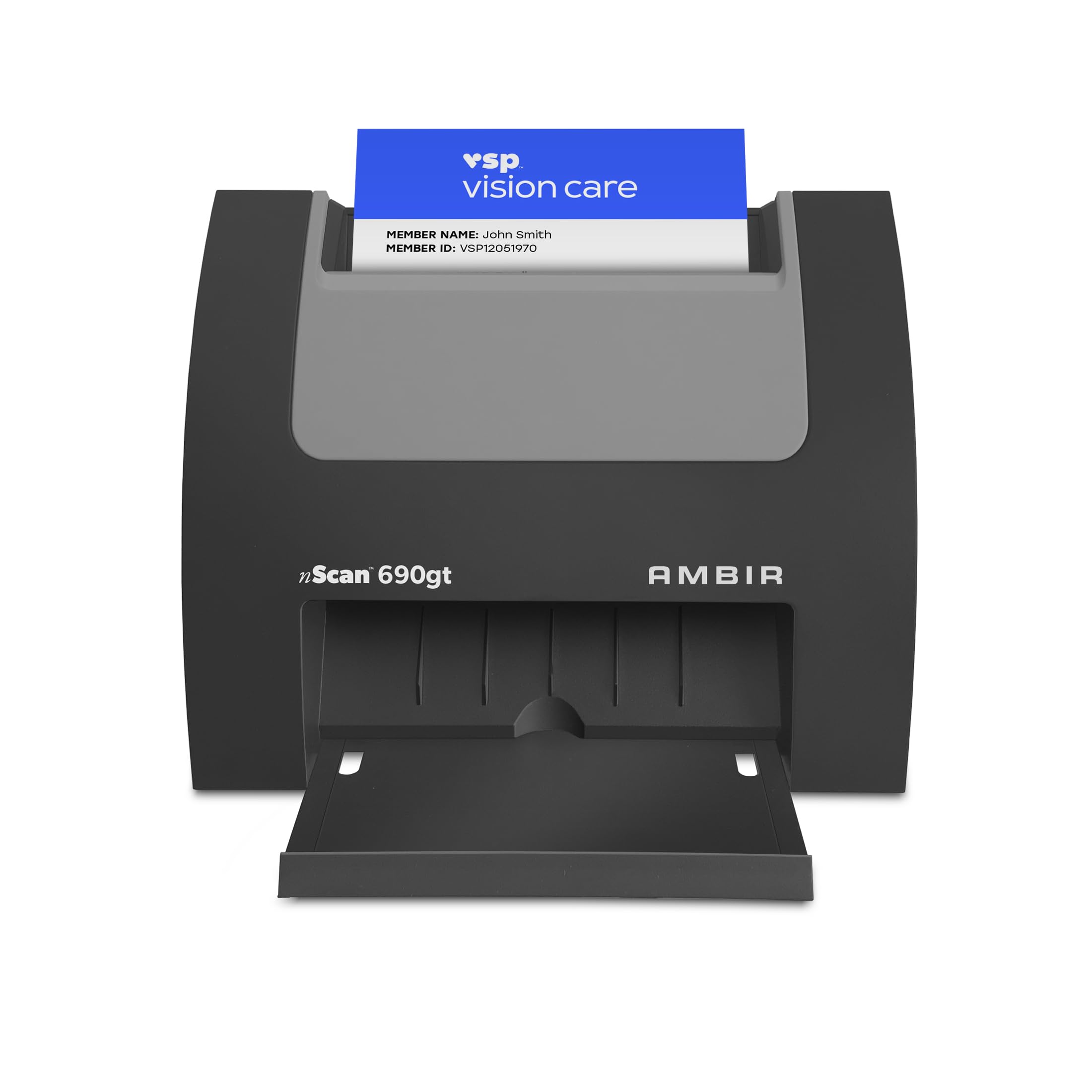
This version of the Ambir vertical scanner strips away the business-card-specific software in favor of the broader AmbirScan capture suite. It’s best suited for offices that scan ID cards, insurance cards, driver’s licenses, and vaccine cards — not just business contacts. The front-facing auto-feed slot means you drop a card in and it ejects in under two seconds, ready for the next scan.
The duplex scanning is a critical time-saver at a busy registration desk: a single pass captures both the front and back of a double-sided ID card. The included TWAIN driver ensures compatibility with thousands of third-party healthcare and security applications, making it a natural fit for medical offices, hotel check-in counters, and trade show booths. Users consistently praise the jam-free operation, even with bent or worn cards.
Some users have reported software quirks with the Outlook import module, specifically around international phone number formatting. The unit feels sturdy at 1.33 pounds, and the compact 3.3-by-6.6-inch footprint frees up cramped desks. A short USB cable is included, but a longer extension solves the reach issue for many users.
Why it’s great
- Duplex scanning under two seconds per card
- TWAIN driver for third-party software compatibility
- Holds up to heavy daily ID scanning without jams
Good to know
- Outlook import software lacks international number support
- USB cable is short; an extension is recommended
3. DYMO CardScan v9 Executive
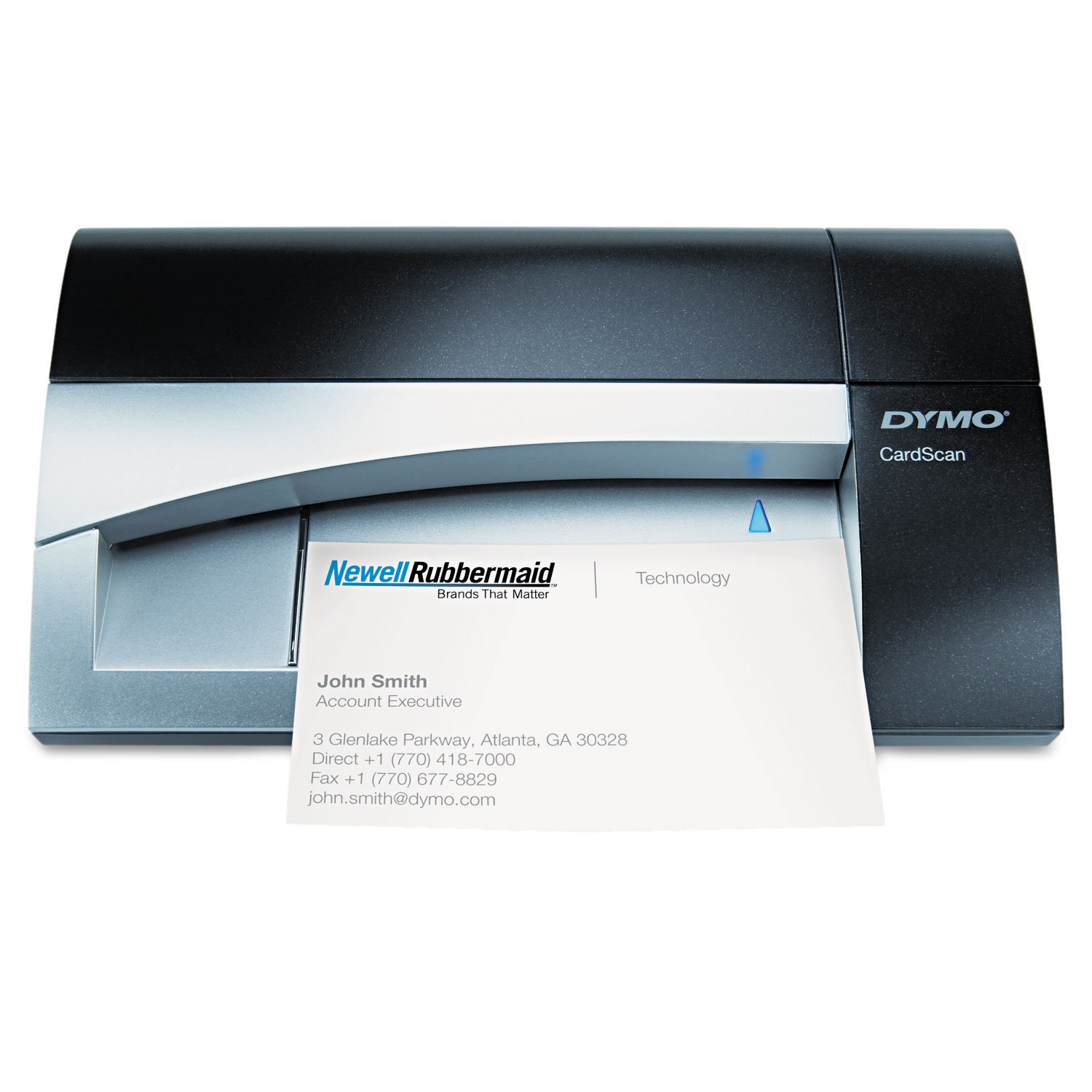
The DYMO CardScan v9 is a veteran of the card scanner category, and its 1000 dpi resolution remains one of the highest optical ratings you’ll find in a vertical-feed unit. It reads cards in seven languages and verifies US addresses against the postal database, reducing the clean-up work after a scanning session. The software includes drag-and-drop data entry, sortable categories, and an envelope printing feature that feels genuinely useful for small businesses.
Integration with Microsoft Outlook is the headline feature — contacts flow directly into your address book after each scan. Several long-term users report the scanner handles international cards well, with accurate OCR on European addresses when the software language setting is adjusted. The unit also integrates with the ScanBizCards mobile app, letting you capture cards with your phone camera if you’re away from the scanner.
On the downside, the v9 is showing its age on modern operating systems. Setup can be finicky with Windows 10/11, and some users have experienced USB disconnection issues that require unplugging the unit between sessions. Transparent or clear cards cannot be scanned at all. Support is limited, so a working unit is best treated as a sealed, new purchase rather than a used or unsealed return.
Why it’s great
- 1000 dpi resolution captures fine text
- Reads cards in seven languages
- Direct Outlook contact import with address verification
Good to know
- Setup can be tricky on modern Windows versions
- No support for transparent or clear cards
4. Plustek Mobile Scanner S410 Plus

At just 0.41 kilograms (under one pound) and powered solely by USB, the Plustek S410 Plus is the most portable device in this lineup. It scans business cards, IDs, receipts, invoices, and letter/legal-size documents through a sheet-fed mechanism — no batteries or external power brick required. The button-free scanning design automatically starts capturing when a document is inserted, saving a step during a fast-moving workflow.
The included Plustek DocAction software packs OCR that converts scanned card data into searchable PDF, Word, or Excel files, and it saves directly to your local computer, an FTP server, or a shared folder. Users have noted that the scanner handles delicate and aged paper without tearing, which is a real advantage if you’re archiving old documents or business cards with fragile cardstock. Setup is straightforward on Windows 7 through 11.
The lack of a storage case is a minor oversight for a portable device — the thin plastic body feels vulnerable if tossed loose into a bag. A few units have arrived as apparent returns, so buying from a reliable seller is advised. The platen can also struggle with heavily wrinkled cards, but for standard networking cards, the S410 Plus delivers excellent speed and OCR in a travel-friendly package.
Why it’s great
- Ultra-light bus-powered design for travel
- Button-free auto-start scanning
- OCR software outputs to searchable PDF and Excel
Good to know
- No storage case; thin plastic body needs care
- May arrive as a return from some sellers
5. ScanSnap iX1300

The ScanSnap iX1300 is not a dedicated card scanner — it’s a full-featured document scanner that happens to ace card scanning. It scans up to 30 pages per minute duplex, has both an auto document feeder and a manual feeder for thick items like plastic cards, and connects via USB or Wi-Fi. The Quick Menu software lets you scan, drag, and drop into any application, making it a versatile desktop hub for offices that need more than just contact capture.
Users with massive digitization projects — scanning entire notebooks, thousands of photos, or boxes of receipts — consistently call the iX1300 a time-saving machine. The automatic skew correction, color optimization, and blank page removal produce clean results without driver tweaking. The unit folds compactly when not in use, freeing up desk space. It’s also compatible with modern macOS and Windows versions and can send scans to cloud services and mobile devices without a computer.
The main drawback is the occasional jam or paper feeding misalignment, which a small number of users have reported as a recurring issue. At 4.4 pounds, it’s not travel-friendly. But for an office that needs one device to handle documents, receipts, and the occasional stack of business cards, the iX1300 offers the broadest capability of any model here.
Why it’s great
- 30 ppm duplex scanning with Wi-Fi
- Auto deskew, color optimization, blank page removal
- Scan to cloud, mobile, or local in one touch
Good to know
- Occasional paper jams reported by some users
- Bulky at 4.4 pounds; not portable
6. CZUR Aura Pro

The CZUR Aura Pro takes a completely different approach: it’s an overhead book scanner that uses three laser lines and AI to flatten curved pages and remove the shadow of your hand. It captures A3 or A4 documents at two seconds per page, outputting to JPG, searchable PDF, Word, or Excel. OCR supports 180+ languages, making it an excellent choice for multilingual professionals or researchers handling foreign card samples in books.
The built-in 32-LED lamp with four color temperature settings doubles as a glare-free desk lamp, which reduces clutter. Users report scanning a 200-page book in under 20 minutes with near-perfect English OCR. The auto-scan mode works reliably when you press the foot pedal or use the software trigger. The unit folds down for storage, and the software is compatible with Windows XP through 11 and macOS 10.13 onward.
Accuracy on non-standard fonts — like German Fraktur or cursive — drops off, and the page border detection can occasionally clip the edge of a document. The finger cots included to avoid hand capture take practice to use efficiently. But for an office that digitizes books, magazines, or bound materials alongside business cards, the Aura Pro is unmatched in speed and flexibility.
Why it’s great
- 2-second scanning with curved page flattening
- OCR supports 180+ languages
- Doubles as an adjustable LED desk lamp
Good to know
- Includes finger cots to prevent hand capture
- Poor OCR on Fraktur and cursive fonts
7. KODAK REELS 8mm and Super 8 Films Digitizer

The KODAK REELS is a niche device that doesn’t scan business cards at all — it’s included here because many users searching for “best card scanner” confuse film reels with card stock, or need a unified guide for archiving different physical formats. This unit digitizes 8mm and Super 8 film reels (3 to 9 inches) into 1080p MP4 files with a frame-by-frame capture process. The built-in 5-inch LCD screen lets you preview and adjust exposure, sharpness, and tint without a computer.
Users praise the simplicity: load the film onto the supply reel, follow the on-screen prompts, and the scanner outputs directly to an SD card. No software installation or PC connection is required. The 8.08-megapixel sensor captures good detail and color accuracy, though the output is limited to 20 fps, which is slightly faster than the original 16-18 fps of analog film. You’ll need Handbrake or similar software to correct playback speed for smooth motion.
The main trade-off is time: a 3-minute reel takes about 30 minutes to scan, and a 400-foot reel takes around 4.5 hours. The unit also requires babysitting if your film has broken sprocket holes or splices, which can stop the process. Multiple users have reported reliability issues — units dying after a week or arriving DOA — so buying from a retailer with a good return policy is essential. For preserving family memories in bulk, it’s a cost-effective alternative to professional transfer services, but not for the faint of patience.
Why it’s great
- No computer needed; scans directly to SD card
- 5-inch LCD with real-time exposure adjustment
- Cost-effective for bulk film conversion
Good to know
- Requires babysitting for damaged sprocket holes
- Quality control issues reported by multiple users
FAQ
Can a card scanner read glossy or laminated business cards?
What is the difference between a vertical feed scanner and a sheet-fed scanner for cards?
Do card scanners work with third-party CRMs like Salesforce or HubSpot?
Final Thoughts: The Verdict
For most users, the best card scanner winner is the Ambir nScan 690gt-BCS because it combines duplex scanning, AI-enhanced OCR, and deep CRM integration in a compact vertical footprint. If you need raw speed for high-volume ID scanning, grab the Ambir nScan 690gt-AS. And for a versatile desktop hub that scans cards, documents, and photos, nothing beats the ScanSnap iX1300.

Mo Maruf
I created WellFizz to bridge the gap between vague wellness advice and actionable solutions. My mission is simple: to decode the research and give you practical tools you can actually use.
Beyond the data, I am a passionate traveler. I believe that stepping away from the screen to explore new environments is essential for mental clarity and physical vitality.