Our readers keep the lights on and my smoothie glass nicely filled. As an Amazon Associate, I earn from qualifying purchases.
Getting a clear, professional-looking video feed for your podcast shouldn’t require a second mortgage. The choke point for most new shows isn’t the content, it’s the visual quality — grainy, out-of-focus footage that screams “I’m a beginner.” Luckily, the camera market has shifted, and you no longer need a cinema rig to get a crisp, well-lit image that keeps viewers engaged from the first frame.
I’m Mohammad Maruf — the founder and writer behind WellFizz. I’ve spent countless hours digging through spec sheets, sensor sizes, and real-world reviews to separate the true workhorses from the overhyped fluff in this specific price-sensitive tier of video gear.
This guide cuts through the noise to deliver a curated list of the best budget podcast camera options that actually deliver usable 4K video, reliable autofocus, and solid audio support without breaking the bank.
How To Choose The Best Budget Podcast Camera
Selecting the right camera for your podcast is a balancing act between video resolution, autofocus reliability, and audio connectivity. Get these three right, and your show will look and sound like it was recorded in a professional studio.
Understanding Autofocus: PDAF vs. Contrast Detection
Nothing ruins a podcast faster than a host that drifts in and out of focus. For a seated interview, you need a camera with fast, reliable autofocus that won’t hunt. Phase Detection Autofocus (PDAF) is the gold standard here: it locks onto your face instantly and stays locked, even if you lean forward or back. Cheaper contrast-detection systems will “breathe” and pulse, which is extremely distracting on camera. Look for PDAF in the spec sheet.
Sensor Size and Low-Light Performance
A camera’s sensor size directly determines how well it performs in the less-than-perfect lighting of a home studio. A larger sensor (like a 1/1.28″ or 1/2.55″) captures more light, producing a cleaner image with less digital noise. Don’t be fooled by inflated megapixel claims — a 64MP sensor smaller than a grain of rice will be outperformed in video by a larger 8MP sensor. Prioritize sensor size over pixel count for a polished, professional look.
Audio Input and Webcam Functionality
Your podcast camera must either have a clean audio input or a reliable “webcam mode” that plays nicely with your streaming software. A 3.5mm external microphone jack allows you to bypass the camera’s built-in mic (which is usually poor) and use a proper lavalier or shotgun mic. If you prefer using the camera as a simple USB webcam, confirm it supports UVC standards so it works as a plug-and-play device with OBS, Zoom, or StreamYard.
Quick Comparison
On smaller screens, swipe sideways to see the full table.
| Model | Category | Best For | Key Spec | Amazon |
|---|---|---|---|---|
| YOLOLIV YoloCam S3 | Webcam | Plug-and-Play Studio | 1/1.28″ Sony Sensor | Amazon |
| EMEET PIXY | PTZ Webcam | AI-Powered Tracking | 0.2s PDAF+AI Focus | Amazon |
| EMEET S600 | Webcam | Studio Streaming Value | Sony 1/2.55” Sensor | Amazon |
| 5K FJFJOPK Camcorder | Camcorder | Optical Zoom Clarity | 8x Optical Zoom | Amazon |
| 8K MURAUX Camcorder | Camcorder | Long-Distance Shots | 3.0″ IPS Touchscreen | Amazon |
| 8K FlyFrost Camcorder | Camcorder | WiFi Quick Sharing | 88MP Still Resolution | Amazon |
| 4K FJFJOPK Camcorder | Camcorder | Full Kit Beginners | Handheld Stabilizer | Amazon |
| ZYDIIE 4K Camcorder | Camcorder | Solo Vlogging | 3″ Touchscreen | Amazon |
| Suttie 4K Camcorder | Camcorder | Entry-Level Starter | 0.5s Fast Auto Focus | Amazon |
In‑Depth Reviews
1. YOLOLIV YoloCam S3

The YoloCam S3 is the closest you can get to a cinema-grade image without the high-end price tag. Its unique large 1/1.28″ sensor delivers uncompressed 4K video that has genuine depth of field — something that makes interview shots look expensive. The phase-detection autofocus is instantaneous, locking onto your face and tracking it without any of the “hunting” common to contrast-based systems.
What sets this webcam apart for podcasters is the dedicated YoloCam Compose software. It gives you full manual control over exposure, white balance, and color grading, letting you dial in a consistent look across multiple episodes. The all-aluminum body acts as a heat sink, so you can run 4K streams for hours without overheating or performance dips — a major concern for marathon recording sessions.
It connects via USB-C and is a true plug-and-play UVC device, recognized instantly by OBS, StreamYard, and Zoom. The magnetic mount and standard 1/4″-20 tripod thread make rigging it into your podcast setup simple. For a clean, cinematic podcast feed without the hassle of a full mirrorless setup, this is the top contender.
Why it’s great
- Large sensor creates true background blur for a high-end look.
- PDAF autofocus is fast and reliable, eliminating focus hunting.
- Full manual software control for precise color and exposure.
Good to know
- Software is currently more polished on Windows than Mac.
- Does not record internally to an SD card.
2. EMEET PIXY

The EMEET PIXY is a purpose-built streaming camera that comes with a trick no other webcam in this price range has: a pan-tilt-zoom (PTZ) base paired with AI-driven subject tracking. Its dual-camera system uses one lens for the main 4K feed and a secondary AI camera to track your face position, enabling smooth 310° pan and 180° tilt movement. This is ideal for a podcast with movement, like a fitness or cooking show.
Autofocus speed is rated at 0.2 seconds thanks to a combination of PDAF and AI prediction, which is significantly faster than the 1.1-second focus time of many standard webcams. The built-in three-microphone array offers three distinct audio modes: Live Mode for filtering steady noise, Noise Canceling Mode for clicks and keyboard sounds, and Original Sound Mode for full ambient capture.
The included clip mount makes it easy to attach to a monitor, and the software allows you to set preset positions for different camera angles. While the AI tracking can be a little aggressive in tight spaces, the image quality and flexibility it offers make it a standout choice for podcasters who want dynamic framing without a camera operator.
Why it’s great
- Built-in PTZ motor tracks your movement automatically.
- Gesture control is a nice touch for hands-free operation.
- Three distinct audio modes cover most recording scenarios.
Good to know
- Setup instructions are not the clearest.
- AI tracking can be slow or lose the subject in low light.
3. EMEET S600

The EMEET S600 is a no-nonsense streaming webcam that cuts out the gimmicks and delivers solid performance. It features a Sony 1/2.55″ sensor capable of sharp 4K video at 30 FPS or smooth 1080p at 60 FPS, making it equally suited for talking-head podcasts and product demos. The PDAF autofocus locks on fast and stays stable, a crucial feature when you lean in to emphasize a point.
Unlike many webcams that require driver installation, the S600 is true UVC, meaning it is recognized by any app on Windows and Mac the moment you plug it in. The included tripod is an excellent bonus, allowing you to adjust the camera height from 6.7 inches to 18.5 inches for a perfect eye-level shot. The 360° swivel head makes it easy to frame both portrait and landscape orientations.
Built-in privacy cover gives peace of mind when you’re not recording. The auto light balance does a solid job of handling mixed lighting conditions, which is common in a home office. For a straightforward, reliable 4K streaming experience with good autofocus, the S600 represents a fantastic entry point.
Why it’s great
- Includes a versatile tripod with adjustable height.
- Sony sensor delivers sharp 4K video with good color.
- PDAF autofocus is quick and reliable for seated use.
Good to know
- USB cable connection can feel a bit fragile over time.
- No built-in microphone passes through when using external audio.
4. 5K Video Camera Camcorder (FJFJOPK)
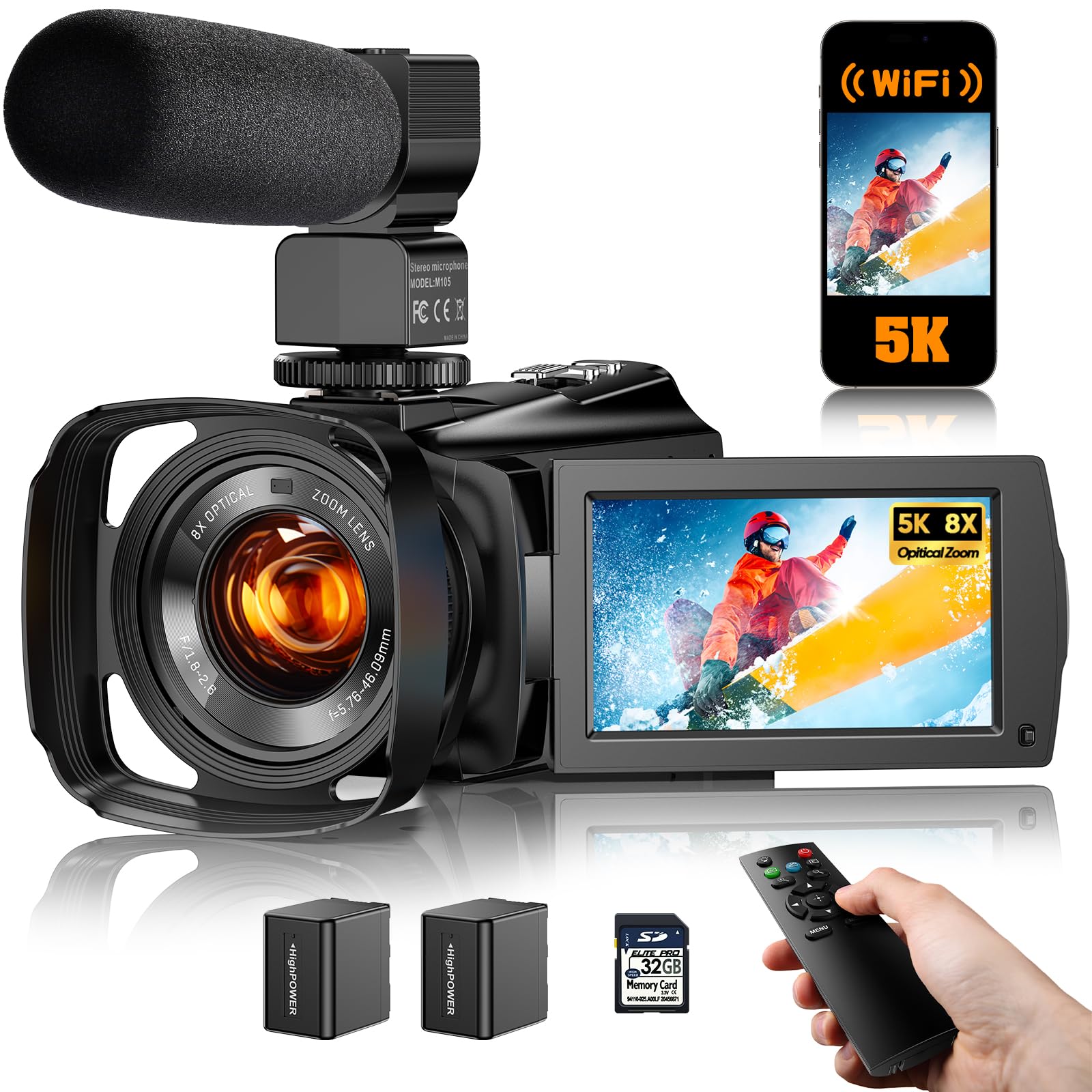
This camcorder from FJFJOPK is the best choice if you need optical zoom. The 8x optical zoom allows you to get tight close-ups on products or co-hosts without losing image quality — a feature that digital zoom simply cannot match. It records in 5K UHD at a smooth frame rate, giving you plenty of resolution to crop or zoom in post-production.
For podcasters, the “Zone Autofocus” feature is a standout. You can manually select specific focus areas on the 3.6″ touchscreen, or rely on the continuous autofocus which uses a TOF laser assist to lock on in low-light conditions. The full-color night vision is a bonus, allowing you to use this camera for recording in very dim environments without a huge light setup.
WiFi connectivity via the “Viipulse” app allows for quick file transfers to your phone for social media snippets. It comes with a robust kit including an external microphone, remote control, and two rechargeable batteries. For a dedicated camcorder setup that gives you genuine lens-based zoom, this is a premium value in the group.
Why it’s great
- True optical zoom for lossless close-up shots.
- TOF laser assist autofocus works well in challenging light.
- Full-color night vision for creative recording scenarios.
Good to know
- Audio quality from the built-in mic is only okay.
- Some users reported issues with file transfer on Windows 11.
5. 8K Video Camera (MURAUX)

The MURAUX 8K camcorder is a great entry point for podcasters who want a standalone camera that does not rely on a computer. It records internally to an SD card, freeing you from a tethered workflow. The standout feature here is the built-in fill light, which shines directly on your face to reduce shadows — a godsend for any quick podcaster set up without complex lighting rigs.
The 3.0″ IPS touchscreen rotates a full 270°, making it easy to see yourself during a solo podcast. It also features a 2.4G wireless remote, letting you start and stop recording from across the room. The 18x digital zoom is more than adequate for framing a two-person podcast at a desk, and the WiFi function allows for quick file dumping to your phone.
This camera doubles as a webcam via USB, but it’s most at home as a standalone recorder. It supports external microphones via a 3.5mm jack, which is essential for clean podcast audio. For a beginner looking for a dedicated camera they can use without a laptop, this is a solid, feature-packed option that includes a nice storage bag and all necessary cables.
Why it’s great
- Built-in fill light solves basic lighting issues immediately.
- Rotating touchscreen is excellent for self-framing.
- Includes wireless remote for hands-free control.
Good to know
- Advertised night vision mode may not meet expectations.
- Best shooting distance is over 4 meters for sharp focus.
6. 8K Video Camera Camcorder (FlyFrost)

FlyFrost’s 8K camcorder is another strong standalone option, packed with accessories out of the box. The kit includes a lens hood, a handheld stabilizer, an external microphone, and two batteries, giving you almost everything you need to start recording immediately. The 8K resolution is a bit heavy for most workflows, but it provides fantastic downscaled 4K footage that looks remarkably sharp.
The WiFi connectivity is a major time-saver. Using the “iSmart DV2″ app, you can transfer clips directly to your phone for quick social media uploads. The IR night vision is decent for dimly lit rooms, though most podcasters will want proper lighting. The 18x digital zoom is serviceable for close-ups, and the 3” touchscreen is responsive for navigating the menu.
One key benefit is the included handheld stabilizer, which can be useful for any B-roll or moving shots you might want to integrate into your podcast. It supports recording while charging, ensuring you never run out of juice during a long interview. For a deep accessory bundle that requires very little add-on spend, this is a compelling choice.
Why it’s great
- Comes with a huge kit: stabilizer, mic, lens hood, two batteries.
- WiFi app allows easy phone transfers for social clips.
- 8K capture provides ultra-sharp 4K when downscaled.
Good to know
- USB file transfer may crash File Explorer on some PCs.
- Image quality at full digital zoom degrades noticeably.
7. 4K Video Camera Camcorder (FJFJOPK)
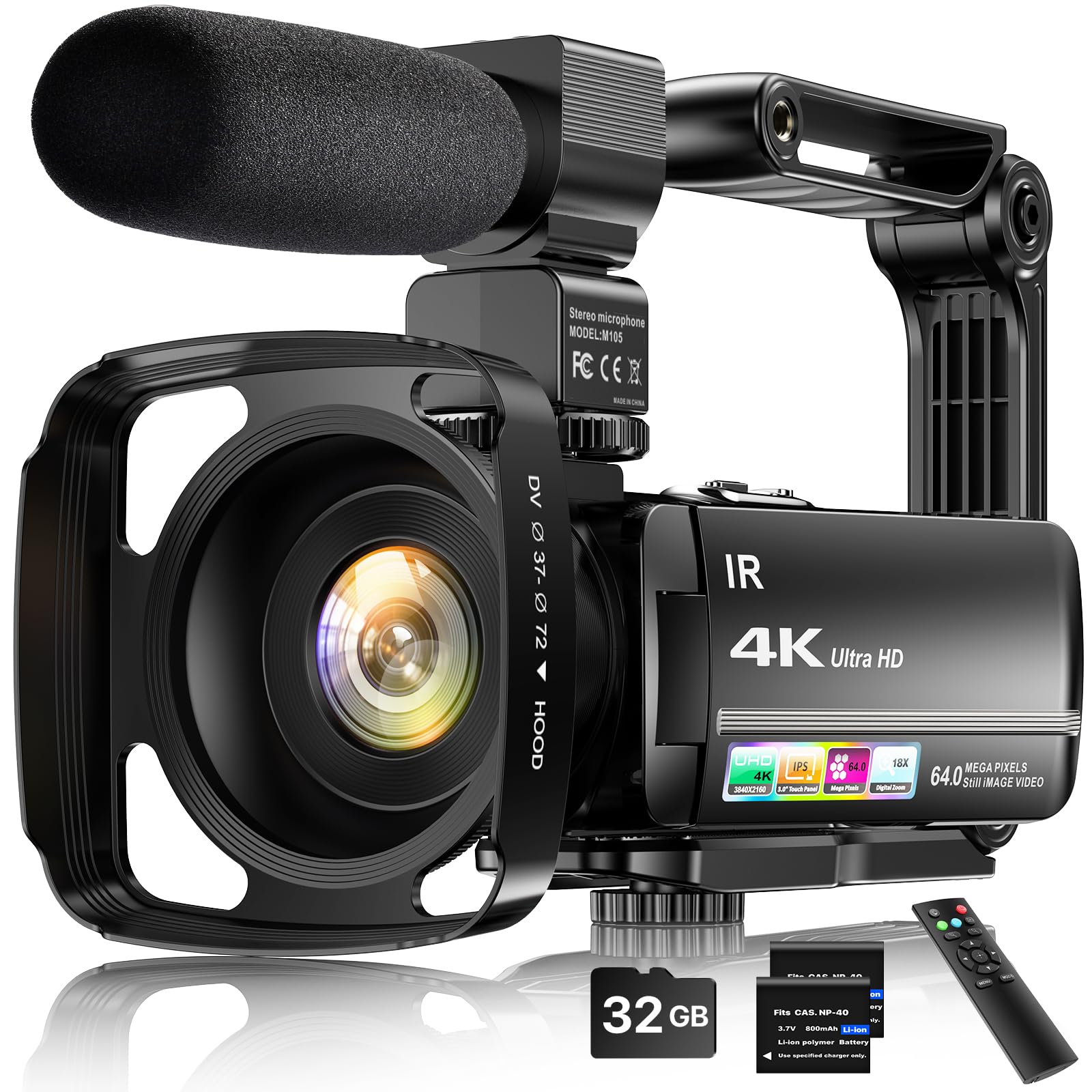
This FJFJOPK 4K camcorder is designed for the content creator who wants a turnkey package. It comes with a detachable external stereo microphone, a handheld stabilizer, a lens hood, a wireless remote, and two batteries. The inclusion of the lens hood is particularly useful for podcasts filmed near windows, as it blocks excess light and prevents overexposure.
The 4K video quality is sharp and colorful, making it suitable for YouTube or social media clips. The 270° rotatable 3.0″ touchscreen is responsive and easy to navigate, and the 18x digital zoom is functional for adjusting your shot. The anti-shake stabilizer works well for reducing small hand movements, though you will likely use a tripod for a typical podcast setup.
One advanced feature is the ability to record while charging, ensuring long recording sessions are not interrupted. It also functions as a webcam via USB, though you’ll want to use the included external mic for better audio. For a new podcaster who wants a complete kit that works out of the box, this package is difficult to beat in terms of sheer value per dollar.
Why it’s great
- External microphone kit included for better audio capture.
- Lens hood is a unique and useful addition for bright rooms.
- Anti-shake stabilizer is great for any handheld B-roll shots.
Good to know
- Some user reviews report the 4K mode is not true 4K quality.
- Audio without the external mic is very poor.
8. ZYDIIE 4K Video Camera Camcorder
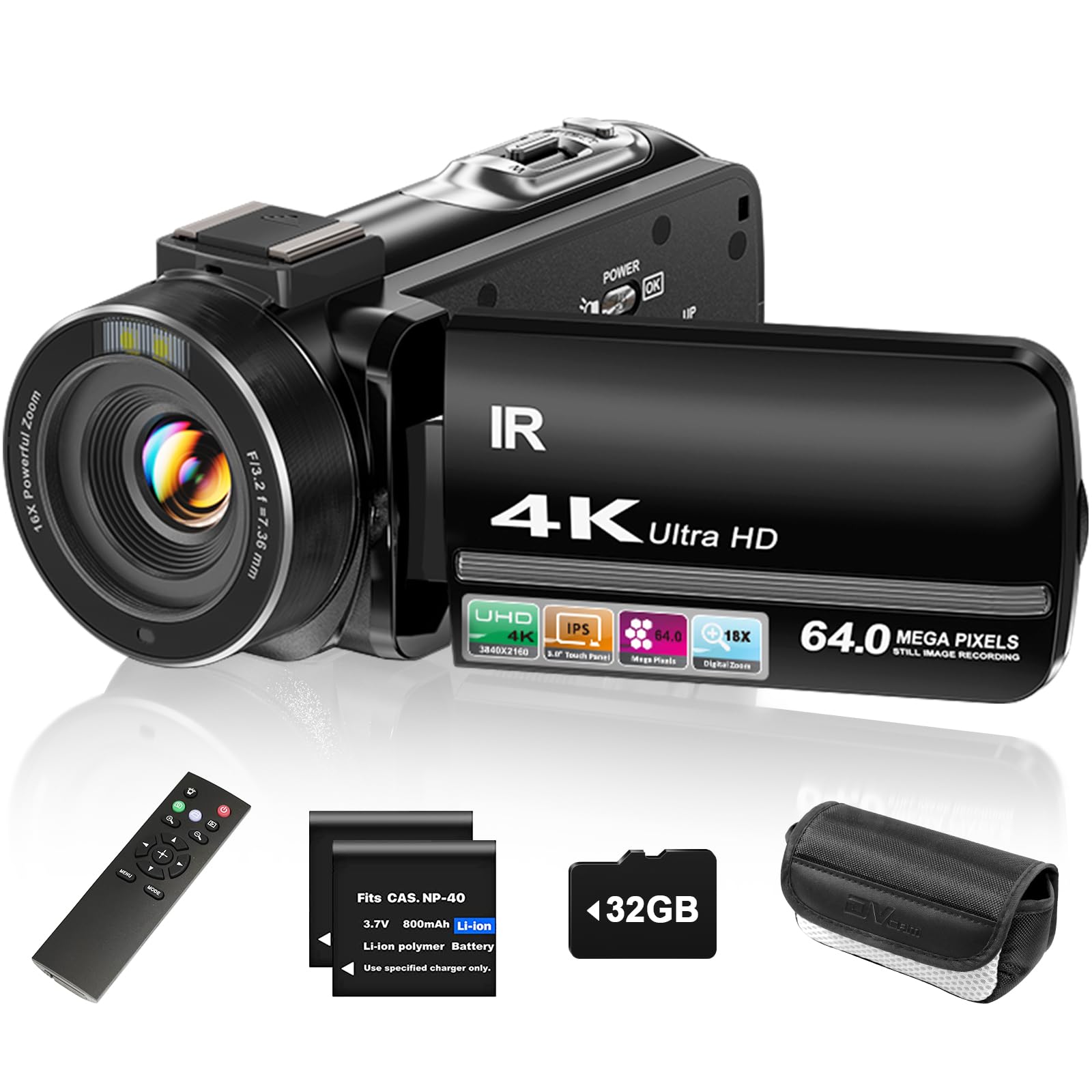
The ZYDIIE camcorder brings a welcome modern touch to the budget space with its 3-inch touchscreen that rotates 270 degrees. This makes it exceptionally easy to frame yourself for a solo podcast. The interface is intuitive, allowing you to adjust settings, zoom, and navigate playback with a tap. It records in 4K UHD and captures 64MP stills, which is more than enough for a clean podcast thumbnail.
Infrared night vision is a key feature here, activated by pressing the “OK” button. It delivers high-contrast black and white footage in total darkness, which could be useful for moodier or themed podcast episodes. The 18x digital zoom is standard for the price but works well for establishing shots. The package includes a remote control, 32GB SD card, and two batteries, giving you a full day of recording out of the box.
It also has a webcam mode that works via USB, allowing you to use it as a high-quality webcam for live streaming. The included accessories are well-thought-out, and the face detection feature ensures the exposure adjusts to keep your face properly lit. For a beginner who values a modern, touch-based interface, this is a very strong contender.
Why it’s great
- Intuitive 3-inch touchscreen makes menu navigation a breeze.
- Good infrared night vision for creative or low-light shots.
- Includes remote, memory card, and two batteries for long use.
Good to know
- Not a professional-grade image — more suited for casual content.
- Autofocus can be slow in very low light without IR.
9. Suttie 4K Camcorder
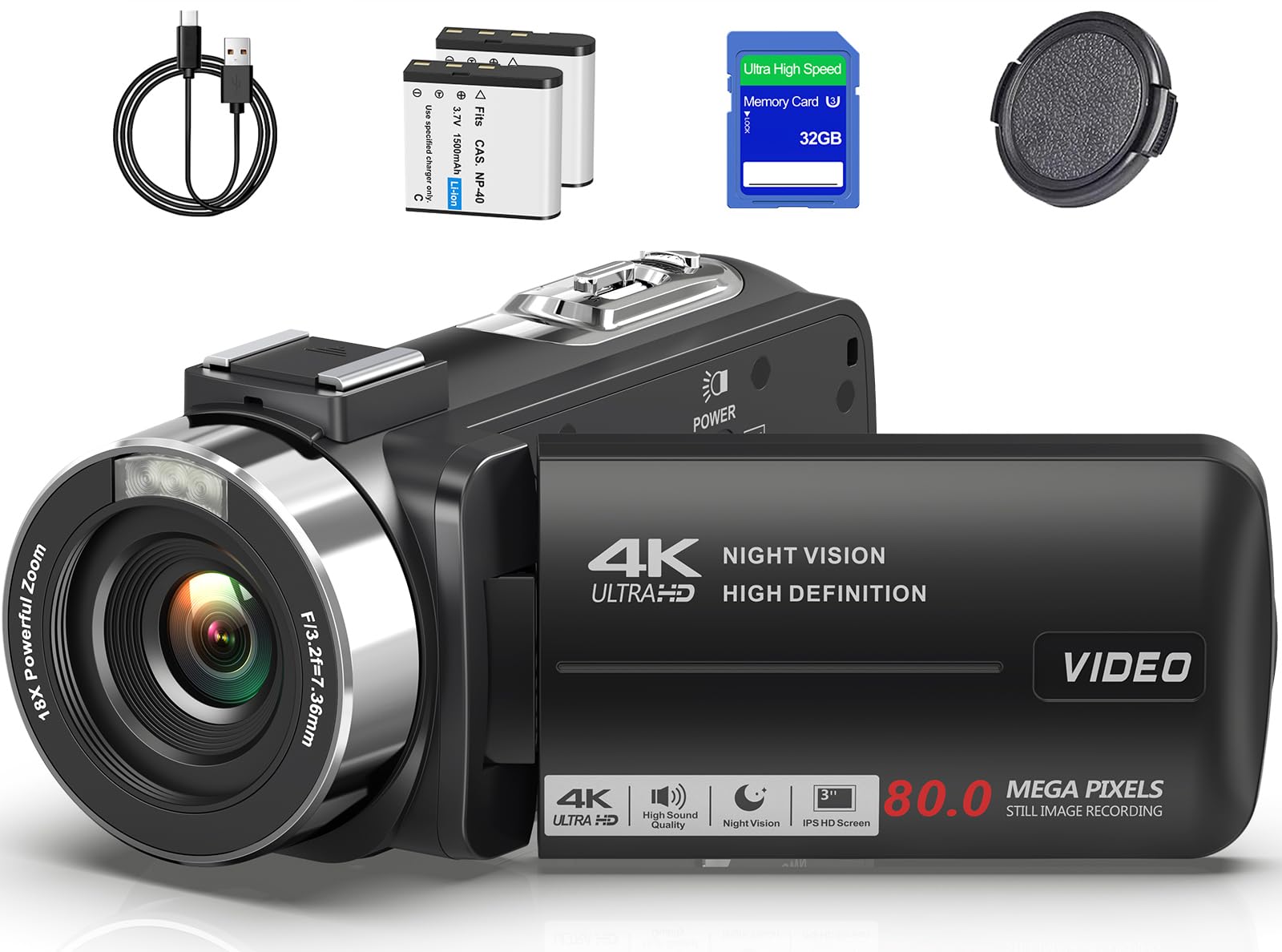
The Suttie 4K camcorder is the pure entry-level option, but it punches above its weight with a fast 0.5-second auto-focus system. This is a rarity at this price point and is a game-changer for keeping your talking head in sharp focus. The 18x digital zoom is standard, but the quick autofocus means you can move around your set without worrying about the camera hunting for your face.
It records in 4K UHD with 80MP still resolution, which is more than enough for creating crisp video thumbnails. The 3.0-inch 270° rotation IPS screen is handy for vlog-style podcasts. It also includes a built-in IR night vision light, allowing you to shoot clear monochrome video in low-light indoor settings, such as a dimly lit studio with a single accent light.
The kit includes two 1500mAh batteries, a 32GB SD card, and a carrying case. Each battery records about 65 minutes of 4K video, which covers a standard podcast recording session. For the absolute lowest entry cost into the 4K camcorder world, this model delivers fast autofocus and solid build quality that far exceeds the expectation.
Why it’s great
- 0.5-second autofocus is unbelievably fast for the price.
- Includes two batteries, SD card, and a padded carrying case.
- Lightweight and compact, easy to fit into any studio setup.
Good to know
- Battery life is limited to about 65 minutes per battery.
- Does not come with an external microphone in the box.
FAQ
Can I use a webcam for a professional-sounding podcast?
Is a camcorder or a webcam better for a two-person podcast?
What is the most important feature for low-light podcasting?
Final Thoughts: The Verdict
For most users, the best budget podcast camera winner is the YOLOLIV YoloCam S3 because its large sensor and PDAF autofocus create a truly cinematic, professional image that is simply unmatched in this price bracket. If you want a versatile streaming solution with built-in AI tracking, grab the EMEET PIXY. And for a dedicated standalone camcorder with genuine optical zoom and a full kit, nothing beats the 5K FJFJOPK Camcorder.

Mo Maruf
I created WellFizz to bridge the gap between vague wellness advice and actionable solutions. My mission is simple: to decode the research and give you practical tools you can actually use.
Beyond the data, I am a passionate traveler. I believe that stepping away from the screen to explore new environments is essential for mental clarity and physical vitality.