Our readers keep the lights on and my smoothie glass nicely filled. As an Amazon Associate, I earn from qualifying purchases.
For anyone stepping up from 1080p, the 1440p resolution sweet spot doubles the pixel count without demanding the GPU horsepower needed for 4K gaming. The challenge is finding a monitor that packs a high refresh rate, a responsive panel, and solid color accuracy while staying in the affordable tier—a task that forces tough compromises on panel type, brightness, and ergonomics.
I’m Mohammad Maruf — the founder and writer behind WellFizz. I spend weeks analyzing display specifications, reading through user reports on ghosting and backlight bleed, and comparing real-world performance data across the most popular budget-oriented QHD monitors.
Whether you need a fast IPS panel for competitive shooters or a versatile screen for creative work, this guide breaks down the top contenders to help you find the best budget 1440p monitor for your desk.
How To Choose The Best Budget 1440P Monitor
Finding a capable QHD display on a tighter budget means understanding where performance matters most and where you can safely cut corners. Here are the key factors to weigh before clicking buy.
Panel Type: IPS vs VA vs Fast IPS
IPS panels deliver superior color accuracy and wider viewing angles, making them the go-to for both gaming and creative work. VA panels offer higher contrast ratios and deeper blacks but often suffer from slower response times and noticeable black-level smearing. Fast IPS technology narrows the gap by pushing gray-to-gray response times below 1ms while keeping IPS color fidelity. For a budget 1440p monitor aimed at fast-paced titles, Fast IPS is the standout choice.
Refresh Rate and Adaptive Sync
1440p monitors in this price range typically offer 120Hz to 300Hz. A higher refresh rate reduces motion blur and makes gameplay feel smoother, but only if your graphics card can push those frame rates. Pair your monitor with AMD FreeSync or NVIDIA G-Sync Compatible technology to eliminate screen tearing without the stutter of V-Sync. Look for FreeSync Premium certification on QHD monitors for a guaranteed tear-free experience from 48Hz up to the max refresh.
Connectivity and Cable Considerations
To hit the highest refresh rates, use a DisplayPort 1.4 cable—HDMI 2.0 typically caps at 144Hz on 1440p panels. Some monitors include HDMI 2.1 ports, which can also drive 1440p at up to 300Hz while supporting 12-bit color depth. Check the included cables: aftermarket DisplayPort cables are low-cost, but a missing HDMI 2.1 cable could limit your console or GPU performance out of the box.
Quick Comparison
On smaller screens, swipe sideways to see the full table.
| Model | Category | Best For | Key Spec | Amazon |
|---|---|---|---|---|
| Acer Nitro XV272U F3bmiiprx | Premium Performance | 300Hz e-Sports Gaming | 300Hz / 0.5ms GTG / FreeSync Premium | Amazon |
| ASUS TUF Gaming VG27AQM5A | Competitive Choice | Ultra-Fast Shooter Gamers | 300Hz / 0.3ms GTG / ELMB Sync | Amazon |
| Samsung Odyssey G5 G50F | Full Ergonomic Option | All-Day Gaming & Productivity | 180Hz / 1ms GtG / Height-Adjustable Stand | Amazon |
| Alienware AW2725DM | Premium Pick | Marathon Gaming Sessions | 180Hz / DCI-P3 95% / VESA HDR 400 | Amazon |
| Z-Edge AG27QS | Value Powerhouse | High-FPS Gaming on a Budget | 275Hz / Fast IPS / sRGB 120% | Amazon |
| LG 27GS60QC-B Ultragear | Curved Value | Immersive Sim Racing | 180Hz / 1ms GtG / 1000R Curve | Amazon |
| Dell 27 Plus S2725DSM | Office & Media | Professional Work & Casual Use | 144Hz / 1500:1 Contrast / 3W Speakers | Amazon |
| KTC 32 Inch 2K Monitor | Large Screen Value | Home Office & General Gaming | 120Hz / ΔE<2 Color Accuracy / White | Amazon |
| ViewSonic VS3225-2K | Entry-Level Choice | Budget Office & Media Viewing | 75Hz / IPS Panel / Blue Light Filter | Amazon |
In‑Depth Reviews
1. Acer Nitro XV272U F3bmiiprx

The Acer Nitro XV272U delivers the highest refresh rate in its class with a 300Hz IPS panel and a 0.5ms GTG response time, making it a top-tier choice for competitive shooters who demand fluid motion. The FreeSync Premium certification ensures tear-free gameplay across a wide range of frame rates, from casual 60fps titles to esports titles pushing past 200fps. Its 99% sRGB coverage and DisplayHDR 400 certification mean colors pop vividly without oversaturating, giving it dual-purpose value for both gaming and content consumption.
The ergonomic stand supports height, pivot, swivel, and tilt adjustments—a rare find at this price point—along with VESA mounting compatibility for custom setups. The thin bezels and zero-frame design maximize screen real estate on smaller desks. It includes two HDMI 2.1 ports that can handle full 300Hz at 12-bit color, a key advantage if your GPU supports HDMI 2.1 for maximum bandwidth.
Some users report that the top-down viewing angles exhibit a TN-like shift, requiring you to adjust the tilt for optimal clarity. The built-in speakers are weak and best ignored in favor of dedicated audio. A small number of units have arrived with backlight bleed in the corners, but this is within normal IPS variance. The packaging does not include a DisplayPort cable, so plan accordingly for DP-based setups.
Why it’s great
- 300Hz refresh rate with 0.5ms GTG response for ultra-smooth gaming.
- Full ergonomic stand with height, pivot, and swivel adjustments.
- DisplayHDR 400 and 99% sRGB for vibrant color reproduction.
Good to know
- Narrow vertical viewing angles compared to premium IPS panels.
- Onboard speakers are underwhelming for critical listening.
- No DisplayPort cable included in the box.
2. ASUS TUF Gaming VG27AQM5A

The ASUS TUF Gaming VG27AQM5A pushes the envelope with a 300Hz refresh rate and an astonishing 0.3ms GTG response time, thanks to its Fast IPS technology. This combination yields near-instantaneous pixel transitions, effectively eliminating motion blur in fast-twitch scenarios like Valorant or Apex Legends. The ELMB Sync feature is a standout: it allows simultaneous use of backlight strobing and variable refresh rate, delivering both ghosting-free motion and tear-free gameplay—a rare capability in this segment.
Color performance is equally impressive with 95% DCI-P3 coverage, which translates to rich, lifelike hues out of the box. The Shadow Boost function brightens dark areas without washing out highlights, giving you a tactical edge in shadowy corners. The DisplayWidget Center software lets you adjust monitor settings via mouse clicks, a convenience over fiddling with physical buttons. The build quality is solid, with a sturdy stand that offers tilt, swivel, and height adjustment.
The HDR implementation is modest despite the panel’s brightness rating—don’t expect OLED-level contrast in HDR mode. The built-in speakers are mediocre, adequate only for system sounds. Its static contrast ratio of 1300:1 is slightly higher than average for IPS but still falls short of VA panels for deep black levels. The on-screen display menu is dense and can be unintuitive for first-time users.
Why it’s great
- 0.3ms GTG response for class-leading motion clarity.
- ELMB Sync works alongside FreeSync for smooth, strobed gameplay.
- 95% DCI-P3 color gamut for vibrant, accurate colors.
Good to know
- HDR performance is underwhelming compared to dedicated HDR monitors.
- Onboard speakers lack bass and volume for immersive audio.
- OSD navigation can be complex without the DisplayWidget software.
3. Samsung Odyssey G5 G50F (32-Inch)

Samsung’s 32-inch Odyssey G5 G50F brings a large 1440p IPS panel with a 180Hz refresh rate and 1ms GtG response, making it a versatile choice for both immersive gaming and productivity. The wide 178-degree viewing angles ensure consistent color and brightness from any seated position, a clear advantage over VA-based curved monitors. It supports both NVIDIA G-Sync Compatible and AMD FreeSync, giving you adaptive sync flexibility regardless of your GPU brand.
The fully adjustable stand supports height, tilt, swivel, and pivot, allowing you to dial in the perfect viewing angle for long sessions—a critical feature for a 32-inch panel that otherwise dominates your desk. HDR10 support adds brightness and contrast depth in supported games, though peak brightness sits at 300 cd/m², limiting HDR pop. The Black Equalizer feature brightens dark scenes without sacrificing overall image quality, helpful in horror or tactical shooter games.
Rear connectivity is limited to one HDMI 2.0 port and one DisplayPort 1.2—no USB-C or additional ports for peripherals. The joystick control is located on the rear bottom-left, which can be awkward to reach on a larger display when mounted on an arm. A few users reported that the virtual crosshair overlay cannot be turned off, which may be distracting in non-gaming usage. The 32-inch size at 1440p results in a pixel density of about 93 PPI—less sharp than a 27-inch 1440p panel, so text may appear slightly softer.
Why it’s great
- Fully adjustable ergonomic stand with height, pivot, and swivel.
- 180Hz IPS panel with G-Sync and FreeSync support.
- Wide 178-degree viewing angles for consistent image quality.
Good to know
- Only one HDMI 2.0 and one DisplayPort 1.2 port.
- Rear joystick placement is hard to reach on a large monitor.
- Lower pixel density than 27-inch 1440p alternatives.
4. Alienware AW2725DM

The Alienware AW2725DM delivers a refined package with a 27-inch QHD IPS panel at 180Hz and 1ms GtG response, backed by VESA DisplayHDR 400 certification. Its 95% DCI-P3 color coverage produces exceptionally vibrant and accurate colors, making it a strong candidate for gamers who also edit photos or video. The hardware-based low blue light solution reduces eye fatigue without casting a yellow tint, enabling longer sessions without discomfort.
Build quality is a step above typical budget monitors: the stand is robust, with smooth height, pivot, swivel, and tilt adjustments, and the sleek all-black design looks clean on any desk. It includes both DisplayPort 1.4 and HDMI cables in the box, so you can hit 180Hz immediately without extra purchases. The anti-glare coating effectively diffuses ambient light, keeping reflections to a minimum even in brightly lit rooms.
The monitor lacks built-in speakers or a headphone jack, so you will need external audio solutions. The IPS glow is noticeable in dark rooms, though backlight bleed is well-controlled on most units. To get the full 180Hz over HDMI, you must use the included DisplayPort cable—HDMI tops out at 144Hz. At this price, the absence of USB-C connectivity limits its appeal for MacBook users seeking single-cable setups.
Why it’s great
- 95% DCI-P3 color gamut with VESA DisplayHDR 400 certification.
- Premium build quality with fully adjustable ergonomic stand.
- Includes both DisplayPort and HDMI cables for out-of-box 180Hz.
Good to know
- No built-in speakers or headphone jack.
- HDMI limited to 144Hz; DisplayPort required for full 180Hz.
- Lacks USB-C connectivity for modern laptops.
5. Z-Edge AG27QS
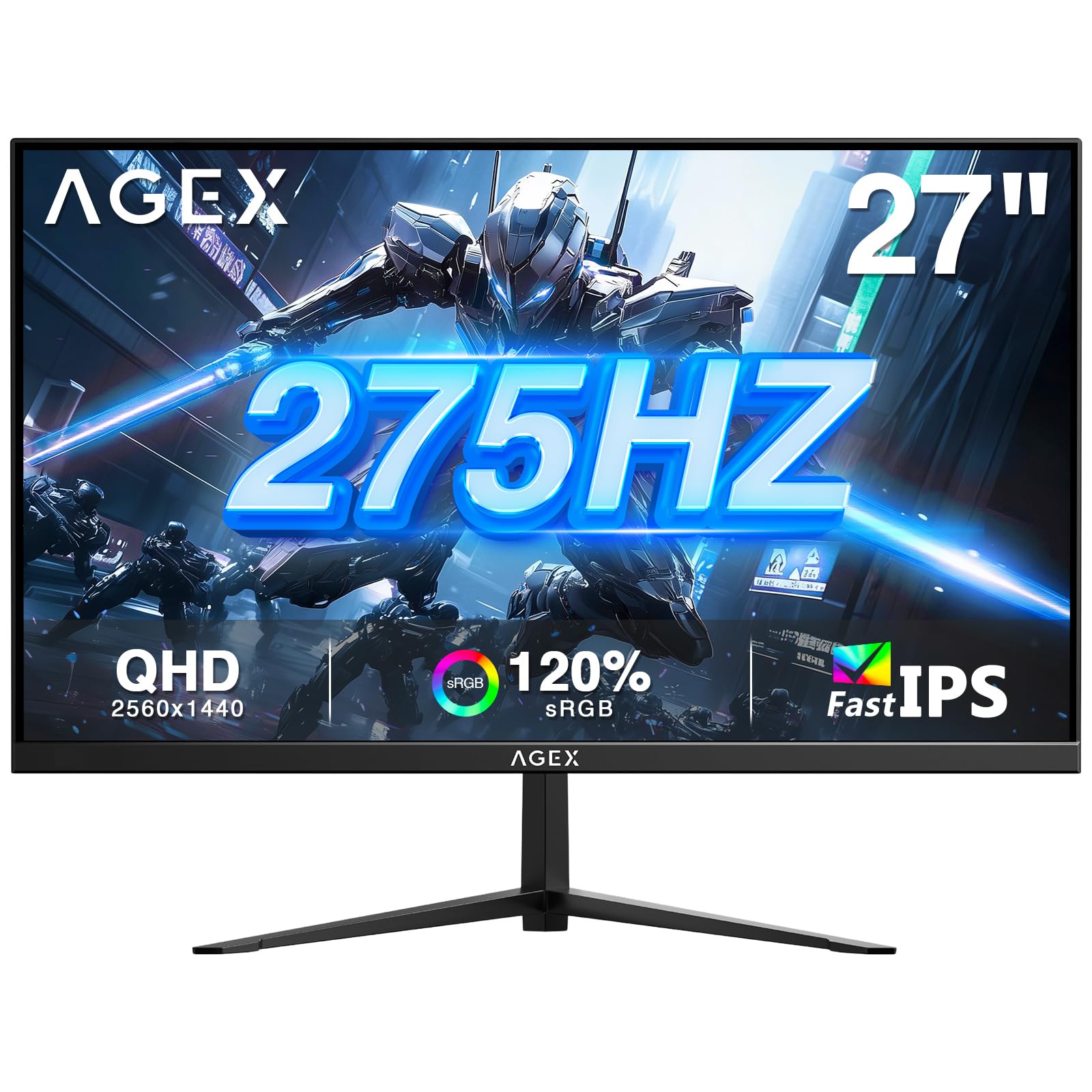
The Z-Edge AG27QS is an aggressive value contender, packing a 275Hz refresh rate via DisplayPort 1.4 and a Fast IPS panel with 1ms MPRT response. This combination delivers exceptionally smooth motion for fast-paced shooters, rivaling monitors that cost significantly more. The sRGB 120% coverage ensures oversaturated colors that many gamers prefer, and the FreeSync support keeps screen tearing at bay without introducing stutter.
Gaming-specific features like the Game Timer, Refresh Rate Display overlay, and Eagle Sight zoom function cater directly to competitive players who want tactical data on-screen without third-party software. The stand supports tilt adjustment, and the 100x100mm VESA mount allows easy wall or arm mounting. Input options include two HDMI 2.1 ports and one DisplayPort 1.4, giving you flexibility for both current-gen consoles and PC.
The on-screen display menu is controlled by a single joystick, which can be fiddly when making precise adjustments. The built-in speakers are poor—tinny and low-volume—so budget for external speakers or a headset. Some units have exhibited noticeable backlight bleed in the lower corners, though this varies per panel. The stand lacks height or swivel adjustment, so you may need an aftermarket monitor arm for optimal ergonomics.
Why it’s great
- 275Hz refresh rate at a very competitive price point.
- Fast IPS panel with sRGB 120% coverage for vivid colors.
- Includes HDMI 2.1 ports for modern console compatibility.
Good to know
- Stand only supports tilt; height and swivel not adjustable.
- Onboard speakers deliver poor audio quality.
- Backlight bleed can be noticeable on some panels.
6. LG 27GS60QC-B Ultragear

The LG 27GS60QC-B uses a VA panel with an aggressive 1000R curvature and a 180Hz refresh rate, creating an immersive wrap-around feel that flat panels cannot match. The 3000:1 native contrast ratio delivers deep, inky blacks that make dark scenes in games and movies look far richer than typical IPS monitors. The 1ms GtG response time is adequate for most gamers, though VA response times can show dark-level smearing in fast-moving content if the overdrive setting is not dialed in correctly.
Color performance covers 99% sRGB, and the HDR10 support helps bright highlights pop against the deep black background. The Black Stabilizer and Dynamic Action Sync features give you an edge in competitive play by brightening shadows and reducing input lag. The three-side virtually borderless design looks clean and modern, and the tilt-adjustable stand is functional if not fully ergonomic.
Several users reported that HDMI connectivity can cause black screen issues at high resolutions—using the DisplayPort connection reliably resolves this. The auto-brightness adjustment cannot be disabled, which some find annoying during dark gaming sessions. The stand lacks height and swivel adjustment, and the ports stick out perpendicular to the rear, which can be problematic for wall mounting. The VA panel’s viewing angles are narrower than IPS, so colors shift slightly when viewed off-axis.
Why it’s great
- 1000R curvature delivers an immersive wrap-around experience.
- 3000:1 contrast ratio for deep blacks and strong HDR pop.
- 99% sRGB coverage with HDR10 support.
Good to know
- HDMI can cause black screen issues; DisplayPort is more reliable.
- Auto-brightness adjustment cannot be turned off.
- Stand lacks height and swivel; ports protrude for wall mounting.
7. Dell 27 Plus S2725DSM

The Dell 27 Plus S2725DSM offers a 144Hz refresh rate and a 1ms MPRT response time on an IPS panel, delivering smooth visuals for both productivity and light gaming. The 1500:1 contrast ratio is notably higher than standard IPS panels, giving it better black depth for its category. Dual 3W built-in speakers provide surprisingly clear audio for video calls and casual media consumption, reducing clutter on your desk.
Dell outfits this monitor with a fully adjustable stand that includes height, tilt, pivot, and swivel adjustments, making it one of the most ergonomic options in this price range. The 4-star TÜV-certified low blue light solution reduces eye strain without tinting the display yellow, ideal for long workdays. The ash white color scheme stands out from the sea of black monitors, and the anti-glare screen keeps reflections at bay in bright offices.
The monitor lacks a USB-C port, so MacBook users will need a separate adapter for power delivery and display. The 144Hz refresh rate is sufficient for casual gaming but falls behind dedicated gaming monitors for competitive play. Some users wish the speakers had more volume for room-filling audio, though they are fine for desk-level listening. The DP 1.4 cable is included, but only an HDMI 2.1 (TMDS) cable is in the box—not a full-bandwidth HDMI 2.1.
Why it’s great
- Fully adjustable ergonomic stand with height, pivot, and swivel.
- Effective built-in dual 3W speakers for calls and media.
- Higher 1500:1 contrast ratio than typical IPS monitors.
Good to know
- No USB-C connectivity for modern single-cable setups.
- 144Hz refresh rate is modest compared to dedicated gaming monitors.
- Included HDMI 2.1 cable is TMDS, not full-bandwidth.
8. KTC 32 Inch 2K Monitor

The KTC 32 Inch 2K Monitor delivers a large 32-inch IPS panel with QHD resolution and a 120Hz refresh rate that can be overclocked from its standard 100Hz. This makes it a solid choice for users who want a spacious display for both productivity and light gaming without breaking the bank. The ΔE<2 color accuracy out of the box is notable for this price tier, suiting photo editing and design work that demands faithful color reproduction.
Its 109% sRGB color gamut area and 350 cd/m² brightness produce punchy, vibrant visuals, while HDR10 support adds extra dynamic range in supported content. The monitor supports Adaptive-Sync, FreeSync, and G-Sync Compatible, giving you tear-free gameplay on either NVIDIA or AMD GPUs. The white color finish offers a clean, modern alternative to the typical black gaming aesthetic, and the VESA 100x100mm mount compatibility makes arm setup easy.
Only a DisplayPort cable is included—there is no HDMI cable in the box, so you need to purchase one separately if your GPU lacks DP. Some users encountered a bug where the control button becomes partially unresponsive after the monitor wakes from sleep, requiring a reboot to restore full functionality. The stand only offers tilt adjustment, so you may need an aftermarket arm for height or swivel adjustments. At 32 inches, the 1440p resolution yields a lower pixel density, so text may look slightly less crisp than on 27-inch QHD panels.
Why it’s great
- Large 32-inch IPS panel with ΔE<2 factory color accuracy.
- 120Hz refresh rate with FreeSync and G-Sync Compatible support.
- Attractive white color finish and VESA mount ready.
Good to know
- No HDMI cable included; only DisplayPort in the box.
- Sleep/wake bug can cause button unresponsiveness.
- Stand only offers tilt; height and swivel not adjustable.
9. ViewSonic VS3225-2K
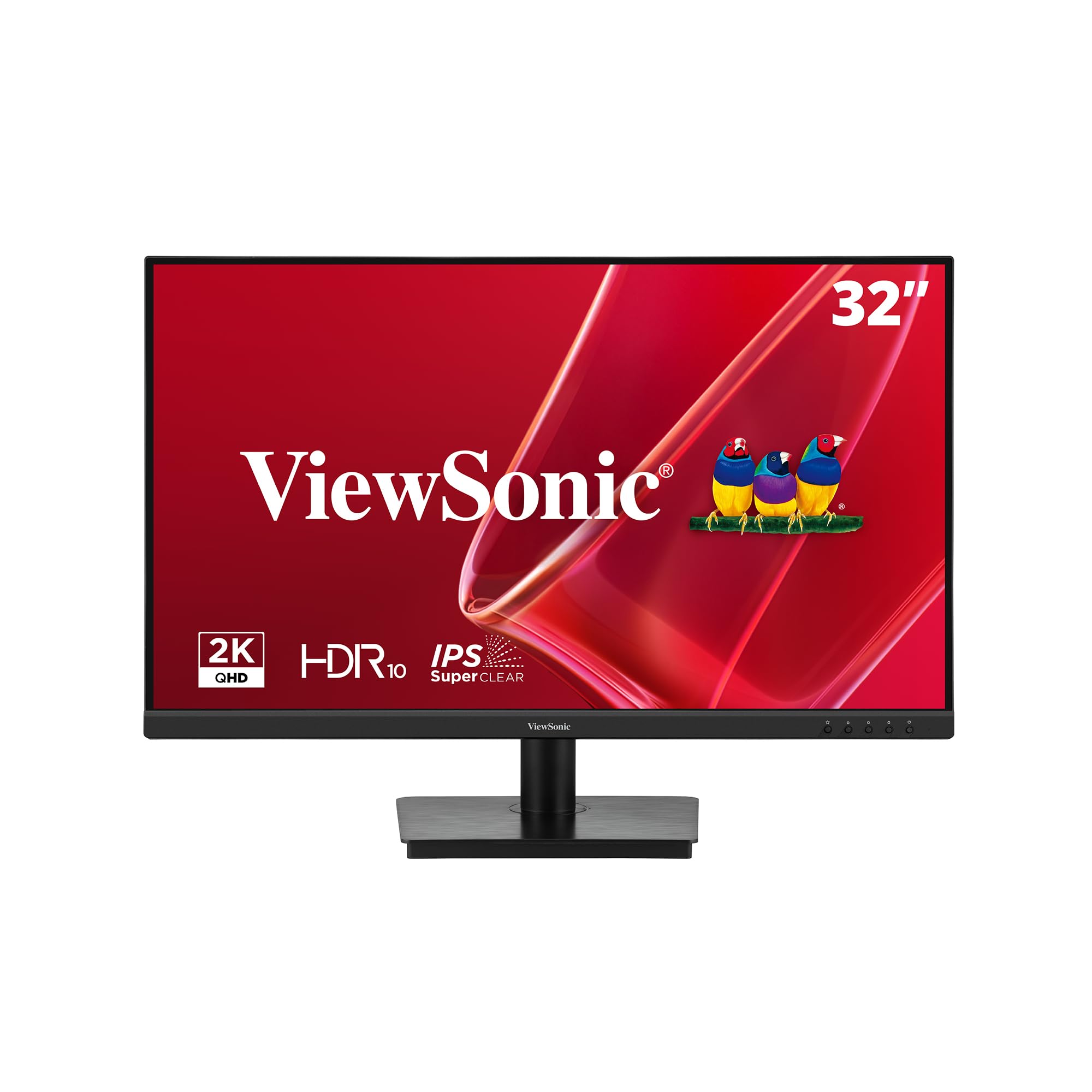
The ViewSonic VS3225-2K is a straightforward 32-inch QHD IPS monitor with a 75Hz refresh rate, built primarily for productivity, media consumption, and general office use. Its frameless design minimizes bezel borders, making it an excellent candidate for multi-monitor setups where seamlessness matters. The Variable Refresh Rate technology helps reduce screen tearing in casual gaming, though the 75Hz cap means it is not suited for competitive esports.
Flicker-Free technology and a Blue Light Filter reduce eye strain during long work sessions, and the inclusion of both HDMI and DisplayPort inputs ensures broad compatibility with laptops, desktops, and Macs. The 32-inch size provides ample screen real estate for spreadsheets, documents, and video editing timelines, while the 1200:1 contrast ratio delivers decent black levels for an IPS panel. Setup is quick, and the AC/DC adapter is included.
The control joystick is located on the rear and can be awkward to reach, especially in multi-monitor arrangements where space is tight. The stand is slightly wobbly and offers only tilt adjustment—no height or swivel—requiring a VESA arm for proper ergonomic positioning. Some users reported needing to download a Windows driver to unlock the full 2560×1440 resolution, as the monitor initially defaulted to 1080p on certain systems. The 250 cd/m² brightness is lower than most competitors, making it less suitable for brightly lit rooms.
Why it’s great
- Frameless design ideal for multi-monitor productivity setups.
- Flicker-Free and Blue Light Filter reduce eye strain.
- 32-inch QHD IPS panel at an accessible entry-level price.
Good to know
- Rear joystick is awkward to reach in tight setups.
- Stand is slightly wobbly with tilt-only adjustment.
- 250 cd/m² brightness is lower than many competitors.
FAQ
Does a 1440p monitor at 27 inches look much sharper than a 1080p monitor of the same size?
Can I use a budget 1440p monitor with an older graphics card that only has HDMI 1.4?
Is 32 inches too large for 1440p resolution for everyday use?
Do budget 1440p monitors support HDR properly for gaming and movies?
Final Thoughts: The Verdict
For most users, the best budget 1440p monitor winner is the Acer Nitro XV272U F3bmiiprx because it combines a 300Hz Fast IPS panel with a fully ergonomic stand and FreeSync Premium, delivering exceptional gaming performance and daily usability without stretching the budget. If you want the absolute fastest response times for competitive shooters, grab the ASUS TUF Gaming VG27AQM5A. And for a large immersive screen with deep contrast, nothing beats the Samsung Odyssey G5 G50F.

Mo Maruf
I created WellFizz to bridge the gap between vague wellness advice and actionable solutions. My mission is simple: to decode the research and give you practical tools you can actually use.
Beyond the data, I am a passionate traveler. I believe that stepping away from the screen to explore new environments is essential for mental clarity and physical vitality.