Choosing a 1080p 144Hz monitor seems straightforward until you realize the market is flooded with options that can look identical on paper but perform worlds apart in your setup. The right choice balances smooth motion, accurate color, and long-term eye comfort, while the wrong one can leave you with ghosting, washed-out visuals, or a frustratingly wobbly stand.
I’m Mohammad Maruf — the founder and writer behind WellFizz. For over a decade, my focus has been analyzing consumer electronics data and specifications to separate meaningful innovations from clever marketing, so you can invest in gear that truly enhances your daily experience.
This guide distills hundreds of data points from technical specs and real-user feedback to help you navigate the nuances of panel technology, adaptive sync, and ergonomics, ensuring you select a display that delivers a genuinely superior and comfortable experience for both intense gaming and long work sessions, which is the true goal of finding the best 1080p 144hz monitor.
How To Choose The Best 1080P 144Hz Monitor
The perfect 1080p 144Hz monitor for you depends on more than just hitting those two numbers. It’s about how the technology is implemented and which features align with your primary use—be it competitive esports, immersive single-player adventures, or a dual-duty work-and-play station.
Panel Technology: IPS, VA, or TN?
This is the most critical choice. IPS panels offer the best color accuracy and wide viewing angles, making content look great from any seat. VA panels provide deeper blacks and higher contrast, ideal for dark scenes in games and movies, but can have slower pixel response leading to ghosting. TN panels are the fastest for pure competitive play but suffer from poor color reproduction and narrow viewing angles. For a balanced approach, IPS is the current sweet spot.
Beyond the Base Refresh Rate
While 144Hz is the target, many monitors now offer 165Hz, 180Hz, or even higher overclocks. These marginal gains are nice but often less perceptible than the jump from 60Hz to 144Hz. More important is support for adaptive sync (AMD FreeSync or NVIDIA G-Sync Compatible), which dynamically matches the monitor’s refresh rate to your GPU’s frame output to eliminate screen tearing and stutter without adding input lag.
Response Time & Motion Clarity
A low response time (1ms is common) is crucial to reduce motion blur. However, note the difference between Gray-to-Gray (GTG) and Moving Picture Response Time (MPRT). A 1ms MPRT often uses backlight strobing (like ELMB) which can be effective but may dim the screen. Look for monitors that combine a fast native response with motion blur reduction tech for the clearest fast motion.
Connectivity and Ergonomics
Ensure the monitor has the ports you need: at least one DisplayPort 1.2 (or higher) to unlock the full 144Hz+ refresh rate, as HDMI may limit it. Consider if you need built-in speakers (convenient but rarely high-quality), a VESA mount (100x100mm is standard) for monitor arms, and an adjustable stand for tilt, and ideally, height and swivel.
Quick Comparison
On smaller screens, swipe sideways to see the full table.
| Model | Type | Best For | Key Feature | Amazon |
|---|---|---|---|---|
| LG 24G411A-B | IPS | Balanced Gaming & Work | G-Sync Compatible, HDR10 | Amazon |
| ASUS TUF VG277Q1A | VA | Immersive Gameplay | ELMB, FreeSync Premium | Amazon |
| acer Nitro KG251Q P3biip | VA | High-Speed Competitive | 180Hz, 99% sRGB | Amazon |
| Sceptre Curved C275B-1858RN | Curved VA | Curved Immersion | 165Hz, FreeSync Premium | Amazon |
| msi PRO MP243L E14 | IPS | Budget-Conscious Quality | TÜV Eye Care, 144Hz | Amazon |
| Sceptre E275B-FPT165 | IPS | Multitasking & Media | 165Hz, Built-in Speakers | Amazon |
| KOORUI 27 Inch IPS | IPS | Large Screen Value | 27″ IPS, 144Hz | Amazon |
| acer Nitro KG241Y Sbiip | VA | Fast-Paced Gaming | 165Hz, FreeSync Premium | Amazon |
| CRUA 24” Curved | Curved VA | Entry-Level Curved | 180Hz via DP, 120% sRGB | Amazon |
| Sceptre E225W-FW144 | LED | Ultra-Budget Secondary | 144Hz, Built-in Speakers | Amazon |
| KOORUI 22 Inch 100Hz | VA | Absolute Entry-Level | 100Hz, High Contrast | Amazon |
In‑Depth Reviews
1. LG 24G411A-B 24-inch Ultragear Monitor

The LG 24G411A-B strikes a near-perfect balance for the mid-range segment, offering a premium feature set from a trusted brand. Its 23.8-inch IPS panel delivers the vibrant colors and wide viewing angles that IPS is known for, covering 99% of the sRGB color gamut and supporting HDR10 for enhanced contrast in supported games and videos. The native 120Hz refresh rate can be overclocked to 144Hz, providing that crucial smoothness for both gaming and general desktop use.
Where this monitor truly stands out is in its comprehensive motion handling. It’s not only AMD FreeSync compatible but also certified as NVIDIA G-Sync Compatible, meaning it will deliver a tear-free experience seamlessly with graphics cards from either major manufacturer. This is a significant advantage over many competitors in this category. Features like LG’s Black Stabilizer to reveal details in dark scenes and the Crosshair overlay for shooters add genuine utility for gamers.
Feedback highlights the monitor’s excellent performance with consoles like the PS5, where its 120Hz mode provides a noticeably smoother experience. The ultra-slim bezels contribute to a modern, immersive look. Some users note the included stand, while sleek, offers only tilt adjustment and can feel less substantial, making a VESA mount arm a popular upgrade for those seeking better ergonomics.
Why it’s great
- Dual compatibility with both FreeSync and G-Sync ensures tear-free gaming.
- Excellent IPS color quality and HDR10 support for vivid visuals.
- Strong brand reputation and reliable performance.
- Slim bezel design looks great in multi-monitor setups.
Good to know
- Stand only offers tilt adjustment, no height or swivel.
- Some users find the base stand a bit lightweight.
- HDR is a basic implementation, not full HDR.
2. ASUS TUF Gaming VG277Q1A 27″ Monitor

As a premium option, the ASUS TUF VG277Q1A focuses on delivering exceptional motion clarity for serious gamers. Its 27-inch VA panel offers a larger canvas with the high 3000:1 contrast ratio typical of VA technology, resulting in deep blacks that are perfect for atmospheric games. The 165Hz refresh rate is complemented by ASUS’s Extreme Low Motion Blur (ELMB) technology, which combines adaptive sync with backlight strobing to achieve a 1ms MPRT response time, effectively eliminating ghosting and smearing.
This monitor carries AMD’s FreeSync Premium certification, which guarantees low framerate compensation and a tear-free experience within a wide refresh rate window. It’s also validated as compatible with NVIDIA G-Sync on GeForce GTX 10-series and newer cards. The Shadow Boost feature is a game-changer for dark scenes, intelligently brightening shadows without blowing out highlights, so you never miss an enemy lurking in the gloom. Built-in speakers and a comprehensive suite of gaming-centric settings add to its versatility.
Users praise its out-of-the-box color accuracy and the tangible benefit of ELMB in fast-paced titles. The 27-inch size at 1080p is a sweet spot for many, offering immersion without requiring excessive GPU power. Some note that the on-screen display controls can take getting used to, and the stand’s height may be low for some desks, making the 100x100mm VESA mount support a valuable feature for achieving the perfect ergonomic position.
Why it’s great
- ELMB technology provides exceptional motion clarity with no ghosting.
- FreeSync Premium and G-Sync compatibility offer broad GPU support.
- Shadow Boost is highly effective for competitive gaming.
- Includes both DisplayPort and HDMI cables.
Good to know
- Menu navigation can feel less intuitive initially.
- The stand lacks height adjustment, potentially requiring a mount.
- 27-inch 1080p has a lower pixel density than 24-inch models.
3. acer Nitro KG251Q P3biip 24.5″ Monitor
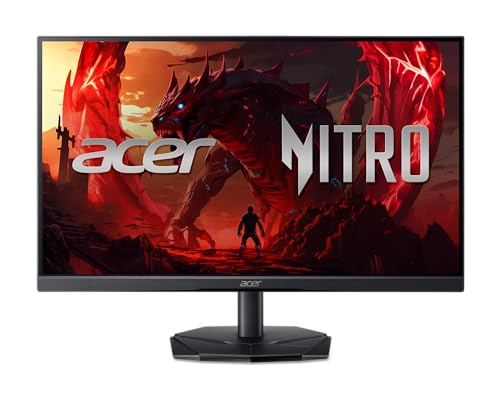
The acer Nitro KG251Q is engineered for gamers who prioritize raw speed. It pushes the refresh rate to 180Hz, offering an even smoother visual pipeline that can provide a slight edge in fast-twitch competitive environments. This is paired with a 1ms Visual Response Boost (VRB) time to keep motion sharp. Despite its gaming focus, it doesn’t sacrifice color, covering 99% of the sRGB spectrum, which is excellent for a monitor in this performance tier and great for content consumption.
AMD FreeSync technology is onboard to handle synchronization duties, working across a wide range of frame rates to prevent tearing. The monitor supports HDR10, adding depth to compatible games and media. The 24.5-inch screen size is a slight upgrade over the standard 24-inch, offering a bit more screen real estate while maintaining a high pixel density for a sharp image. The zero-frame design on three sides makes it ideal for multi-monitor setups where bezels can break immersion.
Owners consistently mention the incredible value, noting that the 180Hz refresh rate feels noticeably fluid. The out-of-the-box color accuracy receives praise, requiring little to no calibration for satisfying visuals. The stand provides a useful -5 to 25-degree tilt range. A common note is that the control button for the on-screen menu is a single multi-function joystick, which some find takes practice but ultimately allows for quick adjustments.
Why it’s great
- 180Hz refresh rate offers top-tier smoothness for competitive play.
- Excellent color coverage (99% sRGB) for a gaming-focused monitor.
- HDR10 support adds visual punch to games and movies.
- Slim bezel, zero-frame design looks modern.
Good to know
- Uses a VA panel, which may have slower pixel transition than some IPS panels.
- Single multi-function control button has a learning curve.
- No built-in speakers.
4. Sceptre Curved C275B-1858RN 27″ Monitor

For those seeking a more immersive experience, the Sceptre C275B-1858RN offers a 27-inch 1800R curved VA panel. The gentle curve wraps the display around your field of vision, drawing you into games and movies. It doesn’t compromise on performance, delivering a 165Hz refresh rate and a 3ms response time. Notably, it carries AMD FreeSync Premium certification, ensuring a high standard of smooth, low-latency gameplay without tearing or stuttering.
The monitor boasts a 95% sRGB color gamut and a high dynamic contrast ratio, which, combined with the curve, makes for engaging visuals. It includes built-in speakers, a welcome convenience for a quick gaming session or system sounds without needing external audio. The connectivity is generous with two HDMI ports and one DisplayPort, allowing you to connect multiple devices like a PC and a game console simultaneously.
Long-term users report that the monitor holds up well over years of use, with the curve providing a lasting “wow” factor. The thin bezels enhance the modern aesthetic. Some point out that the curve can cause slight color shifting when viewed from extreme angles, which is typical for VA panels, and the stand only offers tilt adjustment. Its popularity is a testament to Sceptre’s ability to package premium features like a high refresh rate and FreeSync Premium into a very accessible offering.
Why it’s great
- 1800R curved screen enhances immersion in games and media.
- FreeSync Premium certification guarantees a premium variable refresh experience.
- Includes multiple ports (2x HDMI, 1x DP) for easy connectivity.
- Proven reliability with many users reporting long-term satisfaction.
Good to know
- Stand is tilt-only, with no height or swivel adjustment.
- Curved VA panel has typical off-angle color shift.
- Built-in speakers are basic, suitable for system sounds only.
5. msi PRO MP243L E14 24-inch IPS Monitor

The msi PRO MP243L represents incredible value by bringing a reputable brand name, an IPS panel, and a full 144Hz refresh rate to an entry-level price point. The 24-inch IPS display ensures good color reproduction and wide viewing angles right out of the gate. It’s equipped with Adaptive-Sync (FreeSync) to handle variable refresh rates, and it’s even HDR Ready, though this is a basic signal acceptance feature rather than true HDR performance.
Where this monitor truly shines for daily use is its focus on eye comfort. It features MSI’s EyesErgo technology, which includes Anti-Flicker and a blue light filter to reduce strain during long sessions. It’s also TÜV certified, providing independent validation of its eye-protection claims. The four-sided slim bezels give it a premium, borderless look that’s perfect for multi-monitor productivity setups or a clean gaming station.
Reviews are overwhelmingly positive, with users calling it the “most valuable purchase” for a monitor, praising its crisp graphics and easy setup. It’s frequently purchased in multiples for office or multi-station use due to its reliability. It’s important to note that it does not have built-in speakers and the stand offers only tilt adjustment. For anyone wanting a no-fuss, high-performance 144Hz IPS experience from a trusted brand, this is a standout choice.
Why it’s great
- Outstanding value with a brand-name IPS panel at 144Hz.
- TÜV-certified eye care features (Anti-Flicker, Blue Light Filter).
- Four-sided ultra-slim bezels for a seamless look.
- Consistently high ratings for reliability and picture quality.
Good to know
- No built-in speakers.
- Stand offers tilt only, no height adjustment.
- HDR Ready is a very basic implementation.
6. Sceptre E275B-FPT165 27″ IPS Monitor
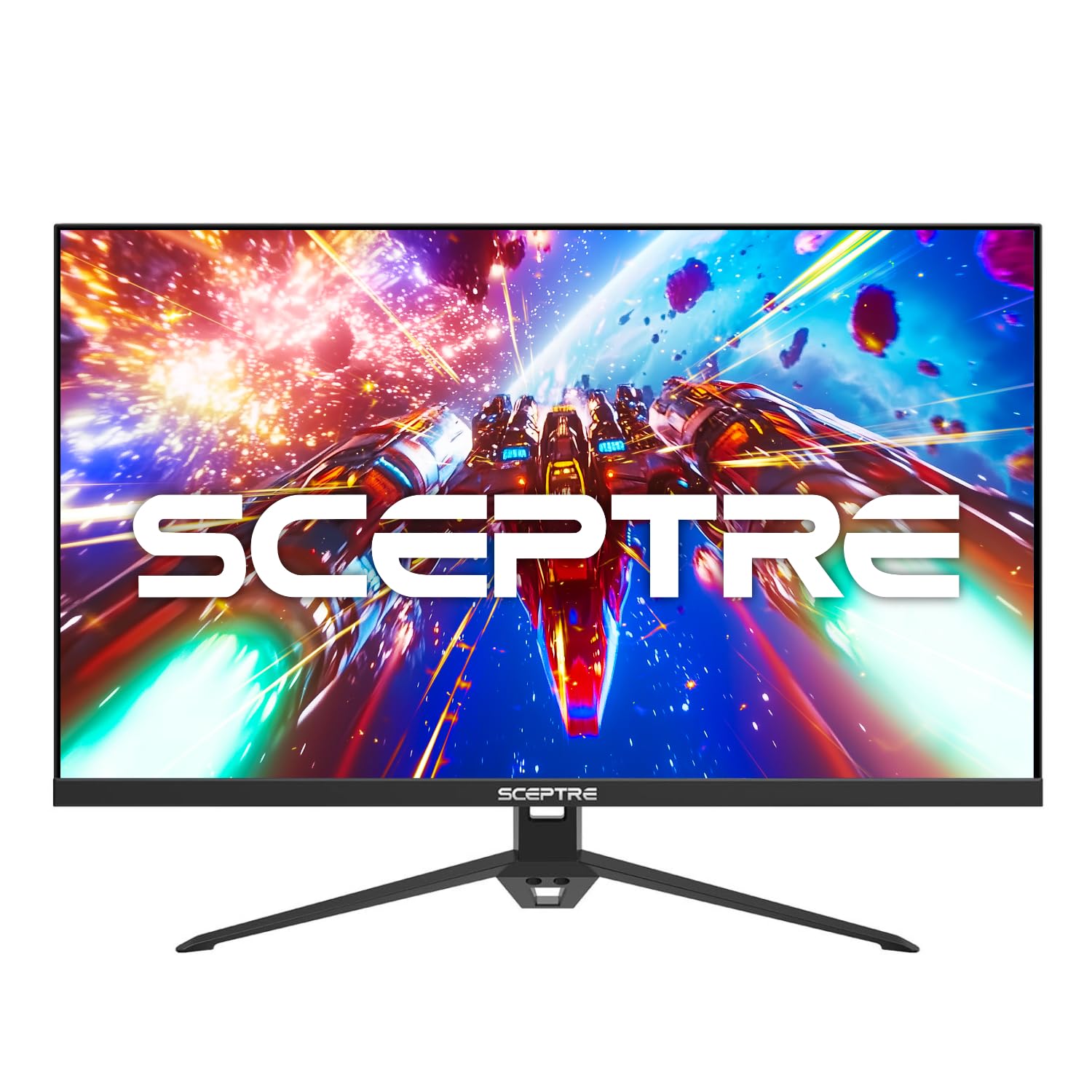
This Sceptre model packs a compelling feature set into a 27-inch IPS package. It boosts the refresh rate to 165Hz over DisplayPort (144Hz over HDMI) and pairs it with a 1ms Motion Blur Reduction response time. The IPS panel covers 99% of the sRGB gamut, ensuring vibrant, true-to-life colors whether you’re gaming or editing photos. A significant convenience feature is the inclusion of built-in speakers, which, while not replacing a dedicated sound system, are perfect for casual use or conference calls.
The monitor includes multiple gaming-oriented features like Blue Light Shift for eye comfort and customizable FPS/RTS display modes that optimize contrast and visibility for different game genres. It offers robust connectivity with three HDMI ports and one DisplayPort, making it easy to hook up a PC, multiple consoles, and a streaming device. The VESA mount compatibility allows you to free up desk space or achieve the perfect viewing angle.
Users appreciate it as a fantastic “first gaming monitor” or a solid secondary screen. The step up from 60Hz or 75Hz is described as transformative. Some note that the panel quality can vary slightly between units (a small risk with any brand), but positive experiences far outweigh the negatives. The stand, while functional, is noted to be somewhat lightweight, which is a common trade-off at this price point for a 27-inch screen.
Why it’s great
- 165Hz/1ms IPS panel offers great speed and color.
- Built-in speakers add convenience for casual use.
- Abundant connectivity with 3x HDMI and 1x DP ports.
- VESA mount compatible for flexible placement.
Good to know
- Stand is basic and may feel insubstantial for the size.
- Speaker quality is adequate but not for critical listening.
- As with any budget brand, panel lottery is a slight possibility.
7. KOORUI 27 Inch IPS Gaming Monitor
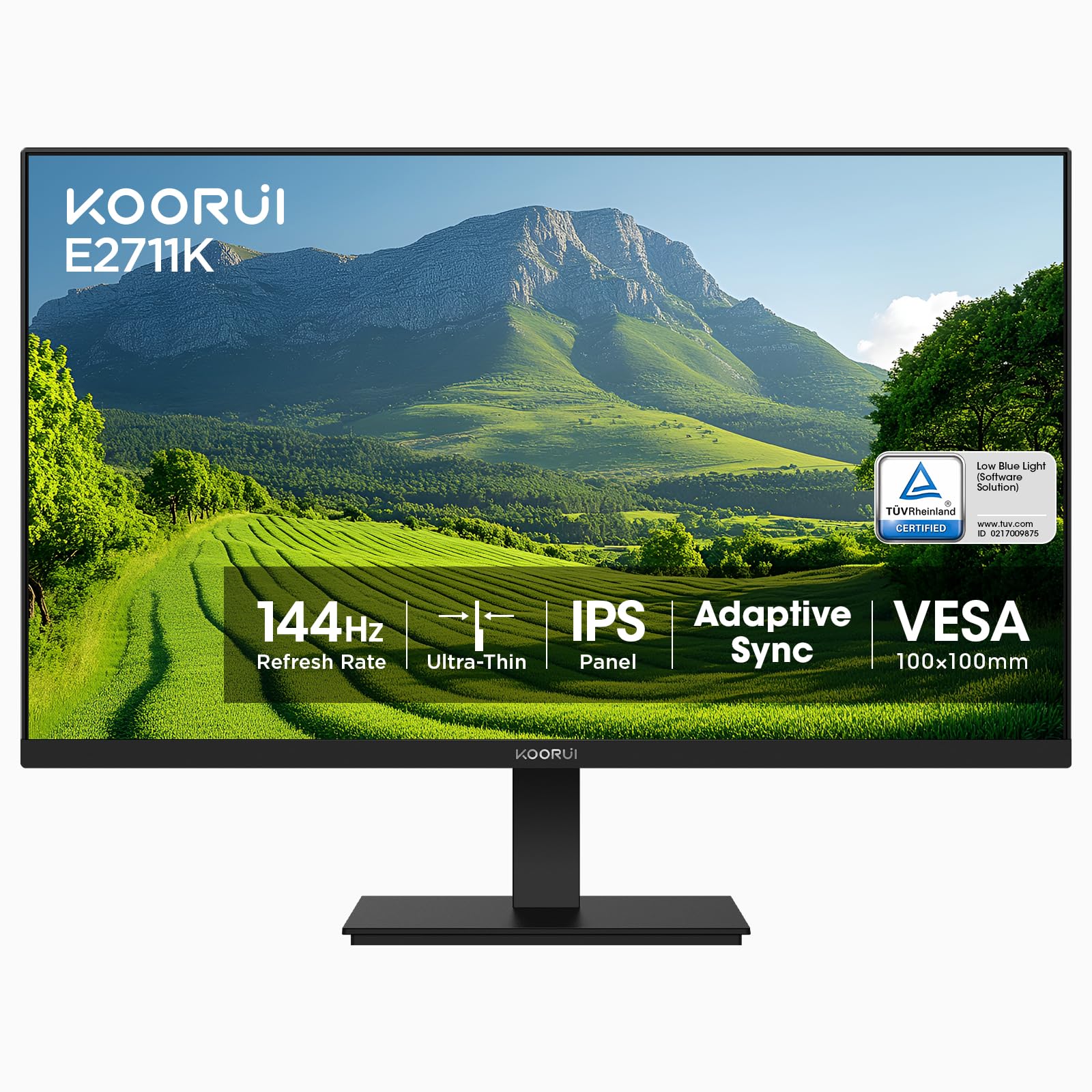
The KOORUI 27-inch monitor delivers a larger canvas for those who want more screen real estate without leaving the 1080p realm. It utilizes an IPS panel with 99% sRGB coverage and HDR10 support, promising good color fidelity for both work and play. The 144Hz refresh rate and FreeSync compatibility are the core gaming features, aimed at delivering smooth gameplay. The three-sided slim bezel design helps maximize the screen area and gives it a modern aesthetic.
Ergonomics are considered with a stand that offers a -5 to 15-degree tilt range, allowing for a more comfortable viewing angle. It’s also VESA mount compatible (100x100mm) for those who want to use a monitor arm. Eye care is addressed through flicker-free technology and a blue light filter. The connectivity is straightforward with HDMI and VGA ports, though note that the full 144Hz is only achievable via the HDMI port on this model.
Feedback from buyers highlights its role as a great “home-office/light gaming” monitor. Many are impressed with the picture quality and size for the investment, noting it’s an excellent choice for extending a laptop display or as a primary screen for a budget gaming build. Some users mention that the stand, while functional, has a lightweight plastic build. The 1080p resolution on a 27-inch screen results in a lower pixel density than a 24-inch model, so text and images won’t be as razor-sharp up close.
Why it’s great
- Large 27-inch IPS screen at a very accessible price point.
- Good color coverage (99% sRGB) and HDR10 support.
- Slim bezels on three sides for a clean look.
- Includes tilt adjustment and VESA mounting.
Good to know
- 27-inch at 1080p has noticeable lower pixel density.
- Stand feels lightweight and less premium.
- Only includes HDMI and older VGA ports.
8. acer Nitro KG241Y Sbiip 23.8″ Monitor

The acer Nitro KG241Y Sbiip is a performance-oriented monitor that uses aVA panel to deliver a 165Hz refresh rate and 1ms (VRB) response time, targeting fast-paced gaming. It’s equipped with AMD FreeSync Premium technology, which ensures smooth gameplay by eliminating screen tearing and stuttering even at low frame rates. The zero-frame design maximizes the screen area, making it a good candidate for multi-monitor setups without thick bezels interrupting the view.
This monitor emphasizes motion clarity with its high refresh rate and quick response time. The VA panel provides a high contrast ratio, which is beneficial for games with dark scenes. It also supports HDR content, though as with most monitors in this range, it’s a basic HDR10 implementation that improves contrast but doesn’t reach the brightness levels of professional HDR displays. The stand offers tilt adjustment from -5 to 15 degrees, and it’s VESA mount compatible for more flexibility.
Users report that the monitor offers excellent performance for the price, with smooth gameplay and good color reproduction. The 165Hz refresh rate is a noticeable upgrade from 60Hz or even 144Hz for some. A common note is that the monitor does not have built-in speakers, so external audio is required. Also, the on-screen display controls are via buttons on the back, which some find less intuitive than a joystick. Overall, it’s a solid choice for gamers looking for a high refresh rate and FreeSync Premium at a competitive price.
Why it’s great
- 165Hz refresh rate and 1ms response time for smooth, fast gameplay.
- AMD FreeSync Premium ensures tear-free gaming even at low framerates.
- Zero-frame design is great for multi-monitor setups.
- High contrast VA panel for deep blacks.
Good to know
- No built-in speakers.
- On-screen display controls are buttons, not a joystick.
- HDR support is basic.
9. CRUA 24” Curved Gaming Monitor

The CRUA 24-inch curved monitor offers an immersive 1800R curvature and a high 180Hz refresh rate (via DisplayPort) at a very accessible price point. It uses a VA panel that boasts a wide 120% sRGB color gamut, which should result in vibrant and saturated colors. With a 1ms response time and AMD FreeSync support, it aims to provide a smooth gaming experience free of tearing and lag.
This monitor is designed for gamers who want the enveloping effect of a curved screen without breaking the bank. The 180Hz refresh rate is a standout feature, though note that it requires a DisplayPort connection to achieve; using HDMI will limit you to 120Hz. It includes features like low blue light and flicker-free technology to reduce eye strain during long sessions. The monitor also has a 3.5mm audio out port, but note that it does not have built-in speakers.
Users are generally pleased with the value, noting the smooth gameplay and vibrant colors. The curve is subtle but effective for immersion. Some mention that the stand is not adjustable (only tilt) and feels a bit flimsy. Also, the on-screen menu is basic but functional. A few users reported issues with compatibility with certain docking stations, so it’s worth checking your specific setup. For an entry-level curved gaming experience with a high refresh rate, this monitor is a compelling option.
Why it’s great
- High 180Hz refresh rate (via DP) for extremely smooth motion.
- Curved VA panel with 120% sRGB for immersive, vibrant visuals.
- Includes both DisplayPort and HDMI cables.
- Very competitive pricing for the feature set.
Good to know
- Stand is tilt-only and may feel less sturdy.
- No built-in speakers (has audio out for headphones/external speakers).
- Some users report compatibility issues with certain docking stations.
10. Sceptre E225W-FW144 22-inch Monitor
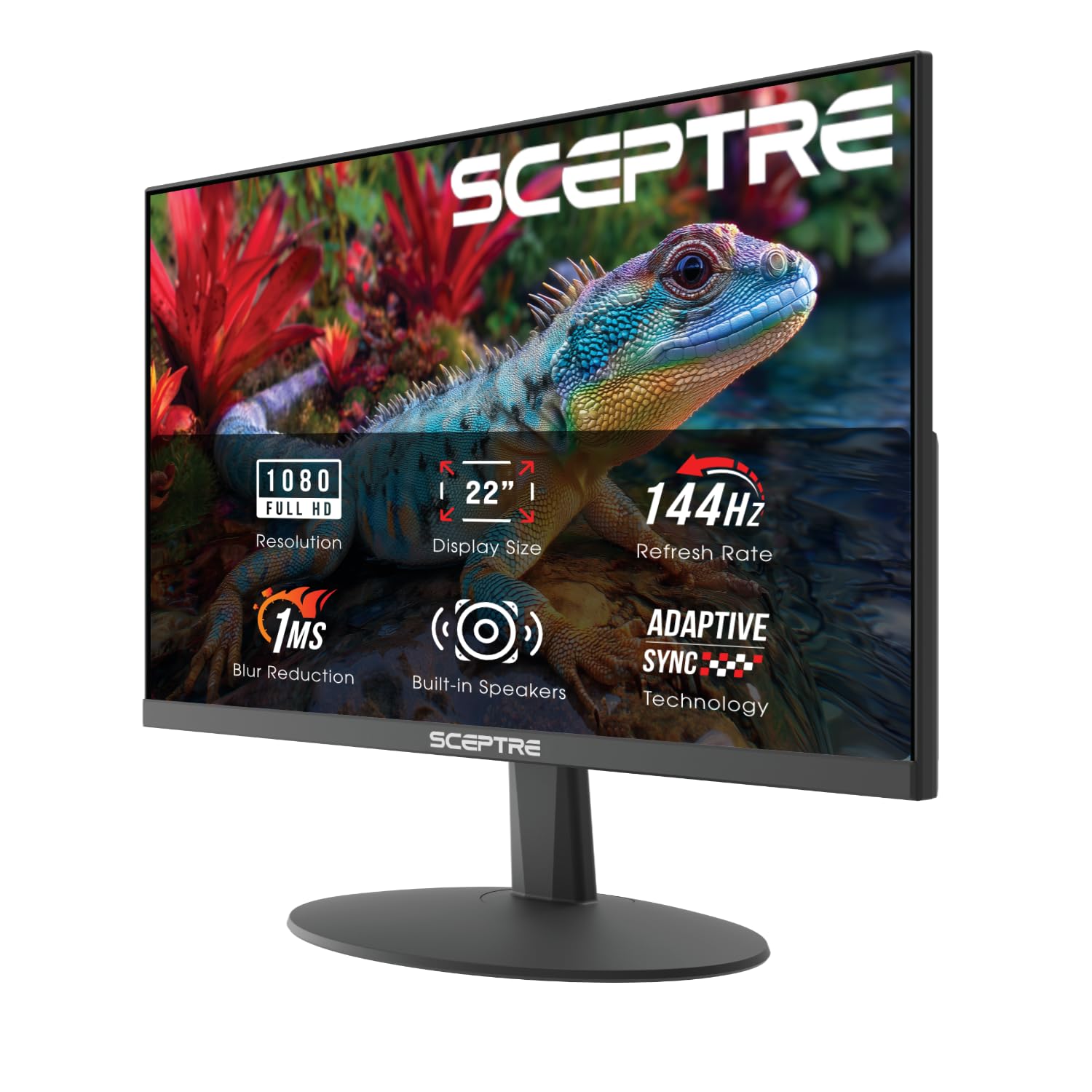
The Sceptre E225W-FW144 is an ultra-budget-friendly option that brings a 144Hz refresh rate to a 22-inch screen. It features a matte, anti-glare panel with Blue Light Shift technology to reduce eye strain. Built-in speakers are included, which is a notable convenience at this price point. The slim bezels make it a good choice for a secondary monitor or for setups where desk space is limited.
This monitor is designed for those who want to experience high refresh rate gaming without a significant investment. It supports AMD FreeSync to reduce screen tearing. The connectivity includes HDMI and DisplayPort, allowing you to connect to modern graphics cards and gaming consoles. The stand offers tilt adjustment, and the monitor is VESA mount compatible for more flexible placement options.
Users find this monitor to be an excellent value, especially as a second monitor for Discord, browsers, or streaming while gaming on a primary display. The 144Hz refresh rate works as advertised, and the picture quality is good for the price. Some note that the included HDMI cable supports 144Hz, but a DisplayPort cable is not included. Also, the stand is basic but gets the job done. For an entry-level high refresh rate experience, this Sceptre monitor is hard to beat.
Why it’s great
- Extremely affordable way to get into 144Hz gaming.
- Includes built-in speakers, a rarity at this price.
- Slim bezels and compact size ideal for multi-monitor setups.
- FreeSync support for tear-free gaming.
Good to know
- 22-inch screen may feel small for some users.
- Stand is basic and only tilts.
- DisplayPort cable not included (HDMI is).
11. KOORUI 22 Inch 100Hz Monitor
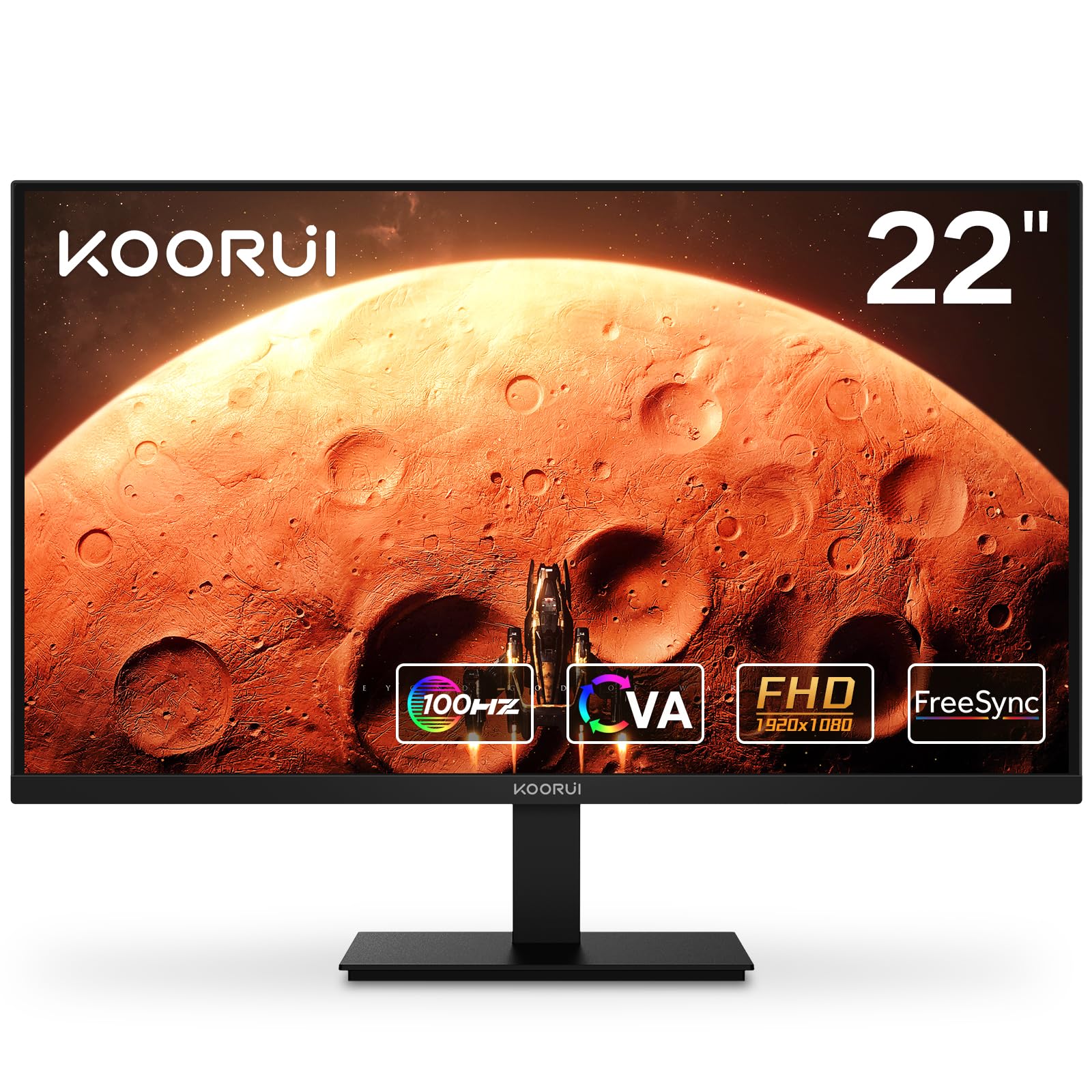
The KOORUI 22-inch monitor is the most budget-conscious option on the list, offering a 100Hz refresh rate and a VA panel with a high 3000:1 contrast ratio. It’s a step above standard 60Hz monitors, providing a smoother experience for casual gaming and general use. The monitor includes FreeSync technology (G-Sync compatible) to help reduce tearing and stuttering.
This monitor is ideal for those building a first gaming PC on a tight budget or needing a secondary display. The VA panel’s high contrast ratio means deeper blacks, which is beneficial for media consumption. It has a matte screen to reduce glare and includes tilt adjustment. Connectivity is via HDMI and VGA, and it comes with an HDMI cable. Note that the refresh rate is 100Hz, not 144Hz, but for many casual gamers, this is still a noticeable improvement over 60Hz.
Users report that this monitor offers excellent value, with many calling it a “perfect budget monitor.” The 100Hz refresh rate makes gameplay smoother, and the colors are generally good. Some users note that the stand is a bit wobbly and the on-screen menu is basic. Also, a few mention that the monitor may not achieve the full 100Hz with some older cables or adapters. For an entry-level high refresh rate experience, this KOORUI monitor is a solid choice.
Why it’s great
- Extremely affordable high refresh rate (100Hz) option.
- VA panel with high contrast for deep blacks.
- FreeSync compatible for smoother gameplay.
- Includes HDMI cable and is VESA mount compatible.
Good to know
- 100Hz refresh rate, not 144Hz.
- Stand is basic and may feel less stable.
- Only one HDMI port and one VGA port.
Understanding the Specs
Refresh Rate (Hz)
This is how many times per second the monitor updates the image. A 144Hz refresh rate means 144 updates per second, leading to much smoother motion than a standard 60Hz display. Higher refresh rates (165Hz, 180Hz) offer diminishing but still perceptible returns, especially in fast-paced games. Ensure your graphics card can drive high frame rates to take full advantage.
Response Time (ms)
Measured in milliseconds (ms), this is how quickly a pixel can change color. A lower number (1ms vs 5ms) reduces motion blur and ghosting in fast scenes. Be aware that manufacturers measure this differently (GtG vs MPRT). A 1ms MPRT often uses backlight strobing, which can be effective but may have trade-offs like reduced brightness.
Adaptive Sync (FreeSync/G-Sync)
These technologies synchronize the monitor’s refresh rate with the GPU’s frame output to eliminate screen tearing and stuttering. FreeSync is AMD’s standard, while G-Sync is NVIDIA’s. Many FreeSync monitors are now “G-Sync Compatible,” meaning they work with NVIDIA cards. FreeSync Premium adds requirements for low framerate compensation and higher refresh rates.
Panel Type (IPS, VA, TN)
IPS panels offer the best color accuracy and viewing angles but may have slower response times. VA panels provide high contrast and deep blacks but can suffer from ghosting. TN panels are the fastest for competitive gaming but have poor color and viewing angles. For most users, IPS offers the best balance of speed and image quality.
FAQ
Is 1080p still good for gaming in 2025?
Do I need a special cable to run 144Hz?
Can I use a 144Hz monitor with my gaming console?
What is the difference between FreeSync and G-Sync?
Is a 27-inch monitor too big for 1080p?
Final Thoughts: The Verdict
For most people, the best 1080p 144hz monitor winner is the LG 24G411A-B because it delivers a perfect blend of premium IPS colors, reliable performance, and crucial G-Sync/FreeSync dual compatibility from a trusted brand. If you want ultimate motion clarity and immersive contrast, grab the ASUS TUF VG277Q1A. And for exceptional value without compromising on panel quality, nothing beats the msi PRO MP243L E14.

Mo Maruf
I created WellFizz to bridge the gap between vague wellness advice and actionable solutions. My mission is simple: to decode the research and give you practical tools you can actually use.
Beyond the data, I am a passionate traveler. I believe that stepping away from the screen to explore new environments is essential for mental clarity and physical vitality.